How we make this list: we compare pricing pages, product documentation and public user reviews. Rankite is independent; if a vendor ever pays for a featured spot, that listing is clearly labeled Partner.
Key takeaways
- HubSpot's free CRM (up to 2 users) is the safest starting point; paid Sales Hub Starter runs $15 per seat per month billed annually.
- Pipedrive ($14 per seat per month billed annually) and Zoho CRM ($14 per user per month billed annually) are the simplest sales-focused CRMs for small teams.
- Salesforce starts at $25 per user per month but gets expensive fast once you add the editions, admins and implementation most teams need.
- Close ($9 per user per month billed annually) puts calling and SMS inside the CRM, which outbound teams love and reporting-heavy teams miss.
- Free plans from HubSpot, Zoho CRM and Freshsales let a small team run for months before paying anything.
Quick comparison
| Tool | Best for | Starting price | Free plan |
|---|
 HubSpot HubSpot | Teams that want one platform for sales, marketing and service | $15 per seat/month (billed annually, Sales Hub Starter) | Yes (free CRM for up to 2 users) |
 Salesforce Salesforce | Organizations that need deep customization and enterprise governance | $25 per user/month (Starter Suite) | Free trial |
 Pipedrive Pipedrive | Sales teams that want a clean, visual pipeline above all else | $14 per seat/month (billed annually, Essential) | Free trial (14 days) |
 Zoho CRM Zoho CRM | Budget-conscious teams that want deep features without enterprise prices | $14 per user/month (billed annually, Standard) | Yes (free for up to 3 users) |
 Freshsales Freshsales | Teams that want built-in calling with AI lead scoring | $9 per user/month (billed annually, Growth) | Yes (free for up to 3 users) |
 Close Close | Outbound teams that live on the phone | $9 per user/month (billed annually, Solo) | Free trial (14 days) |
 Insightly Insightly | Businesses that want CRM and project management in one tool | $29 per user/month (billed annually, Plus) | Free trial (14 days) |
 monday sales CRM monday sales CRM | Teams that want a CRM shaped exactly like their process | $12 per seat/month (billed annually, Basic) | Yes (free for up to 2 seats) |
 Copper Copper | Teams that live inside Google Workspace | $23 per seat/month (billed annually, Basic) | Free trial (14 days) |
 Keap Keap | Small businesses that want CRM plus marketing automation in one | $299 per month ($249 billed annually; includes 2 users) | Free trial (14 days) |
Is your product missing or out of date?
We review this list regularly. Vendors can request a listing, send updated pricing or ask about featured placement.
The best CRM software
A regional logistics company with 30 employees kept its customer list in a spreadsheet that only the sales manager understood. When he went on leave for three weeks, quotes stalled, follow-ups died and two accounts churned. After the pain of reconstructing the pipeline from email threads, they moved to a proper CRM. The spreadsheet migration took a weekend. The lesson took longer: a CRM is not software for storing contacts, it is the system that keeps selling going when any one person is unavailable. Here are the ten tools worth considering.
#1
HubSpot
Best for: Teams that want one platform for sales, marketing and service
Visit hubspot.com
Starting price$15 per seat/month (billed annually, Sales Hub Starter)
Free planYes (free CRM for up to 2 users)
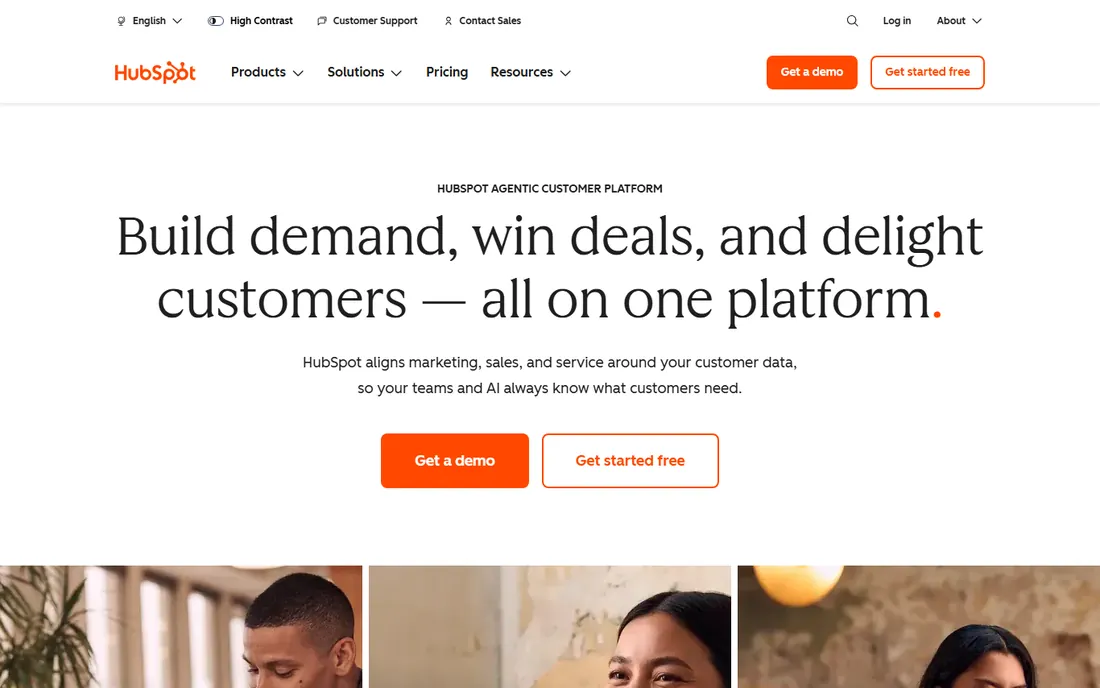
HubSpot is the default recommendation for a reason. The free CRM is not a demo: it includes contact and company management, deal pipelines, email tracking and meeting scheduling, which is enough for a small team to run on indefinitely. When you outgrow it, Sales Hub Starter at $15 per seat per month billed annually adds permissions, multiple currencies and automation basics.
The platform's real strength is unification. Marketing, sales and service tools share one customer record, so handoffs between teams stop leaking context. The integration marketplace and HubSpot Academy's free training lower the adoption barrier that kills most CRM rollouts.
The catch is the price ladder. Moving to Professional jumps to $90 per seat per month plus a mandatory $1,500 onboarding fee, and Marketing Hub adds contact-based pricing on top. Budget the full platform, not just the seat price, before committing.
What we like- Genuinely useful free CRM with contact management, pipelines and email tracking
- Huge integration ecosystem and learning resources
- Unified data across marketing, sales and service hubs
Watch out for- Costs escalate sharply at Professional tier ($90 per seat per month plus $1,500 onboarding)
- Seat model with Core vs Sales seats can confuse buyers
#2
Salesforce
Best for: Organizations that need deep customization and enterprise governance
Visit salesforce.com
Starting price$25 per user/month (Starter Suite)
Free planFree trial
Salesforce remains the standard against which every CRM is measured. Starter Suite at $25 per user per month covers basic sales CRM for up to 10 users, and the platform scales through Pro Suite ($100), Enterprise and Unlimited editions, now bundled with Agentforce AI features. The AppExchange marketplace means almost any business process can be built on top of it.
But Salesforce is a platform, not just an app, and it behaves like one. Most teams beyond the basics need a dedicated admin, implementation services and paid support, which pushes real costs to several times the list price. The interface carries the weight of that power, and small teams often find it heavy.
Choose Salesforce when you have complex processes, multiple departments or regulatory requirements that justify the overhead. For a straightforward sales pipeline, it is usually more than you need.
What we like- Deepest customization and integration ecosystem in the industry
- AppExchange marketplace with thousands of apps
- Scales from startup to global enterprise without switching platforms
Watch out for- Real implementations need admins or consultants
- Costs multiply with editions, add-ons and services
- Interface can overwhelm small teams
#3
Pipedrive
Best for: Sales teams that want a clean, visual pipeline above all else
Visit pipedrive.com
Starting price$14 per seat/month (billed annually, Essential)
Free planFree trial (14 days)
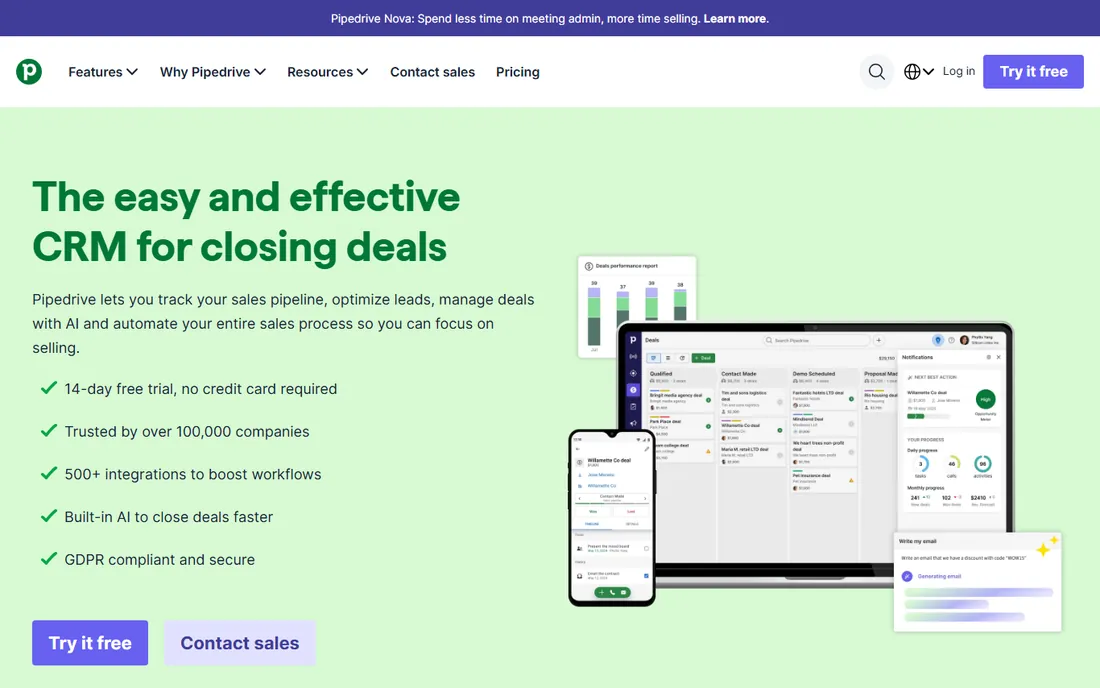
Pipedrive was built by salespeople who were frustrated with CRM admin work, and it shows. The kanban pipeline is the product's heart: deals drag between stages, follow-up reminders fire automatically, and the activity-based approach tells each rep exactly what to do next. Essential at $14 per seat per month billed annually covers the core pipeline; Advanced at $34 adds automation and email sync.
What stands out is how little training teams need. Most reps are productive on day one, which is why Pipedrive wins so many head-to-head trials against heavier tools. The 500-plus integration marketplace covers the gaps the core product leaves.
The honest limitations: there is no free tier, email marketing (Campaigns) and Web Visitors cost extra on every plan, and meaningful automation starts at Advanced. Still, for pure sales pipeline management, nothing is easier to adopt.
What we like- The most intuitive pipeline interface in the category
- Activity-based selling keeps reps focused on next actions
- Fast setup with sensible defaults
Watch out for- No free plan, only a 14-day trial
- Email marketing and visitor tracking are paid add-ons
- Automation caps push growing teams into higher tiers
#4
Zoho CRM
Best for: Budget-conscious teams that want deep features without enterprise prices
Visit zoho.com
Starting price$14 per user/month (billed annually, Standard)
Free planYes (free for up to 3 users)
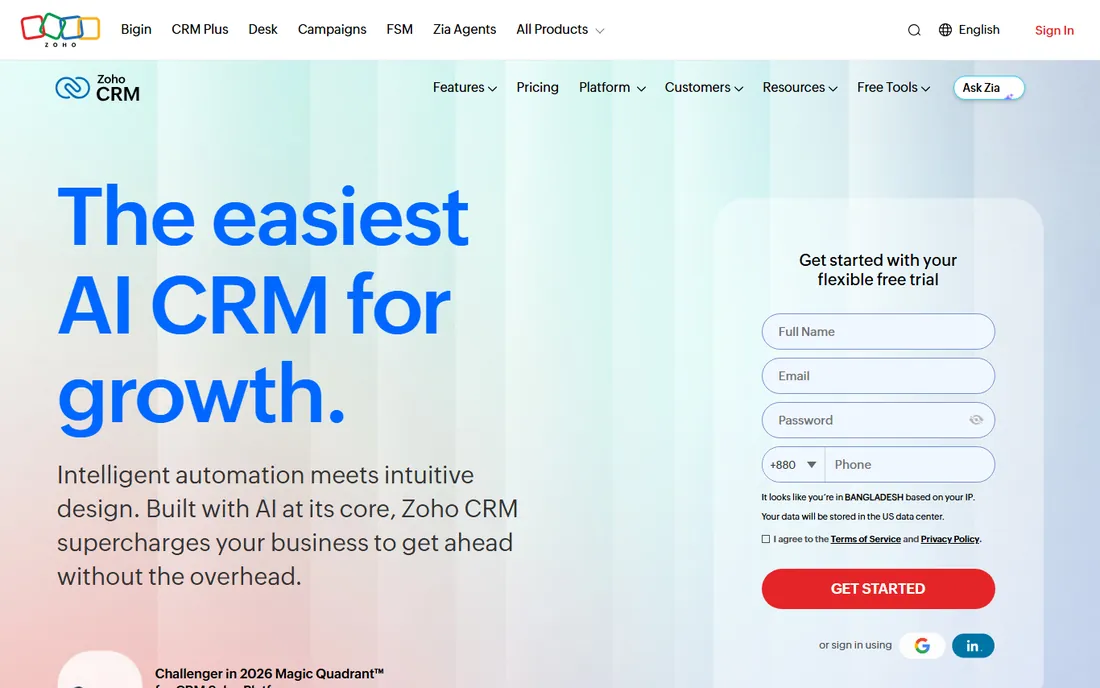
Zoho CRM is the value champion. The free plan covers up to 3 users, Standard at $14 per user per month billed annually suits small teams, and Professional at $23 adds Blueprint guided processes and Zia AI predictions. Enterprise at $40 adds territory management and custom modules. No other CRM in this list gives you this much at these prices.
The trade-offs are polish and simplicity. The interface packs in a lot, and first-time users can feel lost. Some limits, like webhook ceilings, only surface when you scale. But Zoho's own migration offer (free migration assistance and 6 months free if you are locked into a Salesforce contract) shows how aggressively they court switchers.
For teams already using Zoho Books, Zoho Desk or other Zoho apps, the shared ecosystem is a strong argument. For everyone else, it is simply the cheapest way to get a serious CRM.
What we like- Free plan for 3 users
- Four paid tiers from $14 to $52 with deep customization
- Zia AI assistant and Blueprint process automation
- Part of the wider Zoho suite
Watch out for- Interface feels busy compared to Pipedrive
- Webhook and integration ceilings on lower tiers
- Support quality varies
Starting price$9 per user/month (billed annually, Growth)
Free planYes (free for up to 3 users)
Freshsales, from Freshworks, bundles communication into the CRM from the start. Built-in phone, email and chat mean reps work from one interface, and Freddy AI scores leads and surfaces deal insights. Growth at $9 per user per month billed annually is one of the cheapest entry points here, with a free plan for up to 3 users and a 21-day trial.
The catch is that Growth is deliberately limited: no API access, only a handful of workflows, and limited custom reports. Most productive teams end up on Pro at $39 per user per month, which is where sequences, territory management and API access live. Freddy AI agents cost extra beyond the included sessions.
For small sales teams that want calling and AI scoring without buying add-ons, Freshsales is a strong pick. Just budget for Pro rather than Growth when forecasting.
What we like- Built-in phone, email and chat on every plan
- Freddy AI lead scoring and deal insights
- Free plan for 3 users
- 21-day trial of paid features
Watch out for- Growth plan lacks API access and has limited workflows
- Most teams need Pro at $39 per user per month
- Freddy AI agents are a paid add-on
Starting price$9 per user/month (billed annually, Solo)
Free planFree trial (14 days)
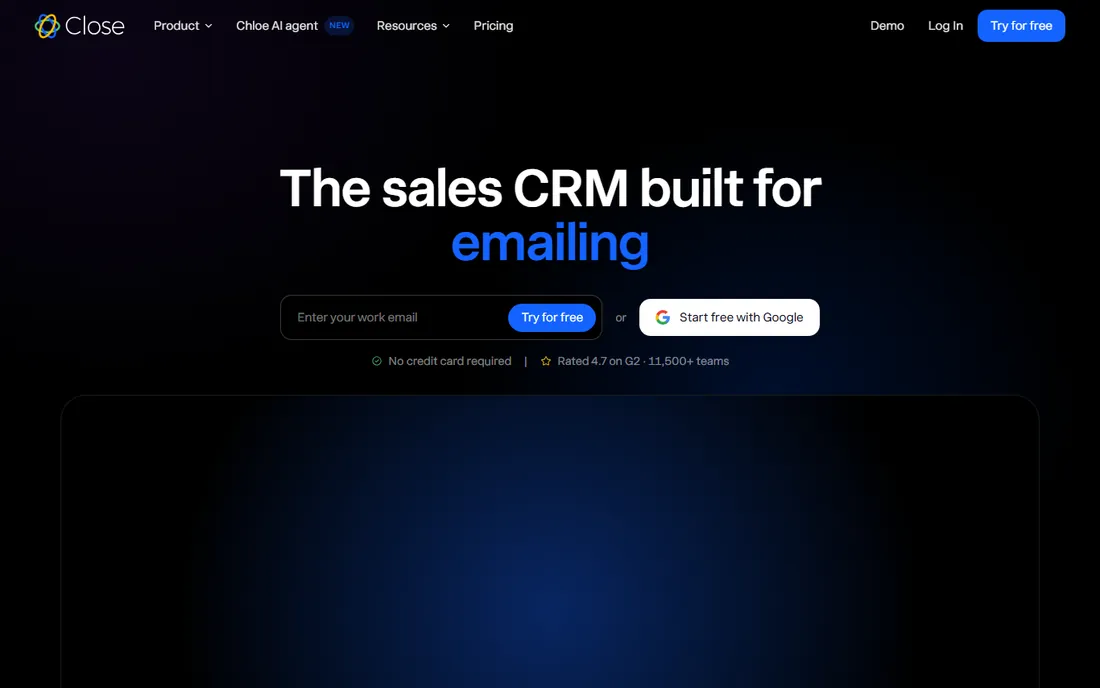
Close is built around one idea: put the phone inside the CRM so reps never switch apps. Solo at $9 per user per month billed annually covers a single user with native calling, SMS and email. Essentials at $35 adds teams. The 2026 plan restructure added Chloe, an AI agent that calls leads, qualifies them and books meetings.
For outbound sales teams, the workflow is excellent. Everything logs automatically, Smart Views organize leads by behavior, and the dialers on Growth ($99 per user per month billed annually) multiply call volume. Over 11,500 sales teams use it.
The honest math: the features that make Close special, workflows, Power Dialer, bulk email, start at Growth, so the real price for most teams is $99 per user per month, plus usage charges for calls and SMS. Teams that do not sell by phone should look elsewhere.
What we like- Native calling, SMS and email in one interface
- Power Dialer and Predictive Dialer on higher tiers
- AI agent Chloe handles lead qualification
- Minimal learning curve
Watch out for- No free plan
- Workflows and dialers start at Growth ($99 per user per month)
- Calling minutes and SMS are usage-billed on top
#7
Insightly
Best for: Businesses that want CRM and project management in one tool
Visit insightly.com
Starting price$29 per user/month (billed annually, Plus)
Free planFree trial (14 days)
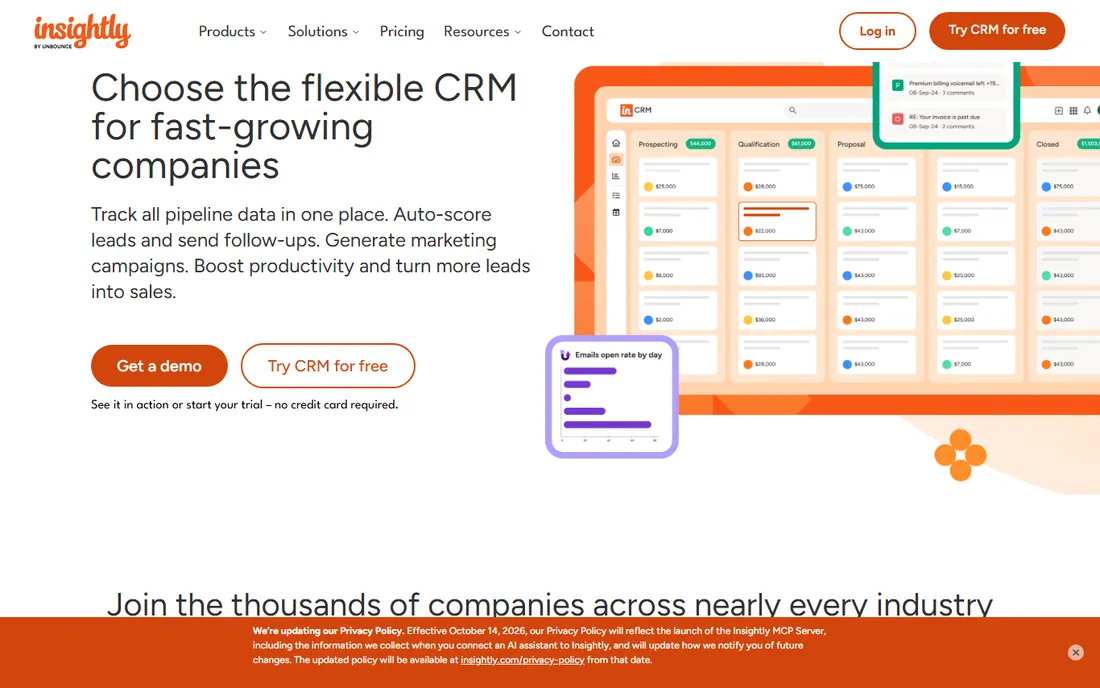
Insightly's differentiator is simple: when a deal closes, it becomes a project with milestones, tasks and deliverables, all linked to the original opportunity. For agencies, consultants and service businesses, this removes the CRM-to-project-tool handoff entirely. Plus at $29 per user per month billed annually includes lead and opportunity management, dashboards and configurable workflows.
Reporting is a genuine strength, with customizable reports and 40-plus chart types from the lowest tier. AppConnect provides drag-and-drop integrations with over 2,000 apps, and the AI assistant can summarize emails and draft replies.
The gaps: there is no native email sequencing on any plan, and real workflow automation waits for Professional at $49. If you sell projects rather than products, though, Insightly replaces two tools for the price of one.
What we like- Native project management converts won deals into trackable projects
- Strong reporting and dashboards from the entry tier
- AppConnect integrates 2,000+ apps
Watch out for- All plans billed annually
- No built-in email sequencing
- Automation on the entry tier is limited to workflow templates
#8
monday sales CRM
Best for: Teams that want a CRM shaped exactly like their process
Visit monday.com
Starting price$12 per seat/month (billed annually, Basic)
Free planYes (free for up to 2 seats)
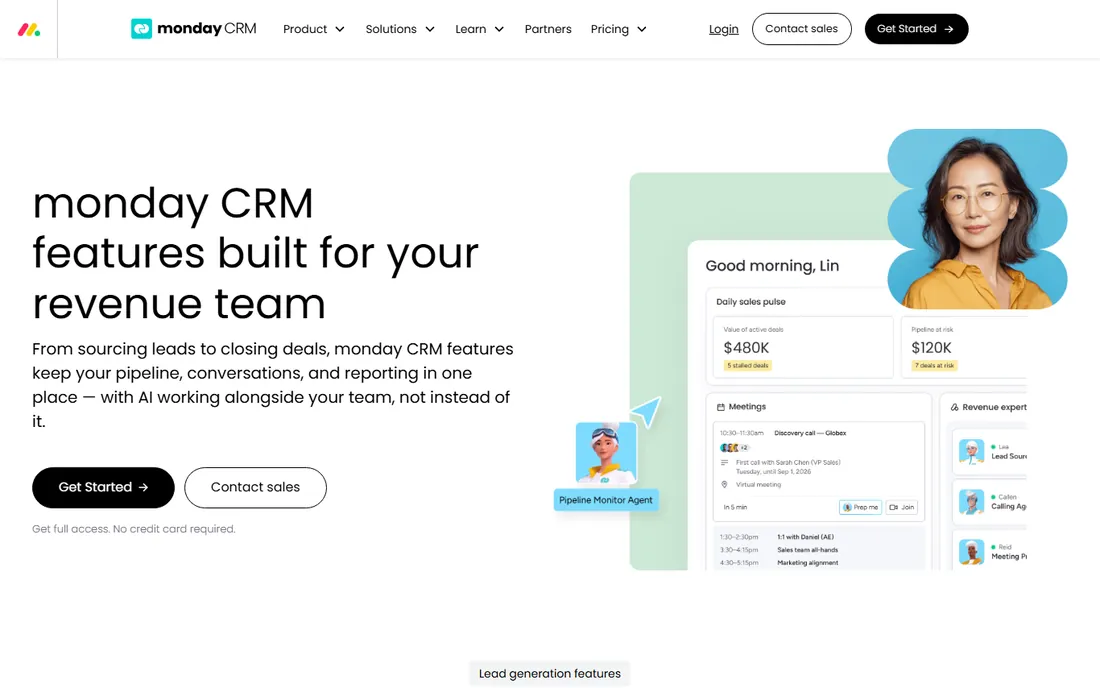
monday sales CRM applies monday.com's board-based approach to sales. Pipelines are drag-and-drop boards you can reshape without IT, automations handle follow-ups and lead assignment, and Pro adds quotes, invoices and forecasting inside the CRM. The 2026 AI push added agents that source leads, prep meetings and flag at-risk deals.
The visual interface drives fast adoption, and the Work OS foundation means sales, operations and finance can share one workspace. Basic at $12 per seat per month billed annually is competitive.
The catches: every paid plan requires at least 3 seats, so a solo user pays $36 per month, and the plan structure, with its automation and AI action limits, draws complaints about surprise costs. If you need a CRM your team will actually enjoy opening, monday is a strong contender; just model the real invoice.
What we like- Extremely visual, customizable boards
- No-code automations anyone can build
- AI agents for lead sourcing, calling and meeting prep
- Quotes and invoices inside the CRM
Watch out for- Three-seat minimum on paid plans makes solo use expensive
- Pricing tiers and limits get confusing as you scale
- AI features add usage costs
Starting price$23 per seat/month (billed annually, Basic)
Free planFree trial (14 days)
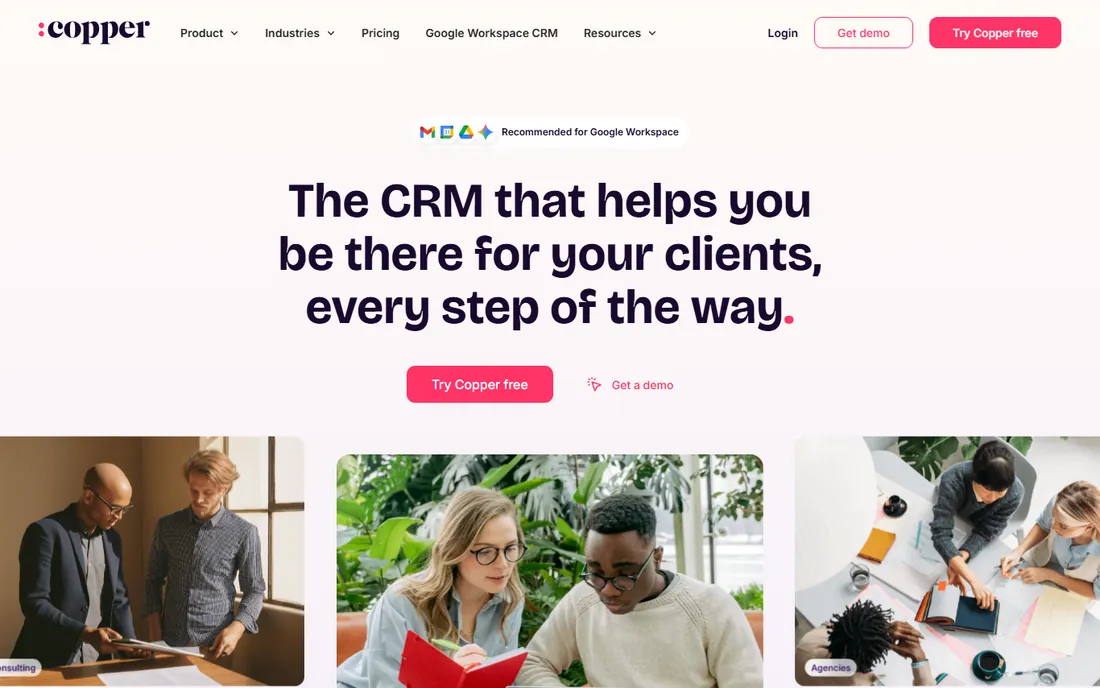
Copper is the CRM for companies that run on Google. It lives inside Gmail via a Chrome extension, automatically logging emails, calendar events and Drive files to the right records. Reps manage pipelines without leaving their inbox, which is why adoption is so high. Basic at $23 per seat per month billed annually includes pipelines, project management and task automation; Professional at $59 adds workflow automation and the full reporting suite.
Setup is nearly instant: connect Google Workspace, install the extension, and the CRM populates itself from your email history. Copper's own FAQ confirms every plan starts with a 14-day trial and no credit card.
The limitation is scope. If your team is not on Google Workspace, much of the magic disappears, and the reporting will not satisfy data-heavy sales operations. For Google-centric small businesses, it is the most natural-feeling CRM on this list.
What we like- Deep Gmail, Calendar and Drive integration with a Chrome extension
- Automatic contact and email logging
- Minimal setup and no admin needed
Watch out for- No free plan
- Best suited to Google Workspace shops
- Reporting is lighter than Salesforce or HubSpot
#10
Keap
Best for: Small businesses that want CRM plus marketing automation in one
Visit keap.com
Starting price$299 per month ($249 billed annually; includes 2 users)
Free planFree trial (14 days)
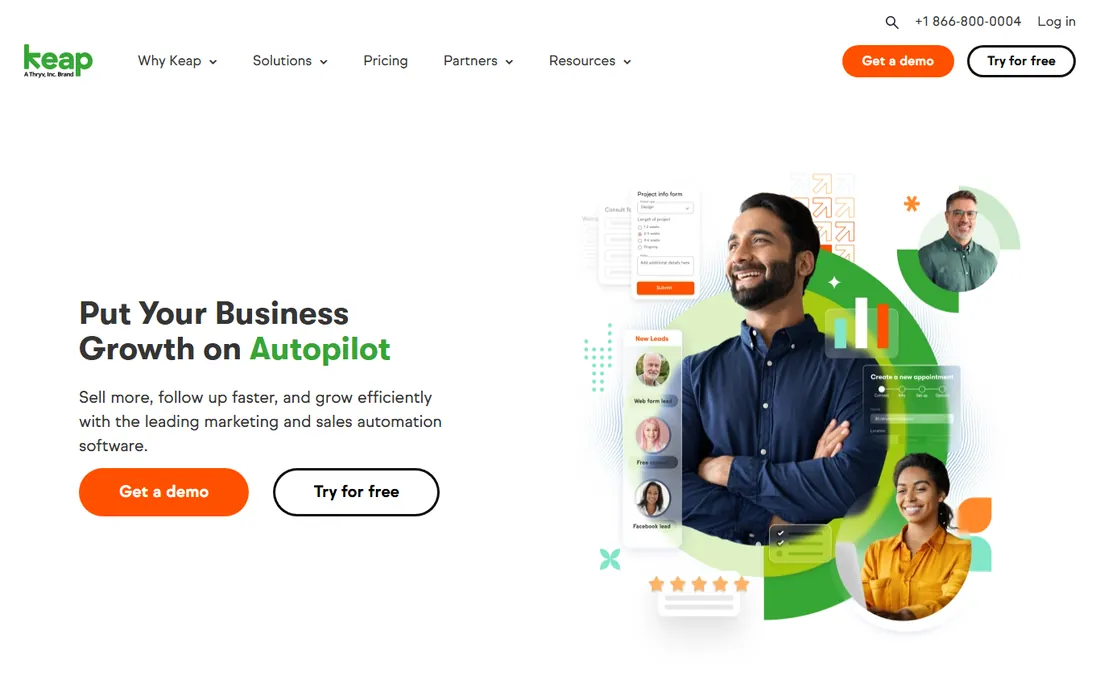
Keap, formerly Infusionsoft, is the veteran of small-business automation. One plan covers CRM, email and SMS marketing, sales pipelines, appointments, invoicing and payments, with a visual automation builder that chains the whole customer journey. It is genuinely powerful for businesses that live on follow-up sequences.
The price is the conversation. At $299 per month ($249 billed annually) for 2 users and 1,500 contacts, it costs more than most of this list combined, contacts push you into higher brackets, and implementation is mandatory and paid. Cancellation requires a phone call with 10 days notice, and breaking an annual contract costs $299.
Keap fits established small businesses where automated follow-up directly drives revenue, like coaches, agencies and service firms. If you just need a CRM, the other nine tools do that for far less.
What we like- Deep sales and marketing automation with drag-and-drop builders
- Built-in email, SMS, payments and appointments
- Proven templates from 20 years of small-business focus
Watch out for- The most expensive entry point here by far
- Pricing scales with contacts
- Mandatory paid implementation
- Cancellation requires a phone call
How we chose
We verified current pricing on vendor pricing pages and official documentation, recording plan limits, trial terms and free-tier caps as published in 2026, and opened every homepage to confirm each product is live under its current name. We then cross-checked those claims against 2026 reviews from TechRadar, G2 and Capterra, plus community discussion on Reddit, focusing on how each CRM performs for small and mid-size teams rather than enterprise checklists. We covered the main buying profiles: all-in-one platforms, pipeline-first tools, outbound-focused CRMs, Google Workspace natives and automation-heavy options, and excluded tools that had been discontinued or merged into other products.
What actually separates a good CRM from a shelfware CRM
The software matters less than the buying process. Here is how to get it right.
Start with the workflow, not the feature list
Map your actual sales process first: how leads arrive, who qualifies them, what a follow-up looks like, and how deals close. Then buy the CRM that matches that process with the least customization. A simple pipeline tool your team uses beats a powerful platform they avoid.
Count the total cost, not the seat price
Add-ons, onboarding fees, implementation services, contact tiers and usage charges decide the real bill. HubSpot Professional's $1,500 onboarding, Keap's mandatory implementation, Close's call-minute charges and Salesforce's admin costs all live outside the headline seat price. Model a 12-month total for your actual team size before signing.
Run a real trial with real data
Every tool here offers a trial or free plan. Import a slice of your actual contacts, run a week of real follow-ups, and watch whether reps update the CRM voluntarily. If they have to be nagged during the trial, they will stop entirely after purchase.
Plan the migration before the contract
Data migration is where CRM projects stall. Check import tools, deduplication and whether the vendor offers free migration help. Zoho offers free migration assistance; most others leave it to you or charge for it.
The free CRM trap to avoid
Free CRM plans are excellent for starting, and three tools here offer genuinely useful ones. The trap is building your whole process on a free tier without checking what happens when you grow. HubSpot's free CRM caps at 2 users. Zoho's and Freshsales's cap at 3. monday's free plan covers 2 seats. The moment you hire your third or fourth salesperson, you are paying, and the paid tier's limits may force workflow changes you did not plan for. Before committing, price out the plan you will need at 10 users, not the free plan you start on. The cheapest CRM is the one you do not have to migrate away from in a year.
Frequently asked questions
What is the best CRM for a small business?
For most small businesses, HubSpot's free CRM or Zoho CRM's free tier are the best starting points because they cost nothing and cover contact management, pipelines and basic automation. Pipedrive at $14 per seat per month is the simplest paid option for sales-focused teams. The right answer depends on whether you need marketing automation, built-in calling or project management alongside the CRM.
Is there a truly free CRM?
Yes, with limits. HubSpot offers a free CRM for up to 2 users, and Zoho CRM and Freshsales offer free plans for up to 3 users. These cover real pipeline management, not just trials. Paid features like advanced automation, more users and higher contact limits require upgrading.
How much does a CRM cost per user?
Entry-level CRM pricing in 2026 ranges from $9 to $29 per user per month billed annually for small-team plans, with Salesforce starting at $25 and Keap at a flat $299 per month for 2 users. Real costs include onboarding fees, add-ons and usage charges, so a $14 seat can easily become a $30-per-user reality once everything is counted.
Do I need Salesforce for a 10-person company?
Usually not. Salesforce earns its keep with complex processes, multiple departments and deep customization needs. A 10-person sales team is typically better served by Pipedrive, HubSpot or Zoho CRM, which deliver pipelines, automation and reporting without the admin overhead and implementation costs.
Can I switch CRMs later without losing data?
Yes, but plan for it. Most CRMs import contacts, companies and deals from CSV files, and several vendors offer free migration assistance. The hard part is rebuilding automations, custom fields and integrations, which do not transfer. Export your data regularly so you are never locked in.
Which CRM is best for outbound sales teams?
Close is built specifically for outbound, with native calling, SMS, dialers and an AI agent that qualifies leads. Freshsales also includes built-in phone with AI lead scoring at a lower entry price. If your team sells primarily by phone, prioritize the CRM with the best calling workflow rather than the best reporting.
Sources we checked (17)
- https://www.hubspot.com/
- https://www.salesforce.com/sales/?bc=HL
- https://www.pipedrive.com/
- https://www.zoho.com/crm/
- https://freshworks.com/freshsales-crm/
- https://close.com/
- https://www.insightly.com/
- https://monday.com/crm/features
- https://copper.com/
- https://keap.com/
- https://crms.jobnaker.com/hubspot-crm-pricing-2026-how-much-does-hubspot-cost/
- https://crms.jobnaker.com/salesforce-sales-cloud-pricing-a-complete-guide-to-costs/
- https://www.g2.com/products/insightly-crm/pricing
- https://saaszap.com/close-crm-pricing/
- https://www.business.com/reviews/freshworks-crm/
- https://saascrmreview.com/zoho-crm-pricing/
- https://homehustlehub.com/best-crm-for-solopreneurs-what-one-seat-actually-costs/
Is your product missing or out of date?
We review this list regularly. Vendors can request a listing, send updated pricing or ask about featured placement.

Shihab Mia · Founder, Rankite
Shihab has spent more than a decade helping SaaS and e-commerce brands grow through search. He writes Rankite's software buying guides from pricing pages, documentation and public user reviews. More about Shihab.