How we make this list: we compare pricing pages, product documentation and public user reviews. Rankite is independent; if a vendor ever pays for a featured spot, that listing is clearly labeled Partner.
Key takeaways
- Bubble is the most capable no-code platform for complex web apps, but it has the steepest learning curve on this list.
- Adalo, Glide, and Thunkable are the fastest routes to a working mobile app, especially for simple ideas and MVPs.
- FlutterFlow suits teams that want real Flutter code at the end, so they are not locked into a platform forever.
- BuildFire and GoodBarber fit businesses that need a polished native app with managed publishing to the app stores.
- AppMySite and Appy Pie convert existing websites into apps quickly, which is ideal for content sites and small stores.
Quick comparison
| Tool | Best for | Starting price | Free plan |
|---|
 Bubble Bubble | Complex no-code web apps | See website | Yes |
 Adalo Adalo | Simple native mobile apps | See website | Yes |
 Glide Glide | Apps from spreadsheets | See website | Yes |
 FlutterFlow FlutterFlow | Visual Flutter development | See website | Yes |
 BuildFire BuildFire | Business apps with managed publishing | See website | No |
 Appy Pie Appy Pie | Beginners and quick builds | See website | No |
 Thunkable Thunkable | Drag-and-drop mobile apps | See website | Yes |
 GoodBarber GoodBarber | Content and commerce apps | See website | No |
 AppMySite AppMySite | Turning websites into apps | See website | No |
Is your product missing or out of date?
We review this list regularly. Vendors can request a listing, send updated pricing or ask about featured placement.
Starting priceSee website
Free planYes
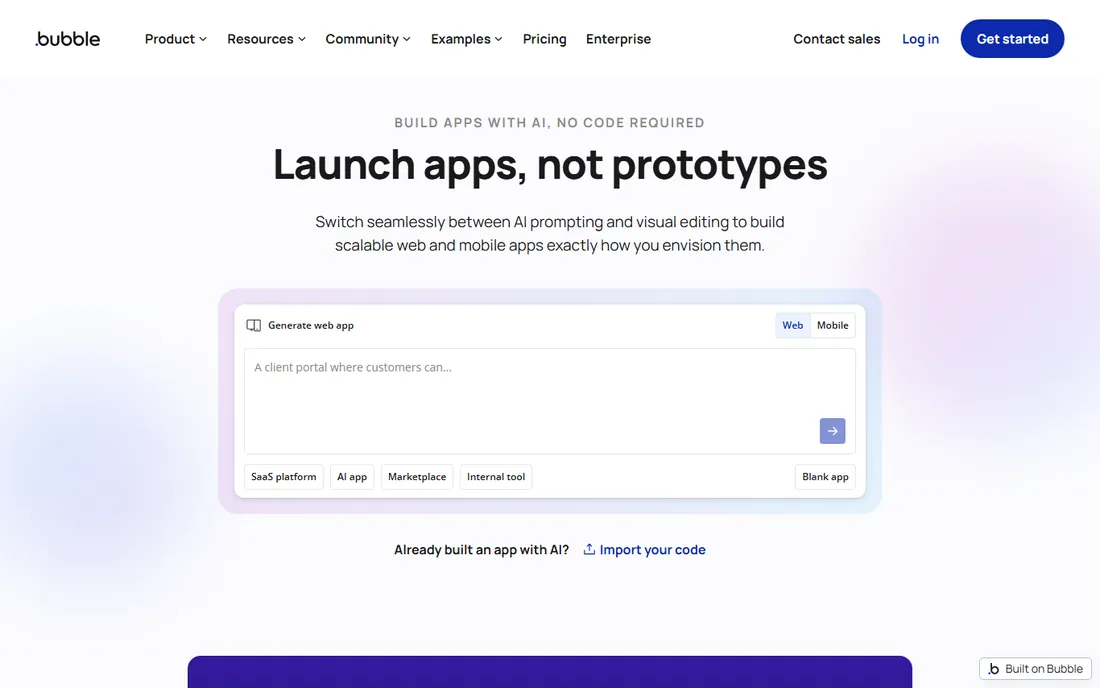
You have a marketplace idea with user accounts, payments, messaging, and an admin dashboard. Most app builders tap out at that level of complexity. Bubble does not. It is the closest thing to real programming without writing code: a visual editor for the interface, a real database underneath, and workflow logic that handles multi-step processes, API calls, and conditional rules.
That power has a price, and it is measured in learning time. Expect weeks, not hours, before you are fluent. Bubble apps are also web-first; shipping to the App Store and Google Play means wrapping the app or using a third-party converter. For founders building a genuine web product on a budget, though, nothing else in no-code goes this deep.
What we like- Deepest logic and database capabilities
- Large template and plugin marketplace
- Scales to real products
Watch out for- Steep learning curve
- Mobile apps need wrappers or third-party tools
Starting priceSee website
Free planYes
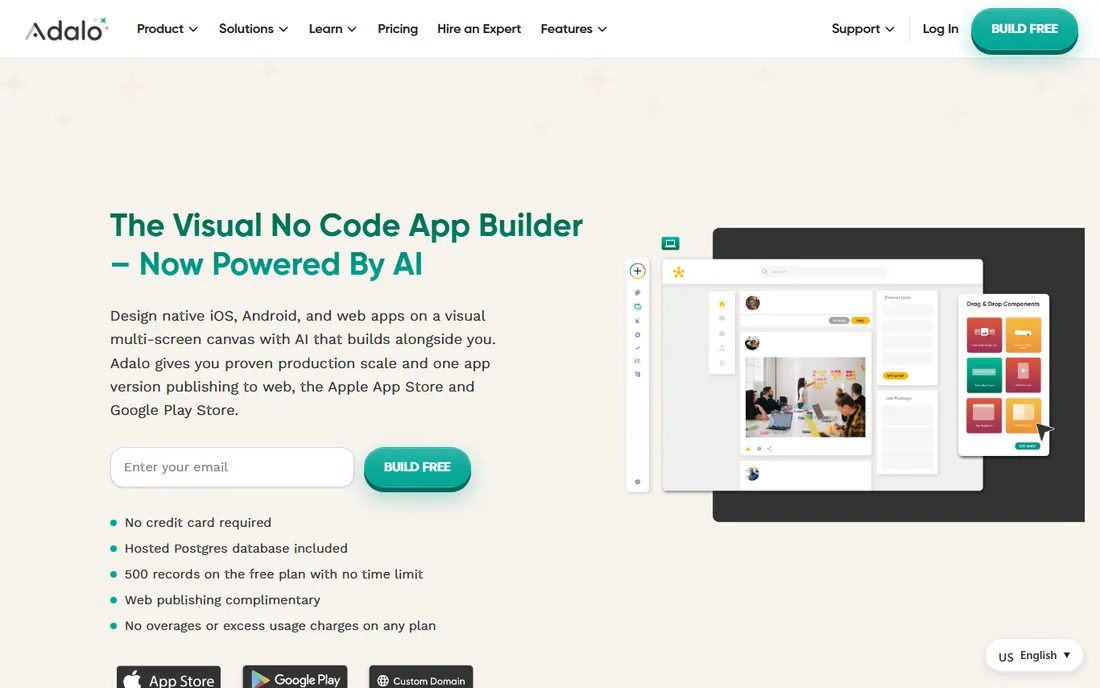
Adalo is the answer when someone asks how to get a real app into the app stores without hiring developers. The drag-and-drop builder produces native iOS and Android apps, and publishing goes through Adalo's own pipeline. Databases, user logins, and push notifications are built in, and the component marketplace adds things like calendars and payment forms.
The trade-off is depth. Multi-step business logic, heavy data processing, and highly custom interfaces will strain Adalo. It shines for MVPs, internal tools, directory apps, and straightforward consumer apps. If your idea fits in a few screens with standard components, you can have a working app in days rather than months.
What we like- True native mobile publishing
- Intuitive drag-and-drop
- Decent component marketplace
Watch out for- Limited for complex logic
- Performance can lag on data-heavy apps
Starting priceSee website
Free planYes
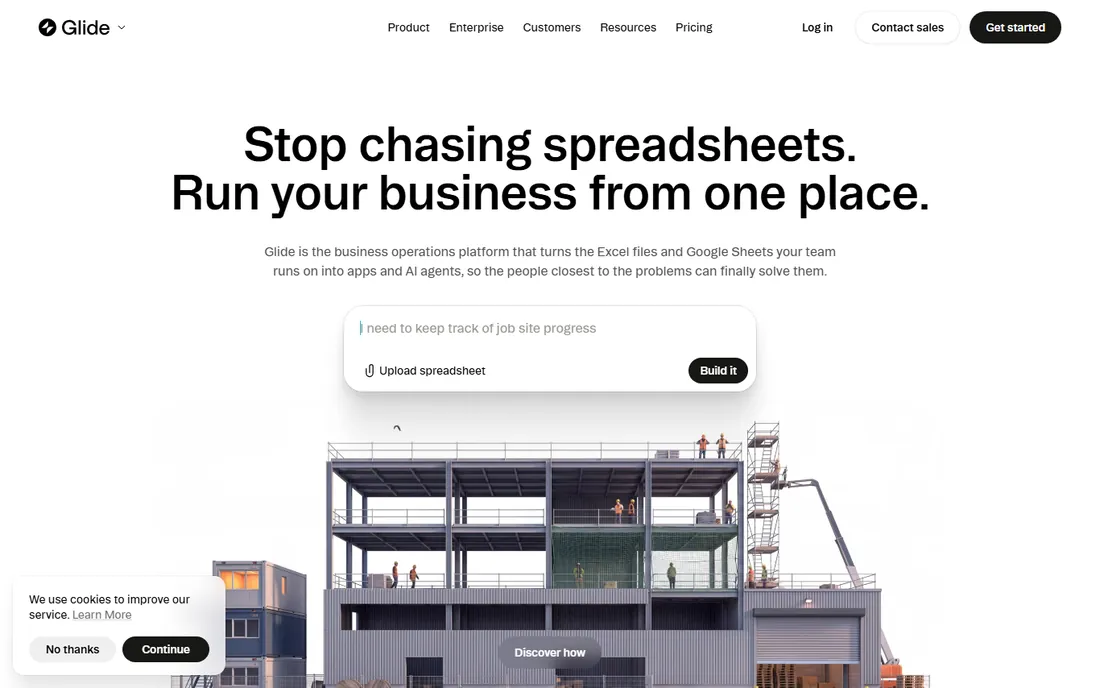
Glide's pitch is simple: your spreadsheet becomes an app. Connect a Google Sheet or Airtable base, and Glide generates a working interface with lists, detail screens, forms, and search. For internal tools, inventory trackers, directories, and dashboards, this is often all a small team needs. Recent versions add AI-assisted building that drafts the app from a text description.
The catch is that Glide apps feel like polished web apps rather than true native software. Deep customization of the interface is limited, and very large datasets can slow things down. But for turning operational data into something the team can use on their phones, the speed from idea to working app is unmatched.
What we like- Builds from Google Sheets or Airtable in minutes
- Generous free tier
- AI app generation
Watch out for- Web-app feel on mobile
- Limited custom design
Starting priceSee website
Free planYes
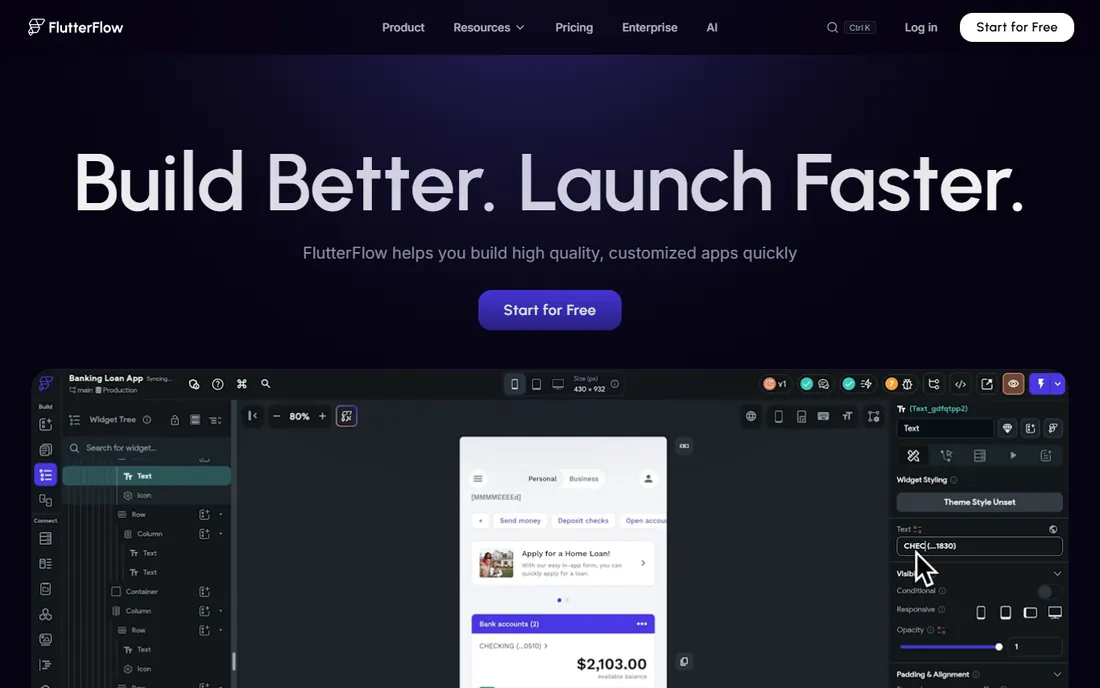
FlutterFlow takes a different approach to the lock-in problem: it is a visual builder on top of Flutter, Google's UI framework, and you can export the actual source code. That means a project that starts no-code can graduate to a development team later without a rewrite. The drag-and-drop interface is genuinely good, Firebase handles the backend, and the resulting apps compile to native iOS, Android, and web.
You will get more from FlutterFlow if you understand basic app concepts like state management and API calls. It is more of a low-code tool than a pure no-code one. For startups that want speed now and an exit ramp to custom development later, that combination is hard to beat.
What we like- Exports real Flutter code
- Excellent UI fidelity
- Firebase integration
Watch out for- Some coding knowledge helps
- Pricing climbs with team features
Starting priceSee website
Free planNo
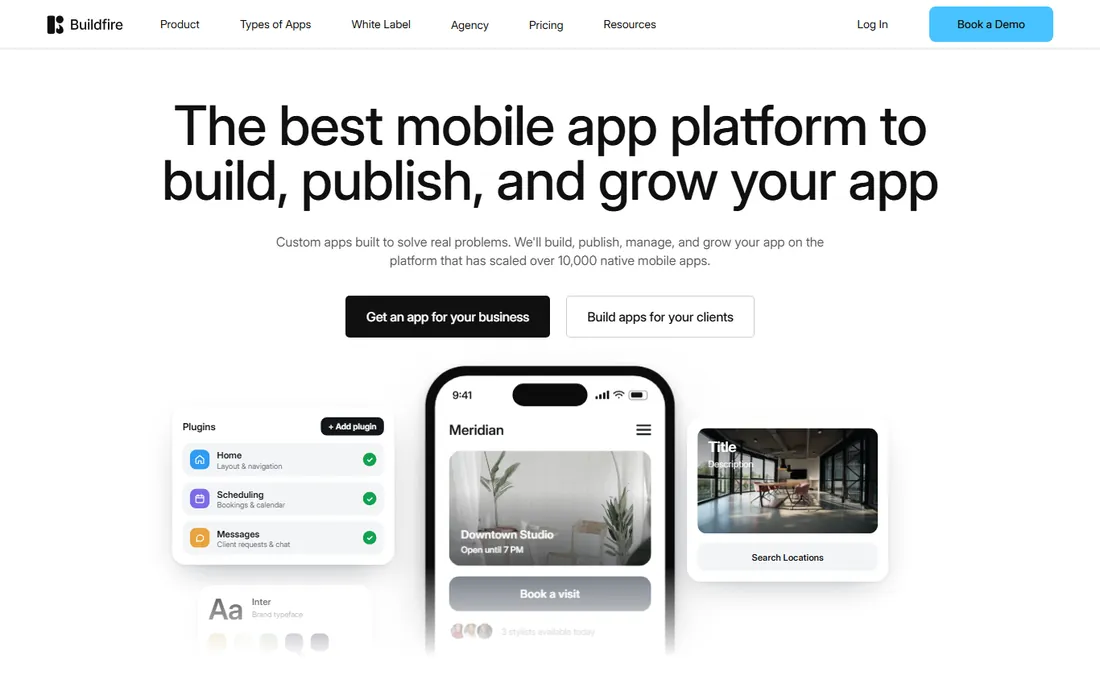
BuildFire targets businesses that want an app without managing the technical side at all. The platform combines a builder with a plugin marketplace and, importantly, a team that handles app store submission and maintenance. Agencies use it to deliver client apps quickly, and businesses use it for loyalty apps, ordering, and internal communications.
You pay for that hand-holding. BuildFire sits at the pricier end of this list, and design flexibility is narrower than developer-oriented tools. The value proposition is simple: if you want someone else to worry about provisioning profiles, store rejections, and updates, BuildFire is built for exactly that buyer.
What we like- Managed app store publishing
- Strong plugin ecosystem
- Good for client work
Watch out for- Higher starting price
- Less design freedom than Bubble
Starting priceSee website
Free planNo
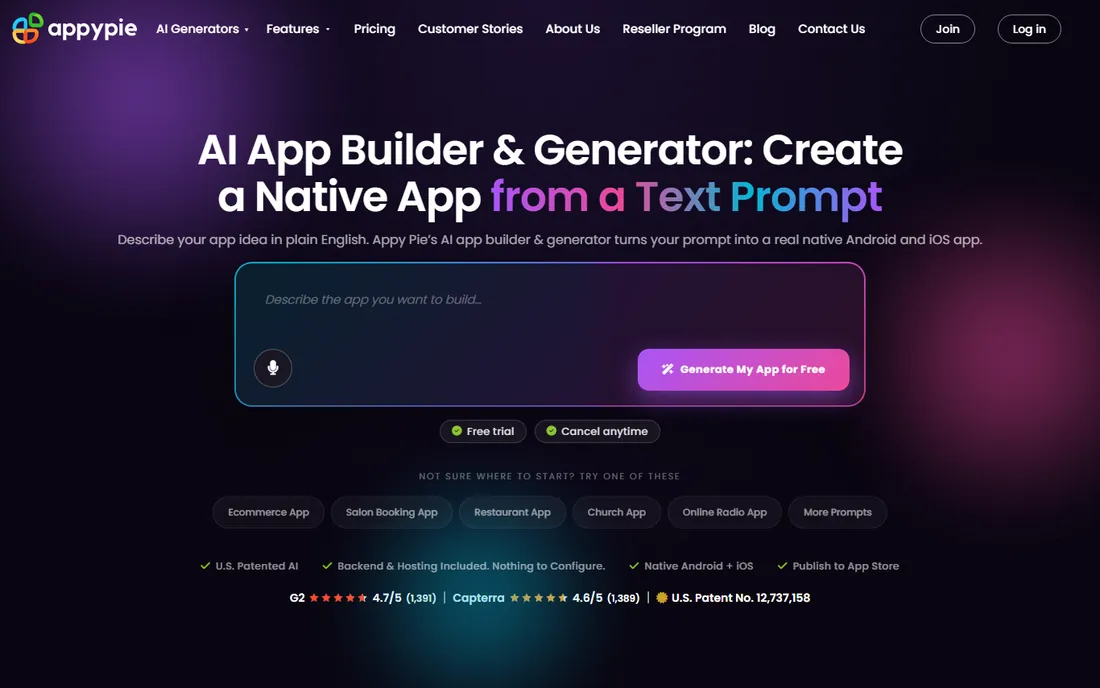
Appy Pie is the training wheels of app builders, and that is not an insult. A complete beginner can pick a template, add content, and have something that looks like an app within an hour. The platform covers the basics: push notifications, in-app purchases, ad integration, and publishing help. Pricing starts low, which makes it a cheap way to test an idea.
The limitation is obvious once you push past the basics. Custom logic, unique designs, and complex workflows are not Appy Pie's territory, and apps built from templates can look alike. Use it to validate an idea or serve simple content. If the idea proves itself, plan to rebuild on a more capable platform.
What we like- Very easy to start
- Huge template library
- Affordable entry plans
Watch out for- Limited customization
- Apps can feel generic
Starting priceSee website
Free planYes
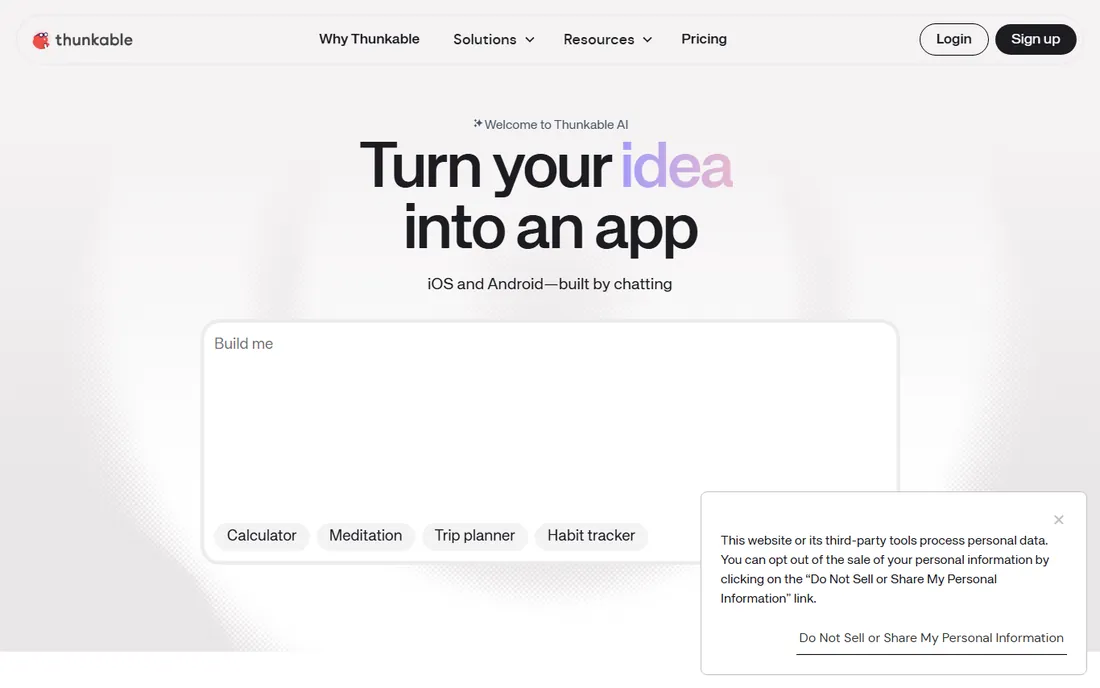
Thunkable grew out of MIT's educational tradition, and its blocks-based logic editor is the most approachable programming concept on this list. You snap together logic blocks like puzzle pieces to define what happens when a button is tapped or data arrives. It publishes to both major app stores and handles the standard mobile features: camera, location, push notifications, and web APIs.
It is still, at heart, an educational-grade tool stretched toward commercial use. Complex apps with heavy data or custom native features will hit walls. For prototypes, student projects, hackathons, and simple utility apps, Thunkable is delightful. For a venture-scale product, start here to learn, then graduate.
What we like- Blocks-based logic anyone can learn
- Native iOS and Android builds
- Good for education
Watch out for- Not suited to complex commercial apps
- UI polish takes effort
Starting priceSee website
Free planNo
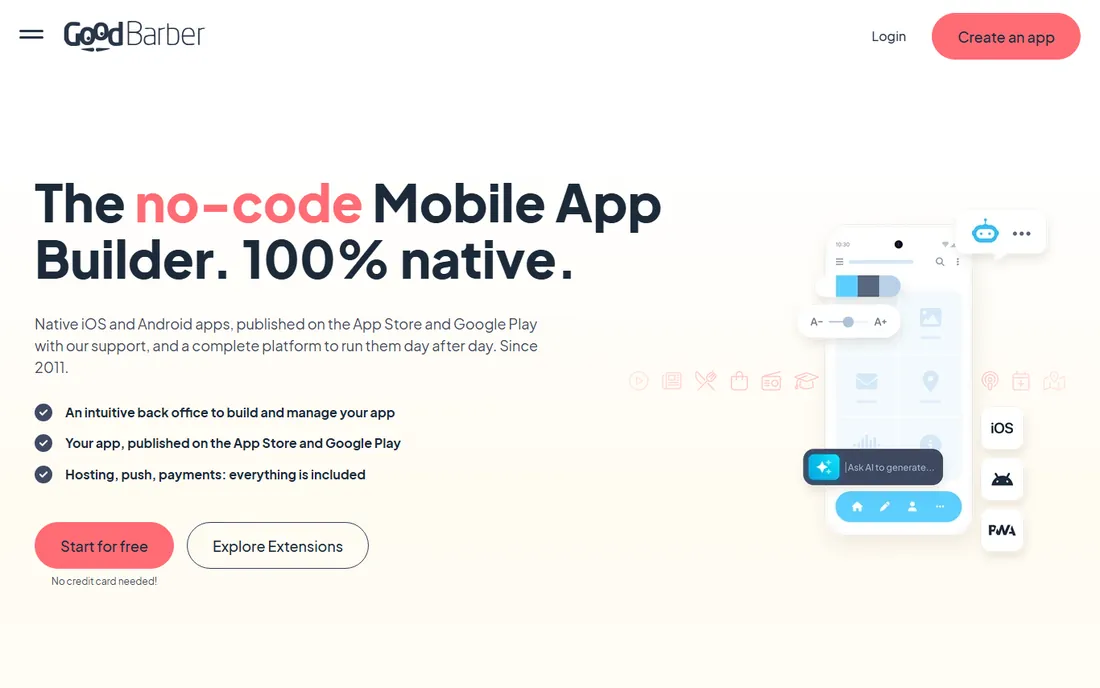
GoodBarber comes from France and shows it in the design quality of its templates. The platform specializes in content apps (news, blogs, radio, communities) and ecommerce apps, with native iOS and Android output and a managed publishing process. Integrations with Shopify and other commerce tools make it a natural pick for stores that want their own app.
Like BuildFire, you pay for polish and hand-holding. The monthly plans are mid-range, and truly custom functionality is limited. If your business is content or commerce and you want an app that looks professionally designed without hiring a designer, GoodBarber's templates do a lot of the work for you.
What we like- Beautiful templates
- Strong for content and ecommerce
- Handles publishing
Watch out for- Monthly cost adds up
- Customization has limits
Starting priceSee website
Free planNo
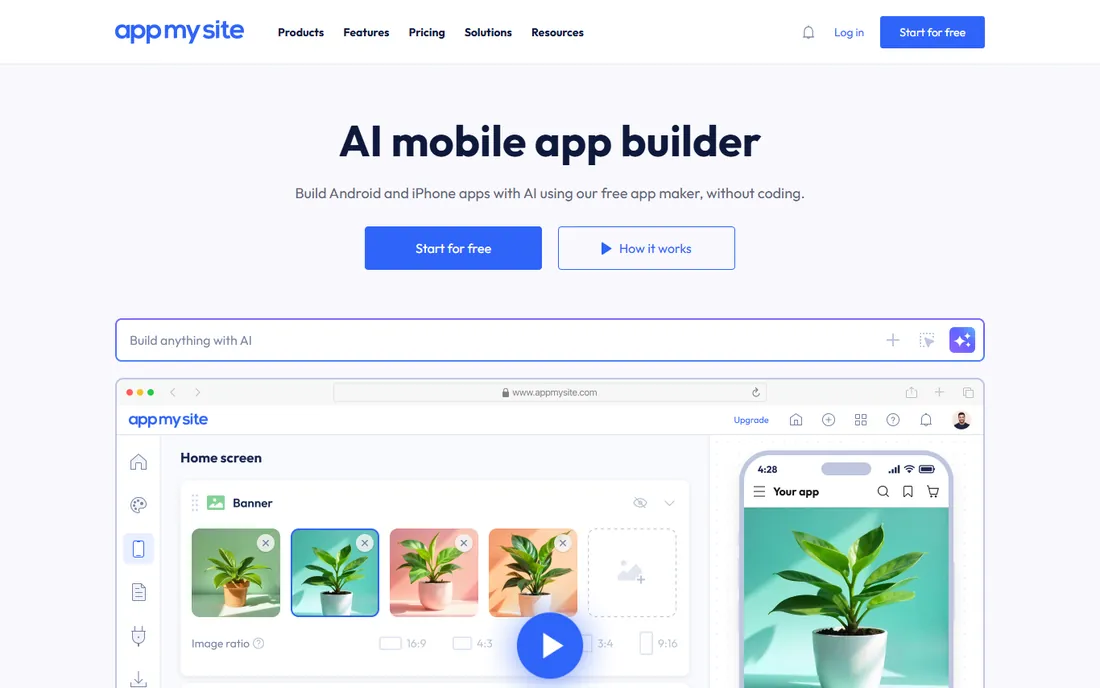
AppMySite does one thing well: it turns an existing website into a native mobile app. WordPress and WooCommerce sites convert in minutes, with the app pulling content, products, and even checkout from the site. For bloggers, publishers, and small stores, this is the cheapest path to having an app in the stores without rebuilding anything.
The honest limitation is that the app is only as good as the website behind it. There is little standalone app functionality beyond what the site provides. If you need app-specific features like offline mode or complex native interactions, look elsewhere. As a companion app for an existing site, though, it is fast and fairly priced.
What we like- Converts WordPress and WooCommerce sites fast
- Affordable
- App store submission help
Watch out for- Apps mirror the website
- Limited standalone functionality
The real cost of building an app without code
No-code is cheaper than hiring developers, but it is not free. Add up the monthly platform subscription, the app store developer accounts ($99/year for Apple, $25 one-time for Google), and any premium plugins or templates. The bigger cost is your time: learning a platform like Bubble properly takes weeks. The most expensive mistake is building on the wrong platform and rebuilding later, so be honest about how complex your app really is before choosing. If you need custom native features, heavy data processing, or a truly unique interface, budget for developers from the start instead of fighting a builder's limits.
What to check before you commit
Native output versus web wrapper
Some platforms produce genuine native apps (Adalo, Thunkable, FlutterFlow), while others deliver web apps dressed as mobile apps. Native matters for performance, offline use, and access to device features. Ask exactly what ships to the app stores, and test the demo apps on a real phone before paying.
Data and user limits
Free and entry plans cap database rows, monthly users, or app actions. Those caps are where no-code pricing bites. Estimate your user count and data volume generously, then check which plan actually covers it. A $30/month plan that fits 500 users is cheap; the same plan at 5,000 users may cost ten times more.
Export and lock-in
Can you export your data? Can you export your code? FlutterFlow lets you take the Flutter source with you. Most others let you export data but not the app itself, which means rebuilding elsewhere if you outgrow the platform. Know your exit options before you invest months of work.
App store publishing support
Getting approved by Apple is its own skill. Platforms like BuildFire and GoodBarber manage submission for you, which is worth real money if you have never done it. Self-serve platforms leave the provisioning profiles, screenshots, and review guidelines to you. Factor that effort into the decision.
How we chose
We selected platforms that let non-developers ship real apps in 2026, based on vendor documentation, pricing pages, template quality, publishing options, and long-term reputation in the no-code community. We favored tools with active development and genuine app store output over website wrappers marketed as apps. We balanced beginner-friendly builders against more capable platforms so different skill levels are represented. No vendor paid for placement, and we did not build test apps for this guide.
Frequently asked questions
Can I really build an app with no coding experience?
Yes, for straightforward apps. Tools like Adalo, Glide, and Appy Pie are designed for beginners, and thousands of working apps were built by non-developers. The realistic limit is complexity: user accounts and payments are fine, but novel features and heavy data work eventually need a developer. Start simple and validate the idea first.
How much does it cost to build an app on these platforms?
Platform subscriptions typically run from $20 to a few hundred dollars per month depending on features and usage. Add Apple's $99/year developer program and any premium templates or plugins. Compared with the $30,000-plus cost of custom development, no-code is dramatically cheaper, but budget for at least a year of subscription while you find users.
Will Apple approve an app built with a no-code tool?
Generally yes, as long as the app provides real functionality and is not just a repackaged website with no added value. Apple rejects low-effort apps regardless of how they were built. Platforms with managed publishing (BuildFire, GoodBarber) handle the submission requirements, which reduces rejection risk.
What happens if I outgrow my app builder?
It depends on the platform. FlutterFlow lets you export real Flutter code and continue with developers. Most others let you export your data but not the app logic, so you would rebuild the front end. This is why matching the platform to your ambition matters: choose a capable tool like Bubble or FlutterFlow if you suspect the app will grow.
Do I need separate apps for iPhone and Android?
No. Every platform on this list publishes to both iOS and Android from a single project. You will need developer accounts on both stores, and you should test on real devices for each platform, but you only build the app once.
Sources we checked (9)
- https://bubble.io
- https://www.adalo.com
- https://www.glideapps.com
- https://flutterflow.io
- https://buildfire.com
- https://www.appypie.com
- https://thunkable.com
- https://www.goodbarber.com
- https://www.appmysite.com
Is your product missing or out of date?
We review this list regularly. Vendors can request a listing, send updated pricing or ask about featured placement.

Shihab Mia · Founder, Rankite
Shihab has spent more than a decade helping SaaS and e-commerce brands grow through search. He writes Rankite's software buying guides from pricing pages, documentation and public user reviews. More about Shihab.