How we make this list: we compare pricing pages, product documentation and public user reviews. Ratings come from G2, Capterra or Trustpilot, with the date we checked them.
Key takeaways
- Penpot is the closest free, open source replacement for Figma, especially for teams that want to self-host.
- Lunacy and Affinity cover desktop design at no cost, while Framer suits designers who want to publish a site from a design.
- Free plans differ in kind: some are free forever with limits, others are trials or capped tiers, so read the limit that will hit you first.
- No free tool matches Figma's plugin catalog and collaboration depth, so pick based on file compatibility, offline needs, and team size.
Quick comparison
| Tool | Best for | Starting price | Free plan |
|---|
 Penpot Penpot | Open source UI design in the browser | Free (open source) | Yes |
 Lunacy Lunacy | Free desktop design on any OS | Free | Yes |
 Framer Framer | Designing and publishing websites | Free | Yes |
 Canva Canva | Fast marketing and social design | Free | Yes |
 Affinity Affinity | Professional vector and raster design | Free | Yes |
 Pixso Pixso | Low-cost collaborative UI design | See website | Yes |
 Moqups Moqups | Wireframes, mockups, and diagrams | See website | Yes |
 Excalidraw Excalidraw | Free whiteboard sketches and diagrams | Free | Yes |
Is your product missing or out of date?
We review this list regularly. Vendors can request a listing, send updated pricing or ask about featured placement.
The best free alternatives to Figma
#1Penpot
Best for: Open source UI design in the browser4.5/5 on
G2 (10 reviews, checked Oct 2026)
Visit penpot.app
Starting priceFree (open source)
Free planYes
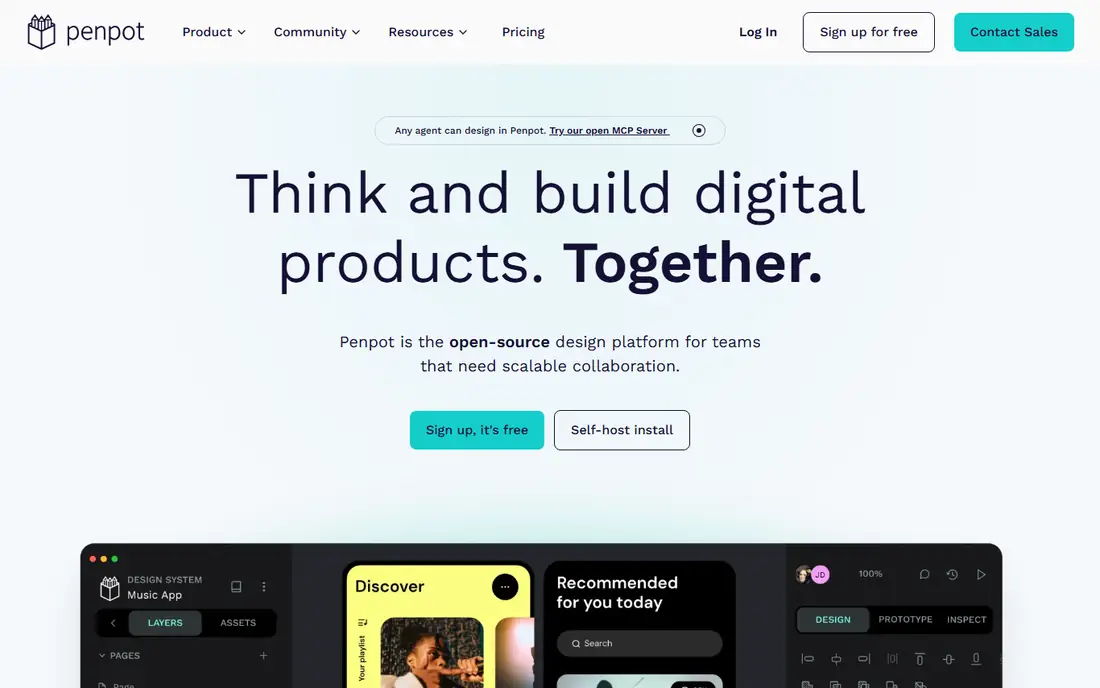
Penpot is the strongest free Figma alternative for interface design. It runs in the browser, supports components, layouts, and design tokens, and exports code-friendly formats that developers can use directly. Teams can use the hosted cloud version or self-host Penpot on their own servers for full data control.
The gap is ecosystem. Penpot has fewer plugins and community files than Figma, and some advanced prototyping features feel less mature. For a team that values open source, self-hosting, and zero license cost over the largest plugin library, Penpot is the clear first choice.
What we like- Open source and self-hostable
- Browser based
- Figma-like components and layouts
Watch out for- Plugin catalog is smaller
- Some advanced prototyping is less polished
#2Lunacy
Best for: Free desktop design on any OS4.3/5 on
G2 (28 reviews, checked Oct 2026)
Visit icons8.com
Starting priceFree
Free planYes
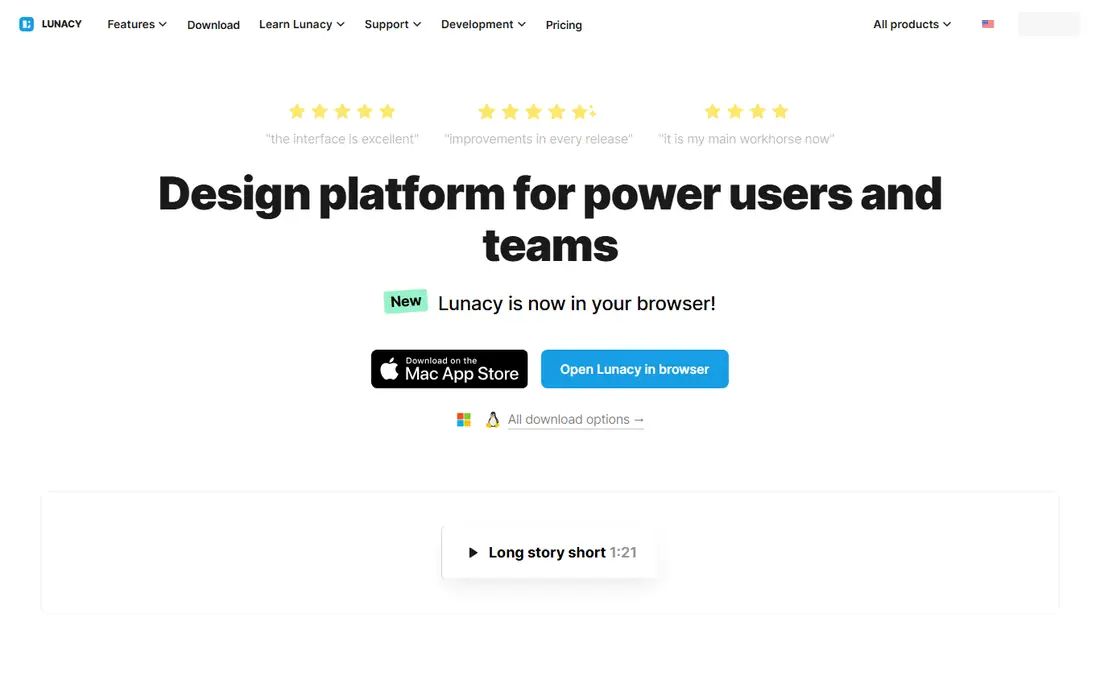
Lunacy, from Icons8, is a free desktop design app that works on Windows, Mac, and Linux. It opens Sketch files, supports components and prototyping, and includes built-in icons, photos, and illustrations from Icons8. Offline work is a real benefit for designers who travel or work without a stable connection.
The free tier caps cloud documents, and collaboration features are lighter than Figma's multiplayer editing. A paid Pro plan lifts those limits. For a solo designer who wants a free desktop tool that handles real interface files, Lunacy is a practical and durable option.
What we like- Free desktop app for Windows, Mac, and Linux
- Sketch file support
- Offline use
Watch out for- Cloud documents capped on free tier
- Smaller community than Figma
#3Framer
Best for: Designing and publishing websites4.5/5 on
G2 (144 reviews, checked Oct 2026)
Visit framer.com
Starting priceFree
Free planYes
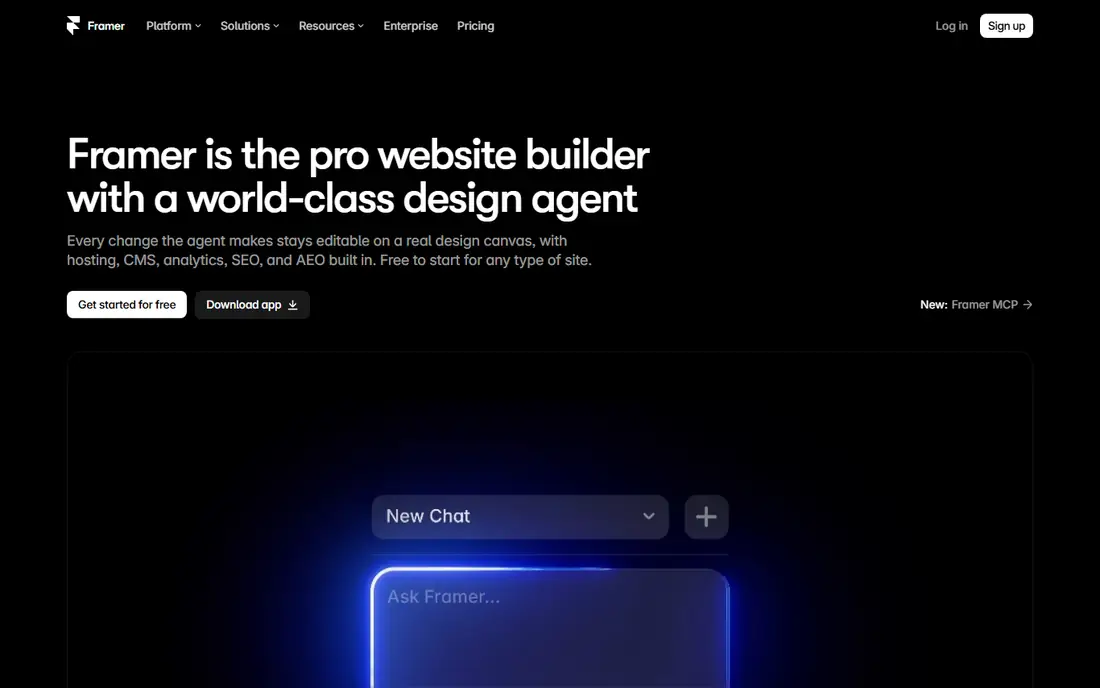
Framer started as a prototyping tool and now lets designers build and publish real websites from a canvas. You can design pages, add interactions and animations, and publish to a live URL without handing files to a developer. That direct path suits marketing sites, portfolios, and landing pages.
Pricing needs care. Framer bills per site and per editor on paid plans, so a team with many sites should model costs early. It is also less focused on large app design systems than Figma or Penpot. For a designer whose end goal is a live website, Framer's free plan is a strong starting point.
What we like- Design to published site in one tool
- Strong interaction options
- Free starting plan
Watch out for- Paid plans bill per site and per editor
- Less suited to app UI systems
#4Canva
Best for: Fast marketing and social design4.7/5 on
G2 (7,678 reviews, checked Oct 2026)
Visit canva.com
Starting priceFree
Free planYes
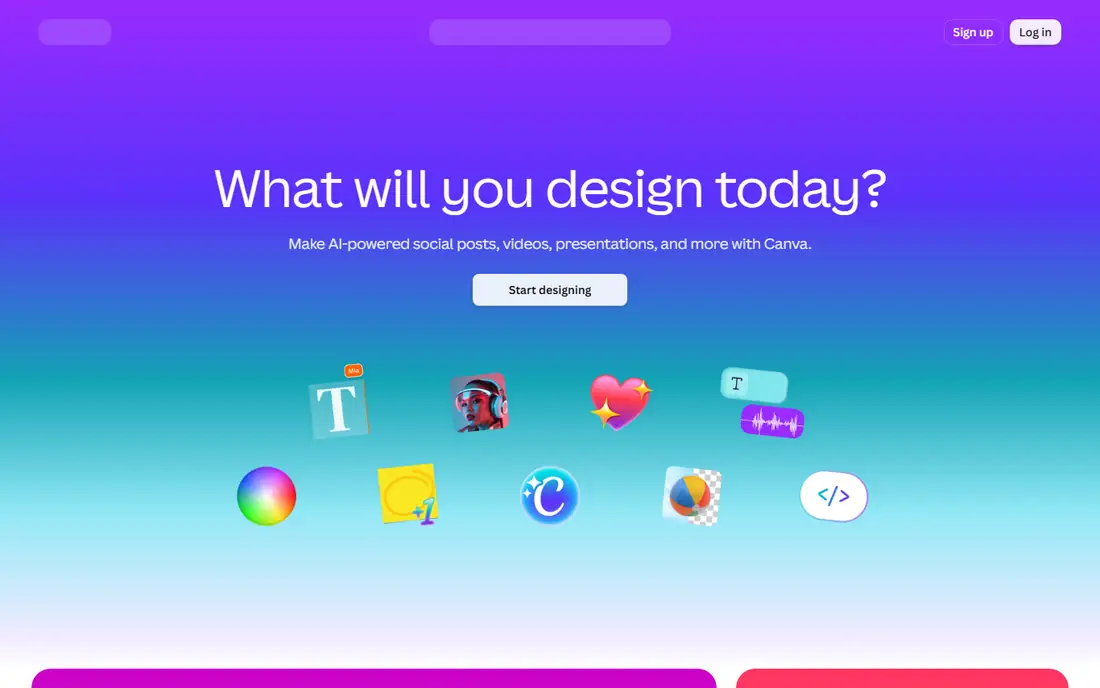
Canva is not a Figma clone, but it is a free alternative for many design tasks Figma users handle, especially marketing graphics, social posts, presentations, and simple web graphics. Templates, stock assets, and drag-and-drop editing let non-designers produce clean work quickly.
Complex interface design is the limit. Canva lacks Figma's component systems, auto-layout depth, and developer handoff tools for app UI. Pro features such as brand kits and background removal sit behind a paid plan. Use Canva alongside Penpot or Lunacy when marketing output matters more than interface systems.
What we like- Huge template library
- Easy for non-designers
- Free tier covers many tasks
Watch out for- Not built for complex UI systems
- Brand and advanced features need Pro
Starting priceFree
Free planYes
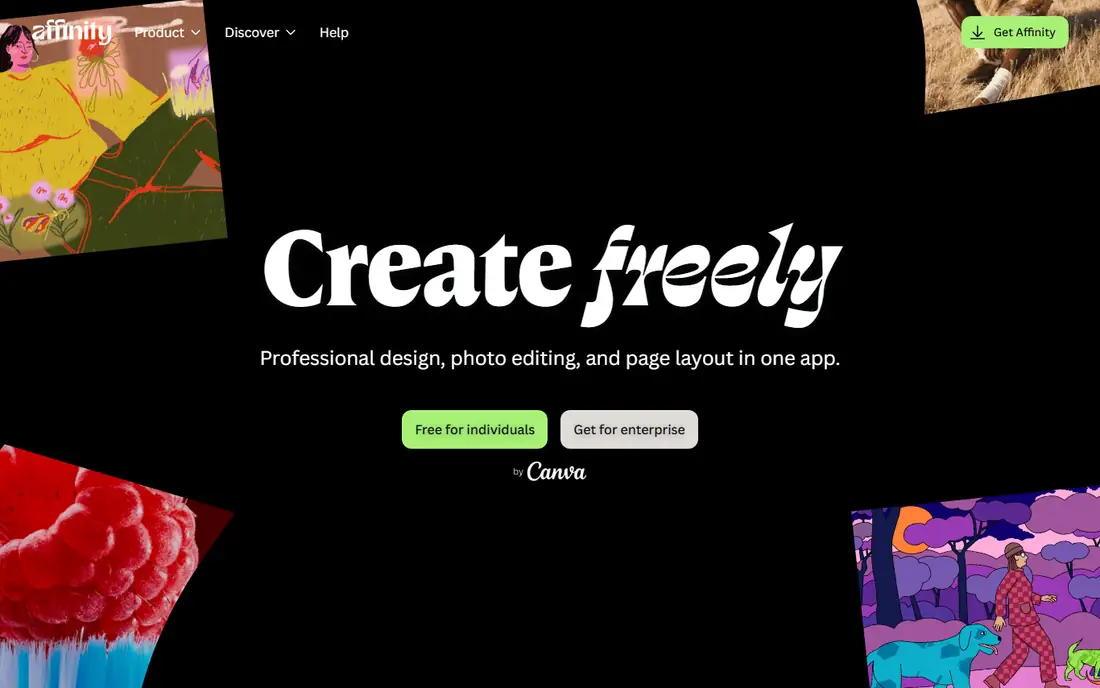
Affinity, now free under Canva, offers professional desktop apps for vector design, photo editing, and publishing. Designer handles illustration and interface-style vector work, Photo covers raster editing, and Publisher handles layout. All three work offline as desktop apps, which suits designers who prefer local files.
Collaboration is the gap. Affinity has no Figma-style browser multiplayer editing, and prototyping is lighter than a dedicated UI tool. For a solo designer or small studio that wants professional desktop tools at no cost, Affinity plus Penpot forms a complete free stack.
What we like- Professional Designer, Photo, and Publisher apps
- Free after Canva acquisition
- Offline desktop apps
Watch out for- No browser multiplayer editing
- UI prototyping is lighter than Figma
Starting priceSee website
Free planYes
Pixso is a browser-based UI design tool with real-time collaboration, components, and prototyping, plus import support for Figma files. That import path matters for teams that want to test a cheaper tool without rebuilding every file from scratch. The interface will feel familiar to Figma users.
The community and plugin ecosystem are smaller, and plan limits change, so check the current free tier before moving a whole team. Pixso suits a small team that wants Figma-style collaboration at a lower price, with a free plan for evaluation.
What we like- Browser-based UI design
- Real-time collaboration
- Figma file import
Watch out for- Smaller community and plugin set
- Paid limits vary by plan
Starting priceSee website
Free planYes
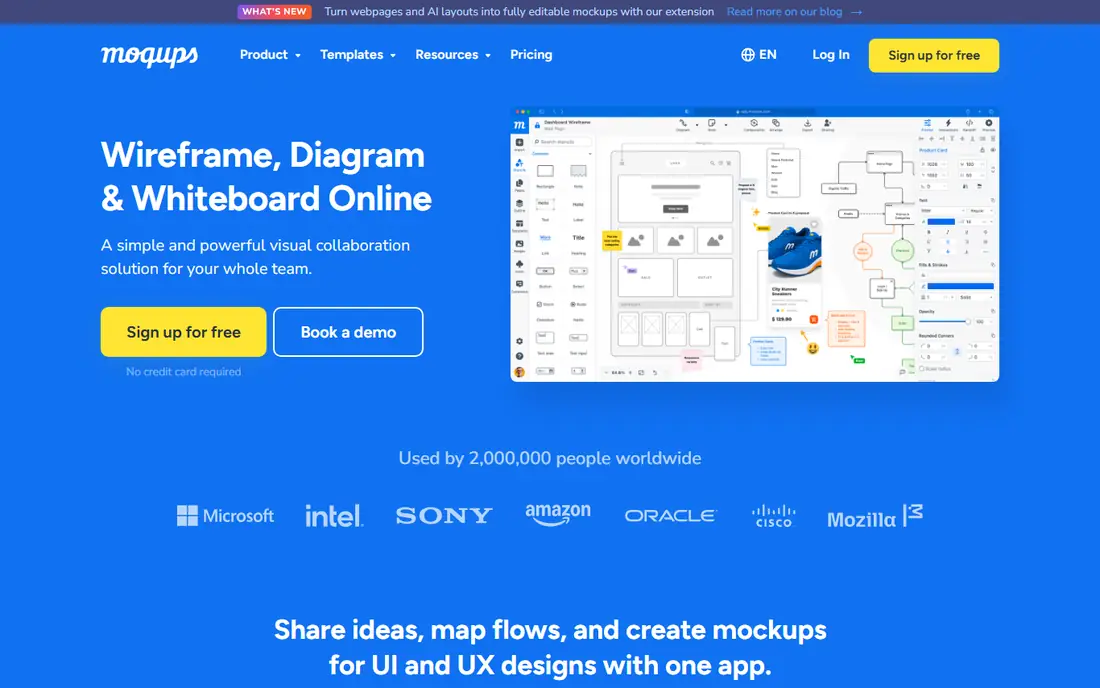
Moqups covers the early stages of design: wireframes, mockups, flowcharts, and clickable prototypes. It is easy to learn, easy to share with stakeholders, and useful for teams that need to agree on structure before visual design starts. Templates speed up common layouts and diagrams.
High-fidelity interface design is not its strength. Moqups lacks the component systems and developer handoff depth of Figma or Penpot. Use it for early-stage work and stakeholder feedback, then move to Penpot or Lunacy for final interface design.
What we like- Wireframes, mockups, diagrams, and prototypes in one app
- Easy sharing
- Templates
Watch out for- Not for high-fidelity UI systems
- Free plan limits projects
#8Excalidraw
Best for: Free whiteboard sketches and diagrams4.5/5 on
G2 (32 reviews, checked Oct 2026)
Visit excalidraw.com
Starting priceFree
Free planYes
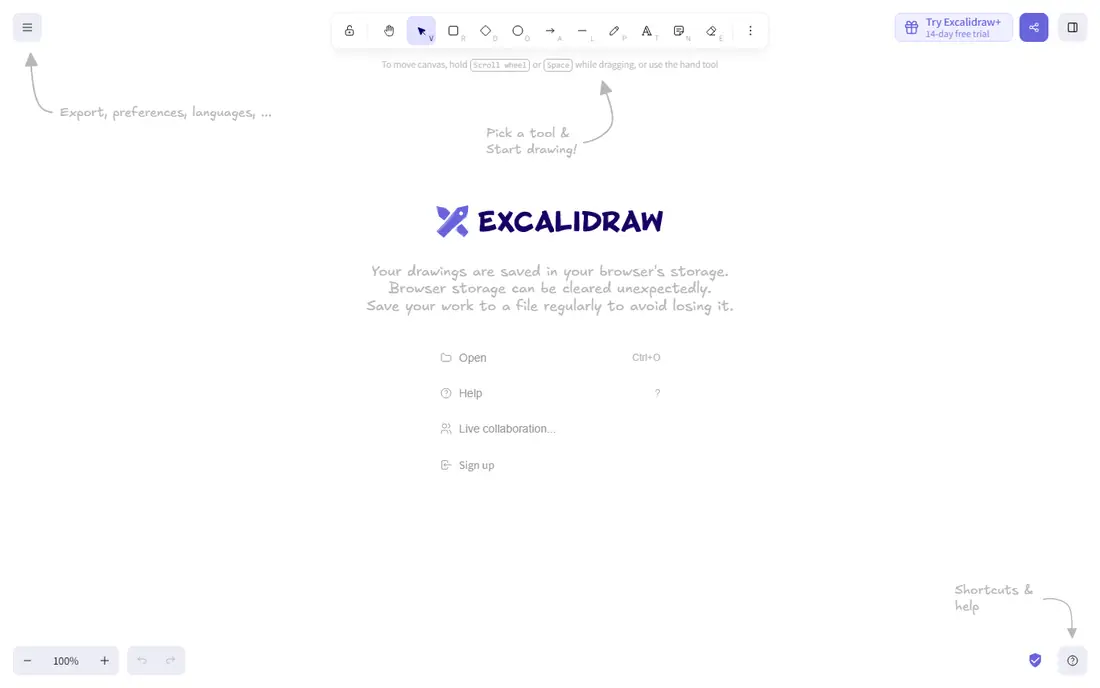
Excalidraw is a free, open source whiteboard for sketches, diagrams, and early wireframes. You can start drawing without an account, share a link for collaboration, and export images for documents or presentations. Its hand-drawn style suits brainstorming and quick explanations.
It is not a UI design tool. Excalidraw has no component libraries, auto-layout, or prototyping systems for app screens. Use it for the first sketch of an idea, then move to a dedicated UI tool when the design needs structure, components, and developer handoff.
What we like- Free with no account needed
- Hand-drawn style
- Easy sharing and collaboration
Watch out for- Sketch tool only
- No UI components or prototyping systems
How we chose
We compared pricing pages, product documentation, and public reviews for design tools with a usable free tier that cover interface design, wireframing, prototyping, or visual design. We excluded tools that are discontinued or in maintenance mode with no standalone purchase path, and we used "See website" where paid pricing varies by seats or sites. We did not claim hands-on testing.
Picking a free tier that lasts
Read the limit, not just the price. Penpot's cloud tier caps team size, Lunacy's free tier caps cloud documents, Framer's free plan limits sites and bandwidth, and Moqups limits projects. The limit that hits first decides when you pay, so match it to your team size and project count before you invest hours in a tool.
Next, test file movement. Import a real Figma or Sketch file, check how components, text, and layouts survive, and export a file for a developer or teammate. A tool that looks free but traps your work is more expensive than a paid tool with clean export.
Finally, decide how much collaboration you need. Browser multiplayer editing matters for a team that designs together daily, while offline desktop work matters more for a solo designer. Penpot and Pixso cover browser collaboration, Lunacy and Affinity cover offline desktop work, and a pair of tools often beats a single compromise.
One more test saves time later: build a small but realistic project in the tool before moving a full team. Create a set of components, a few screens, a prototype flow, and a handoff file for a developer, then ask the developer whether the export is usable. That end-to-end test reveals gaps in components, text handling, and export quality that a feature list hides. Also check how the tool handles comments and version history, since design feedback often lives in comments. A tool with weak commenting can slow reviews even if its drawing tools are strong. Finally, confirm that your files can be exported in a usable format, because a free tool that locks files away is a risky home for a growing design system. Export freedom is part of what makes a free tool truly free.
Before you finish, write down your top three requirements and rank the shortlist against them in plain language. That short list stops a demo or a discount from pulling the choice toward a feature you will rarely use. Share the ranking with the people who will use the tool daily, and ask them to flag any deal-breaker you missed, such as a missing integration, a device limit, or a workflow step that would take longer than it does today. Their answers often change the order. Once you have a winner, set a review date three months after launch to check cost, usage, and complaints, and be ready to switch if the tool is not earning its place. A planned review keeps the decision honest and prevents a poor fit from lingering for years.
Frequently asked questions
What is the best completely free Figma alternative?
Penpot is the best completely free option for interface design, since it is open source and can be self-hosted without license fees. Lunacy and Affinity are also free desktop options, and Excalidraw is free for sketches and diagrams.
Can I open Figma files in these tools?
Penpot and Pixso offer import paths for Figma-style work, and Lunacy opens Sketch files, but imports are rarely perfect. Test your most complex file before migrating a team, and expect some cleanup on components, effects, and text styles.
Are free design tools good enough for professional work?
Yes, for many solo designers and small teams. Penpot, Lunacy, and Affinity can produce professional interface and graphic work, though they lack Figma's plugin depth and multiplayer polish. Larger teams with complex design systems may still need Figma or a paid plan.
Which free tool works offline?
Lunacy and Affinity are desktop apps that work offline, and self-hosted Penpot can run on your own infrastructure. Browser-only tools such as Framer, Pixso, and Moqups need an internet connection for full use.
Do free plans include collaboration?
Penpot, Pixso, Framer, and Moqups offer collaboration on free or low-cost plans, with limits on seats, projects, or sites. Check those limits for your team size, since per-seat and per-site pricing can grow quickly on paid upgrades.
Should I use one tool or a combination?
A combination often works best: Penpot for interface design, Affinity for vector and raster work, and Excalidraw for early sketches. That stack costs nothing for a solo designer and covers more ground than any single free tool alone.
Sources we checked (8)
- https://penpot.app
- https://icons8.com/lunacy
- https://www.framer.com
- https://www.canva.com
- https://affinity.serif.com
- https://pixso.net
- https://moqups.com
- https://excalidraw.com
Is your product missing or out of date?
We review this list regularly. Vendors can request a listing, send updated pricing or ask about featured placement.

Shihab Mia · Founder, Rankite
Shihab has 5+ years in B2B and SaaS SEO. He writes Rankite's software buying guides from pricing pages, documentation and public user reviews. More about Shihab.