How we make this list: we compare pricing pages, product documentation and public user reviews. Rankite is independent; if a vendor ever pays for a featured spot, that listing is clearly labeled Partner.
Key takeaways
- Glyphr Studio is the best starting point: free, open source, runs in the browser, and is built specifically for typeface design beginners.
- FontForge is the most powerful free option, but its dated interface and steep learning curve make it a second step, not a first.
- Calligraphr is the fastest path to a personal font: write on a template, upload it, and download a working TTF.
- FontStruct and Metaflop take playful approaches (building blocks, sliders) that teach type anatomy without drawing a single curve.
- BirdFont's free version is genuinely useful for personal projects; commercial use starts at $4.99.
Quick comparison
| Tool | Best for | Starting price | Free plan |
|---|
 Glyphr Studio Glyphr Studio | absolute beginners designing their first typeface | $0 (free and open source) | Yes |
 FontForge FontForge | beginners who want the full professional toolkit for free | $0 (free and open source) | Yes |
 BirdFont BirdFont | drawing letters with a cleaner interface than FontForge | $0 (free for personal use; commercial from $4.99) | Yes |
 FontStruct FontStruct | playful first experiments with type anatomy | $0 (free, registration required) | Yes |
 Calligraphr Calligraphr | turning your own handwriting into a working font | $0 (free plan; Pro is paid) | Yes |
 FontArk FontArk | experimenting with skeleton-based letter drawing | $0 (free; account needed to download fonts) | Yes |
 Metaflop Metaflop | generating fonts by adjusting sliders | $0 (free; fonts licensed under SIL OFL) | Yes |
 Fontself Maker Fontself Maker | Illustrator users ready to graduate from free tools | $49 (one-time) | No |
Is your product missing or out of date?
We review this list regularly. Vendors can request a listing, send updated pricing or ask about featured placement.
The best font design software for beginners (free)
Starting price$0 (free and open source)
Free planYes
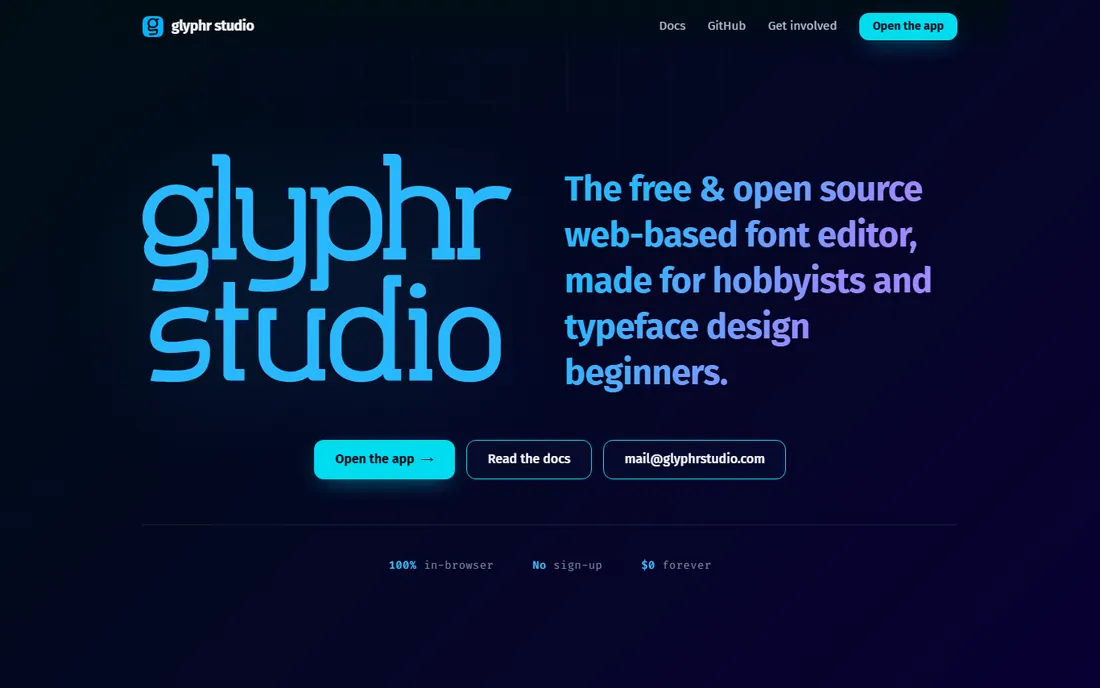
If you have never designed a font, start here. Glyphr Studio is a free, open source font editor that runs 100% in your browser: no download, no account, no catch. It was built for hobbyists, with vector editing tools (pen, pointer, guidelines) that feel like the design apps you already know. You can import SVG, OTF, TTF, and WOFF files, mix glyphs from different fonts, define ligatures and kerning, and export ready-to-use font files straight from the tab.
It is not a professional foundry tool, and it does not pretend to be. Complex projects can strain browser performance, and the feature set is narrower than FontForge or commercial editors. But as a first step into type design, the zero-friction setup and beginner-focused documentation make it the friendliest on-ramp on this list. The companion tools (Unicode Ninja for exploring characters, FontDiff for comparing files) are genuinely useful extras.
What we like- Runs entirely in the browser with no sign-up
- Vector tools feel familiar
- Built expressly for hobbyists and beginners
Watch out for- Fewer advanced features than desktop editors
- Browser performance dips on large projects
- Updates arrive slowly
#2
FontForge
Best for: beginners who want the full professional toolkit for free
Visit fontforge.org
Starting price$0 (free and open source)
Free planYes
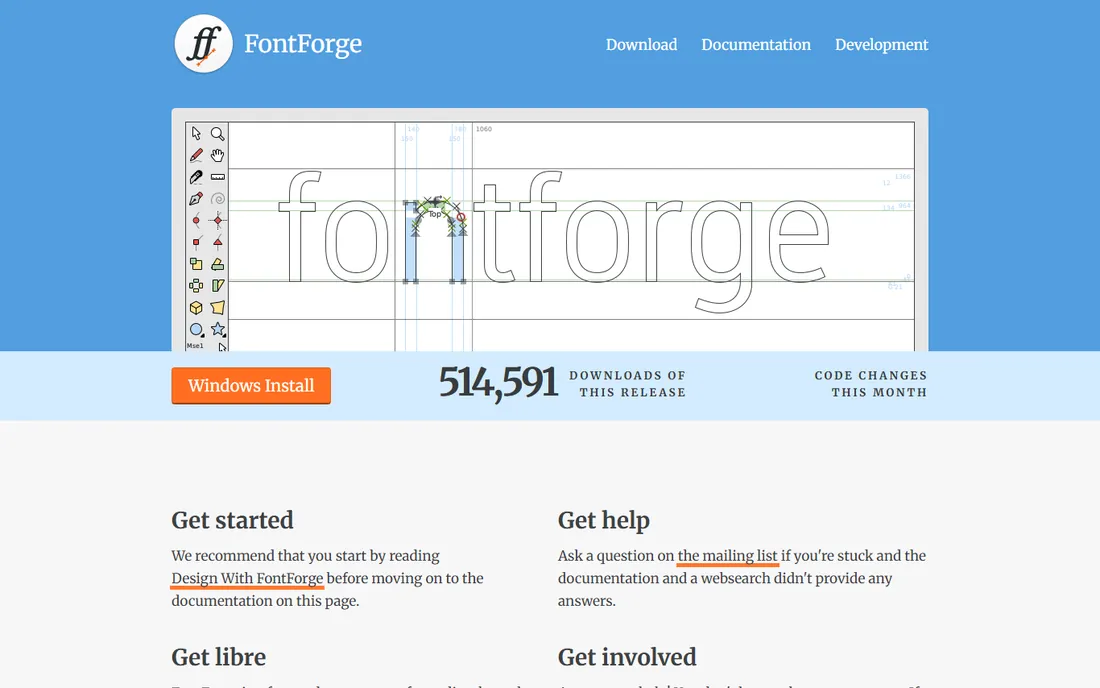
FontForge is the heavyweight: a free, open source font editor for Windows, Mac, and Linux that creates, edits, and converts fonts in OpenType, TrueType, UFO, CID-keyed, and many other formats. Professional typefaces including DejaVu and Linux Libertine were built with it. It validates fonts for errors, extracts fonts from PDFs, traces bitmap images into outlines, and supports Python scripting for automating repetitive work.
The honest warning is the learning curve. The interface looks its age, the documentation has gaps, and there is no support desk, only community forums. Beginners often bounce off it in the first hour. Treat FontForge as your second tool: learn the concepts in Glyphr Studio or BirdFont, then move here when you need real typographic controls like OpenType features, MATH tables, and batch scripting. It will never cost you anything, and it will never be taken away.
What we like- The most capable free font editor ever made
- Converts between nearly every font format
- Python scripting for automation
Watch out for- Steep learning curve and dated interface
- Documentation can be patchy
- No dedicated support, community help only
#3
BirdFont
Best for: drawing letters with a cleaner interface than FontForge
Visit birdfont.org
Starting price$0 (free for personal use; commercial from $4.99)
Free planYes
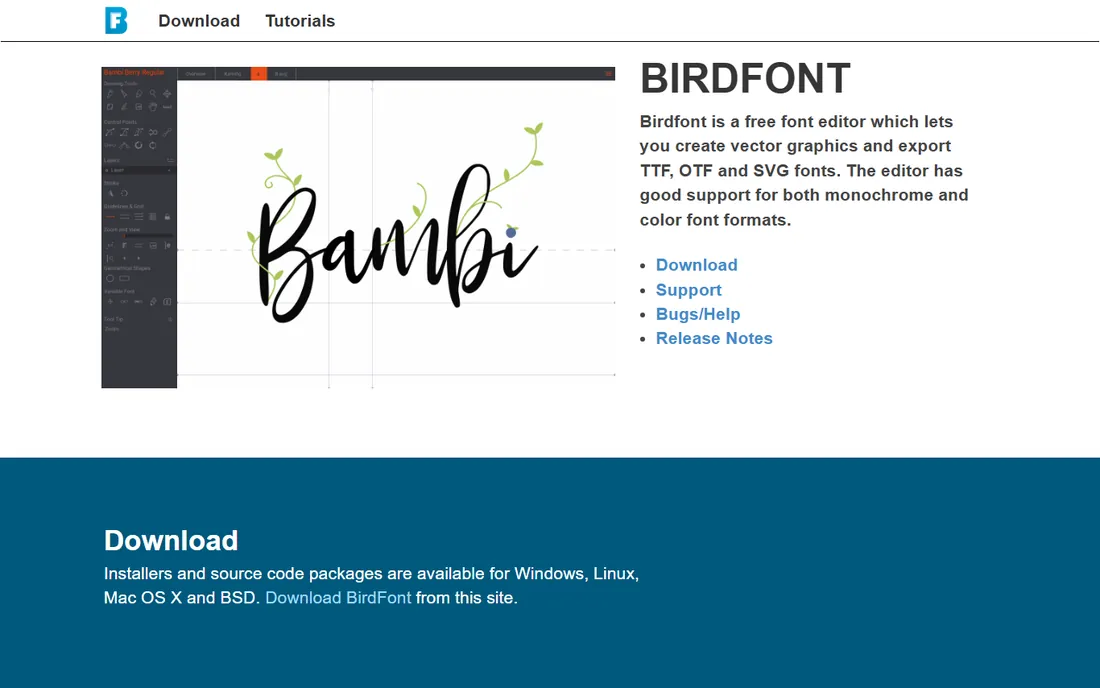
BirdFont sits between Glyphr Studio and FontForge: a real desktop font editor for Windows, Mac, and Linux with a tabbed interface that is easier to read than FontForge's. You can draw letters on a grid, import SVG icons to build icon fonts, or scan hand-drawn letters and trace over them as a background. It exports TTF, OTF, EOT, and SVG, handles kerning and ligatures, and the site carries step-by-step tutorials.
The licensing is the fine print. The free version is for personal use and requires fonts to be released under the SIL Open Font License; commercial use starts at $4.99, and the $9.99 Plus tier adds color fonts, OTF CFF, and variable fonts. For a beginner making fonts for personal projects, the free version is complete. When you start selling fonts or client work, the paid tiers are among the cheapest in the industry.
What we like- Friendlier tabbed interface
- Draw on a grid or trace imported images
- Imports from Illustrator and Inkscape
Watch out for- Free version requires SIL Open Font License for released fonts
- Color and variable fonts need the paid Plus tier
- Can feel complex for total beginners
Starting price$0 (free, registration required)
Free planYes
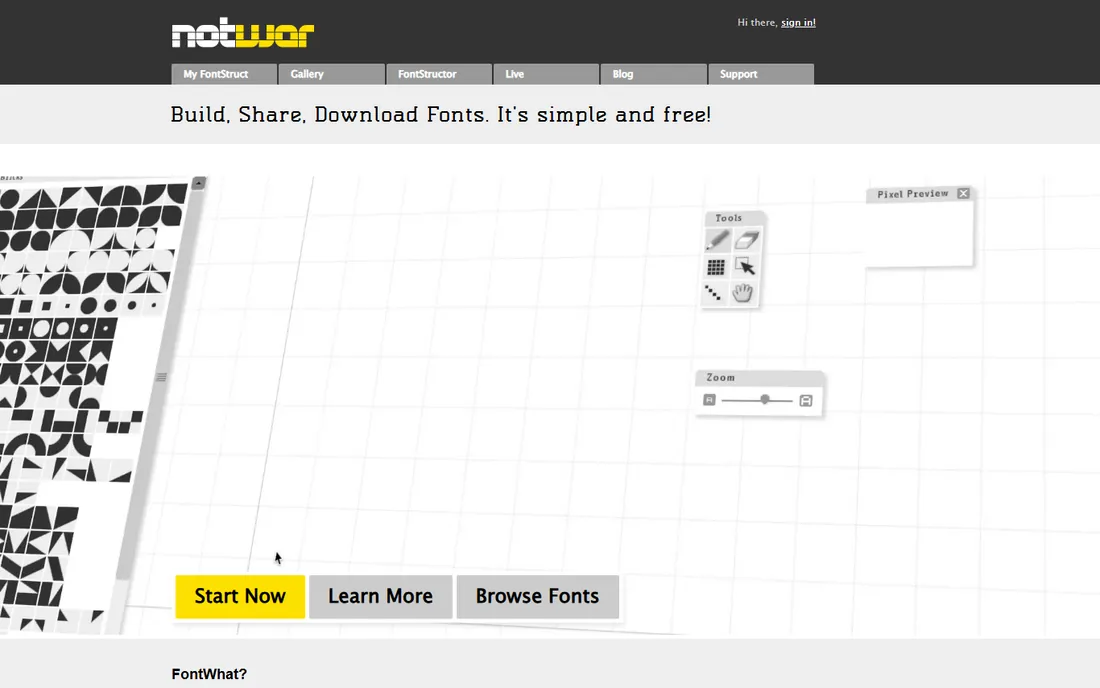
FontStruct takes a completely different approach: instead of drawing curves, you build letters from geometric blocks on a grid, like digital Lego. It sounds limiting, and it is, but that constraint is exactly why it works for beginners. You learn how letters are constructed (stems, bowls, counters, baselines) without fighting bezier handles, and the community gallery of top picks shows how far the block approach can go.
Everything is free, though you must register, and fonts you create carry Creative Commons licensing, which matters if you planned to sell them. FontStruct is owned by FontShop, a commercial type retailer, so expect some marketing for paid fonts around the edges. As a learning toy that produces real, usable TTF files, it has no equal. Many working type designers started here.
What we like- Building-block approach teaches letter structure
- Huge community gallery to learn from
- Instant TTF downloads
Watch out for- Blocky aesthetic limits refined designs
- Fonts must use Creative Commons licensing
- Owned by a commercial type retailer
Starting price$0 (free plan; Pro is paid)
Free planYes
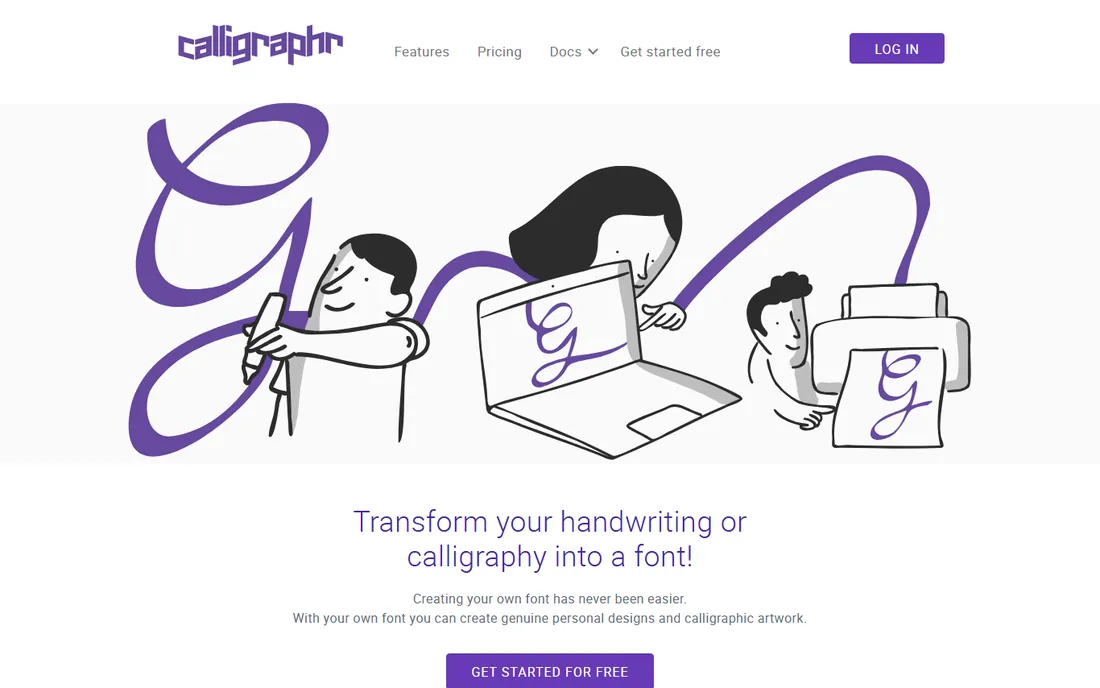
Calligraphr answers a specific desire: a font of your own handwriting. Download a template, fill in the letters by hand (or in Photoshop), upload it back, and Calligraphr builds a TTF or OTF you can install. The free plan covers the core workflow, and templates exist for many languages plus numbers and punctuation.
The free tier's limits are real: kerning control, metadata editing, and finer spacing adjustments sit behind the paid Pro plan, so free-tier fonts can look uneven at display sizes. Scan quality also matters more than the marketing suggests; a phone photo in bad light produces wobbly glyphs. For personal projects, invitations, and branding mockups, though, it delivers the magic trick in under an hour. Pair it with FontForge afterward if you want to fix kerning yourself.
What we like- Fastest path from handwriting to TTF
- Print-and-scan workflow needs no drawing skill
- Templates for many languages
Watch out for- Free tier limits editing (no kerning control)
- Spacing adjustments need the paid plan
- Output quality depends on your scan
#6
FontArk
Best for: experimenting with skeleton-based letter drawing
Visit fontark.net
Starting price$0 (free; account needed to download fonts)
Free planYes
FontArk's big idea is that you draw only the skeleton (centerline) of each character, and its engine generates the outline in real time. You then adjust width, roundness, and curves, and edit multiple characters at once to keep a family consistent. It exports OTF files, includes logotype and icon modes, and the site carries video tutorials aimed at beginners.
The caveats are visible. FontArk has been in open beta for years, the interface shows its age, and you should save often. You also need a free account to download the fonts you design, though the demo runs without registration. It is less polished than Glyphr Studio and less powerful than FontForge, but the skeleton-first approach teaches something valuable about how letterforms work. Worth an afternoon of play.
What we like- Automatic outline generator from drawn skeletons
- Multi-character editing for consistency
- Video tutorials for beginners
Watch out for- Still in open beta with occasional errors
- Works best in Chrome and Safari
- Save your work often
Starting price$0 (free; fonts licensed under SIL OFL)
Free planYes
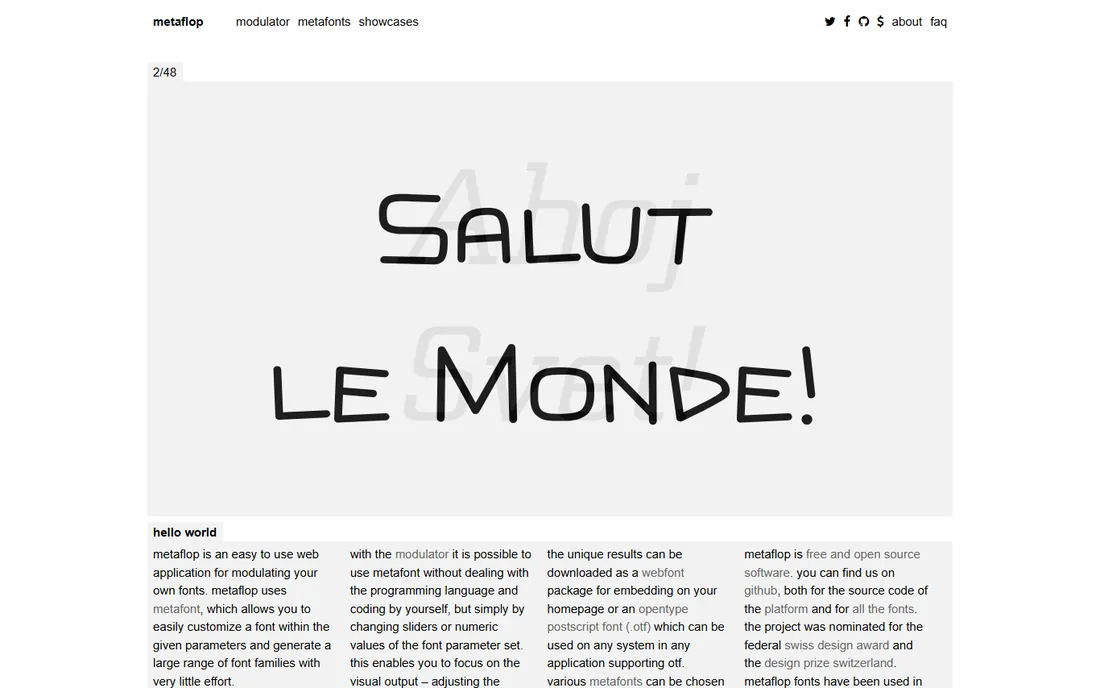
Metaflop's Modulator lets you design fonts without drawing anything: pick a base skeleton (Bespoke, Adjuster, Fetamont) and shape it with sliders for weight, contrast, x-height, serif style, and dozens of other parameters. Every change renders a live preview, and the finished fonts download free under the SIL Open Font License.
This is parametric design, and it has real limits: you are reshaping existing skeletons, not drawing original letterforms, so truly distinctive or refined typography is out of reach. Preview rendering runs server-side and can lag. But as a beginner tool it is revelatory: dragging a slider and watching an entire alphabet transform teaches the relationship between type variables faster than any tutorial. Use it to understand what makes fonts different before you draw your own.
What we like- No drawing required, pure parametric control
- Generated fonts are free under the OFL
- Fascinating way to learn type variables
Watch out for- Limited to the built-in font skeletons
- Subtle refined typography is hard
- Server-side rendering can be slow
#8
Fontself Maker
Best for: Illustrator users ready to graduate from free tools
Visit fontself.com
Starting price$49 (one-time)
Free planNo
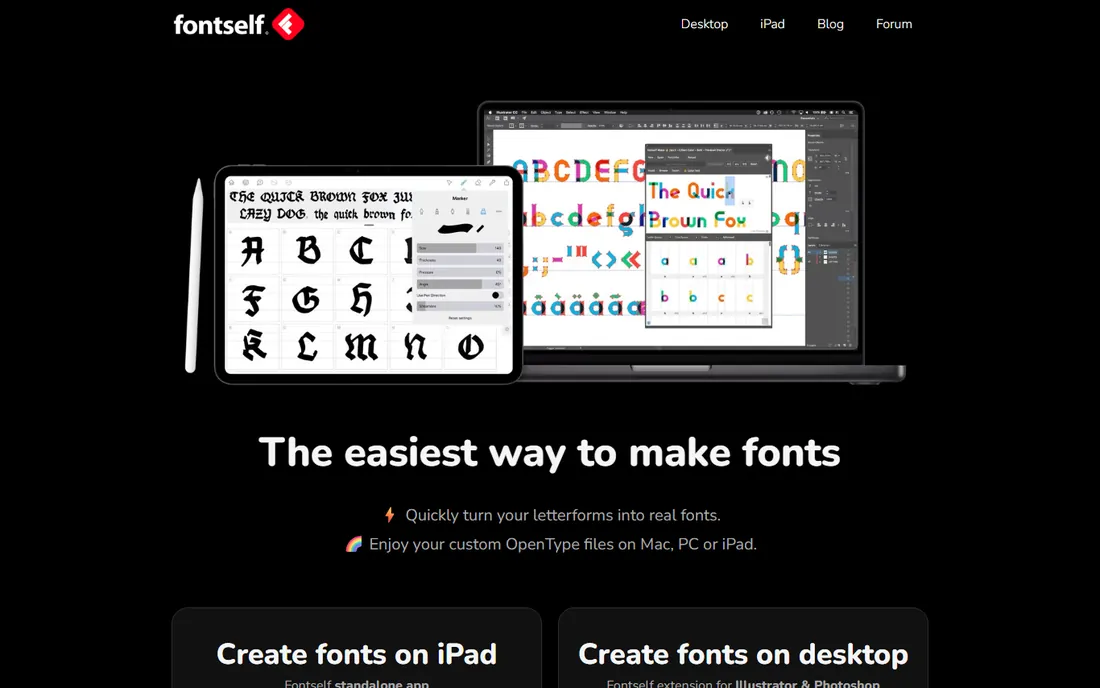
Fontself Maker is the paid step-up included here for a reason: it is the easiest way to turn lettering you have already drawn in Illustrator or Photoshop into a real OpenType font. Drag shapes into the panel, adjust spacing and baseline, add ligatures and alternates, and export an OTF in one click. For designers whose strength is lettering rather than type engineering, it removes nearly all friction.
At $49 one-time it is cheap next to FontLab or Glyphs, but it is not free, and it assumes you already pay for Adobe CC. It also offers less deep typographic control than a dedicated editor. Start with the free tools above; when your lettering is good enough that the tool is the bottleneck, Fontself is the most painless upgrade.
What we like- Create fonts inside Illustrator and Photoshop
- Drag-and-drop lettering to glyphs
- Fastest path from lettering art to OTF
Watch out for- Not free
- Requires an Adobe subscription on top
- Less typographic control than dedicated editors
A sensible learning path
Do not try to learn everything at once. Start with FontStruct for an afternoon to absorb how letters are built. Move to Glyphr Studio and design a real (if simple) typeface in the browser. Use Calligraphr the next time you want something personal and fast. When you hit the limits of the beginner tools, usually around kerning, OpenType features, or batch work, graduate to FontForge, which is free forever and deep enough to grow into for years. BirdFont is the alternative middle step if FontForge's interface defeats you.
How we chose
We looked for tools a beginner can actually start with today: free or free-tier pricing, no sales process, and evidence of real use through community galleries, tutorials, and open source activity. We excluded discontinued tools (several once-popular font apps are now abandonware) and tools with no verifiable free path. Prices are as listed on the vendors' own sites in October 2026; where "free" comes with license conditions (SIL OFL, Creative Commons), we say so, because the license is part of the price.
Frequently asked questions
Can I really design a professional font for free?
Yes. FontForge and BirdFont are capable of professional work, and commercial typefaces have been built with both. The free beginner tools teach the same fundamentals; the paid tools mostly add speed, polish, and support.
What is the easiest font design software for a total beginner?
Glyphr Studio for drawing-based design, FontStruct for block-based play, or Calligraphr if you want your handwriting as a font. All three produce a working font within your first session.
Do I need to know how to draw to design a font?
No. Calligraphr and Metaflop require no drawing at all, and FontStruct uses blocks instead of curves. Drawing skill helps with original letterforms, but many beginners start with handwriting or parametric tools.
What license should my first font use?
If you might share or sell it, the SIL Open Font License is the standard for free fonts. Note that BirdFont's free version and Metaflop's output already use OFL terms, and FontStruct creations use Creative Commons.
FontForge looks intimidating. Is there a gentler alternative?
Yes: Glyphr Studio for browser-based simplicity or BirdFont for a cleaner desktop interface. Learn the concepts there first, then return to FontForge when you need its depth.
When should I pay for font software?
When the tool is the bottleneck: you are selling fonts (BirdFont commercial is $4.99), you need deep OpenType control (FontLab, Glyphs), or your lettering workflow lives in Adobe apps (Fontself Maker at $49). Until then, the free tools cover everything a beginner needs.
Sources we checked (11)
- https://www.glyphrstudio.com
- https://fontforge.org/en-US/
- https://birdfont.org/download.php
- https://www.fontstruct.com
- https://www.calligraphr.com
- https://www.fontark.net
- http://www.metaflop.com/faq
- https://www.fontself.com
- https://en.wikipedia.org/wiki/FontForge
- https://github.com/hmishra2250/handwrite-font-maker/blob/HEAD/docs/research/market.md
- https://www.domestika.org/de/blog/3308-5-tools-to-design-and-edit-hand-drawn-fonts?exp_set=1
Is your product missing or out of date?
We review this list regularly. Vendors can request a listing, send updated pricing or ask about featured placement.

Shihab Mia · Founder, Rankite
Shihab has spent more than a decade helping SaaS and e-commerce brands grow through search. He writes Rankite's software buying guides from pricing pages, documentation and public user reviews. More about Shihab.