How we make this list: we compare pricing pages, product documentation and public user reviews. Rankite is independent; if a vendor ever pays for a featured spot, that listing is clearly labeled Partner.
Key takeaways
- Canva and CapCut are the fastest free ways to add animated backgrounds to videos and presentations.
- Blender is the only fully free professional option, with no watermarks or export limits, but it has a learning curve.
- Animaker and Renderforest offer template-driven animated backgrounds on free plans, with watermarks on exports.
- Every free tier caps something: resolution, watermark, export count or length. Check the limit before starting a project.
The best free background animation software
A static background makes a video look unfinished, but hiring a motion designer for every intro is not in the budget. Animated backgrounds, looping gradients, particles, 3D scenes, moving patterns, sit behind your content and make it look produced. These eight tools create them for free, from one-click templates to full 3D software. The catch with every free tier is the same: a watermark, a resolution ceiling or an export limit somewhere. Know the limit before you start.

#1
Canva
Best for: animated backgrounds for presentations and social video
Visit canva.com
Starting priceFree; Pro ~$18/month
Free planYes
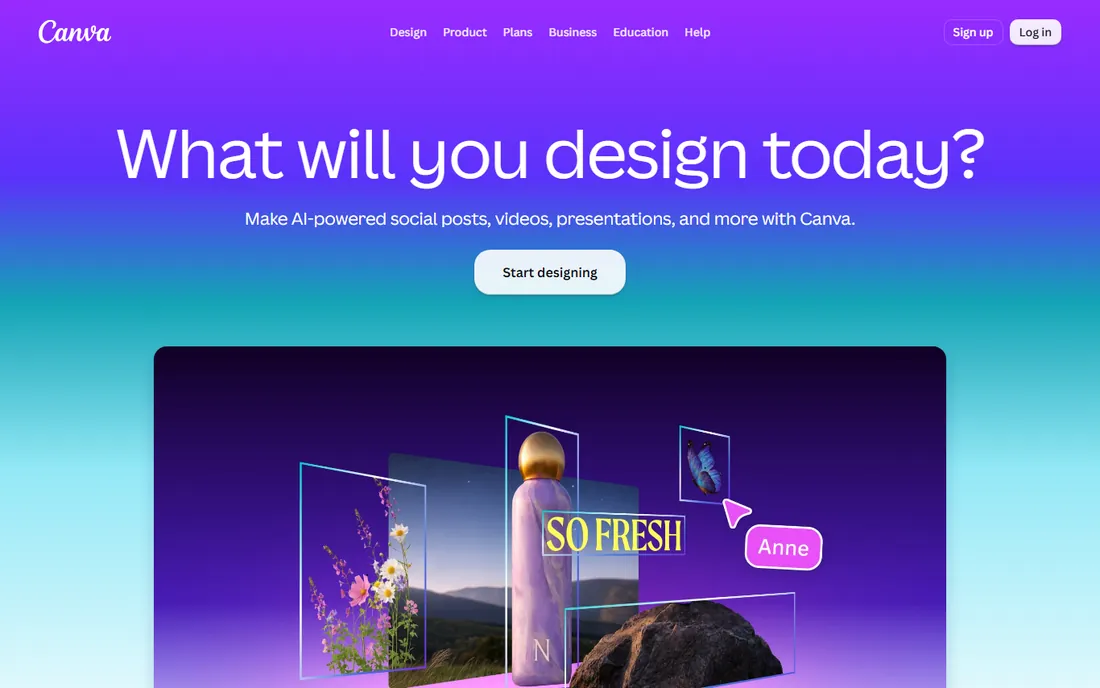
Canva's animated backgrounds are the fastest option here: pick a template, customize the colors, and export a looping background for a presentation, YouTube intro or social post. The free tier includes plenty of animated templates, and anything you design can be animated with one click.
Pro at around $18 a month adds premium animations, background remover and higher-quality exports. For quick, good-looking animated backgrounds with zero learning curve, Canva is the default. Just check the export resolution on the free tier before promising a client 4K. Teams also use it for consistent branding: save a background as a template and every video on the channel matches.
What we like- Huge library of animated background templates
- One-click animation on any design
- Generous free tier
Watch out for- Free videos limited to 720p in some cases
- Premium animations need Pro
- Designs can look template-like
Starting priceFree
Free planYes
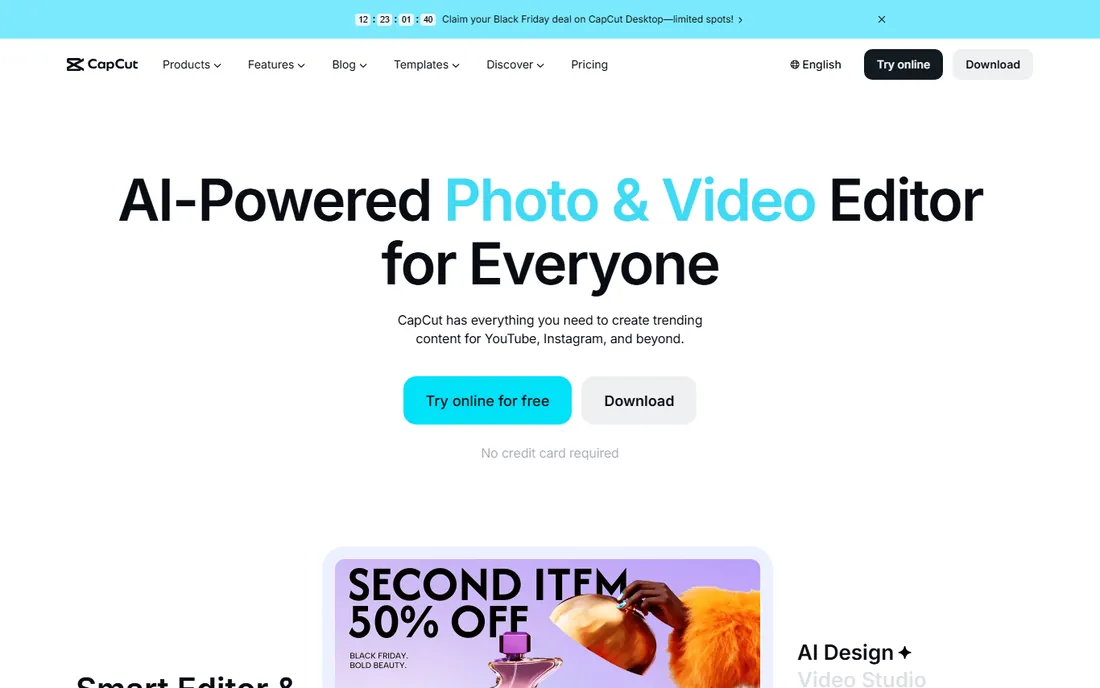
CapCut includes animated backgrounds, effects and overlays in its free editor: looping particle effects, gradient animations and motion backgrounds you can drop behind text or footage. For social videos, it is the quickest path from idea to finished background.
The free tier is strong, though some premium effects and watermark-free exports need Pro. For short-form content, nothing free is faster. Longer projects should check export limits before committing to a workflow.
What we like- Free animated effects and backgrounds
- Auto-captions and templates
- No install needed for web version
Watch out for- Some exports watermarked
- Premium effects behind Pro
- Best for short-form content

#3
Blender
Best for: professional 3D animated backgrounds with no limits
Visit blender.org
Starting priceFree
Free planYes
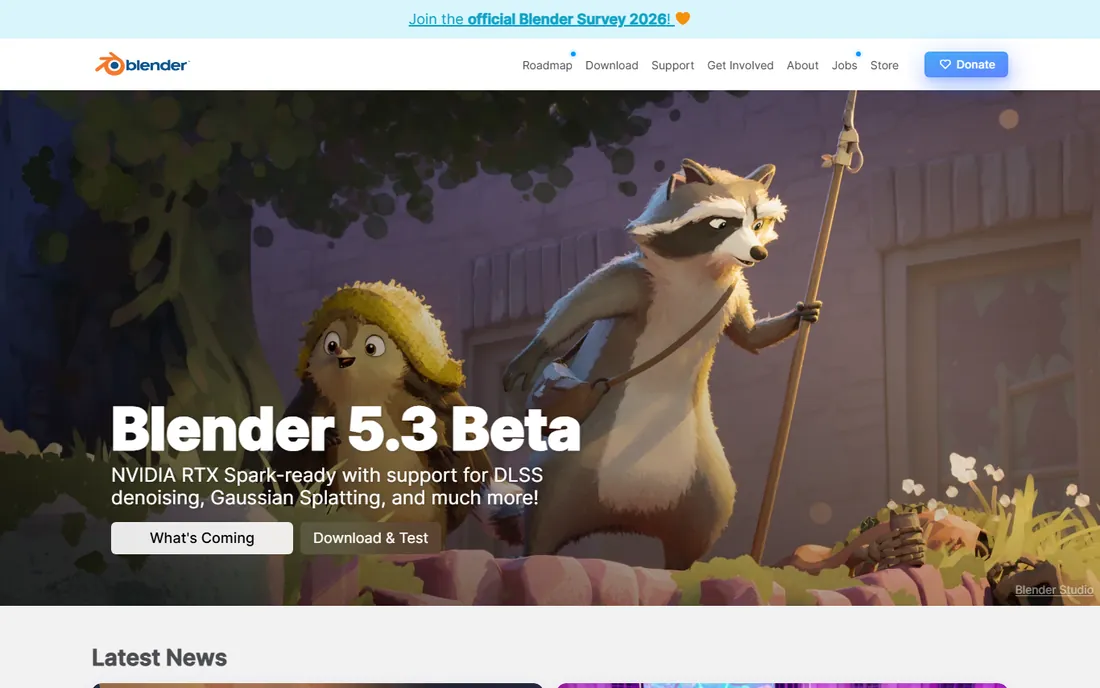
Blender is the only tool here with no catch: free, open source, no watermarks, no export limits, no resolution ceiling. You can build cinematic 3D animated backgrounds, particle systems and motion graphics that rival paid software. The community tutorials cover exactly this use case.
The price is the learning curve. Blender is professional 3D software, and simple animated backgrounds still require learning the basics. But if you will make backgrounds regularly, the hours invested pay off permanently, because the tool never charges you. Start with the free donut tutorial series the community recommends, then move to motion-graphics tutorials specifically; within a week you can produce clean looping backgrounds that look anything but free.
What we like- Completely free with no watermarks or limits
- Studio-grade 3D animation
- Huge tutorial community
Watch out for- Steep learning curve
- Overkill for simple backgrounds
- Needs a decent computer for rendering
Starting priceFree; Premium from $29/month
Free planYes
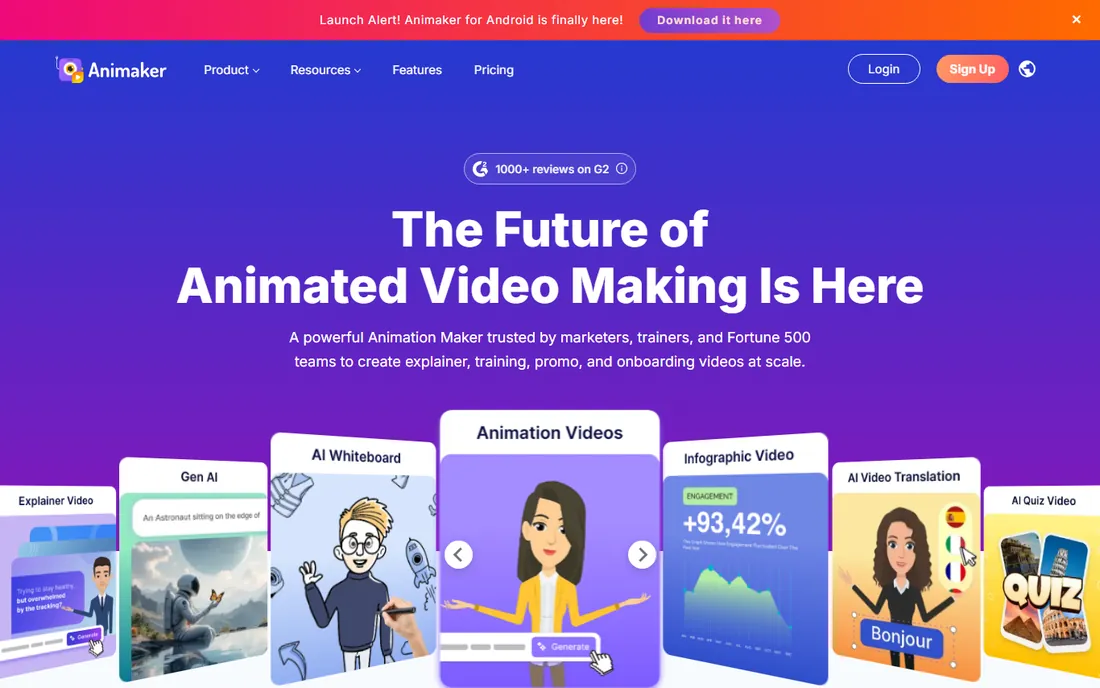
Animaker's free plan lets you build animated backgrounds, intros and explainer scenes from templates with its Smart Move auto-animation. The character builder and object library make it easy to create custom animated scenes without design skills.
Free videos export with a watermark and an Animaker outro, with limited downloads, so the free tier is really a trial. Premium starts at $29 a month for HD exports and commercial rights. For template-driven animated content on a budget, it is a solid pick once you accept the paid tier.
What we like- Large template library
- Character builder and Smart Move animation
- Easy for beginners
Watch out for- Free exports have watermarks and an outro
- Limited downloads on free
- Premium needed for HD and commercial rights
Starting priceFree
Free planYes
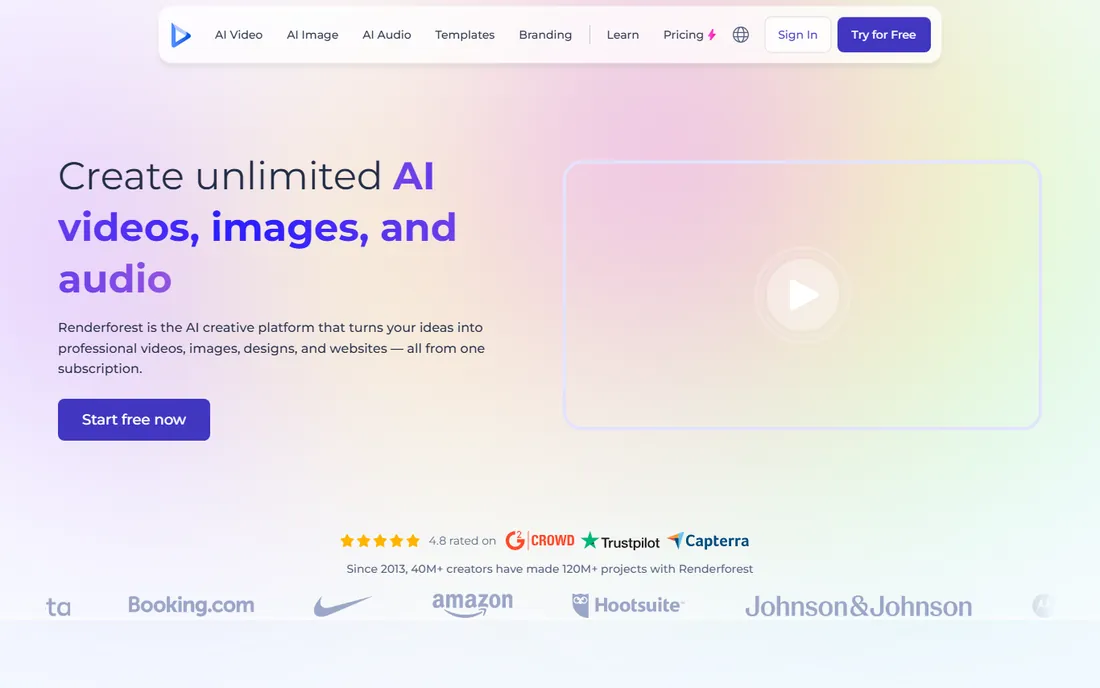
Renderforest specializes in the branded end of backgrounds: animated logo reveals, intro sequences and branded motion backgrounds from template packs. Customize colors and text in the browser, preview instantly, and export.
The free plan watermarks exports and caps quality; clean HD output needs a subscription or pay-per-export. For a startup that needs a professional intro animation without a designer, the templates do the job. Heavy users should compare the subscription against hiring a freelancer for a one-off, since a single custom intro often costs less than a year of template subscriptions.
What we like- Template packs for intros, logos and backgrounds
- Easy customization
- Browser-based
Watch out for- Free plan has watermarks and quality limits
- Pay-per-export or subscription for clean output
- Templates can feel generic

#6
FlexClip
Best for: simple animated backgrounds from templates and stock
Visit flexclip.com
Starting priceFree
Free planYes
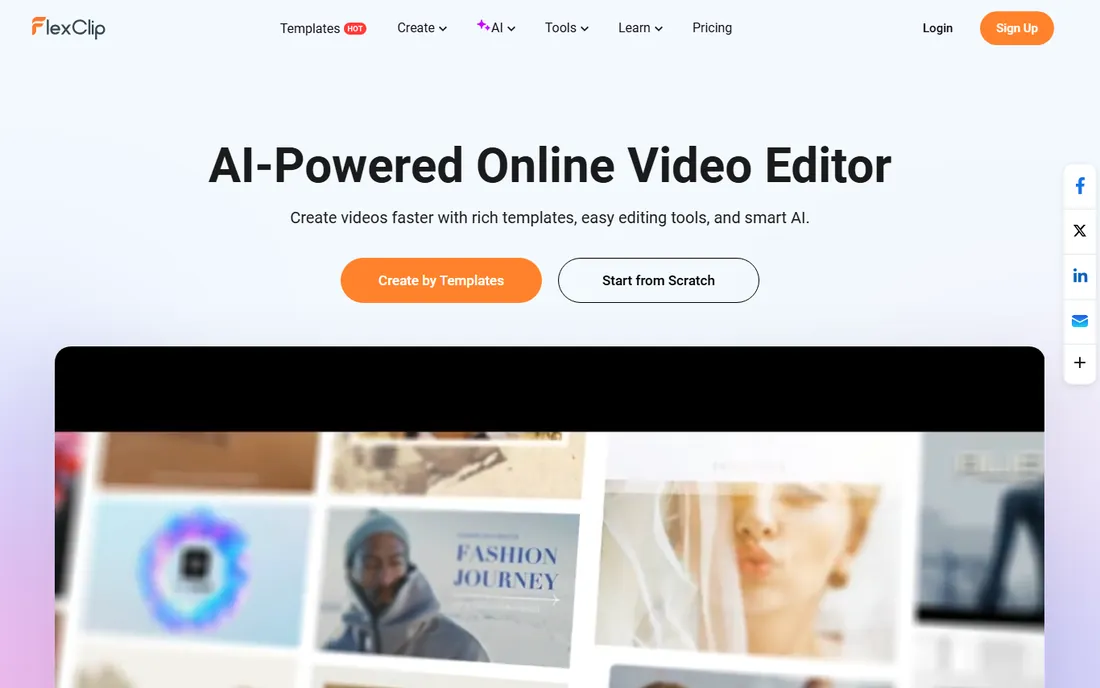
FlexClip offers animated background templates with stock footage and music in a simple editor: pick a template, adjust, export. It is less overwhelming than full animation suites and faster than building from scratch.
The free tier limits export length and resolution, with paid plans from about $20 a month removing the caps. For simple marketing videos with animated backgrounds, FlexClip hits a nice middle ground between Canva's design focus and CapCut's social focus.
What we like- Easy template workflow
- Stock footage and music included
- Free tier for trying
Watch out for- Free exports limited in length and resolution
- Advanced features need paid plans
- Smaller template library than Canva
Starting priceFree
Free planYes
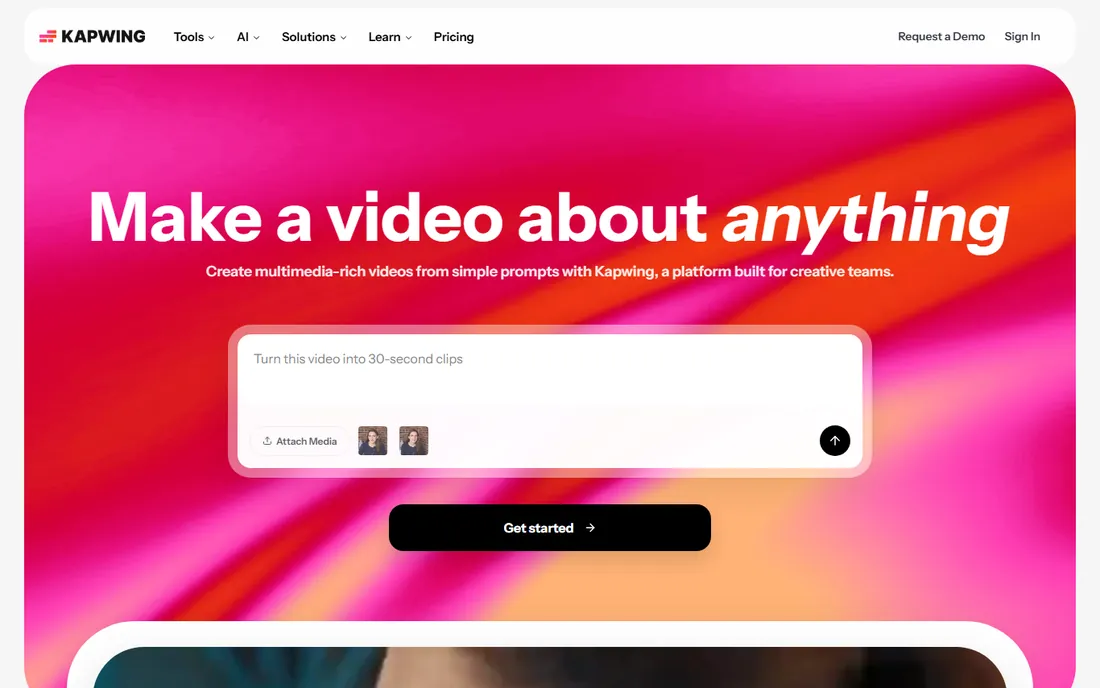
Kapwing's browser editor handles animated backgrounds, overlays and simple motion graphics with no install: upload, add animated elements, export. The collaboration features help teams review backgrounds together.
Free exports carry watermarks, and paid plans remove them with faster processing. For quick turnaround backgrounds where the team needs to comment and approve, Kapwing's sharing beats desktop tools. For solo work, CapCut's free tier is stronger.
What we like- No install
- Fast for simple animated backgrounds and overlays
- Collaboration built in
Watch out for- Free exports watermarked
- Slower on complex projects
- Paid plans for clean exports

#8
Veed
Best for: animated backgrounds with auto-subtitles
Visit veed.io
Starting priceSee website
Free planYes
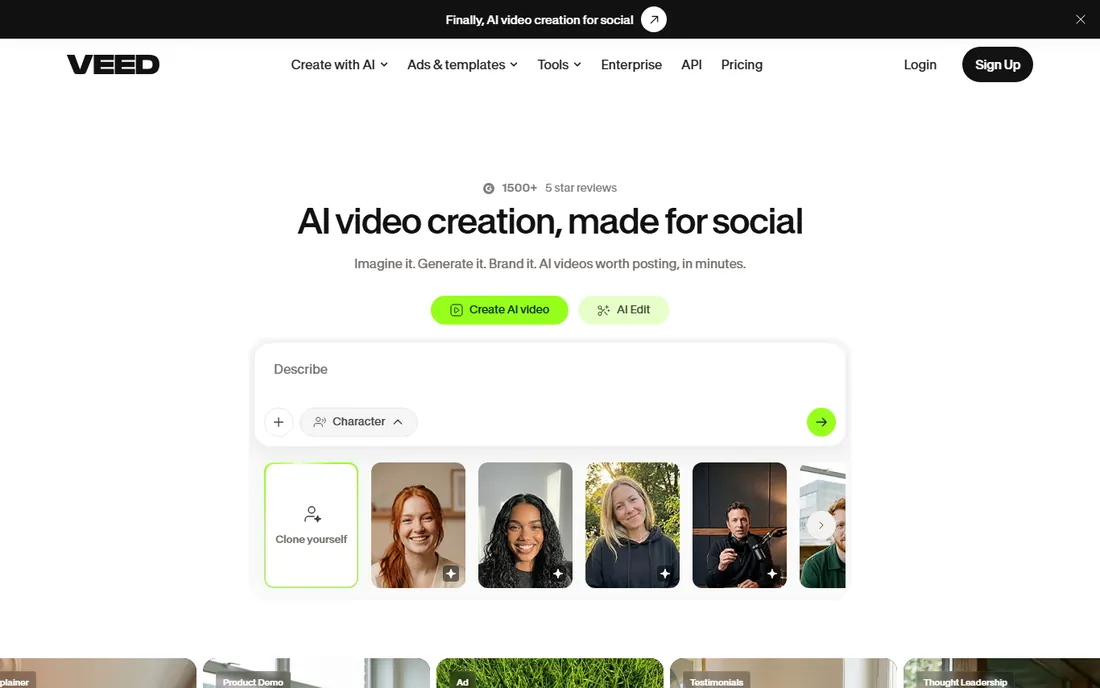
Veed combines animated backgrounds with excellent auto-subtitling: build a talking-head video with a motion background and accurate captions in one session. The browser editor is clean and fast for straightforward projects.
The free plan watermarks exports and limits features; paid plans remove them. Check current pricing on the site, as it is per-editor. For creators who need backgrounds plus captions in one workflow, Veed is the most streamlined option here.
What we like- Clean browser editor
- Animated backgrounds and effects
- Strong auto-subtitle tools
Watch out for- Free plan has watermarks and limits
- Pricing is per-editor
- Best for short content
How to choose free background animation software
Match the tool to your skill and patience. Need a background in ten minutes? Canva, CapCut or FlexClip. Willing to learn for permanent free quality? Blender. The template tools get you 80 percent of the way in 10 percent of the time; Blender gets you 100 percent after a real investment.
Read the free tier limits before you start. Every tool here caps something: Canva and Animaker watermark or limit resolution, Renderforest and Kapwing watermark free exports, FlexClip limits length. Nothing is more frustrating than finishing a background and discovering the export you need costs $29. Check the limit first, then build.
Think about reuse. A background you will use in fifty videos deserves more effort than a one-off. Spend the Blender hours, or pay for one clean Renderforest export, on the backgrounds that become your brand. For experiments and drafts, the free tiers are perfect.
Consider the format you actually need. A YouTube intro wants 16:9, a Reel wants 9:16, and a presentation wants something subtle that will not fight your text. Canva's Magic Switch and CapCut's format presets resize one background across formats, which saves rebuilding it three times. Pick a tool that exports in every aspect ratio you publish in.
Frequently asked questions
What is the best completely free background animation software?
Blender: free, open source, no watermarks, no export limits, no resolution ceiling. The trade is the learning curve. For template-based work with no learning curve, Canva and CapCut have the best free tiers, though both impose some limits.
Can I make animated backgrounds without animation skills?
Yes. Canva, Animaker, Renderforest, FlexClip and Kapwing all offer templates where you customize colors and text without animating anything manually. Blender and advanced CapCut effects need real skills, but the template tools need none.
Do free animated background tools add watermarks?
Most do. Animaker, Renderforest, Kapwing and Veed watermark free exports; Canva and CapCut have some limits but are more generous. Blender is the only tool here with zero watermarks on free output.
Where can I download free animated backgrounds without making them?
Stock sites like Pixabay, Pexels and Coverr offer free looping background videos with permissive licenses. They are the fastest option when you do not need anything custom. The tools in this guide earn their place when you want branded colors, your own logo or a look nobody else is using.
What resolution can I export for free?
It varies: Canva free exports video up to 720p in many cases, while paid tiers offer 1080p and 4K. Blender exports at any resolution your hardware can render. Always check the current free-tier resolution before starting client work.
Can I use free animated backgrounds commercially?
It depends on the license. Blender output is yours with no restrictions. Template tools typically require a paid plan for commercial rights: Animaker's free plan excludes commercial use, for example. Read the terms for the specific tool before using backgrounds in client or monetized work.
Quick comparison
| Tool | Best for | Starting price | Free plan |
|---|
| Canva | animated backgrounds for presentations and social video | Free; Pro ~$18/month | Yes |
 CapCut CapCut | animated video backgrounds with effects | Free | Yes |
| Blender | professional 3D animated backgrounds with no limits | Free | Yes |
 Animaker Animaker | template-driven animated backgrounds and intros | Free; Premium from $29/month | Yes |
 Renderforest Renderforest | logo animations and branded video backgrounds | Free | Yes |
| FlexClip | simple animated backgrounds from templates and stock | Free | Yes |
 Kapwing Kapwing | quick animated backgrounds in the browser | Free | Yes |
| Veed | animated backgrounds with auto-subtitles | See website | Yes |
Is your product missing or out of date?
We review this list regularly. Vendors can request a listing, send updated pricing or ask about featured placement.
Sources we checked (10)
- https://www.canva.com
- https://www.capcut.com
- https://www.blender.org/
- https://www.animaker.com/
- https://www.renderforest.com/
- https://flexclip.com
- https://kapwing.com
- https://www.veed.io
- https://www.almabetter.com/bytes/articles/best-animation-websites
- https://www.lilachbullock.com/free-ai-animation-tools-for-beginners/
Is your product missing or out of date?
We review this list regularly. Vendors can request a listing, send updated pricing or ask about featured placement.

Shihab Mia · Founder, Rankite
Shihab has spent more than a decade helping SaaS and e-commerce brands grow through search. He writes Rankite's software buying guides from pricing pages, documentation and public user reviews. More about Shihab.