How we make this list: we compare pricing pages, product documentation and public user reviews. Ratings come from G2, Capterra or Trustpilot, with the date we checked them.
Key takeaways
- Canva and Adobe Express give you the most complete free design editors, with templates, stock assets, and AI features included at no cost.
- Microsoft Designer and Adobe Firefly are the strongest free routes to AI-generated images, though both cap free generations.
- Ideogram stands out when the image must contain readable text, such as a poster headline or a logo wordmark.
- Free plans are genuinely usable for social posts and simple graphics, but background removal, brand kits, and high-resolution exports often sit behind paid plans.
Quick comparison
| Tool | Best for | Starting price | Free plan |
|---|
 Canva Canva | All-round free design for social, print, and presentations | Free; Pro $144/year | Yes |
 Adobe Express Adobe Express | Social graphics with Adobe fonts and stock assets | Free; Premium $9.99/month | Yes |
 Microsoft Designer Microsoft Designer | Fast AI images and suggested layouts from a short prompt | Free with a Microsoft account | Yes |
 Adobe Firefly Adobe Firefly | AI images trained on licensed content for commercial use | See website | Yes |
 Ideogram Ideogram | AI images where text must read correctly | See website | Yes |
 Leonardo AI Leonardo AI | Illustrations, game art, and concept images | Free; paid from $10/month | Yes |
 VistaCreate VistaCreate | Template-first social and marketing design on a budget | Free; Pro $10/month | Yes |
 Pixlr Pixlr | Free browser photo editing with AI retouching tools | Free; paid plans available | Yes |
Is your product missing or out of date?
We review this list regularly. Vendors can request a listing, send updated pricing or ask about featured placement.
The best free AI design apps
#1Canva
Best for: All-round free design for social, print, and presentations4.7/5 on
G2 (7,678 reviews, checked Oct 2026)
Visit canva.com
Starting priceFree; Pro $144/year
Free planYes
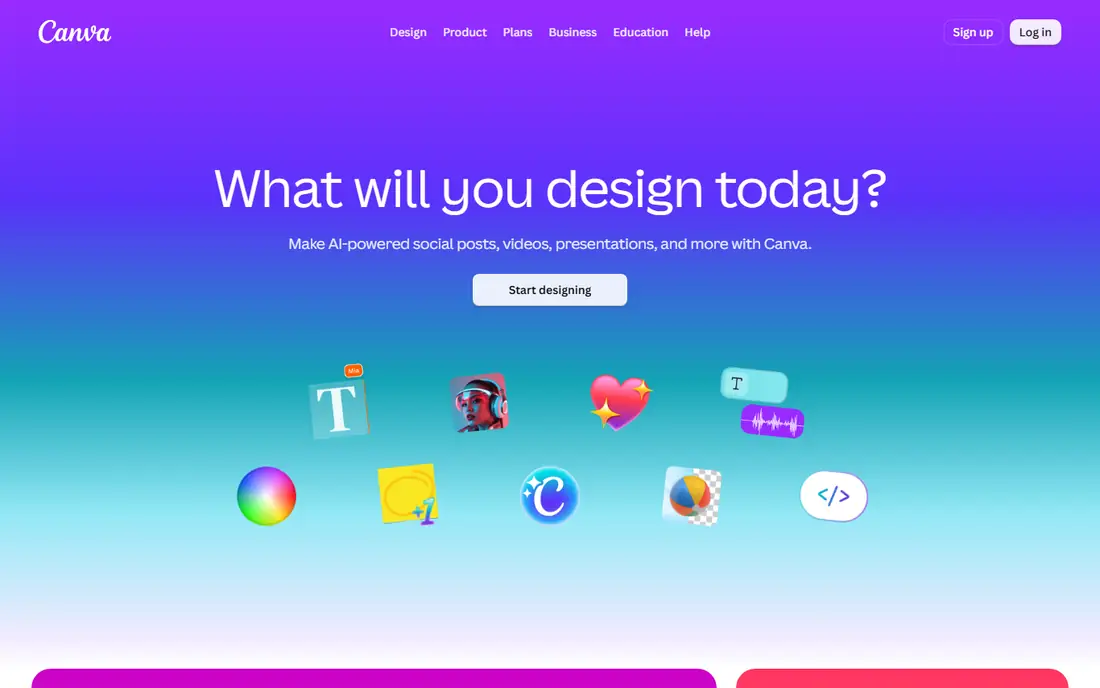
Canva remains the default free design app for a simple reason. You can open it in a browser, pick a template sized for the exact post you need, and finish a decent graphic in minutes. The free plan covers thousands of templates, a large stock photo library, and basic AI features, which is enough for most social posts, flyers, and classroom materials.
The catch shows up when a project needs polish. Background removal, one-click resizing, and brand kits all require Pro, and premium elements can slip into a free design and add a watermark or a paywall at export. Still, for a free starting point with the widest template choice, Canva is hard to beat. Check each element before you export so a locked item does not surprise you at the end.
What we like- Huge free template library
- Easy drag-and-drop editor
- AI tools for image generation, background removal on some plans, and Magic Design layouts
Watch out for- Background remover and brand kit need Pro
- Some templates, photos, and fonts are paywalled
#2Adobe Express
Best for: Social graphics with Adobe fonts and stock assets4.5/5 on
G2 (855 reviews, checked Oct 2026)
Visit adobe.com
Starting priceFree; Premium $9.99/month
Free planYes
Adobe Express pairs a template editor with Firefly, Adobe's image generation model, so you can generate an image and drop it straight into a layout. The free plan needs no payment card and includes a large set of templates plus stock assets, which makes it a solid Canva alternative for people who prefer Adobe's type and photo libraries.
Where Express falls short is depth. The free template range is narrower than Canva's, and the features that save the most time, such as resize and brand kits, sit behind the $9.99 monthly Premium plan. If you already pay for a Creative Cloud plan, Express Premium may already be included, so check your subscription before paying twice.
What we like- Strong free template set
- Adobe Fonts included
- Firefly image generation built in
Watch out for- Best features, including brand kits and one-click resize, need Premium
- Smaller template library than Canva
#3Microsoft Designer
Best for: Fast AI images and suggested layouts from a short prompt4.6/5 on
G2 (23 reviews, checked Oct 2026)
Visit designer.microsoft.com
Starting priceFree with a Microsoft account
Free planYes
Microsoft Designer takes a different approach from template editors. You describe what you want, and it returns finished design options with images and layouts already assembled. That makes it a good fit for someone who needs a birthday invite, a social post, or a thumbnail and does not want to browse templates.
Control is the trade-off. Editing a generated layout beyond text and colors takes more effort than in Canva, and results vary with the prompt. Use Designer for speed and first drafts, then move to a fuller editor when a design needs precise alignment or a custom layout.
What we like- Quick prompt-to-design workflow
- Image generation included
- No design skill needed to start
Watch out for- Less manual control than Canva or Express
- Layout suggestions can feel generic
#4Adobe Firefly
Best for: AI images trained on licensed content for commercial use4.4/5 on
G2 (373 reviews, checked Oct 2026)
Visit firefly.adobe.com
Starting priceSee website
Free planYes
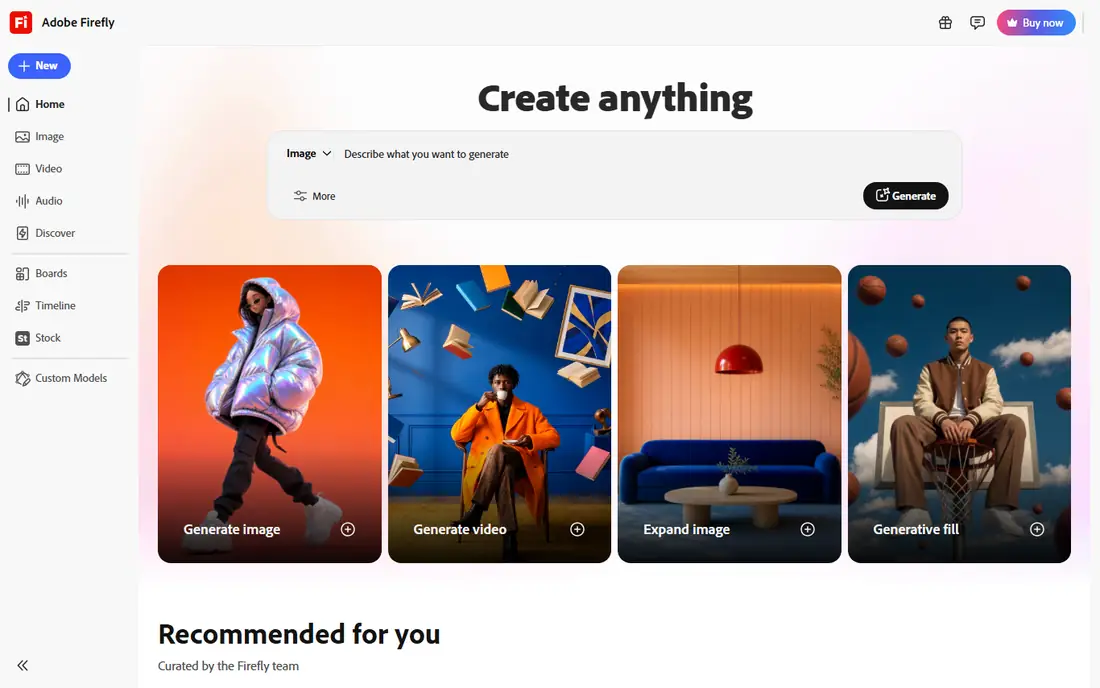
Firefly matters because of how it was trained. Adobe built it on licensed stock and public domain material, which gives businesses more confidence using generated images in client work than models trained on scraped web images. It also plugs directly into Photoshop and Adobe Express, so generated art can move into an edit without downloading and re-uploading files.
The free plan is a sampler, not a studio. Monthly generative credits run out quickly if you generate many variations, and heavy users will need a paid Firefly or Creative Cloud plan. For occasional commercial images where licensing clarity matters, the free tier is still worth trying first.
What we like- Trained on licensed Adobe Stock and public domain content
- Integrates with Photoshop and Express
- Clear commercial-use terms
Watch out for- Free generation allowance is limited
- Best value comes inside paid Adobe plans
Starting priceSee website
Free planYes
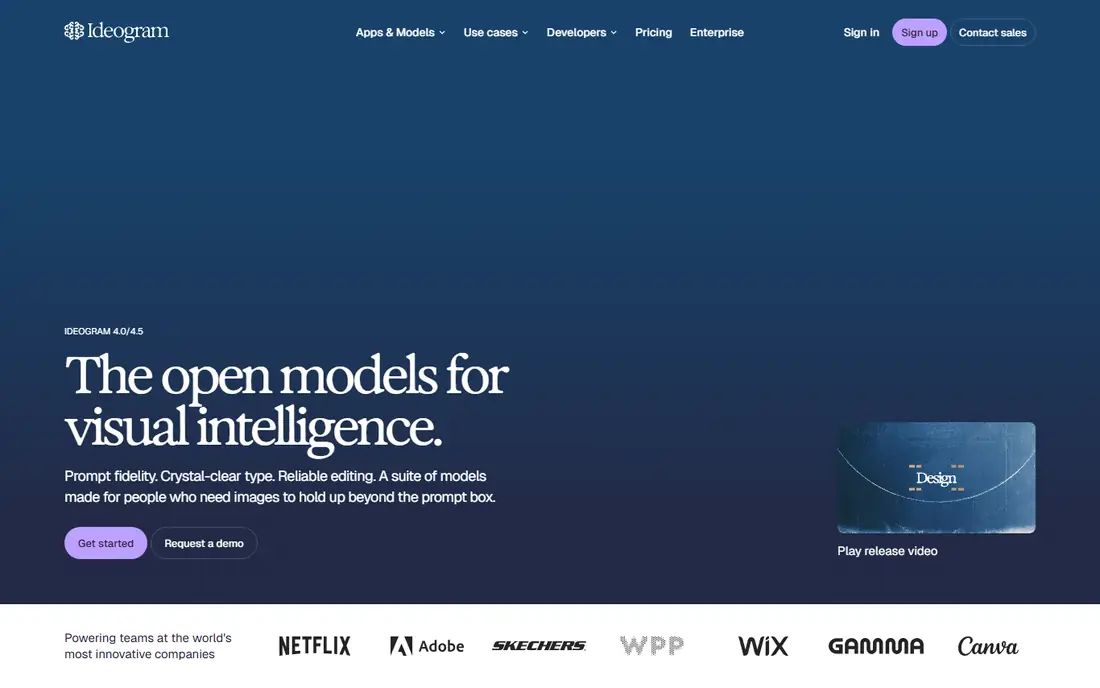
Most image generators mangle words. Ideogram is the exception, and that single strength makes it the right pick for posters, event graphics, and logo concepts where a headline or brand name must spell correctly. Type a prompt with the exact wording in quotes, and the output usually keeps it intact.
Free users get a daily allowance of generations, so prompt carefully rather than generating dozens of variants. Ideogram also offers less stylistic tuning than tools aimed at illustrators, and complex scenes can still produce odd details. For text-heavy graphics, though, no other free tool in this list matches it.
What we like- Best-in-class text rendering inside generated images
- Good for posters, logos, and typography-led art
Watch out for- Daily free generation limits
- Less control over fine artistic style than Midjourney or Firefly
#6Leonardo AI
Best for: Illustrations, game art, and concept images4.5/5 on
G2 (32 reviews, checked Oct 2026)
Visit leonardo.ai
Starting priceFree; paid from $10/month
Free planYes
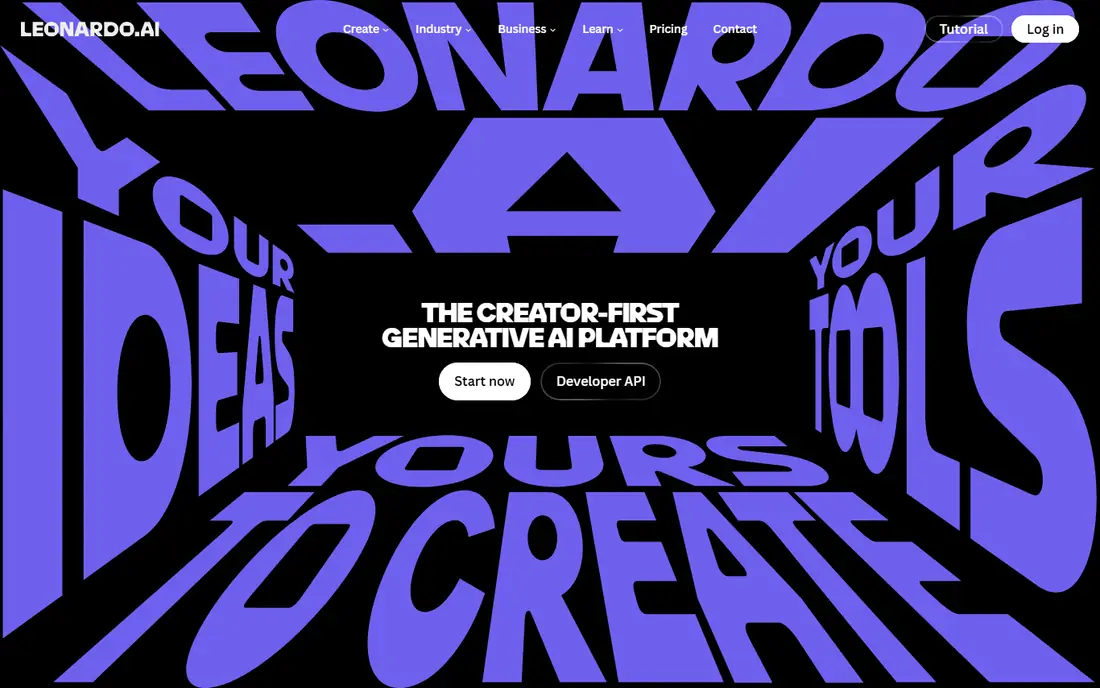
Leonardo AI grew out of the game art community, and it shows. You can pick from many community and house models, tune styles, and keep characters consistent across images, which suits concept art, book covers, and game assets. The free plan refills tokens daily, so casual use costs nothing.
Beginners may find the number of models and settings confusing at first, and the free token budget disappears quickly if you upscale or generate at large sizes. Start with the default models and small sizes, then spend tokens on the versions worth keeping. For stylized illustration, Leonardo gives free users more control than most rivals.
What we like- Daily free tokens
- Fine control over style and models
- Strong for characters and game assets
Watch out for- Free tokens run out fast on large images
- Interface has a learning curve for beginners
#7VistaCreate
Best for: Template-first social and marketing design on a budget4.5/5 on
G2 (171 reviews, checked Oct 2026)
Visit vistacreate.com
Starting priceFree; Pro $10/month
Free planYes
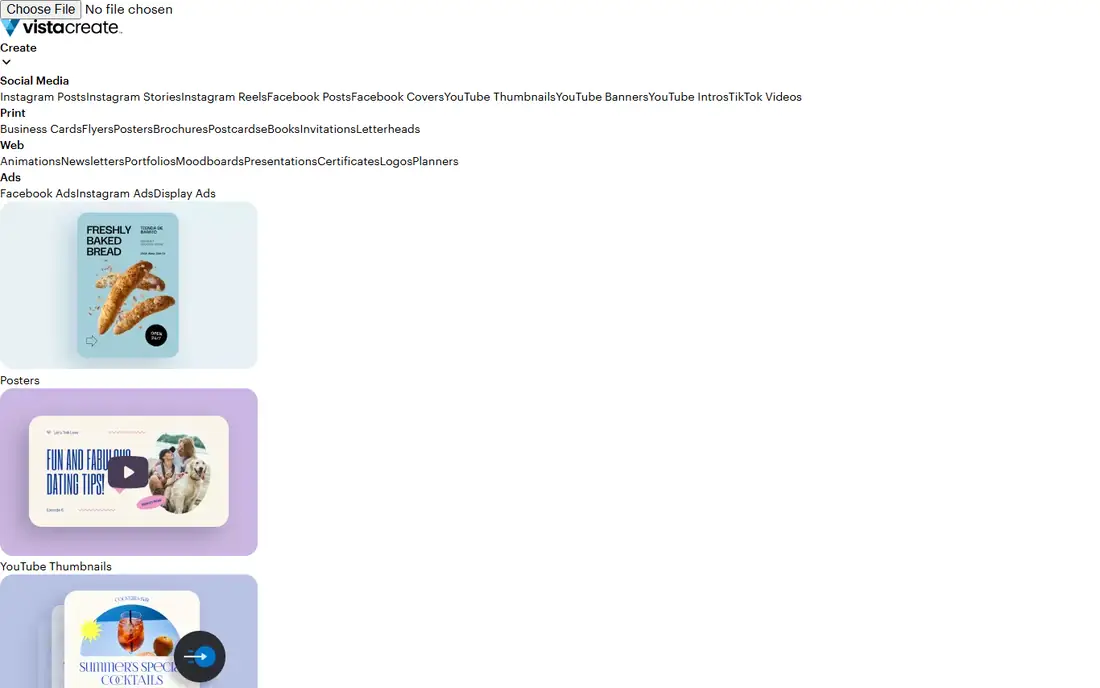
VistaCreate is the quiet alternative to Canva. Its editor works the same way, with templates for social posts, ads, and print, and its Pro plan costs less than Canva Pro. The free Starter plan covers basic design well, including a solid template set and free photos.
The gaps are AI depth and asset range. VistaCreate's AI tools are thinner than Canva's Magic Studio or Adobe's Firefly integration, and its stock library is smaller. If your work is mostly template-based and you want a cheaper Pro upgrade path, VistaCreate deserves a look. If AI generation is the main job, pair it with a dedicated generator.
What we like- Large template library for the price
- Background remover on Pro
- Simple editor
Watch out for- Smaller stock library than Canva
- Fewer AI features on the free plan
#8Pixlr
Best for: Free browser photo editing with AI retouching tools4.4/5 on
G2 (751 reviews, checked Oct 2026)
Visit pixlr.com
Starting priceFree; paid plans available
Free planYes
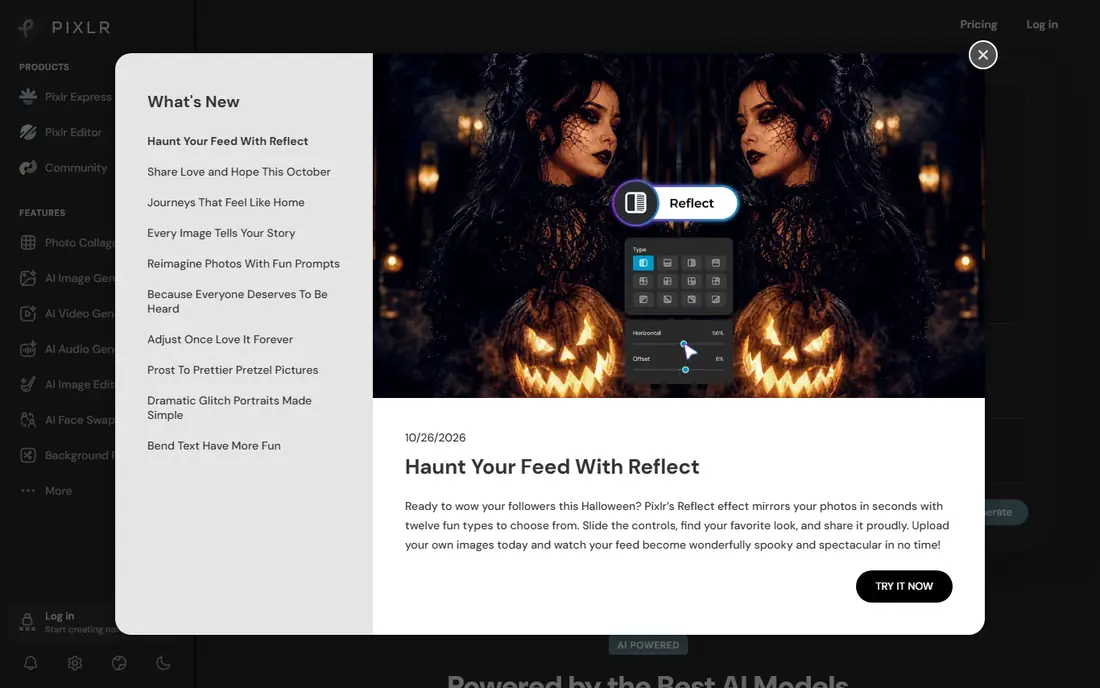
Pixlr is not a template app, and that is its appeal. It is a photo editor that runs in the browser, with layers, masks, and adjustment tools that feel familiar to anyone who has used desktop editing software. Its AI tools remove backgrounds and unwanted objects, and the free plan handles everyday retouching without an install.
Ads support the free tier, and they can interrupt the workflow. Some AI features and higher-resolution exports require a paid plan, so check the export size before starting a print project. For quick photo fixes and social images, Pixlr is the most capable free editor that needs no download.
What we like- Runs fully in a browser with no install
- AI background removal and object removal
- Familiar Photoshop-style tools
Watch out for- Ads on the free plan
- Some AI tools and high-resolution saves need a paid plan
How we chose
We compared tools that offer a genuinely usable free plan in October 2026, not just a free trial, and that cover the two jobs behind this search: designing layouts and generating images with AI. Pricing and free-plan details were checked against vendor pricing pages and recent vendor documentation, and public reviews on G2, Capterra, and Reddit helped flag limits such as credit caps and paywalled exports. Tools that required a paid plan for any real use, or that had shut down, were left out.
What to check before you commit to a free plan
Free rarely means unlimited, so read the limits before you build a workflow around one app. Three checks save the most frustration.
Generation credits and export limits
Most AI tools refill a monthly or daily credit balance, and large images cost more credits than small ones. If you generate twenty versions of every image, even a generous free plan will run dry. Decide how many images you actually need each week, then match that number to the plan.
Commercial use and licensing
Template apps and AI generators differ on commercial use, and terms change. Adobe Firefly's licensed training data is a plus for client work, while other tools may restrict commercial use of free-tier outputs or require attribution. Read the terms on the vendor's site before using free outputs in paid work.
The upgrade that matters
Every tool in this list has one paid feature that changes the experience, usually background removal, brand kits, or extra credits. Try the free plan for a week first, note which locked feature you keep reaching for, and upgrade only for that one thing. Paying for the cheapest plan that opens it beats buying the top tier on day one.
Frequently asked questions
Is there a completely free AI design app with no limits?
No. Every tool in this list caps something, whether generations, exports, storage, or features. Canva and Adobe Express come closest for layout design, since their free plans stay usable indefinitely, but AI credits and premium features stay limited.
Can I use free AI-generated images for my business?
It depends on the tool's terms. Adobe Firefly is designed for commercial use, while other generators vary by plan. Check the license terms on the vendor's site for the plan you use, and keep a copy of the terms when images go into client or commercial work.
Which free AI design app is best for social media posts?
Canva, for its template range and sizing presets, with Adobe Express as the closest alternative. Both cover the major platforms and let you resize designs, though Canva's resize tool needs Pro.
Which tool is best for AI images with text?
Ideogram, by a clear margin. It renders words inside images more reliably than general generators, which makes it the best free choice for posters, invitations, and logo concepts that include a name or headline.
Do I need to install anything to use these apps?
Mostly no. Canva, Adobe Express, Microsoft Designer, Ideogram, Leonardo AI, VistaCreate, and Pixlr all run in a browser. Mobile apps exist for several of them, but the browser versions cover the full workflow for most users.
Sources we checked (8)
- https://www.canva.com/pricing/
- https://www.adobe.com/express/pricing.html
- https://designer.microsoft.com
- https://firefly.adobe.com
- https://ideogram.ai
- https://leonardo.ai/pricing
- https://www.vistacreate.com/pricing/
- https://pixlr.com/pricing/
Is your product missing or out of date?
We review this list regularly. Vendors can request a listing, send updated pricing or ask about featured placement.

Shihab Mia · Founder, Rankite
Shihab has 5+ years in B2B and SaaS SEO. He writes Rankite's software buying guides from pricing pages, documentation and public user reviews. More about Shihab.