How we make this list: we compare pricing pages, product documentation and public user reviews. Rankite is independent; if a vendor ever pays for a featured spot, that listing is clearly labeled Partner.
Key takeaways
- Google Stitch, the former Galileo AI, is free in beta with daily credits, which makes it the best starting point for anyone just exploring prompt-to-UI.
- Visily is the only tool here with fully verified public pricing from its own site: free Starter, Pro at $14 per editor per month, Business at $29.
- Uizard, v0, and Framer all have real free plans, so you can generate actual designs before spending anything.
- Design-to-code tools (Anima, Locofy, TeleportHQ) solve a different problem than prompt-to-mockup tools: they turn existing Figma files into working code.
- Credit-based pricing is the norm now, which means the plan price is only half the bill; heavy iteration burns credits fast on every tool.
Quick comparison
| Tool | Best for | Starting price | Free plan |
|---|
 Google Stitch Google Stitch | free prompt-to-UI exploration | Free (beta) | Yes |
 Uizard Uizard | non-designers making clickable prototypes fast | See website | Yes |
 v0 v0 | developers shipping React/Next.js UI from prompts | See website | Yes |
 Visily Visily | teams that want wireframes without a learning curve | $14 per editor/month | Yes |
 Framer Framer | designers publishing real websites from the canvas | See website | Yes |
 Relume Relume | marketing sites assembled from proven components | See website | Yes |
 Anima Anima | turning Figma files into production-ready code | See website | Yes |
 TeleportHQ TeleportHQ | low-code sites with Figma import and code export | $19.99/month per interactive project slot | Yes |
 Locofy Locofy | frontend devs converting Figma to multi-framework code | See website | Yes |
Is your product missing or out of date?
We review this list regularly. Vendors can request a listing, send updated pricing or ask about featured placement.
Starting priceFree (beta)
Free planYes
Here is my blunt take: do not pay for a prompt-to-UI tool until you have tried Google Stitch. Google acquired Galileo AI in mid-2025 and rebuilt it as Stitch, a Google Labs experiment that is currently free in beta with around 400 daily design credits. You describe a screen in plain language, and Stitch generates a high-fidelity mockup in under five minutes, with voice input, multi-screen prototyping, and DESIGN.md support for brand consistency in the 2.0 update.
The catch is that it is a beta. Credit rules have changed more than once, Figma export only works with the faster model, and complex multi-screen flows can come out generic. But for exploring ideas, pitching concepts, or deciding whether prompt-to-UI fits your workflow, nothing else on this list offers this much for zero dollars. Former Galileo AI users can even import their old conversation history. Start here, then pay for a specialist tool only when you hit Stitch's limits.
What we like- Free during beta with generous daily credits
- Gemini-powered generation
- Figma and code export
Watch out for- Beta limits and changing credit rules
- Output can feel generic on complex flows
#2
Uizard
Best for: non-designers making clickable prototypes fast
Visit uizard.io
Starting priceSee website
Free planYes
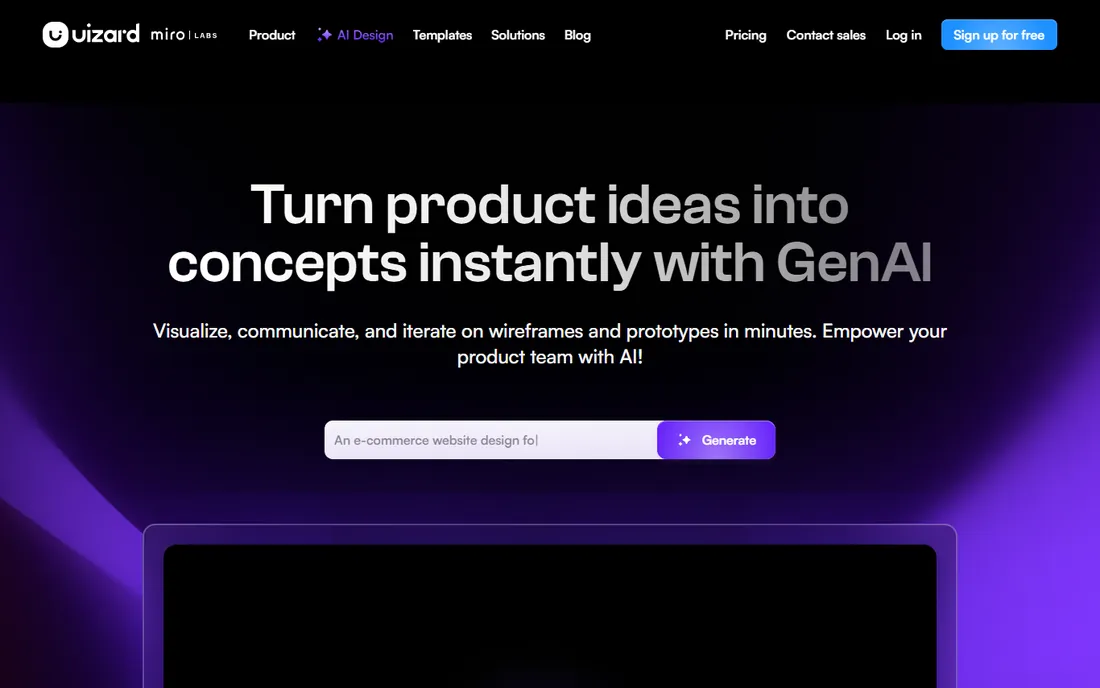
Uizard is the veteran of the category, and its pitch has not changed: turn a text prompt, a screenshot, or a photo of a hand-drawn wireframe into an editable, clickable prototype in minutes. Autodesigner 2.0 generates multi-screen flows from conversational prompts, while the Screenshot Scanner and Wireframe Scanner digitize what you already have. The free plan includes a few AI generations per month and two projects, which is enough to prove the concept.
Where Uizard earns its keep is speed for non-designers. Product managers, founders, and marketers can get a clickable story in front of stakeholders before a designer is on the calendar. The honest limit is fidelity: outputs are mid-fi, alignment can be blocky, and Figma still owns the last mile of production design. Paid plans add Autodesigner 2.0, 500 monthly generations, and React/CSS developer handoff. Use the free generations on one real flow, buy when you iterate weekly.
What we like- Text, screenshot, and sketch inputs
- Editable multi-screen prototypes
- Free plan for evaluation
Watch out for- Output is mid-fidelity, not pixel-perfect
- Generation quality varies by prompt
#3
v0
Best for: developers shipping React/Next.js UI from prompts
Visit v0.dev
Starting priceSee website
Free planYes
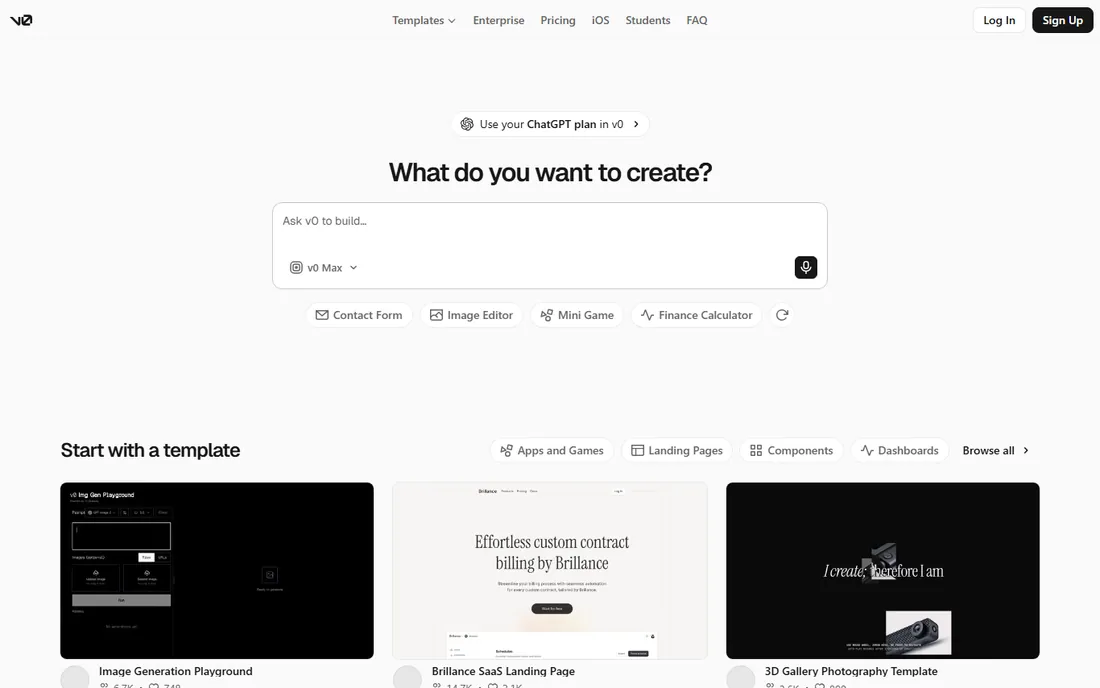
v0 is what happens when a hosting company builds a design tool. Instead of stopping at mockups, it generates working React and Next.js applications: components, routes, database connections, and API integrations, all deployable to Vercel with one click. The February 2026 update added a full editor and Git integration, moving it from a prototyping toy toward a junior developer that lives in your dashboard.
Pricing is the thing to understand before you commit. Every plan runs on monthly credits consumed by token usage, so the plan price is only half the story: the free tier includes a small credit pool with a daily message cap, and paid plans start in the tens of dollars per month with larger pools. Iteration is where budgets disappear, since every refinement round costs tokens. v0 fits developers and technical founders who want to go from prompt to deployed app without leaving the Vercel ecosystem.
What we like- Generates working full-stack apps, not just mockups
- GitHub sync and one-click Vercel deploy
- Figma import
Watch out for- Token-credit pricing makes costs unpredictable
- Heavy agentic sessions burn credits fast
#4
Visily
Best for: teams that want wireframes without a learning curve
Visit visily.ai
Starting price$14 per editor/month
Free planYes
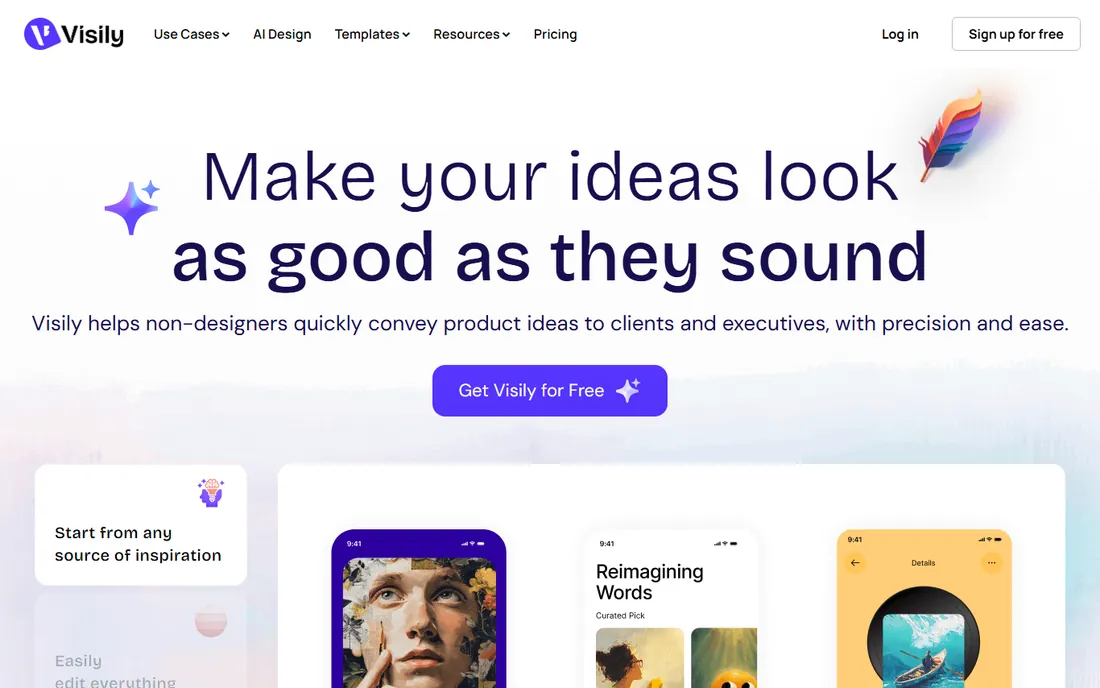
Visily takes the opposite approach from tools that try to replace designers. It targets everyone else: the product manager who needs to show an idea, the founder pitching investors, the stakeholder who will never open Figma. You start from a text prompt, a screenshot, or thousands of templates, and the drag-and-drop editor keeps everything editable. AI features generate screens, components, and diagrams, with an AI chat that edits designs conversationally.
The pricing is refreshingly public: Starter is free, Pro is $14 per editor per month, and Business is $29, all billed annually. The free plan includes 300 monthly AI credits per workspace, while Pro raises that to 3,000 per editor. Collaboration features like commenting, shared libraries, and a Figma plugin round out the team story. Visily will not satisfy a professional designer, but for cross-functional teams that need everyone contributing to product ideation, the near-zero learning curve is the feature.
What we like- Built for non-designers
- Drag-and-drop with AI generation
- Transparent published pricing
Watch out for- Free plan caps AI credits and boards
- Figma and code export need paid plans
#5
Framer
Best for: designers publishing real websites from the canvas
Visit framer.com
Starting priceSee website
Free planYes
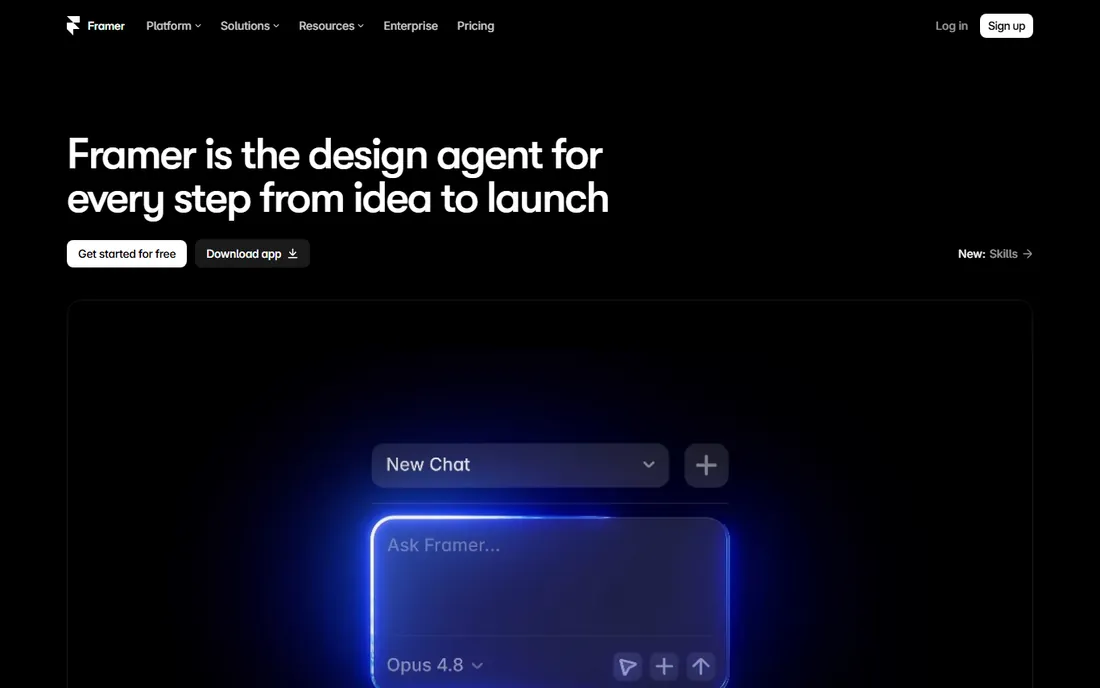
Framer has evolved from a prototyping tool into a full website platform with an AI design agent at its center. You describe what you want, and the agent generates and refines directly on the canvas, with every change visible and editable. The CMS agent manages content, the code agent builds custom interactions, and external agents like Claude Code or Cursor can drive the site from a terminal. What you design is what ships, on Framer's global hosting.
The pricing model is per site rather than per seat: a free plan for building on a Framer subdomain, then paid site plans for custom domains, more CMS items, and higher traffic. That is cheap for one site and expensive for an agency managing twenty. Framer's weakness is scope: it builds websites, not native mobile apps or complex product flows. For marketing sites, portfolios, and landing pages where the designer wants to publish without a developer, it remains the most complete option.
What we like- Design and publish in one tool
- AI agents work directly on the canvas
- Strong CMS and localization
Watch out for- Per-site pricing adds up for agencies
- Not a mobile-app prototyping tool
#6
Relume
Best for: marketing sites assembled from proven components
Visit relume.io
Starting priceSee website
Free planYes
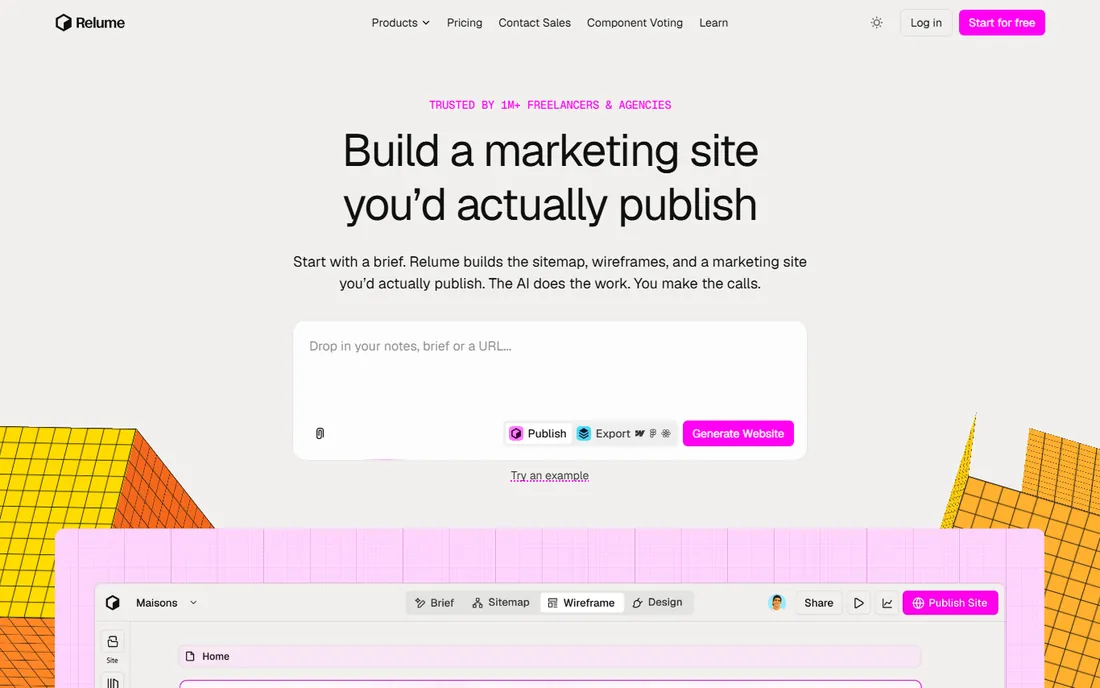
Relume's philosophy is "assembled, not generated." Instead of writing raw code, its AI selects from a library of over a thousand designer-built components and assembles them into a complete site, which means responsive, accessible, SEO-ready output by construction rather than by luck. You can then export to Figma, Webflow, or React, or publish directly on Relume's hosting with a custom domain.
The library is the moat: agencies use Relume to turn a client brief into a real screen in hours instead of days. Collaboration has no per-seat charge, and the free tier is genuinely free forever. The trade-off is originality: component assembly produces polished but familiar-looking sites, so brands needing distinctive design will still customize heavily. Custom domains start from $12 per project per month on top of the plan. For marketing sites and agency work where speed matters more than avant-garde design, Relume is hard to beat.
What we like- AI assembles from designer-built components
- Exports to Figma, Webflow, and React
- No per-seat charges
Watch out for- Component-based output can look templated
- Custom domain hosting costs extra per project
Starting priceSee website
Free planYes
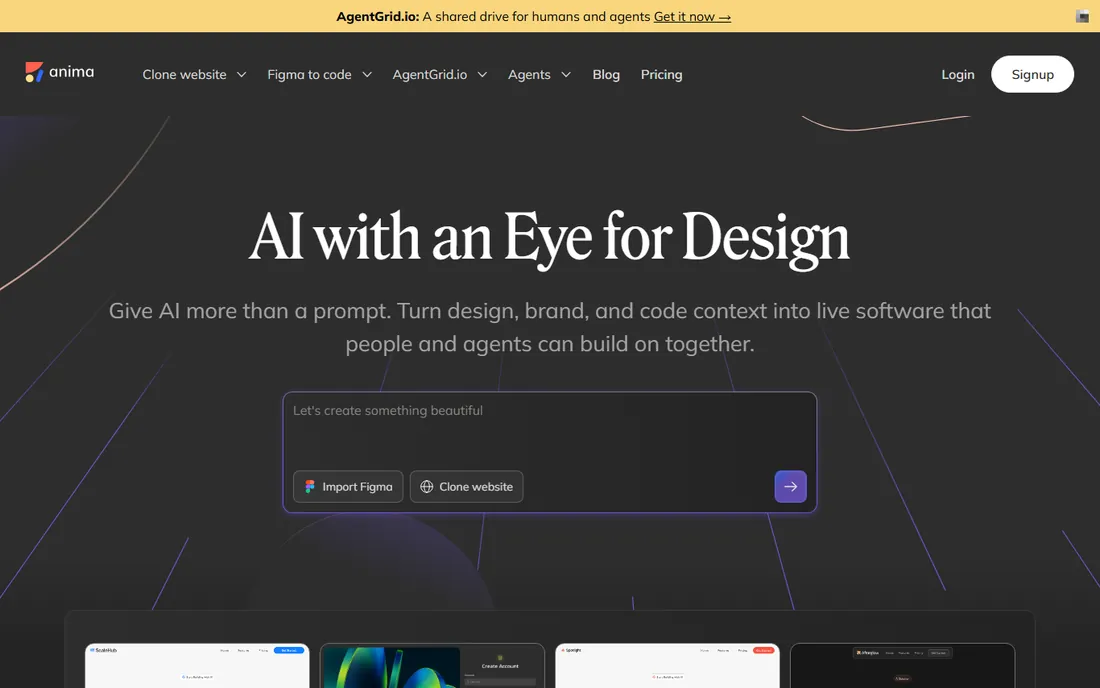
Anima lives at the handoff between design and development. Its Figma plugin converts designs into responsive HTML or React code, carrying over structure, assets, and visual details, and its AI Playground goes further: prompt from scratch, clone a live website, or import screenshots and artifacts into an editable app. The engine is proven enough that it runs inside Bolt.new and Replit, and 1.8 million builders have used it.
The free plan covers 5 daily chat messages and 5 Figma imports in the Playground, which is enough to test output quality on a real design. Paid tiers and enterprise plans (starting at $500 per month for enterprise) exist, though exact mid-tier prices are not published on the pricing page. The honest caveat applies to the whole category: output quality tracks input quality, so messy Figma files produce messy code. For teams with disciplined design files, Anima shortens the most boring part of frontend work.
What we like- Strong Figma-to-code accuracy
- React and HTML output
- Powers other platforms via API
Watch out for- Paid plan pricing not published on the pricing page
- Best results need clean Figma files
Starting price$19.99/month per interactive project slot
Free planYes
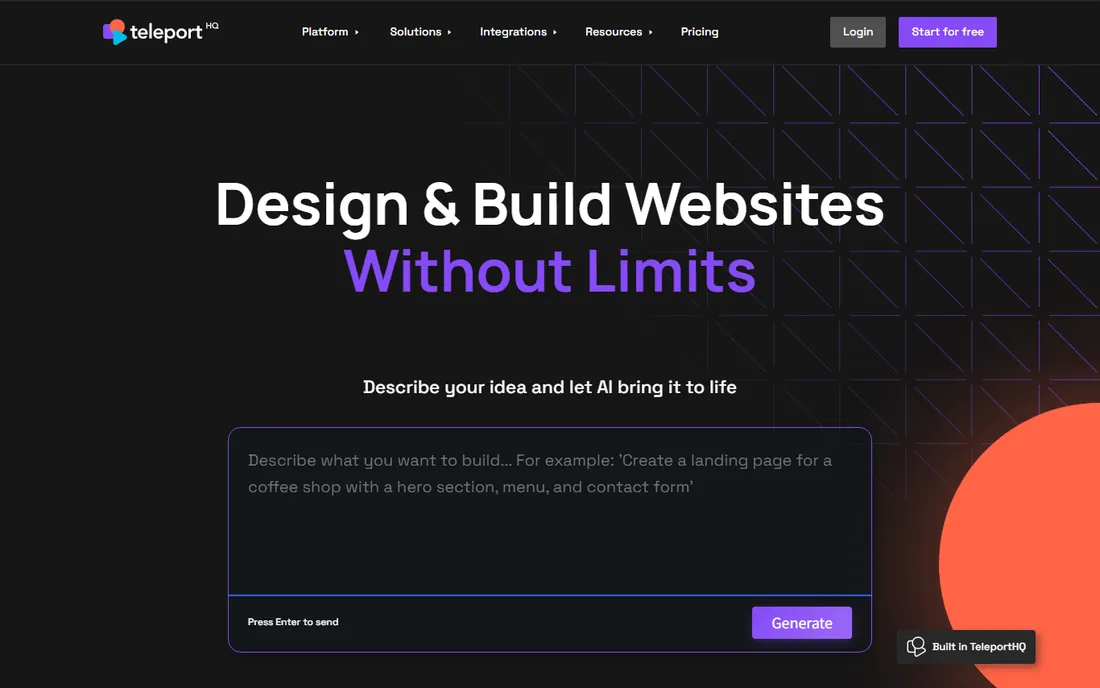
TeleportHQ sits between no-code builders and developer tools. You start with an AI-generated layout, refine it with drag and drop, then export real code in HTML, CSS, React, Next.js, Vue, or Angular. The Figma plugin imports designs directly, headless CMS integrations (Strapi, Contentful, WordPress) separate content from presentation, and interactive projects add databases, authentication, and workflows.
The pricing model takes a minute to understand: building is free with a 7-day trial of full features, and you pay $19.99 per month per interactive project slot ($179.99 per year) for apps that need backends, plus $9.99 per extra editor seat. Static sites stay cheap. For freelancers and small teams that want to design visually but hand developers real code, TeleportHQ offers more technical depth than Framer and more design freedom than pure app builders.
What we like- Visual builder plus real code export
- Figma-to-code import
- Headless CMS integrations
Watch out for- Advanced features are slot-based, which complicates budgeting
- Smaller ecosystem than Webflow
#9
Locofy
Best for: frontend devs converting Figma to multi-framework code
Visit locofy.ai
Starting priceSee website
Free planYes
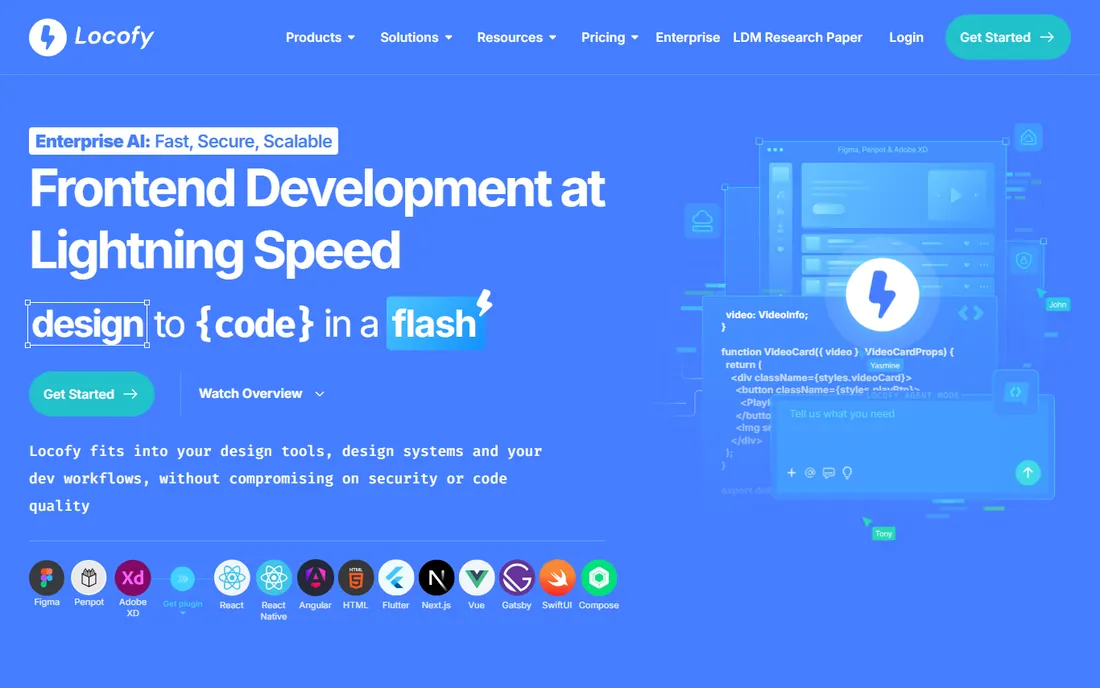
Locofy is a pure design-to-code play for frontend developers. Point it at a Figma or Adobe XD design, tag responsive behavior, and it generates clean, modular code across frameworks including React, React Native, Vue, Flutter, and Angular. Component-level exports and design system sync keep the output maintainable, and GitHub integration closes the loop to deployment.
Two caveats. First, the pricing model has shifted over time, from per-seat plans to a token-based system, so check the current pricing page before budgeting. Second, Locofy handles structure, not logic: complex state management, custom animations, and API integration still need a developer. For teams that receive Figma files regularly and want to skip the manual HTML/CSS conversion phase, it pays for itself quickly. Without Figma in the workflow, there is no reason to buy it.
What we like- Exports to React, Vue, Flutter, and more
- Responsive tagging
- Figma and Adobe XD plugins
Watch out for- Pricing model has changed repeatedly
- Value collapses without Figma as the starting point
How we chose
We evaluated AI design tools with live products, current pricing pages, and active user bases, using vendor documentation, pricing pages, G2 and Capterra reviews, and 2026 product coverage. Every tool had to generate UI from AI input or convert designs to code as a core capability; we excluded discontinued products and pure template libraries. Galileo AI was replaced by its successor Google Stitch after Google's mid-2025 acquisition. Prices come from vendor pricing pages where published.
First, decide which job you are hiring for. Prompt-to-mockup tools (Stitch, Uizard, Visily) answer "what could this look like" for non-designers and early ideation. Design-to-code tools (Anima, Locofy) answer "how do we build this faster" for teams that already design in Figma. Full-stack generators (v0) and site builders (Framer, Relume, TeleportHQ) answer "how do we ship this" end to end. Buying the wrong category is the most expensive mistake.
Second, test with your real content. Generate a screen from your actual product brief, not the vendor's demo prompt, and check whether the output respects your brand, handles your edge cases, and exports cleanly to your stack. Pay attention to the edit loop: the first generation is a demo, the fifth revision is the product.
Third, model the credit economics. Nearly every tool here meters AI usage, so estimate your monthly generations before choosing a plan. A solo founder iterating daily burns through a free tier in a week, while a team generating a few concepts a month may never need paid credits.
Frequently asked questions
Are AI UI design tools going to replace designers?
No, and the best tools do not claim to. They replace the blank canvas: first drafts, explorations, and handoff grunt work. Professional designers still own information architecture, design systems, accessibility, and the judgment calls that make products feel right. Teams report that AI tools let designers spend more time on those high-value decisions instead of redrawing screens.
What happened to Galileo AI?
Google acquired Galileo AI in mid-2025 and relaunched it as Google Stitch, a Google Labs experiment powered by Gemini models. The standalone Galileo AI product no longer operates independently. Stitch is currently free in beta with daily usage credits, and former Galileo users can import their conversation history.
Can AI-generated UI be exported to Figma?
Most tools here offer it: Google Stitch, Uizard, Visily, v0, Relume, and TeleportHQ all export to Figma in some form. Export quality varies, so test with a real design before committing. Figma-native AI features are also emerging, which may matter if your team already lives in Figma.
How much do AI UI design tools cost?
Free tiers exist on every tool in this list. Paid plans typically run $12 to $30 per user or editor per month for individuals, with team and enterprise tiers higher. Credit-based tools like v0 and Locofy add usage costs on top of the plan price, so budget for your actual generation volume, not just the subscription.
Do I need design skills to use these tools?
For prompt-to-mockup tools like Stitch, Uizard, and Visily, no: they are built for founders, product managers, and marketers. Design-to-code tools like Anima and Locofy assume someone designed in Figma first. Site builders like Framer and Relume reward design sensibility but do not require it.
Which AI design tool is best for developers?
v0 for React and Next.js generation with deployment built in, Anima or Locofy for converting existing Figma designs into clean code, and TeleportHQ when you want visual editing plus multi-framework export. Developers who want AI inside their existing workflow should also look at the MCP servers several of these tools now offer.
The honest limits of AI-generated UI
AI-generated interfaces look convincing at first glance and fall apart on inspection. Spacing inconsistencies, inaccessible color contrast, placeholder logic, and generic layouts are the common failure modes. Treat every generation as a draft that a human reviews, and run accessibility checks before anything ships.
Brand consistency is the second limit. Most tools generate in a generic modern style unless you feed them a design system, reference screens, or a brand document. Tools with design-system import (Anima, Relume's style guides, Stitch's DESIGN.md support) do better here, but none of them replace a defined visual language.
Finally, these tools optimize for the happy path. Error states, empty states, loading sequences, and edge cases rarely come out of a generator complete. Budget design time for the unglamorous screens, because that is where products are actually judged.
Sources we checked (22)
- https://uizard.io
- https://stitch.withgoogle.com/
- https://www.visily.ai
- https://visily.ai/pricing
- https://v0.dev/
- https://v0.dev/pricing
- https://www.framer.com/
- https://www.framer.com/pricing/
- https://www.relume.io
- https://www.relume.io/pricing
- https://animaapp.com/
- https://www.animaapp.com/pricing
- https://teleporthq.io
- https://teleporthq.io/pricing
- https://www.locofy.ai/
- https://www.banani.co/blog/google-stitch-pricing-and-credits
- https://www.banani.co/blog/galileo-ai-features-and-alternatives
- https://gapsystudio.com/blog/galileo-ai-design/
- https://github.com/timurtek/awesome-ai-design-tools
- https://laracopilot.com/blog/v0-pricing/
- https://scored.tools/blog/framer-review-no-code-builder-2026/
- https://agent-finder.co/reviews/locofy
Is your product missing or out of date?
We review this list regularly. Vendors can request a listing, send updated pricing or ask about featured placement.

Shihab Mia · Founder, Rankite
Shihab has spent more than a decade helping SaaS and e-commerce brands grow through search. He writes Rankite's software buying guides from pricing pages, documentation and public user reviews. More about Shihab.