How we make this list: we compare pricing pages, product documentation and public user reviews. Rankite is independent; if a vendor ever pays for a featured spot, that listing is clearly labeled Partner.
Key takeaways
- For everyday marketing graphics, Canva Magic Studio covers the most ground: free to start, Pro at $15/month or $144/year billed annually.
- Adobe Firefly ($9.99/month Standard) is the safest pick for image generation you plan to use in client work, thanks to its commercially safe training data.
- Leonardo.ai ($12/month Essential) gives power users more models, custom model training and production controls than any other image generator here.
- Uizard ($12 per creator/month Pro) is the only tool on this list that turns a text prompt into an editable app interface, which makes it the pick for product teams and founders.
- Looka ($20 one-time for a basic logo) and Flair.ai (free to start, Pro from $10/month) solve two narrow jobs, logos and product photos, for far less than a designer.
Quick comparison
| Tool | Best for | Starting price | Free plan |
|---|
 Canva Magic Studio Canva Magic Studio | Everyday marketing graphics and social content | $15/month (Pro; $144 billed annually) | Yes |
 Adobe Firefly Adobe Firefly | Commercially safe image and video generation | $9.99/month (Standard) | Yes |
 Leonardo.ai Leonardo.ai | Power-user image generation and custom model training | $12/month (Essential) | Yes |
 Recraft Recraft | Vector-style graphics, icons and brand assets | $10/month (Basic, billed annually) | Yes |
 Uizard Uizard | AI-generated app and web UI mockups | $12 per creator/month (Pro, billed annually) | Yes |
 Looka Looka | AI logo design and brand kits for new businesses | $20 one-time (Basic logo package) | No |
 Flair.ai Flair.ai | AI product photography for e-commerce stores | $10/month (Pro; $8 billed annually) | Yes |
 Designs.ai Designs.ai | All-in-one AI creative suite for marketing teams | $9.90/month (Go) | Free trial |
 Microsoft Designer Microsoft Designer | Quick social graphics for Microsoft 365 users | $0 (free; Microsoft 365 adds AI credits) | Yes |
 Khroma Khroma | AI color palette discovery for designers | $0 (free) | Yes |
Is your product missing or out of date?
We review this list regularly. Vendors can request a listing, send updated pricing or ask about featured placement.
#1
Canva Magic Studio
Best for: Everyday marketing graphics and social content
Visit canva.com
Starting price$15/month (Pro; $144 billed annually)
Free planYes
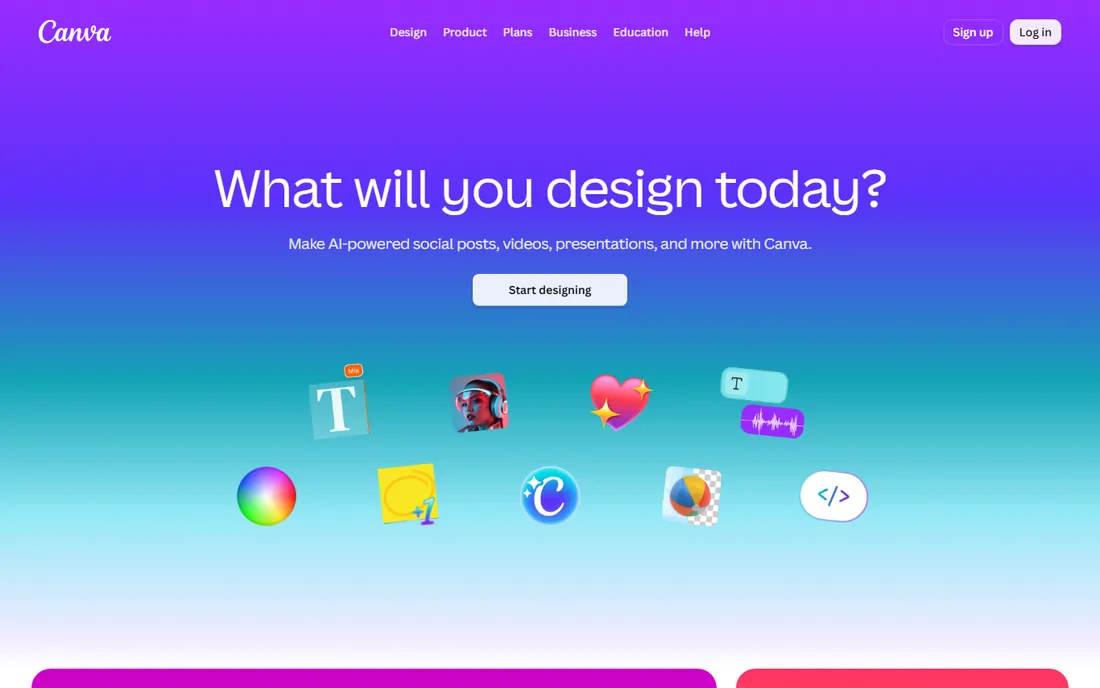
Canva Magic Studio is the set of AI features inside Canva: Magic Design generates layouts from a prompt, Magic Write drafts copy, Magic Media generates images and short video, and tools like Magic Eraser, Magic Expand and Magic Grab handle photo edits. The reason it tops this list is simple. The output stays editable in the same canvas, so an AI-generated starting point becomes a finished post, deck or ad without exporting to another app.
The catch is the credit system. Every AI action draws from a shared monthly pool that does not roll over, and image and video generation burn credits fastest. Free accounts get a small allowance that is fine for testing but not for daily production. Teams that produce content every day should budget around the credit pool, not just the subscription price.
What we like- Huge template and stock library
- AI tools live inside a familiar editor
- Generous free tier for trying features
Watch out for- AI features draw from a shared monthly credit pool
- Advanced designers will hit customization limits
Starting price$9.99/month (Standard)
Free planYes
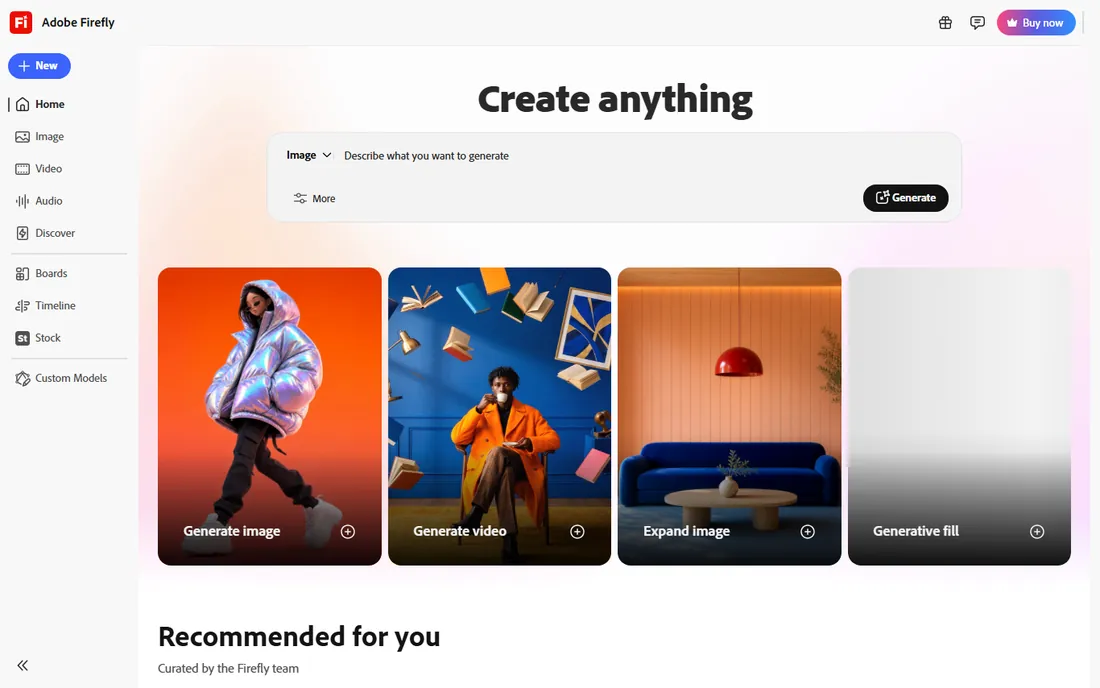
Firefly is Adobe's standalone AI creative app for generating and editing images, video and audio. Its defining advantage is the training data. Adobe built the base models on licensed Adobe Stock content and public-domain material, which means images generated here carry far less legal risk for client work than tools trained on scraped web images. Generated images also carry content credentials metadata, so viewers can verify how they were made.
Standard at $9.99/month adds 2,000 monthly generative credits plus unlimited standard image features like Generative Fill. Pro at $19.99/month doubles the credits and adds Express Premium plus Photoshop on web and mobile. Creative Cloud subscribers get Firefly access bundled, which makes it the path of least resistance for Adobe shops.
What we like- Trained on licensed and public-domain content, so output is safe for commercial use
- Deep integration with Photoshop and Express
- Solid text-to-video
Watch out for- Fewer models to choose from than open platforms
- Credit costs for video add up fast
#3
Leonardo.ai
Best for: Power-user image generation and custom model training
Visit leonardo.ai
Starting price$12/month (Essential)
Free planYes
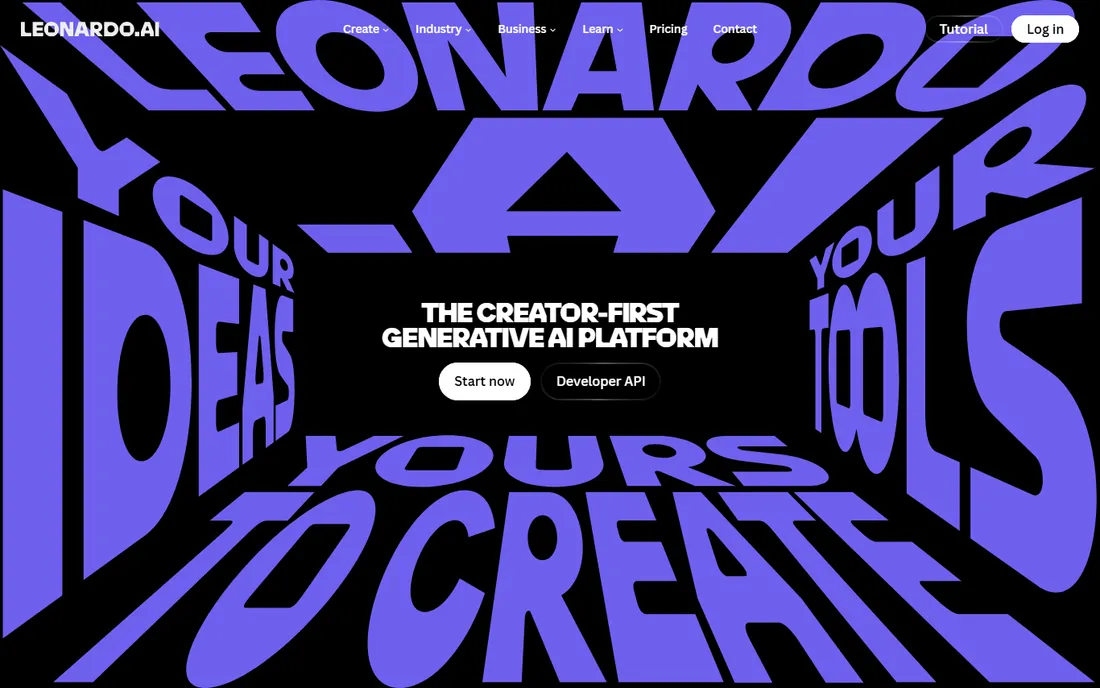
Leonardo.ai has grown from a popular image generator into a full creative platform with image editing, video generation, upscaling and an API. The standout feature is custom model training. You can fine-tune a model on your own art style, characters or product line with no machine-learning skills, which is the fastest route to brand-consistent AI imagery at volume.
Because every operation (generation, upscale, training) debits tokens at different rates, watch a month of real usage before picking a tier. Leonardo suits teams producing assets daily. Casual users will find the free tier or a simpler tool is enough.
What we like- Multiple models under one subscription including FLUX and its own Phoenix line
- Train custom models on your own style
- Canvas editor and upscaling built in
Watch out for- Token economics take effort to manage
- The interface overwhelms first-time users
#4
Recraft
Best for: Vector-style graphics, icons and brand assets
Visit recraft.ai
Starting price$10/month (Basic, billed annually)
Free planYes
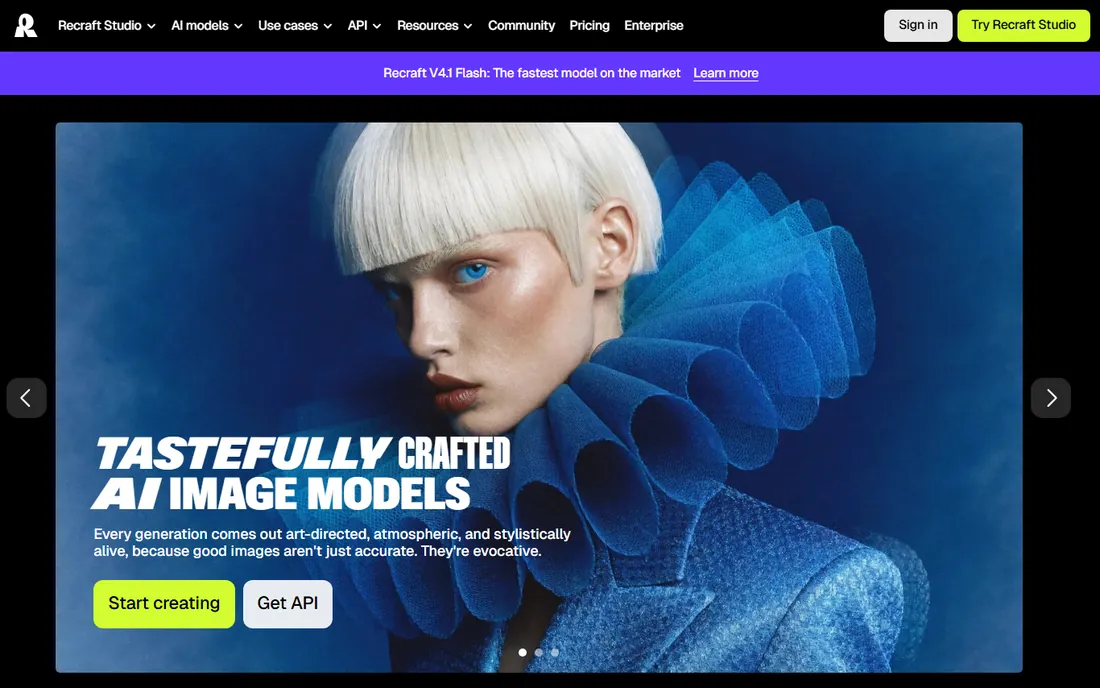
Recraft is the designer's image generator. Where most tools output flat raster images, Recraft generates true vector graphics, which means logos, icons and illustrations scale cleanly and stay editable. Its V4 family also handles raster generation with unusually strong prompt understanding, so complex scenes with multiple subjects come out coherent.
Basic at $10/month (billed annually) brings 1,000 monthly credits, private generations and full commercial rights, while Pro adds more credits and video generation. Note the credit rules: subscription credits reset each billing cycle and do not roll over, while paid top-ups never expire. Recraft is the right call when the deliverable is a graphic asset rather than a photo.
What we like- Strong vector output that stays editable at any size
- Consistent styles without training
- Clean prompt understanding for complex scenes
Watch out for- Free-plan images are public and not licensed for commercial use
- Photo-realism trails dedicated photo models
Starting price$12 per creator/month (Pro, billed annually)
Free planYes
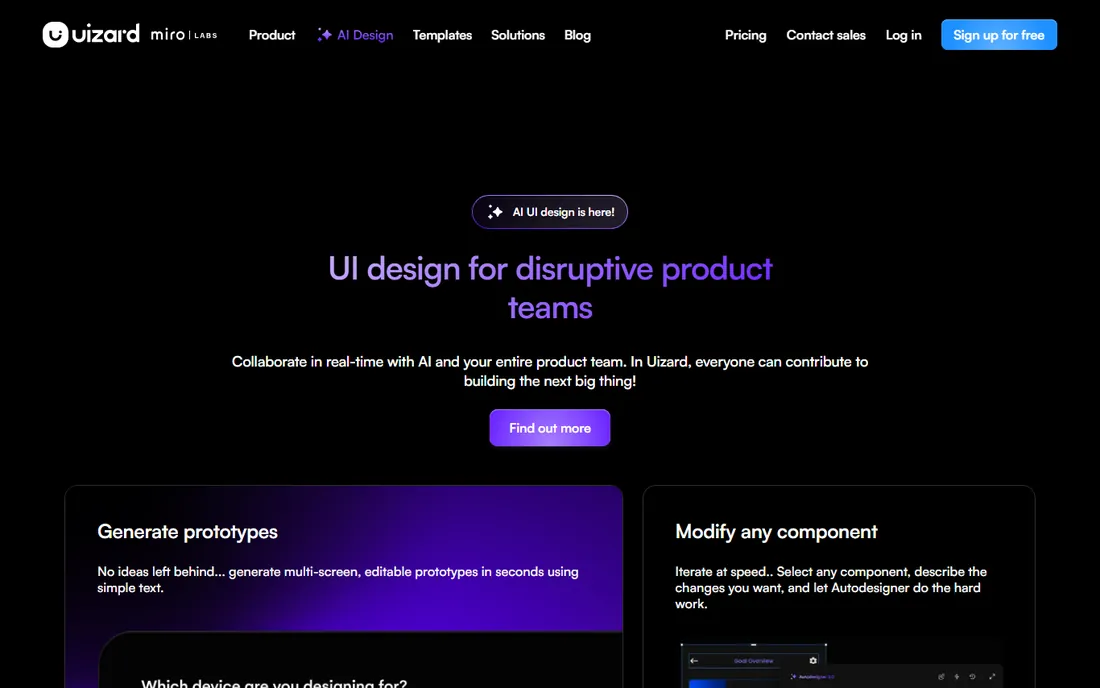
Uizard is the only tool here built specifically for interface design. Its Autodesigner generates full app and web screens from a text prompt, converts screenshots into editable designs, and turns hand-drawn sketches into wireframes. For founders and product managers who cannot design, it compresses the idea-to-prototype loop to minutes.
Pro at $12 per creator per month (billed annually) brings 500 AI generations per month, up to 100 projects and developer handoff features. Uizard will not replace a UI designer for production work, but it replaces the blank canvas, which is where most non-designers get stuck.
What we like- Turns text prompts, screenshots and hand sketches into editable UI
- Fast path from idea to clickable prototype
- Figma plugin for handoff
Watch out for- Per-creator pricing adds up for larger teams
- Generated screens need a designer pass before shipping
#6
Looka
Best for: AI logo design and brand kits for new businesses
Visit looka.com
Starting price$20 one-time (Basic logo package)
Free planNo
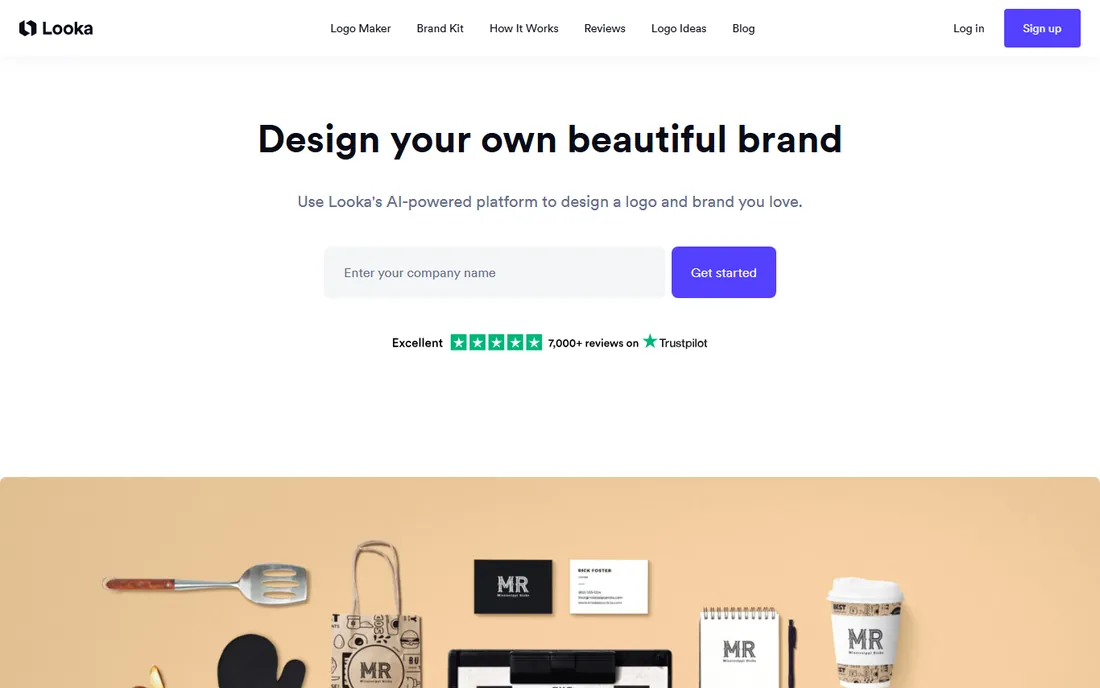
Looka (formerly Logojoy) is the most established AI logo maker on this list. You enter a business name and industry, pick styles you like, and the AI generates logo concepts in under a minute. The editor lets you adjust fonts, colors, symbols and layouts, with live mockups on business cards, signage and merchandise so you can judge a logo in context before buying.
You can design logos for free and only pay to download, which makes it easy to test. For a new business that needs a credible identity fast, the Premium package beats a $500 designer for a first version.
What we like- One-time logo packages instead of subscriptions
- Brand Kit auto-generates 300+ matching assets
- Good mockup previews before you pay
Watch out for- No free downloads
- Logo styles can feel template-driven at the budget end
#7
Flair.ai
Best for: AI product photography for e-commerce stores
Visit flair.ai
Starting price$10/month (Pro; $8 billed annually)
Free planYes
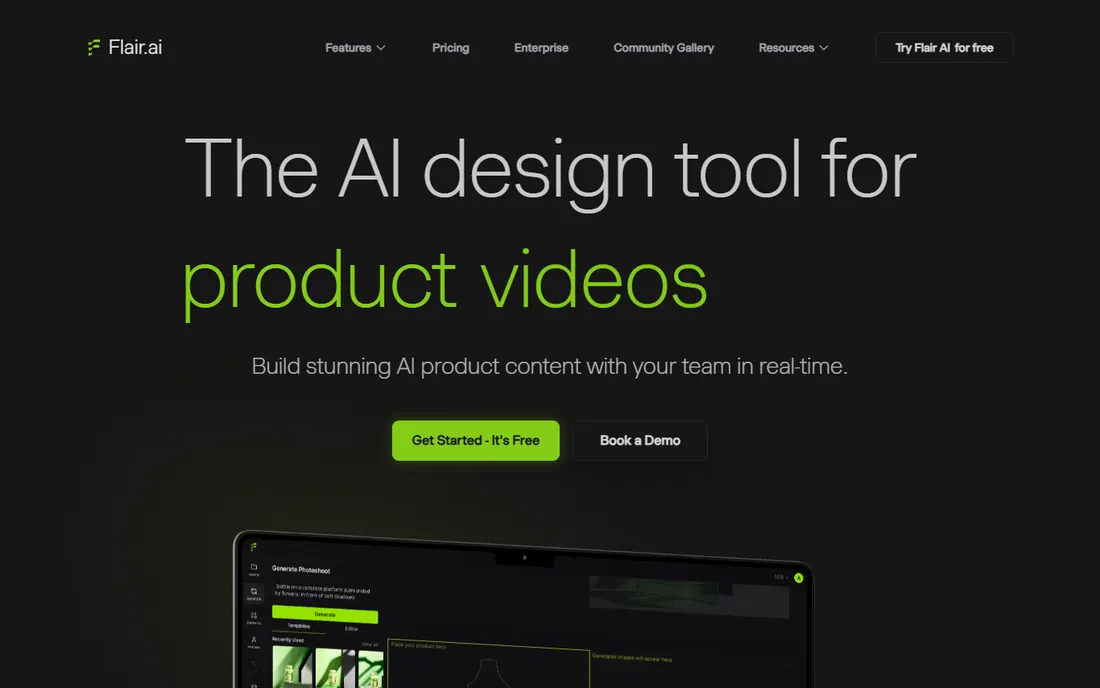
Flair.ai replaces the product photoshoot. You drag your product image onto a canvas, arrange backgrounds, props and lighting, and the AI renders studio-quality e-commerce photos. Custom model training is the differentiator: train a model on your actual product images and every generated scene keeps the product looking like itself instead of a generic approximation.
Watch the credit math: instant image and ad generation consume four times the normal quota, and unused credits do not roll over. Pro+ adds 80 generated images and a company commercial license, and Scale adds API access for larger catalogs.
What we like- Drag-and-drop scene staging with props and 3D assets
- Custom models trained on your products
- Short product videos in the same tool
Watch out for- Instant generation burns credits at 4x the normal rate
- Lower-tier content may appear in the community gallery
#8
Designs.ai
Best for: All-in-one AI creative suite for marketing teams
Visit designs.ai
Starting price$9.90/month (Go)
Free planFree trial
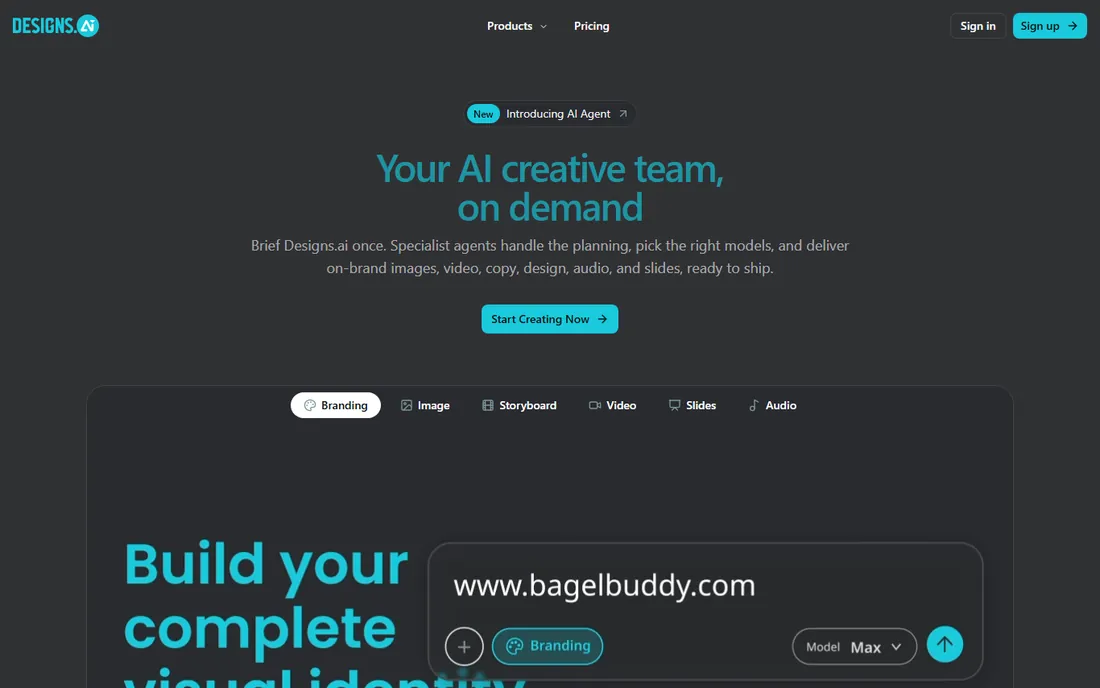
Designs.ai bundles a whole creative department into one subscription: LogoMaker, DesignMaker, VideoMaker, ImageMaker, SpeechMaker, an AI writer and slide tools, plus newer AI agent features that route briefs to the right models. For a small marketing team that needs a logo on Monday, a video ad on Wednesday and a slide deck on Friday, one subscription replaces four or five separate tools.
Plans start with Go at $9.90/month, then scale up monthly AI credits, user seats and indemnity coverage through Plus, Pro and Enterprise. There is no permanently free plan, but a free trial lets you test the suite before paying. The tradeoff is depth: each individual tool is weaker than a specialist alternative, so teams with one dominant need should buy the specialist and skip the suite.
What we like- Logos, images, video, copy, voice and slides in one workspace
- Brand consistency enforced across formats
- Large licensed stock library
Watch out for- Jack of all trades, master of none
- The full suite takes time to learn
- No permanently free plan
Starting price$0 (free; Microsoft 365 adds AI credits)
Free planYes
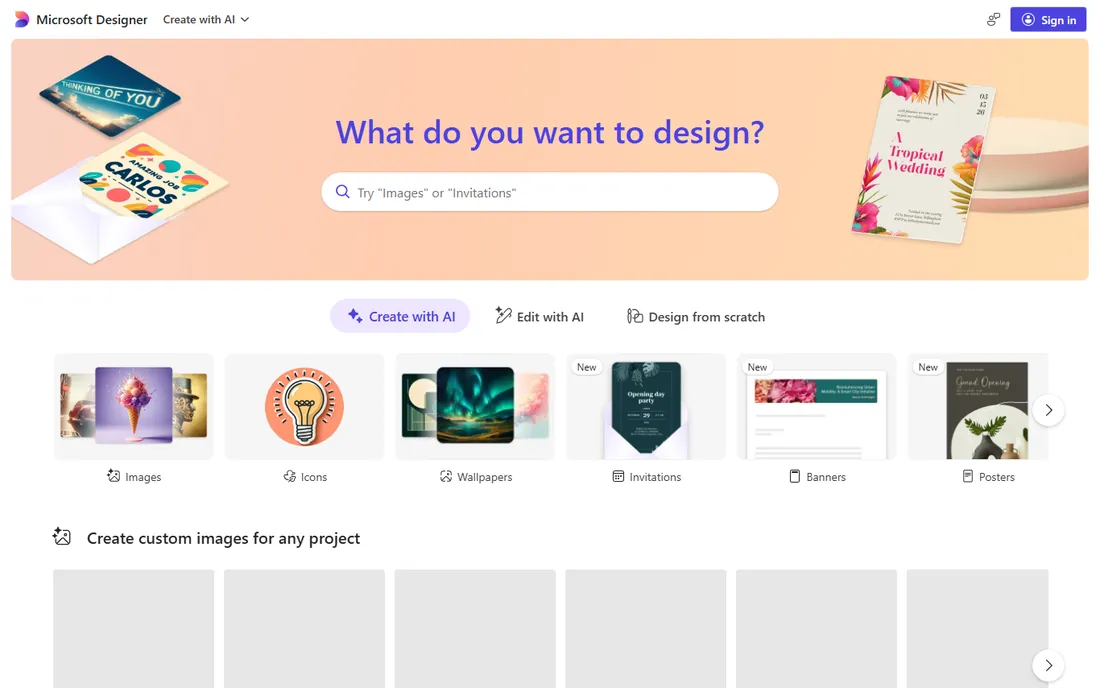
Microsoft Designer is the lightweight option for anyone already living in the Microsoft ecosystem. Describe what you want, and it generates layout options with DALL-E-powered imagery that you can tweak in a simple editor. The templates are sized for real destinations like Instagram posts, Teams headers and PowerPoint slides, so you skip the resizing busywork.
There is no paid Designer-only plan, so heavy users either accept the credit ceiling or move to Canva. For Microsoft 365 households and small teams already paying for the suite, Designer is a genuinely useful free bonus.
What we like- Free with a Microsoft account
- Prompt-to-design flow is genuinely simple
- Fits naturally into Word, PowerPoint and Teams workflows
Watch out for- AI features are gated by a small monthly credit allowance
- No Designer-specific paid upgrade path
#10
Khroma
Best for: AI color palette discovery for designers
Visit khroma.co
Starting price$0 (free)
Free planYes
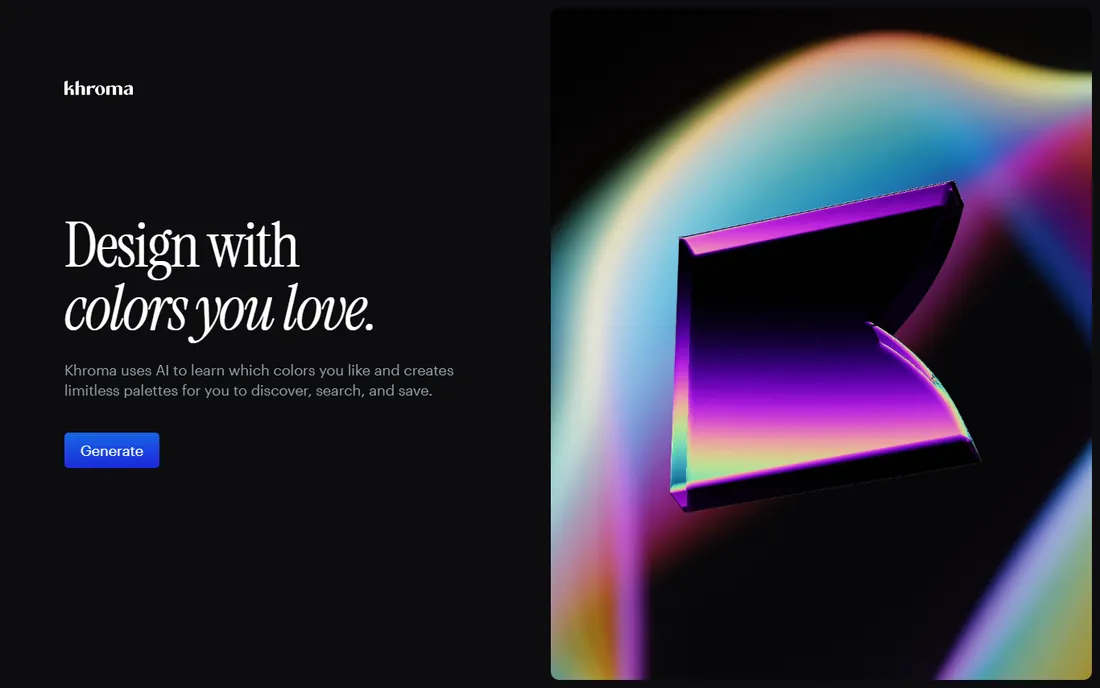
Khroma does one thing and does it well. You pick 50 colors you like, and its algorithm learns your taste, then generates unlimited palettes you can browse as typography, gradients, swatches or mapped onto your own images. Every color pair ships with hex and RGB values, CSS snippets and a WCAG accessibility rating, which makes it genuinely useful for UI work rather than just inspiration.
It is completely free with no paid tier, which is rare on this list. The limitation is scope: Khroma will not design anything for you. For designers who waste an hour hunting for the right blue, Khroma pays for itself in the first session.
What we like- Learns your taste from 50 chosen colors
- Unlimited palette generation
- WCAG contrast ratings on every pair
Watch out for- Narrow scope, it only does color
- AI suggestions still need a designer's eye
We started from the tools buyers actually search for and shortlist in 2026, then checked each one against its vendor pricing page, feature documentation and public review signal from G2, Capterra and Reddit communities. Every tool on this list exists today, accepts new signups and fits the AI design category without stretching the definition. We did not claim hands-on testing. Where a vendor page blocked automated reading, we used pricing data independently verified against that vendor's public pricing page and noted the page as a source.
Match the tool to the deliverable
Image generators are not interchangeable with design tools. If the deliverable is a finished marketing graphic, pick Canva Magic Studio, Microsoft Designer or Designs.ai. If it is the imagery inside the graphic, pick Firefly, Leonardo.ai or Recraft. If it is a logo, pick Looka. If it is an app screen, pick Uizard. Buying the wrong category is the most common waste we see.
Count credits, not just subscriptions
Most tools on this list meter AI usage with credits or tokens. A $10/month plan with a tiny credit pool costs more per finished asset than a $30/month plan with a large one. Before subscribing, estimate how many generations a typical project needs, including the retries. Free tiers are for evaluation, not production, on every tool here except Khroma.
Check the license before client work
Free plans often restrict commercial use. Recraft's free generations are public and not licensed commercially. Flair.ai's lower tiers may show your content in its community gallery. Firefly's commercially safe training data is the exception that proves the rule. Read the license terms on the pricing page before delivering AI-made work to a paying client.
Start free, then commit
Every paid tool on this list except Looka offers a free tier or trial. Run a real project through the free tier first. You will learn more from one finished deliverable than from ten feature lists, and you will find the credit limits before they surprise you on a deadline.
The honest limits of AI design
AI design tools are fast starters and weak finishers. They produce strong first drafts in seconds, then need human judgment for the last twenty percent: fixing garbled text in generated images, keeping a brand consistent across fifty assets, and making sure the design serves its purpose instead of just looking polished. Text rendering inside images remains the most visible weakness across the category, so proofread any design with a headline before it ships.
There is also an originality ceiling. Tools trained on similar data produce similar-looking output, which is why two startups with AI-generated logos can end up looking like cousins. When the stakes are high, a professional designer reviewing AI output beats either option alone.
Frequently asked questions
What is the best AI design software for beginners?
Canva Magic Studio. The editor is familiar to millions of non-designers, the free tier is genuinely useful, and AI features like Magic Design and Magic Write guide you from a blank page to a finished graphic. Microsoft Designer is a simpler alternative if you already use Microsoft 365.
Which AI design tool is best for logos?
Looka. It is built specifically for logo creation with a guided wizard, live mockups and vector file downloads, starting at a $20 one-time package. General image generators can make logo-like images, but they cannot produce the clean vector files and brand kits a real logo needs.
Can I use AI-generated designs commercially?
It depends on the tool and the plan. Adobe Firefly is designed for commercial use with licensed training data. Recraft and Leonardo.ai grant commercial rights on paid plans. Free tiers often restrict commercial use or keep generations public, so check the license terms on the vendor's pricing page before using output in client work.
What is the cheapest AI design software with a free plan?
Khroma is completely free. Among full design tools, Canva's free tier and Microsoft Designer's free tier cover basic marketing graphics at no cost. For image generation, Leonardo.ai's free daily tokens and Recraft's free daily credits are the most generous starting points.
Is Canva Magic Studio better than Adobe Firefly?
They solve different problems. Canva Magic Studio is better for assembling finished designs from templates, text and images in one editor. Adobe Firefly is better at generating the images themselves, with stronger editing tools and commercially safe output. Many designers use both: Firefly for imagery, Canva for layout.
Do I still need a graphic designer if I use AI design tools?
For everyday content, often not. For brand identity, campaigns and anything where originality matters, yes, or at least a designer who reviews AI output. The tools compress production time dramatically, but positioning, taste and quality control remain human jobs.
Sources we checked (31)
- https://canva.com/
- https://www.canva.com/magic-design/
- https://www.therundown.ai/tools/canva-magic-studio
- https://ai4everyone.ai/getting-started-with-canva-magic-studio/
- https://firefly.adobe.com
- https://www.adobe.com/products/firefly/pricing.html
- https://aicreative.ai/ai-tools/adobe-firefly
- https://magichour.ai/blog/adobe-firefly-for-video
- https://leonardo.ai/
- https://fluxnote.io/guides/leonardo-ai-pricing-guide-2026
- https://www.toolcolumn.com/alternatives/leonardo-alternatives
- https://recraft.ai/
- https://recraft.ai/pricing
- https://www.mobileappdaily.com/product-review/recraft-ai
- https://uizard.io/
- https://uizard.io/pricing/
- https://www.toolify.ai/tool/uizard
- https://looka.com
- https://www.bitdegree.org/ai/looka-review
- https://aivorapulse.com/looka-ai-review-2026-brilliant-ai-logo-brand-maker/
- https://flair.ai/
- https://flair.ai/pricing
- https://opentools.ai/tools/flair
- https://designs.ai/
- https://www.networksolutions.com/blog/ai-graphic-design-tools/
- https://www.spotsaas.com/product/designs-ai/pricing
- https://designer.microsoft.com
- https://support.microsoft.com/en-us/designer/frequently-asked-questions-about-microsoft-designer
- https://www.therundown.ai/tools/microsoft-designer
- https://khroma.co/
- https://aitoolsexplorer.com/ai-tools/khroma-color-palette-generator/
Is your product missing or out of date?
We review this list regularly. Vendors can request a listing, send updated pricing or ask about featured placement.

Shihab Mia · Founder, Rankite
Shihab has spent more than a decade helping SaaS and e-commerce brands grow through search. He writes Rankite's software buying guides from pricing pages, documentation and public user reviews. More about Shihab.