How we make this list: we compare pricing pages, product documentation and public user reviews. Rankite is independent; if a vendor ever pays for a featured spot, that listing is clearly labeled Partner.
Key takeaways
- Blender is the only free tool that covers the entire animation pipeline, and G2's 2026 comparison data gives it 4.6 out of 5 across 319 reviews, the highest score of any free 3D tool in that set.
- Daz Studio and Mixamo let beginners animate finished characters within an hour, while Blender asks for weeks before the first good render.
- Cascadeur's free tier is the fastest way to learn character motion specifically, thanks to AI-assisted posing that forgives beginner mistakes.
- Spline and Clara.io run in the browser, so beginners on Chromebooks or weak laptops can start immediately with no install.
Quick comparison
| Tool | Best for | Starting price | Free plan |
|---|
 Blender Blender | beginners who want one free tool for everything | Free | Yes |
 Daz Studio Daz Studio | beginners who want to pose and animate characters immediately | Free | Yes |
 Mixamo Mixamo | beginners who need animated characters with zero rigging | Free | Yes |
 Cascadeur Cascadeur | beginners focused specifically on character animation | Free | Yes (free tier) |
 Clara.io Clara.io | beginners who want 3D in a browser tab | Free | Yes (free tier) |
 Spline Spline | beginners making 3D motion for websites and product pages | Free | Yes (free tier) |
 Source Filmmaker Source Filmmaker | beginners who want cinematic animation with game assets | Free | Yes |
Is your product missing or out of date?
We review this list regularly. Vendors can request a listing, send updated pricing or ask about featured placement.
The best free 3D animation software for beginners
#1
Blender
Best for: beginners who want one free tool for everything
Visit blender.org
Starting priceFree
Free planYes
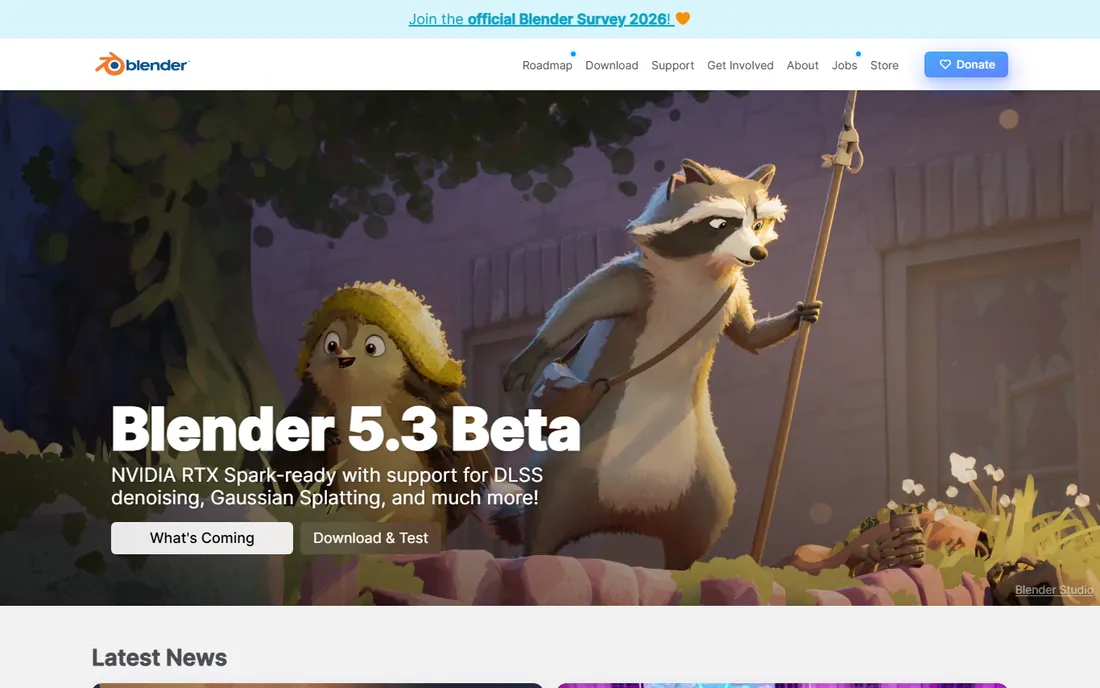
Blender is the default answer for a reason. It is free and open source, runs on Windows, Mac, and Linux, and contains professional-grade tools for modeling, rigging, character animation, simulation, rendering, and video editing. Beginners can follow thousands of free tutorials from a first bouncing ball to a finished short film without ever hitting a paywall or a watermark. Studios use it for real commercial work, so skills transfer directly to paid jobs.
The honest catch is the first month. Blender's interface packs an enormous feature set into dense panels and keyboard shortcuts, and animation involves armatures, weight painting, graph editors, and dopesheets that each deserve their own tutorial. Commit to structured learning, one concept at a time, and the payoff is a tool with no ceiling. Dabble randomly and it will feel like the software is fighting you.
What we like- Full pipeline from modeling to final render at no cost
- The largest free tutorial library of any 3D software
- Grease Pencil adds 2D animation in the same app
Watch out for- The interface overwhelms most beginners for the first month
- Animation-specific workflows take deliberate study
#2
Daz Studio
Best for: beginners who want to pose and animate characters immediately
Visit daz3d.com
Starting priceFree
Free planYes
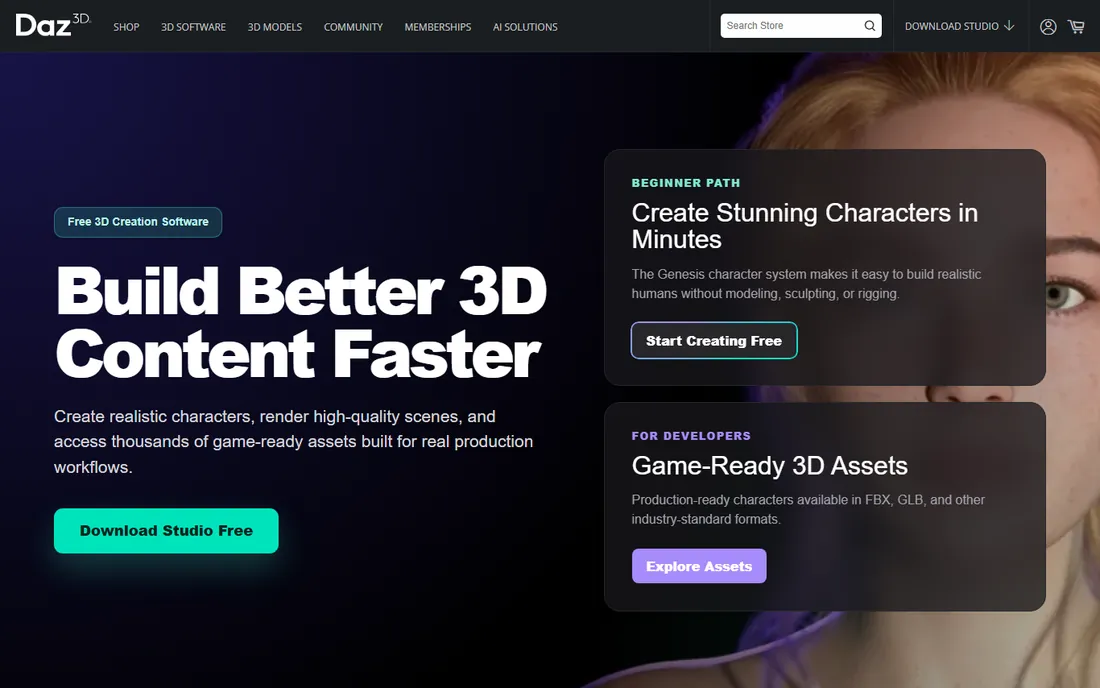
Daz Studio removes the hardest beginner barrier: creating the character. The free download includes articulated Genesis figures you can pose, dress, and animate within minutes, plus cameras, lights, and environments to stage a scene. The keyframe timeline works like video editing software, so anyone who has trimmed a clip understands the basics. For learning posing, staging, and timing, starting from a finished character beats modeling one by months.
Daz3D's business model is the marketplace, and it shows. The base content is deliberately thin, and the store constantly tempts with better figures, hair, and environments. Budget-conscious beginners should treat the free figures as learning tools and resist the store until the fundamentals are solid. Rendering through the included engines looks decent; the premium Iray look costs extra.
What we like- Free download with ready-to-animate human figures
- Huge marketplace of characters, poses, and environments
- Keyframe animation without building rigs
Watch out for- The free base figures are limited, and the marketplace encourages spending
- Rendering quality needs paid add-ons to shine
#3
Mixamo
Best for: beginners who need animated characters with zero rigging
Visit mixamo.com
Starting priceFree
Free planYes
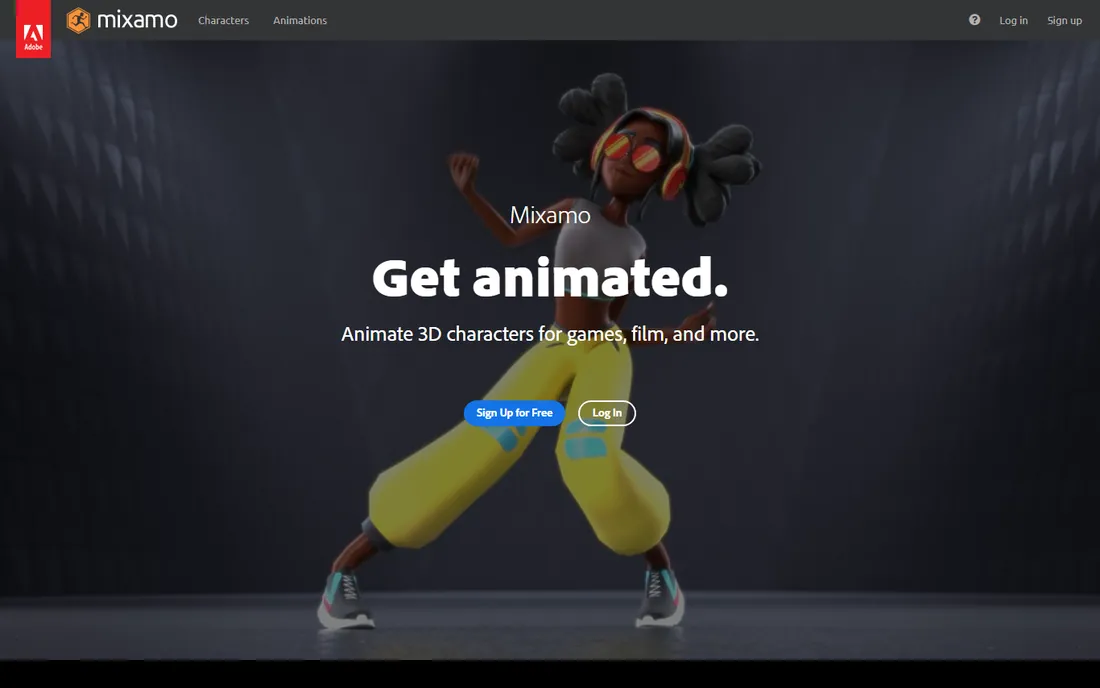
Mixamo performs a small miracle for beginners: upload a humanoid character model, and its auto-rigger builds a full skeleton with skin weights in minutes, a process that takes professionals hours by hand. Then browse thousands of motion-capture animations, walking, fighting, dancing, idling, preview them on your character, and download the result as FBX for Blender or a game engine. A beginner can have a walking, talking character the same afternoon they start.
The limits are Adobe's terms and the library's boundaries. You need a free Adobe account, the characters must be roughly humanoid for the auto-rigger, and you cannot easily create custom motion beyond blending provided clips. Think of Mixamo as the fastest route from a static model to a moving character, and pair it with Blender when you outgrow the presets.
What we like- Automatic rigging of uploaded characters in minutes
- Thousands of free motion-capture clips ready to download
- Exports work in Blender, Unity, and Unreal
Watch out for- Requires a free Adobe account
- Customization is limited to the provided clip library
#4
Cascadeur
Best for: beginners focused specifically on character animation
Visit cascadeur.com
Starting priceFree
Free planYes (free tier)
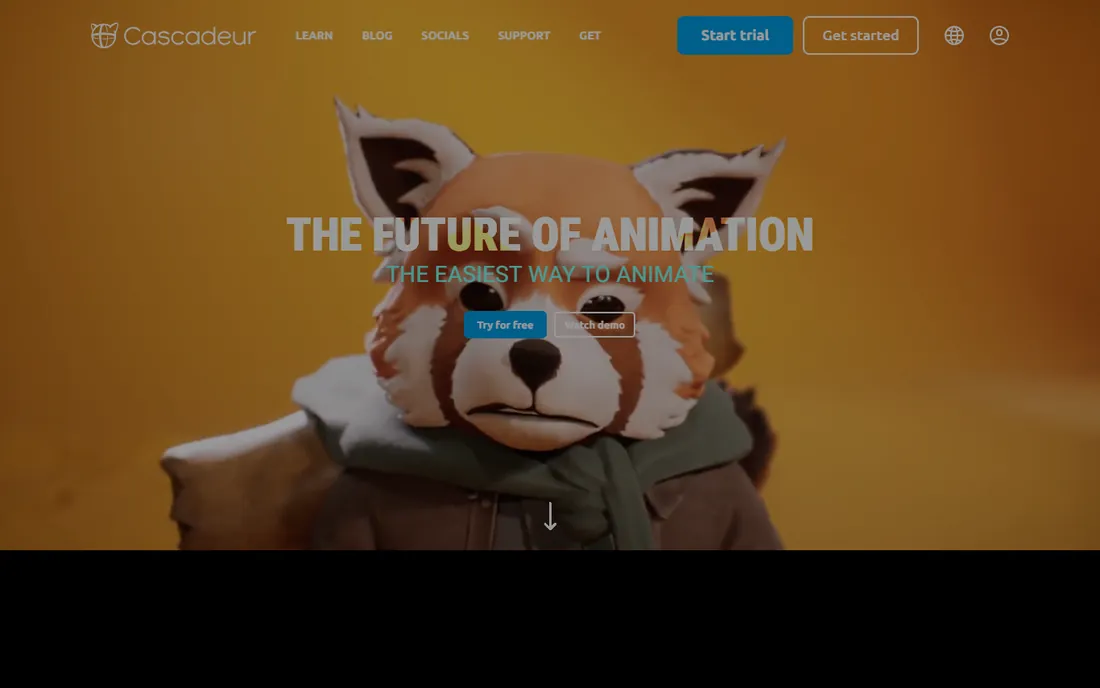
Cascadeur teaches the thing beginners find hardest: making characters move like they have weight. Its AI interpolation generates in-between frames from your key poses, AutoPosing keeps characters balanced with natural spine and limb placement, and AutoPhysics adds believable secondary motion. A beginner's clumsy key poses come out looking noticeably better than the same poses in a general tool, which makes practice more rewarding and feedback clearer.
Understand what it is not. Cascadeur animates characters; it does not model them, build environments, or render final films. You will import characters from Blender, Daz Studio, or Mixamo and export animation back out. The free tier handles learning and small projects; commercial pipelines eventually want the paid features. As a focused trainer for character motion, it has no free rival.
What we like- AI-assisted posing corrects balance and physics automatically
- Purpose-built for believable character motion
- Free tier covers real learning projects
Watch out for- It is an animation tool, not a full 3D suite, so you still need models from elsewhere
- Advanced export options sit on paid tiers
#5
Clara.io
Best for: beginners who want 3D in a browser tab
Visit clara.io
Starting priceFree
Free planYes (free tier)
Clara.io is the rare browser tool that takes 3D seriously. Modeling, UV editing, skeletal animation, and cloud rendering all run in a standard web browser, with a free tier generous enough for learning projects. For students on school Chromebooks or anyone whose laptop cannot install desktop software, it removes the hardware excuse entirely. Multiple users can work in the same scene, which suits classroom settings.
Browser-based work has real constraints. Complex scenes slow down, the free tier rations render hours and storage, and an unstable connection interrupts the workflow. Treat Clara.io as the accessible front door to 3D: learn the concepts here, then graduate to Blender when you have the hardware.
What we like- Full 3D modeling, animation, and rendering in the browser
- Nothing to install, works on Chromebooks
- Collaborative editing in shared scenes
Watch out for- The free tier caps rendering time and storage
- Performance depends on your connection and browser
#6
Spline
Best for: beginners making 3D motion for websites and product pages
Visit spline.design
Starting priceFree
Free planYes (free tier)
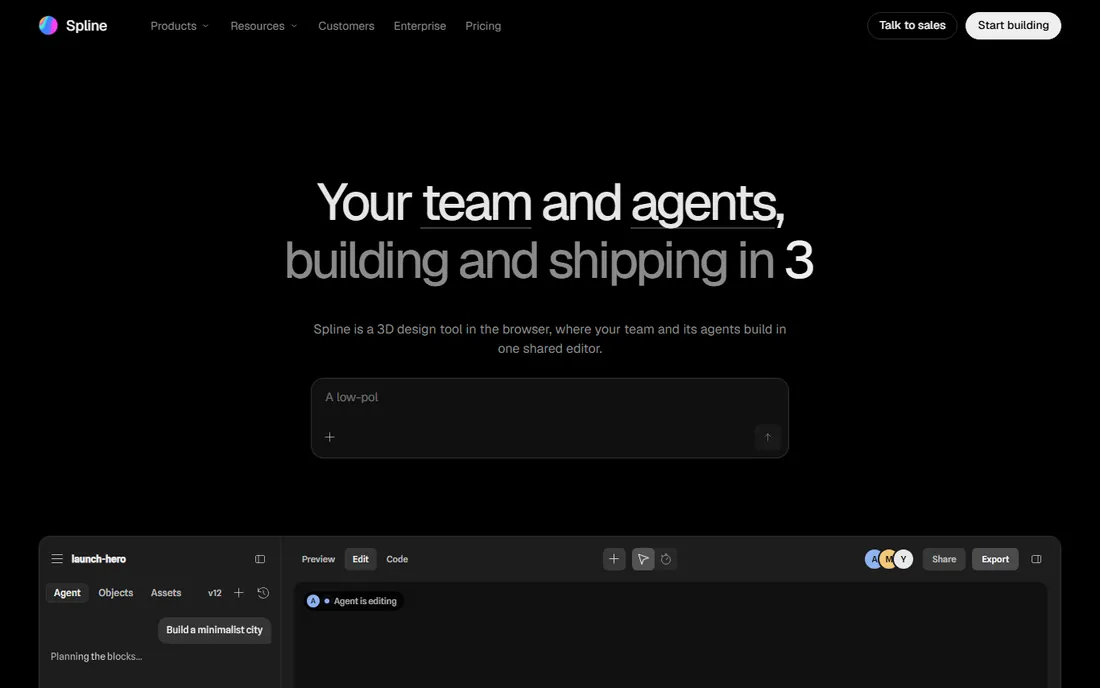
Spline occupies the friendliest corner of 3D: interactive objects and animations for the web. The browser editor feels closer to a design tool than to Blender, with drag-and-drop modeling, a visual timeline, and states and events for interactivity. Beginners produce spinning product views, animated icons, and hero-section 3D within days, and the results embed in a website with a snippet. The free plan covers learning and small projects.
The scope is the limit. Spline will not rig a film character or simulate cloth; it is built for real-time web experiences. Marketers, web designers, and founders who need 3D motion for a landing page will find it ideal. Aspiring film animators should treat it as a side skill, not the main path.
What we like- Intuitive browser editor with real-time collaboration
- Timeline animation and interactivity built in
- Exports embed directly in websites
Watch out for- Aimed at web and product 3D, not films or games
- The free tier limits projects and export options
Starting priceFree
Free planYes
Source Filmmaker, Valve's free machinima tool, remains one of the most fun ways to learn cinematic animation. It ships with characters, sets, and props from Team Fortress 2 and other Valve games, plus a timeline built around shots, cameras, and lighting rather than abstract keyframes. Beginners learn staging, camera language, and editing rhythm while playing with assets they already know. It costs nothing beyond a free Steam account.
The trade is scope and age. Source Filmmaker runs on Windows only, works best inside Valve's asset universe, and its interface predates modern UX conventions. Skills in shot composition and timing transfer everywhere; tool-specific knowledge does not. Use it as an engaging first step into cinematic thinking, then move to Blender for original work.
What we like- Completely free through Steam
- Animate with real game assets from Valve titles
- A direct path to understanding cinematic staging and cameras
Watch out for- Windows only and tied to Valve's ecosystem
- The tool shows its age against modern software
How we chose
We started from the tools working beginners actually recommend in 2026: community roundups, tutorial ecosystems, and review platforms including G2 and Capterra. Every tool above is free to start with no credit card, runs today on commonly available hardware or in a browser, and suits someone with no prior 3D experience. We verified current availability and free-tier terms on vendor sites and documentation, and weighted ease of first results heavily: a beginner tool should produce something watchable in the first week. We claim no hands-on testing.
The biggest beginner mistake is choosing by feature list instead of by goal. Answer one question first: what do you want to make? A short film with original characters points to Blender, despite the learning curve, because nothing else free covers the whole journey. Animating existing characters for practice points to Daz Studio or Mixamo, which skip modeling and rigging entirely. Character motion study points to Cascadeur. Web and marketing 3D points to Spline. Cinematic experiments with game assets point to Source Filmmaker.
The second question is hardware. Blender, Daz Studio, and Source Filmmaker want a real computer with a decent GPU; 8GB of RAM is the practical minimum and 16GB is comfortable. Clara.io and Spline run in a browser and work on modest machines, which makes them the right starting point for Chromebook users. Do not install a heavyweight desktop suite on hardware that cannot run it; frustration with lag kills more beginners than any learning curve.
Give your first choice thirty days of focused practice before judging it. Work through one structured beginner course rather than ten random videos, finish one small project, and then decide. Switching tools every week is the slowest way to learn animation.
Beginner mistakes that cost weeks
Skipping the fundamentals is the classic error. Every tool here tempts you toward complex characters before you understand timing, spacing, and weight, and the result is months of polished-looking bad animation. Do the bouncing ball, the walk cycle, and the lifting exercise first; they are boring and they are the entire foundation.
The second mistake is collecting tools instead of finishing projects. Downloading Blender, Daz Studio, and Cascadeur in the same weekend feels productive and teaches nothing. Pick one, finish three small animations in it, then add a second tool for a specific job. Finished work, even rough work, teaches more than any tutorial marathon.
The third mistake is ignoring file organization. Name your files, save versions, and back up to cloud storage from day one. Beginners lose more work to overwritten saves and crashed projects than to any technical limitation. Every tool here can export standard formats; keep a copy of finished pieces outside the application.
Frequently asked questions
How long does it take a beginner to learn 3D animation?
Expect three to six months of regular practice to produce competent short pieces in Blender. Tools like Daz Studio and Mixamo shorten the path to a first finished animation to days, because they skip modeling and rigging. Realistic character acting takes years in any software; the timeline depends on practice hours, not the tool.
Do I need a powerful computer to start?
For Blender and Daz Studio, a computer with 8GB of RAM and any dedicated GPU from the last several years is enough to learn. Spline and Clara.io run in a browser and work on much weaker machines, including Chromebooks. Start with what you have; upgrade when render times, not tutorials, become the bottleneck.
Is Blender really good enough for professional work?
Yes. Blender has been used in commercial productions, from short films to VFX shots, for years. Its limitations compared to $1,000-per-year software are workflow conveniences and specialized pipeline tools, not output quality. Many working freelancers animate, render, and deliver client work entirely in Blender.
Can I sell animations made with free software?
Blender, Clara.io, Spline, and Source Filmmaker outputs are yours to sell. Daz Studio's free figures carry a license worth reading: renders are generally fine for commercial use, but redistributing the 3D assets themselves is restricted. Mixamo's free animations are cleared for commercial use including games. When in doubt, read the license for the specific assets, not just the software.
Should I learn 2D or 3D animation first?
Neither is a prerequisite for the other, but 3D forgivingly handles in-betweening through software interpolation, which lets beginners see results faster. Blender's Grease Pencil even teaches 2D timing inside a 3D app. Pick the style that matches the work you want to make; motivation beats curriculum.
Sources we checked (9)
- https://www.blender.org/
- https://www.daz3d.com/
- https://www.mixamo.com/
- https://cascadeur.com/
- https://clara.io/
- https://spline.design/
- https://store.steampowered.com/
- https://www.foxrenderfarm.com/share/free-3d-animation-software/
- https://www.guru99.com/best-3d-animation-software.html
Is your product missing or out of date?
We review this list regularly. Vendors can request a listing, send updated pricing or ask about featured placement.

Shihab Mia · Founder, Rankite
Shihab has spent more than a decade helping SaaS and e-commerce brands grow through search. He writes Rankite's software buying guides from pricing pages, documentation and public user reviews. More about Shihab.