How we make this list: we compare pricing pages, product documentation and public user reviews. Rankite is independent; if a vendor ever pays for a featured spot, that listing is clearly labeled Partner.
Key takeaways
- Blender is the single most capable free option, but its interface overwhelms most beginners in the first week; pair it with a structured course, not random videos.
- Tinkercad and SketchUp Free are the gentlest starting points: both run in the browser and you will make something recognizable on day one.
- Clara.io and Vectary prove you do not need to install anything; both model right in the browser, with free tiers that cover learning projects.
- Blockbench and MagicaVoxel are the fun picks: low-poly game models and voxel art teach 3D thinking without the CAD vocabulary.
- Daz Studio and Houdini Apprentice are free but specialized: Daz for posing ready-made characters, Houdini Apprentice for tasting the procedural workflow studios use.
Quick comparison
| Tool | Best for | Starting price | Free plan |
|---|
 Blender Blender | beginners who want the full free powerhouse | Free | Yes |
 SketchUp Free SketchUp Free | beginners who want results in the first hour | Free | Yes |
 Tinkercad Tinkercad | absolute first-timers, including kids | Free | Yes |
 Clara.io Clara.io | browser modeling with real rendering built in | $10/month (Standard) | Yes, free forever plan |
 Vectary Vectary | product-style modeling with AR previews | $25/month | Yes, free version |
 Blockbench Blockbench | low-poly models and Minecraft-style creations | Free | Yes |
 Daz Studio Daz Studio | creating 3D character scenes without modeling from scratch | Free | Yes |
 Wings 3D Wings 3D | learning pure subdivision modeling technique | Free | Yes |
 MagicaVoxel MagicaVoxel | voxel art and playful 3D sketching | Free | Yes |
 Houdini Apprentice Houdini Apprentice | curious beginners wanting a taste of procedural 3D | Free | Yes, free for non-commercial use |
Is your product missing or out of date?
We review this list regularly. Vendors can request a listing, send updated pricing or ask about featured placement.
The best free 3D modeling software for beginners
Starting priceFree
Free planYes
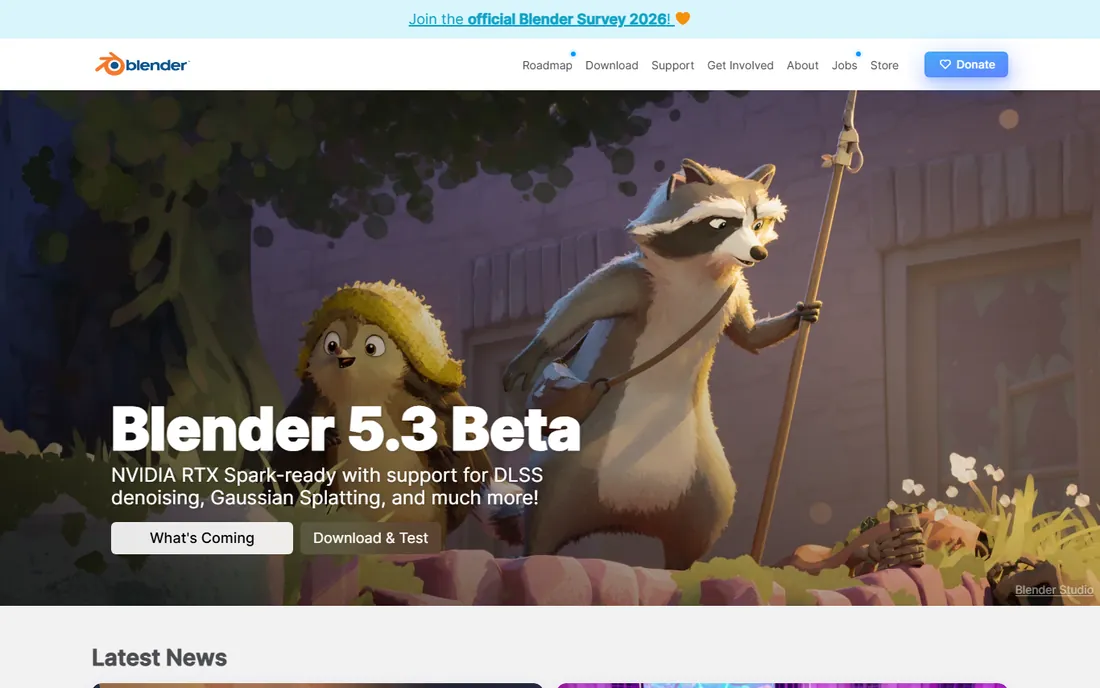
Blender is the answer to "what is the best free 3D modeling software" so often that it feels like a default, and the reputation is earned. It is genuinely free, open source, and capable of professional film work. Modeling, sculpting, texturing, animation, and rendering all live in one download, so you never hit a paywall mid-project.
Beginners should treat the first two weeks as orientation, not failure. The interface packs hundreds of tools into a small space, and the fastest way through is a single structured beginner course rather than scattered YouTube clips. Once the basics click, Blender has no ceiling, which is why it tops nearly every free list.
What we like- Does modeling, sculpting, animation, and rendering in one free package
- Enormous tutorial library
- Runs on Windows, Mac, and Linux
Watch out for- Dense interface with a real learning curve
- Default settings assume you know 3D vocabulary
Starting priceFree
Free planYes
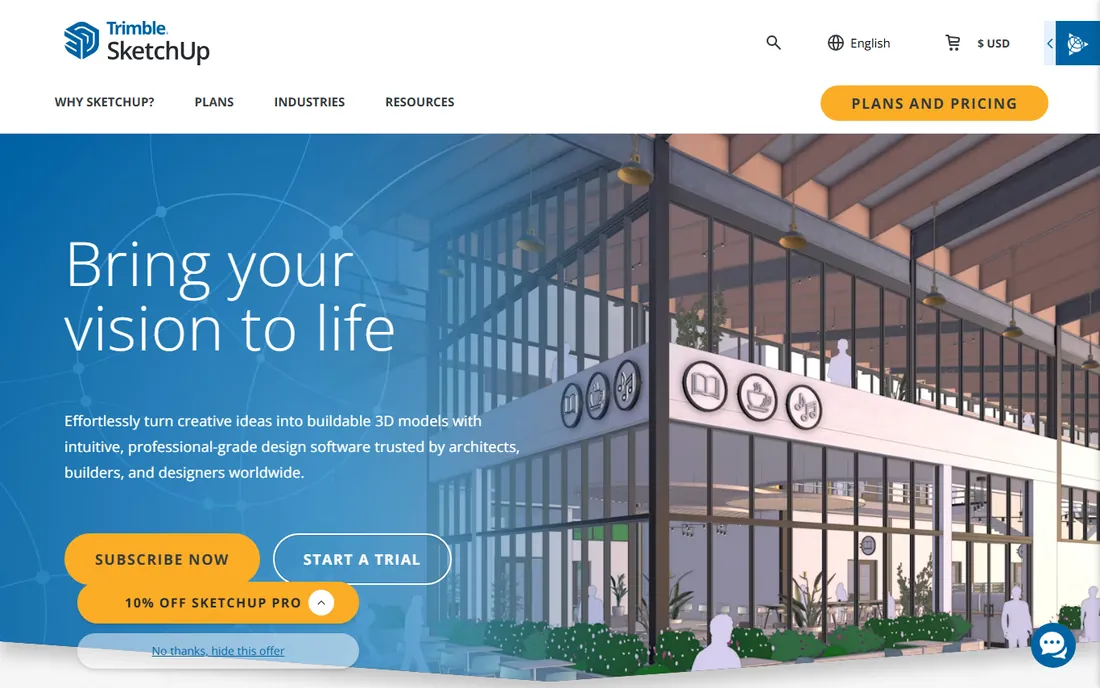
SketchUp Free is the web version of the famously approachable modeler, and it keeps the core promise: draw a rectangle, pull it into a box, and you are modeling. The 3D Warehouse gives you millions of ready-made models to study and remix, which is a fantastic way to learn by taking things apart.
The free tier covers learning well, though advanced tools and desktop access sit behind the paid Go plan. For a beginner, the limits rarely matter in the first months. Use it to build spatial thinking and simple objects, then decide whether you need more.
What we like- Push-pull modeling anyone can learn quickly
- Runs in the browser with nothing to install
- Millions of free models in the 3D Warehouse
Watch out for- Free tier is web-only with limited features
- Not ideal for organic or character modeling
Starting priceFree
Free planYes
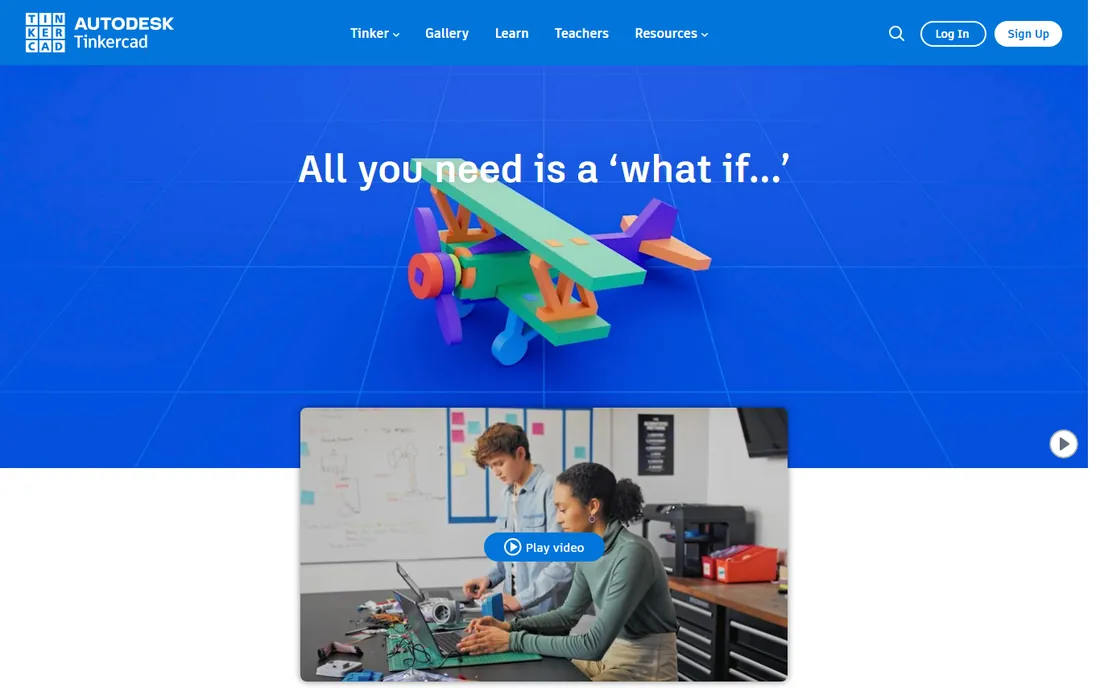
Tinkercad is where many people touch 3D for the first time, and Autodesk keeps it completely free. You combine boxes, cylinders, and spheres, cut holes with the hole tool, and export for printing or just for fun. The guided lessons mean you are never staring at a blank screen wondering what to click.
It is deliberately limited, and that is the point. A beginner who spends a month in Tinkercad learns 3D space, grouping, and alignment without fighting an interface. When the shapes start feeling small, Blender or SketchUp is the natural next step.
What we like- Simplest possible start, drag shapes onto a plane
- Built-in lessons teach as you build
- Exports STL for 3D printing
Watch out for- Too simple for detailed or organic work
- Browser-only with an internet connection required
#4
Clara.io
Best for: browser modeling with real rendering built in
Visit clara.io
Starting price$10/month (Standard)
Free planYes, free forever plan
Clara.io is the closest thing to a full 3D suite that lives entirely in a browser tab. Model, set up materials and lights, animate, and render, all without installing anything, which makes it perfect for school computers and Chromebooks. The free forever plan includes storage and a monthly allowance of cloud rendering.
Paid tiers start at $10 a month when you outgrow the free limits, so the upgrade path is painless. The community is smaller than Blender's, which means fewer tutorials, but the interface will feel familiar to anyone who has seen a traditional 3D app.
What we like- Full modeling, animation, and rendering in the browser
- Free plan includes cloud rendering time
- No install on any machine
Watch out for- Free plan limits storage and monthly render hours
- Smaller community than desktop tools
Starting price$25/month
Free planYes, free version
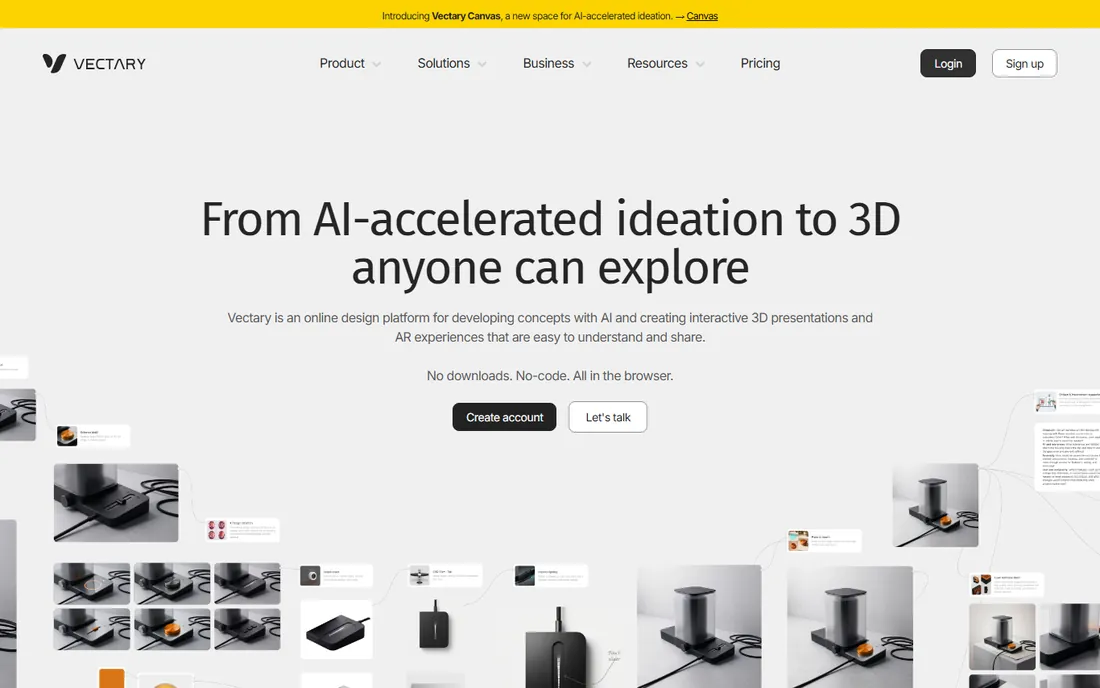
Vectary pitches itself as the accessible 3D platform, and the interface shows it: tidy, modern, and far less intimidating than desktop CAD. You model in the browser, then preview designs in augmented reality on your phone, which is a thrill the first time a virtual object sits on your real desk.
The free version covers learning and small projects, with paid plans from $25 a month adding capacity. Beginners making product concepts, room layouts, or simple assets will feel at home. Character artists and sculptors should look at Blender or Daz Studio instead.
What we like- Clean modern interface aimed at non-experts
- AR previews of your models on a phone
- No downloads, everything in the browser
Watch out for- Free version has limits on projects and exports
- Geared more to product visualization than character work
Starting priceFree
Free planYes
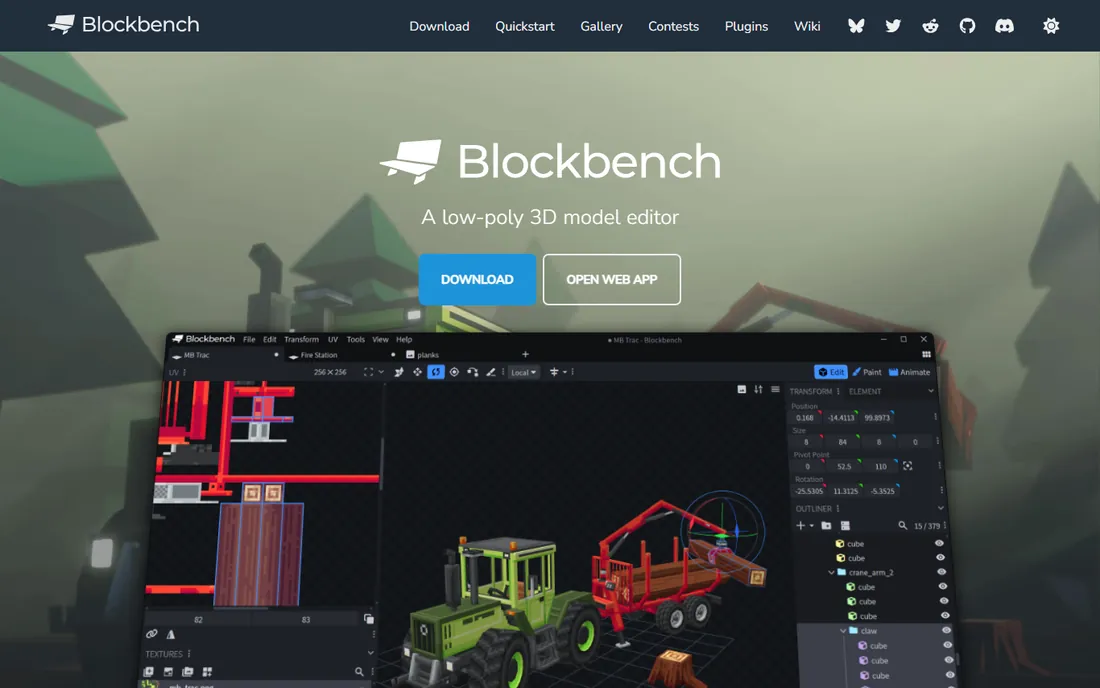
Blockbench started as a Minecraft model editor and grew into a genuinely good low-poly modeling tool. If your idea of 3D is game assets, blocky characters, or stylized props, it teaches the fundamentals, mesh structure, UV mapping, and texturing, without burying you in options. It is free, open source, and runs on desktop and in the browser.
The boxy aesthetic is both the charm and the limit. You will not sculpt realistic faces here. But for a beginner, constraints are a gift: Blockbench keeps the toolset small enough to master, and finished models export cleanly to game engines and printers.
What we like- Free and open source with a friendly interface
- Built for boxy low-poly modeling
- Exports for games, rendering, and 3D printing
Watch out for- Focused on low-poly, not a general modeler
- Pixel-art texturing style is not for everyone
#7
Daz Studio
Best for: creating 3D character scenes without modeling from scratch
Visit daz3d.com
Starting priceFree
Free planYes
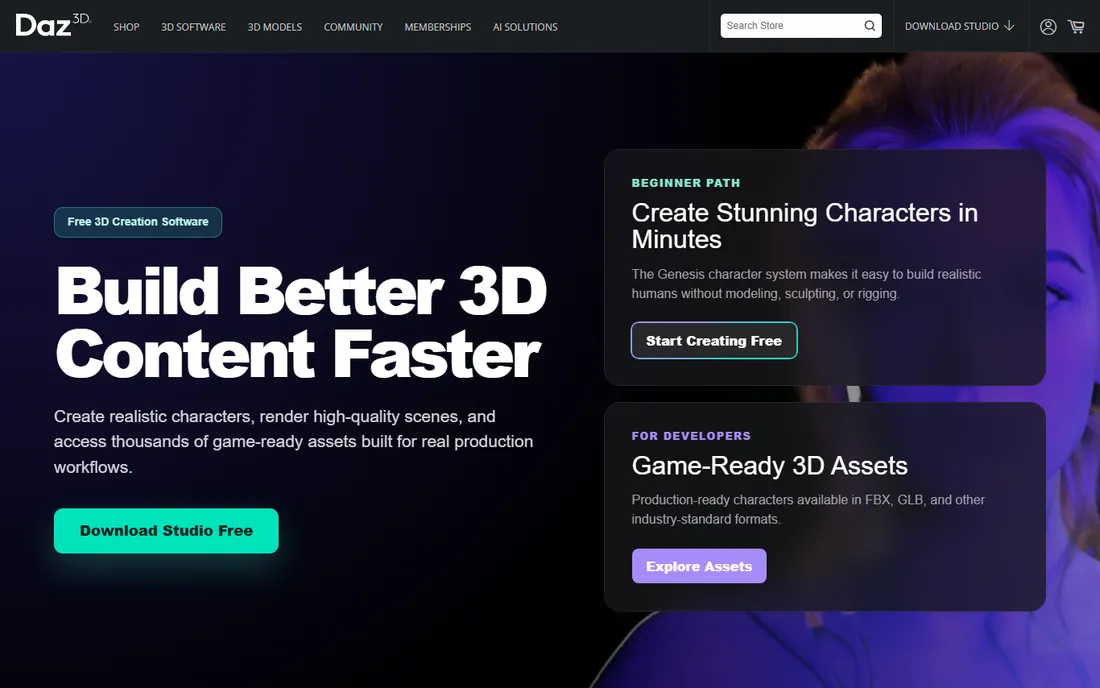
Daz Studio takes a different path to 3D: instead of teaching you to model, it hands you ready-made characters, clothes, and sets to pose, light, and render. The base software is free, and you can produce striking character art on your first day by posing a figure and hitting render. For a beginner drawn to characters rather than CAD, that instant payoff matters.
The catch is the store. Daz makes money selling content packs, and the free library only goes so far before tempting upgrades appear. Treat it as a posing and rendering playground, and pair it with Blender when you want to build your own geometry.
What we like- Free base software with thousands of free and paid assets
- Pose and render characters in minutes
- Strong beginner tutorials
Watch out for- The business model nudges you toward buying content
- Not a modeler, you assemble rather than create geometry
Starting priceFree
Free planYes
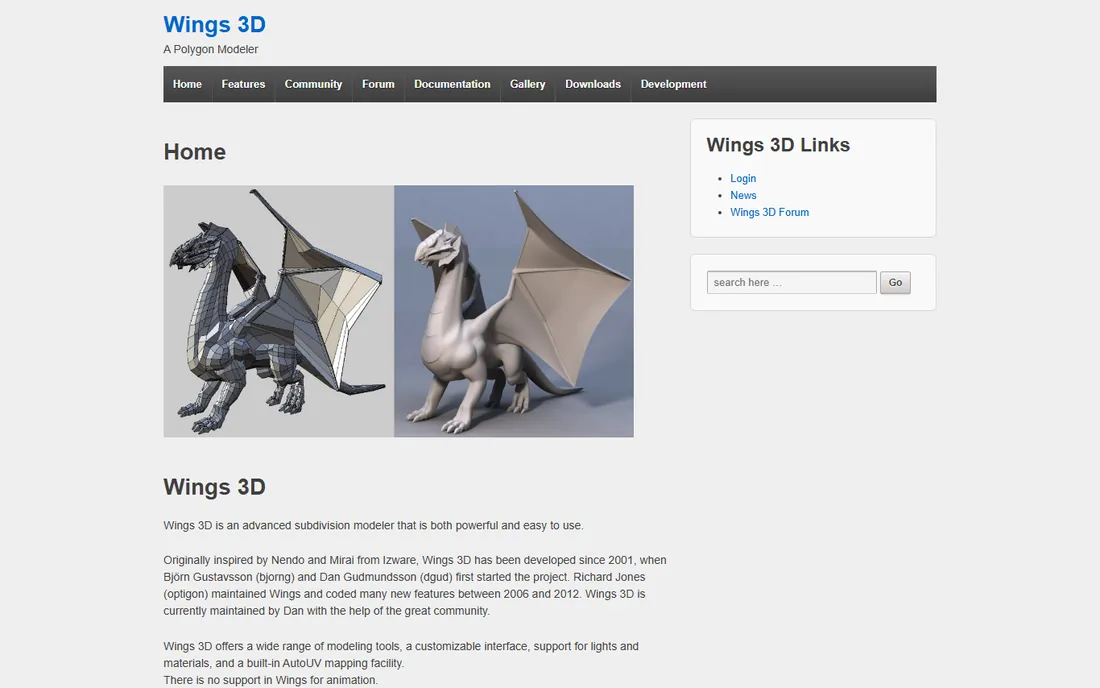
Wings 3D is a veteran: a free subdivision modeler that has taught box-modeling fundamentals since 2001. Right-click context menus keep the interface minimal, and the workflow, block out a shape, subdivide, refine, is exactly how game artists still build characters. It runs happily on machines that would choke on Blender.
It shows its age in the interface, and there is no animation support, so finished models move to another tool for rigging. But as a focused learning instrument for modeling technique, it remains excellent, and the price cannot be beaten.
What we like- Completely free and open source
- Focused toolset teaches real box-modeling technique
- Lightweight and fast on old machines
Watch out for- Dated interface
- No animation tools at all
Starting priceFree
Free planYes
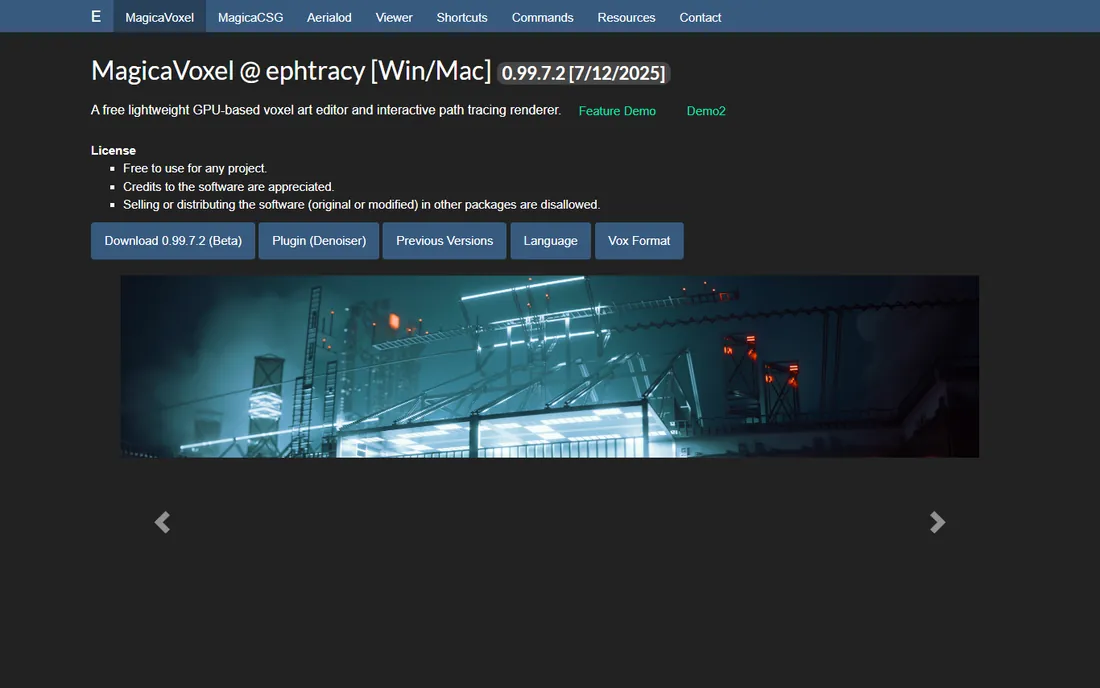
MagicaVoxel lets you paint with 3D cubes, and the results can be gorgeous. Game artists use it for dioramas and prototypes, hobbyists use it for pure fun, and beginners love it because there is almost no interface to learn: pick a color, click cubes, watch a scene grow. The built-in path-tracing renderer produces beautiful images from simple builds.
It will not teach you CAD or character sculpting, and that is fine. MagicaVoxel teaches 3D thinking, composition, and color in the most forgiving environment possible. Many beginners start here for fun and graduate to Blender with spatial intuition already in place.
What we like- Free and delightfully simple
- Paint 3D pixels to build anything
- Built-in renderer makes great-looking art fast
Watch out for- Voxel-only, so smooth surfaces are not the point
- Niche workflow does not transfer directly to CAD
#10
Houdini Apprentice
Best for: curious beginners wanting a taste of procedural 3D
Visit sidefx.com
Starting priceFree
Free planYes, free for non-commercial use
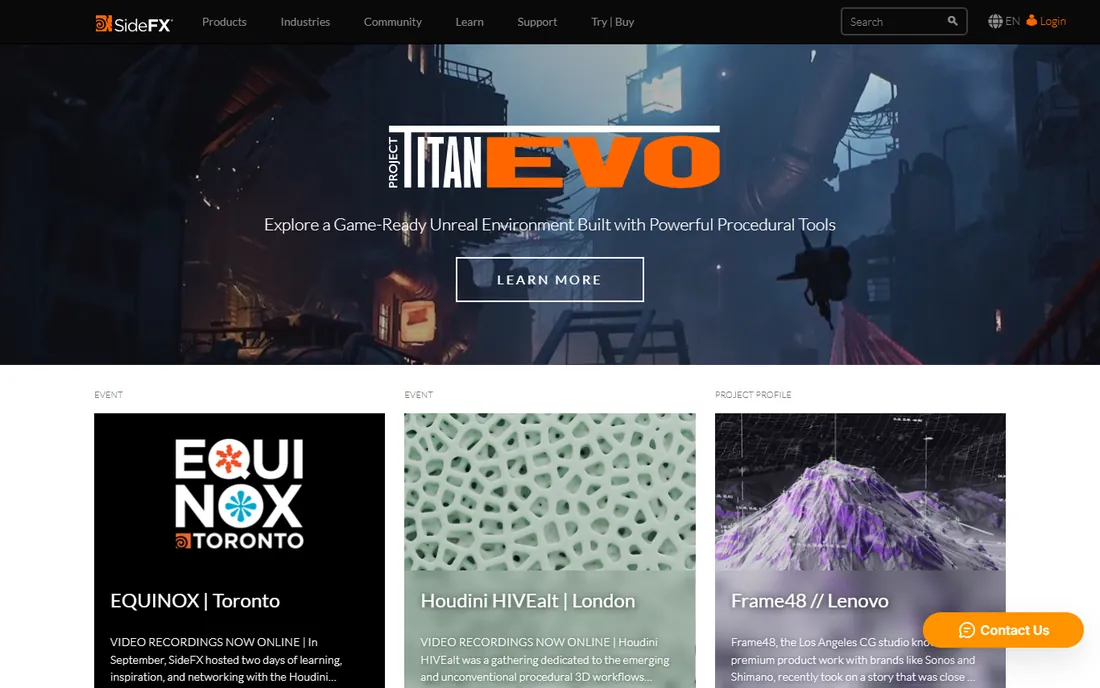
Houdini Apprentice is SideFX giving away almost the entire professional Houdini toolset for learning. The node-based procedural workflow is unlike anything else here: you build models by connecting operations, which feels strange at first and then deeply logical. Studios use Houdini for film effects, so the skills transfer to real jobs.
This is not a casual pick. Expect weeks before comfort, and Apprentice renders carry a small watermark with a non-commercial license. But for a beginner who suspects they want 3D as more than a hobby, there is no cheaper way to find out whether the procedural mindset fits.
What we like- Nearly the full Houdini FX toolset for free
- Procedural node workflow is a career skill
- Huge free learning resources from SideFX
Watch out for- Steepest learning curve on this list
- Renders carry a watermark and non-commercial restriction applies
A fair question about any free list is what you give up, and the honest answer is: less than you think. Blender matches paid tools feature for feature. Tinkercad and SketchUp Free cover the fundamentals better than some paid beginner apps. The real costs of free software are measured in learning time and community size, not in missing buttons.
What free tools rarely give you is hand-holding. Paid products invest in onboarding because they need your renewal. Free tools, especially open source ones, assume you will find tutorials yourself. Budget your time accordingly: pick one tool, follow one structured course, and give it thirty days before judging it.
Watch for the two common free-tier traps. Some browser tools limit exports or watermark renders on free plans, which is fine for learning but matters if you publish work. And "free for learning" licenses like Houdini Apprentice forbid commercial use, so check the terms before selling anything you make.
How we chose
We looked at what beginners actually recommend to each other in 2026: Reddit threads, YouTube starter guides, classroom tool lists, and Discord communities. Every tool here is free to start with no credit card, actively maintained, and genuinely usable by someone with zero 3D background. Prices for paid tiers come from the vendors' own pricing pages, and free-tier limits come from the vendors' plan comparisons. We excluded abandoned projects and "free trials" masquerading as free software.
Frequently asked questions
What is the best completely free 3D modeling software for beginners?
Blender is the most capable completely free option, and Tinkercad is the easiest. If you want power and a future-proof skill, learn Blender. If you want to make something today with zero frustration, start with Tinkercad.
Can I learn 3D modeling without installing anything?
Yes. Tinkercad, SketchUp Free, Clara.io, Vectary, and the web version of Blockbench all run in the browser. A Chromebook and an internet connection are enough to start.
How long does it take to learn 3D modeling basics?
Expect two to four weeks of regular practice to model simple objects confidently in a beginner tool like Tinkercad or SketchUp Free. Blender takes longer, typically two to three months before the interface feels natural. Consistency beats marathon sessions.
Is Blender too hard for a beginner?
Blender has the steepest learning curve among free general tools, but thousands of beginners learn it every month. The trick is following one structured beginner course instead of random tutorials, and accepting that the first two weeks feel awkward for everyone.
Can I sell models I make with free software?
Usually yes, with exceptions. Blender, Wings 3D, Blockbench, and MagicaVoxel place no restrictions on commercial work. Houdini Apprentice is strictly non-commercial, and some free tiers limit commercial use, so check the license of the specific tool before selling.
What is the difference between 3D modeling and 3D sculpting?
Modeling builds objects from precise geometry like boxes and cylinders, which suits hard-surface objects and CAD. Sculpting pushes and pulls digital clay, which suits characters and organic shapes. Blender does both, while tools like Tinkercad focus on modeling and Daz Studio skips modeling entirely.
Sources we checked (11)
- https://www.blender.org
- https://sketchup.com/
- https://tinkercad.com/
- https://clara.io/pricing
- https://www.vectary.com
- https://blockbench.net/
- https://daz3d.com/
- https://wings3d.com/
- https://ephtracy.github.io/
- https://sidefx.com/
- https://www.sidefx.com/products/houdini-apprentice/
Is your product missing or out of date?
We review this list regularly. Vendors can request a listing, send updated pricing or ask about featured placement.

Shihab Mia · Founder, Rankite
Shihab has spent more than a decade helping SaaS and e-commerce brands grow through search. He writes Rankite's software buying guides from pricing pages, documentation and public user reviews. More about Shihab.