How we make this list: we compare pricing pages, product documentation and public user reviews. Ratings come from G2, Capterra or Trustpilot, with the date we checked them.
Key takeaways
- Adobe Express is the closest free starting point for quick social graphics and flyers.
- VistaCreate is the strongest lower priced paid option for template led marketing content.
- Figma and Affinity suit people who need deeper control than a template editor allows.
- Photo heavy work calls for Pixlr or Photopea style editing, not a template library alone.
- Free plans differ sharply on exports, stock assets, and brand tools, so test the exact export you need before paying.
Quick comparison
| Tool | Best for | Starting price | Free plan |
|---|
 Adobe Express Adobe Express | Quick social graphics | $9.99 per month | Yes |
 VistaCreate VistaCreate | Template led marketing | $10 per month (billed annually) | Yes |
 Visme Visme | Presentations and infographics | $12.25 per month (billed annually) | Yes |
 Piktochart Piktochart | Infographics and reports | $10 per month (billed annually) | Yes |
 Snappa Snappa | Fast single images | $10 per month (billed annually) | Yes |
 Kittl Kittl | Logos and merch designs | $12 per month (billed annually) | Yes |
 Figma Figma | Interface and team design | See website | Yes |
 Pixlr Pixlr | Browser photo editing | See website | Yes |
Is your product missing or out of date?
We review this list regularly. Vendors can request a listing, send updated pricing or ask about featured placement.
The best Canva alternatives for graphic design software
#1Adobe Express
Best for: Quick social graphics4.5/5 on
G2 (855 reviews, checked Oct 2026)
Visit adobe.com
Starting price$9.99 per month
Free planYes
Adobe Express is the natural first stop for anyone leaving Canva for social posts, flyers, and short videos. The editor is browser based, template driven, and fast to learn, so a small business owner can produce a usable post in minutes rather than hours. The free plan covers many everyday jobs, while Premium adds stock photos, premium templates, brand controls, and one click tools such as background removal and bulk resize.
The main limit is depth. Express is not a replacement for Photoshop or Illustrator when you need precise masking, vector drawing, or print production control. It also shares Canva's core trade off: speed comes from templates, so distinctive brand work still needs custom fonts, colors, and imagery. If your main job is regular social content and you already use Adobe tools, Express is the easiest switch.
What we like- Free plan for basic designs
- Adobe stock and fonts on paid plans
- Video, resize, and background removal tools
Watch out for- Some premium assets and features sit behind Premium
- Template style can still feel familiar
Starting price$10 per month (billed annually)
Free planYes
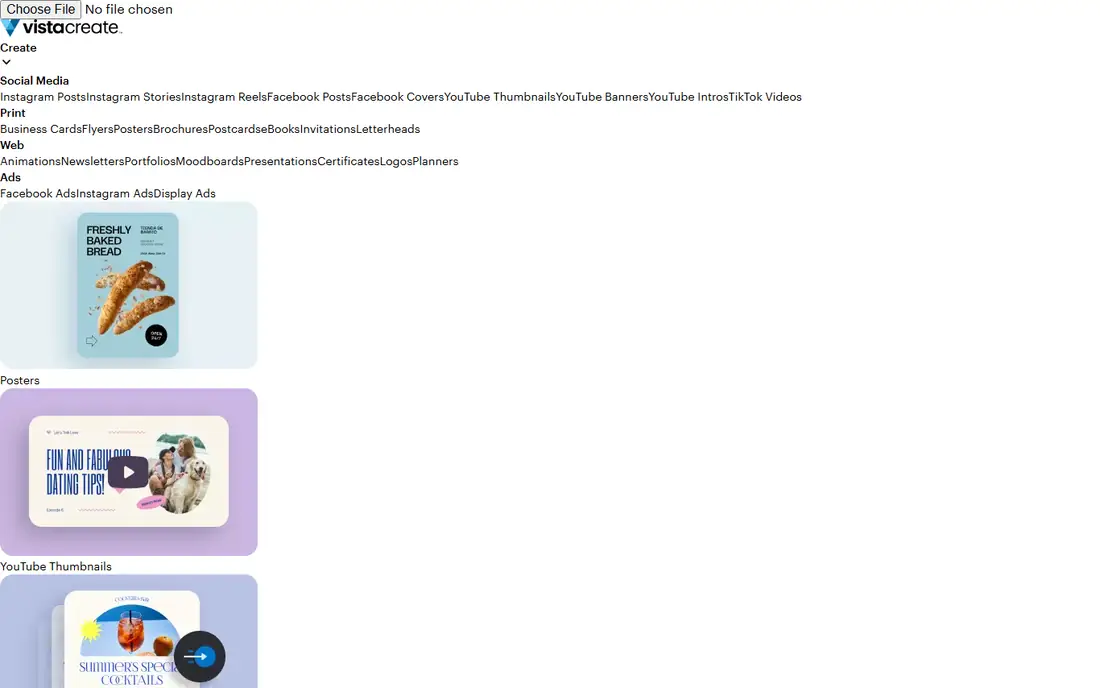
VistaCreate, formerly Crello, mirrors Canva's workflow more closely than most rivals. You pick a format, choose a template, swap text and images, and export. That familiarity shortens the learning curve, and the Pro price undercuts Canva's paid tier for many solo creators. Pro adds a brand kit, background removal, version history, and team features that matter once you publish daily.
For teams, the gap shows up in integrations and shared libraries. VistaCreate does not match Canva's breadth of apps, content planner depth, or enterprise controls. Solo marketers, ecommerce sellers, and small studios who mainly need attractive posts, ads, and product graphics will notice that gap least. Start on the free plan and upgrade only when a template, asset, or brand limit blocks a real campaign.
What we like- Large template library
- Free Starter plan
- Brand kit and scheduling on Pro
Watch out for- Smaller ecosystem and fewer integrations than Canva
- Collaboration tools are less mature
#3Visme
Best for: Presentations and infographics4.5/5 on
G2 (512 reviews, checked Oct 2026)
Visit visme.co
Starting price$12.25 per month (billed annually)
Free planYes
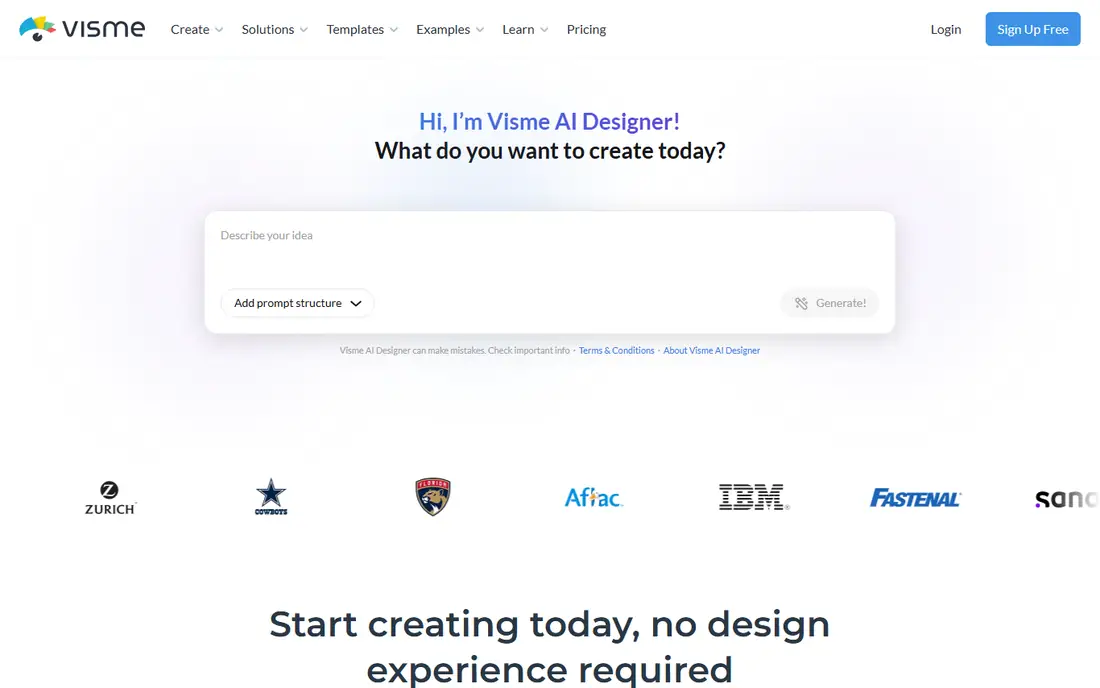
Visme fits a different job from the social first tools above. It is built for presentations, infographics, reports, proposals, and training documents, with charts and data widgets that update from your numbers. That makes it useful for agencies, consultants, and internal teams who present data to clients or managers. Templates cover business documents as well as social formats, so one tool can handle a pitch deck and a one page summary.
The free plan is limited, especially on downloads, so Visme is best judged on a paid trial project rather than a single free export. The editor is also busier than Snappa or Express, because it packs in more document controls. If most of your work is data led or presentation led, that extra control pays off. If you only make Instagram posts, a simpler editor will be faster.
What we like- Charts, data widgets, and interactive presentations
- Document and report templates
- Brand kit on paid plans
Watch out for- Free plan limits downloads
- Interface takes longer to learn than a simple social editor
#4Piktochart
Best for: Infographics and reports4.4/5 on
G2 (163 reviews, checked Oct 2026)
Visit piktochart.com
Starting price$10 per month (billed annually)
Free planYes
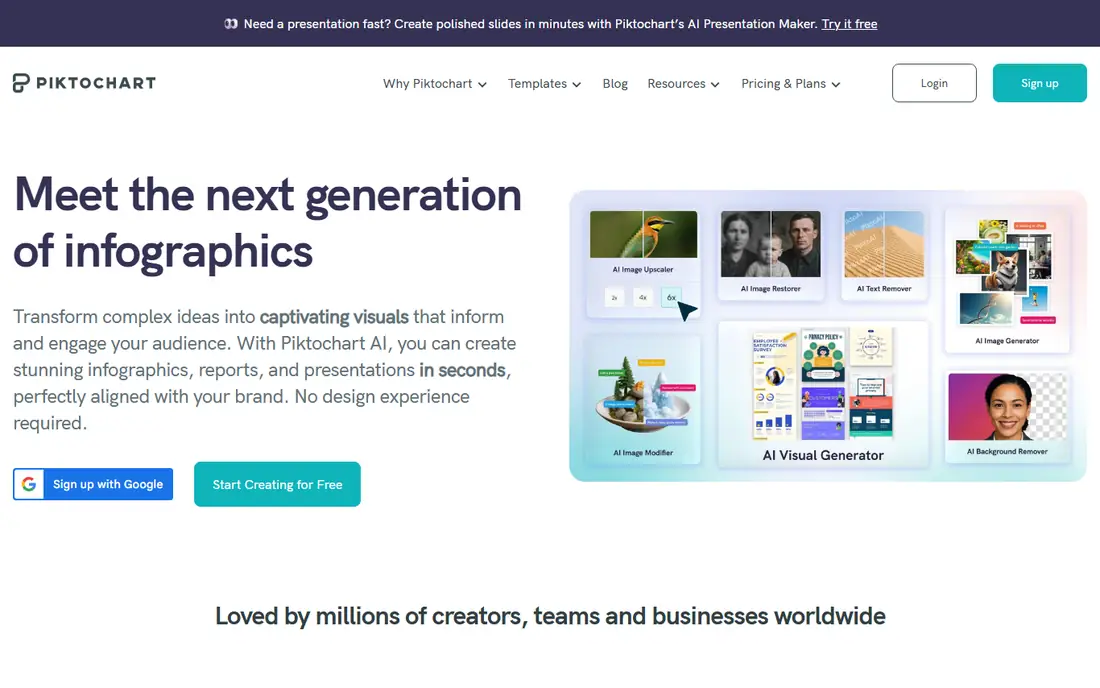
Piktochart started with infographics and still does that job well. You can turn a spreadsheet, survey result, or annual report into a visual summary without hiring a designer or learning a complex tool. The chart builder, icon library, and report templates keep the focus on clarity, which is what readers want from an infographic. Recent AI features help draft text and generate images, though you should still check facts and wording before publishing.
Social designers may find Piktochart narrow. It handles posts and banners, but its template range and photo editing do not match a general design suite. Choose Piktochart when your output is mostly reports, explainers, and data visuals for work, school, or clients. For a mixed feed of social graphics, pair it with a simpler social editor or pick a broader tool from this list.
What we like- Strong infographic and report templates
- Chart tools
- AI assisted text and image features
Watch out for- Free plan allows only a few downloads
- Social design features are narrower than Canva
#5Snappa
Best for: Fast single images4.6/5 on
G2 (40 reviews, checked Oct 2026)
Visit snappa.com
Starting price$10 per month (billed annually)
Free planYes
Snappa is for people who want one good image, fast. The editor strips away layers of menus and focuses on preset sizes, stock photos, text, and shapes. That restraint is a strength for bloggers, podcasters, and small teams who publish a featured image or social graphic and move on. The stock library is generous on paid plans, which reduces time spent hunting for usable photos elsewhere.
The free plan is tight, with only three downloads per month in recent plan listings, so regular publishers will need Pro. Snappa also lacks deep video editing and the huge template catalog of Canva. Its value is speed and simplicity. If you open a design tool, sigh at the options, and just want a clean graphic in ten minutes, Snappa earns its place.
What we like- Very fast preset sizing for social platforms
- Large stock photo library
- Simple editor
Watch out for- Free plan allows only three downloads per month
- Fewer templates and video tools than Canva
#6Kittl
Best for: Logos and merch designs4.7/5 on
G2 (43 reviews, checked Oct 2026)
Visit kittl.com
Starting price$12 per month (billed annually)
Free planYes
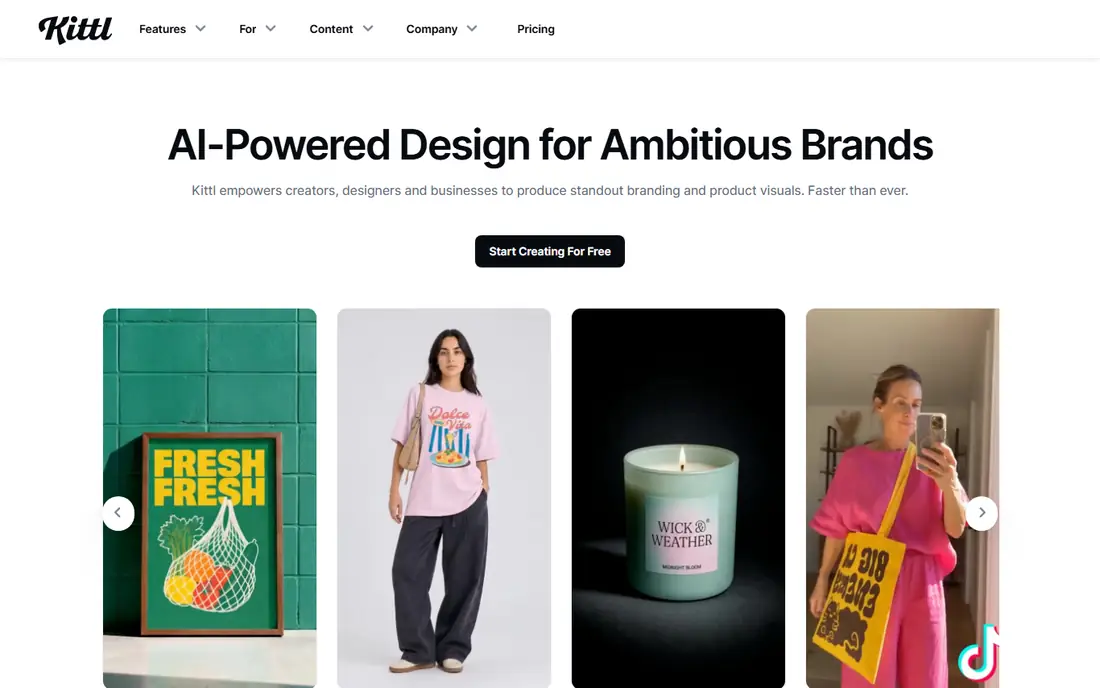
Kittl stands out for text led design. Vintage badges, bold typography, shirt graphics, and logo marks are its home ground, and its font and texture tools go further than a generic template editor. Print on demand sellers use it for merch because exports suit apparel and product mockups, and the design community around it shares styles that help beginners find a look. AI generation can speed up first drafts for illustrations and backgrounds.
Commercial use requires a paid plan, since the free tier is limited to personal projects. That matters for anyone selling designs or client work. Kittl also demands more design judgment than a social template tool, because its best results come from choosing type, texture, and layout with intent. If your work centers on logos, merch, or distinctive graphics rather than daily social posts, Kittl is a strong specialist pick.
What we like- Strong text effects and vintage design styles
- Merch and print on demand friendly exports
- AI image tools
Watch out for- Free plan is for personal use only
- Learning curve for advanced typography features
#7Figma
Best for: Interface and team design4.7/5 on
G2 (1,593 reviews, checked Oct 2026)
Visit figma.com
Starting priceSee website
Free planYes
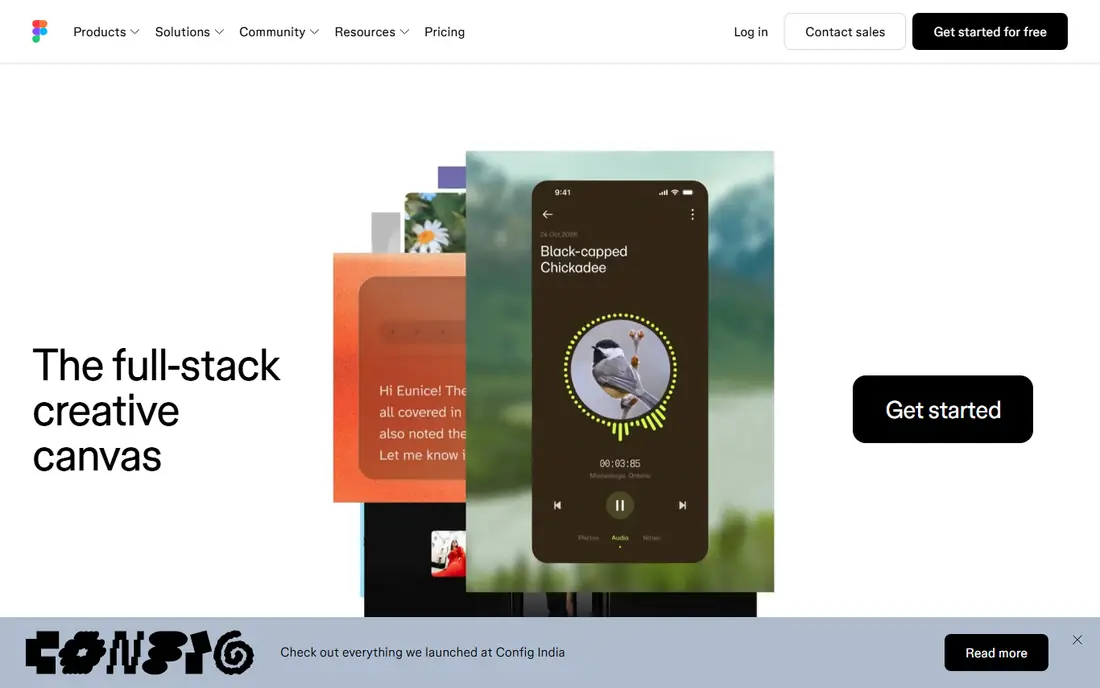
Figma is not a Canva clone, and that is the point. It is the standard tool for interface design, product screens, website layouts, and design systems, where multiple people edit the same file at once. Components, shared styles, and variables keep a product consistent across dozens of screens, and prototypes let a team test a flow before any code is written. The free Starter plan suits solo designers and small projects.
For a marketer who only needs a flyer, Figma will feel slow and technical. There is no vast social template library, and photo editing is basic. Figma belongs on this list because many Canva users outgrow templates and need a tool for websites, apps, and brand systems. If your next step is product or web design with a team, start here rather than stretching a social editor beyond its purpose.
What we like- Real time team collaboration
- Reusable components and styles
- Strong prototyping for apps and websites
Watch out for- Overkill for simple social posts
- Print and photo editing are not its focus
#8Pixlr
Best for: Browser photo editing4.4/5 on
G2 (751 reviews, checked Oct 2026)
Visit pixlr.com
Starting priceSee website
Free planYes
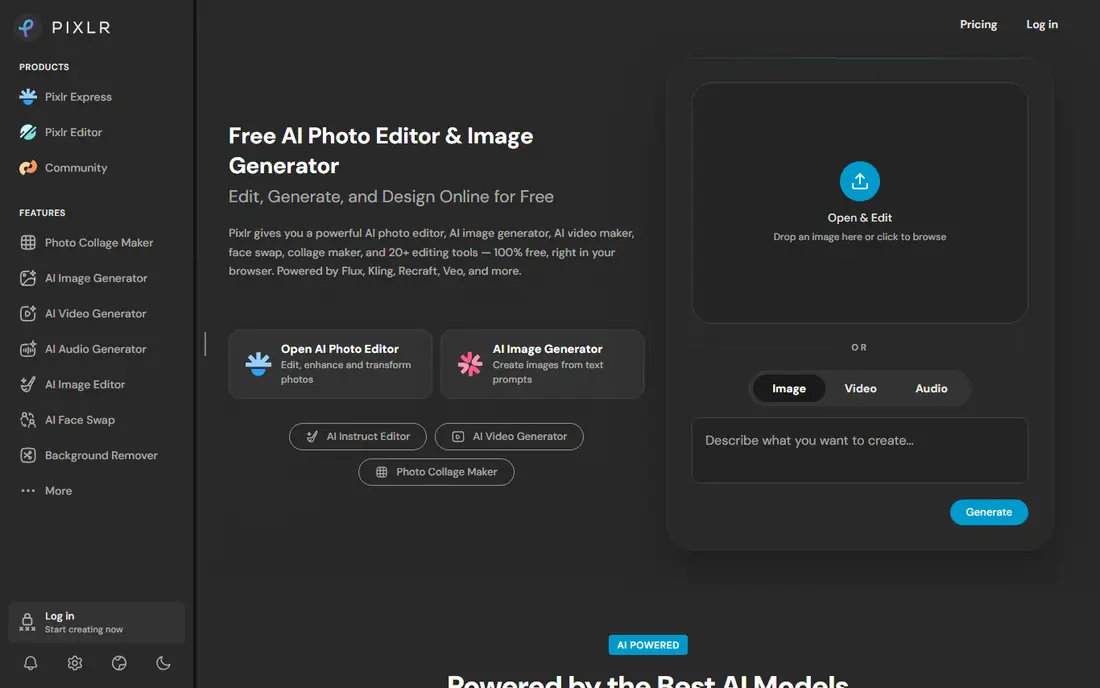
Pixlr fills the photo editing gap that template tools leave open. It runs in the browser, supports layers and masks, and handles retouching, cutouts, and effects far better than a drag and drop poster maker. Photographers and content creators use it to clean up images before placing them in another design tool, or to create a finished social image from a photo rather than a template.
It is not a full Canva replacement on its own. Brand kits, document templates, and scheduling are thin or absent, so most users pair Pixlr with a template editor. The free tier is usable, but expect prompts to upgrade for advanced tools and higher resolution work. If your main frustration with Canva is photo control rather than templates, Pixlr is the cheapest way to fix it.
What we like- Layer based editing in the browser
- Photo retouching and effects
- No install needed
Watch out for- Template and brand tools are limited
- Ads and upsells on the free tier can distract
How we chose
We compared template editors, presentation tools, photo editors, and professional design platforms, because people search for Canva alternatives with different jobs in mind. We checked current plan pages for free tiers and starting prices, noted where free plans limit downloads or commercial use, and favored tools with a clear strength rather than a long feature list that does everything poorly. Prices change, so confirm the plan page before checkout.
Picking by the job you do most
A single best tool does not exist here, because a social manager, a report writer, and a product designer need different things. Start from your most common output, then check the free plan limits that would affect that output. Export format, download count, stock access, and commercial rights matter more than template counts.
For daily social content
Adobe Express and VistaCreate cover the most ground at the lowest friction. Snappa is faster if you publish few images and value simplicity over variety. Test how each handles your brand colors, fonts, and logo, because a tool that cannot lock those details will slow every post.
For reports, decks, and data visuals
Visme and Piktochart lead here. Look for chart types you actually use, table handling, and PDF export quality. A tool that makes a pretty infographic but mangles a table will cost time on every report.
For deeper design work
Figma suits interfaces and team systems, Kittl suits logos and merch, and Pixlr suits photo edits. These tools reward learning time. Budget a few projects to get comfortable before judging speed, because early work in a deeper tool always feels slower than a template.
Frequently asked questions
What is the best free Canva alternative?
Adobe Express Free is the best free starting point for most people, because it covers social posts, flyers, and basic video without a paid plan. VistaCreate Starter and Pixlr Free are also useful, depending on whether you need templates or photo editing. Check export and stock limits on the free tier before building a workflow around it.
Is VistaCreate cheaper than Canva?
VistaCreate Pro is often cheaper than Canva Pro for solo users, at around 10 dollars per month billed annually in recent listings. Canva pricing varies by plan, team size, and region, so compare the exact plan you need. A lower monthly price only saves money if the tool covers your formats and export needs.
Can Figma replace Canva?
Figma can replace Canva for interface, website, and team design work, but it is a poor swap for quick social templates. It lacks the same template library and social scheduling focus. Many teams use Figma for product work and keep a template editor for marketing graphics.
Do these tools allow commercial use?
Paid plans generally allow commercial use, but free plans do not always. Kittl free is limited to personal use, and stock photo licences vary by tool and plan. Read the licence terms for any asset you use in client work or products for sale.
Which Canva alternative is best for infographics?
Piktochart and Visme are the strongest infographic picks here. Piktochart is simpler for classic infographics, while Visme adds interactive presentations and richer documents. Choose Piktochart for speed, Visme when the same tool must also produce decks and reports.
Sources we checked (8)
- https://www.adobe.com/express
- https://www.vistacreate.com
- https://www.visme.co
- https://www.piktochart.com
- https://www.snappa.com
- https://www.kittl.com
- https://www.figma.com
- https://www.pixlr.com
Is your product missing or out of date?
We review this list regularly. Vendors can request a listing, send updated pricing or ask about featured placement.

Shihab Mia · Founder, Rankite
Shihab has 5+ years in B2B and SaaS SEO. He writes Rankite's software buying guides from pricing pages, documentation and public user reviews. More about Shihab.