How we make this list: we compare pricing pages, product documentation and public user reviews. Rankite is independent; if a vendor ever pays for a featured spot, that listing is clearly labeled Partner.
Key takeaways
- Adobe's single-app plans run $22.99 per month each, so the full professional trio of Photoshop, Illustrator and InDesign costs real money every year.
- Affinity by Canva is now free and covers photo, vector and layout work, which makes it the best value in professional design software.
- Figma remains the default for UI and product design teams, with a free Starter tier that covers freelancers.
- CorelDRAW is the only major suite still offering a perpetual license at $549, which appeals to designers done with subscriptions.
Quick comparison
| Tool | Best for | Starting price | Free plan |
|---|
 Adobe Photoshop Adobe Photoshop | professional photo editing and digital imaging | $22.99/month (Single App) | Free trial (7 days) |
 Adobe Illustrator Adobe Illustrator | vector illustration, logos and typography | $22.99/month (Single App) | Free trial (7 days) |
 Adobe InDesign Adobe InDesign | print layout and editorial design | $22.99/month (Single App) | Free trial (7 days) |
 Affinity by Canva Affinity by Canva | designers wanting a free pro-grade suite | Free (requires a Canva account) | Yes |
 Figma Figma | UI and product design teams | Free (Starter); Professional from $16/seat/month (annual) | Yes |
 CorelDRAW Graphics Suite CorelDRAW Graphics Suite | vector design with a perpetual license option | $269/year (subscription) or $549 (one-time purchase) | Free trial (15 days) |
 Sketch Sketch | Mac-based UI and interface design | From $12/editor/month (billed annually) | No |
 Canva Pro Canva Pro | fast marketing, social and presentation design | From $18/month or $144/year | Yes |
 Photopea Photopea | free browser-based Photoshop alternative | Free (ad-supported); Premium from $5/month | Yes |
 Lunacy Lunacy | free UI design on Windows and Linux | Free; Pro from $11.99/user/month (billed annually) | Yes |
Is your product missing or out of date?
We review this list regularly. Vendors can request a listing, send updated pricing or ask about featured placement.
The best graphic design software for professionals
#1
Adobe Photoshop
Best for: professional photo editing and digital imaging
Visit adobe.com
Starting price$22.99/month (Single App)
Free planFree trial (7 days)
Photoshop remains the reference point for professional raster editing, and every alternative is measured against it. For high-end retouching, complex compositing and print production work, nothing else matches the combination of tools, color management and third-party plugin support. Clients and printers expect PSD files, and that expectation alone keeps Photoshop installed at most studios.
The honest catch is the business model. There is no perpetual license, the 7-day trial is short for serious evaluation, and $22.99 a month per app adds up fast when you also need Illustrator and InDesign. Photoshop is still the safest professional choice for raster work, but it is no longer the only serious one.
What we like- Unmatched depth for retouching and compositing
- Huge plugin and brush ecosystem
- Industry-standard file format
Watch out for- Subscription only, no perpetual license
- Heavy on system resources
#2
Adobe Illustrator
Best for: vector illustration, logos and typography
Visit adobe.com
Starting price$22.99/month (Single App)
Free planFree trial (7 days)
Illustrator is the industry standard for vector work, which means logos, icons, typography and anything that must scale from a business card to a billboard. Its pen tool, pathfinder operations and type engine are the reason professional logo designers still default to it. When a client asks for vector source files, they usually mean AI or EPS from Illustrator.
The same subscription math applies as with Photoshop: $22.99 monthly, no buy-once option, short trial. Affinity Designer, now free inside the Affinity suite, covers perhaps 90 percent of common Illustrator tasks, which makes the subscription harder to justify for freelancers. For agencies delivering brand identities to enterprise clients, Illustrator remains the expected tool.
What we like- Precision vector tools and typography
- The standard for logo deliverables
- Strong print and web export
Watch out for- Subscription only
- Steep learning curve for beginners
#3
Adobe InDesign
Best for: print layout and editorial design
Visit adobe.com
Starting price$22.99/month (Single App)
Free planFree trial (7 days)
InDesign owns print and long-form layout in a way no competitor has seriously threatened. Multi-page documents, books, magazines and catalogs with master pages, paragraph styles and preflight checks are its home turf. Print shops and publishers run on INDD files, and the prepress controls catch expensive mistakes before they reach the printer.
For professionals who mainly design for screens, InDesign is a hard sell at $22.99 a month. The free Affinity suite includes Affinity Publisher, which handles most layout tasks competently. But if your income comes from print production, catalogs or publishing, InDesign is still the tool the industry runs on, and the cost is simply part of doing business.
What we like- Best-in-class long-document and print layout
- Professional prepress controls
- GREP styles and data merge
Watch out for- Subscription only
- Overkill for simple one-page layouts
Starting priceFree (requires a Canva account)
Free planYes
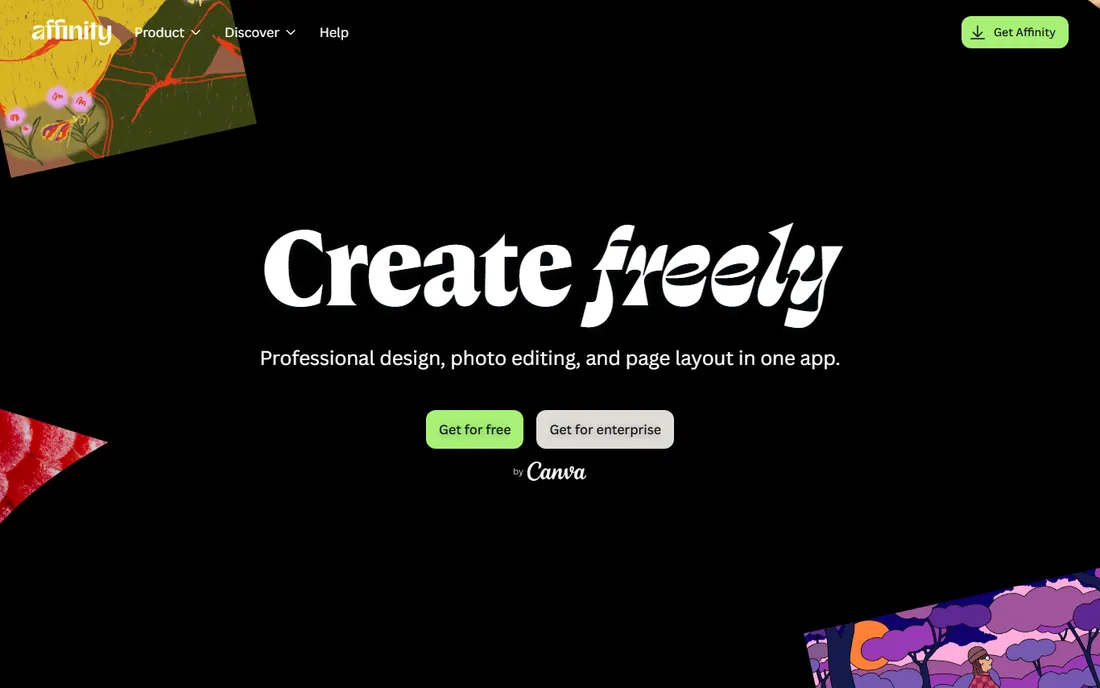
The biggest story in professional design software this year is that Affinity is now completely free. After Canva acquired Serif, the old Affinity Photo, Designer and Publisher were unified into a single free app. You get professional-grade photo editing, vector illustration and page layout without paying anything, which was unthinkable two years ago.
There are conditions worth knowing. You need a Canva account, and the AI features require Canva premium. The plugin and template ecosystem is smaller than Adobe's, and some print shops still prefer Adobe file formats. For freelancers and small studios, though, Affinity removes the single biggest cost in a designer's software stack, and the quality is genuinely professional.
What we like- Completely free professional suite
- Photo, vector and layout in one app
- No subscription
Watch out for- Requires a Canva account
- Smaller plugin ecosystem than Adobe
Starting priceFree (Starter); Professional from $16/seat/month (annual)
Free planYes
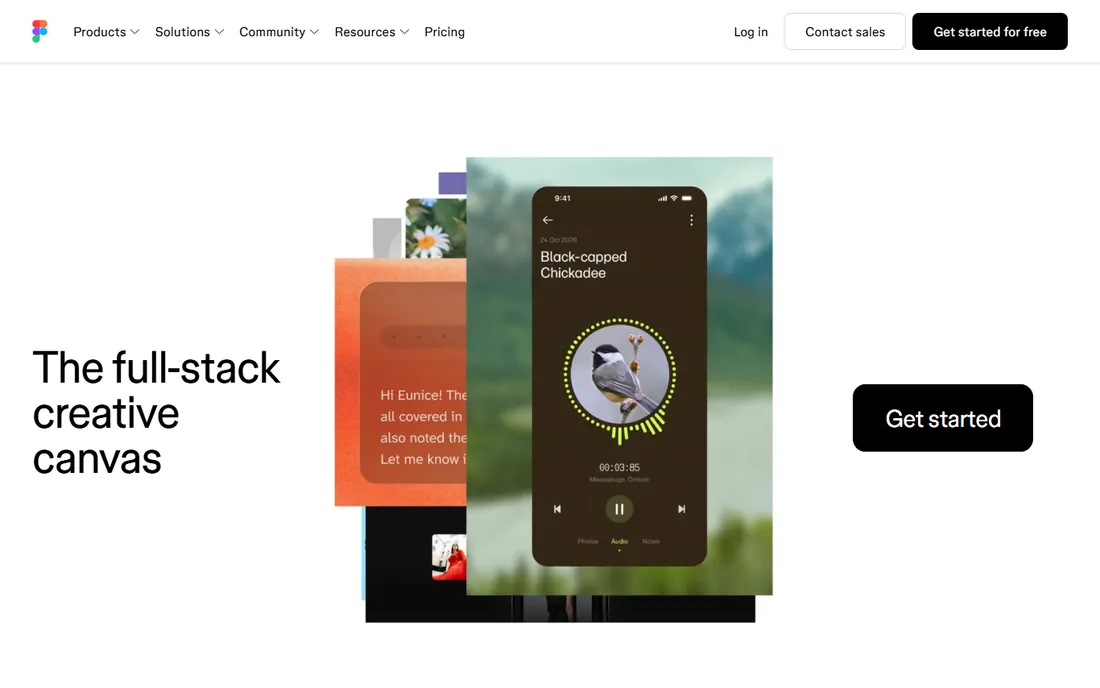
Figma changed professional design by moving it into the browser and making collaboration the default. Multiple designers, developers and stakeholders work in the same file at the same time, which eliminated the version-control chaos of emailed design files. For UI, product and web design, it is now the default tool at most tech companies.
The limitations are real but narrow. Figma is not a photo editor or a print layout tool, so it complements rather than replaces Photoshop or InDesign. The Professional plan at $16 per seat per month adds up for large teams, though the free Starter tier covers freelancers and small projects. If your work is interfaces, Figma is where the industry lives.
What we like- Real-time collaboration is unmatched
- Runs in the browser
- Huge component and plugin community
Watch out for- Needs an internet connection
- Less suited to print or photo work
#6
CorelDRAW Graphics Suite
Best for: vector design with a perpetual license option
Visit coreldraw.com
Starting price$269/year (subscription) or $549 (one-time purchase)
Free planFree trial (15 days)
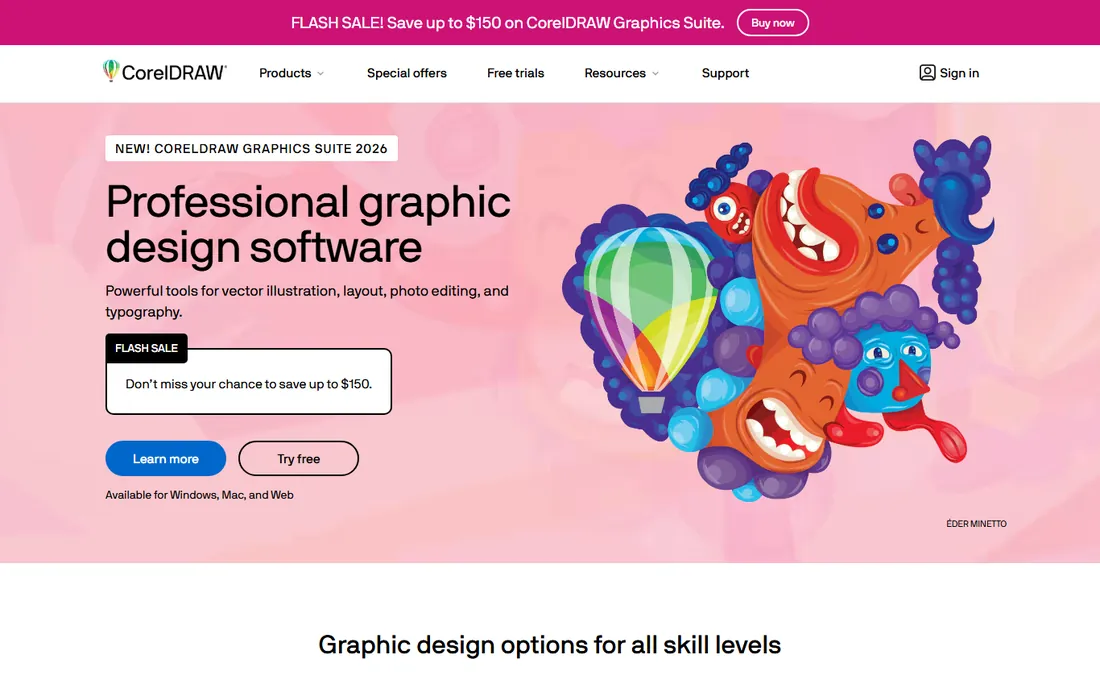
CorelDRAW has outlasted most of its rivals by serving the designers Adobe never fully won over. Signage shops, screen printers, engravers and many print businesses run on CorelDRAW, and the suite covers vector illustration, layout and photo editing in one package. The 15-day free trial is generous enough for a real evaluation.
Its real distinction is the $549 one-time purchase option, the only perpetual license among the major suites. Designers tired of subscriptions can buy it once and own it. The trade-off is ecosystem: fewer tutorials, fewer plugins and less hiring-market demand than Adobe skills. For print and signage professionals, especially on Windows, it remains a serious working tool.
What we like- Perpetual license still available
- Strong vector and layout tools
- Popular in signage and print shops
Watch out for- Smaller user community than Adobe
- Mac version lags the Windows version
Starting priceFrom $12/editor/month (billed annually)
Free planNo
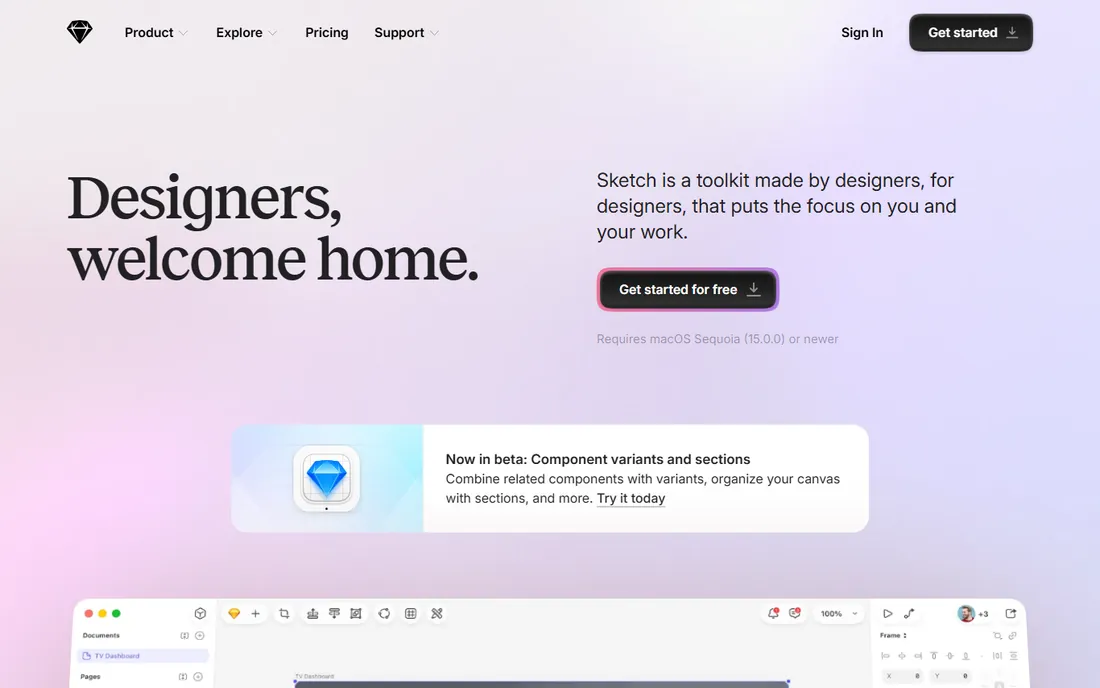
Sketch was the original UI design tool of the modern era, and it still holds a loyal Mac-based audience. It is fast, native and focused, with a symbol and library system that many designers still prefer for its simplicity. At $12 per editor per month on annual billing, it undercuts Figma for small Mac teams.
The honest picture is that Figma won the collaboration war, and Sketch is now a specialist choice rather than the default. There is no free plan and no Windows version, which limits its reach. Mac-based designers and studios with established Sketch workflows still get excellent value, but new teams usually start with Figma.
What we like- Fast and focused Mac-native UI tool
- Strong symbol and library system
- One-time purchase history
Watch out for- Mac only
- Lost market share to Figma's collaboration
#8
Canva Pro
Best for: fast marketing, social and presentation design
Visit canva.com
Starting priceFrom $18/month or $144/year
Free planYes
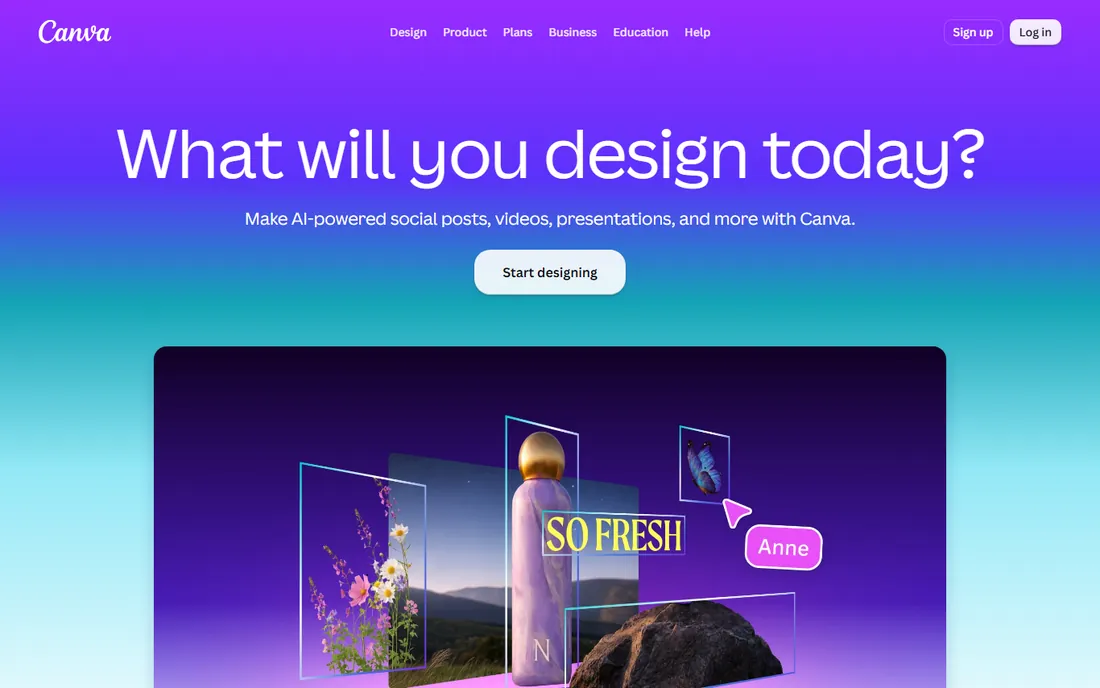
Canva is not trying to replace Photoshop, and judging it as a Photoshop replacement misses the point. For social graphics, presentations, pitch decks and marketing assets, Canva Pro is dramatically faster than traditional design tools. The template library, brand kit features and background remover cover what most businesses actually need day to day.
Professional designers should be clear-eyed about the limits. Precision typography, CMYK print workflows and complex vector work are not Canva's strengths, and heavy template use shows. At $18 a month or $144 a year, with a genuinely useful free tier, it is best viewed as a complement to pro tools: the fast layer for everyday assets, not the foundation of a design practice.
What we like- Extremely fast for social and marketing assets
- Huge template library
- Easy for non-designers
Watch out for- Limited precision for professional print work
- Designs can look templated
Starting priceFree (ad-supported); Premium from $5/month
Free planYes
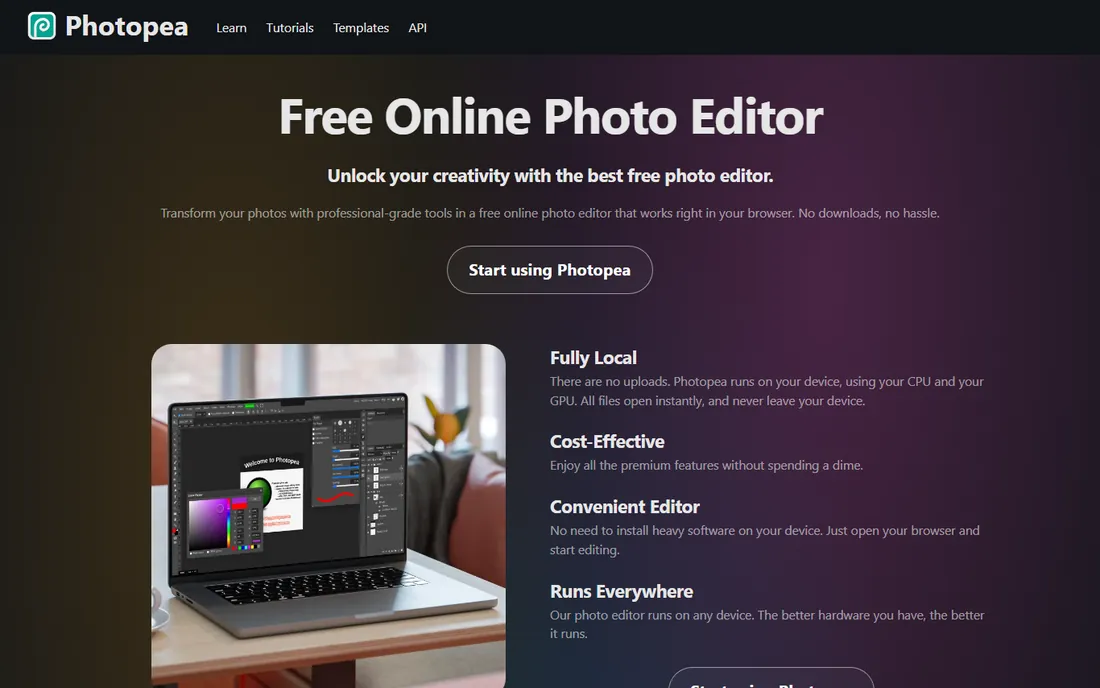
Photopea is the most impressive free tool in this list: a Photoshop-class editor that runs in a browser tab. It opens PSD, AI and Sketch files with surprising fidelity, and the interface will feel familiar to any Photoshop user. For quick edits, file conversions and work on machines where you cannot install software, it is remarkable.
The free version shows ads, and very large files can strain browser performance compared to desktop Photoshop. The $5-a-month Premium removes ads and adds steps history. Photopea will not replace Photoshop for heavy professional retouching, but as a free, no-install safety net, every designer should know it exists.
What we like- Runs in any browser, no install
- Opens PSD files impressively well
- Free tier is genuinely usable
Watch out for- Ad-supported free version
- Performance lags desktop apps on huge files
Starting priceFree; Pro from $11.99/user/month (billed annually)
Free planYes
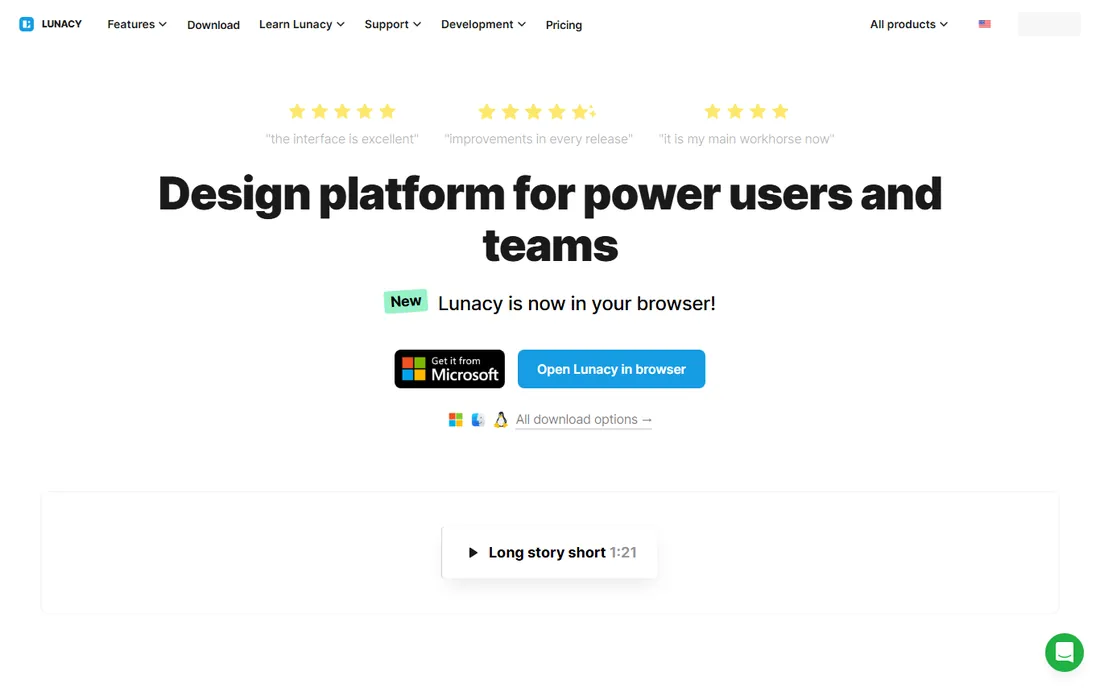
Lunacy exists for everyone Figma and Sketch left out: designers on Windows and Linux who want a real UI design tool for free. It opens Sketch files, handles vector editing and prototyping, and comes with built-in graphics, photos and icons from Icons8. The free version covers the core design workflow, with Pro at $11.99 per user per month adding cloud features.
The ecosystem is the honest weakness. Fewer plugins, fewer tutorials and thinner real-time collaboration than Figma. But for solo designers and small teams on Windows who want a native app rather than a browser tab, Lunacy is a capable free option that deserves more attention than it gets.
What we like- Free native UI design tool for Windows and Linux
- Opens Sketch files
- Built-in assets from Icons8
Watch out for- Smaller community than Figma
- Collaboration features are thinner
The difference is rarely the brush engine. Professional tools offer color management you can trust for print, file formats the industry accepts, version control for team work, and export options that cover every production scenario. They also handle the unglamorous parts: preflight checks, bleed and slug settings, font embedding and accessible PDF export. A consumer tool can make something beautiful on screen; a pro tool gets it through production without surprises.
Match the tool to the output
Print designers need InDesign or Affinity Publisher with real prepress controls. UI designers need Figma or Sketch with component systems. Photo professionals need Photoshop or Affinity Photo with 16-bit color depth. Buying the wrong category of tool is the most common expensive mistake.
Check file compatibility before you commit
Ask what your clients, printers and collaborators actually use. If every client sends PSDs and expects AI files back, switching to Affinity means managing conversions. If your team lives in Figma, a Sketch license is redundant. Compatibility with the people you work with matters more than feature lists.
Subscription vs one-time purchase: the math that matters
Three Adobe single apps at $22.99 each cost about $827 a year, every year, forever. Affinity costs nothing. CorelDRAW costs $549 once. Over five years, the Adobe trio runs over $4,100 while the perpetual CorelDRAW license is still $549. The subscription model funds continuous updates, which matters for UI tools like Figma where collaboration features evolve fast. For stable disciplines like print layout, where the core workflow barely changes, the math favors buying once. Run your own five-year numbers before defaulting to a subscription.
Frequently asked questions
Is Affinity really free now?
Yes. After Canva acquired Serif, the Affinity apps were unified into a single free application covering photo editing, vector design and page layout. You need a free Canva account to use it, and some AI features require Canva premium, but the core professional tools cost nothing.
Can a professional switch from Adobe to Affinity?
Many freelancers have, especially for vector and layout work. The main frictions are file compatibility with Adobe-centric clients, a smaller plugin ecosystem, and retraining muscle memory. Studios with established Adobe workflows and print-shop relationships usually keep at least one Adobe seat.
Do I need both Photoshop and Illustrator?
It depends on the work. Photographers, retouchers and digital artists live in Photoshop. Logo designers, illustrators and typographers live in Illustrator. Many graphic designers need both, which is why Adobe's bundle pricing exists. If your work is mostly one discipline, a single app plus Affinity for the other can cut costs.
What is the best tool for UI design?
Figma is the industry default for UI and product design, with collaboration that no desktop tool matches. Sketch remains strong for Mac-only teams, and Lunacy is the free option for Windows and Linux. All three handle components, prototyping and developer handoff.
Is Canva professional enough for client work?
For social media, presentations and marketing assets, yes, and many freelancers deliver client work in Canva daily. For brand identities, print production and anything requiring precise color management, professional tools like Illustrator, InDesign or Affinity are the right choice.
Which design software has a real free plan?
Affinity by Canva is completely free, Photopea is free with ads, Figma has a free Starter tier, Canva has a free plan, and Lunacy is free for core features. Adobe, Sketch and CorelDRAW offer free trials but no permanent free tier.
How we chose
We did not test these products hands-on. We compared vendor pricing pages, documentation, feature lists and public reviews on G2, Capterra and Reddit, weighting professional output quality, file compatibility, pricing model and fit for different design disciplines. Every tool listed exists today, including Affinity under its current free Canva-era branding.
Sources we checked (2)
- https://www.affinity.studio/graphic-design-software
- https://icons8.com/lunacy-pricing
Is your product missing or out of date?
We review this list regularly. Vendors can request a listing, send updated pricing or ask about featured placement.

Shihab Mia · Founder, Rankite
Shihab has spent more than a decade helping SaaS and e-commerce brands grow through search. He writes Rankite's software buying guides from pricing pages, documentation and public user reviews. More about Shihab.