How we make this list: we compare pricing pages, product documentation and public user reviews. Rankite is independent; if a vendor ever pays for a featured spot, that listing is clearly labeled Partner.
Key takeaways
- Adobe Illustrator remains the industry standard for vector work at $22.99 per month on an annual plan, and Photoshop costs the same for raster editing, so price the Creative Cloud bundle before buying either single app.
- Affinity becoming completely free in late 2025 makes it the strongest professional option without a subscription, covering vector, raster, and layout work in one app.
- Canva and VistaCreate win for teams without a designer who need marketing graphics fast, while Figma and Sketch serve product and interface design teams.
- Inkscape and Pixlr cost nothing and cover vector drawing and browser-based photo edits, which is enough for many small businesses.
- CorelDRAW is one of the last pro tools you can still buy outright for $549, a real alternative if you refuse to rent software forever.
Quick comparison
| Tool | Best for | Starting price | Free plan |
|---|
 Adobe Illustrator Adobe Illustrator | Professional vector design, logos, and print work | $22.99 per month (annual plan, billed monthly) | 7-day free trial |
 Canva Canva | Fast marketing graphics for non-designers | $144 per year (Canva Pro) | Yes |
 Adobe Photoshop Adobe Photoshop | Photo editing and raster image work | $22.99 per month (annual plan, billed monthly) | 7-day free trial |
 Figma Figma | Interface design and design team collaboration | $16 per editor per month (billed annually; $20 month to month) | Yes (Starter) |
 Affinity Affinity | Professional design without a subscription | Free | Yes (completely free) |
 CorelDRAW Graphics Suite CorelDRAW Graphics Suite | Print shops, sign makers, and Windows-based design teams | $269 per year (subscription) or $549 one-time | 15-day free trial |
 Sketch Sketch | Interface design teams that work on the Mac | $9 per editor per month (monthly) or $99 per year | Free trial |
 Inkscape Inkscape | Free vector editing on Windows, Mac, and Linux | Free | Yes (open source) |
 VistaCreate VistaCreate | Social media graphics on a tight budget | $10 per month (billed annually; $13 month to month) | Yes (Starter) |
 Pixlr Pixlr | Quick photo edits without installing anything | $1.99 per month (billed annually; $2.49 month to month) | Yes |
Is your product missing or out of date?
We review this list regularly. Vendors can request a listing, send updated pricing or ask about featured placement.
The best graphic design software
#1
Adobe Illustrator
Best for: Professional vector design, logos, and print work
Visit adobe.com
Starting price$22.99 per month (annual plan, billed monthly)
Free plan7-day free trial
For professional vector work, Illustrator is still the default. Agencies, brand designers, and print shops use it because the pen tool, type engine, and path controls are precise, and because almost every printer, freelancer, and stock service speaks its file formats. If a client sends an AI or EPS file, this is the tool that opens it cleanly.
The price is $22.99 per month on the annual plan, billed monthly, with a 7-day free trial. The honest catch is that Adobe sells subscriptions only, so the bill never stops, and the learning curve is real for anyone who has only used template tools. Small businesses that just need social graphics should look at Canva or VistaCreate first. Designers who need the standard should budget for the year, not the month.
What we like- Industry-standard vector tools
- Huge plugin and template ecosystem
- Precise print and typography controls
Watch out for- Subscription only, no perpetual license
- Steep learning curve
- Overkill for simple graphics
#2
Canva
Best for: Fast marketing graphics for non-designers
Visit canva.com
Starting price$144 per year (Canva Pro)
Free planYes
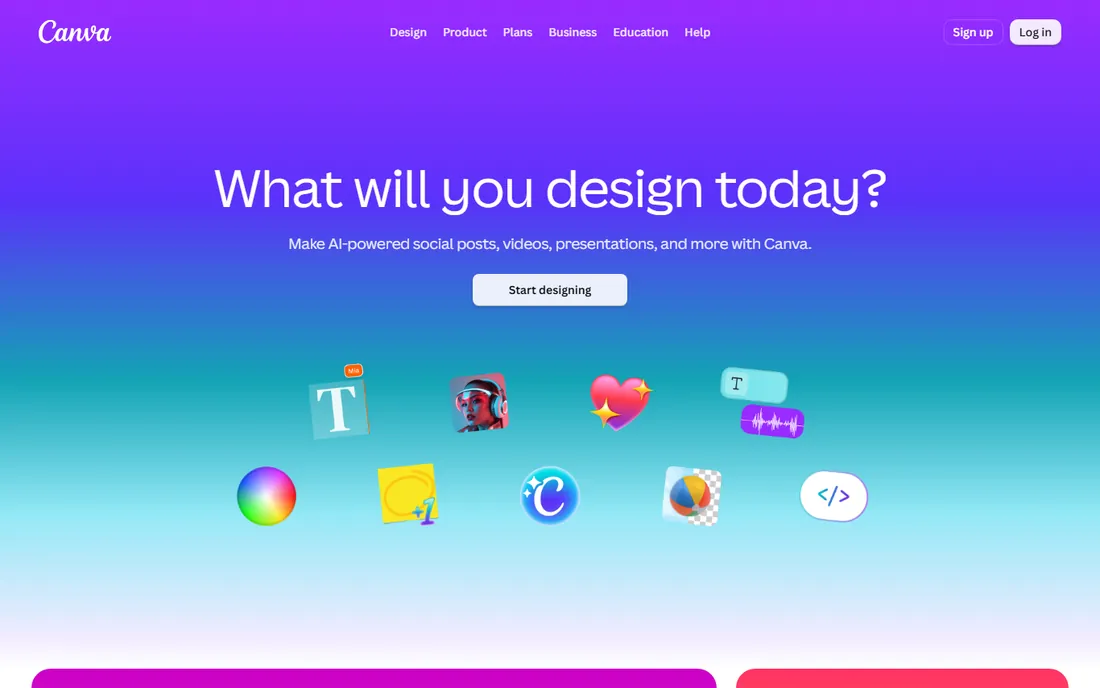
Canva is the tool for teams that do not employ a designer. A marketing manager can turn out a social post, a pitch deck, or a one-pager in an afternoon because the templates, drag-and-drop editor, and stock library do the heavy lifting. The free plan is generous enough that many small businesses never pay.
Canva Pro costs $144 per year at the time of writing, adding the brand kit, background remover, and premium stock. The tradeoff is originality. Designs built from the same templates tend to look alike, and Canva cannot match Illustrator or Affinity for precise vector work or demanding print jobs. It is the best choice when speed matters more than uniqueness.
What we like- Enormous template library
- Very fast to learn
- Built-in brand kit and stock assets
Watch out for- Template-heavy output can look generic
- Limited precision for print work
- Pricing has changed before
#3
Adobe Photoshop
Best for: Photo editing and raster image work
Visit adobe.com
Starting price$22.99 per month (annual plan, billed monthly)
Free plan7-day free trial
Photoshop remains the benchmark for working with pixels. Photographers, ecommerce sellers, and marketers use it for retouching, compositing, background removal, and preparing images for web and print. Its selection tools, layers, and adjustment layers are the reason so many tutorials and plugins exist, which means help is easy to find.
The single-app price is $22.99 per month on the annual plan, with a 7-day trial. It is not a vector or layout tool, so logos and multi-page documents belong in Illustrator or InDesign, and it can feel heavy on older hardware. If your work is mostly photos, Photoshop earns its price. If it is mostly graphics and text, you are paying for power you will not use.
What we like- The benchmark for photo retouching
- Deep selection and masking tools
- Huge tutorial and plugin ecosystem
Watch out for- Subscription only
- Heavy on older machines
- Not a layout or vector tool
#4
Figma
Best for: Interface design and design team collaboration
Visit figma.com
Starting price$16 per editor per month (billed annually; $20 month to month)
Free planYes (Starter)
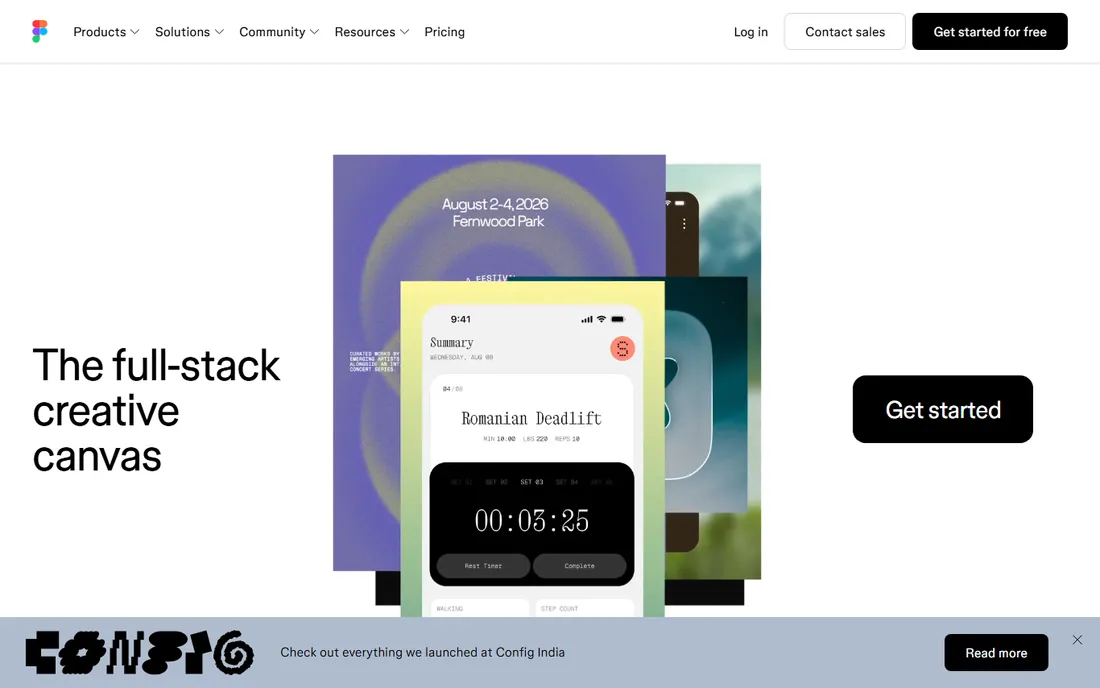
Figma changed how product teams design by moving the canvas into the browser. Designers, developers, and stakeholders can work in the same file at the same time, comment directly on designs, and hand off specs without exporting anything. For websites, apps, and design systems, it is the tool most teams now standardize on.
The Professional plan starts at $16 per editor per month on annual billing, and the free Starter plan covers small projects. The catch is that Figma is built for interfaces, not illustration or print, and the per-editor pricing can surprise growing teams when viewers become editors. It pairs well with a dedicated illustration tool rather than replacing one.
What we like- Real-time multiplayer editing in the browser
- Strong prototyping and component systems
- Huge community file library
Watch out for- Needs an internet connection
- Vector illustration tools are weaker than Illustrator
- Per-editor pricing adds up
Starting priceFree
Free planYes (completely free)
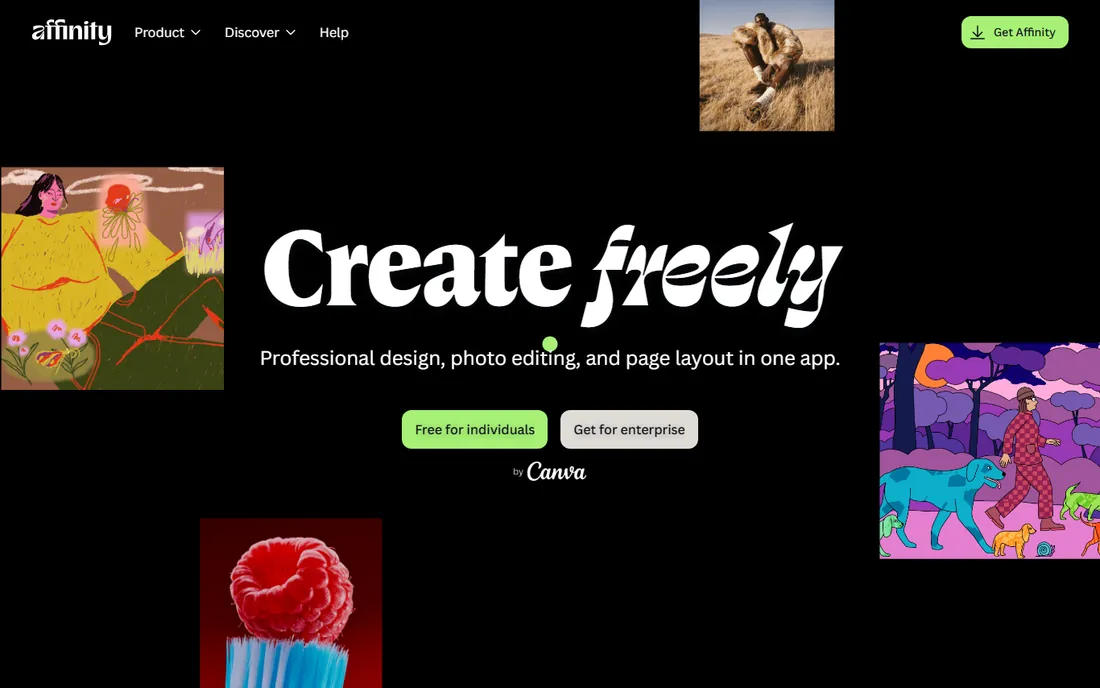
Affinity became the story of 2025 when Canva made the whole suite free. One app now covers vector drawing, photo editing, and page layout at a professional level, with no subscription and no feature-locked tiers. For freelancers and small studios tired of renting software, it is the most capable free option by a wide margin.
There are catches. The plugin and template ecosystem is smaller than Adobe's, so niche workflows may lack support, and some AI-assisted features require a paid Canva account. The free version also requires a free Canva account to activate. None of that changes the headline: professional-grade design software now costs nothing, and that resets the value calculation for everything else on this list.
What we like- Full vector, raster, and layout tools in one app
- No subscription
- Fast and stable performance
Watch out for- Smaller plugin ecosystem than Adobe
- Some AI features need a paid Canva account
- Fewer tutorials available
#6
CorelDRAW Graphics Suite
Best for: Print shops, sign makers, and Windows-based design teams
Visit coreldraw.com
Starting price$269 per year (subscription) or $549 one-time
Free plan15-day free trial
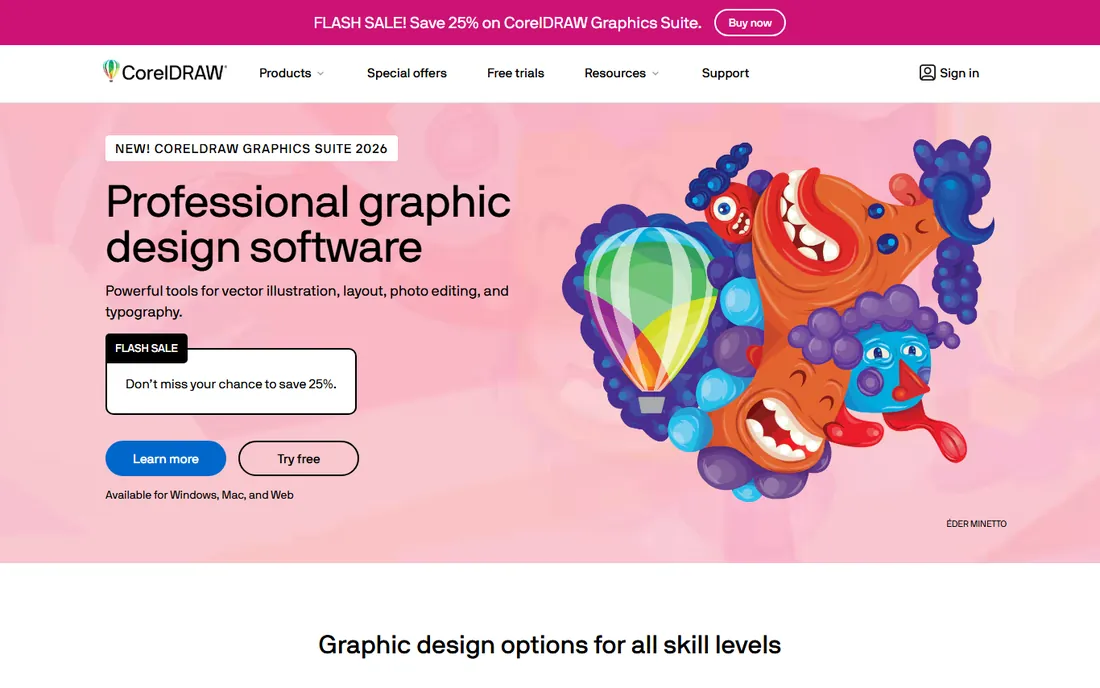
CorelDRAW has outlasted most of its old rivals by serving print shops, sign makers, and engraving businesses that need dependable vector tools on Windows. The 2026 release of the Graphics Suite keeps that focus, with strong large-format, vinyl cutting, and multi-page layout support. It is a working tool for production environments, not a trendy pick.
Corel lists the subscription at $269 per year or a one-time purchase at $549, with a 15-day trial. That perpetual license is the real differentiator. If you refuse subscriptions on principle, CorelDRAW is one of the last professional vector tools you can simply buy. The downside is a smaller community and a Mac version that historically trails Windows, so Mac-first teams should test carefully.
What we like- Still available as a perpetual license
- Strong on Windows
- Good for signage, engraving, and large-format print
Watch out for- Mac version lags the Windows one
- Smaller community than Adobe
- Subscription price is close to Adobe's
Starting price$9 per editor per month (monthly) or $99 per year
Free planFree trial
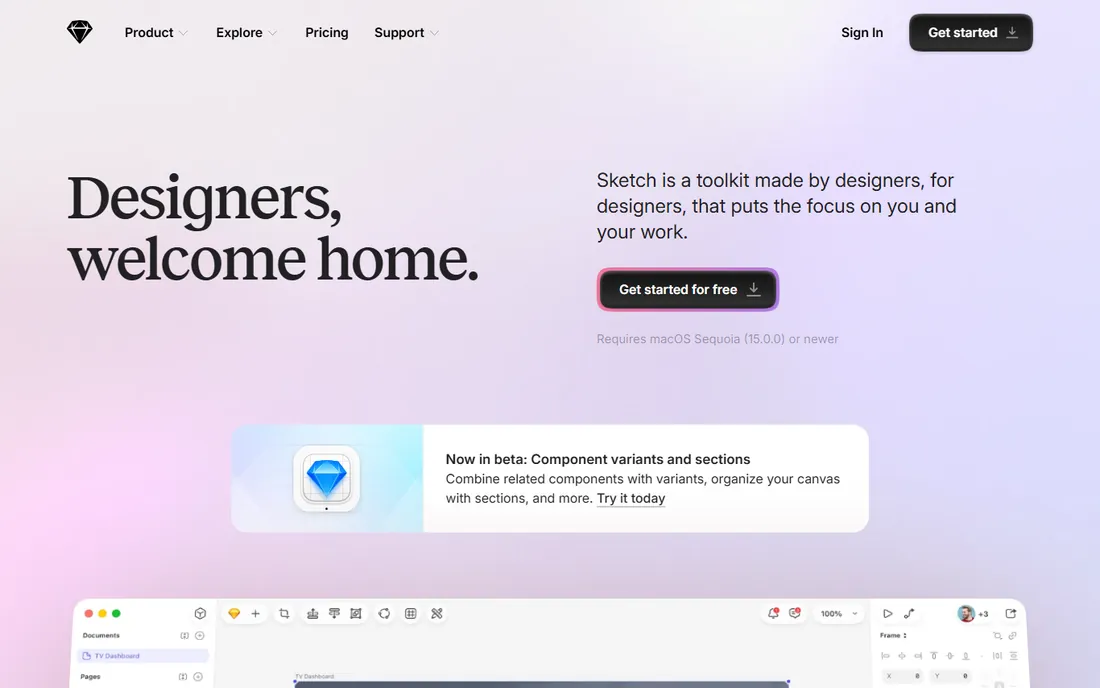
Sketch was the interface design standard before Figma, and it still has loyal users. It is a fast native Mac application with a mature system of symbols, shared libraries, and plugins, and many product teams have years of files and workflows built in it. At $9 per editor per month, or $99 per year, it is also cheaper than Figma for Mac-based teams.
The limitation is the platform. There is no Windows or browser version, which rules it out for mixed-OS teams and for the browser-first collaboration that made Figma popular. Sketch suits established Mac shops with existing libraries. New teams choosing a tool today usually pick Figma for its cross-platform collaboration.
What we like- Fast native Mac app
- Mature symbol and library system
- One-time-feeling annual price
Watch out for- Mac only, no Windows or browser version
- Smaller community than Figma
- Collaboration is weaker
Starting priceFree
Free planYes (open source)
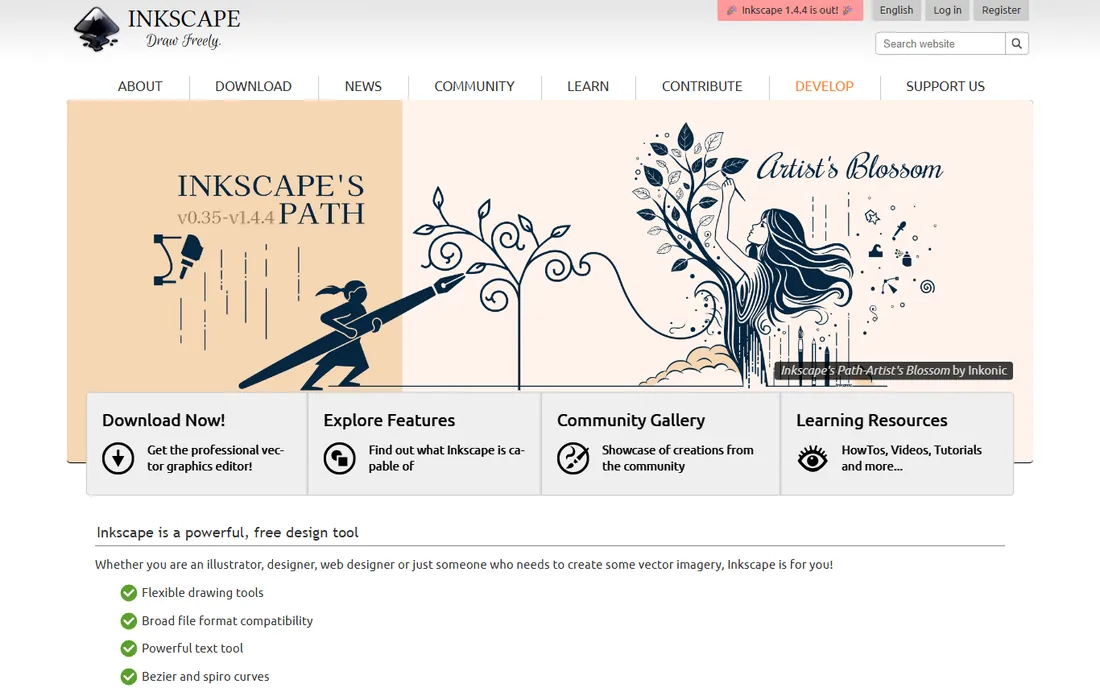
Inkscape is the open-source answer to Illustrator. It handles vector drawing, logos, diagrams, and SVG editing competently, it runs on Windows, Mac, and Linux, and it costs nothing with no account or activation. For students, nonprofits, and small businesses with zero software budget, it removes every excuse.
The tradeoff is polish. The interface feels dated next to commercial tools, complex files can slow it down, and learning materials are scattered. It also lacks the deep print and prepress features of Illustrator or CorelDRAW. But for vector work on a budget, nothing else free comes close, and its SVG support makes it genuinely useful for web graphics.
What we like- Completely free with no account needed
- Solid vector drawing tools
- Runs on every major OS including Linux
Watch out for- Interface feels dated
- Slower with complex files
- Documentation is uneven
Starting price$10 per month (billed annually; $13 month to month)
Free planYes (Starter)
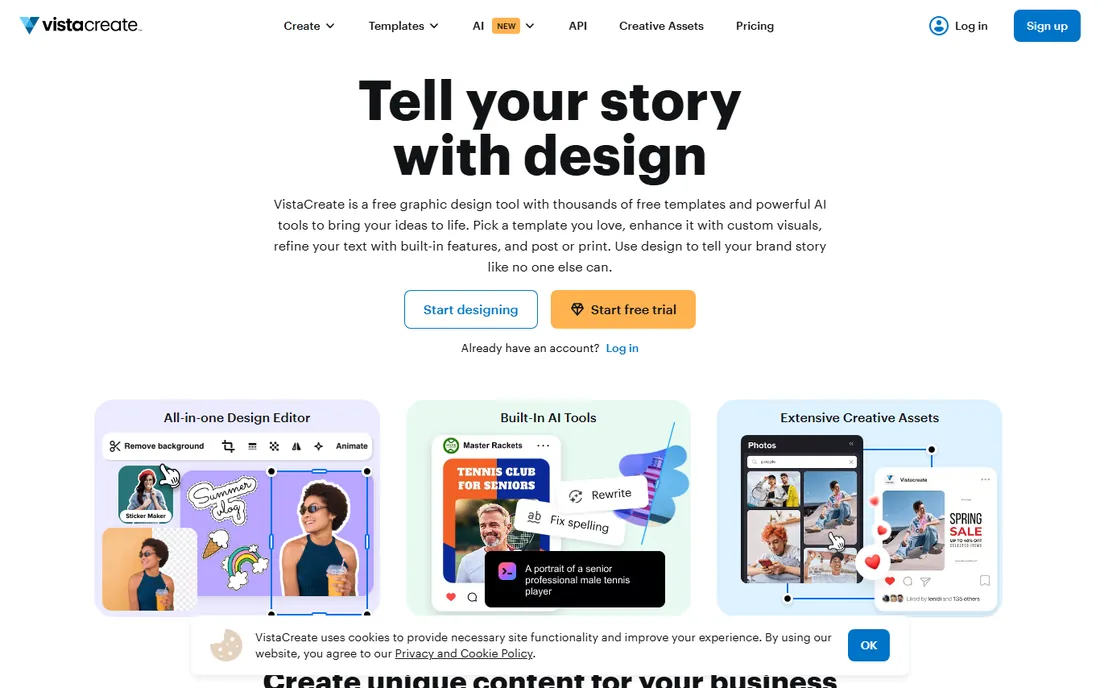
VistaCreate (formerly Crello) plays the same game as Canva: templates, stock photos, and a drag-and-drop editor for people who are not designers. Its advantage is price. At $10 per month on annual billing versus Canva's higher Pro price, it undercuts its bigger rival while offering a large template library and decent stock assets.
The compromise is scale. The template and asset library is smaller than Canva's, integrations are fewer, and collaborators are less likely to already know the tool. For a small business that mainly needs social posts, ads, and flyers, those gaps rarely matter. VistaCreate is the value pick in the template-editor category.
What we like- Cheaper than Canva Pro
- Large template and stock library
- Simple editor for quick posts
Watch out for- Smaller template library than Canva
- Fewer integrations
- Brand is less known to collaborators
#10
Pixlr
Best for: Quick photo edits without installing anything
Visit pixlr.com
Starting price$1.99 per month (billed annually; $2.49 month to month)
Free planYes
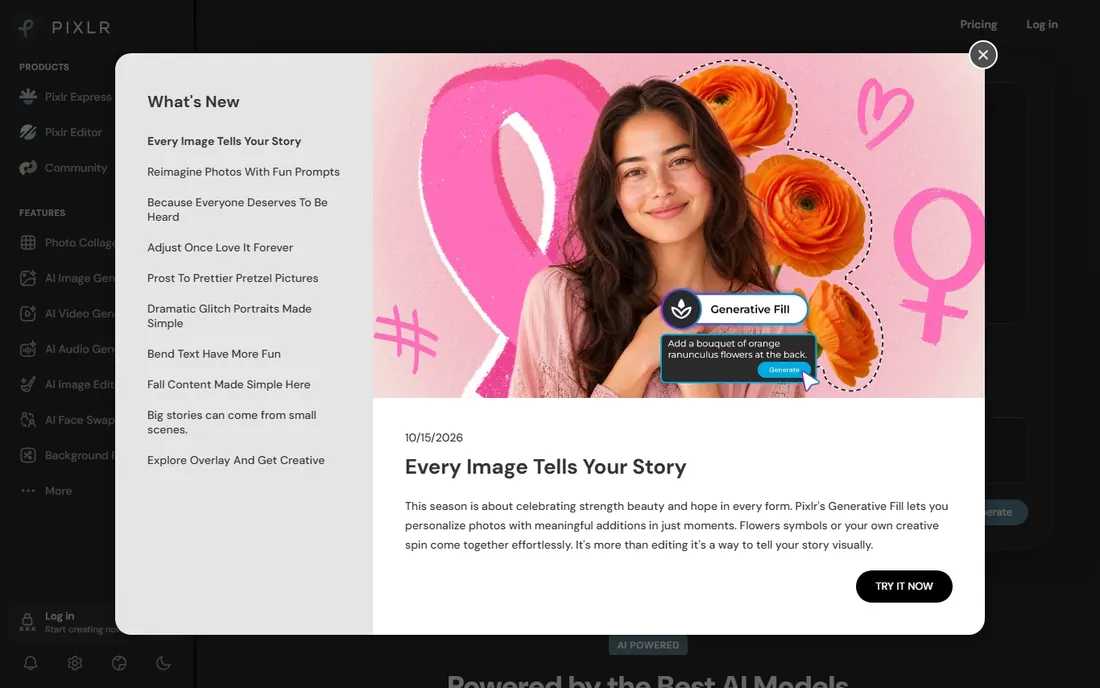
Pixlr is a browser-based photo editor that asks for nothing: no install, no account for basic use, and a free plan that handles crops, filters, and quick retouching. The paid Plus plan starts at just $1.99 per month on annual billing, which makes it one of the cheapest ways to remove ads and open up more tools. Its layout will feel familiar to anyone who has used Photoshop.
It is not a print or professional design tool. Color management is basic, the free plan carries ads, and heavy compositing belongs in Photoshop or Affinity. Pixlr shines for fast web images, quick background tweaks, and Chromebook or shared-computer situations where installing software is not an option.
What we like- Runs entirely in the browser
- Very cheap paid plans
- Familiar Photoshop-style layout
Watch out for- Free plan shows ads
- Not suitable for print work
- Advanced tools are limited
How we chose
We built this list from vendor pricing pages, product documentation, and public reviews on G2, Capterra, and Reddit, weighted for small and mid-size US businesses. Every price above comes from the vendor's own site or a recent vendor announcement, and every tool is an actively maintained product you can buy or download today. We looked at who each tool is really built for, what it costs over a full year, how hard it is to learn, and where its file formats lock you in. We did not accept vendor placements, and we did not claim hands-on testing.
Start with the kind of work you do most. Vector tools (Illustrator, Affinity, CorelDRAW, Inkscape) build logos, icons, and illustrations from editable shapes that scale to any size. Raster tools (Photoshop, Pixlr) edit photos pixel by pixel. Template editors (Canva, VistaCreate) and interface tools (Figma, Sketch) sit in their own lanes. Buying the wrong category is the most expensive mistake, because no discount fixes a tool that cannot do your core job.
Then check the practical details. Confirm the file formats your printer, developer, or clients need, and test that the tool exports them cleanly. Count seats honestly: per-editor pricing like Figma's $16 per month looks small until five people need it. Ask about contract length, since Adobe and Corel discount annual plans but charge more month to month. Finally, confirm the free plan or trial actually lets you test your real workflow, not just view sample files.
Subscription versus one-time pricing, explained
Design software pricing now falls into three camps. Subscriptions (Adobe, Figma, Sketch, Canva) spread the cost monthly or yearly and stop working when you stop paying. Perpetual licenses (CorelDRAW's $549 one-time option) cost more up front but never expire. Free tools (Affinity, Inkscape, Pixlr's free tier) cost nothing, sometimes with an account requirement.
For a business, the honest math is cost per year over three years. A $22.99 per month Adobe subscription costs about $827 over three years, while CorelDRAW's $549 license costs $549 and Affinity costs nothing. Subscriptions make sense when you always want the newest version and support. Perpetual or free makes sense when your needs are stable and the tool already does the job.
Frequently asked questions
Which graphic design software is best for beginners?
Canva or VistaCreate. Both are template-driven, take an afternoon to learn, and have free plans that cover most small-business needs. Move to Affinity or Illustrator only when you need original vector work rather than templates.
Should I get Illustrator or Photoshop?
Get Illustrator for logos, icons, and anything drawn from shapes. Get Photoshop for editing photos and raster images. Many designers eventually need both, which is when Adobe's Creative Cloud bundle becomes cheaper than two single-app plans.
Is Affinity really free now?
Yes. Since late 2025, Canva has offered the full Affinity suite free of charge, covering vector, photo, and layout work. You need a free Canva account to activate it, and some AI-assisted features require a paid Canva plan.
Can I use the free tools for commercial client work?
Inkscape, Affinity, and Pixlr's free tier all permit commercial use. Canva's free plan also permits commercial use of your designs, though some stock assets carry licensing terms worth reading before client work.
What is the cheapest professional option?
Affinity, at free, is the cheapest fully professional option. If you need a paid template editor, Pixlr Plus at $1.99 per month on annual billing and VistaCreate at $10 per month are the lowest-priced entries on this list.
Do I need a Mac for any of these?
Sketch is Mac-only, which is its main limitation. Everything else on this list runs on Windows, and most run on Mac too. Figma, Canva, VistaCreate, and Pixlr run in the browser on any operating system.
Sources we checked (10)
- https://www.adobe.com/products/illustrator.html
- https://www.adobe.com/products/photoshop.html
- https://canva.com/
- https://www.figma.com/
- https://www.affinity.studio/
- https://www.coreldraw.com
- https://www.sketch.com/
- https://inkscape.org/
- https://create.vista.com/
- https://pixlr.com
Is your product missing or out of date?
We review this list regularly. Vendors can request a listing, send updated pricing or ask about featured placement.

Shihab Mia · Founder, Rankite
Shihab has spent more than a decade helping SaaS and e-commerce brands grow through search. He writes Rankite's software buying guides from pricing pages, documentation and public user reviews. More about Shihab.