How we make this list: we compare pricing pages, product documentation and public user reviews. Rankite is independent; if a vendor ever pays for a featured spot, that listing is clearly labeled Partner.
Key takeaways
- Adobe still sets the professional standard: Photoshop for raster images and Illustrator for vector work, at $22.99 a month each on annual plans.
- Canva is the best design software for non-designers who need good-looking graphics fast, backed by a generous free plan.
- Figma owns interface and product design with real-time collaboration; Sketch remains the Mac-native alternative.
- The best free design software story changed in 2025: Affinity's full professional suite is now free, joining the long-standing free options Inkscape and GIMP.
Quick comparison
| Tool | Best for | Starting price | Free plan |
|---|
 Adobe Photoshop Adobe Photoshop | Photo editing and raster design | $22.99/mo (annual plan, billed monthly) | No (7-day free trial) |
 Adobe Illustrator Adobe Illustrator | Logos and vector illustration | $22.99/mo (annual plan, billed monthly) | No (7-day free trial) |
 Canva Canva | Fast graphics for non-designers | See website (Canva Pro is the paid tier) | Yes |
 Figma Figma | Interface and product design | Professional $16/full seat/mo (billed annually) | Yes (Starter) |
 Affinity Affinity | A free professional design suite | Free | Yes (the full app is free) |
 CorelDRAW CorelDRAW | Vector design for print and sign work | $269/yr subscription or $549 one-time | No (free trial available) |
 Sketch Sketch | Mac-native UI design | $10/editor/mo (billed yearly) | No (free trial available) |
 Inkscape Inkscape | Free open-source vector editing | Free (open source) | Yes |
 GIMP GIMP | Free open-source photo editing | Free (open source) | Yes |
Is your product missing or out of date?
We review this list regularly. Vendors can request a listing, send updated pricing or ask about featured placement.
#1
Adobe Photoshop
Best for: Photo editing and raster design
Visit adobe.com
Starting price$22.99/mo (annual plan, billed monthly)
Free planNo (7-day free trial)
Photoshop is the reference point every other image editor is measured against. For photo retouching, compositing, web graphics, and marketing imagery, its toolset remains the deepest available: selections, masks, layers, smart objects, and adjustment workflows that professionals have refined over decades. If you hire freelance designers, they already know it, which removes training from the equation.
The price is $22.99 a month for the single-app annual plan billed monthly, with a 7-day free trial and no perpetual license. Teams that need several Adobe apps should compare the full Creative Cloud plan instead of stacking single subscriptions. The honest catch is complexity: Photoshop can do everything, which means beginners face a steep interface and a real risk of paying for power they never touch.
What we like- The industry standard with unmatched depth
- Huge plugin and tutorial ecosystem
- Integrates with the full Creative Cloud
Watch out for- Subscription only
- More tool than most small businesses need
#2
Adobe Illustrator
Best for: Logos and vector illustration
Visit adobe.com
Starting price$22.99/mo (annual plan, billed monthly)
Free planNo (7-day free trial)
Logos, icons, and illustrations need vector graphics, which scale from business card to billboard without losing sharpness. Illustrator is the professional standard for that work, with precise pen tools, excellent typography controls, and color management that print shops expect. Any logo meant to last years should be built as vector, and Illustrator is where most of them are built.
Pricing mirrors Photoshop at $22.99 a month on the annual plan billed monthly, also with a 7-day trial. The pen tool is famously unintuitive for the first week and second nature after the first month, so budget learning time. For businesses that need both photo and vector work, the question is rarely Photoshop or Illustrator; it is whether you need Adobe at all, or whether a cheaper combination below covers the work.
What we like- The professional standard for vector work
- Logos scale perfectly forever
- Strong typography tools
Watch out for- Subscription only
- Genuine learning curve for the pen tool
Starting priceSee website (Canva Pro is the paid tier)
Free planYes
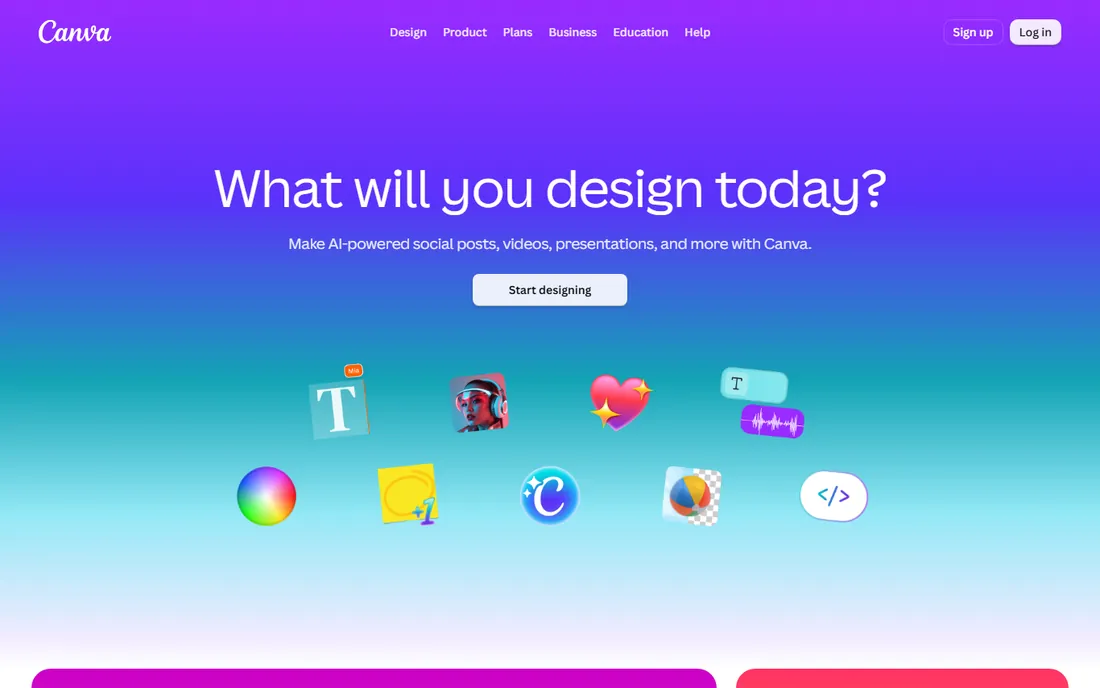
Canva is the reason small businesses can produce decent graphics without a designer on staff. The template library covers social posts, presentations, flyers, and ads, the drag-and-drop editor takes minutes to learn, and the free plan is generous enough for real work. A marketing manager can produce a week's worth of social graphics in an afternoon.
The paid Pro tier adds brand kits, background removal, premium stock, and AI features, with monthly and annual billing shown on the pricing page. For professional designers, Canva's limits show quickly: typography control is basic, vector editing is thin, and print production features lag far behind Illustrator. Use Canva for speed and volume, not for logos or anything that needs pixel-level control.
What we like- Enormous template library
- Genuinely easy for beginners
- Strong free plan
Watch out for- Limited precision for professional work
- Designs can look templated
Starting priceProfessional $16/full seat/mo (billed annually)
Free planYes (Starter)
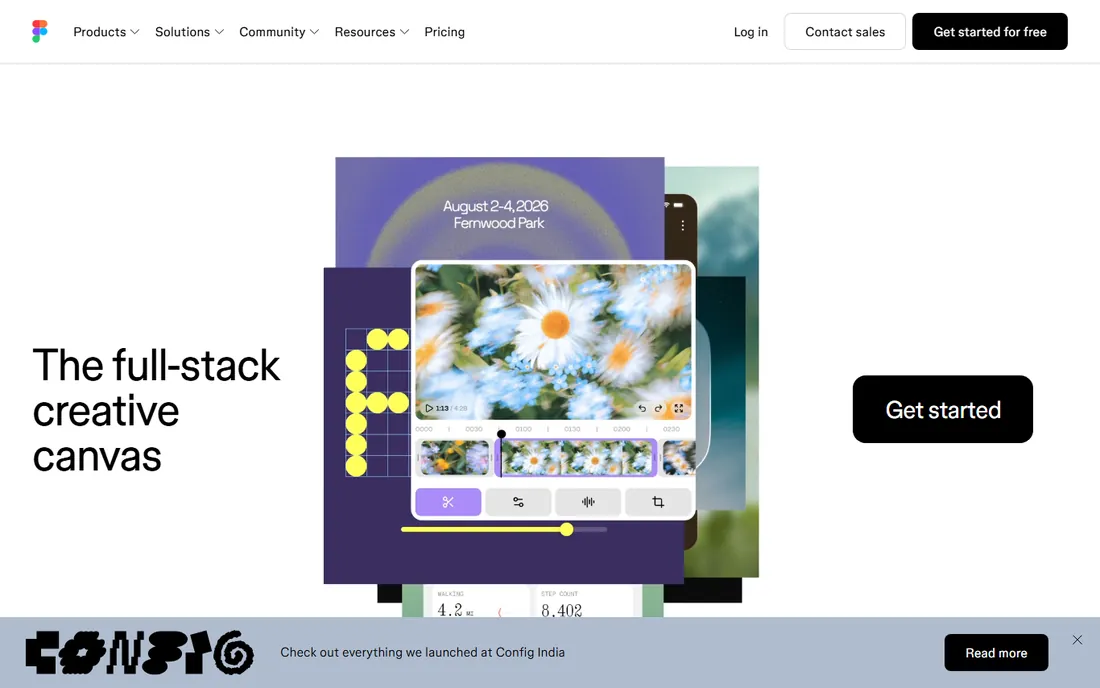
Figma won interface design by moving it into the browser. Designers, developers, and stakeholders collaborate in the same file in real time, with commenting, prototyping, and developer handoff built in. For websites, apps, and product interfaces, it has replaced a generation of desktop tools, and the vast majority of product teams now treat it as the default.
The Starter plan is free and covers small projects well. Paid Professional seats cost $16 per full seat per month billed annually ($20 month-to-month), with higher Organization and Enterprise tiers for large companies. Note the per-seat model: costs scale with team size, not usage. Figma is not a Photoshop replacement, so budget it alongside an image editor if your team does both.
What we like- Real-time collaboration in the browser
- The standard for UI and product design
- Generous free Starter plan
Watch out for- Per-seat pricing adds up for teams
- Not a photo or print design tool
Starting priceFree
Free planYes (the full app is free)
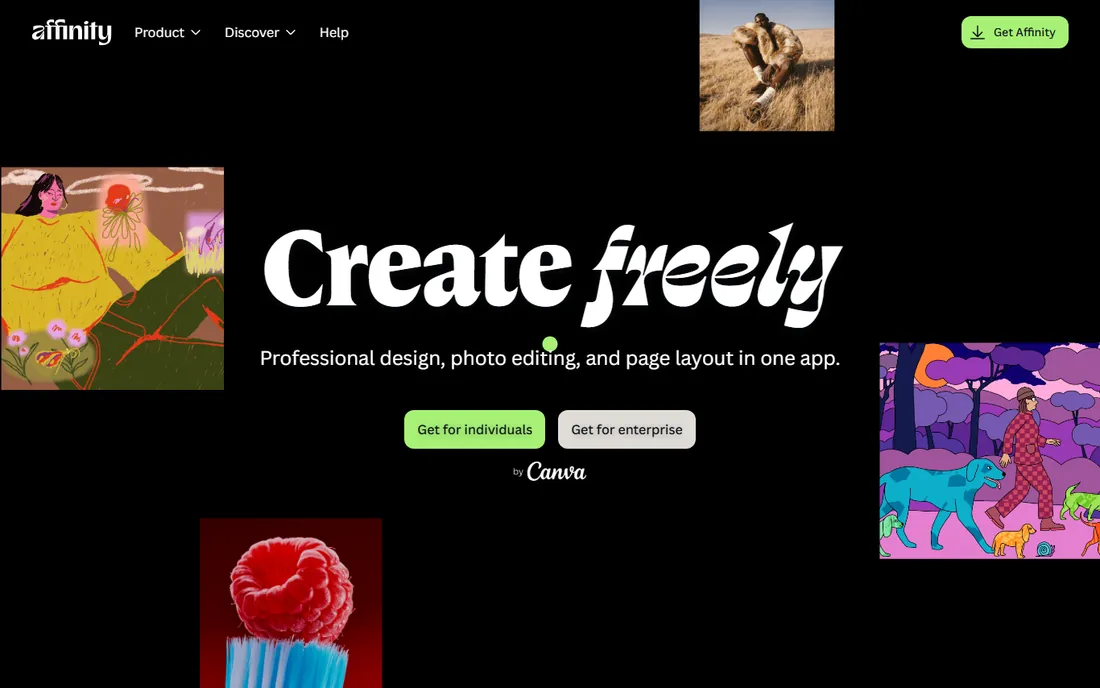
Affinity is the biggest plot twist in this market. In late 2025, Canva merged its Designer, Photo, and Publisher apps into one free unified suite, making professional-grade vector, raster, and page layout tools available at no cost. For years Affinity was the affordable Adobe alternative; now it is the free one, and the quality bar did not drop with the price.
The catch is ecosystem, not capability. Fewer third-party plugins, fewer tutorials, and fewer freelancers list Affinity skills than Adobe skills. Some newer AI features require a Canva plan. But for a small business buying its first serious design tool, a free professional suite with no subscription is an extraordinary deal that did not exist two years ago.
What we like- Professional-grade vector, raster, and layout tools at zero cost
- One-time learning, no subscription
- Fast performance
Watch out for- Smaller ecosystem than Adobe
- Some AI features need a Canva plan
Starting price$269/yr subscription or $549 one-time
Free planNo (free trial available)
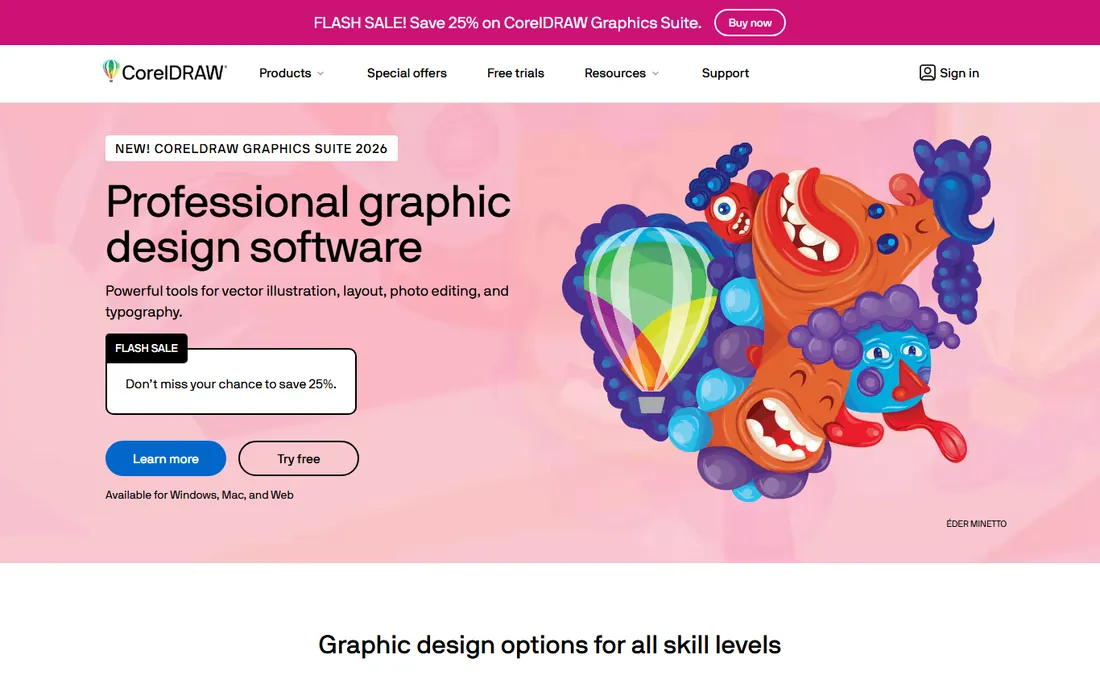
CorelDRAW has served print shops, sign makers, and embroidery businesses for decades, and those industries still run on it. The Graphics Suite combines vector illustration, layout, photo editing, and typography in one package, with color management and prepress features that production work demands. If your vendors ask for CorelDRAW files, this is not a debate.
Pricing offers a choice Adobe does not: $269 a year for the subscription or $549 for a one-time purchase. That perpetual option appeals to businesses tired of subscriptions. The trade is a smaller tutorial community and an interface that prioritizes long-time users over newcomers. For general marketing design, Illustrator or Affinity usually fit better; for print production workflows, CorelDRAW earns its keep.
What we like- Strong vector and layout tools
- One-time purchase option
- Entrenched in print and sign industries
Watch out for- Smaller community than Adobe
- The interface feels dated to new users
Starting price$10/editor/mo (billed yearly)
Free planNo (free trial available)
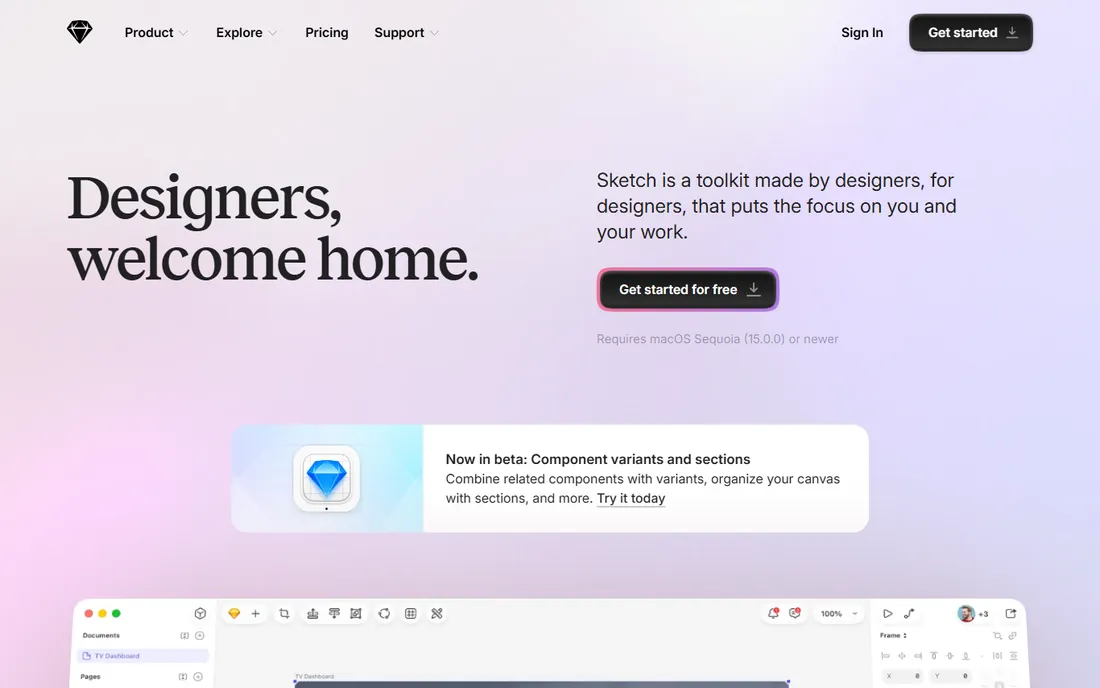
Sketch defined modern UI design before Figma moved the category to the browser, and it remains a fast, focused, native Mac application. Designers who prefer desktop software praise its speed and simplicity, and its plugin ecosystem covers most workflow needs. Developer handoff is free for viewers, which keeps stakeholder costs down.
Pricing is $10 per editor per month billed yearly ($12 month-to-month), with a $120 one-time Mac-only license for solo offline use. The fundamental limit is platform: there is no Windows version, and browser-based collaboration cannot match Figma's. Mac-only design teams who value a native app still choose Sketch; mixed-platform teams almost always pick Figma.
What we like- Fast native Mac app
- Beloved by UI designers
- Simple, focused toolset
Watch out for- Mac only
- Smaller ecosystem than Figma
- Collaboration lags behind browser tools
Starting priceFree (open source)
Free planYes
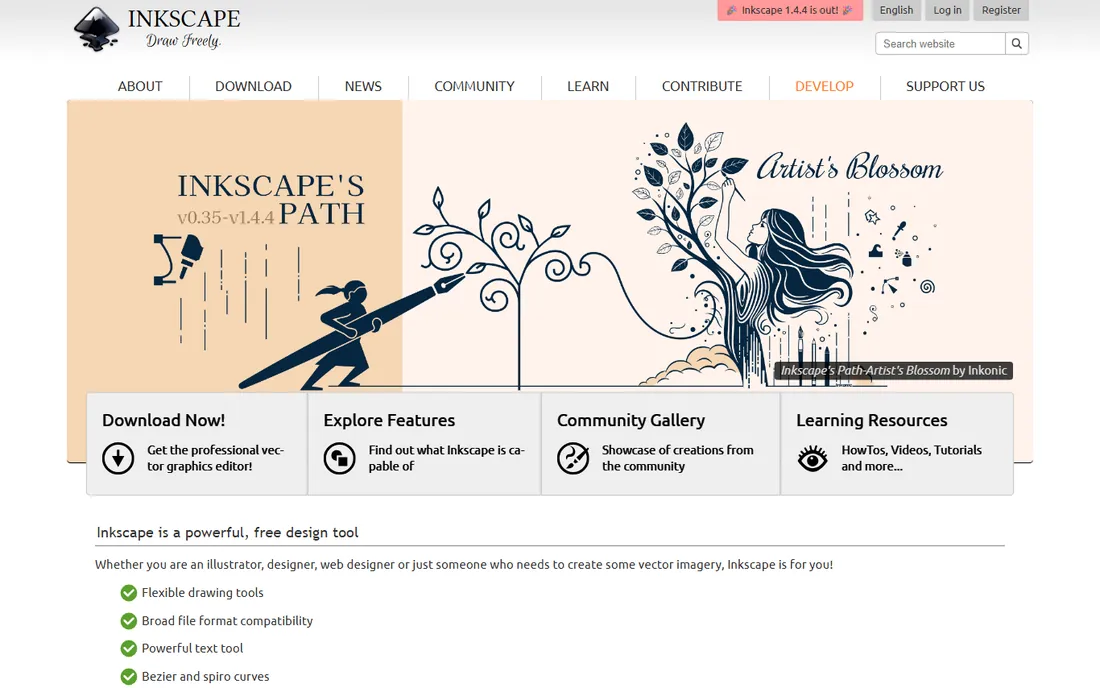
Inkscape is the free answer to Illustrator. It handles vector illustration, logo work, and diagrams with genuinely capable tools, it runs on every major desktop platform, and it costs nothing with no account, no watermark, and no upsell. For a small business that needs occasional vector work, it removes every financial objection.
The interface is functional rather than beautiful, and you will not find the template libraries or plugin markets of the paid tools. But the core drawing tools are solid, the community documentation is extensive, and SVG as the native format keeps files portable. Pair it with GIMP below and you have a complete free design setup.
What we like- Capable vector tools at zero cost
- Runs on Windows, Mac, and Linux
- No account or watermark
Watch out for- Interface less polished than paid rivals
- Smaller template and asset ecosystem
Starting priceFree (open source)
Free planYes
For nearly three decades, volunteers have maintained GIMP as the free alternative to Photoshop. It covers photo retouching, compositing, and graphic creation with depth that surprises first-time users, and its plugin and scripting support extends it considerably. Like Inkscape, it is free forever with no account and no watermark.
Photoshop users will notice the differences immediately: the interface follows its own conventions, and some workflows take more steps. Print professionals should note the weaker CMYK support compared to Photoshop. For web and social imagery on a zero budget, though, GIMP plus Inkscape covers the work that used to require hundreds of dollars in subscriptions.
What we like- Deep raster editing at zero cost
- Extensible with plugins and scripts
- Cross-platform
Watch out for- Interface idiosyncrasies frustrate Photoshop converts
- Weaker CMYK print support
How we chose
We did not complete design projects in every tool for this guide. We compared the current pricing pages, read the official feature documentation, and reviewed public feedback on G2, Capterra, and Reddit, focusing on pricing changes, the Affinity free transition, and recurring complaints about learning curves and file compatibility. We weighted small business realities: who does the design work, whether the team includes professionals or marketers, and how subscription costs compound over years.
What to look for before you buy
Raster versus vector
This is the fundamental split. Raster tools (Photoshop, GIMP, Canva) edit pixels and suit photos and web graphics. Vector tools (Illustrator, Inkscape, CorelDRAW, Affinity's Designer persona) draw shapes that scale infinitely and suit logos and illustrations. Most businesses eventually need both, which is why suites and free pairings matter.
Subscription versus one-time pricing
Adobe, Figma, and Sketch are subscription only, which keeps software current but means the meter never stops. CorelDRAW still sells a $549 perpetual license, and Affinity, Inkscape, and GIMP cost nothing at all. Calculate the three-year total before committing, since a $23 monthly subscription is $828 over three years.
Team collaboration
If several people touch designs, collaboration features decide the winner. Figma's real-time browser editing is unmatched for product teams. Canva's sharing works well for marketers. Desktop tools like Photoshop and Affinity rely on file sharing, which suits solo designers but slows teams down.
File compatibility
Ask what files your printers, vendors, and freelancers expect. Print shops often want Illustrator or CorelDRAW files, web developers want Figma links, and social schedulers accept anything Canva exports. The tool that cannot deliver the format your supply chain needs is the wrong tool regardless of price.
Learning curve honesty
A professional tool nobody opens is worse than a simple tool used daily. Marketers producing social content should start with Canva and graduate only when its limits bite. Aspiring designers should invest in Affinity or the Adobe apps. Match the tool to the person, not the wish list.
Free vs paid: where the line actually sits
The free tier of design software is stronger than it has ever been. Affinity's suite going free in 2025 moved professional vector, raster, and layout tools to zero cost. Inkscape and GIMP have been free for decades and keep improving. Canva's free plan handles most marketing graphics. So when should a business pay? Pay for Photoshop when photo work is constant and freelancers expect it, for Illustrator when logos and brand assets are core output, for Figma when a product team collaborates daily, and for Canva Pro when brand kits and premium stock save real hours. Everyone else should try the free options first and spend the savings on better photography or a designer for the few jobs that truly need one.
Frequently asked questions
Should I learn Photoshop or Illustrator first?
Learn the one that matches your most common task. Photo editing, social graphics, and image compositing mean Photoshop. Logos, icons, and illustrations mean Illustrator. Most working designers eventually learn both, but starting with the tool you will use weekly keeps motivation alive.
Is there really a free alternative to Adobe?
Yes, and it is better than most people expect. Affinity's free suite covers vector, raster, and layout professionally. Inkscape replaces Illustrator for vector work and GIMP replaces Photoshop for photo editing. The gaps are ecosystem depth and some print production features, not core capability.
Canva versus Photoshop: which is better?
They do different jobs. Canva is better for speed: templates, social graphics, and presentations produced by non-designers. Photoshop is better for control: retouching, compositing, and any image that needs precise editing. Many small businesses use both, with Canva for volume and Photoshop for hero images.
What software do professionals use for logos?
Illustrator remains the professional standard for logo design, with CorelDRAW strong in print and sign industries. The key requirement is vector format, which Inkscape and Affinity also produce. Whatever tool you choose, insist on receiving master logo files in vector format (AI, EPS, SVG, or PDF), not just PNGs.
Is Affinity really free now?
Yes. Since late 2025, the unified Affinity app combining Designer, Photo, and Publisher is free to download and use, following Canva's acquisition. Some AI-powered features require a Canva plan, but the core professional toolset costs nothing with no subscription.
Do I need a powerful computer for design work?
For photo editing and vector illustration, a mid-range computer from the last few years is fine. Large Photoshop composites with dozens of layers benefit from more RAM. Figma and Canva run in the browser and shift the load to the cloud. Only heavy 3D or video work truly demands a workstation.
Sources we checked (8)
- https://www.adobe.com
- https://www.canva.com/
- https://www.figma.com/
- https://www.affinity.studio/
- https://www.coreldraw.com
- https://www.sketch.com/
- https://inkscape.org/
- https://www.gimp.org/
Is your product missing or out of date?
We review this list regularly. Vendors can request a listing, send updated pricing or ask about featured placement.

Shihab Mia · Founder, Rankite
Shihab has spent more than a decade helping SaaS and e-commerce brands grow through search. He writes Rankite's software buying guides from pricing pages, documentation and public user reviews. More about Shihab.