How we make this list: we compare pricing pages, product documentation and public user reviews. Rankite is independent; if a vendor ever pays for a featured spot, that listing is clearly labeled Partner.
Key takeaways
- Adobe Illustrator is still the industry standard for vector illustration, but the subscription adds up fast at $22.99 a month.
- Procreate at $12.99 one-time and Affinity at free forever make a strong case that professional digital drawing software no longer needs a subscription.
- Krita and Inkscape are genuinely usable free tools, not stripped-down teasers, and both cover most hobbyist and many freelance workflows.
- Manga and comic artists should look at Clip Studio Paint or MediBang Paint first, since both were built around panels, screen tones and inking.
- If your work is painterly rather than vector, Rebelle and CorelDRAW cover the traditional-media look that pure vector tools cannot.
Quick comparison
| Tool | Best for | Starting price | Free plan |
|---|
 Adobe Illustrator Adobe Illustrator | Professional vector illustration | $22.99/month (annual, billed monthly) | 7-day free trial |
 Procreate Procreate | iPad drawing and painting | $12.99 one-time | No |
 Clip Studio Paint Clip Studio Paint | Manga, comics and illustration | From $63 one-time (PRO perpetual license) | Free trial |
 Affinity by Canva Affinity by Canva | Free pro-grade vector design | Free | Yes |
 Krita Krita | Free digital painting | Free | Yes |
 CorelDRAW CorelDRAW | Vector design for print and production | From $269/year | Free trial |
 Inkscape Inkscape | Free vector graphics editing | Free | Yes |
 MediBang Paint MediBang Paint | Free manga and comic creation | Free | Yes |
 Concepts Concepts | Vector sketching on an infinite canvas | Free (Pro from $4.99/month) | Yes |
 Rebelle Rebelle | Realistic traditional-media painting | From $89.99 one-time | 30-day free trial |
Is your product missing or out of date?
We review this list regularly. Vendors can request a listing, send updated pricing or ask about featured placement.
The best illustration software
#1
Adobe Illustrator
Best for: Professional vector illustration
Visit adobe.com
Starting price$22.99/month (annual, billed monthly)
Free plan7-day free trial
For client work where the deliverable has to open correctly on someone else's machine, Illustrator is the safe answer. Agencies, brand designers and studios pass AI files around all day, and being the person whose files just work is worth real money. The pen tool, type engine and path controls remain the benchmark that every other vector app is judged against, and the generative AI features Adobe has been adding can genuinely speed up early ideation.
The honest catch is the business model. At $22.99 a month on the annual plan, you are renting the tool forever, and the month-to-month option costs $34.49. Adobe raised its creative software prices before, and there is no reason to assume the number you sign up at stays put. Painters also find Illustrator's raster side underwhelming next to dedicated painting apps, so it pairs better with Photoshop than it replaces anything.
What we like- Industry-standard file format
- Deep type and path tools
- Tight integration with Photoshop and InDesign
Watch out for- Subscription only, costs keep compounding
- Can feel heavy for simple drawing tasks
Starting price$12.99 one-time
Free planNo
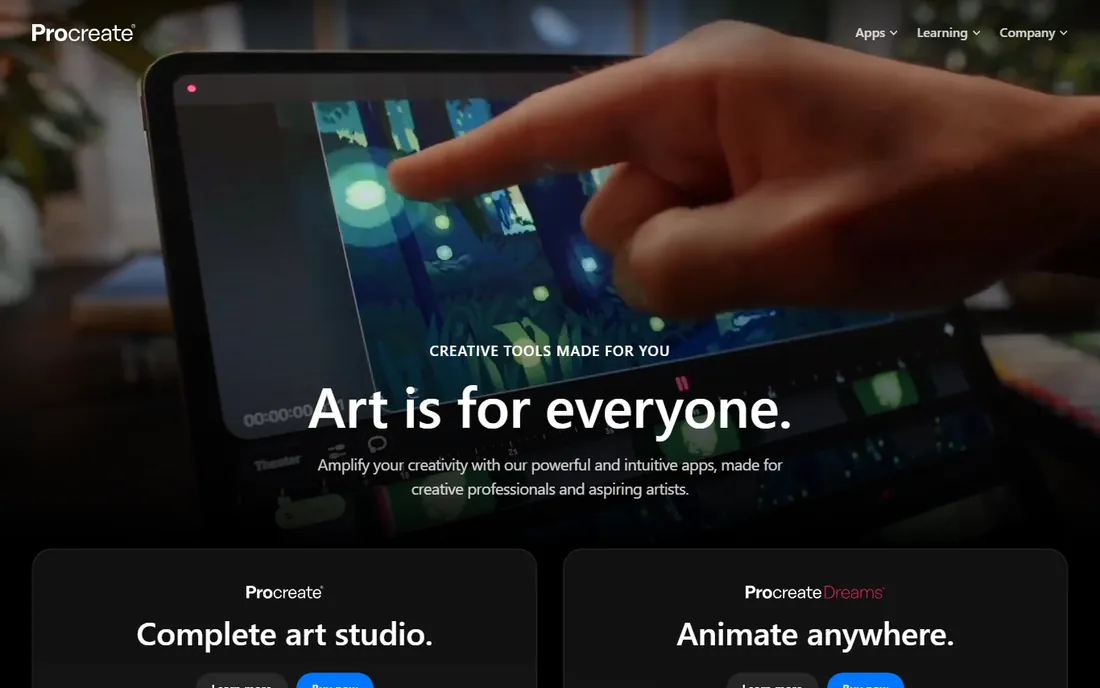
Procreate is the app that proved a tablet could be a serious art station. Savage Interactive kept the price at $12.99 as a one-time purchase with free lifetime updates, which is the whole business model in one line and the reason artists love it. The brush engine feels natural with pressure and tilt, the canvas engine handles large files on M-series iPads, and features like Animation Assist and time-lapse recording cover most of what an illustrator needs.
What it will not do is everything. If your workflow mixes in desktop apps, there is no desktop version to switch to, and everything is raster, so a client asking for infinitely scalable vector logos will send you back to Illustrator or Affinity. Procreate Dreams ($19.99, also one-time) exists for animation but is a separate app. Within its lane, though, nothing touches it for value.
What we like- One-time purchase with free updates
- Superb brush engine
- Tuned for Apple Pencil
Watch out for- IPad only, no desktop version
- Raster only, no true vector tools
Starting priceFrom $63 one-time (PRO perpetual license)
Free planFree trial
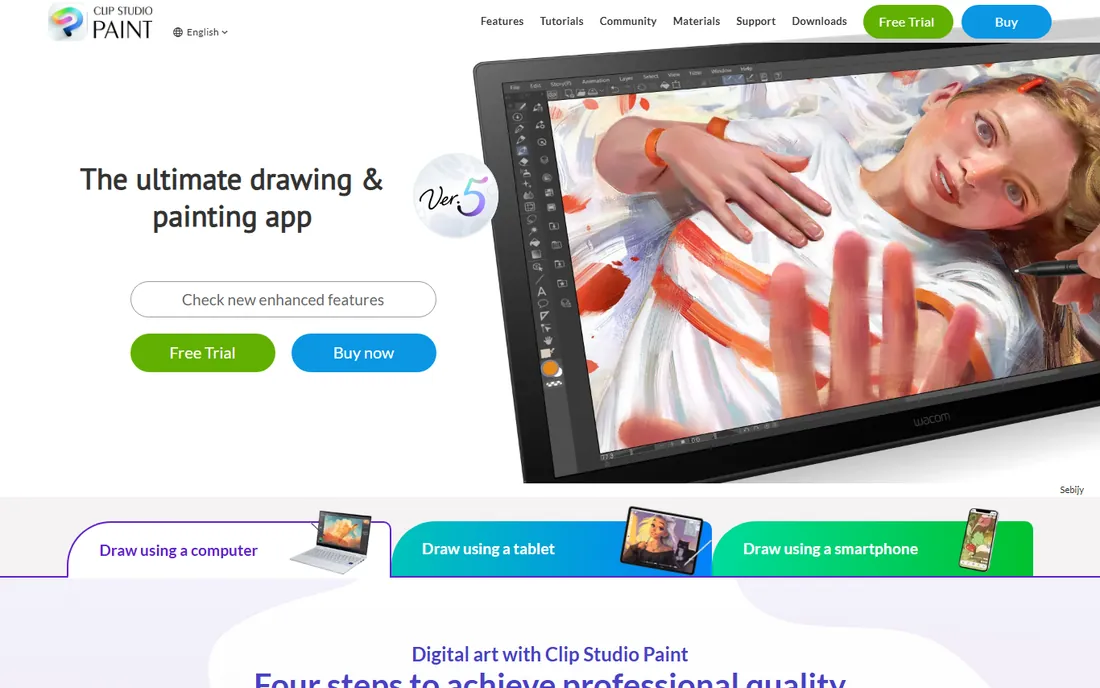
If you draw manga, webtoons or comics, Clip Studio Paint is the tool built specifically for that job. Panel frames, speech balloons, screen tones and perspective rulers are all native, not workarounds, and the asset library built by the community means you can download brushes, 3D pose references and materials instead of making everything from scratch. The desktop versions still sell as one-time purchases, PRO from $63 and EX from $219, which is rare in this market.
The catch is in the version split. PRO covers single-page illustration and basic animation up to 24 frames, but multi-page comic management and full animation live in EX. On iPad and mobile there is no perpetual option at all, only monthly or yearly plans starting from about a dollar a month. Artists who work across desktop and tablet should budget accordingly, though the low entry cost keeps the total reasonable.
What we like- Purpose-built comic and manga tools
- Huge community asset library
- Affordable perpetual licenses for desktop
Watch out for- IPad and mobile versions require a subscription
- PRO vs EX split locks animation and multi-page work behind EX
Starting priceFree
Free planYes
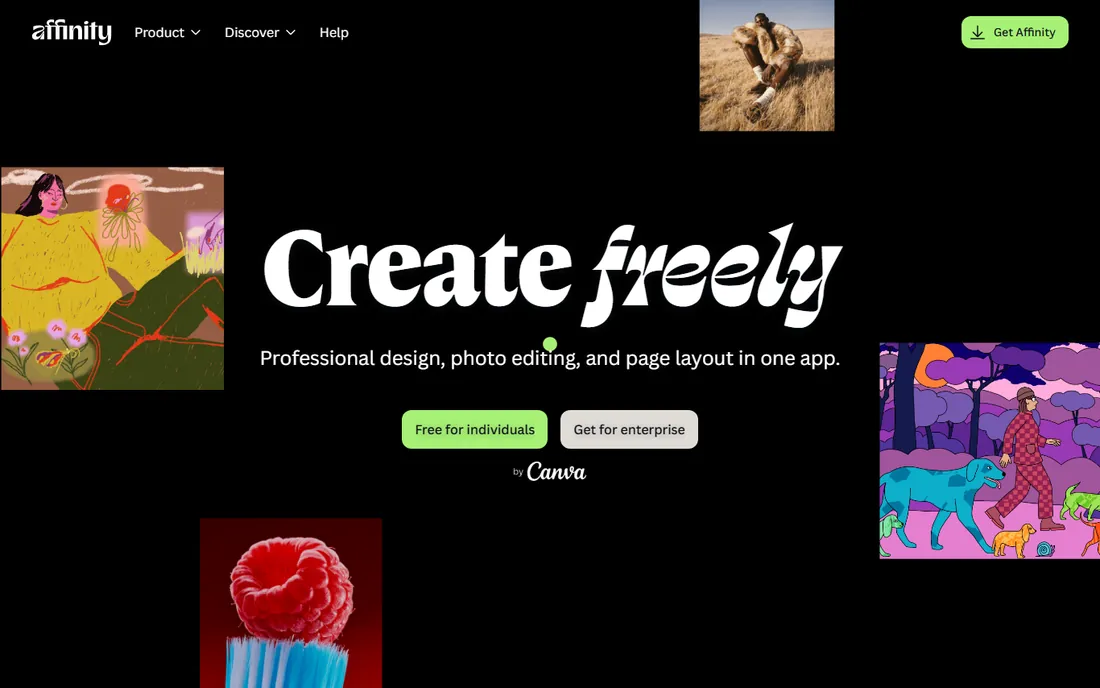
Canva bought Serif and made the entire Affinity suite free in late 2025, and it remains the most surprising deal in creative software. The old Designer, Photo and Publisher apps merged into one application with vector, pixel and layout tools, so one download replaces the bulk of what most designers use Illustrator, Photoshop and InDesign for. For anyone who balked at Adobe's monthly rent, this is the no-excuses alternative.
Free does not mean frictionless. You need a Canva account to use it, and the newer AI-powered tools sit behind a paid Canva plan. Complex Illustrator files sometimes take a while to import, and a few Illustrator-specific workflows have no exact equivalent. But for drawing logos, posters, social graphics and layout work at zero cost, the value is hard to argue with.
What we like- Full professional suite (vector, raster, layout) for nothing
- Fast and stable
- Good Adobe file compatibility
Watch out for- Requires a Canva account
- AI features need a paid Canva plan
- Adobe file import can be slow on complex documents
Starting priceFree
Free planYes
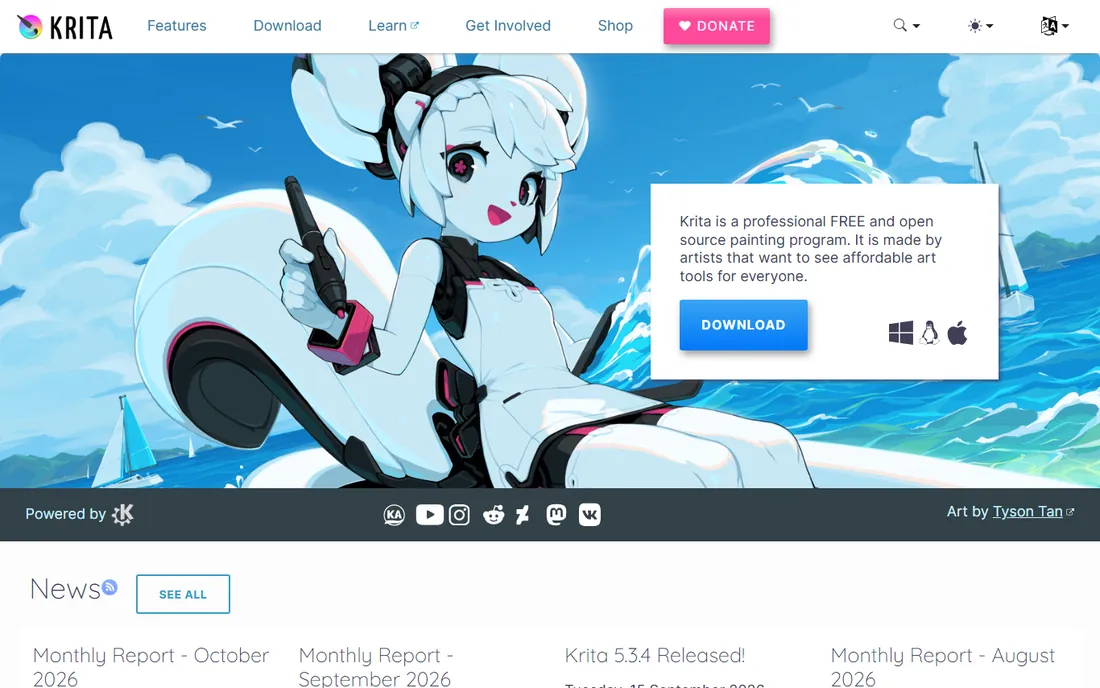
Krita is the free painting app that professionals actually use, not a demo wearing a free badge. It is open source, maintained by a community, and costs nothing on desktop. The brush engines cover pixel, sketch, chalk and smudge work, and the built-in animation workspace with onion skinning handles frame-by-frame work without a plugin. It opens PSD files well, which makes it a practical companion in mixed pipelines.
Being free comes with a particular shape of tradeoff. Vector support exists but is not a strength, so logo work belongs elsewhere. The interface packs a lot of power into dockers and panels that take a week to learn. For painters and concept artists who just need a great brush on a canvas, though, Krita is the best price-to-quality deal in this entire list, because the price is zero.
What we like- Open source and genuinely free forever
- Nine brush engines built for painters
- Real animation tools included
Watch out for- Vector tools are basic compared to Illustrator
- The interface shows its age in places
Starting priceFrom $269/year
Free planFree trial
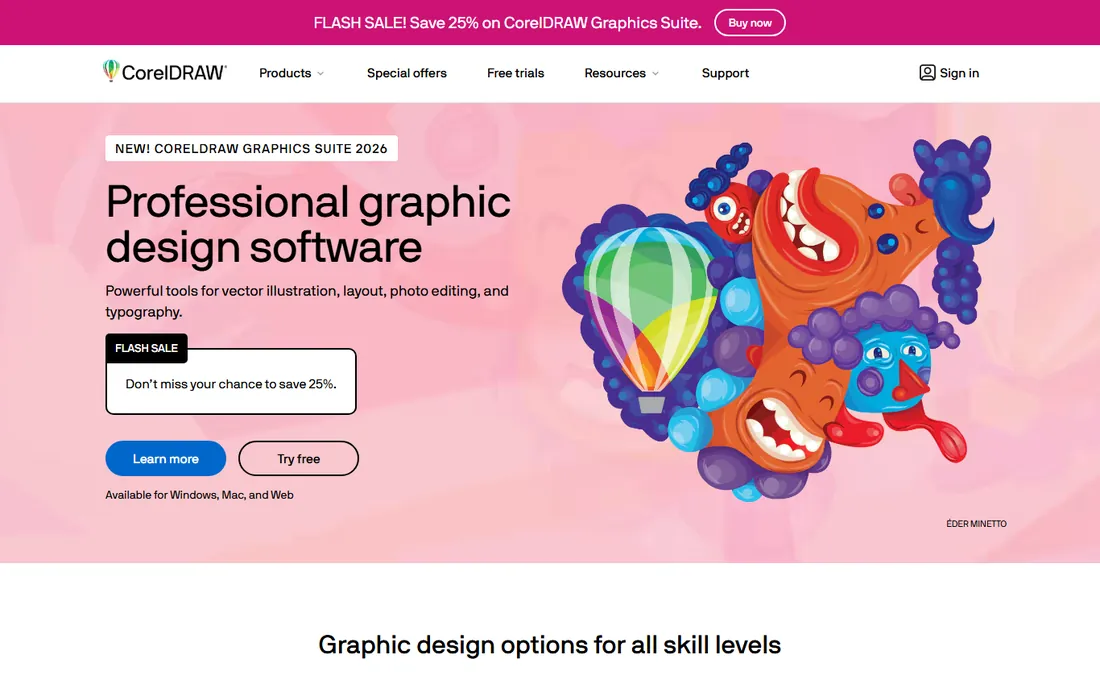
CorelDRAW has been drawing vectors since 1989, and its user base in signage, print shops and large-format production remains enormous. The Graphics Suite bundles vector illustration with Corel PHOTO-PAINT and layout tools, so one purchase covers the whole production chain from design to press. The 2026 release added AI-assisted vector features and a web companion app for subscribers.
The price is the thing to stare at. The annual subscription runs $269, and the one-time purchase is $549, which puts it well above Affinity's free tier and even above Illustrator's first year. For general illustration it is not the obvious pick, but if your output goes to a vinyl cutter, a laser engraver or a commercial printer, the production tooling earns its keep.
What we like- Mature suite with photo editing and layout included
- Excellent for signage, print and large-format work
- One-time purchase option exists
Watch out for- Expensive next to newer rivals
- Its strengths skew toward print and production rather than illustration styles
Starting priceFree
Free planYes
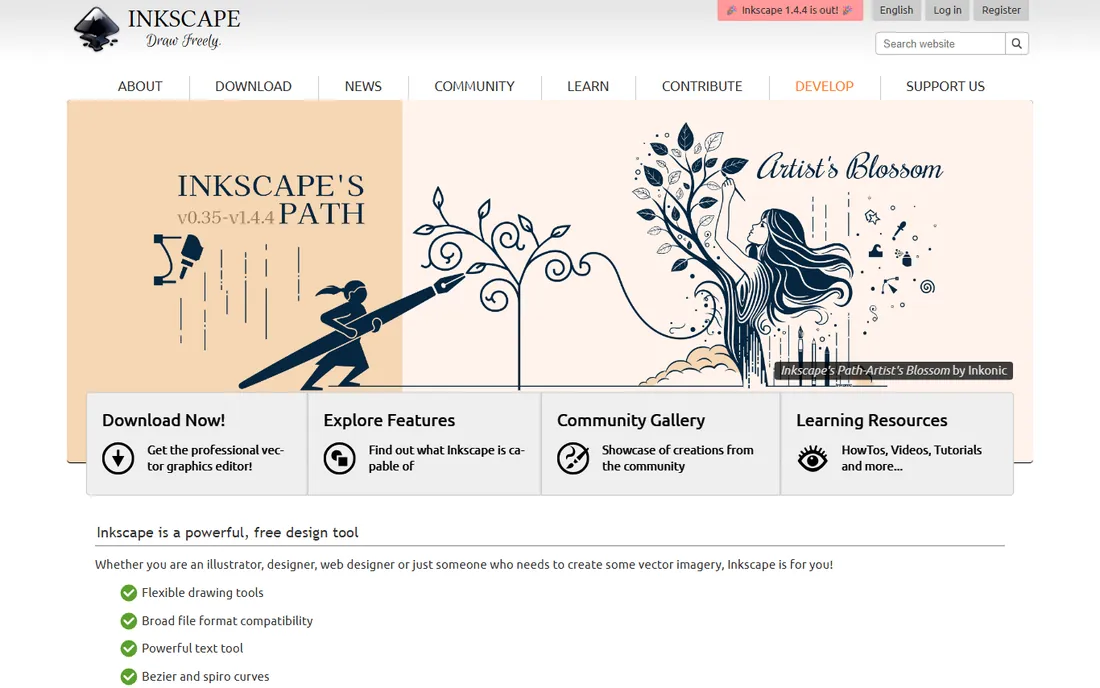
Inkscape is what you recommend when someone needs vector software and has no budget. It is free and open source, it edits SVG natively, and the pen, node and path tools are genuinely powerful once learned. Logos, icons, infographics and web graphics are all squarely in its comfort zone, and the extension ecosystem adds plenty of extras. Commercial use is unrestricted, which matters for freelancers.
The limitations show up in professional print workflows. CMYK support is workable but takes setup compared to Illustrator or CorelDRAW, and the interface, while improved in the 1.4 releases, still throws a wall of toolbars at first-time users. Adobe file compatibility is decent but not perfect, so check your deliverable requirements before committing to an all-Inkscape workflow.
What we like- Native SVG editing
- Powerful node and path operations
- No cost for commercial use
Watch out for- Print-oriented CMYK workflows take extra setup
- The dense interface intimidates beginners
Starting priceFree
Free planYes
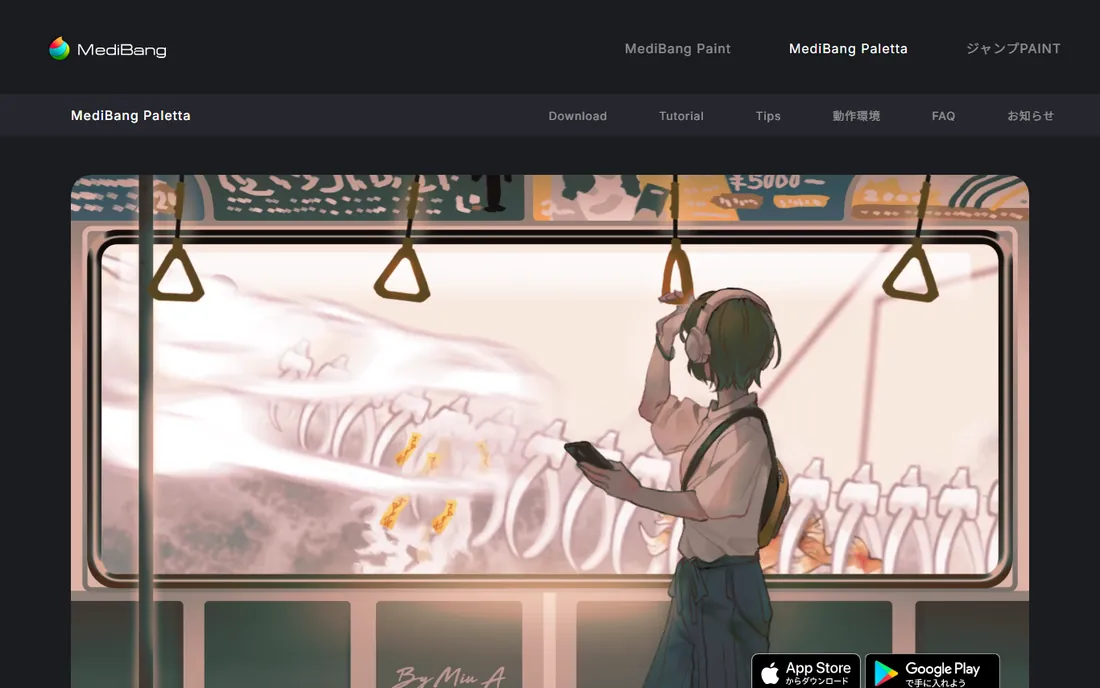
MediBang Paint is the free app aimed squarely at manga and comic creators. It runs on Windows, Mac and mobile, includes panel tools, screen tones and a large library of cloud brushes, and it stays light on machines that would struggle with heavier suites. For students and beginners working on webtoons and doujinshi, it removes every excuse.
It is not a general-purpose studio. Advanced print features, color management depth and photo-editing power all lag the paid tools, and the free account requirement for cloud sync adds a small setup step. Note that MediBang has also been promoting a newer iPad app called MediBang Paletta, so make sure you download the classic desktop version if that is what you want.
What we like- Free on desktop and mobile
- Cloud brushes and comic panel tools
- Very lightweight on modest hardware
Watch out for- Cloud features need a free account
- Less depth for print production and photo editing
Starting priceFree (Pro from $4.99/month)
Free planYes
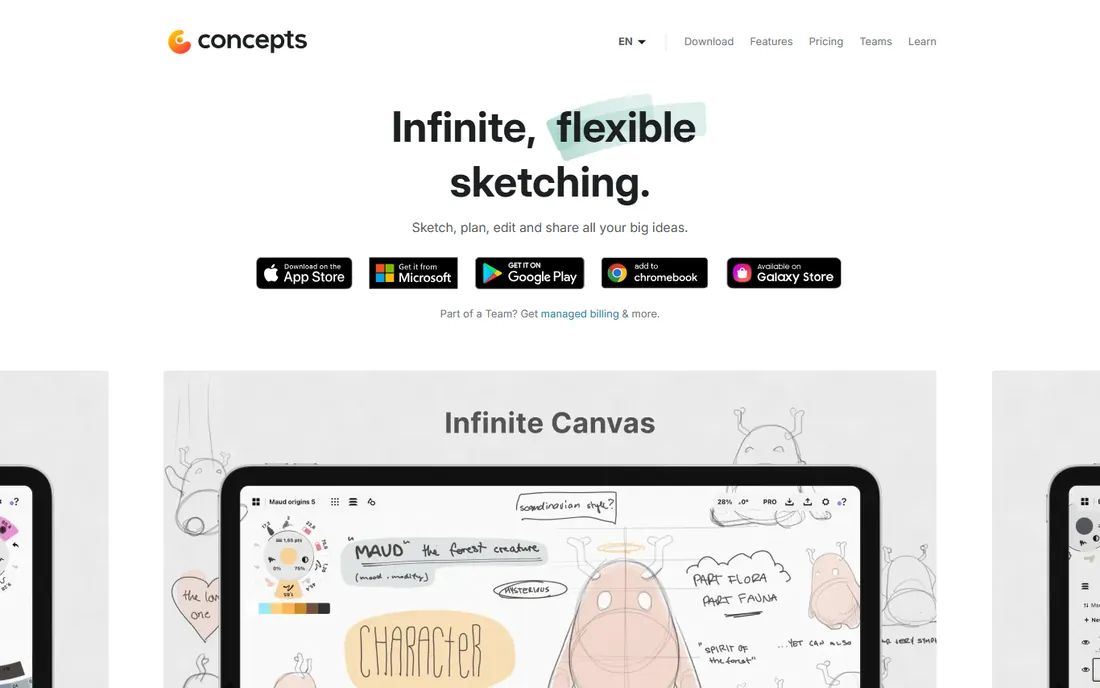
Concepts sits between sketching and drafting. Every stroke on its infinite canvas is an editable vector, so you can rearrange, rescale and tweak a sketch after drawing it without redrawing. The COPIC-licensed color tools make it a favorite for product designers and architects, and export to formats like SVG, PSD and even DXF keeps it useful in professional pipelines.
The free tier is a capable sketchbook with five layers and JPG export, which is enough to test the workflow. The full feature set, infinite layers, custom brushes and advanced exports, costs $4.99 a month or $29.99 a year, or you can buy feature packs as one-time purchases from $1.99 to $39.99. It is not the tool for textured painting, but for thinking out loud in vectors it is close to ideal.
What we like- Strokes stay editable vectors on an infinite canvas
- Realistic COPIC color tools
- Exports to SVG, PSD and DXF
Watch out for- Full power needs the Pro subscription
- More of a sketching tool than a painting app
Starting priceFrom $89.99 one-time
Free plan30-day free trial
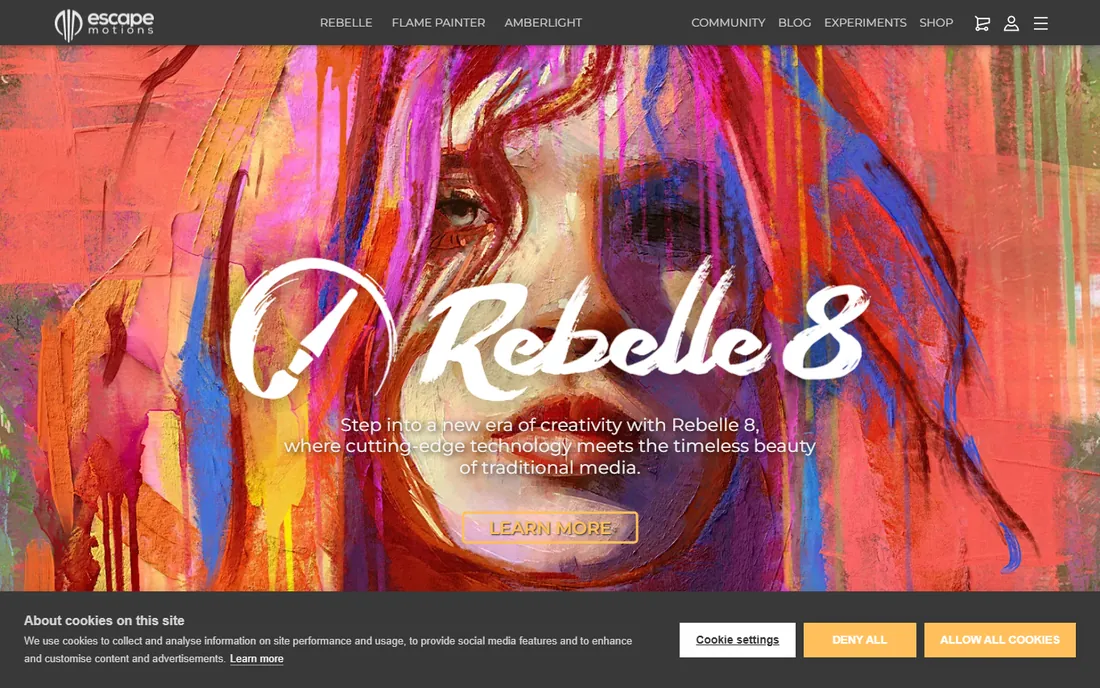
Rebelle exists for one reason: making digital paint behave like real paint. Watercolor blooms, granulation and wet diffusion are simulated convincingly, and oils build up impasto depth you can see in the lighting. Traditional painters moving to digital often say it is the first app that did not feel like a compromise. Version 8 added a Pro edition with more advanced tools at $149.99.
It is a painting tool, not a studio suite. Vector support is minimal, layout features do not exist, and the physics engine wants a decent machine for big canvases. But at $89.99 for a perpetual license with a 30-day trial, it is a small price for artists who want their digital work to look genuinely hand-painted.
What we like- The most convincing watercolor, oil and acrylic simulation available
- One-time license
- Strong PSD compatibility
Watch out for- Demanding on hardware at large sizes
- Weak for vector work and graphic design
How we chose
We started from the vendor's own pricing pages and documentation, then checked public reviews on G2, Capterra and Reddit to see where each app actually disappoints. Every tool here exists today and fits the category: raster painters, vector editors, comic tools and hybrid sketching apps. We excluded photo editors, 3D software and AI image generators, and we favored tools with clear current pricing over ones that hide behind sales calls.
What to look for before you buy
Match the tool to your output, not your aspirations
Vector tools (Illustrator, Affinity, Inkscape, CorelDRAW) produce infinitely scalable artwork for logos, type and print. Raster painters (Procreate, Krita, Rebelle, MediBang) produce textured, brushy work for concept art and illustration. Most professionals eventually own one of each. Buying a second vector app when your real bottleneck is painting technique fixes nothing.
Check the license model against your usage pattern
Subscriptions like Illustrator and CorelDRAW cost more every year you work, which is fine if the app earns its keep monthly. Perpetual licenses like Procreate ($12.99), Rebelle ($89.99) and Clip Studio Paint stop charging you once you own them. Free tools like Krita, Inkscape, MediBang Paint and Affinity cost nothing at all, and several are professional grade.
Verify file compatibility with your clients
If clients send AI, PSD or INDD files and expect them back in the same formats, check how each app handles those round trips. Affinity and Krita both open Adobe formats well enough for many workflows, but complex files can lose details. Ask a client for a sample file and open it before you commit.
Count the real cost, not the sticker
Add-ons shift the math. Clip Studio Paint's mobile versions need subscriptions, SimplePractice-style per-seat add-ons do not exist here but Clip Studio's PRO to EX upgrade and Concepts' feature packs do. Test the exact combination of desktop and mobile versions you will use, including any subscription pieces, before comparing totals.
Pricing models, explained
Illustration software now comes in three pricing shapes, and understanding them saves more money than any sale. The subscription model (Illustrator, CorelDRAW, Concepts Pro) charges monthly or yearly forever and usually includes updates and cloud extras. The perpetual model (Procreate, Clip Studio Paint desktop, Rebelle) charges once for the version you buy, with updates free for a time. The free model (Krita, Inkscape, MediBang Paint, Affinity) charges nothing and is funded by donations, communities or a parent company.
None of these is automatically best. A freelancer billing clients monthly may barely notice $22.99, while a student painting for fun gets 95 percent of the capability from Krita at $0. The common mistake is paying a subscription for an app opened twice a month. If your usage is occasional, start free and only upgrade when a specific paid feature becomes a bottleneck.
Frequently asked questions
What is the best illustration software for beginners?
Start with Krita or MediBang Paint if you want free, or Procreate if you own an iPad. All three put capable brushes in front of you without a subscription, and the skills transfer when you later move to paid tools. Affinity is the best free entry point for vector work.
Is Adobe Illustrator worth the subscription?
For professionals who trade AI files with clients and studios, yes, because compatibility is the product as much as the tool. For hobbyists and solo artists without client format requirements, the alternatives in this list cover most of the same ground for far less money.
Can free illustration software really replace paid tools?
For many workflows, yes. Krita handles painting and animation, Inkscape handles vector work, and Affinity handles all three disciplines for free. The gaps are narrow: perfect Adobe file round trips, deep print production features, and specialized workflows like comic multi-page management in Clip Studio EX.
What is the best software for digital art on a tablet?
Procreate on iPad is the consensus pick for its brush feel and one-time $12.99 price. On Android and Windows tablets, Clip Studio Paint and MediBang Paint are the strongest options, and Concepts works well across iPad, Android and Windows for sketching.
Which is better for manga, Clip Studio Paint or MediBang Paint?
Clip Studio Paint is the professional choice with deeper comic tools and a massive asset library, and the desktop perpetual license keeps costs down. MediBang Paint is free everywhere and lighter on hardware, making it the better starting point for students.
What is the best painting software for realistic traditional media?
Rebelle leads here by design, with watercolor, oil and acrylic simulation that genuinely behaves like real paint. Corel Painter is the classic alternative, though we left it off this list in favor of covering more pricing models.
Sources we checked (12)
- https://www.adobe.com/products/illustrator.html
- https://procreate.com/
- https://www.clipstudio.net/en/
- https://support.clip-studio.com/en-us/faq/articles/20200186
- https://affinity.studio/
- https://krita.org/en/
- https://www.coreldraw.com/en/
- https://inkscape.org/
- https://medibangpaint.com/
- https://concepts.app/en/
- https://concepts.app/pricing-explained
- https://escapemotions.com/
Is your product missing or out of date?
We review this list regularly. Vendors can request a listing, send updated pricing or ask about featured placement.

Shihab Mia · Founder, Rankite
Shihab has spent more than a decade helping SaaS and e-commerce brands grow through search. He writes Rankite's software buying guides from pricing pages, documentation and public user reviews. More about Shihab.