How we make this list: we compare pricing pages, product documentation and public user reviews. Ratings come from G2, Capterra or Trustpilot, with the date we checked them.
Key takeaways
- Microsoft Publisher left Microsoft 365 in October 2026, so former users need a new tool for newsletters, flyers, and brochures.
- Canva and Marq suit non-designers who want templates fast, while Affinity Publisher and InDesign suit print work with precise control.
- LibreOffice Draw is the free offline option, and VivaDesigner suits cross-platform teams that also need web editing.
- No tool opens Publisher files natively, so convert old files to PDF or Word before you switch.
Quick comparison
| Tool | Best for | Starting price | Free plan |
|---|
 Canva Canva | Templates for non-designers | See website | Yes |
 Affinity Publisher Affinity Publisher | One-time purchase layout | See website | Yes |
 Adobe InDesign Adobe InDesign | Professional print publishing | $22.99 per month | Free trial |
 Marq Marq | Branded team templates | See website | Yes |
 Visme Visme | Reports and visual documents | $12.25 per user per month | Yes |
 LibreOffice Draw LibreOffice Draw | Free offline layout | $0 | Yes |
 QuarkXPress QuarkXPress | Long-form print design | See website | Free trial |
 VivaDesigner VivaDesigner | Cross-platform publishing | See website | Yes |
Is your product missing or out of date?
We review this list regularly. Vendors can request a listing, send updated pricing or ask about featured placement.
The best alternatives to microsoft publisher
#1Canva
Best for: Templates for non-designers4.7/5 on
G2 (7,678 reviews, checked Oct 2026)
Visit canva.com
Starting priceSee website
Free planYes
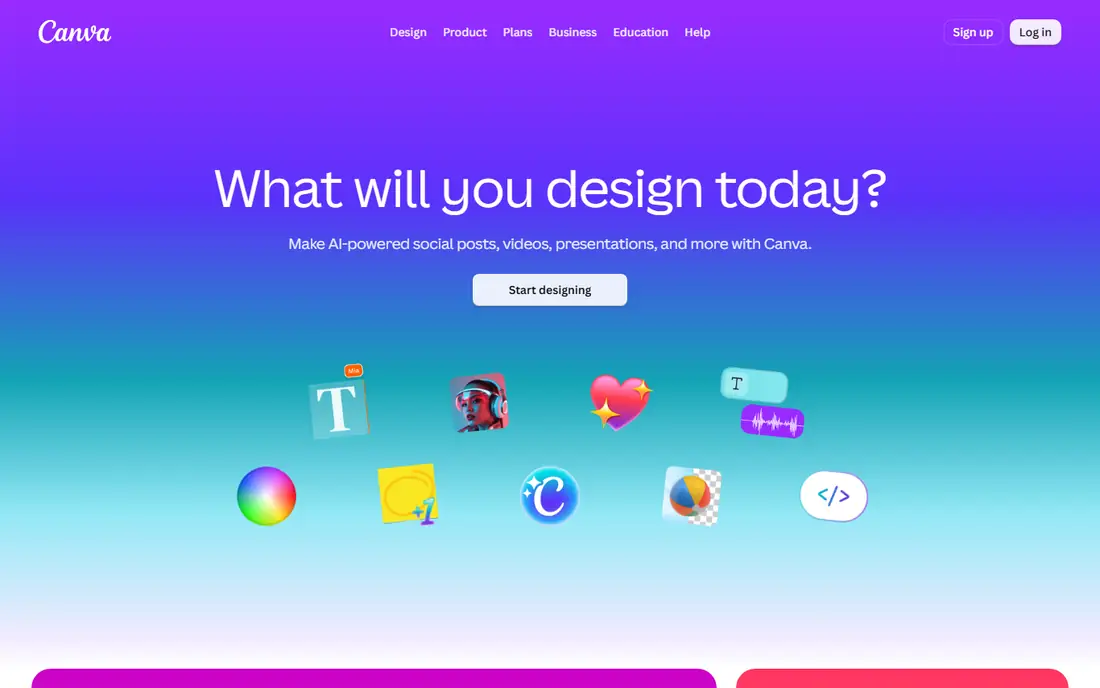
Canva is the easiest move for former Publisher users who mainly made flyers, newsletters, social posts, and simple brochures. Pick a template, replace text and images, and export as PDF for print or sharing. Brand kits on paid plans keep colors and fonts consistent, which helps small businesses that produce similar materials often.
Print professionals will notice limits. CMYK control, bleed, and preflight checks are thinner than in a dedicated layout app, and long documents with linked text frames are harder to manage. For everyday marketing materials made by non-designers, Canva speed outweighs those limits.
What we like- Huge template library
- Drag-and-drop editing
- Easy sharing and printing
Watch out for- Print controls are basic
- Some assets need a paid plan
- Multi-page books are awkward
Starting priceSee website
Free planYes
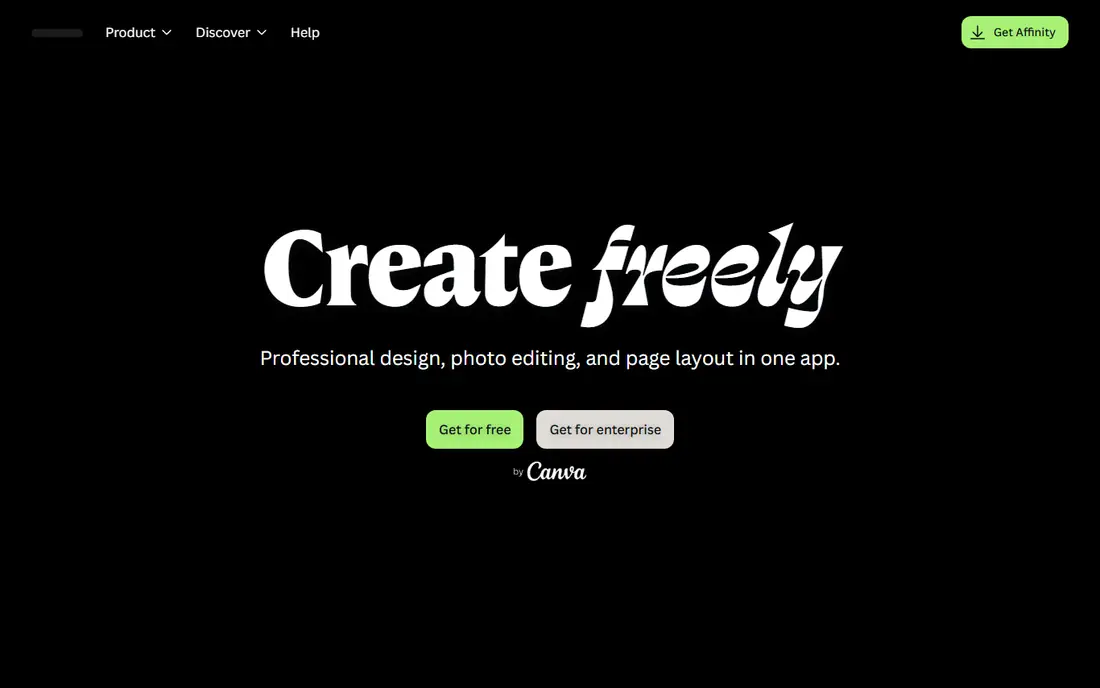
Affinity Publisher is the closest desktop replacement for Publisher users who want real layout control without a monthly subscription. It handles master pages, linked text frames, advanced typography, and print-ready PDF export, and it connects to Affinity Designer and Photo through StudioLink for image work without leaving the app. Pricing has changed with Canva ownership, so check the current Affinity page for the latest purchase or free terms before buying.
The main gaps are templates and collaboration. Affinity has fewer ready-made marketing templates than Canva, and team review is file-based rather than browser-based. For freelancers and small shops that produce brochures, magazines, and books, Affinity Publisher is a strong value pick.
What we like- Professional layout tools
- Master pages and typography
- No subscription required for the desktop app
Watch out for- No Linux version
- Fewer templates than Canva
- Collaboration is file-based
#3Adobe InDesign
Best for: Professional print publishing4.8/5 on
Capterra (344 reviews, checked Oct 2026)
Visit adobe.com
Starting price$22.99 per month
Free planFree trial
InDesign is the professional standard for magazines, books, catalogs, and complex print work, with precise typography, styles, tables, and preflight tools. It works with Photoshop, Illustrator, and Acrobat in one workflow, which matters when a printer or agency expects InDesign files. For publishers and agencies, that compatibility alone can justify the cost.
For a former Publisher user who makes a monthly newsletter, InDesign is more tool than needed, and the $22.99 monthly single-app price adds up. Learning time is also real, since InDesign expects users to understand styles, master pages, and print settings. Choose InDesign when print quality and industry file exchange matter most.
What we like- Industry-standard layout
- Full prepress controls
- Deep Adobe ecosystem links
Watch out for- Subscription cost
- Steep learning curve
- Overkill for simple flyers
#4Marq
Best for: Branded team templates4.5/5 on
G2 (210 reviews, checked Oct 2026)
Visit marq.com
Starting priceSee website
Free planYes
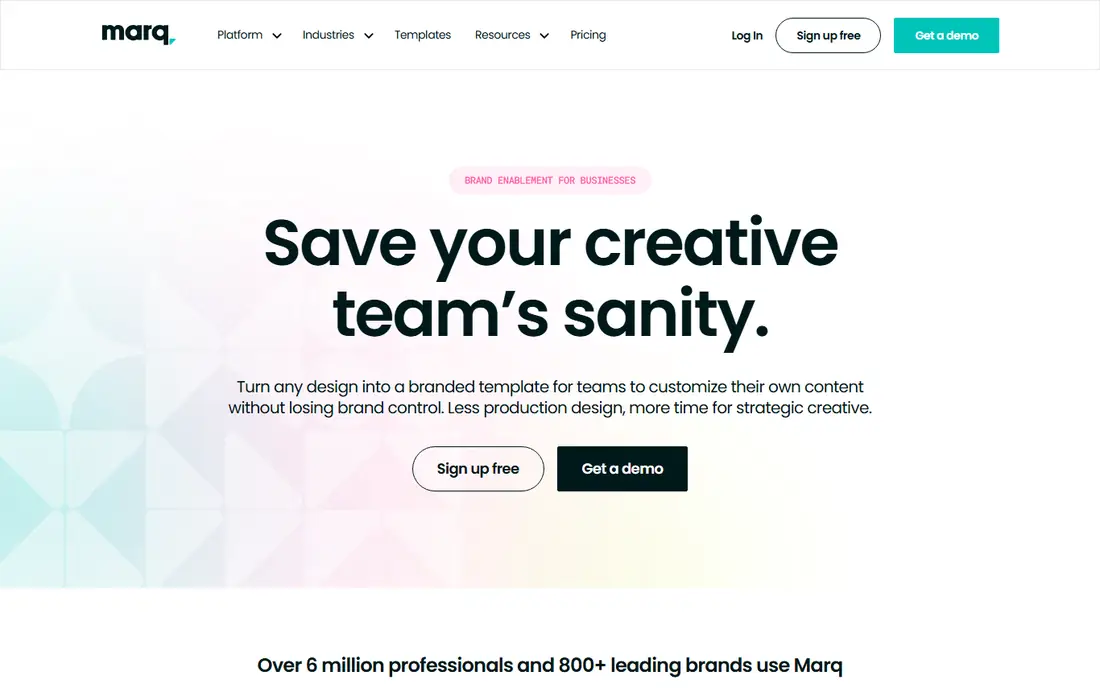
Marq, formerly Lucidpress, suits teams that need many people to create on-brand materials without design training. Admins lock logos, colors, and fonts in templates, while staff in different locations customize text and images for their own market. That guardrail model helps real estate, franchise, and university teams that produce similar flyers and brochures at scale.
Marq is not a replacement for InDesign on complex print jobs, since its controls are simpler and editing happens in a browser. Paid plans add fuller brand and approval features. For distributed teams that value consistency over print precision, Marq is a practical Publisher successor.
What we like- Lockable brand templates
- Browser-based collaboration
- Large template library
Watch out for- Print controls are lighter than desktop apps
- Paid features for brand controls
- Web-only editing
#5Visme
Best for: Reports and visual documents4.5/5 on
G2 (512 reviews, checked Oct 2026)
Visit visme.co
Starting price$12.25 per user per month
Free planYes
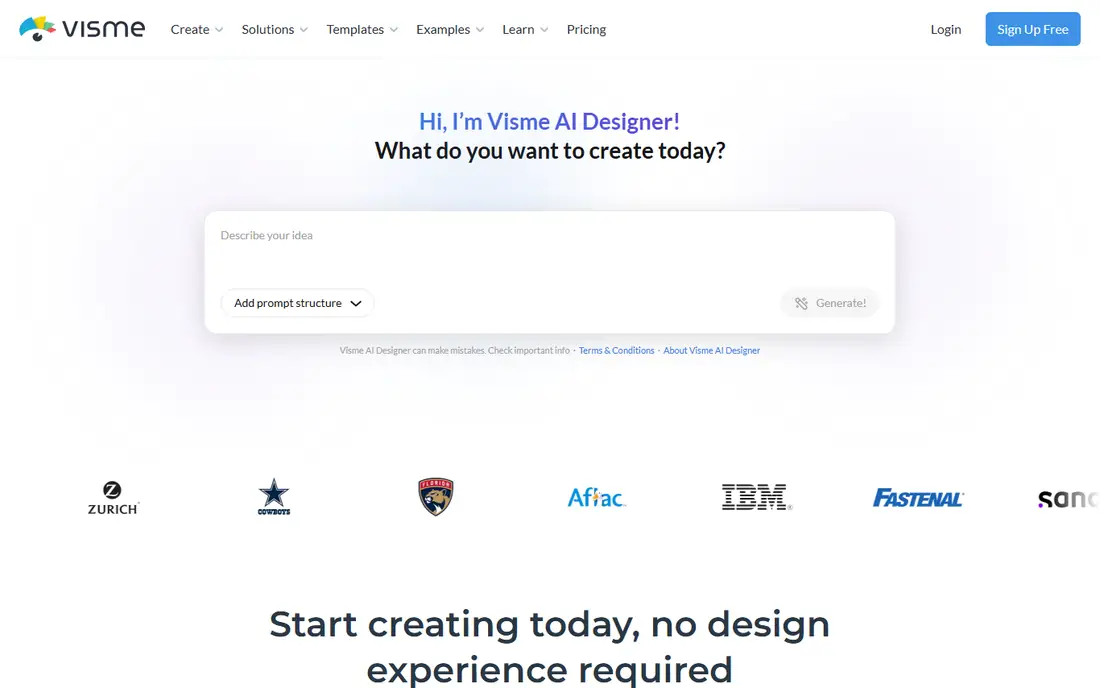
Visme suits former Publisher users who made reports, proposals, one-pagers, and infographics rather than long print books. Its templates and charts help turn data into visual documents, and paid plans at $12.25 per user per month billed annually remove watermarks and add brand controls. Interactive elements suit digital sharing, with PDF export for print.
The template-led approach means custom layouts take more work than in Affinity or InDesign, and free exports carry a watermark. For marketing and communications teams that publish visual documents online and in print, Visme bridges design and reporting well.
What we like- Strong reports, infographics, and proposals
- Brand kit on paid plans
- Interactive content options
Watch out for- Layout is template-led
- Print book features limited
- Free exports carry a watermark
Starting price$0
Free planYes
LibreOffice Draw is the free, offline option for users who want no subscription and no browser dependency. It handles posters, flyers, diagrams, and simple brochures, with PDF export for sharing and printing. As part of the LibreOffice suite, it pairs with Writer and Impress for a full office replacement at no cost.
Draw is not a full desktop publishing app in the InDesign sense. Master pages, advanced typography, and preflight are limited, and templates are thinner than in Canva or Marq. For schools, nonprofits, and budget-conscious users with straightforward layout needs, Draw is a sensible free starting point.
What we like- Completely free
- Runs offline on Windows, Mac, and Linux
- PDF export included
Watch out for- Layout tools are basic
- Interface feels dated
- Fewer templates and learning resources
#7QuarkXPress
Best for: Long-form print design4.0/5 on
G2 (303 reviews, checked Oct 2026)
Visit quark.com
Starting priceSee website
Free planFree trial
QuarkXPress has served print publishers for decades, with tools for books, magazines, newspapers, and multilingual projects. Its typography, color management, and layout controls suit long-form work where consistency across hundreds of pages matters. Digital output options support interactive and reflowable formats alongside print.
Cost and community are the drawbacks. QuarkXPress pricing sits above Affinity, and fewer tutorials and templates exist than for InDesign or Canva. For experienced print designers and publishers who prefer Quark workflow, it remains a capable alternative to both Publisher and InDesign.
What we like- Long publishing history
- Strong typography and multilingual support
- Print and digital output
Watch out for- Higher cost
- Smaller community than Adobe
- Interface learning curve
Starting priceSee website
Free planYes
VivaDesigner suits teams that work across platforms, since it runs on desktop and in a browser, with server and cloud options for editorial workflows. It imports InDesign documents, which helps teams migrating from Adobe, and it handles books, magazines, catalogs, and newspapers with footnotes, indexes, and tables of contents. A free version lets users trial the core editor before buying a full edition.
The community is smaller than Adobe or Canva, so learning resources are thinner, and edition differences need checking before purchase. For cross-platform publishers, schools, and editorial teams that need desktop and web editing in one tool, VivaDesigner is a distinctive option.
What we like- Runs on Windows, Mac, Linux, and web
- InDesign import
- Strong typography
Watch out for- Smaller user community
- Some features vary by edition
- Pricing varies by version
How we chose
We compared tools on Publisher-like tasks, including flyers, newsletters, brochures, and multi-page documents, alongside print controls, templates, collaboration, and pricing. Prices were taken from vendor pages and recent published comparisons, with changing or edition-based prices marked as See website. We did not claim hands-on testing. Vendor documentation and review coverage were used to check print, template, and file-format claims.
Moving from Publisher without losing your files
Convert old Publisher files before you rely on a new tool, since no alternative listed here opens Publisher files natively. If you still have a working copy of Publisher, export each file to PDF for reading and printing, and to Word format where you need editable text. For many files, a batch converter can help, but check the output file by file, since layout can shift in conversion.
Pick by document type, not by brand
Flyers and social posts fit Canva or Marq, newsletters and brochures fit Affinity Publisher or Visme, and books and magazines fit InDesign, QuarkXPress, or VivaDesigner. A tool that excels at one-page marketing may struggle with a 100-page book, and a professional layout app may slow down a simple flyer. Match the tool to the documents you actually produce most often.
Check print settings before you print
Confirm page size, margins, bleed, color mode, and PDF export settings with your printer before a large run. Browser tools often export in RGB, while professional print work usually needs CMYK and bleed. A short test print, even a single copy, can catch color and margin problems before they affect a full order.
Keep a template library from day one
Save your best flyer, newsletter, and brochure layouts as templates in the new tool, with brand colors, fonts, and logo placements set. That library is what made Publisher useful for repeat work, and rebuilding it early saves time on every future document. Share templates with anyone else who creates materials, so output stays consistent.
Test the export path with a real document before you commit to a tool. Build one flyer and one multi-page newsletter in the trial, export both as PDF, and check fonts, images, and page breaks on screen and on paper. That single test often reveals whether a tool fits your work better than any feature list can.
Frequently asked questions
Can any tool open my old Publisher files?
No tool listed here opens Publisher files natively, since the format is proprietary. Export files to PDF or Word while Publisher still opens, or use a dedicated Publisher converter for batches. Check converted files carefully, since text flow and images can shift.
What is the easiest Publisher replacement for beginners?
Canva is the easiest for beginners, with templates and drag-and-drop editing for flyers, newsletters, and social posts. Marq is also easy for teams that need locked brand templates. Both run in a browser, so there is nothing to install for basic use.
Which alternative is best for professional printing?
Adobe InDesign is the professional standard, with full prepress controls and industry file compatibility. Affinity Publisher and QuarkXPress are strong alternatives for print work at lower or one-time cost. Confirm CMYK, bleed, and PDF settings with your printer for any of these tools.
Is there a free Publisher alternative?
Yes. LibreOffice Draw is free and runs offline, Canva and Marq offer free tiers, and VivaDesigner offers a free version. Free tiers often limit templates, brand controls, or export quality, so check watermark and PDF rules before committing to a free plan for client work.
Should I switch now that Publisher has retired?
Yes, if you still need to edit Publisher-style documents. Publisher left Microsoft 365 in October 2026, and remaining copies will lose support and security updates. Moving now gives time to convert files, rebuild templates, and learn a new tool before a deadline forces a rushed switch.
Sources we checked (8)
- https://www.canva.com
- https://affinity.serif.com
- https://www.adobe.com/products/indesign.html
- https://www.marq.com
- https://www.visme.co
- https://www.libreoffice.org
- https://www.quark.com
- https://www.vivadesigner.com
Is your product missing or out of date?
We review this list regularly. Vendors can request a listing, send updated pricing or ask about featured placement.

Shihab Mia · Founder, Rankite
Shihab has 5+ years in B2B and SaaS SEO. He writes Rankite's software buying guides from pricing pages, documentation and public user reviews. More about Shihab.