How we make this list: we compare pricing pages, product documentation and public user reviews. Ratings come from G2, Capterra or Trustpilot, with the date we checked them.
Key takeaways
- Affinity is now free, which changes the whole category. Canva merged Affinity Photo, Designer, and Publisher into one free app, with AI features behind Canva Pro.
- There is no single Adobe replacement. Photo editing, vector design, video, and layout are different jobs, and the best alternative depends on which Adobe app you are leaving.
- GIMP, Inkscape, and Krita cover photo editing, vector work, and painting free, while DaVinci Resolve covers professional video free.
- Figma replaces Adobe XD for interface design, and Canva covers fast marketing graphics for non-designers.
- Keep paying Adobe if your income runs through its AI features, your clients demand native files, or your employer already pays. Free tools shine when the bill is yours.
Quick comparison
| Tool | Best for | Starting price | Free plan |
|---|
 Affinity Affinity | All-round professional design | Free | Yes |
 GIMP GIMP | Free photo editing | Free | Yes |
 Photopea Photopea | Browser-based Photoshop-style editing | Free | Yes |
 Figma Figma | Interface design and collaboration | Free | Yes |
 DaVinci Resolve DaVinci Resolve | Professional video editing | Free | Yes |
 Canva Canva | Fast marketing graphics | Free | Yes |
 Inkscape Inkscape | Free vector design | Free | Yes |
 Krita Krita | Digital painting and illustration | Free | Yes |
Is your product missing or out of date?
We review this list regularly. Vendors can request a listing, send updated pricing or ask about featured placement.
The best Adobe alternatives
Starting priceFree
Free planYes
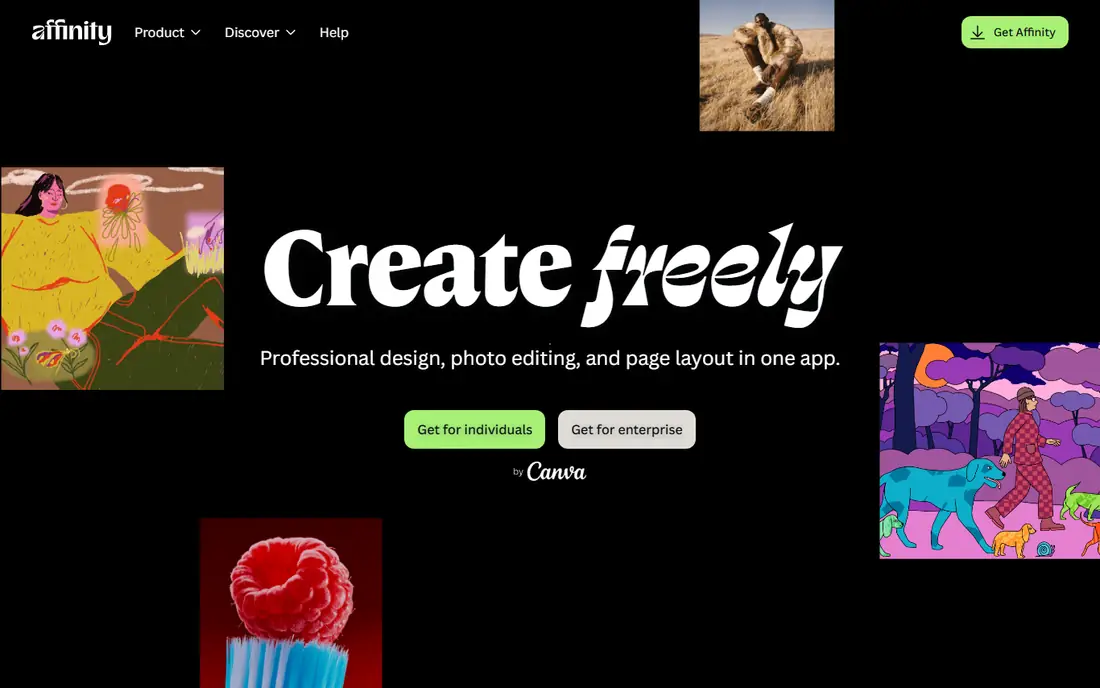
Affinity is the biggest change in this category in years. Canva acquired Serif and merged Affinity Photo, Designer, and Publisher into a single application, then made the core product free. You switch between vector, pixel, and layout modes inside one app, and files open locally with no network check once activated.
The honest limits are AI and collaboration. Generative fill and other AI features sit behind Canva Pro, and Affinity has no multiplayer editing, comment workflow, or developer handoff mode. It replaces Adobe for drawing, photo editing, and layout, not for team product design. For a solo designer leaving Adobe, it is the closest like-for-like swap ever offered free.
What we like- Professional photo, vector, and layout tools in one free app
- Works on local files with no seat check
- Strong Adobe file compatibility
Watch out for- AI features sit behind Canva Pro
- No multiplayer editing or developer handoff like Figma
- Requires a free Canva account
#2GIMP
Best for: Free photo editing4.3/5 on
G2 (1,484 reviews, checked Oct 2026)
Visit gimp.org
Starting priceFree
Free planYes
GIMP is the long-running free answer to Photoshop. It handles retouching, compositing, color work, and export across platforms, with a plugin ecosystem built over decades. For a photographer or hobbyist who needs serious editing without a subscription, it remains a capable tool.
The caution is file compatibility. Hands-on tests show GIMP can empty shape and fill layers and rasterize live text when round-tripping layered PSD files, so treat it as your editor, not as a Photoshop file courier. Print shops needing native CMYK workflows should also test carefully. For editing your own photos free, GIMP is hard to beat.
What we like- Fully free and open source
- Deep photo editing tools
- Runs on Windows, Mac, and Linux
Watch out for- Layered PSD round-trips can lose data
- Interface feels dated
- No native CMYK workflow for print shops
#3Photopea
Best for: Browser-based Photoshop-style editing4.6/5 on
G2 (21 reviews, checked Oct 2026)
Visit photopea.com
Starting priceFree
Free planYes
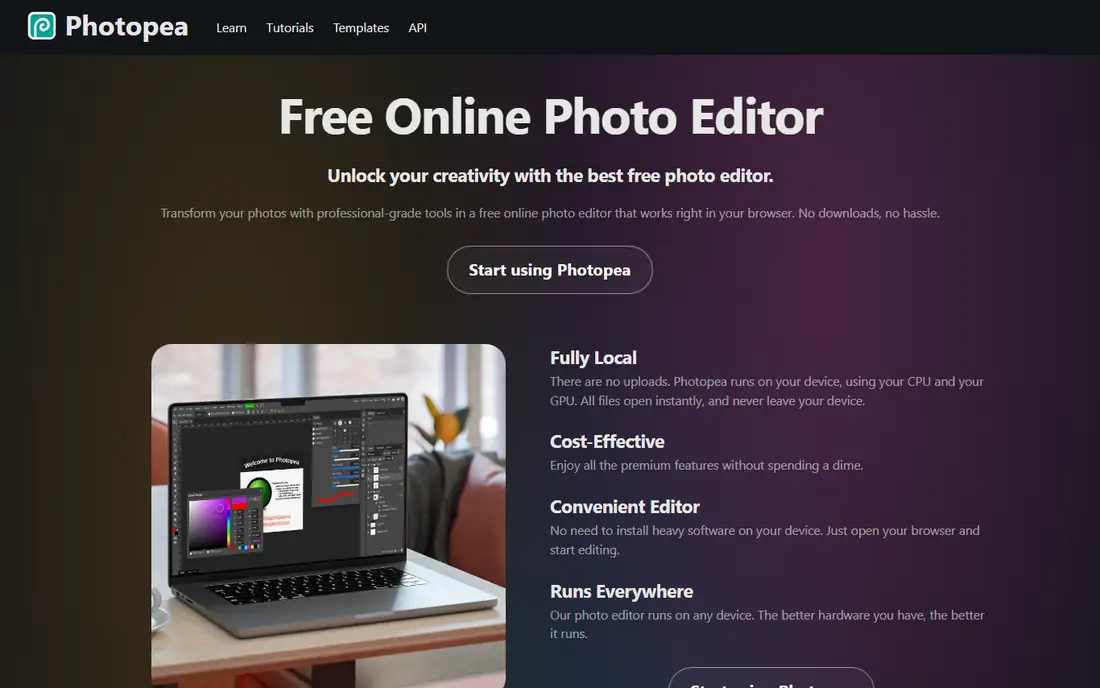
Photopea is the free tool that independent tests trust most for layered PSD files that must survive the trip. It opens in a browser tab, looks and feels close to Photoshop, and handles PSD, AI, and common raster formats without installing anything. Premium costs $5 per month and removes ads.
It needs an internet connection and a capable browser, so it is not the pick for offline fieldwork or very large files on weak machines. For quick edits, school computers, and borrowed machines, Photopea is the fastest route to Photoshop-style editing without paying anything.
What we like- Opens in a browser with nothing to install
- Strong layered PSD support
- Premium at $5 per month removes ads
Watch out for- Free version carries ads
- Needs an internet connection
- Performance depends on your browser and machine
#4Figma
Best for: Interface design and collaboration4.7/5 on
G2 (1,593 reviews, checked Oct 2026)
Visit figma.com
Starting priceFree
Free planYes
Figma is the natural replacement for Adobe XD, which Adobe wound down. It is built for interface design teams: multiple editors work in one file at once, comments resolve in place, and developers inspect specs and assets without extra handoff tools. The free Starter plan covers small teams, with Professional at $16 per editor per month on annual billing.
Figma is not a general design tool. It will not replace Photoshop for photo editing or InDesign for print layout, and it needs a connection to work well. For UI and product design teams, though, it is the standard that Adobe XD never matched, and the free tier makes it easy to start.
What we like- Multiplayer editing and comments
- Developer handoff
- Free Starter plan
- Huge plugin and community library
Watch out for- Professional plan at $16 per editor per month annual
- Browser dependence
- Not a photo or print tool
Starting priceFree
Free planYes
DaVinci Resolve replaces Premiere Pro for editors willing to learn a professional tool. The free version covers editing, color grading, visual effects, and audio post in one application, and it is used on real film and broadcast work. Studio costs $295 one time and adds advanced effects, stereoscopic tools, and more.
The price of free is hardware and learning. Resolve rewards a strong machine and repays study, but beginners face a steeper climb than with simpler editors. For a video creator leaving Adobe, it is the only free option with true professional depth, and the one-time Studio price beats a subscription over time.
What we like- Full professional editing, color, effects, and audio free
- Studio at $295 one-time adds more
- Runs on Windows, Mac, Linux
Watch out for- Steep learning curve
- Needs a strong machine for 4K work
- Some advanced effects sit in Studio only
#6Canva
Best for: Fast marketing graphics4.7/5 on
G2 (7,678 reviews, checked Oct 2026)
Visit canva.com
Starting priceFree
Free planYes
Canva is the best Adobe alternative for non-designers who need marketing graphics fast. Its template library covers social posts, presentations, flyers, and ads, and Magic Studio AI tools speed up routine jobs. The free plan is generous, and Pro adds brand kits, background removal, and premium assets.
Canva is not a professional editor. Photo retouching, vector precision, and print workflows are limited next to Affinity or GIMP, and Pro pricing varies across guides, with figures from around $120 to $144 per year reported, so confirm at checkout. For a small business making its own graphics, Canva is the fastest route to good-looking output.
What we like- Huge template library
- Easy for non-designers
- Magic Studio AI tools
- Brand kits on Pro
Watch out for- Pro pricing varies by guide, so confirm at checkout
- Not a professional photo or vector editor
- Print precision is limited
#7Inkscape
Best for: Free vector design4.4/5 on
G2 (417 reviews, checked Oct 2026)
Visit inkscape.org
Starting priceFree
Free planYes
Inkscape is the free answer to Illustrator. It handles logos, icons, illustrations, and print-ready vector work with a mature toolset, and its open source community keeps it improving. For a designer on a budget, or a print shop that works in SVG and PDF, it covers the core vector job well.
The interface feels technical next to Affinity or Illustrator, and very complex documents can slow down. Some Adobe-native workflows need export steps rather than direct file sharing. For vector work you own outright, free, Inkscape is the strongest open option.
What we like- Fully free and open source
- Strong vector and logo tools
- Runs on Windows, Mac, and Linux
Watch out for- Interface feels technical
- No native AI file support for some workflows
- Slower with very complex documents
#8Krita
Best for: Digital painting and illustration4.4/5 on
G2 (65 reviews, checked Oct 2026)
Visit krita.org
Starting priceFree
Free planYes
Krita is the free tool for painters and illustrators, with a brush engine, stabilizers, and animation tools built for art rather than photo work. Comic artists and illustrators use it professionally, and it runs on Windows, Mac, and Linux free.
It is not a Photoshop replacement for photo editing, and PSD round-trips can drop adjustment layers, so keep master files in Krita format. For drawing, painting, and comics, Krita beats every other free tool here and rivals paid illustration apps.
What we like- Fully free and open source
- Brush engine built for painting
- Strong for comics and illustration
Watch out for- Not a photo editor
- PSD round-trips can drop adjustments
- Smaller plugin world than Photoshop
How we chose
We compared tools on which Adobe app they replace, file compatibility, pricing, platform coverage, and current status in October 2026 guides and vendor pages. We included only tools with a credible current product and left out demos and alphas that are not ready for real work, however promising their tests look. Prices change often, so we flagged figures that vary across guides rather than presenting one number as certain.
How to pick an Adobe alternative
Start with the Adobe app you actually use. Photoshop users should test Affinity, GIMP, and Photopea on their real files, checking layered PSD survival before committing. Illustrator users should compare Affinity and Inkscape. Premiere users should test DaVinci Resolve on a real project timeline. XD users should move to Figma. InDesign users should test Affinity Publisher mode or Canva, depending on print needs.
Test your files before you cancel
Run your last three real projects through the replacement before cancelling Adobe. Check layers, text, colors, and exports, and confirm that collaborators can open what you send. A tool that handles demos but breaks your archive is not a replacement. Keep Adobe for one overlap month while you prove the new workflow end to end.
Count five-year cost, not monthly cost
Photoshop alone costs $22.99 per month, about $276 per year, and about $1,380 over five years. Photopea Premium at $5 per month costs $300 over the same period, while Affinity, GIMP, Inkscape, and Krita cost nothing. That five-year number is the real argument for switching, but only if the free tool handles your actual work. A cheap tool that costs you clients is the most expensive option here.
Frequently asked questions
What is the best free Adobe alternative overall?
Affinity is the best free all-round alternative, covering photo, vector, and layout work in one app. GIMP, Inkscape, and Krita are the best free specialists for photo editing, vector design, and painting, while DaVinci Resolve covers video free.
Can free tools open Photoshop and Illustrator files?
Affinity and Photopea handle PSD files best in independent tests, though complex files can still lose some live features. GIMP and Krita may drop adjustments or rasterize text on round-trips. Test your own files before relying on compatibility for client work.
Is Affinity really free now?
Yes. Canva merged the Affinity apps into one application and made the core product free, with a free Canva account required. AI features like generative fill sit behind Canva Pro, but the professional editing, vector, and layout tools cost nothing.
What replaces Adobe Premiere Pro?
DaVinci Resolve is the strongest free replacement, with professional editing, color, and audio in one app. Studio costs $295 one time for advanced features. Simpler creators may prefer a browser editor, but Resolve is the only free option with true professional depth.
What replaces Adobe XD?
Figma replaces Adobe XD for interface design, with multiplayer editing, comments, and developer handoff that XD never matched. Its free Starter plan covers small teams, with Professional at $16 per editor per month on annual billing.
Should I keep paying for Adobe?
Keep paying if your income runs through Adobe AI features, your clients demand native files, or your employer pays. Switch when the bill is yours, your files survive testing in a free tool, and your collaborators accept the new formats.
Sources we checked (8)
- https://affinity.serif.com
- https://www.gimp.org
- https://www.photopea.com
- https://www.figma.com
- https://www.blackmagicdesign.com
- https://www.canva.com
- https://www.inkscape.org
- https://www.krita.org
Is your product missing or out of date?
We review this list regularly. Vendors can request a listing, send updated pricing or ask about featured placement.

Shihab Mia · Founder, Rankite
Shihab has 5+ years in B2B and SaaS SEO. He writes Rankite's software buying guides from pricing pages, documentation and public user reviews. More about Shihab.