How we make this list: we compare pricing pages, product documentation and public user reviews. Rankite is independent; if a vendor ever pays for a featured spot, that listing is clearly labeled Partner.
Key takeaways
- Esko ArtiosCAD is the structural design standard for folding carton and corrugated work; Esko Studio, from the same company, is the 3D mockup tool designers actually open every day.
- KeyShot is the fastest path from a CAD model to a photorealistic pack shot, with pricing listed at $1,299 on keyshot.com and a free trial.
- Blender costs nothing and handles the full 3D workflow, which makes it the default for freelancers and small studios that cannot justify CAD licenses.
- Arden Impact and EngView are the serious ArtiosCAD alternatives for structural designers and diemakers who want dedicated packaging CAD without the Esko ecosystem.
- Know which job you are hiring for: structural CAD builds the dieline, while tools like Substance 3D Stager and Cinema 4D make the pack look beautiful.
Esko states that more than 200,000 companies use its packaging solutions, a number that hints at how much of the boxes, cartons, and labels around you started life in specialized software. Packaging design splits into two jobs that need different tools: structural design, where engineers build the dieline that a factory will cut and fold, and visual design, where artists create the 3D mockups and renders that sell the concept to the client.
Buyers confuse the two constantly, then wonder why their beautiful mockup cannot be manufactured. This guide covers both sides: the CAD tools that build producible structures and the 3D tools that make packaging look irresistible.
Quick comparison
| Tool | Best for | Starting price | Free plan |
|---|
 Esko ArtiosCAD Esko ArtiosCAD | structural packaging design teams | See website | No |
 Esko Studio Esko Studio | designers creating 3D packaging mockups | See website | No |
 Adobe Substance 3D Stager Adobe Substance 3D Stager | photorealistic staging for marketing visuals | See website | Free trial |
 Blender Blender | freelancers and studios on zero budget | Free (open source) | Yes |
 Maxon Cinema 4D Maxon Cinema 4D | packaging animation and motion graphics | See website | Free trial (14 days) |
 KeyShot KeyShot | fastest CAD-to-photorealistic render | $1,299 (per keyshot.com) | Free trial |
 Packly Packly | brands that want design preview plus ordering | Per-order pricing | No |
 Arden Impact Arden Impact | packaging CAD outside the Esko ecosystem | See website | No |
 EngView EngView | structural design for folding carton and corrugated | See website | No |
Is your product missing or out of date?
We review this list regularly. Vendors can request a listing, send updated pricing or ask about featured placement.
The best 3D software for packaging design
#1
Esko ArtiosCAD
Best for: structural packaging design teams
Visit esko.com
Starting priceSee website
Free planNo
ArtiosCAD is what structural packaging designers mean when they say "the CAD tool." It builds dielines parametrically, so changing a dimension rebuilds the structure correctly, and it understands manufacturing constraints like flute direction and glue flaps natively. The 3D folding lets you verify a design folds properly before anyone cuts board. For anyone producing packaging at volume, this is the professional baseline.
The cost of that power is money and training. Pricing is quote-based and aimed at companies, not individuals, and new users need real instruction to use it well. ArtiosCAD also shines brightest inside the Esko ecosystem, alongside prepress and workflow tools. If you design structures for production, learn this tool. If you only need pretty mockups, you do not need it.
What we like- The industry standard for folding carton and corrugated
- Parametric design with manufacturing rules built in
- Deep integration with Esko prepress workflow
Watch out for- Quote-based enterprise pricing
- Real learning curve for newcomers
#2
Esko Studio
Best for: designers creating 3D packaging mockups
Visit esko.com
Starting priceSee website
Free planNo
Studio is the Esko product graphic designers actually touch. It takes your dieline and artwork, often straight from Illustrator, and builds an accurate 3D mockup you can rotate, light, and render, including finishes like foil and embossing. Client presentations stop depending on physical mockups, which saves days on every round of revisions.
It is a companion to ArtiosCAD rather than a replacement: Studio visualizes structures, it does not engineer them. Licensing is separate and quote-based, and the workflow assumes Adobe tools. For design agencies and brand teams that live in Illustrator and need client-ready 3D pack shots, Studio earns its keep quickly.
What we like- Builds 3D mockups from real artwork and dielines
- Runs inside Adobe Illustrator
- Virtual mockups replace many physical proofs
Watch out for- Separate license from ArtiosCAD
- Tied to the Esko and Adobe workflow
#3
Adobe Substance 3D Stager
Best for: photorealistic staging for marketing visuals
Visit adobe.com
Starting priceSee website
Free planFree trial
Stager is Adobe's virtual photo studio: import your packaging model, arrange it in a scene, set up lighting and cameras, and render the hero shot. The environment lighting tools and physics-aware placement make it fast to produce marketing-quality images without a photography studio. Integration with Photoshop and Illustrator keeps the workflow inside Creative Cloud.
It is a visualization tool, full stop. Stager will not build you a dieline or check that your carton folds. Pricing runs through Adobe's subscription model, so factor it into your Creative Cloud budget. For marketing teams and designers who need beautiful pack shots from existing 3D models, it is one of the most approachable options here.
What we like- Intuitive scene assembly with realistic lighting
- Strong Creative Cloud integration
- Supports CAD, USD, and glTF imports
Watch out for- Subscription cost on top of Creative Cloud
- Not a structural design tool
Starting priceFree (open source)
Free planYes
Blender does everything a 3D generalist needs, modeling, UV mapping, texturing, animation, and rendering with the Cycles engine, for exactly zero dollars. Packaging designers use it to build 3D mockups from dielines, apply artwork as textures, and render client presentations that rival paid tools. The community produces endless tutorials, including packaging-specific workflows.
The catch is specificity. Blender knows nothing about folding carton rules, flute profiles, or manufacturing constraints; you build structures by hand or with add-ons. For visual mockups and renders, that rarely matters. For production structural work, pair it with a real packaging CAD tool. As a free renderer and mockup builder, nothing else comes close.
What we like- Completely free with no licensing limits
- Full modeling, texturing, and rendering pipeline
- Huge tutorial community
Watch out for- Not packaging-specific, so dielines need manual work
- Interface overwhelms beginners
#5
Maxon Cinema 4D
Best for: packaging animation and motion graphics
Visit maxon.net
Starting priceSee website
Free planFree trial (14 days)
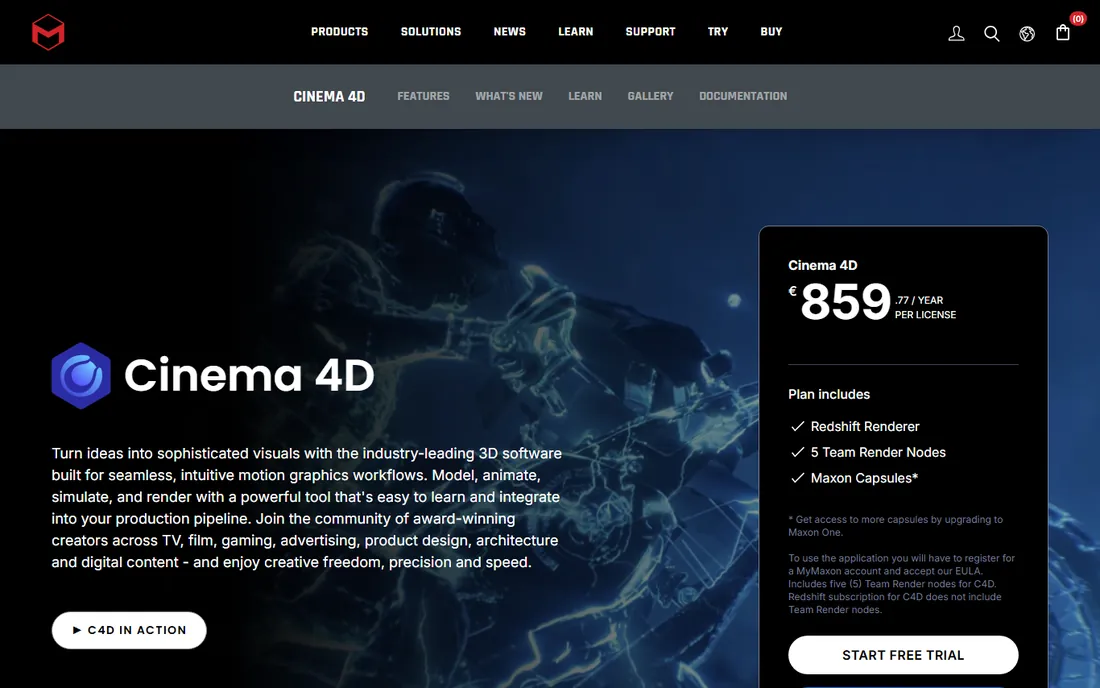
Cinema 4D earns its place when packaging needs to move: unboxing animations, exploded views, product configurators, and broadcast spots. Its motion graphics toolset is the friendliest in professional 3D, and every subscription includes the Redshift GPU renderer for fast, high-quality output. The 14-day free trial covers the full Maxon One suite, so evaluation is straightforward.
For still mockups alone, it is more tool than necessary, and the subscription cost is real. But studios doing packaging work for advertising, e-commerce video, or trade show content will use the animation features constantly. If your deliverables include motion, Cinema 4D is the comfortable professional choice.
What we like- Approachable professional 3D with great motion tools
- Redshift GPU rendering included
- Strong Adobe After Effects integration
Watch out for- Subscription pricing adds up
- Overkill if you only need still mockups
Starting price$1,299 (per keyshot.com)
Free planFree trial
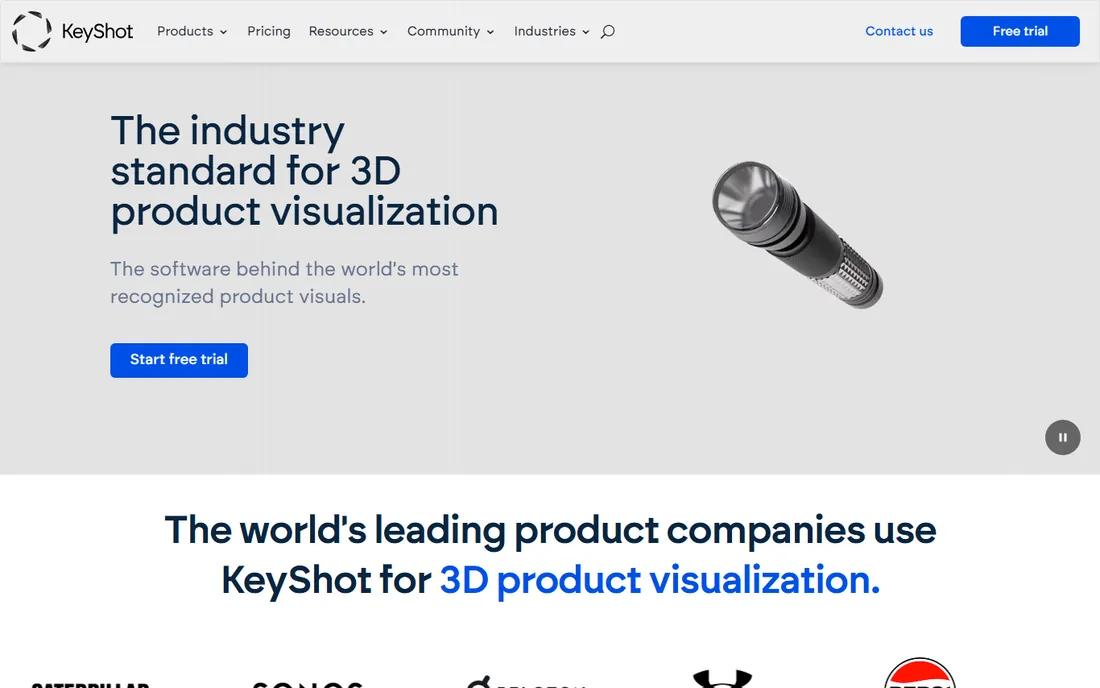
KeyShot's promise is simple: import your model, drag on materials, and get a photorealistic render in minutes. It preserves CAD geometry on import, which matters for packaging models coming from structural tools, and its material library covers the plastics, foils, and cardboards packaging designers reach for daily. Industrial designers at major brands use it precisely because it stays out of the way.
The product page lists pricing at $1,299, which positions it as a professional purchase rather than a casual one. A free trial lets you verify the workflow on your own models first. KeyShot will not model your packaging from scratch, but nothing on this list turns an existing model into a beautiful render faster.
What we like- Drag-and-drop materials with physically accurate results
- Imports CAD geometry cleanly
- Minimal learning curve
Watch out for- $1,299 entry price is steep for freelancers
- Animation features trail dedicated 3D suites
#7
Packly
Best for: brands that want design preview plus ordering
Visit pack.ly
Starting pricePer-order pricing
Free planNo
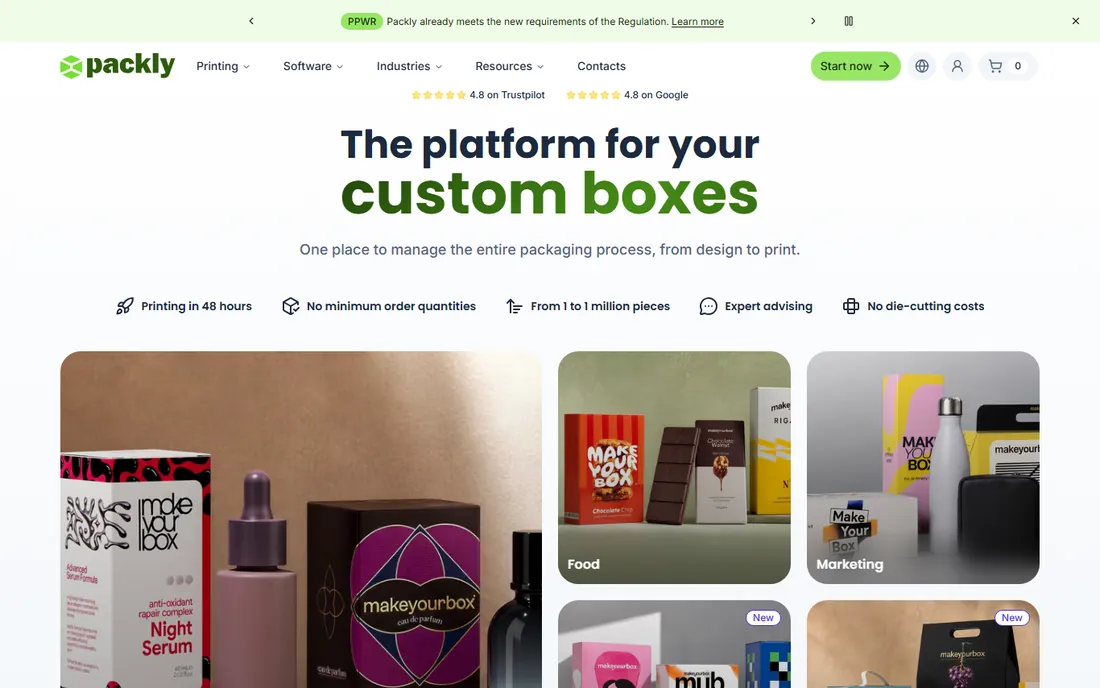
Packly is the odd one out: an online custom box manufacturer whose platform includes a genuinely useful 3D preview. Upload your artwork onto a dieline template, rotate the virtual box, check finishes and details from every angle, approve the design, and order, with no minimum quantities and printing from 48 hours. For small brands, the loop from design to physical boxes has never been shorter.
Be clear about what it is not. Packly does not replace structural CAD or professional rendering; the 3D tool exists to approve orders, not to design freely. Pricing is per order with real-time quotes rather than a license. If you are a brand owner who needs custom boxes designed, previewed in 3D, and printed, Packly collapses three vendors into one.
What we like- Interactive 3D preview of your custom box
- Instant quotes with no die-cutting costs
- No minimum order quantities
Watch out for- It is a printing service, not design software
- 3D preview serves the ordering workflow
Starting priceSee website
Free planNo
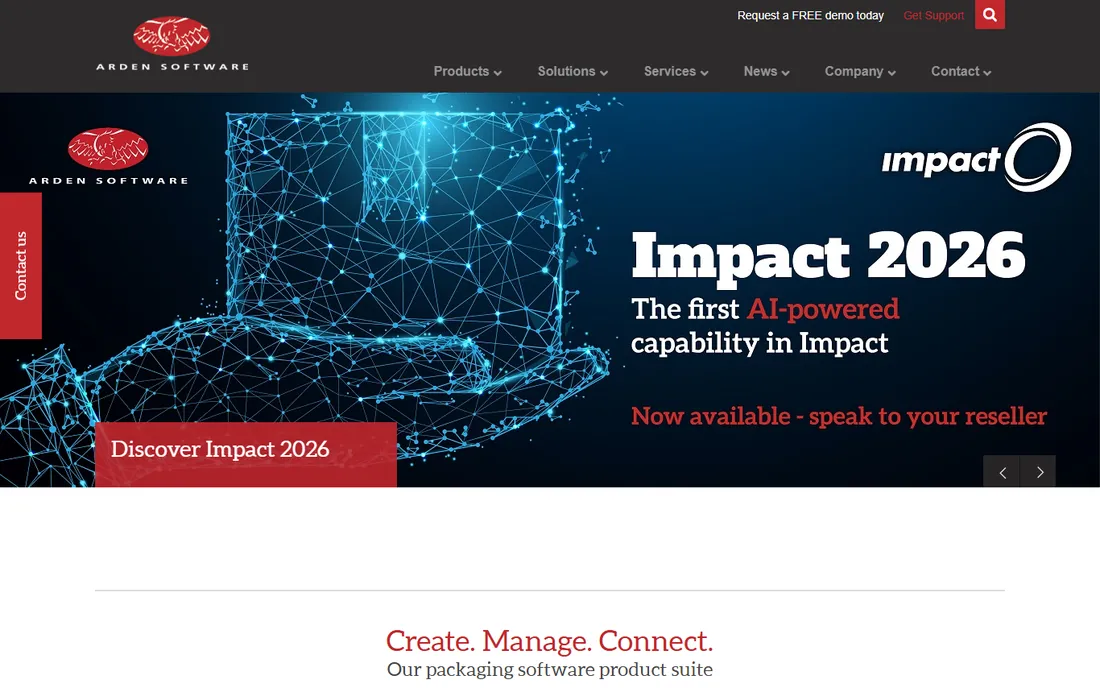
Impact is Arden Software's answer to ArtiosCAD: full CAD for structural packaging design, with parametric dielines, 3D folding visualization, and tools tuned for corrugated, folding carton, and point-of-sale display. Diemakers and packaging manufacturers who want dedicated CAD without committing to the Esko stack land here. The company is software-only and packaging-focused, which shows in the product's priorities.
The trade is ecosystem size. Esko's integrations with prepress workflows and its larger user base give it an edge in big production environments. Impact counters with focused development and responsive support. If you are evaluating structural CAD and want a genuine alternative to quote against Esko, Arden belongs in the comparison.
What we like- Dedicated packaging CAD with 3D folding
- Strong in corrugated and display
- UK-based support with deep expertise
Watch out for- Smaller ecosystem than Esko
- Pricing requires a quote
#9
EngView
Best for: structural design for folding carton and corrugated
Visit engview.com
Starting priceSee website
Free planNo
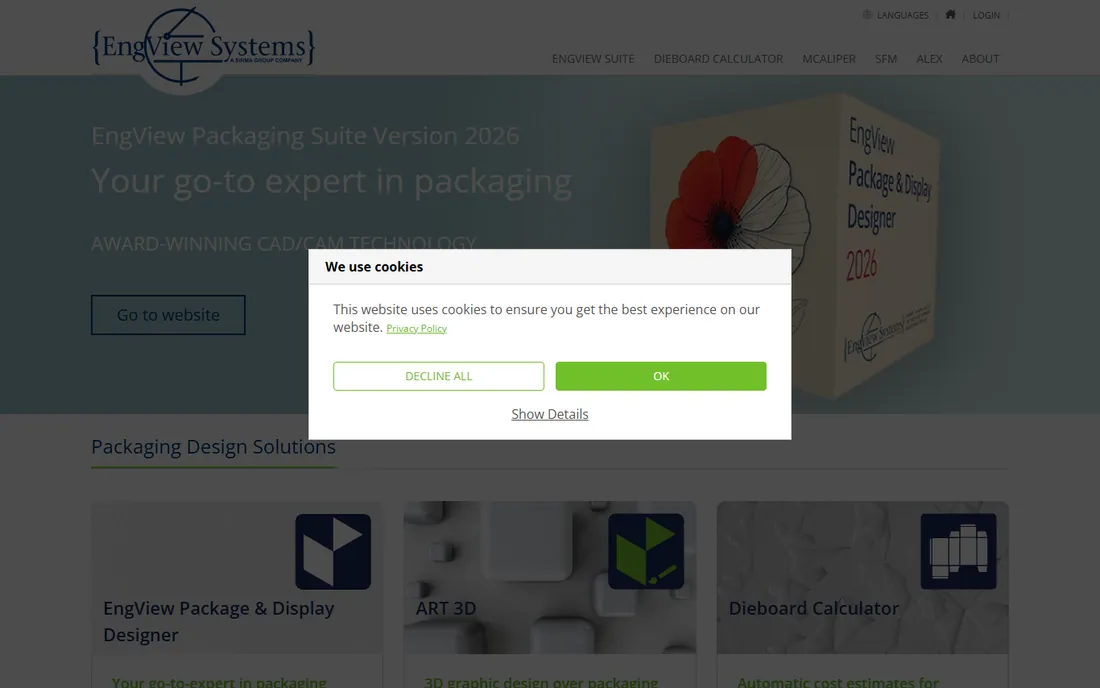
EngView Systems builds the Package and Display Designer suite: CAD/CAM software for structural design of folding carton, corrugated, and rigid board packaging, with 3D visualization of the finished pack. Its ART 3D tool plugs into Adobe Illustrator, letting graphic designers turn vector artwork into three-dimensional structures without leaving their familiar environment.
It is an engineer's tool first, with an interface to match, and the brand is less known than Esko or Arden outside the trade. Pricing is quote-based. For packaging manufacturers and diemakers who want capable structural CAD with Illustrator integration for the design side, EngView is a solid, established option that rarely makes the mainstream lists.
What we like- CAD/CAM suite for 2D and 3D structural design
- Companion 3D tool integrates with Illustrator
- Resizable parametric libraries
Watch out for- Less known outside packaging circles
- Interface reflects its engineering roots
How we chose
We compared these tools the way a buyer would: reading vendor sites and documentation, checking public reviews on G2, Capterra, and design community discussions, and mapping each product against the two distinct jobs in packaging, structural design and visual mockups. We verified every vendor homepage and used only pricing published by the vendors themselves. No vendor paid for placement, and we did not claim hands-on testing.
Buying the wrong kind is the most expensive mistake in this category, so sort it out before you shortlist.
Structural CAD
Tools like ArtiosCAD, Impact, and EngView build the dieline: the flat pattern a factory cuts, creases, and folds. They understand board grades, flute directions, glue flaps, and manufacturing tolerances. If your deliverable goes to a printer or diemaker, you need this kind. Expect quote-based pricing, real training time, and Windows-first software.
Visual mockups and rendering
Tools like Studio, Stager, KeyShot, Cinema 4D, and Blender make packaging look real: 3D mockups for client approval, photorealistic renders for marketing, animations for e-commerce. They work from existing models or artwork and prioritize appearance over manufacturability. Pricing ranges from free (Blender) to subscriptions to KeyShot's $1,299 license.
The overlap
Some designers need both, and many studios run one of each. A common pairing is ArtiosCAD or Impact for structure plus KeyShot or Blender for renders. Illustrator sits underneath almost everything as the artwork tool. Budget for the pair if your work spans concept to production.
A few practical details that affect daily use more than feature lists do.
Check import and export before you buy. Structural tools should exchange dielines in formats your printers accept, commonly PDF, DXF, or native CAD formats. Rendering tools should import your model formats cleanly: STEP and IGES from CAD, USD and glTF for modern pipelines, OBJ and FBX as fallbacks. KeyShot's clean CAD import is a selling point precisely because bad imports waste hours.
Hardware matters for rendering. GPU renderers like Redshift (bundled with Cinema 4D) and KeyShot's GPU mode reward a strong graphics card; CPU-bound workflows care about core counts. Blender runs on modest hardware but renders faster with a good GPU. If you are buying workstations alongside software, spec the GPU for the renderer you chose.
On operating systems: most structural CAD is Windows-first, while the visualization tools are comfortably cross-platform. Mac-based design studios should verify each structural tool's macOS story before committing, or plan for the CAD seat to live on Windows.
Frequently asked questions
What is the difference between ArtiosCAD and Esko Studio?
ArtiosCAD is structural CAD: it engineers the dieline that gets manufactured. Studio is a 3D visualization tool: it turns dielines and artwork into realistic mockups and renders. They are separate Esko products, often used together, with Studio aimed at designers and ArtiosCAD at structural engineers.
Can I use Blender for packaging design?
Yes, for visual mockups and renders. Blender models 3D packaging, applies your artwork as textures, and renders client-ready images for free. It does not do production structural design with manufacturing rules, so pair it with a packaging CAD tool if your output goes to a printer.
What is a dieline?
A dieline is the flat template showing cut lines, fold lines, and glue areas for a package. Structural CAD tools create dielines; designers place artwork on them; printers and diemakers manufacture from them. Everything in physical packaging starts with an accurate dieline.
Do I need CAD software just to make mockups?
No. If you only need 3D visuals for presentations or marketing, tools like Studio, KeyShot, Stager, or Blender work from artwork and basic models without CAD. You need structural CAD only when the design must be manufactured accurately.
Which tool is best for a small brand that needs custom boxes?
If you need boxes printed, not just designed, a platform like Packly combines 3D preview with instant quoting and ordering, no minimums included. If you need design work first, hire a designer or agency with the professional tools, then use Packly or a local printer for production.
Sources we checked (8)
- https://esko.com/
- https://www.adobe.com/products/substance3d/apps/stager.html
- https://www.blender.org/
- https://www.maxon.net/en/cinema-4d
- https://www.keyshot.com/
- https://pack.ly/en
- https://ardensoftware.com/
- https://engview.com/
Is your product missing or out of date?
We review this list regularly. Vendors can request a listing, send updated pricing or ask about featured placement.

Shihab Mia · Founder, Rankite
Shihab has spent more than a decade helping SaaS and e-commerce brands grow through search. He writes Rankite's software buying guides from pricing pages, documentation and public user reviews. More about Shihab.