How we make this list: we compare pricing pages, product documentation and public user reviews. Ratings come from G2, Capterra or Trustpilot, with the date we checked them.
Key takeaways
- Krita is the strongest free replacement, with a deeper brush engine, animation and comic tools at no cost.
- Procreate at 12.99 dollars once is the best iPad alternative for fast, simple sketching.
- Affinity is now free and suits illustrators who also need vector design and layout.
- Clip Studio Paint PRO at 63 dollars once is the best paid upgrade for manga and comic artists.
- Sketchbook is free but no longer developed by Autodesk, so every tool here is actively maintained or better supported.
Why Do Artists Look for an Autodesk Sketchbook Alternative?
Autodesk Sketchbook was once the go-to free sketching app, with a clean interface, fast performance and a natural pencil feel. Artists look elsewhere now for a few clear reasons. Autodesk handed Sketchbook to an independent team, and development has slowed compared with rivals that ship updates every year. The app has no animation tools, no comic page management and no cloud sync. The brush library is smaller than Krita or Clip Studio Paint, and there is no vector layer support for clean line work. Some artists want stronger painting, textured brushes or color management that Sketchbook does not offer. Others want a one-time purchase app with more features, or a free tool with active development. The right alternative depends on whether you sketch, paint, draw comics or work with clients.
What Is the Best Free Alternative to Autodesk Sketchbook?
Krita is the best free alternative to Autodesk Sketchbook for most artists. It is open source and free forever, with no ads and no paid tier, and it offers more than 100 brushes, stabilizers, animation, comic panels and vector layers. Affinity is the other strong free choice since October 2025, when Serif made its unified app free, and it suits illustrators who also need vector design and layout. MediBang Paint is the best free choice for manga artists who want cloud sync and comic tools on mobile as well as desktop. GIMP is free too, but it is a photo editor first.
Which Sketchbook Alternative Is Best for iPad Sketching?
Procreate is the best iPad alternative to Sketchbook, and at 12.99 dollars once it is one of the cheapest paid apps in this guide. It opens fast, handles large canvases smoothly and responds to Apple Pencil pressure and tilt with almost no lag. The brush library covers sketching, inking, painting and calligraphy, and Brush Studio lets you build custom brushes without leaving the app. MediBang Paint is the best free iPad option, with cloud sync and comic tools, though it shows ads unless you pay for Premium. Affinity is free on iPad too, and it suits illustrators who also need vector and layout work. Clip Studio Paint runs on iPad, but it needs a subscription at 26.99 dollars a year for PRO.
Can You Replace Sketchbook on Desktop?
Yes, several tools replace Sketchbook on desktop, and most of them add features Sketchbook lacks. Krita runs on Windows, macOS and Linux, so it is the simplest cross-platform switch, with animation, comic tools and a deeper brush engine. Clip Studio Paint runs on Windows and macOS with a one-time PRO license at 63 dollars, plus vector layers, 3D models and comic page management. Affinity is free on Windows and macOS and covers illustration, vector design and layout in one app. MediBang Paint runs on Windows and macOS with cloud sync and comic tools. Sketchbook files should be exported as PSD or PNG before switching, since none of these tools open Sketchbook native files directly.
How Much Should You Pay for a Sketchbook Alternative?
You should pay nothing for a Sketchbook alternative unless you need professional comic tools or iPad drawing, because Krita, Affinity and MediBang Paint are all free and cover sketching, painting and comics well. Procreate at 12.99 dollars once is the cheapest paid option for iPad, and Clip Studio Paint PRO at 63 dollars once is the best paid upgrade for manga artists. Rebelle 8 at 89.99 dollars suits artists who want realistic watercolor and oil simulation. Corel Painter at 429 dollars list is the most expensive tool here, and it only makes sense for professional illustrators who earn money from traditional-media work. Adobe Photoshop at 22.99 dollars a month is hard to justify for sketching alone.
Quick comparison
| Tool | Best for | Starting price | Free plan |
|---|
 Krita | Artists who want a free, full-featured painting app on any desktop | Free | Yes, the full app is free and open source |
 Procreate | iPad illustrators who want a fast, one-time purchase app | 12.99 dollars one-time | No free plan |
 Affinity | Illustrators who also need vector design and layout in one free app | Free | Yes, the full app is free |
 Clip Studio Paint | Manga, comic and anime artists who want the deepest illustration toolset | 63 dollars one-time for PRO, 219 dollars one-time for EX | Trial available |
 MediBang Paint | Manga artists who want a free app with cloud sync across devices | Free, Premium from 2.99 dollars per month | Yes, the core app is free with ads |
 Adobe Photoshop | Professionals who need industry-standard files and photo editing | 22.99 dollars per month | 7-day free trial |
 Corel Painter | Artists who want the most realistic traditional media simulation | 429 dollars one-time | 15-day free trial |
 Rebelle 8 | Watercolor, oil and acrylic painters who want realistic wet-media simulation | 89.99 dollars one-time | 30-day free trial |
Is your product missing or out of date?
We review this list regularly. Vendors can request a listing, send updated pricing or ask about featured placement.
The 8 Best Autodesk Sketchbook Alternatives
#1Krita
Best for: Artists who want a free, full-featured painting app on any desktop4.4/5 on
G2 (65 reviews, checked Oct 2026)
Visit krita.org
Starting priceFree
Free planYes, the full app is free and open source
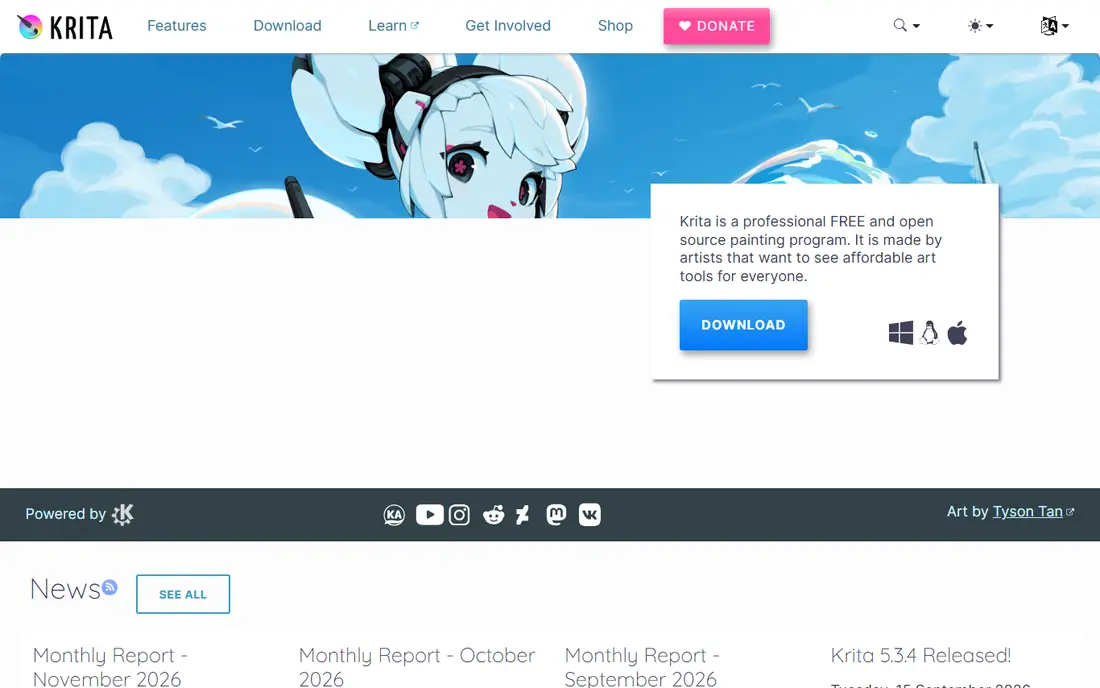
Krita is the best free alternative to Sketchbook, and it is the first app to try if you want more depth without paying. It includes more than 100 brushes, stabilizers, layer groups, filter layers, vector layers and a timeline for frame-by-frame animation. Comic tools include panel templates, halftone brushes and speech bubble support. Krita runs on Windows, macOS and Linux, which makes it the only free option here that serves Linux artists. The interface is busier than Sketchbook, and new users may need an hour to arrange panels and brush presets.
What we like- Free forever with no paywall, strong brush engine, animation and comic tools, runs on Linux
Watch out for- The interface can feel crowded for beginners, and some tools need manual setup before they feel polished
#2Procreate
Best for: iPad illustrators who want a fast, one-time purchase app4.9/5 on
G2 (73 reviews, checked Oct 2026)
Visit procreate.com
Starting price12.99 dollars one-time
Free planNo free plan
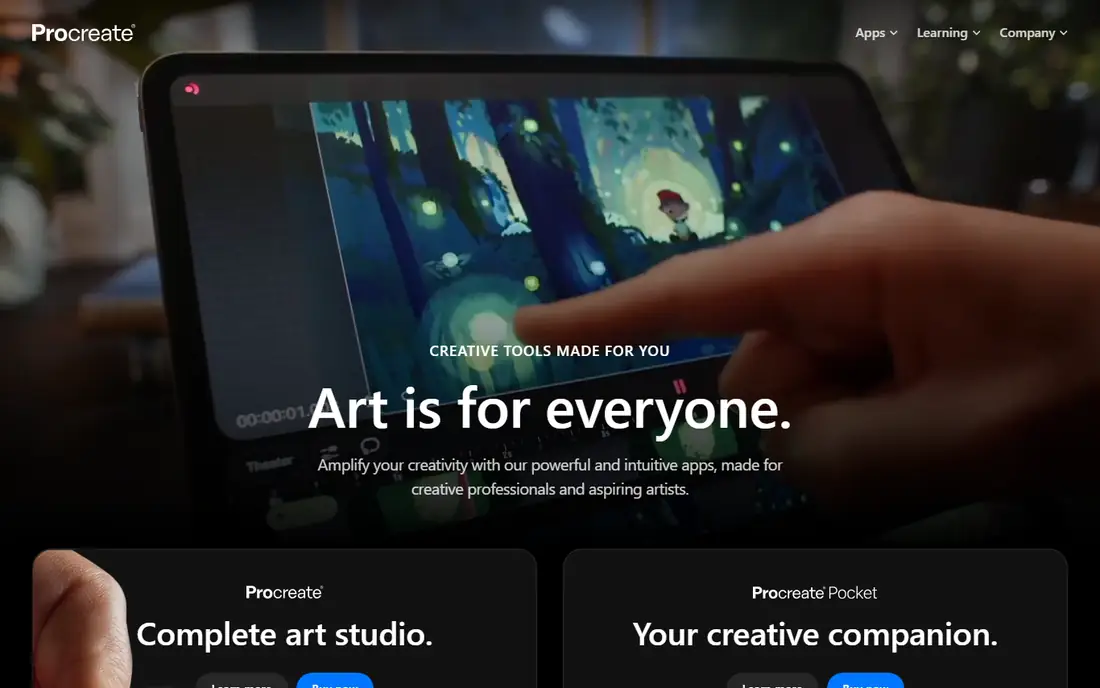
Procreate is the best iPad alternative to Sketchbook, and at 12.99 dollars once it is one of the cheapest paid apps in this guide. It opens fast, handles large canvases smoothly and responds to Apple Pencil pressure and tilt with almost no lag. The brush library covers sketching, inking, painting and calligraphy, and Brush Studio lets you build custom brushes without leaving the app. Animation Assist handles simple frame-by-frame motion, and the interface keeps tools one tap away instead of buried in menus. The main limits are platform and file workflow, since Procreate runs only on iPad and iPhone, and it has no desktop companion or automatic cloud sync.
What we like- One-time price with no subscription, excellent Apple Pencil response, huge brush library, fast performance
Watch out for- IPad only, with no Windows, macOS or Android version, and no built-in cloud sync
#3Affinity
Best for: Illustrators who also need vector design and layout in one free app4.5/5 on
G2 (452 reviews, checked Oct 2026)
Visit affinity.serif.com
Starting priceFree
Free planYes, the full app is free
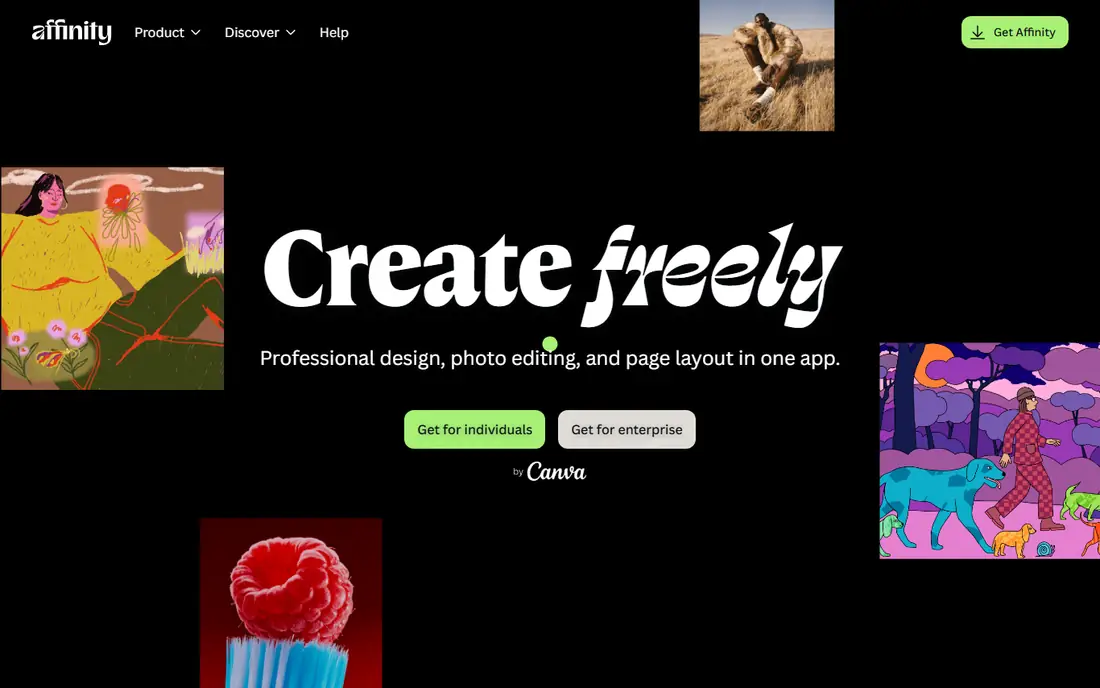
Affinity became free in October 2025, when Serif merged its photo, designer and publisher apps into one unified app at no cost. That makes it one of the best free alternatives to Sketchbook for illustrators who also do graphic design, since you can sketch, draw vectors and lay out a page without switching apps. The painting tools cover sketching, inking and textured brushes, and the vector tools handle logos, lettering and clean line work. The app runs on Windows, macOS and iPad, with a clean interface that is easier to learn than Photoshop. The brush engine is not as deep as Krita, and the plugin ecosystem is still smaller than Adobe or Clip Studio Paint.
What we like- Free since October 2025, combines photo, vector and layout tools, clean interface, runs on iPad
Watch out for- Painting brushes are less deep than Krita or Clip Studio Paint, and the app is still building its plugin ecosystem
#4Clip Studio Paint
Best for: Manga, comic and anime artists who want the deepest illustration toolset4.4/5 on
G2 (55 reviews, checked Oct 2026)
Visit clipstudio.net
Starting price63 dollars one-time for PRO, 219 dollars one-time for EX
Free planTrial available
Clip Studio Paint is the best paid upgrade from Sketchbook, and it is the standard tool for professional manga and comic artists. The PRO license costs 63 dollars once on Windows and macOS, while EX at 219 dollars once adds multi-page management and more book features. It pairs strong line stabilization with vector layers that let you edit line width after drawing, plus 3D models for posing characters, perspective rulers and screentones. The brush library is large, and the asset store offers thousands of community brushes and materials. The interface is denser than Sketchbook, so new users should expect a day or two of setup and learning. The iPad version needs a subscription at 26.99 dollars a year for PRO, which is the main drawback for tablet artists.
What we like- Best comic and manga toolset, vector layers, 3D models, perspective rulers, large brush library
Watch out for- IPad version needs a subscription, and the interface takes time to learn
#5MediBang Paint
Best for: Manga artists who want a free app with cloud sync across devices4.7/5 on
Capterra (18 reviews, checked Oct 2026)
Visit medibangpaint.com
Starting priceFree, Premium from 2.99 dollars per month
Free planYes, the core app is free with ads
MediBang Paint is the best free alternative for Sketchbook users who draw manga or work across devices, and it is the lightest app in this guide after Krita. It includes panel creation, screentones, comic fonts, cloud storage and group projects that let several artists work on the same pages. The free version covers the core drawing tools, while Premium from 2.99 dollars a month adds more brushes, more cloud storage and extra materials. MediBang Paint runs on Windows, macOS, iOS and Android, so you can start a sketch on desktop and finish it on a phone. The brush engine is less deep than Krita, and heavy painting with textured brushes feels simpler than in Clip Studio Paint.
What we like- Free on every platform, built-in comic tools, cloud sync and team collaboration
Watch out for- Ads in the free version, and the brush engine is simpler than Krita or Clip Studio Paint
#6Adobe Photoshop
Best for: Professionals who need industry-standard files and photo editing4.6/5 on
G2 (13,426 reviews, checked Oct 2026)
Visit adobe.com
Starting price22.99 dollars per month
Free plan7-day free trial
Photoshop is the industry standard for photo editing and commercial art, and it is a strong Sketchbook alternative for artists who work with clients and agencies. It handles PSD files natively, which matters when a client or publisher sends layered files, and its selection, masking and retouching tools are stronger than any painting app. The brush engine has improved with mixer brushes and Kyle Webster brushes, though it still feels less tuned for illustration than Krita or Procreate. Photoshop runs on desktop, iPad and web, with 100 GB of cloud storage and Adobe Express Premium included in the single-app plan. The price is the problem for sketchers, since 22.99 dollars a month is about 276 dollars a year, and there is no perpetual license.
What we like- Industry standard for client work, best photo editing tools, huge plugin and brush ecosystem, PSD compatibility
Watch out for- Subscription only with no one-time purchase, and the painting brush engine is less focused than dedicated painting apps
#7Corel Painter
Best for: Artists who want the most realistic traditional media simulation4.7/5 on
Capterra (11 reviews, checked Oct 2026)
Visit painterartist.com
Starting price429 dollars one-time
Free plan15-day free trial
Corel Painter is the best choice for artists who come from traditional media and want digital paint to behave like real paint. Its brushes simulate oils, watercolors, acrylics, pastels and charcoal with texture, blending and drying effects that no other app in this guide matches. The 2026 release adds AI image generation and remixing, faster launch times and full support for current macOS versions. The list price is 429 dollars for a one-time license, though Corel runs frequent sales that have cut it to around 249 dollars, and a subscription option exists for artists who prefer monthly billing. The app needs a capable computer, since heavy brushes on large canvases can slow older machines. The interface is dense, with many panels and brush controls to learn.
What we like- Unmatched natural-media brushes, one-time license option, strong for fine art and illustration
Watch out for- High list price, needs a capable computer for large canvases, and the interface takes time to learn
#8
Rebelle 8
Best for: Watercolor, oil and acrylic painters who want realistic wet-media simulation
Visit escapemotions.com
Starting price89.99 dollars one-time
Free plan30-day free trial
Rebelle 8 is the best alternative for Sketchbook users who want to paint with watercolor, oils or acrylics and see the paint behave realistically. Its water simulation lets colors bleed, pool and dry on textured paper, and its oils mix and smear with a physical feel that Sketchbook does not try to match. Version 8 adds gradient maps, improved bristle brushes, color noise for texture brushes and better selection tools. The standard license costs 89.99 dollars once, with a Pro edition at 149.99 dollars that adds pigment-based color mixing and extra tools. The license includes one year of updates and two years of long-term support, with no subscription. Rebelle is weaker than Clip Studio Paint for comics, since it lacks panel management and 3D models.
What we like- Best watercolor and wet-paint simulation, one-time license, realistic paper textures
Watch out for- Weaker comic and vector tools than Clip Studio Paint, and the interface is simpler with fewer automation features
Frequently asked questions
Is Krita better than Autodesk Sketchbook?
Yes, Krita is better than Sketchbook for most artists today, because it is free, actively developed, and adds animation, comic tools, vector layers and a deeper brush engine. Sketchbook is simpler and faster on old hardware, and its pencil feel is still excellent. Krita wins on features and development, while Sketchbook wins on simplicity. Try Krita first, since it costs nothing, and keep Sketchbook only if you prefer its minimal interface for quick sketches.
Is there a free alternative to Sketchbook without ads?
Yes, Krita is free with no ads and no paid tier, and it offers a deeper brush engine, animation and comic tools. Affinity is also free with no ads since October 2025, and it covers illustration plus vector design and layout. Both run on desktop, and Affinity also runs on iPad. If ads are your main complaint, Krita is the best switch on desktop, and Affinity is the best switch on iPad.
Can I open Sketchbook files in Krita or Photoshop?
Sketchbook saves work in its own TIFF-based format, which other apps cannot open directly with layers, so export your work as PSD or PNG before switching. Krita and Photoshop open PSD files with layers intact in most cases, though some Sketchbook specific layer types may flatten. Export your important sketches as PSD while you still have Sketchbook installed, and keep the original files as backups in case you need to revisit them later.
Which alternative is best for beginners?
Sketchbook itself is one of the easiest apps to learn, so beginners should only switch when they need a feature it lacks. Among the alternatives, MediBang Paint is the easiest free choice, with a light interface and comic tools built in. Krita is the best free choice for beginners who want room to grow, though its interface takes a day to learn. Procreate is the easiest paid app, with a clean interface and a 12.99 dollar price.
Do I need to pay monthly for any of these alternatives?
No, only Adobe Photoshop requires a monthly payment, at 22.99 dollars a month. Krita, Affinity and MediBang Paint are free. Procreate, Clip Studio Paint on desktop, Rebelle 8 and Corel Painter are one-time purchases. MediBang Premium is optional at 2.99 dollars a month. If you want to avoid subscriptions entirely, Krita plus Procreate covers most sketching and illustration work for a total of 12.99 dollars.
How We Picked These Alternatives
We picked these eight tools by checking each vendor site on 16 November 2026, confirming the product is still sold and maintained, and verifying the starting price on the vendor pricing page or app store listing. We favored live products with active development, and we left out discontinued apps and tools whose official sites no longer load. Prices are US list prices unless stated otherwise, and they can change with sales and regional pricing. We did not run hands-on lab tests for this guide, and our findings rest on vendor documentation, pricing pages and public feature lists.
Sources we checked (9)
- https://krita.org/en/
- https://procreate.com
- https://affinity.serif.com/
- https://www.clipstudio.net/en/
- https://medibangpaint.com/en/
- https://www.adobe.com/products/photoshop.html
- https://www.painterartist.com/
- https://www.escapemotions.com/products/rebelle/
- https://sketchbook.com
Is your product missing or out of date?
We review this list regularly. Vendors can request a listing, send updated pricing or ask about featured placement.

Shihab Mia · Founder, Rankite
Shihab has 5+ years in B2B and SaaS SEO. He writes Rankite's software buying guides from pricing pages, documentation and public user reviews. More about Shihab.