How we make this list: we compare pricing pages, product documentation and public user reviews. Rankite is independent; if a vendor ever pays for a featured spot, that listing is clearly labeled Partner.
Key takeaways
- Canva is the safe default for small teams. Templates, free tier and every banner size you will ever need, with no learning curve.
- The Brief (formerly Creatopy) is built for display advertising at scale. Auto-resizing across ad networks and HTML5 export are its core strengths.
- Adobe Express suits teams already in the Adobe world. Brand controls and Firefly generation keep banners consistent.
- Bannerbear and Abyssale serve a different buyer entirely: developers and marketing ops teams who generate banners automatically from templates and data.
- Snappa, Placeit, VistaCreate and Stencil fill the quick-and-cheap slot. One-off banners, social headers and YouTube art without a subscription commitment.
Quick comparison
| Tool | Best for | Starting price | Free plan |
|---|
 Canva Canva | All-round banner design | See website | Yes |
 Adobe Express Adobe Express | Brand-safe team banners | See website | Yes |
 The Brief The Brief | Display ad production at scale | See website | Free trial |
 VistaCreate VistaCreate | Animated banners | See website | Yes |
 Snappa Snappa | Fast simple banners | See website | Yes |
 Placeit Placeit | Mockup and template banners | See website | See website |
 Abyssale Abyssale | Automated creative production | See website | Free trial |
 Bannerbear Bannerbear | API banner generation | See website | Free trial |
 Stencil Stencil | Quick social banners | See website | Yes |
Is your product missing or out of date?
We review this list regularly. Vendors can request a listing, send updated pricing or ask about featured placement.
A banner tool should do three things: give you the right sizes without manual math, keep your brand consistent, and export in the format your ad network wants. These nine approach that job from different angles.
Starting priceSee website
Free planYes
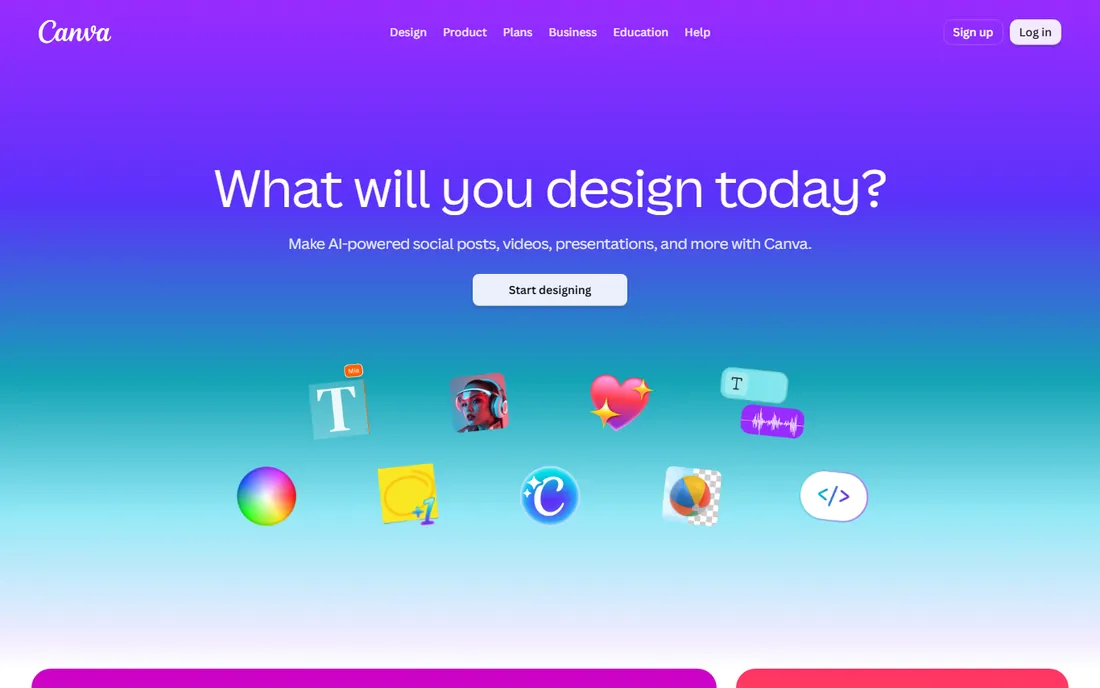
Canva is the default answer for a reason. Its template library covers leaderboard, skyscraper, half page and every social size, and the drag-and-drop editor is usable within minutes. Magic Studio adds AI generation, erasing and expansion for quick creative variations.
The honest limit is the ad-tech side. Canva exports images and video, not HTML5 ad units, and it does not publish to ad networks. For static web banners, social headers and email graphics it is the best value here. For programmatic display campaigns, look at The Brief or Abyssale.
What we like- Enormous template library with every standard ad size
- Generous free plan
- Easy collaboration and brand kits on paid tiers
Watch out for- Not built for HTML5 display ads
- Advanced animation and resize tools sit behind Pro
Starting priceSee website
Free planYes
Adobe Express is the grown-up Canva alternative for teams already paying for Adobe. Brand kits lock fonts, colors and logos so distributed teams cannot go rogue, and Firefly-powered generation produces commercially safe imagery. Templates include common banner and ad sizes.
It is less of a display-ad machine than The Brief: no bulk HTML5 pipeline, no direct ad serving. Choose it when brand consistency across a large team matters more than ad-network plumbing, and when your designers already live in Adobe's ecosystem.
What we like- Deep brand kit and template locking
- Firefly AI generation with commercial safety
- Syncs with Adobe fonts and libraries
Watch out for- Less ad-network integration than specialist tools
- Premium features need a paid plan
Starting priceSee website
Free planFree trial
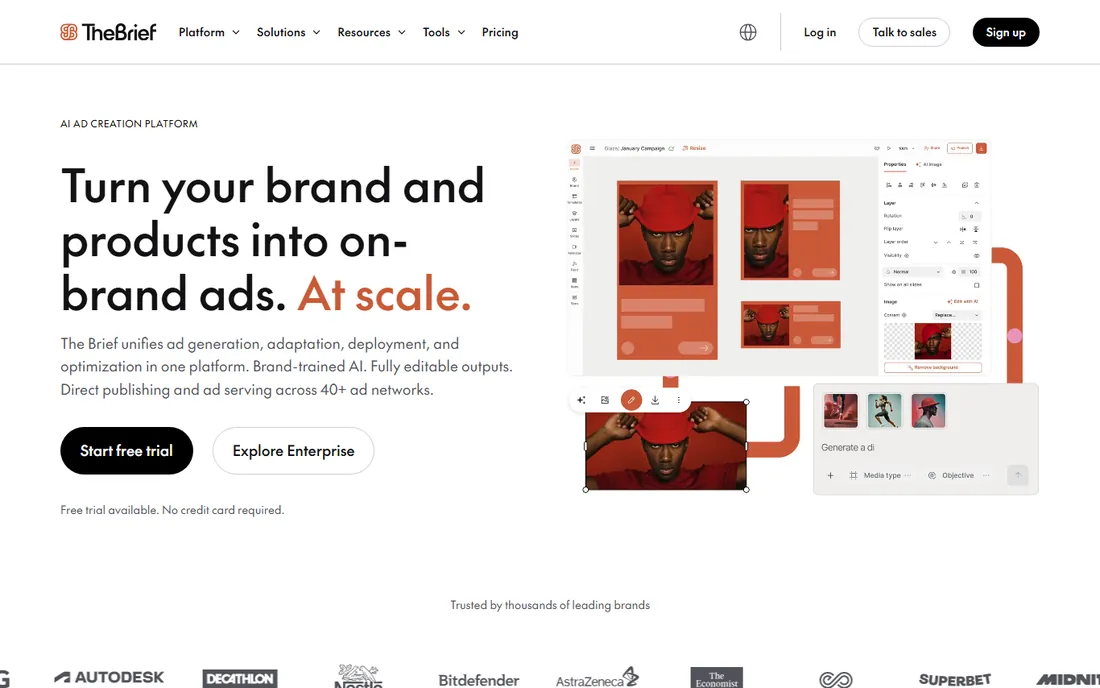
The Brief is the new name for Creatopy, which rebranded in October 2025 as an AI marketing platform. The core that matters for banner buyers is intact: design one creative, auto-resize it across display and social formats, export HTML5, GIF, MP4 and more, and push to ad networks from the higher plans. It is a production line, not a drawing tool.
The honest catch is scope creep. The platform now spans research, creation, launch and optimization agents, which is more than a banner buyer needs. If your job is producing display creative at volume, the Ad Studio and resizing engine are excellent. If you design one banner a month, a simpler tool is cheaper.
What we like- One design auto-resized to dozens of ad sizes
- HTML5, AMP and video export
- Direct publishing to ad networks on higher tiers
Watch out for- Overkill for one-off banners
- Pricing climbs for teams and ad-serving tiers
Starting priceSee website
Free planYes
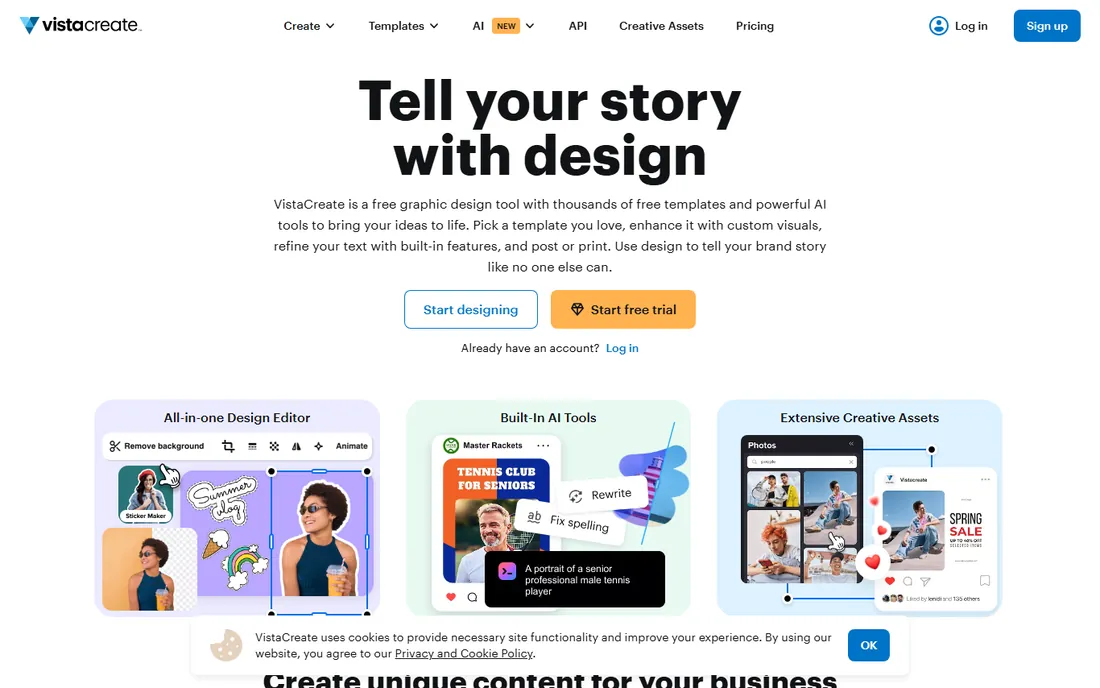
VistaCreate (formerly Crello) is the animation-friendly alternative to Canva. Its editor handles motion graphics, animated text and video banners with less friction than most generalist tools, and the free plan is generous enough for real projects. Templates cover web banners, social headers and ads.
It sits between Canva and The Brief: better animation than the former, less ad-network depth than the latter. For marketers who need animated banners regularly but do not run programmatic campaigns, it is a strong, affordable pick.
What we like- Strong animation tools for web banners
- Large template and stock library
- Affordable Pro plan
Watch out for- Fewer ad-tech integrations than specialist tools
- Template style can feel generic
Starting priceSee website
Free planYes
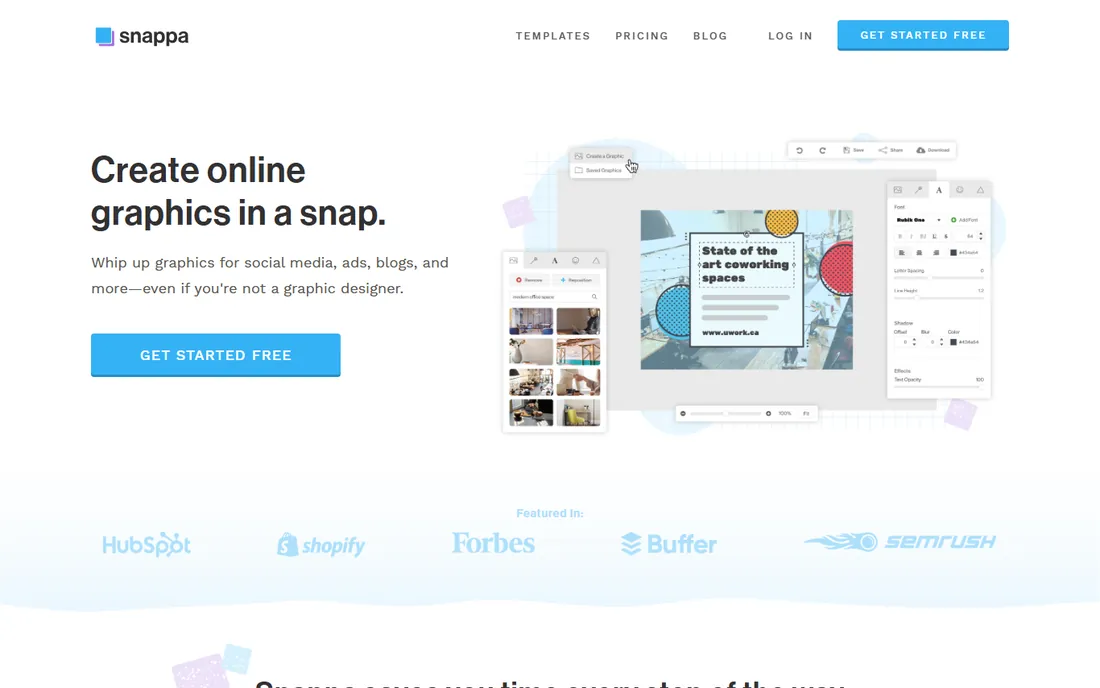
Snappa is built for speed. Pick a size, pick a template, swap the text and image, export. The one-click resize that adapts a design to multiple dimensions is the feature that saves real time. The editor stays simple where competitors have grown cluttered.
The trade-off is depth. The library is smaller than Canva's, animation is basic and there is no HTML5 ad export. It is the right tool when you need a decent banner in ten minutes and the wrong one when you need a campaign asset pipeline.
What we like- Very fast workflow with one-click resizing
- Clean uncluttered editor
- Good free tier for occasional use
Watch out for- Smaller template library
- Limited animation and no HTML5 export
Starting priceSee website
Free planSee website
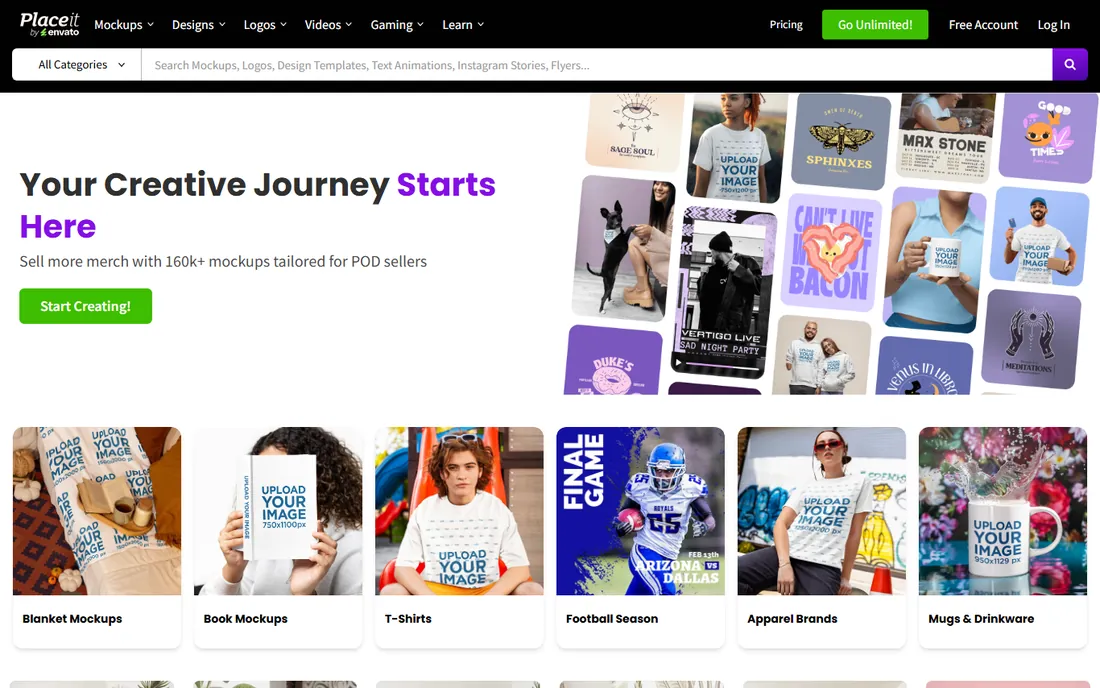
Placeit by Envato specializes in templates and mockups: banners displayed on devices, in offices and in lifestyle scenes. For a small business owner who wants a professional-looking web banner without touching a design tool, the guided templates are fast and the results look polished.
The honest catch is originality. Millions of users draw from the same template pool, so designs can feel familiar. And downloads need a subscription or per-item purchase. Use it for speed and realism, not for a distinctive brand.
What we like- Huge library of mockups and templates
- Banners shown in realistic contexts
- No design skill needed
Watch out for- Subscription required for downloads without watermark
- Designs can look templated
Starting priceSee website
Free planFree trial
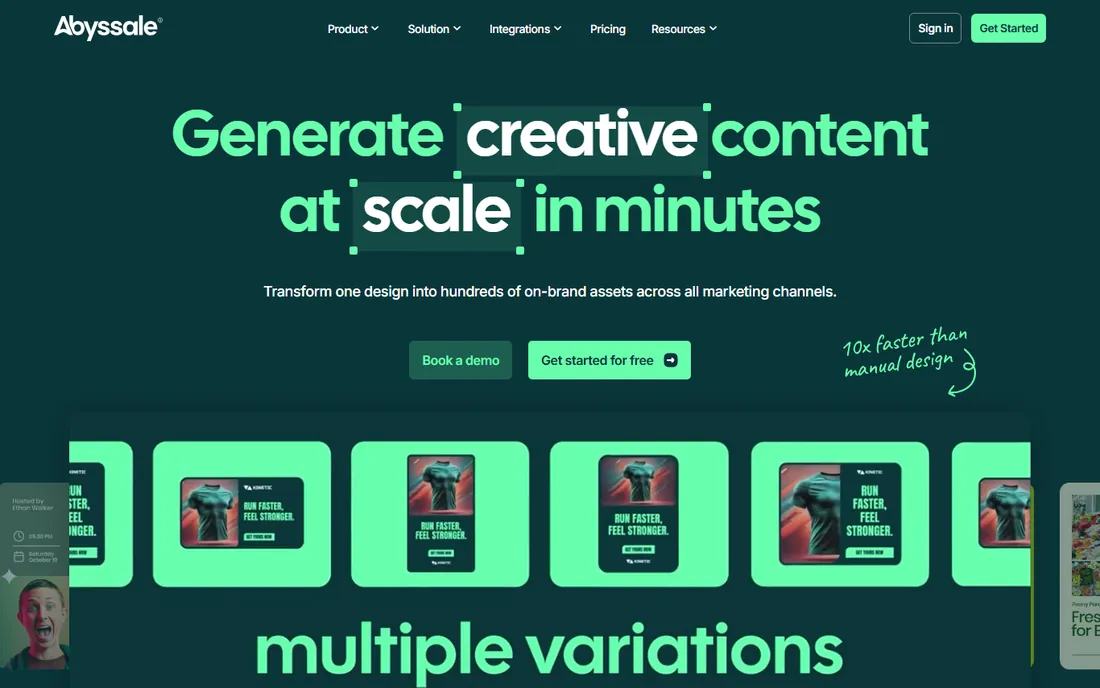
Abyssale is creative automation, not a design tool. You build banner templates once, then generate hundreds of localized or campaign-specific variants from data feeds, with approval workflows before anything ships. Agencies and large marketing teams use it to produce display creative without designer bottlenecks.
It is a different purchase from everything else here. Expect onboarding effort and team-tier pricing. If your problem is producing fifty banner variants a week, Abyssale is built for exactly that. If it is designing one banner, it is the wrong tool entirely.
What we like- Template-based generation at scale
- Approval workflows for teams
- Multi-format output from one template
Watch out for- Setup effort is real
- Priced for teams, not solo users
Starting priceSee website
Free planFree trial
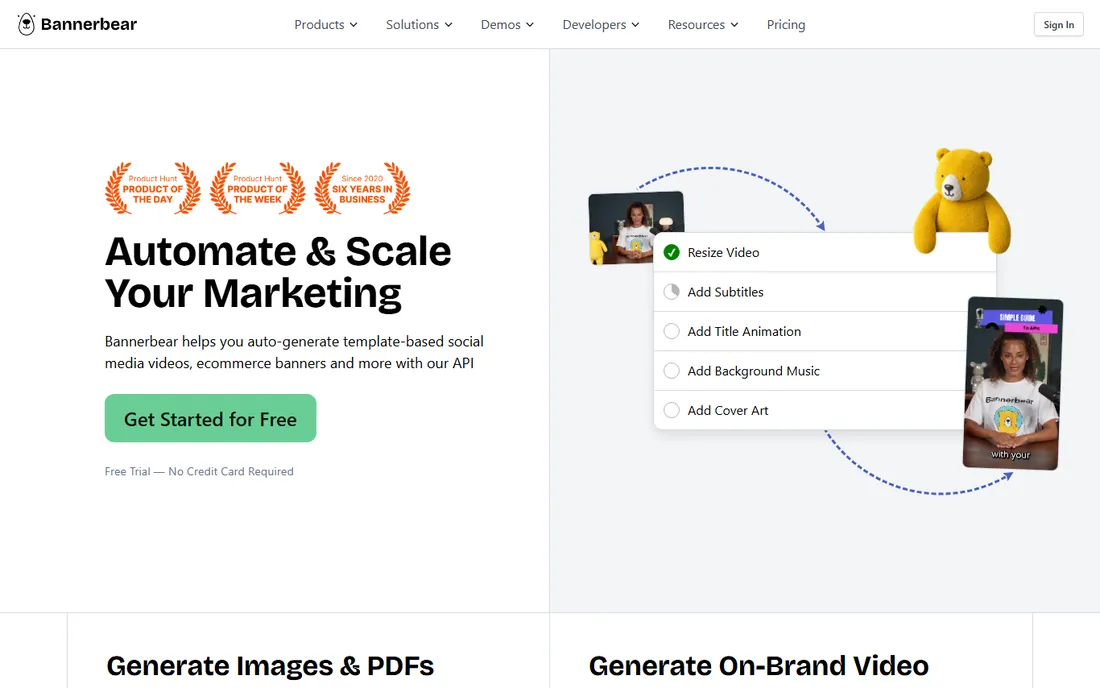
Bannerbear turns banner production into an API call. Designers build templates in the visual editor, then your app or automation generates images from them with dynamic text, images and data. E-commerce stores generating product banners, SaaS products making OG images, and marketing teams automating repetitive creative all use it.
The catch is the developer dependency. Non-technical teams will struggle to get value, and high-volume generation costs real money. When engineering owns the pipeline, it is the cleanest solution here. When marketing works alone, pick a visual tool instead.
What we like- API-first: generate images from templates programmatically
- Reliable rendering infrastructure
- Good docs
Watch out for- Needs developer time to implement
- Per-image costs at high volume
Starting priceSee website
Free planYes
Stencil is the lightest tool on this list. It is built for one job: quick social and web graphics in minutes. The stock photo, icon and quote template libraries are deep, and the browser extension lets you grab and annotate on the fly.
Do not expect layers, masking or animation. Stencil is a hammer, not a toolbox. Bloggers, community managers and solo founders who need a header image now will appreciate it. Anyone building a real design system will outgrow it.
What we like- Extremely fast for simple graphics
- Huge stock photo and icon library
- Browser extension for quick capture
Watch out for- Basic editor with limited layers control
- Not for complex or animated designs
How we chose
We compared tools on template quality, size presets, export formats, brand controls, automation features and pricing. We read vendor pricing pages, reviews on G2 and Capterra, and marketer discussions on Reddit. We weighted real export capabilities (HTML5, ad-network publishing) for display-ad buyers and speed of use for general banner buyers. We did not run hands-on tests of every tool.
Buy for your actual workflow
The banner category splits into three jobs, and most buyers should only shop in one. Job one is manual design: a person makes banners. Canva, Adobe Express, VistaCreate, Snappa, Placeit and Stencil live here, and the choice comes down to budget, animation needs and brand controls. Job two is display-ad production: campaigns need many sizes and HTML5 units. That is The Brief's territory. Job three is automated generation: software makes banners from data. That is Abyssale and Bannerbear.
Match the export format to your channel before you buy. Google Display Network and most programmatic platforms want HTML5 or specific image specs. Social platforms want exact pixel dimensions per placement. Email wants small files. Check your channel's spec sheet, then confirm the tool exports it natively.
Size presets save more time than templates
A pretty template you have to resize by hand is a trap. The most valuable feature in a banner tool is reliable one-click resizing across standard sizes: 300x250, 728x90, 160x600, 300x600 for display, plus the current social specs. The Brief and Snappa handle this best among manual tools; Abyssale and Bannerbear handle it programmatically.
Keep a master file at the largest size you need and size down, never up. Text that is readable at 300x250 will vanish if you design small and stretch. And test your export on the actual placement: a banner that looks sharp in the editor can render soft inside an ad iframe.
Frequently asked questions
What is the best free banner design software?
Canva has the strongest free plan for banner design: thousands of templates, standard ad sizes and decent exports. VistaCreate and Snappa also offer usable free tiers. For HTML5 display ads, free options are thin; The Brief's trial is the closest.
Can I make HTML5 banners without coding?
Yes. The Brief exports HTML5 ad units from a visual editor with no code required. Canva and Adobe Express do not produce HTML5 display ads; they export static images and video instead.
Which banner tool is best for Google Display ads?
The Brief is built for this: auto-resizing across display sizes, HTML5 export and direct publishing options. For static image ads, Canva or VistaCreate work fine and cost less.
Do I need a designer to use these tools?
No for the manual tools. Canva, Snappa, Placeit and Stencil are built for non-designers. Bannerbear and Abyssale need developer or marketing-ops involvement to set up, though daily use is simple afterward.
What banner sizes should I design for?
The core Google display sizes are 300x250, 336x280, 728x90, 300x600 and 320x100, plus responsive display ads. Social placements change often, so use the tool's current presets rather than memorizing dimensions.
Can banner tools keep my brand consistent?
Adobe Express and Canva Pro offer the strongest brand kits: locked fonts, colors and logos across a team. The Brief and Abyssale add template-level locking for campaign work. Free tiers generally lack these controls.
Sources we checked (12)
- https://www.canva.com
- https://www.adobe.com/express
- https://www.thebrief.ai
- https://www.thebrief.ai/blog/creatopy-is-now-the-brief/
- https://www.vistacreate.com
- https://www.snappa.com
- https://www.placeit.net
- https://www.abyssale.com
- https://www.bannerbear.com
- https://www.getstencil.com
- https://www.g2.com/categories/graphic-design
- https://www.reddit.com/r/marketing/
Is your product missing or out of date?
We review this list regularly. Vendors can request a listing, send updated pricing or ask about featured placement.

Shihab Mia · Founder, Rankite
Shihab has spent more than a decade helping SaaS and e-commerce brands grow through search. He writes Rankite's software buying guides from pricing pages, documentation and public user reviews. More about Shihab.