How we make this list: we compare pricing pages, product documentation and public user reviews. Ratings come from G2, Capterra or Trustpilot, with the date we checked them.
Key takeaways
- Most serious RAID recovery tools are sold as one-time licenses, not subscriptions. Expect to pay roughly $80 to $400 for in-house use, and a lot more if you recover data for paying clients.
- UFS Explorer RAID Recovery ($149.95) and R-Studio ($79.99) cover the widest range of RAID levels for the money, and both run on Windows, macOS and Linux.
- ReclaiMe Free RAID Recovery costs nothing, but it only works out the array parameters. You still need spare disks or a separate recovery program to get files back.
- If your failed storage is a ZFS pool (common in TrueNAS boxes), Klennet Recovery is the specialist pick, at $399 for a personal license.
- Commercial-use rules matter. DMDE, Klennet, Runtime and R-Studio all charge extra if you recover data for customers rather than your own company.
Quick comparison
| Tool | Best for | Starting price | Free plan |
|---|
 R-Studio R-Studio | IT teams that want deep control | $79.99 one-time (R-Studio license) | Free trial (demo) |
 UFS Explorer RAID Recovery UFS Explorer RAID Recovery | NAS and mixed-vendor arrays | $149.95 one-time (personal license, per OS) | Free trial (saves files up to 768 KB) |
 DiskInternals RAID Recovery DiskInternals RAID Recovery | Windows admins who want a wizard | From $149 one-time | Free trial (scan and preview) |
 Stellar Data Recovery Technician Stellar Data Recovery Technician | Non-specialists who need a guided tool | $199 for a 1-year license (sale price at time of writing; $499 list) | Free trial (scan and preview) |
 ReclaiMe Free RAID Recovery ReclaiMe Free RAID Recovery | Finding lost array parameters for free | Free | Yes |
 Klennet Recovery Klennet Recovery | ZFS and Btrfs pools | $399 one-time (Personal license) | Free trial (scan and report) |
 DMDE DMDE | Budget-minded technical users | $20 per year (Express); $48 one-time (Standard) | Yes (up to 4,000 files per directory per request) |
 Runtime RAID Reconstructor Runtime RAID Reconstructor | Simple RAID 0 and RAID 5 rebuilds | $99 one-time | Free trial |
 Disk Drill Disk Drill | Mac-heavy offices with software RAID | $89 one-time (PRO) | Yes (limited recovery allowance) |
Is your product missing or out of date?
We review this list regularly. Vendors can request a listing, send updated pricing or ask about featured placement.
The best RAID data recovery software
Starting price$79.99 one-time (R-Studio license)
Free planFree trial (demo)
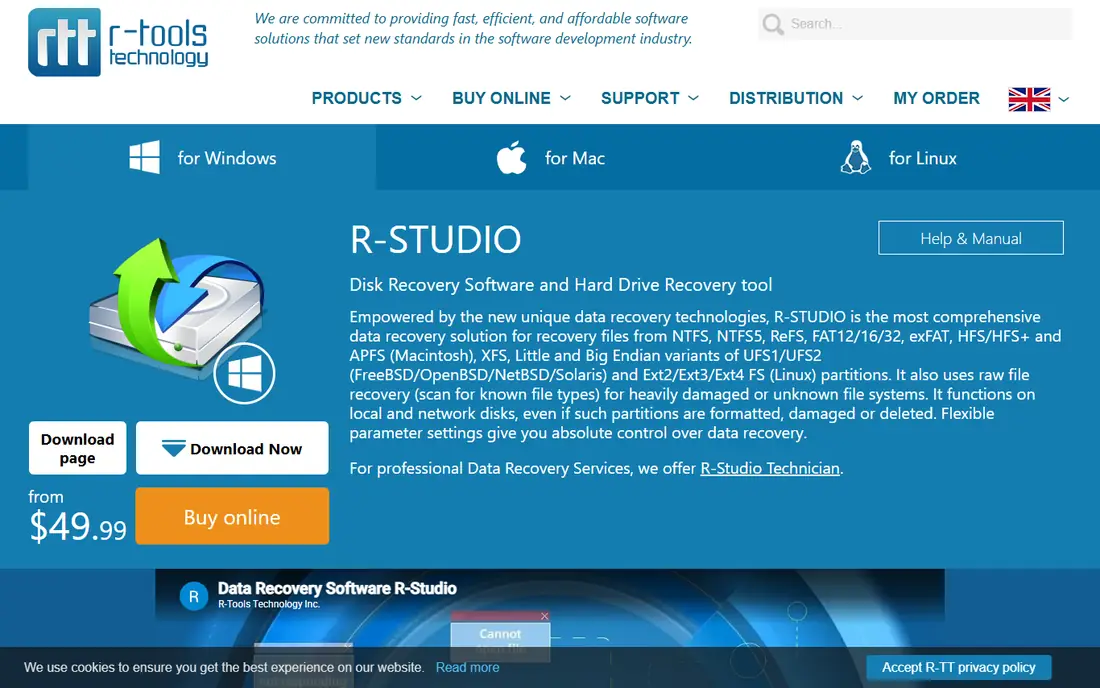
R-Studio suits in-house IT staff who want full control when a server array drops offline. The vendor's buy page lists support for RAID 0, 1, 4, 5, 6, 10, 1E, 5E, 5EE, 6EE, 50, 60 and 50E, plus automatic RAID parameter detection, reverse RAIDs, Windows dynamic volumes, Storage Spaces, LVM and mdadm.
Licensing is where you need to slow down. The base R-Studio license is $79.99 per platform, a Corporate license with network recovery is $179.99, and R-Studio Technician is $899.99. Technician includes Windows, Mac and Linux versions in one package and grants the right to work on customer machines. T80+, a time-limited Technician variant, starts at $80. Features like network recovery and client servicing are split across tiers.
The honest catch is usability. R-Studio exposes a lot of low-level detail (sector maps, imaging passes, virtual object mounting). If no one on staff is comfortable with terms like stripe size and parity rotation, a more guided tool will save time.
What we like- Long list of supported RAID levels, including 5EE, 6EE, 50E and 60
- Handles Storage Spaces, mdadm, LVM and Apple software RAID
- Windows, Mac and Linux builds
Watch out for- Interface assumes technical skill
- Commercial and multi-platform rights cost far more ($899.99 for Technician)
Starting price$149.95 one-time (personal license, per OS)
Free planFree trial (saves files up to 768 KB)
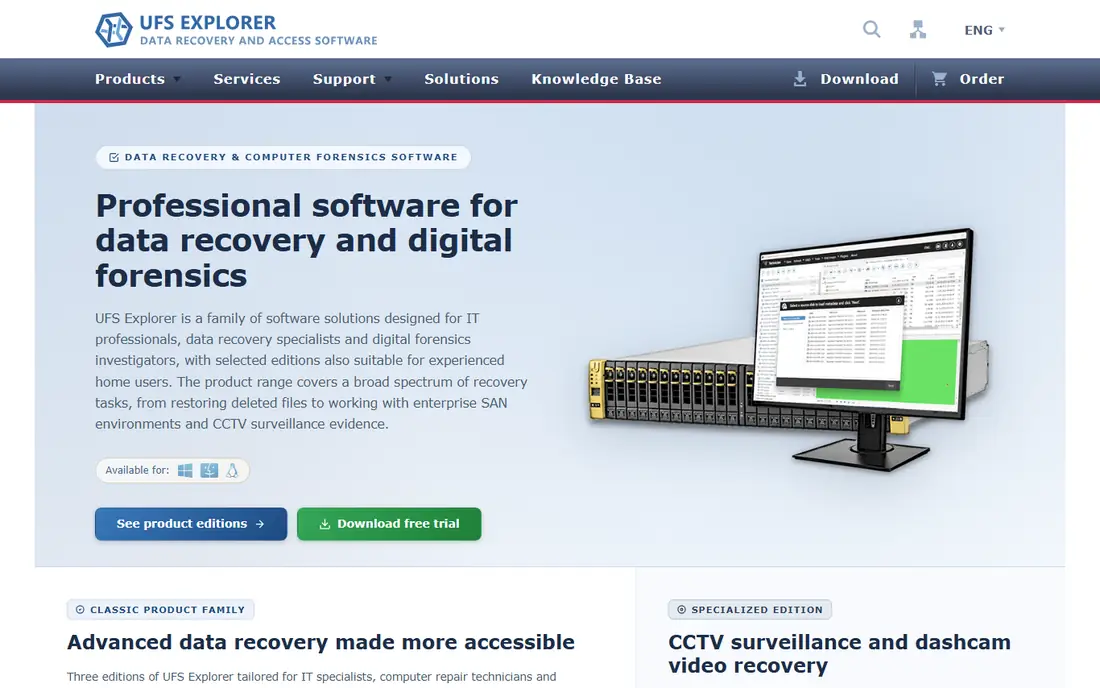
Small businesses with a dead NAS should look here first. SysDev Laboratories says the RAID edition reads metadata straight from member drives and assembles RAID 0, 1, 1E, 3, 5, 6, 10, 50 and 60 automatically, and it recognizes layouts from Synology, QNAP, Drobo, Buffalo, Asustor, TerraMaster and many other boxes. When metadata is gone (after a controller swap or a reinitialized array), the interactive RAID Builder lets you set the parameters by hand.
One feature stands out. If you image a failing member drive first, UFS Explorer can use the resulting bad-sector map and the array's parity to fill in unreadable areas. That matters because RAID failures often involve one dead disk and one disk that is quietly going bad.
The trial is generous: assembly, scanning and preview are unlimited, and files up to 768 KB can be saved. The downside is the per-platform license: a Windows key does not cover a Linux recovery box. If your drives cannot all connect to one computer, you need UFS Explorer Network RAID, which starts at $229.95.
What we like- Recognizes NAS layouts from Synology, QNAP, Drobo, Buffalo and 50+ other vendors
- Manual RAID Builder for missing metadata
- Uses bad-sector maps to rebuild around damaged drives
Watch out for- License is per operating system
- Recovering across machines needs the pricier Network RAID edition ($229.95)
Starting priceFrom $149 one-time
Free planFree trial (scan and preview)
DiskInternals is built around a step-by-step wizard, and that is its selling point. You attach the member disks, let the software detect the array, preview what it can see, and only then buy a license. For a manager who needs last month's invoices back from a broken RAID 5, that beats a parameter grid.
Supported configurations on the vendor's features page include RAID 0, 1, 0+1, 1+0, 1E, 4, 5, 5R and JBOD, along with Intel, NVIDIA and VIA motherboard RAID, Adaptec controllers, Microsoft dynamic disks, and ZFS RAIDZ and RAIDZ2. Recovered files can be mounted as a drive letter or uploaded to FTP or a NAS.
The weakness is coverage beyond Windows-centric setups. The published file system list centers on FAT, NTFS, EXT2/3 and ZFS, so if your NAS used XFS or Btrfs, run the free scan before you commit. The listed starting price is $149, and you should confirm which edition you need on the order page.
What we like- Fully automatic mode plus a manual mode
- Preview recoverable files before paying
- Can save recovered data to network locations, FTP or a NAS
Watch out for- Windows only
- The vendor's own feature list is short on newer file systems such as XFS and Btrfs
#4
Stellar Data Recovery Technician
Best for: Non-specialists who need a guided tool
Visit stellarinfo.com
Starting price$199 for a 1-year license (sale price at time of writing; $499 list)
Free planFree trial (scan and preview)
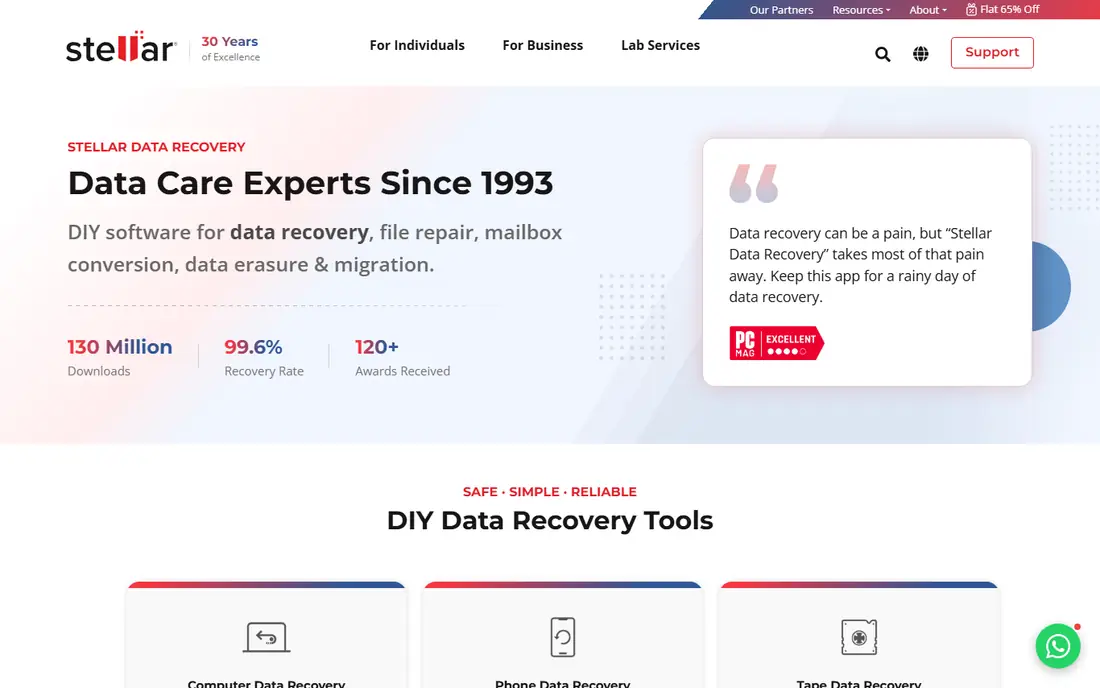
Stellar suits a company that wants a mainstream brand with a polished interface rather than a specialist's tool. The Technician edition covers RAID 0, 5 and 6, Synology Hybrid RAID and nested arrays, plus normal recovery from single HDDs and SSDs. When it asks for array details, you can say you do not know them and let the software work them out.
Pricing is the part to read carefully. On the RAID buy page, Technician showed $199 (marked down from $499) and Toolkit showed $299 (from $699), with 1-year and lifetime options and a special offer dated through October 29, 2026. Toolkit adds direct recovery from Synology, QNAP and Asustor NAS drives and virtual disks (VMDK, VDI, VHD, VHDX). Expect the price to change with the promotion.
The trade-off is depth. RAID 10, 50 and exotic levels are not listed, and a 1-year license costs more over time than a perpetual key.
What we like- Supports RAID 0, 5, 6, Synology Hybrid RAID (SHR) and nested arrays
- Asks for RAID parameters but lets you pick "Don't know"
- Device-based pricing for up to 200 devices
Watch out for- Narrower RAID level support than R-Studio or UFS Explorer
- NAS-specific recovery requires the more expensive Toolkit
Starting priceFree
Free planYes
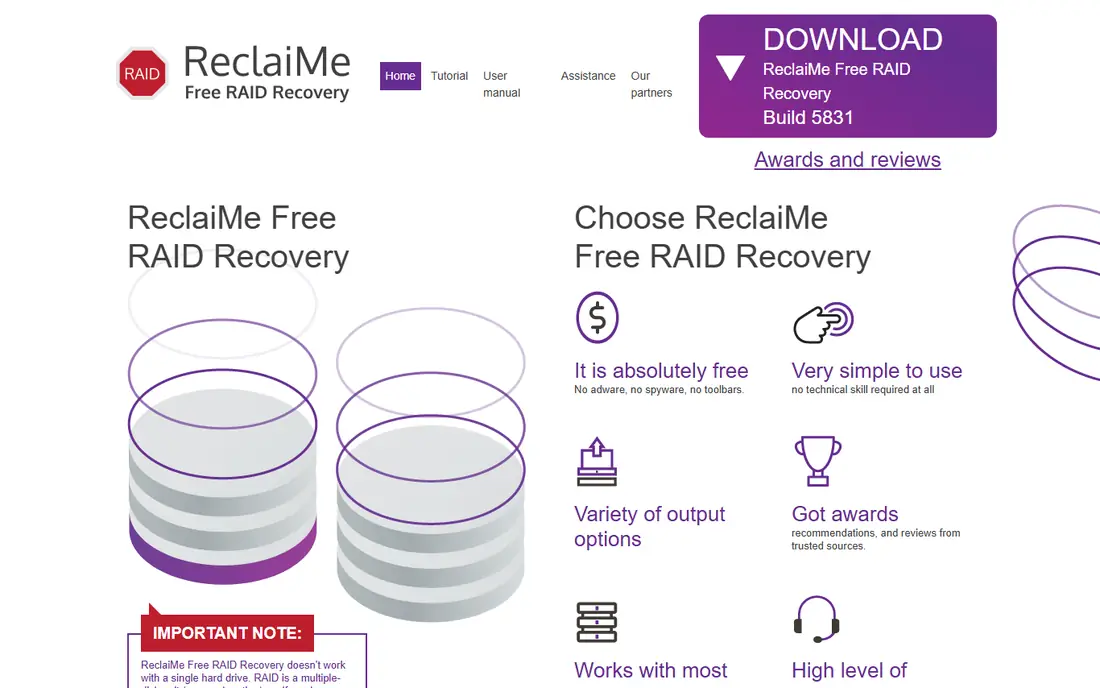
ReclaiMe's free utility answers one question very well: how was this array laid out? It detects start offset, block size, member disks, disk order, and parity position and rotation for common types (the vendor lists RAID 0, 5, 6, 0+1 and 1+0). You can then copy the reconstructed array to another disk or pass the configuration to a recovery program.
ReclaiMe is upfront about the hidden costs. If you need all the data, you need enough spare storage to hold a full copy of the array. If you only need some files, you need a separate recovery tool, such as the paid ReclaiMe File Recovery (see website for pricing) or another compatible program.
For a small business with a broken RAID 5, this is a sensible first step before buying anything. It runs only on Windows.
What we like- Completely free with no adware
- Read-only, so it does not write to your disks
- Works with disks from hardware RAID, software RAID and most NAS units
Watch out for- Only recovers parameters, not files
- Windows only
Starting price$399 one-time (Personal license)
Free planFree trial (scan and report)
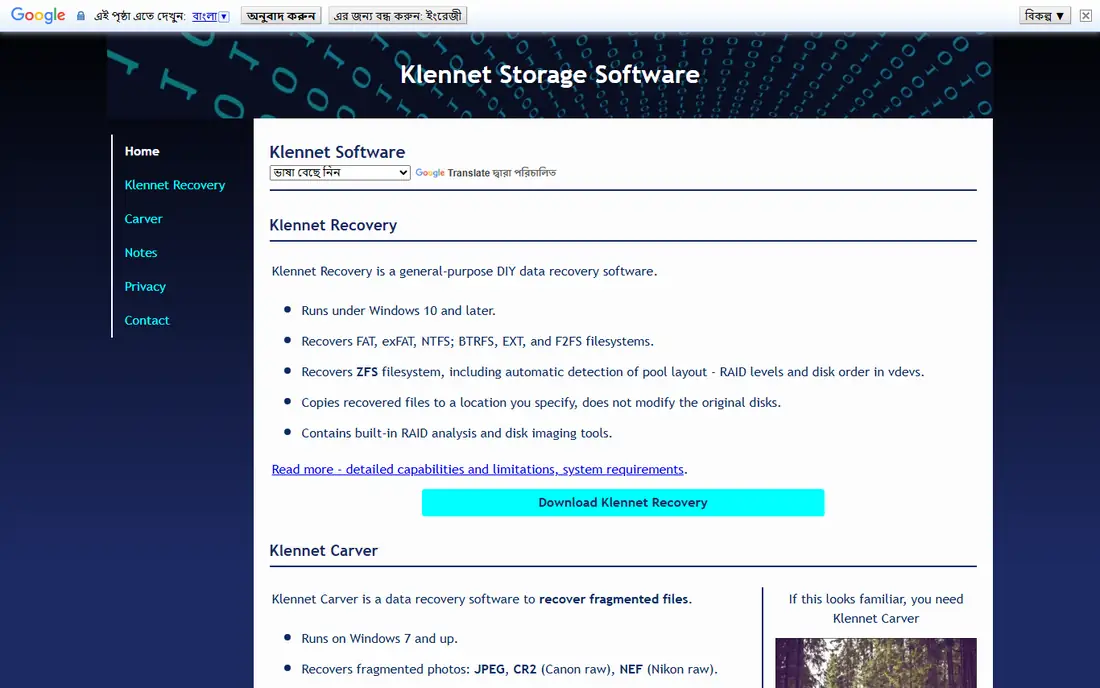
Klennet Recovery is the newer project from the developer of the long-running ZAR, which has been discontinued. Its specialty is ZFS, the file system behind TrueNAS and many homegrown storage servers. It can work out the pool's RAID levels and the order of disks inside each vdev, which is the part generic tools struggle with.
TrueNAS forum users regularly recommend it when a pool will not import and there is no backup. The free test version reports what it can recover before you pay.
Price is the obstacle. A Personal license is $399 and a Commercial license (required if you charge for recoveries) is $899. The license covers versions released within one year of purchase; later versions require an update fee of $49 or $99 per year. It runs only on Windows.
What we like- Detects ZFS pool layout automatically, including RAID levels and disk order in vdevs
- Also covers Btrfs, EXT, F2FS, NTFS and exFAT
- Never writes to the original disks
Watch out for- Windows 10 or later only
- Commercial use costs $899, and updates after year one are extra
Starting price$20 per year (Express); $48 one-time (Standard)
Free planYes (up to 4,000 files per directory per request)
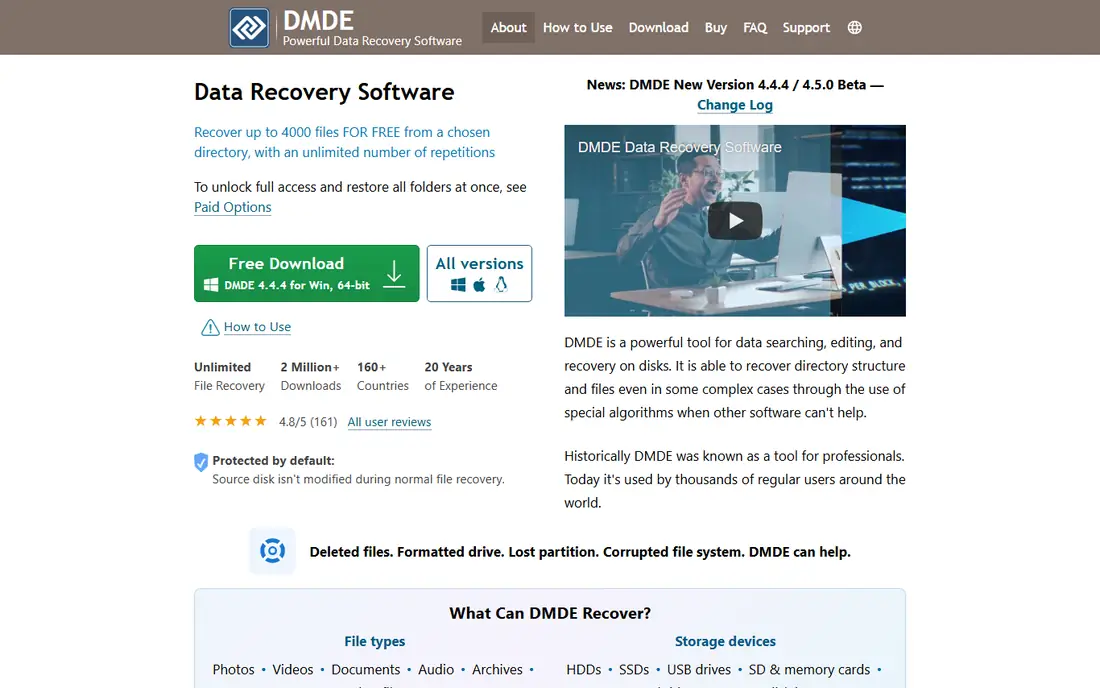
DMDE is the value pick for an IT generalist who is comfortable with disk editors. The free edition lets you recover up to 4,000 files from a chosen directory per request, with no cap on the number of requests, which is enough for many targeted recoveries.
The paid tiers are cheap and clearly defined. Express is $20 for a 1-year personal license, Standard is $48 perpetual with lifetime updates and use for your own company's files, and Professional is $95 for one OS family or $133 for all OS families, adding commercial recovery rights. Standard also offers volume discounts of up to 80% on multiple copies.
The weakness is RAID handling. DMDE gives you a manual RAID constructor, not a one-click detector, so you need to supply the disk order, stripe size and parity pattern. Pairing it with ReclaiMe's free parameter finder solves that.
What we like- Very low cost for a perpetual business license
- Manual RAID builder
- Free edition is useful for real recoveries
Watch out for- Manual RAID assembly expects you to know or guess the layout
- Interface is dense and dated
#8
Runtime RAID Reconstructor
Best for: Simple RAID 0 and RAID 5 rebuilds
Visit runtime.org
Starting price$99 one-time
Free planFree trial
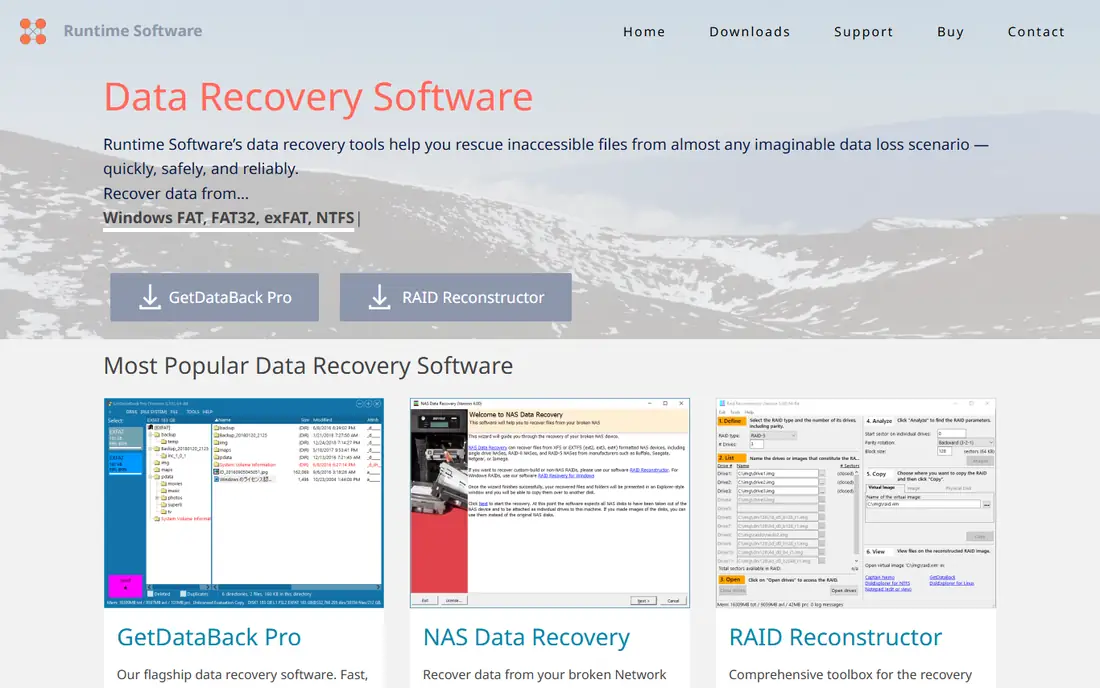
RAID Reconstructor does one job. It analyzes a broken RAID 0 or RAID 5, works out the structure, and builds a virtual image or copy that a file recovery tool can read. Runtime's own GetDataBack Pro ($79) is the natural partner.
Pricing is simple. RAID Reconstructor, NAS Data Recovery and RAID Recovery for Windows each cost $99, and a RAID bundle with all of them plus GetDataBack Pro and Captain Nemo is $249. Site, government and education pricing is by request. Technician licenses for client work run $849 to $999.
The limitation is scope. If your array is RAID 6, RAID 10 or a nested level, look at UFS Explorer or R-Studio instead.
What we like- Flat $99 price
- Volume discounts from the second copy
- RAID bundle with NAS and Windows RAID tools for $249
Watch out for- Narrow focus on RAID 0 and RAID 5
- You need a second program (such as GetDataBack) to pull files
#9Disk Drill
Best for: Mac-heavy offices with software RAID4.0/5 on
G2 (64 reviews, checked Oct 2026)
Visit cleverfiles.com
Starting price$89 one-time (PRO)
Free planYes (limited recovery allowance)
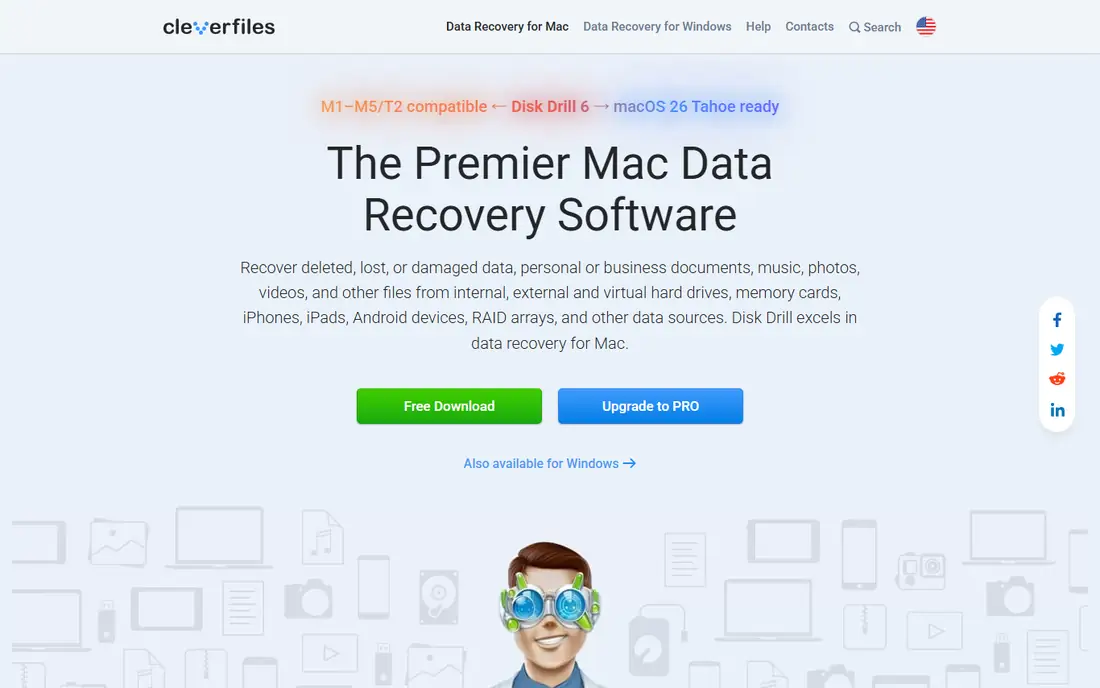
Disk Drill is a general recovery tool that also handles RAID, rather than a RAID specialist. CleverFiles says it can read Windows and Linux RAID arrays along with internal and external drives, virtual hard drives and disk images. For an agency whose software RAID failed, that is often enough.
The strength is approachability. Scanning and previewing take a few clicks, and PRO is a single $89 payment.
The catch is hardware RAID. Reviewers note that support for controller-based arrays is limited, so a failed server with a hardware RAID card is better handled by R-Studio, UFS Explorer or DiskInternals.
What we like- Simple, approachable interface
- Reads Windows and Linux RAID arrays, virtual disks and disk images
- Runs on both Mac and Windows
Watch out for- Limited help for hardware RAID
- Free allowance is small
How we chose
We started with tools that list RAID reconstruction as a core feature on their own websites, then dropped anything discontinued (ZAR, for example, has been retired by its developer). For each remaining product, we read the vendor's pricing and order pages, the supported RAID levels and file systems in its documentation, and the license terms on commercial use and updates. Every price above comes from the vendor's site as of October 2026.
We then compared public feedback from G2, Capterra, Reddit and forums such as the TrueNAS community, plus independent reviews. Finally, we weighed fit for small and mid-size companies: whether a non-specialist can use it, what the trial lets you confirm before paying, and the cost of moving from personal to business or client use.
Stop writing to the array first
The biggest risk is not the software choice. It is a well-meaning rebuild or "repair" command on the controller or NAS that overwrites the data you need. Power the array down, label each disk with its slot number, and do not let the NAS rebuild.
Image the disks if you can
Every serious tool here works on disk images as well as physical drives. Cloning each member disk to a spare first means a mistake costs you time, not data. Spare drives at least as large as the originals are often the real hidden cost.
Match the tool to your array
- Hardware RAID 5, 6 or 10 on a server: R-Studio, UFS Explorer or DiskInternals.
- Synology, QNAP or other consumer NAS: UFS Explorer or Stellar Toolkit.
- ZFS or TrueNAS: Klennet Recovery.
- Unknown layout and a tight budget: ReclaiMe Free RAID Recovery to find parameters, then DMDE or another tool to copy files.
- Software RAID on a desktop: Disk Drill or R-Studio.
Read the license before you buy
Almost every vendor separates personal, business and commercial (client) use. A $48 or $80 license may be fine for recovering your own company's server, but an MSP or IT contractor working on client hardware needs the technician or commercial tier. Also check OS coverage and whether updates continue after year one.
Use the trial as a test
Preview real files, not just folder names. If documents look corrupted in the preview, paying for the full license usually will not fix that.
Know when to call a lab
If a drive clicks, will not spin up or is not detected at all, software cannot help. Send the disks to a professional lab.
Frequently asked questions
Can I recover a RAID 5 array with one failed drive myself?
Often, yes. A RAID 5 array can lose one member and still hold all its data, so tools like UFS Explorer, R-Studio and DiskInternals can rebuild a virtual array from the remaining disks. Image the surviving drives first, because a second failure during recovery can make the data unrecoverable.
Is there free RAID data recovery software that actually works?
ReclaiMe Free RAID Recovery is genuinely free and reliable for detecting array parameters on common RAID types. DMDE's free edition can also recover files, up to 4,000 per directory per request. Most other tools offer trials that scan and preview but limit saving.
Do I need to know my RAID settings before I start?
Not usually. UFS Explorer, R-Studio, DiskInternals, Stellar and ReclaiMe can detect stripe size, disk order and parity layout automatically in many cases. Manual tools like DMDE need you to enter those values yourself.
Why do some licenses cost so much more than others?
The gap is mostly about usage rights. A personal or single-company license might be $48 to $150, while a technician license that allows recovery on customers' machines can run $849 to $999.
Can these tools recover data from a Synology or QNAP NAS?
Yes, several can. UFS Explorer recognizes layouts from Synology, QNAP and dozens of other NAS brands, and Stellar's Toolkit edition adds direct recovery from Synology, QNAP and Asustor drives. You will usually need to remove the disks and connect them to a PC.
Should I use software or a professional recovery service?
Software makes sense when the drives are physically healthy and the problem is logical, such as a controller failure or lost configuration. If any drive has mechanical symptoms, or the data is worth far more than a lab fee, contact a professional service first.
Sources we checked (19)
- https://www.r-studio.com/data_recovery_linux/Buy.html
- https://www.r-studio.com/Data_Recovery_Technician.shtml
- https://www.ufsexplorer.com/ufs-explorer-raid-recovery/
- https://www.ufsexplorer.com/products/
- https://www.diskinternals.com/raid-recovery/features/
- https://www.stellarinfo.com/disk-recovery/windows-raid-recovery/buy-now.php
- https://www.g2.com/products/stellar-phoenix-windows-data-recovery-technician/reviews
- https://www.freeraidrecovery.com/
- https://www.reclaime.com/
- https://www.klennet.com/
- https://www.klennet.com/klennet-recovery/order.aspx
- https://www.z-a-recovery.com/buynow.aspx
- https://forums.truenas.com/t/zfs-pool-failure-any-recovery-options-without-a-backup/35612
- https://dmde.com/buy.html
- https://www.runtime.org/prices.htm
- https://www.handyrecovery.com/best-raid-data-recovery-software/
- https://www.cleverfiles.com/
- https://ratings.7datarecovery.com/disk-drill-review/
- https://ratings.pandorarecovery.com/best-raid-recovery-software/
Is your product missing or out of date?
We review this list regularly. Vendors can request a listing, send updated pricing or ask about featured placement.

Shihab Mia · Founder, Rankite
Shihab has 5+ years in B2B and SaaS SEO. He writes Rankite's software buying guides from pricing pages, documentation and public user reviews. More about Shihab.