How we make this list: we compare pricing pages, product documentation and public user reviews. Rankite is independent; if a vendor ever pays for a featured spot, that listing is clearly labeled Partner.
Key takeaways
- Disk Drill is the easiest paid option for most people, with a one-time $89 license instead of a subscription and a free tier that recovers up to 500MB.
- Stellar Photo Recovery is the most photo-focused of the paid tools, with strong RAW format support and a free tier covering 10 media files.
- PhotoRec is free and open source and genuinely effective, but its text-based interface is not for beginners.
- EaseUS Data Recovery Wizard has the most generous free tier at 2GB, which covers a typical SD card rescue without paying.
- When software cannot help, because the drive is physically dead, Ontrack's lab service is the professional fallback, at professional prices.
Quick comparison
Is your product missing or out of date?
We review this list regularly. Vendors can request a listing, send updated pricing or ask about featured placement.
The best photo data recovery software
Starting priceSee website
Free planYes (10 media files)
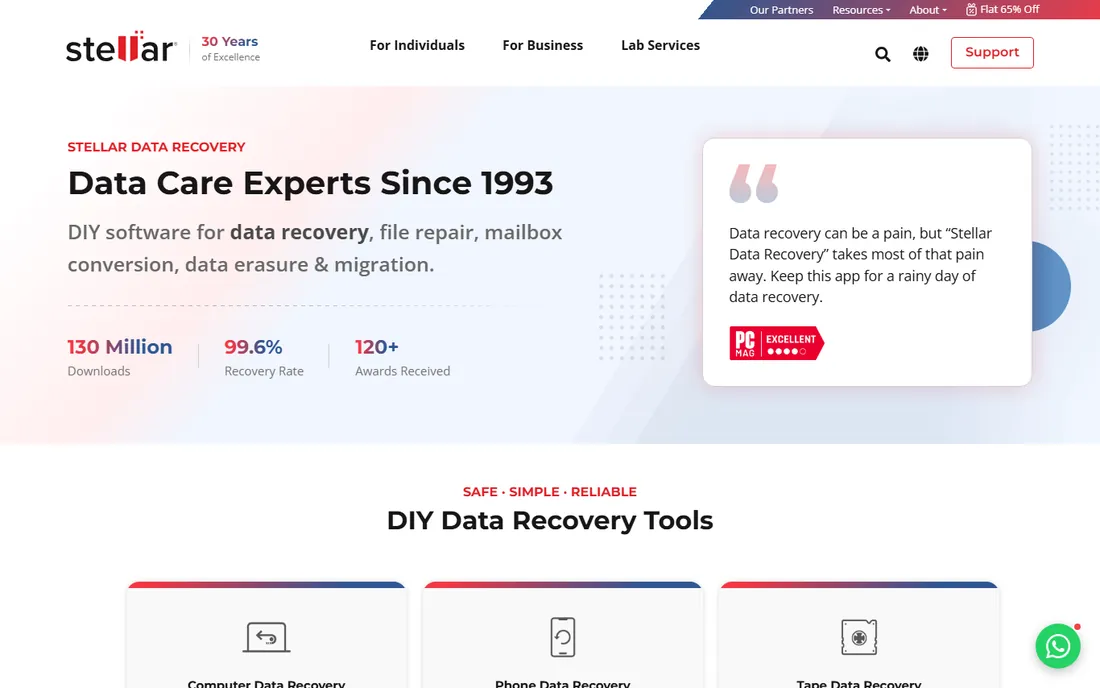
Stellar built this product specifically for photo loss rather than general file recovery, and it shows in the format list. It recognizes RAW formats from every major camera maker alongside JPEG, TIFF, PNG and PSD, plus a long list of video and audio formats, which matters when a card holds a mixed shoot. The scan views sort results by file type, tree view or deleted list, and you can preview files before committing to a purchase.
The free tier recovers 10 media files, enough to confirm the software sees your photos before you pay. Beyond that you need a paid edition, and the photo repair features that fix corrupt images live in the Professional and Premium tiers rather than the base product. For a photographer staring at a corrupted wedding card, the specialization is worth it. For a general "I deleted a folder" case, the tools below are cheaper or free.
What we like- Deep support for camera RAW formats (CR2, NEF, ARW, DNG and more)
- Repairs corrupt photos in higher editions
- Recovers from BitLocker-encrypted drives
Watch out for- Paid editions needed beyond the 10 free files
- Photo repair features sit in pricier tiers
- Windows-focused with a Mac version
Starting price$89 one-time
Free planYes (500MB recovery)
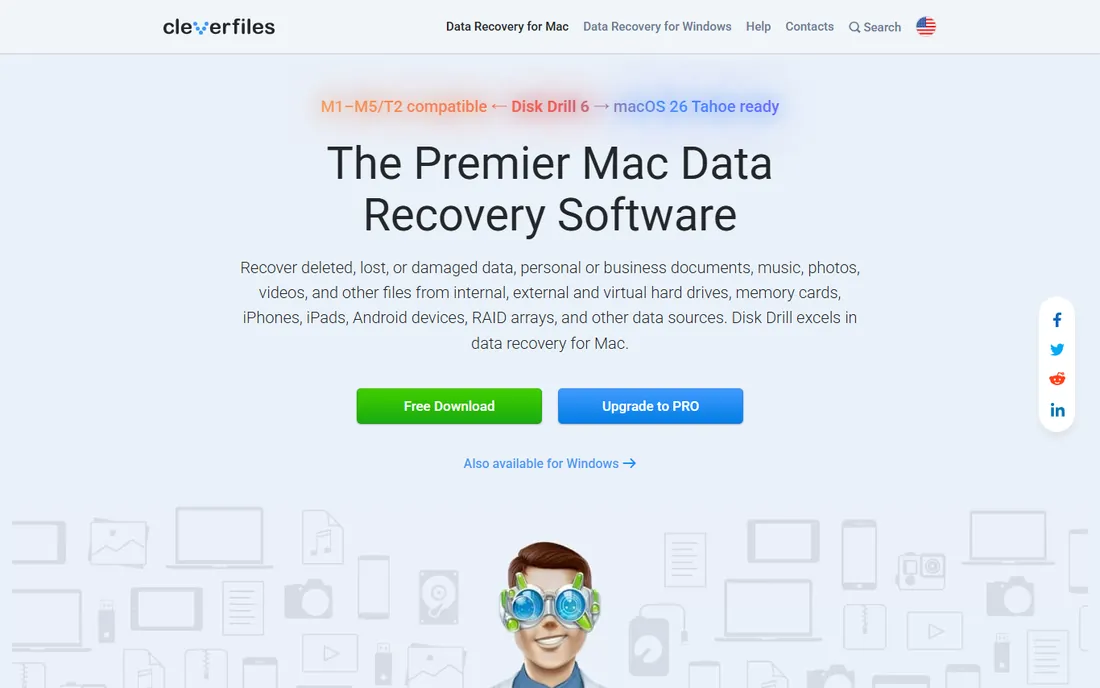
Disk Drill is the recovery app reviewers recommend to non-technical users, and the reason is the interface. You pick a drive, click scan, preview what it found, and recover. It handles the common cases, deleted files, formatted cards, lost partitions, across internal and external drives, SD cards, cameras and phones. The free version recovers up to 500MB, which covers a small accidental deletion but not a full card.
The pricing is the standout detail in a category full of subscriptions. Disk Drill Pro costs $89 once, with an optional $19 lifetime-upgrades add-on. If you expect to need recovery software more than once, and anyone with clients should, that one-time price beats the yearly plans competitors push. It is not the most powerful tool here for exotic filesystems or RAID, but for the photo rescue cases most people actually face, it is the easiest competent option.
What we like- One-time $89 Pro license, no subscription
- Clean interface a non-technical person can follow
- Recovers from Mac, Windows, iOS and Android sources
Watch out for- Free tier limited to 500MB
- Deep scans on large drives take hours
- Some advanced features are Mac-first

#3
EaseUS Data Recovery Wizard
Best for: Recovering without paying
Visit easeus.com
Starting priceSee website
Free planYes (2GB recovery)
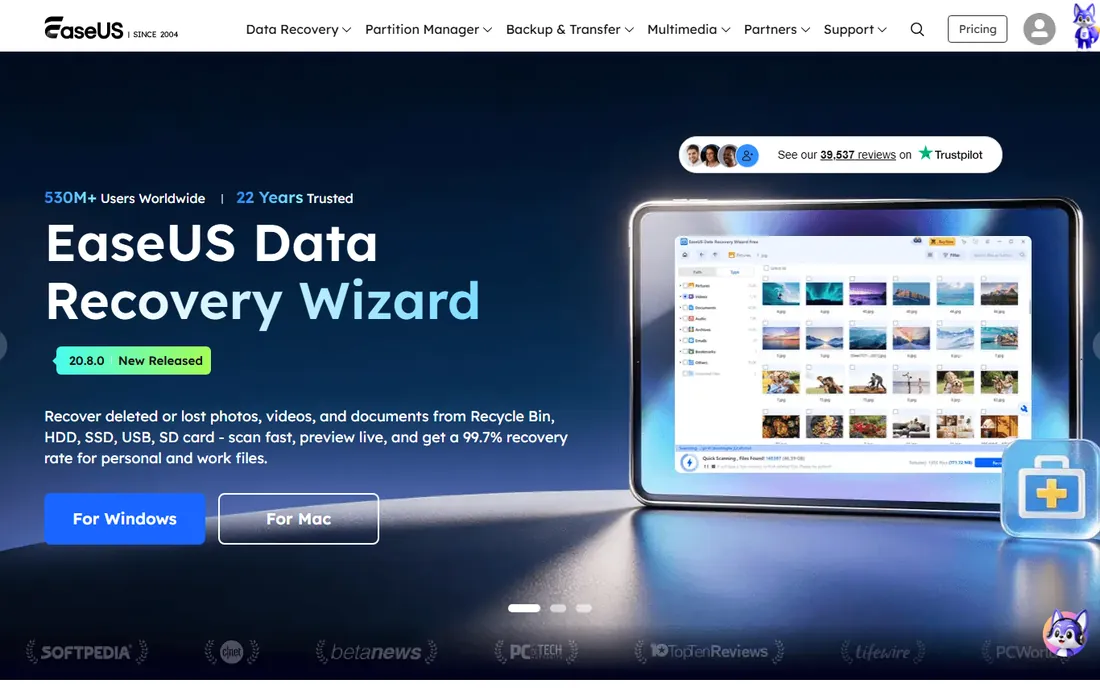
Two gigabytes does not sound like much until you need it. That free allowance covers a typical SD card rescue, a few hundred RAW files or a wedding's worth of JPEGs, without spending anything. The software itself is polished: quick scan for recent deletions, deep scan for formatted or corrupted media, and file previews while the scan runs. EaseUS has sold data recovery software for over twenty years, so the format support is broad and the edge cases are handled.
The business model is the catch. Paid plans run as subscriptions, monthly or yearly, with a lifetime option at a higher price, and the app nudges you toward upgrading. If your loss fits inside 2GB, none of that matters. For larger recoveries, compare the yearly cost against Disk Drill's one-time $89 before you subscribe. Start here when the budget is zero and the loss is modest.
What we like- Free tier recovers up to 2GB, the most generous here
- Fast scans with live preview
- Long track record since 2004
Watch out for- Paid plans are subscription-priced
- Upsells inside the app
- The free tier still may not cover a full large card
Starting priceFree
Free planYes
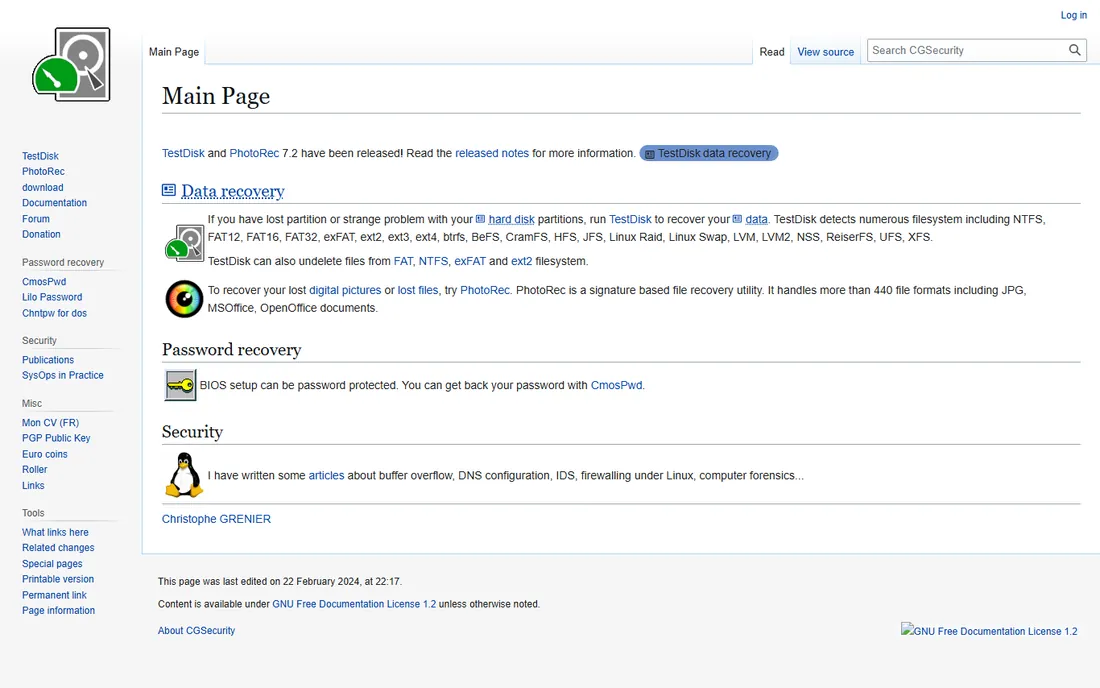
PhotoRec is the tool technicians keep on a USB stick. It is free, open source, and it recovers files by signature rather than by reading the filesystem, which means it can pull photos off media whose directory structure is destroyed. Version 7.2 handles more than 440 file formats, and its companion TestDisk can rebuild lost partitions. Nothing here costs anything, ever.
The price of free is usability. There is no graphical interface, just a text menu, and recovered files come back with generic names, so you will spend time sorting through results. There is no preview step. If you are comfortable with that, PhotoRec succeeds where prettier tools fail, especially on corrupted cards. If the words "text-based interface" worry you, pick Disk Drill or Remo Recover instead and pay for the guidance.
What we like- Completely free and open source
- Recovers 440+ file formats by signature
- Ignores the filesystem, so it works on badly damaged media
Watch out for- Text-based interface with no hand-holding
- File names are lost, so results need sorting
- No preview before recovery
Starting priceSee website
Free planYes
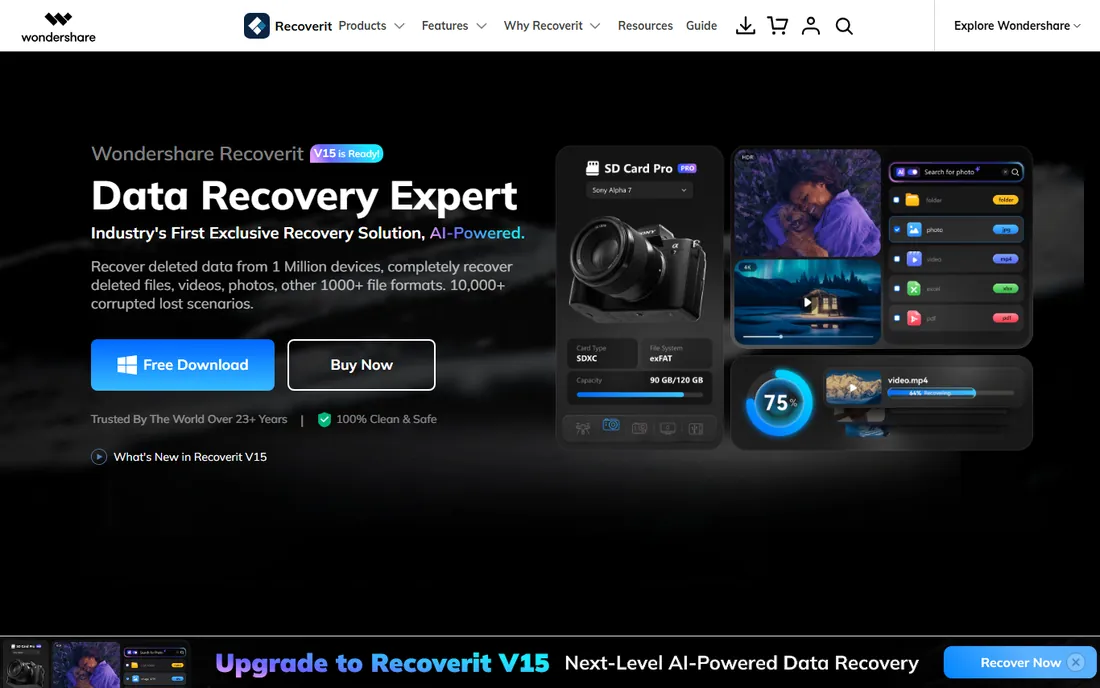
Recoverit earns its place for shooters whose losses include video. Its patented approach reassembles fragmented video files, which matters because a single 4K clip can be scattered across a card in pieces that simpler tools recover as corrupt. The companion repair features fix photos and videos that come back damaged, and the software can build bootable USB media to recover from a computer that will not start.
Wondershare sells this as a subscription, and the marketing leans heavily on AI branding that adds little for most recoveries. The free version lets you scan and preview but limits actual recovery. For a videographer or hybrid shooter with a corrupted card full of footage, the video-specific engineering justifies a look. For stills-only recovery, Stellar or Disk Drill are more focused.
What we like- Strong video recovery including fragmented 4K/8K files
- Built-in photo and video repair
- Bootable media for crashed computers
Watch out for- Pricing is subscription-based
- The interface pushes AI-branded features
- Free tier is limited

#6
MiniTool Power Data Recovery
Best for: Straightforward Windows recovery
Visit minitool.com
Starting priceSee website
Free planYes
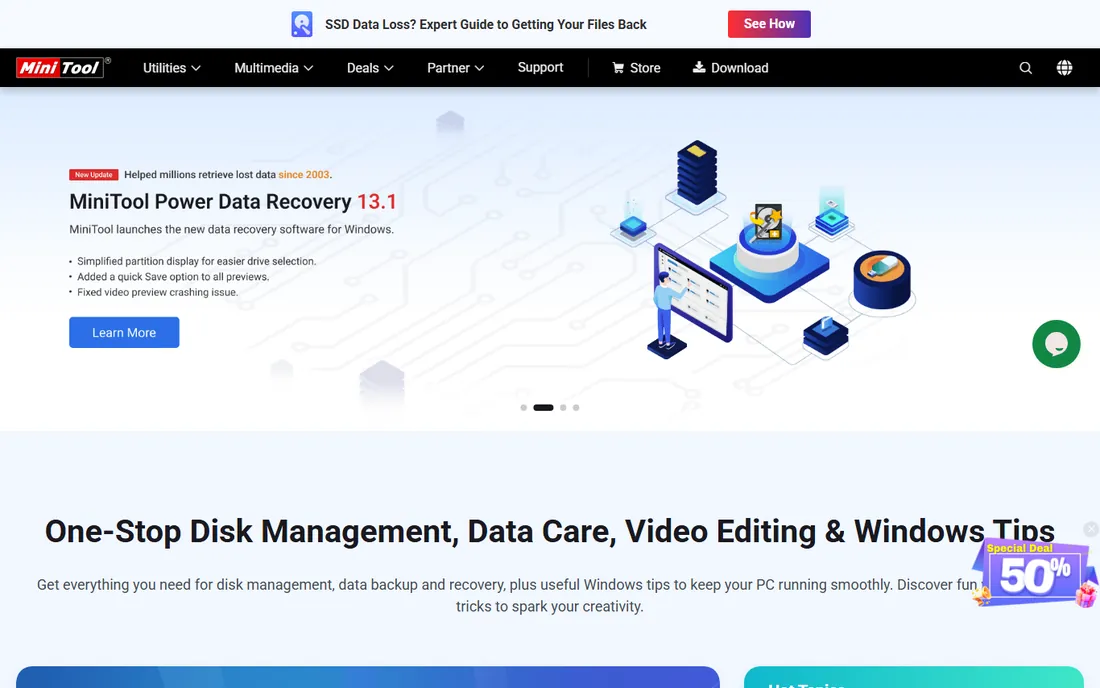
MiniTool Power Data Recovery does not try to impress you. It walks through scan, preview and recover in a plain wizard, and it finds mainstream photo formats reliably. Version 13.1 brought easier drive selection and smoother previews, signs of a product still being developed rather than coasting. For a Windows user with a deleted folder or a formatted USB stick, it is competent and unintimidating.
The limits are scope. There is no Mac version, no RAID reconstruction, and no technician-grade tooling. The free edition covers small recoveries, and larger jobs need a paid license. It sits in the middle of this list because it is neither the cheapest, nor the most powerful, nor the easiest, just a solid Windows option from a vendor better known for its partition tools.
What we like- Simple wizard-driven interface
- Free edition for small recoveries
- Current version 13.1 actively maintained
Watch out for- Windows only
- Fewer advanced features than R-Studio or Disk Drill
- Paid tiers needed for larger jobs
Starting priceSee website
Free planFree trial
R-Studio is what data recovery professionals run when the easy tools fail. It reconstructs RAID arrays from their component disks, recovers over a network, images failing drives before they die completely, and includes a hex editor for manual repair. The filesystem support is encyclopedic, from NTFS and APFS to ReFS and UFS. If a drive is physically struggling, the multi-pass imaging can pull data off before the hardware gives up.
None of that helps a beginner, and the interface does not pretend otherwise. This is a technician's instrument, priced and designed accordingly. The trial lets you scan and preview so you can confirm your data is visible before buying. For a simple deleted-photos case, using R-Studio is like hiring a structural engineer to hang a picture. For RAID, NAS or failing-drive cases, it is one of the few tools that can do the job at all.
What we like- Advanced RAID reconstruction
- Network recovery across computers
- Hex editor and disk imaging for failing drives
Watch out for- Interface built for professionals, not beginners
- Overkill and overpriced for simple deletions
- Trial limits recovery
Starting priceSee website
Free planFree trial
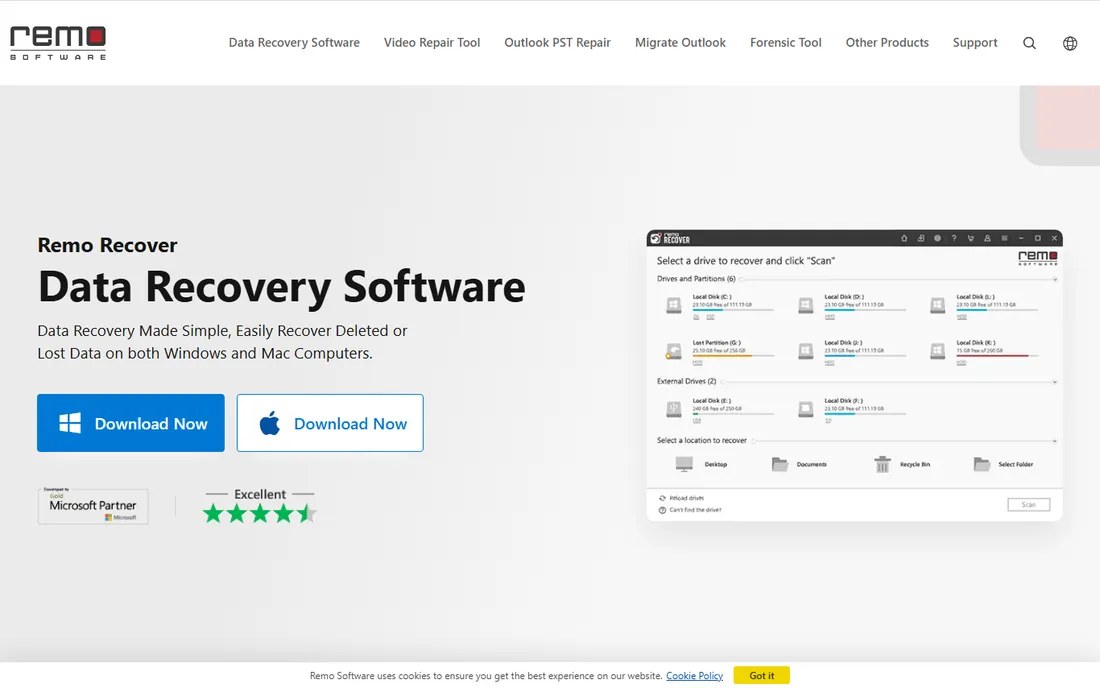
Remo Recover aims at the panicking non-technical user, and it commits to the role. The workflow is a guided sequence with plain-language explanations, and the company offers round-the-clock tech support with remote assistance, which is unusual in this category. It recovers photos including RAW formats, videos and documents from drives, cards and USB sticks, and reviewers rate its photo restoration well.
You pay for the comfort. Licenses cost more than Disk Drill's one-time price, and Remo pushes its One Prime subscription suite covering dozens of tools. Experienced users will find the guidance slow. But for someone recovering their first lost card, possibly at midnight before a client deadline, having a human available matters more than saving twenty dollars. The free trial scans and previews so you can verify before paying.
What we like- Very guided step-by-step workflow
- 24/7 tech support included
- Strong photo recovery with RAW support
Watch out for- More expensive than simpler alternatives
- Upsells a subscription suite
- The hand-holding slows down experienced users
Starting priceFree
Free planYes
Recuva is the old reliable of free undelete tools. Accidentally emptied the Recycle Bin or deleted a folder? Recuva's wizard finds it in minutes, and the free version does the job. It is small, fast, and simple enough for anyone. CCleaner now hosts it at ccleaner.com/recuva after the old Piriform branding was retired, but the tool itself is unchanged.
Set expectations correctly. Recuva handles simple deletions well and struggles with formatted drives, corrupted cards and anything exotic. Development has been quiet, and there is no Mac version. A paid Professional tier exists with automatic updates and premium support, but few buyers need it. Keep Recuva installed for the easy cases, and reach for something stronger when the easy case is not what you have.
What we like- Free version handles common undeletes
- Tiny and fast
- From the makers of CCleaner
Watch out for- Windows only
- Weak on formatted or badly corrupted media
- Development pace is slow
Starting priceSee website
Free planFree trial
Ontrack is the company you call when the drive clicks, smokes or simply will not spin. EasyRecovery is their DIY software, competent for logical recoveries, but its real value is the path it opens: when software cannot help, the same company runs cleanroom labs that recover data from physically dead media. The free evaluation tells you what is recoverable before you commit, which is the honest way to sell this.
For software-only recovery of deleted files, Ontrack is overpriced next to everything above. Its place on this list is as the escalation option. If your drive has a hardware problem, stop running scans, which can make physical damage worse, and talk to a lab. Ontrack's four decades in the business and free evaluation make it the default choice for that conversation.
What we like- Backed by a 40-year data recovery lab
- Handles physically troubled drives
- Free evaluation tells you what is recoverable
Watch out for- Software is the expensive option here
- Serious cases get referred to pricey lab service
- Overkill for simple deletions
Before you pay for recovery software
First, protect the media. Stop writing to the card or drive, install the recovery software on a different drive, and recover files to yet another location. Every write risks overwriting the photos you want back.
Second, use free tiers strategically. Scan with the free version first and check the preview; if the software cannot see your files, paying will not help. EaseUS gives you 2GB free, Disk Drill 500MB, Stellar 10 files, and PhotoRec and Recuva cost nothing.
Third, match the tool to the failure. Deleted files and formatted cards are software problems, and the tools above handle them. Clicking, grinding or unrecognized drives are hardware problems, and no software fixes those. That is when you stop and call a lab like Ontrack instead of running more scans.
Free vs paid: where the limits hit
Free recovery software is genuinely useful. PhotoRec recovers unlimited files for free if you can handle its interface, Recuva handles simple undeletes, and EaseUS hands you 2GB, enough for many real rescues. Paid tiers buy convenience, previews, better interfaces, larger recoveries, and support.
A deleted folder from last week is a free-tier job. A formatted 256GB card from a wedding is a paid-license job, and Disk Drill's $89 one-time price is the value pick. A drive with hardware symptoms is a lab job, and pretending software will fix it wastes the narrow window before the drive dies.
How we chose
We checked each vendor's current site for availability, free tiers and pricing, read documentation and user reviews, and weighted what matters to photographers and small studios: RAW format support, free recovery allowances, interface clarity for stressed non-technical users, and honest pricing. We excluded tools that could not be verified as currently available and did not claim hands-on testing.
Frequently asked questions
Can I recover photos from a formatted SD card?
Often yes. Formatting usually removes the file index without erasing the data, so recovery software can find the photos if nothing new was written. Stop using the card immediately and scan it. If new photos were shot onto the card afterward, some or all of the old data may be overwritten permanently.
Should I install recovery software on the same drive I am recovering from?
No. Installing software writes data to the drive, which can overwrite the deleted files you are trying to recover. Install the recovery program on a different drive, and save recovered files to a third location, never back onto the drive being scanned.
Why do recovered photos sometimes come back corrupted?
Files get corrupted when parts were overwritten before recovery, when the card itself is failing, or when the recovery tool misassembles fragmented files. Preview before recovering, and for video-heavy cards consider tools with repair features like Recoverit or Stellar's higher tiers. Corruption on a physically failing drive is a sign to stop and use a lab.
Is free data recovery software safe to use?
The reputable free tools here, PhotoRec, Recuva, and the free tiers of EaseUS, Disk Drill and Stellar, are safe when downloaded from the vendor's own site. Avoid random "free recovery" downloads from unfamiliar sites, which are a common source of malware. Never pay for software that will not show you a preview of recoverable files first.
How much does photo recovery software cost?
Free tiers cover small jobs. Paid options range from Disk Drill's $89 one-time license to yearly subscriptions from EaseUS, Stellar and Wondershare. Professional lab recovery starts in the hundreds of dollars and rises with difficulty. For most photographers, one $89 license covers years of occasional rescues.
Can recovery software fix a physically broken drive?
No. Software cannot repair clicking, grinding or electronically dead drives, and repeated scan attempts can make physical damage worse. If the drive is not recognized by the computer or makes unusual noises, stop and contact a professional lab for a free evaluation instead.
Sources we checked (12)
- https://www.stellarinfo.com/photo-recovery-software.php
- https://www.cleverfiles.com/
- https://www.easeus.com/
- https://cgsecurity.org/
- https://recoverit.wondershare.com/
- https://www.minitool.com/
- https://r-studio.com/
- https://www.remosoftware.com/
- https://ccleaner.com/recuva
- https://ontrack.com/
- https://www.techradar.com/best/best-data-recovery-software
- https://www.digitaltrends.com/computing/easeus-data-recovery-wizard-vs-disk-drill/
Is your product missing or out of date?
We review this list regularly. Vendors can request a listing, send updated pricing or ask about featured placement.

Shihab Mia · Founder, Rankite
Shihab has spent more than a decade helping SaaS and e-commerce brands grow through search. He writes Rankite's software buying guides from pricing pages, documentation and public user reviews. More about Shihab.
 Stellar Photo Recovery
 Disk Drill
 PhotoRec
 Wondershare Recoverit
 R-Studio
 Remo Recover
 Recuva
 Ontrack EasyRecovery