How we make this list: we compare pricing pages, product documentation and public user reviews. Rankite is independent; if a vendor ever pays for a featured spot, that listing is clearly labeled Partner.
Key takeaways
- Stop using the card the moment files go missing: every new photo written over the old data makes recovery harder, no matter which tool you pick.
- Disk Drill and EaseUS are the friendliest options for non-technical users, with free scanning and previews so you see what is recoverable before paying.
- PhotoRec and DMDE are the budget champions: PhotoRec is completely free and open source, while DMDE's free edition recovers up to 4,000 files per folder.
- R-Studio is the technician's choice for badly damaged cards and RAID work, but its interface assumes you know what a file system is.
Quick comparison
| Tool | Best for | Starting price | Free plan |
|---|
 Disk Drill Disk Drill | Beginners who want the simplest path from scan to recovered files | $89 one-time (PRO) | Yes (scan and preview are free) |
 R-Studio R-Studio | Technicians dealing with corrupted or unrecognized cards | See website | Free trial |
 PhotoRec PhotoRec | Free recovery when you have time and patience | Free (open source) | Yes |
 EaseUS Data Recovery Wizard EaseUS Data Recovery Wizard | Quick free recovery of a small batch of files | Free (recovers up to 2GB); Pro $69.95 | Yes |
 Stellar Data Recovery Stellar Data Recovery | Users who want a polished, guided recovery experience | See website | Yes (free edition) |
 Recoverit Recoverit | Photo and video recovery with built-in file repair | See website | Yes (free version) |
 DMDE DMDE | Technical users who want serious power for free | See website | Yes (recovers up to 4,000 files from one directory, unlimited repeats) |
Is your product missing or out of date?
We review this list regularly. Vendors can request a listing, send updated pricing or ask about featured placement.
The best memory card recovery software
#1
Disk Drill
Best for: Beginners who want the simplest path from scan to recovered files
Visit cleverfiles.com
Starting price$89 one-time (PRO)
Free planYes (scan and preview are free)
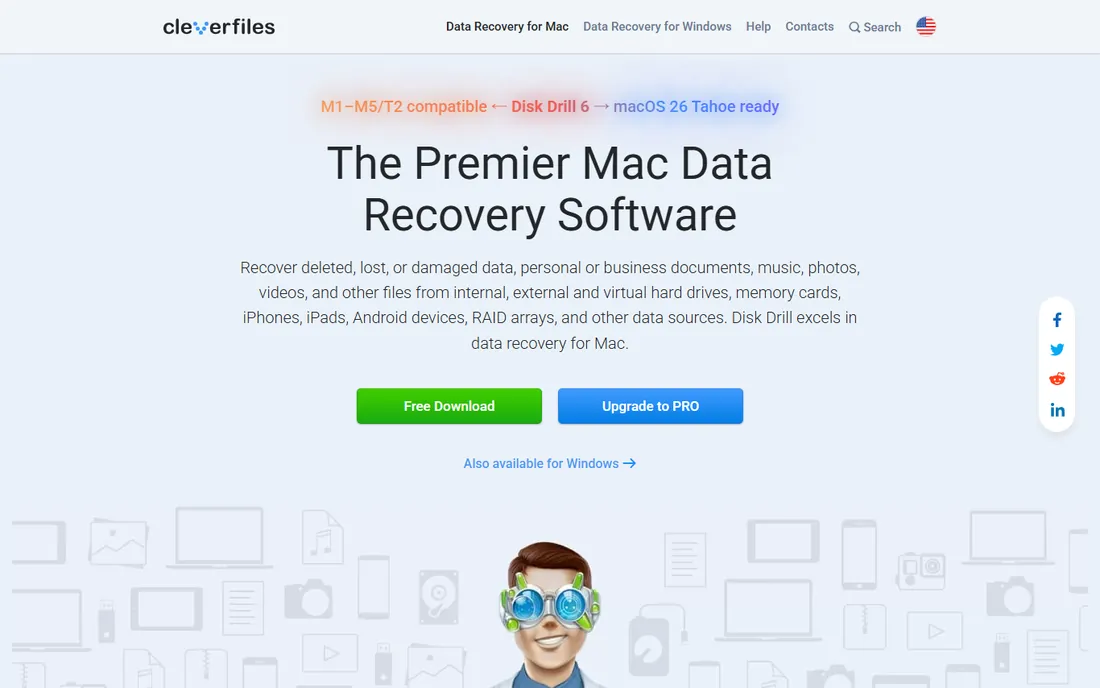
You are at a wedding, the camera flashes "card error," and three hundred photos seem gone. Disk Drill is the tool built for that exact panic. You plug the card in, click scan, and within minutes you get a browsable list of recoverable files with previews, so you know what is coming back before you spend anything. It handles memory cards, USB drives, cameras, phones and even RAID arrays, reconstructing more than 400 file types.
The free version scans and previews without limits, which is genuinely useful for deciding whether the card is worth the effort. Recovery itself needs Disk Drill PRO at $89 one-time. The honest catch is that no software recovers overwritten data, so if you kept shooting after the error, some files are gone for good. For everyone else, Disk Drill's combination of simplicity and deep scan quality makes it the default recommendation.
What we like- Clean interface anyone can follow
- Previews files before recovery
- Supports 400+ file types and virtually all storage devices
Watch out for- Actual recovery requires the paid PRO license
- Mac-focused history means Windows users get slightly less polish
#2
R-Studio
Best for: Technicians dealing with corrupted or unrecognized cards
Visit r-studio.com
Starting priceSee website
Free planFree trial
R-Studio is what data recovery shops reach for when consumer tools give up. If your memory card does not appear in Windows or macOS at all, R-Studio can often still see the raw device and carve files from it by signature. It supports every file system a card might carry, FAT12 through exFAT plus NTFS, HFS+, APFS and Linux formats, and its multi-pass disk imaging lets you clone a failing card first and recover from the image, so the original never takes more stress.
That power comes with a learning curve. The interface exposes hex editors, RAID parameter controls and S.M.A.R.T. monitoring, which is wonderful if you know what those are and intimidating if you do not. Pricing is quote-and-tier based rather than a single consumer price. For a straightforward deleted-photos job, this is overkill. For a card that no other tool recognizes, it is the one most likely to save you.
What we like- Reads cards the operating system cannot even mount
- Advanced RAID reconstruction
- Disk imaging to work safely from a copy
Watch out for- Interface is built for professionals, not casual users
- Pricing is higher than consumer tools
Starting priceFree (open source)
Free planYes
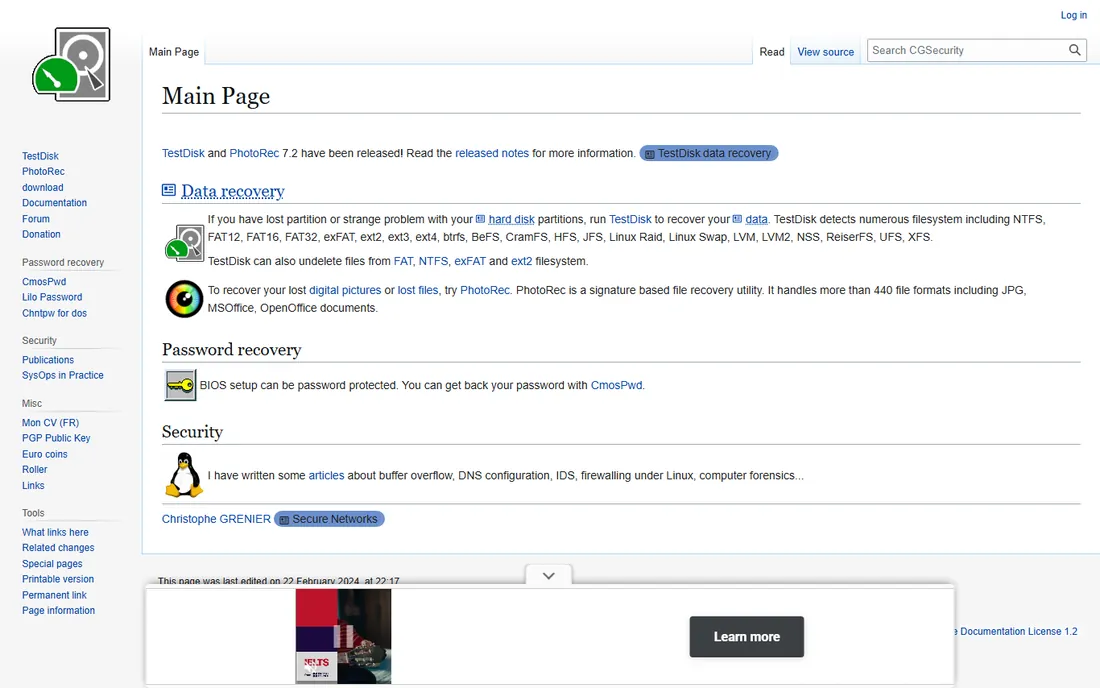
PhotoRec is the tool the internet recommends when someone asks for free data recovery, and it has earned that reputation over nearly two decades. It is open source, costs nothing, and recovers more than 440 file formats by scanning the raw card for file signatures, which means it works even when the file system is destroyed. Its companion tool TestDisk can rebuild lost partitions on the same card.
The price of free is usability. PhotoRec runs in a terminal-style interface with no graphical previews, and recovered files come back with generic names in numbered folders, so sorting a thousand wedding photos becomes a weekend project. There is no customer support beyond community forums. But when the budget is zero and the data matters, PhotoRec recovers files that paid tools sometimes miss, and that is hard to argue with.
What we like- Completely free with no recovery limits
- Ignores the file system and carves files by signature
- Runs on Windows, Mac and Linux
Watch out for- Command-line interface with no file previews
- Recovered files lose their original names and folder structure
#4
EaseUS Data Recovery Wizard
Best for: Quick free recovery of a small batch of files
Visit easeus.com
Starting priceFree (recovers up to 2GB); Pro $69.95
Free planYes
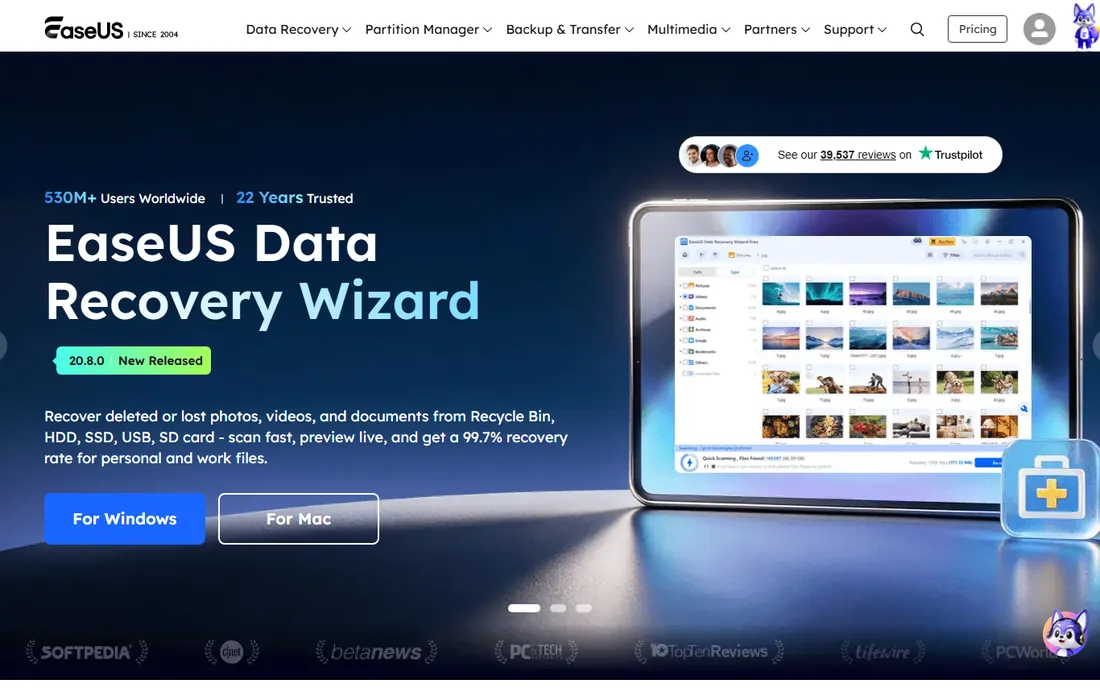
EaseUS built its reputation on being the easiest free option that actually works. Download the free version, pick the card, scan, preview, recover up to 2GB of files, and you are done. For a memory card with a few hundred JPEGs, 2GB is often enough to get everything back without paying. The interface walks you through three steps and stays out of the way.
The Pro version at $69.95 removes the cap and adds unlimited recovery plus corrupted video repair, crashed-system recovery via bootable USB, and NAS recovery. The honest catch is the ceiling: one afternoon of RAW burst shooting or 4K drone footage blows past 2GB quickly, and the free version reminds you of the limit at every step. Still, as a first attempt before spending money, it is the most generous free tier among the commercial tools.
What we like- Free tier recovers up to 2GB with no card required
- Simple three-step process
- Also repairs corrupted photos and videos
Watch out for- 2GB limit runs out fast with RAW photos or 4K video
- Upsell prompts appear throughout the free experience
#5
Stellar Data Recovery
Best for: Users who want a polished, guided recovery experience
Visit stellarinfo.com
Starting priceSee website
Free planYes (free edition)
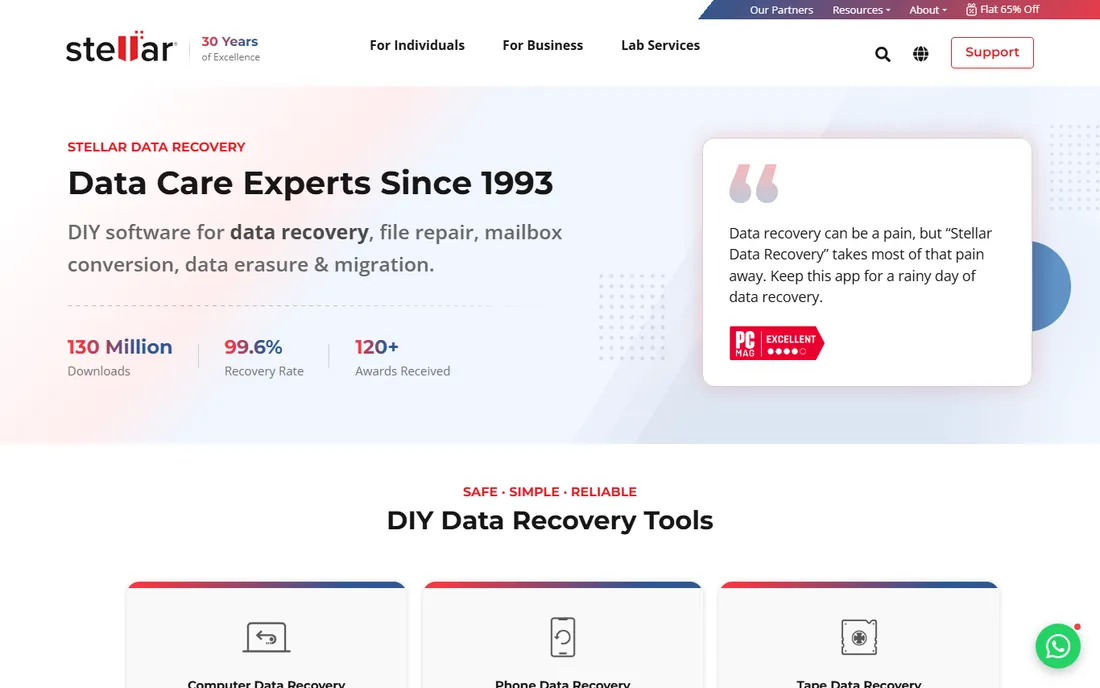
Stellar has been in the data recovery business since 1993, and the software reflects that maturity. The workflow is deliberately simple: select the card, scan, preview, recover. A deep scan mode digs through severely corrupted media sector by sector, and the tool handles formatted cards, lost partitions and even BitLocker-encrypted drives. File previews cover photos, videos and documents, so you confirm before you recover.
The company claims a 99.6% recovery rate and 130 million downloads, numbers you should treat as marketing rather than guarantees, since every card's damage is different. The free edition lets you scan and preview with a capped amount of actual recovery. The main frustration is pricing opacity: plans are not listed on the homepage, so you have to start the purchase flow to see numbers. If you value a calm, professional interface over the cheapest price, Stellar delivers.
What we like- Clean step-by-step interface
- Deep scan for severely corrupted cards
- Recovers from formatted and encrypted drives
Watch out for- Pricing is not shown on the homepage
- Free edition has a recovery cap
Starting priceSee website
Free planYes (free version)
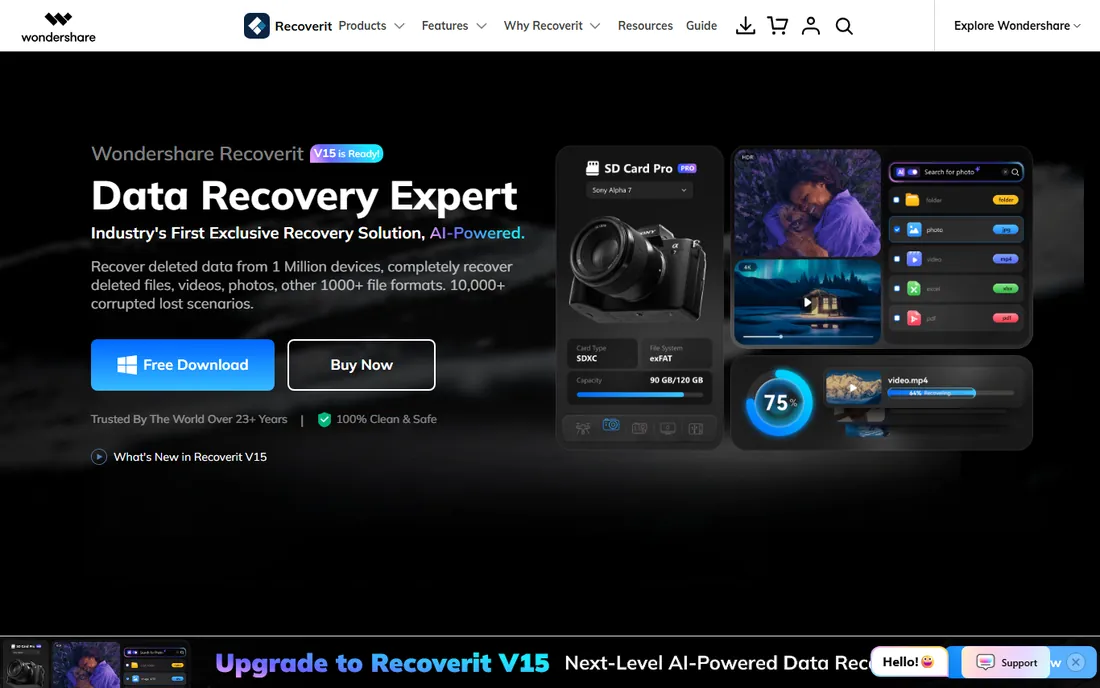
Recoverit, from Wondershare, targets the exact scenario memory card users fear most: the photos come back but the videos will not play. Its recovery engine is tuned for photo and video formats including 4K and 8K footage, and a built-in repair module fixes corrupted MP4, MOV and JPEG files after recovery, which addresses the most common disappointment in card recovery. It also covers SD cards, crashed computers, NAS devices and Linux file systems.
The free version lets you scan and preview, with limited actual recovery, and paid plans open up the full engine with a 7-day money-back guarantee. The honest catch is pricing transparency: plan details sit behind several clicks and vary by region. Reviewers consistently praise the video recovery quality, which is Recoverit's real edge. If your lost files are mostly footage from a camera or drone, start here.
What we like- AI-enhanced recovery aimed at photos and videos
- Repairs corrupted MP4, MOV and JPEG files after recovery
- Supports NAS and Linux recovery
Watch out for- Pricing requires digging through plan pages
- Free version recovery limits are restrictive
#7
DMDE
Best for: Technical users who want serious power for free
Visit dmde.com
Starting priceSee website
Free planYes (recovers up to 4,000 files from one directory, unlimited repeats)
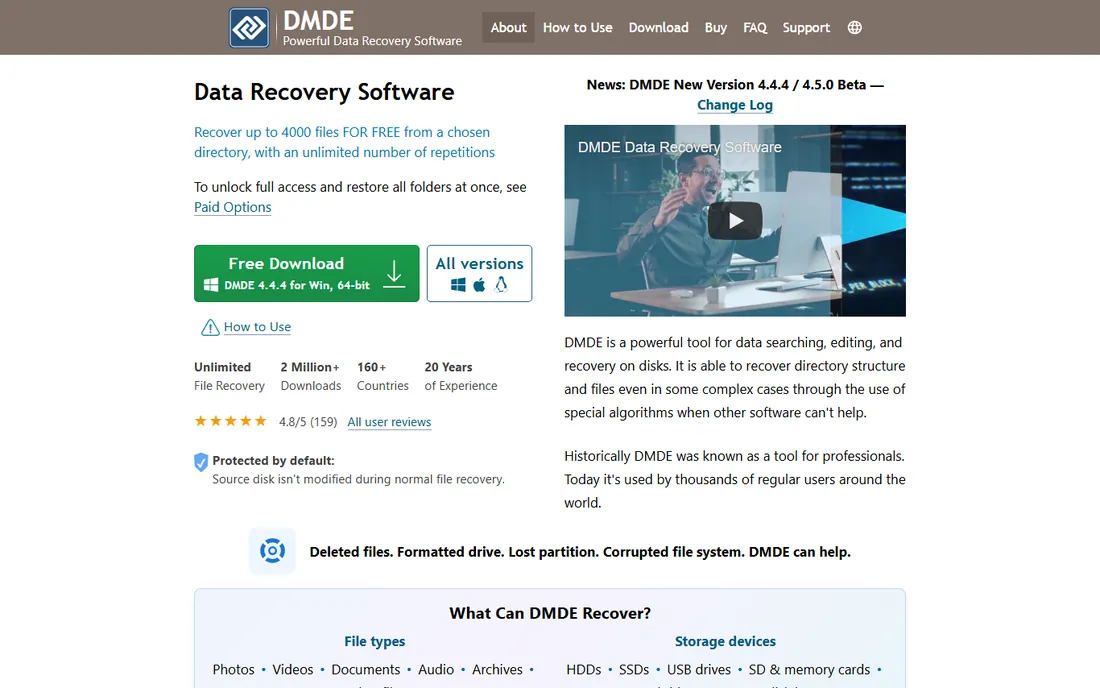
DMDE is the insider's pick that keeps showing up in technician forums. The free edition recovers up to 4,000 files from a chosen directory with unlimited repetitions, which covers most memory card disasters completely free. Unlike raw carvers, DMDE reconstructs the original folder structure and filenames, so your recovered card looks like your card, not a pile of file0001.jpg. It runs portably from a USB stick, supports every common file system, and includes a disk editor and RAID constructor for advanced cases.
The tradeoff is the interface, which looks like engineering software because it is. You will need to understand the difference between a quick scan and a full volume scan, and bulk recovery across many folders requires a paid license. But at its famously low price point, the paid version is the cheapest full license on this list. For technically comfortable users, DMDE offers the best free-to-paid ratio in data recovery.
What we like- Free edition is remarkably capable
- Reconstructs directory structure and filenames
- Portable with no installation needed
Watch out for- Dated, technical interface
- Paid license needed for bulk multi-folder recovery
Frequently asked questions
Should I keep using the memory card after files go missing?
No. Stop using it immediately and do not save anything to it. Deleted files remain on the card only until new data overwrites them, and every new photo or file you write destroys a little more of what you are trying to recover. Remove the card, set it aside, and run recovery software from your computer with the card connected as a reader.
Can recovery software fix a physically broken card?
No. Software recovers logically lost data: deleted files, formatted cards, corrupted file systems. If the card is cracked, snapped, not detected by any device, or the controller chip has failed, software cannot help. Those cases need a professional lab with chip-level repair, which typically costs hundreds of dollars.
Why do recovered files sometimes have wrong names or not open?
When a file system is damaged, recovery tools fall back to carving files by their data signatures, which recovers the content but not the original filename or folder. Videos may also be fragmented across the card, so a carved MP4 can be incomplete. Tools with repair features, like Recoverit and EaseUS, can fix some of these files after recovery.
Is free data recovery software safe to use?
Reputable tools are safe as long as you install them on your computer's main drive, never on the card you are recovering from, and always recover files to a different drive. Stick to well-known tools like the ones on this list. Avoid random "free recovery" downloads from unfamiliar sites, which are a common vehicle for malware.
How long does a memory card scan take?
A quick scan of a 64GB card typically takes a few minutes. A deep scan that reads every sector can take 30 minutes to several hours depending on the card's size, speed and the reader you use. A slow or failing card takes longer. Start with the quick scan; only run the deep scan if the quick one misses files.
How we chose
We limited this list to tools that explicitly support memory card and SD card recovery and are available for download today. For each tool we opened the vendor's homepage to confirm it is actively maintained, checked the free tier's actual recovery limits rather than marketing claims, and read user reviews on TechRadar, PCMag, Trustpilot and Reddit for real-world success rates on formatted and corrupted cards. We weighted factors that matter in a data-loss emergency: whether you can preview files before paying, how much the free tier actually recovers, support for RAW photo and video formats, and honest handling of the cases software cannot fix. We excluded tools that were discontinued or that required mailing the card to a lab.
Sources we checked (7)
- https://www.cleverfiles.com
- https://r-studio.com/
- https://www.cgsecurity.org/
- https://www.easeus.com/
- https://stellarinfo.com/
- https://recoverit.wondershare.com
- https://dmde.com
Is your product missing or out of date?
We review this list regularly. Vendors can request a listing, send updated pricing or ask about featured placement.

Shihab Mia · Founder, Rankite
Shihab has spent more than a decade helping SaaS and e-commerce brands grow through search. He writes Rankite's software buying guides from pricing pages, documentation and public user reviews. More about Shihab.