How we make this list: we compare pricing pages, product documentation and public user reviews. Rankite is independent; if a vendor ever pays for a featured spot, that listing is clearly labeled Partner.
Key takeaways
- If you want to recover files without touching a PC, DiskDigger and Dumpster are the two that run entirely on the phone, and both have genuinely free tiers.
- The desktop tools (EaseUS MobiSaver, Dr.Fone, FonePaw, iMyFone D-Back, FoneDog, PhoneRescue) all let you scan for free; actually saving the recovered files is where the paid license kicks in.
- Root access changes everything: unrooted phones can usually recover photos and videos from the SD card and cache, while deep scans of internal storage need root on most tools.
- Act fast and stop using the phone: every new photo, app update or message can overwrite the deleted data you are trying to get back.
Quick comparison
| Tool | Best for | Starting price | Free plan |
|---|
 DiskDigger DiskDigger | Recovering deleted photos and videos directly on the phone, no PC needed | Free (paid Pro upgrade available, see website for current price) | Yes |
 EaseUS MobiSaver for Android EaseUS MobiSaver for Android | Beginners who want a guided desktop recovery with previews before paying | See website | Free trial |
 Dr.Fone (Data Recovery) Dr.Fone (Data Recovery) | Users who want recovery plus a full phone-management toolkit in one install | See website | Free trial |
 FonePaw Android Data Recovery FonePaw Android Data Recovery | Recovering deleted texts, contacts and call logs alongside photos | See website | Free trial |
 iMyFone D-Back for Android iMyFone D-Back for Android | Pulling data from damaged, crashed or virus-struck Android phones | See website | Free trial |
 FoneDog Android Data Recovery FoneDog Android Data Recovery | A simple, low-friction recovery of messages, contacts and media | See website | Free trial |
 Dumpster Dumpster | Anyone who wants a safety net so deletions are never permanent | Free (premium upgrade available, see website for current price) | Yes |
 PhoneRescue for Android PhoneRescue for Android | Recovering lost files and putting them straight back on the phone | See website | Free trial |
Is your product missing or out of date?
We review this list regularly. Vendors can request a listing, send updated pricing or ask about featured placement.
The best free Android data recovery software
Deleted the wrong photos, lost texts after a factory reset, or watched a memory card corrupt itself at the worst moment. Android data recovery tools promise to undo that damage, but the fine print matters more here than in almost any other software category: "free" usually means a free scan, and the actual recovery costs money. These eight tools are the ones worth your time, with the free-versus-paid line drawn honestly for each.
#1
DiskDigger
Best for: Recovering deleted photos and videos directly on the phone, no PC needed
Visit defianttech.com
Starting priceFree (paid Pro upgrade available, see website for current price)
Free planYes
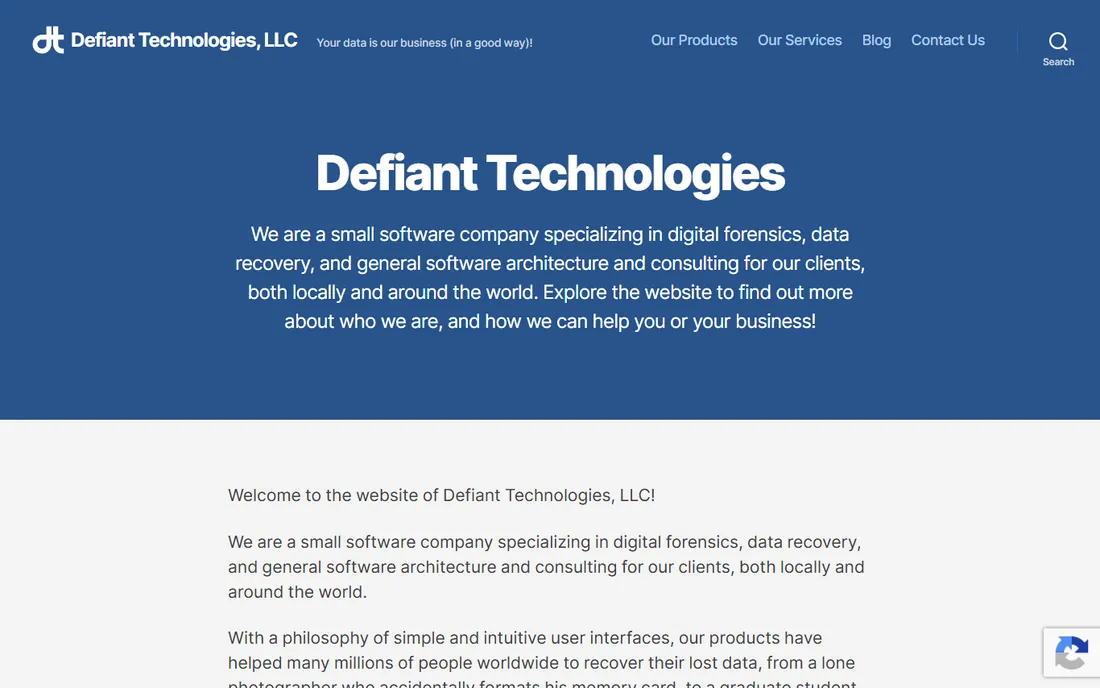
DiskDigger is the first tool to try when the lost files are photos or videos and you do not have a computer handy. You install it from the Play Store, point it at your storage, and it hunts for recoverable image and video files. On an unrooted phone it can still pull a surprising amount back from the SD card and cached thumbnails, which covers the most common case: accidentally deleted camera photos.
The honest catch is root. Android locks apps out of the raw internal storage, so the thorough "full scan" mode only works on rooted devices. If your phone is not rooted and the photos were on internal storage, DiskDigger will find less than the desktop tools below. For a free, no-signup first attempt that takes five minutes, though, nothing else in this list is as frictionless.
What we like- Runs entirely on the Android device with no computer required
- Basic photo and video recovery is free
- Tiny app with a simple interface and no account needed
Watch out for- Deep internal-storage scans require a rooted phone
- The free version is photo and video focused, with limited document recovery
- Pro features sit behind a paid upgrade
#2
EaseUS MobiSaver for Android
Best for: Beginners who want a guided desktop recovery with previews before paying
Visit easeus.com
Starting priceSee website
Free planFree trial
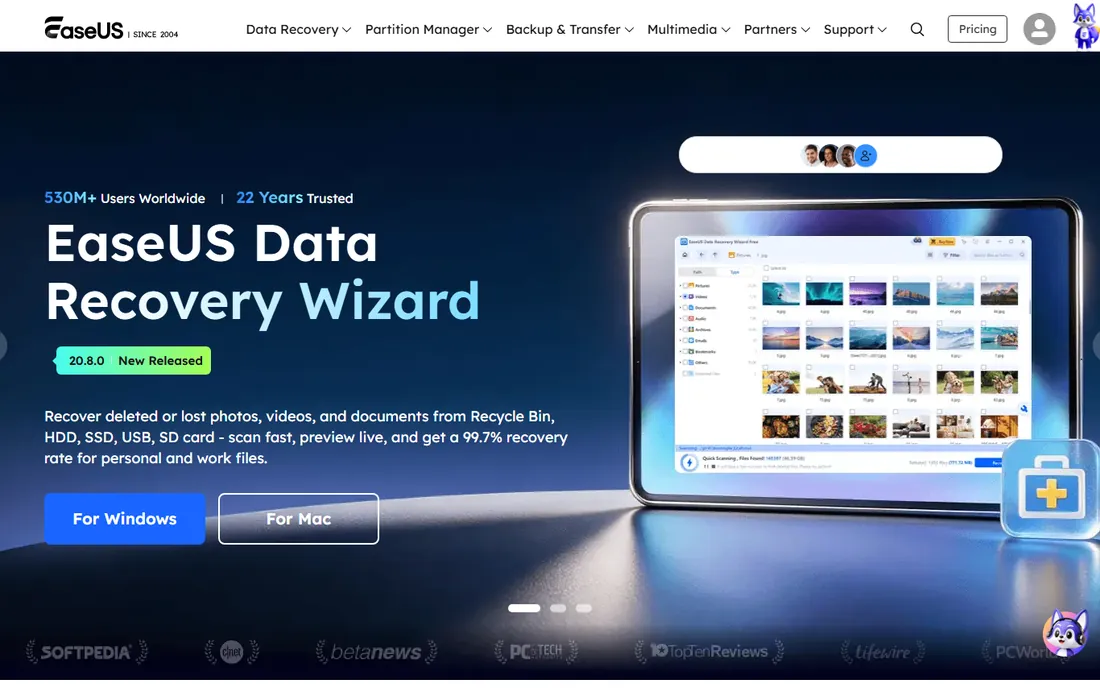
EaseUS has been in the data recovery business since 2004, and MobiSaver shows that experience in its workflow. You connect the phone to your computer, run the scan, and browse thumbnails of everything it found, including deleted contacts, call logs, messages, photos and WhatsApp attachments. Seeing exactly what is recoverable before spending money is the main reason to start here rather than with a blind purchase.
Like every desktop tool in this category, the free tier is a free scan, not free recovery. Budget for the paid license if the preview shows your files. Root helps a lot: without it, expect strong results from the SD card and weaker results from internal memory. If the preview comes up empty, try one more tool before paying, because different scan engines find different things.
What we like- Clear step-by-step wizard that suits non-technical users
- Previews recoverable files before you commit to a license
- Recovers contacts, messages, photos, videos and WhatsApp data
Watch out for- The trial scans for free but saving recovered files needs the paid version
- Deep recovery of internal storage generally needs root
- Desktop-only, so you need a Windows or Mac computer
#3
Dr.Fone (Data Recovery)
Best for: Users who want recovery plus a full phone-management toolkit in one install
Visit drfone.wondershare.com
Starting priceSee website
Free planFree trial
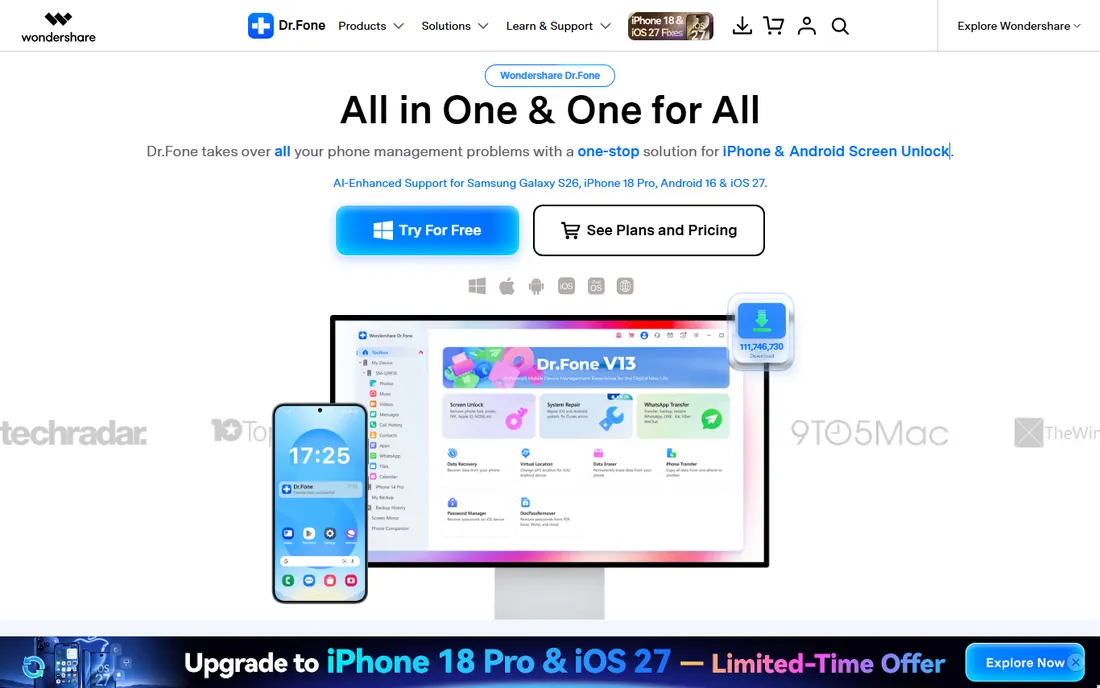
Dr.Fone takes the opposite approach from the single-purpose apps: it is a whole phone utility suite, and Android data recovery is one module inside it. That breadth is genuinely useful when the problem is bigger than a deleted photo. A phone stuck in a boot loop, a cracked screen with USB debugging already on, or a device that needs data pulled before a repair are cases where the system-repair and recovery modules work as a pair.
For a simple "I deleted my photos" job, Dr.Fone is more software than you need, and the pricing reflects the bundle. Run the free scan first and check the preview carefully. If it finds your files and nothing else does, the license is worth it. If a cheaper single-purpose tool finds them too, save your money.
What we like- Data recovery sits inside a larger toolkit (transfer, backup, system repair, lock-screen removal)
- Recovers from broken or unresponsive Android phones, not just healthy ones
- Long track record with regular updates for new Android versions
Watch out for- You pay toolkit prices even if you only need recovery
- The free trial previews but does not save recovered files
- The sheer number of modules can feel bloated for a one-time recovery job
#4
FonePaw Android Data Recovery
Best for: Recovering deleted texts, contacts and call logs alongside photos
Visit fonepaw.com
Starting priceSee website
Free planFree trial
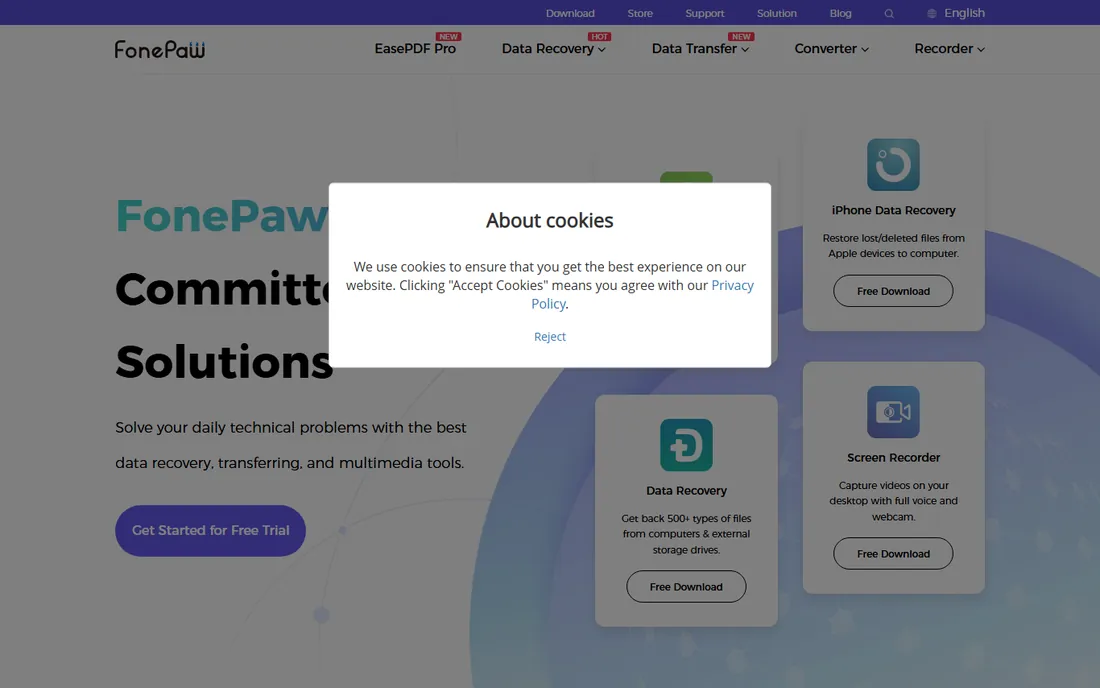
FonePaw earns its place with a narrower focus than Dr.Fone and a calmer interface than most competitors. It handles the two recovery jobs people actually have: media (photos, videos, audio) and personal data (contacts, messages, call logs, documents). The preview step is honest about what survived, which matters because partially overwritten files sometimes come back corrupted.
The pricing model follows the category standard: scan free, recover paid. Where FonePaw stands out is simplicity. There is one job, one window, and no upsell into phone-mirroring or system-repair modules you will never open. For a straightforward recovery on a healthy phone, that focus is a plus.
What we like- Strong on message-type data: SMS, contacts, call history and WhatsApp
- Clean interface with a preview pane before recovery
- Lighter install than the big toolkit suites
Watch out for- Free version scans only
- Recovered-file export needs a license
- Root still improves results on internal storage
#5
iMyFone D-Back for Android
Best for: Pulling data from damaged, crashed or virus-struck Android phones
Visit imyfone.com
Starting priceSee website
Free planFree trial
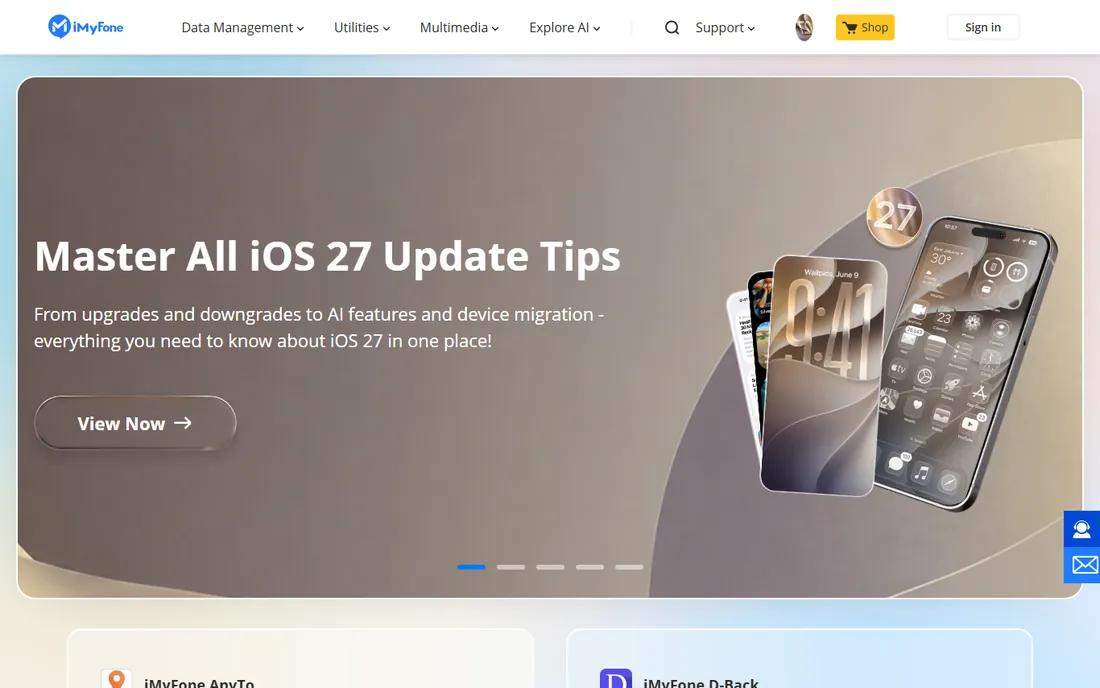
D-Back is the tool reviewers reach for when the phone itself is the problem, not just the files. If an update failed halfway, malware scrambled the storage, or the screen is dead but the motherboard lives, D-Back's recovery modes are built for exactly that. It can work from the device directly or from Google backups, and it lets you pick individual files instead of restoring everything.
That power comes at a price above the simpler apps. For a healthy phone with deleted photos, you do not need this. For a phone that will not boot, the free scan will tell you quickly whether anything is salvageable, and that answer alone is worth the download. Pay only if the preview shows your data intact.
What we like- Handles tough cases: system crashes, virus attacks, black screens and failed updates
- Recovers photos, videos, messages, contacts and app data
- Selective recovery so you restore only what you need
Watch out for- Premium pricing next to simpler tools
- The free tier is scan-and-preview only
- The most advanced recovery modes need root or a cooperative device state
#6
FoneDog Android Data Recovery
Best for: A simple, low-friction recovery of messages, contacts and media
Visit fonedog.com
Starting priceSee website
Free planFree trial
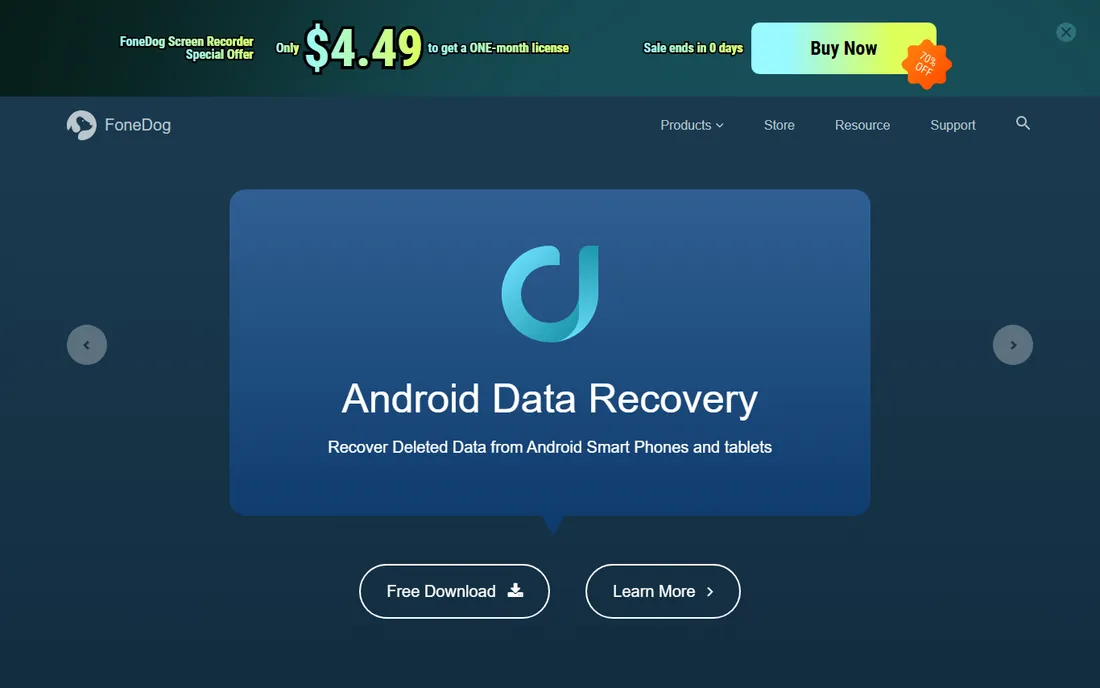
FoneDog keeps the process to connect, scan and recover, with no toolkit modules competing for attention. It covers the standard file types (photos, videos, audio, documents, contacts, messages, call logs, WhatsApp data) and includes a broken-Android extraction mode for Samsung devices that still power on but have dead screens. For a first-time user, the lack of options is a feature.
The tradeoff is polish. The interface is functional rather than pretty, and full scans of a 256 GB phone take a while. But the scan is free, the preview is clear, and the recovery engine is a legitimate alternative when the bigger names find nothing. Run it as your second opinion before you pay anyone.
What we like- Straightforward three-step process (connect, scan, recover)
- Recovers from internal memory, SD card and even broken Samsung devices
- Free scan shows what is recoverable
Watch out for- Paid license required to save recovered files
- Interface looks dated next to newer rivals
- Deep scans can take a long time on large storage
#7
Dumpster
Best for: Anyone who wants a safety net so deletions are never permanent
Visit baloota.com
Starting priceFree (premium upgrade available, see website for current price)
Free planYes
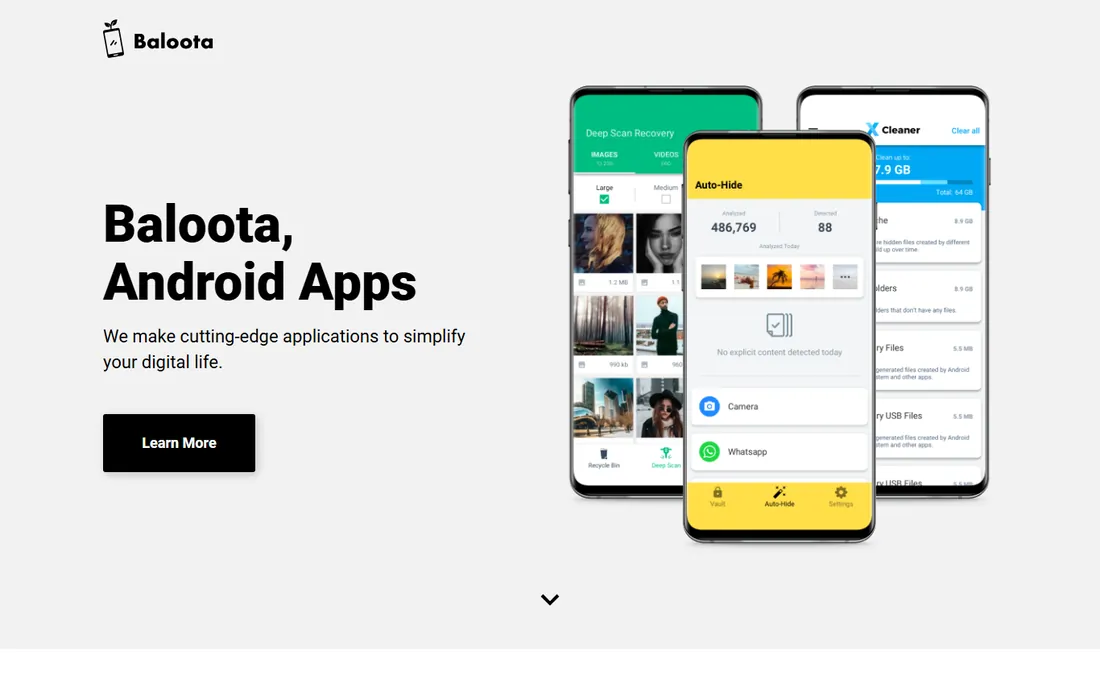
Dumpster solves a different problem from everything else on this list: instead of recovering data after the fact, it prevents the loss in the first place. Once installed, it intercepts deletions and holds the files in its own recycle bin, so undeleting is one tap. For photos, videos, audio and documents deleted by accident, which is most deletions, it is the closest thing to an undo button Android has.
The limitation is obvious and absolute: it cannot help with anything deleted before you installed it. If you are reading this after losing files, skip to the tools above. If you are reading this because it happened once and you never want it to happen again, install Dumpster now. The free tier covers the core recycle-bin function, which is the part that matters.
What we like- Works like a recycle bin for Android: deleted files go to Dumpster first
- Genuinely free core functionality
- No root and no PC needed, recovery is instant
Watch out for- Only protects files deleted after you install it
- Cannot recover anything lost before installation
- Premium features (cloud backup, ad removal, deeper storage) cost extra
#8
PhoneRescue for Android
Best for: Recovering lost files and putting them straight back on the phone
Visit imobie.com
Starting priceSee website
Free planFree trial
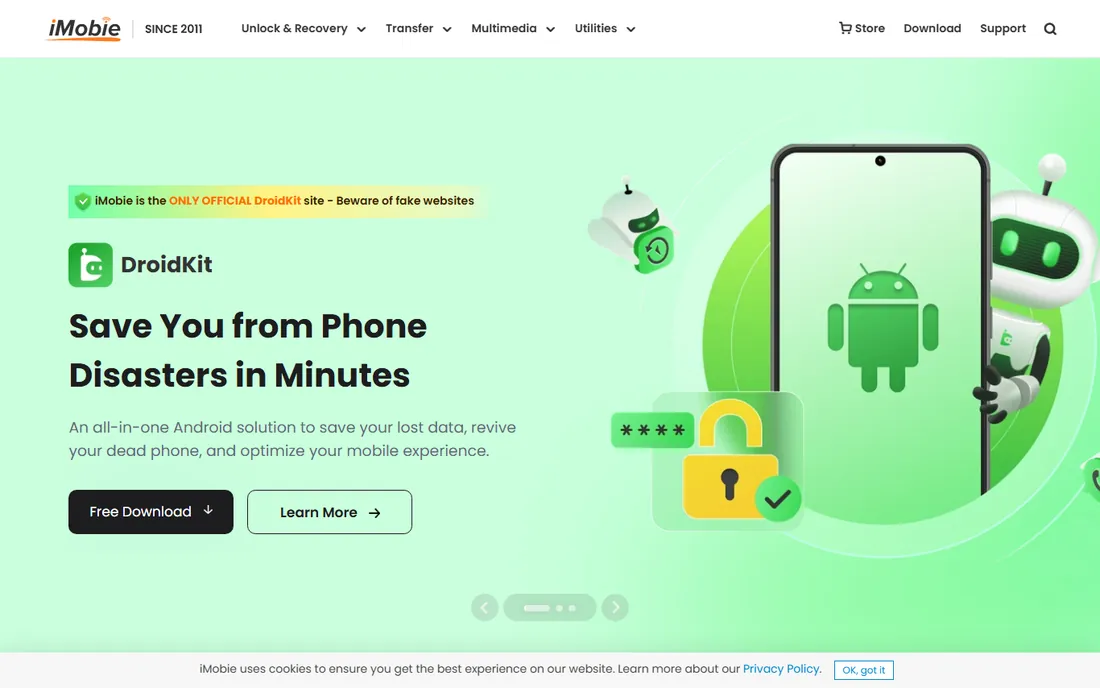
PhoneRescue's distinguishing trick is where the recovered files go. Most desktop tools dump everything onto your computer and leave you to copy it back. PhoneRescue can write contacts, messages, call logs and photos directly back onto the Android device, which is exactly what you want when the goal is "make my phone whole again" rather than "extract evidence to my PC."
Under the hood it is a standard scan-and-recover engine with the standard free-scan, paid-recovery model. The previews are detailed enough to judge whether your files survived before you pay. Use it when the other tools find your files but leave you with an awkward export, or as another scan engine in your second-opinion rotation.
What we like- Can restore recovered data directly to the device, not just to the computer
- Covers photos, messages, contacts, call logs and app data
- Free scan with detailed previews
Watch out for- Saving recovered files requires a paid license
- Best results still need root for internal storage
- IMobie's site pushes the iOS version harder, so Android users should confirm they download the right edition
What to check before you install a recovery app
Start with the free-versus-paid line, because it is drawn differently in every product here. Phone-only apps like DiskDigger and Dumpster give you real free functionality. Desktop tools give you a free scan and charge for the recovery itself. Neither model is dishonest as long as you know which one you are using, but "free download" on a desktop tool means "free to look, paid to keep."
Next, check the root question. Android's security model blocks apps from reading raw internal storage, so deep recovery of the phone's built-in memory needs root on most tools. SD cards and USB storage do not have this problem, which is why photo recovery from a memory card works so well without root. If your phone is not rooted and your files were on internal storage, keep expectations modest and try the desktop scan tools, which use a PC-side connection to get further than an on-device app can.
Finally, stop using the phone the moment you realize data is lost. Deleted files are not gone until something overwrites them, and every new photo, app update, message or download risks doing exactly that. Put the phone in airplane mode, do not install anything new on it if you can avoid it, and run on-device tools like DiskDigger before desktop tools, since installing a desktop companion app writes data to the phone.
Why deleted files are recoverable at all (and when they are not)
Deleting a file on Android usually removes its directory entry, not its contents. The space is marked as available, but the actual data sits there until the system needs the space and writes something else over it. Recovery software scans the raw storage for those orphaned contents and rebuilds the files. That is why speed matters: a phone that sits idle after a deletion keeps its data far longer than one that keeps taking photos.
There are hard limits, and honest tools will not promise past them. Files overwritten by new data are gone; no software reconstructs them. Factory resets on modern Android versions with file-based encryption are effectively unrecoverable, because the encryption keys are destroyed. And anything synced to Google Photos, Google Drive or a similar cloud service was never really lost: check the cloud trash (usually kept 30 to 60 days) before installing anything.
How we chose
We started with the searches buyers actually run: free Android data recovery, recover deleted photos Android, Android data recovery app. For each candidate we opened the vendor's own homepage, confirmed the product still exists and fits Android recovery, and checked what the free tier actually includes versus what needs a paid license. Where a price could not be confirmed on the vendor's own page, we wrote "See website" instead of guessing. We favored tools with a real free tier or an honest free scan, and we left out anything that looked abandoned or demanded payment before showing a single preview.
Frequently asked questions
Can I recover deleted photos on Android without root?
Sometimes. Photos on an SD card or in cached thumbnails are usually recoverable without root, which is why DiskDigger's free scan is worth trying first. Photos deleted from internal storage are much harder to reach without root, because Android blocks apps from reading raw internal memory. Desktop tools that connect over USB can sometimes get further than on-device apps on unrooted phones.
Do free Android data recovery apps really recover files, or just scan?
Both, depending on the tool. DiskDigger and Dumpster perform real recovery in their free tiers. The desktop tools (EaseUS, Dr.Fone, FonePaw, iMyFone, FoneDog, PhoneRescue) scan for free and show you previews, but saving the recovered files requires a paid license. Treat any desktop tool's "free" label as "free to check whether your files survived."
Should I use an on-device app or desktop software?
Try the on-device app first. DiskDigger installs in a minute, needs no computer, and writes almost nothing to your storage. If it does not find your files, move to a desktop tool, which uses a USB connection and a more thorough scan engine. Running two or three different scan engines is normal: they find different things.
Will these tools recover data from a broken phone?
It depends on what "broken" means. A phone with a dead screen that still powers on can often be recovered over USB, and iMyFone D-Back and FoneDog both have modes for this. A phone that will not power on at all is beyond software recovery and needs a hardware repair shop. If USB debugging was never enabled, even software recovery gets much harder.
How do I make sure this never happens again?
Turn on Google Photos backup or your preferred cloud backup and confirm it is actually syncing, since most "lost photo" cases are really "backup was off" cases. Install Dumpster or an equivalent recycle-bin app so accidental deletions are reversible. And before any system update or factory reset, take a full backup to your computer: recovery software is a last resort, not a plan.
Sources we checked (8)
- https://defianttech.com/
- https://www.easeus.com
- https://drfone.wondershare.com
- https://www.fonepaw.com
- https://www.imyfone.com
- https://www.fonedog.com
- https://baloota.com/
- https://www.imobie.com
Is your product missing or out of date?
We review this list regularly. Vendors can request a listing, send updated pricing or ask about featured placement.

Shihab Mia · Founder, Rankite
Shihab has spent more than a decade helping SaaS and e-commerce brands grow through search. He writes Rankite's software buying guides from pricing pages, documentation and public user reviews. More about Shihab.