How we make this list: we compare pricing pages, product documentation and public user reviews. Rankite is independent; if a vendor ever pays for a featured spot, that listing is clearly labeled Partner.
Key takeaways
- Stop using the drive immediately: every write risks overwriting the files you want back, and no software fixes a physically dead drive.
- Disk Drill and EaseUS Data Recovery Wizard are the easiest full-featured options for non-technical users, with free scans before you pay.
- TestDisk and PhotoRec are completely free and genuinely powerful, but they run in a text interface that beginners find intimidating.
- R-Studio and DMDE are the technicians' picks for difficult cases: damaged partitions, RAID, and file systems the consumer tools cannot read.
- Recuva remains the best free starting point for simple deletions on Windows, before spending money on anything else.
Quick comparison
| Tool | Best for | Starting price | Free plan |
|---|
 Disk Drill Disk Drill | Non-technical users who want a clean, guided recovery | See website | Yes (free scan and preview) |
 EaseUS Data Recovery Wizard EaseUS Data Recovery Wizard | Step-by-step recovery with wide file type support | See website | Yes (limited free recovery) |
 Stellar Data Recovery Stellar Data Recovery | Polished recovery with strong media file support | See website | Yes (free scan) |
 Recuva Recuva | Free recovery of recently deleted files on Windows | $0 | Yes |
 R-Studio R-Studio | Technicians facing damaged partitions and RAID | See website | Free trial |
 TestDisk and PhotoRec TestDisk and PhotoRec | Free recovery with no limits whatsoever | $0 | Yes |
 MiniTool Power Data Recovery MiniTool Power Data Recovery | Straightforward Windows recovery with a free allowance | See website | Yes (limited free recovery) |
 DiskGenius DiskGenius | Recovery combined with partition management | See website | Yes (limited) |
 DMDE DMDE | Low-level recovery power at a budget price | See website | Yes (limited free recovery) |
 Ontrack EasyRecovery Ontrack EasyRecovery | Recovery backed by a professional lab | See website | Free trial |
Is your product missing or out of date?
We review this list regularly. Vendors can request a listing, send updated pricing or ask about featured placement.
Starting priceSee website
Free planYes (free scan and preview)
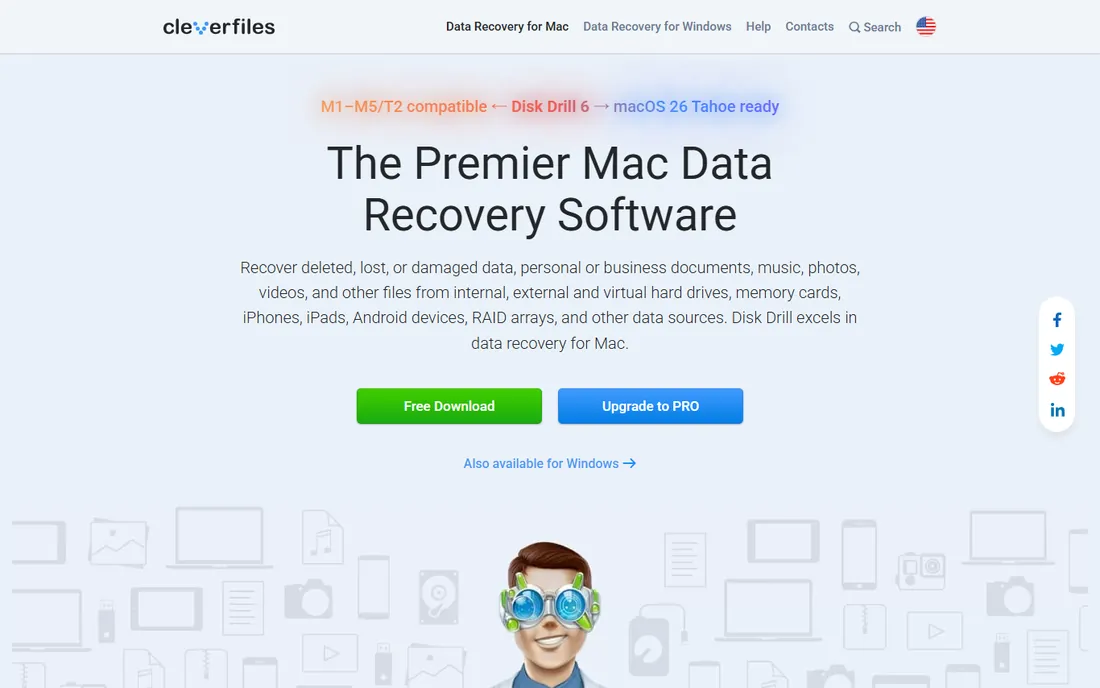
Disk Drill is the recovery tool most often recommended to people who have never done this before, and the reason is the workflow. Install it, select the drive, scan, and browse the found files with previews before paying anything. The free scan shows you exactly what is recoverable, so the purchase decision is informed rather than hopeful. It handles deleted files, formatted drives, and lost partitions across a wide range of file systems and devices.
The business model is straightforward: look for free, pay to recover. That is fair, but it means the free tier is a diagnostic, not a solution. Pricing is per-license rather than subscription, which suits a one-time disaster. For a first recovery attempt on a logically damaged drive (deleted, formatted, corrupted partition), Disk Drill's combination of usability and scan quality makes it the safest first download.
What we like- Excellent file preview before recovery
- Recovers from internal and external drives, memory cards, and USB
- Clean modern interface
Watch out for- Free tier only previews, actual recovery requires a paid license
- MacOS and Windows versions differ in features
#2
EaseUS Data Recovery Wizard
Best for: Step-by-step recovery with wide file type support
Visit easeus.com
Starting priceSee website
Free planYes (limited free recovery)
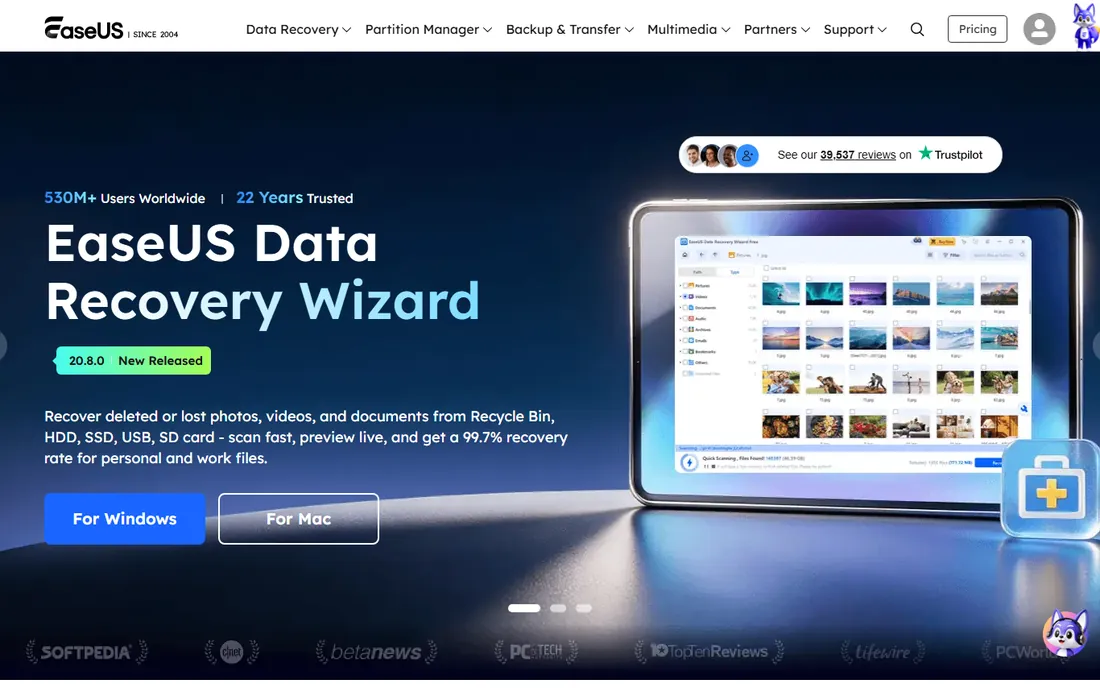
EaseUS built its name on making intimidating utilities approachable, and the Data Recovery Wizard follows the pattern: three steps, plain language, progress bars. It scans for deleted, formatted, and partition-loss scenarios, supports an enormous list of file types, and lets you filter results by type and preview files before recovering. The free tier allows a limited amount of actual data recovery, enough to test whether your most important files survive.
The catch is the ceiling on the free tier and the pricing of the paid tiers, which run on subscription or lifetime options depending on the current promotion. Check the pricing page carefully before buying, because the entry tier and the Pro tier differ in meaningful ways. For home users facing a formatted SD card or an accidentally deleted folder, the wizard format reduces the chance of a mistake at the worst possible moment.
What we like- Wizard interface walks you through each step
- Recovers photos, documents, video, and email
- Bootable media option
Watch out for- Free recovery allowance is small
- Upsell prompts during the process annoy some users
Starting priceSee website
Free planYes (free scan)
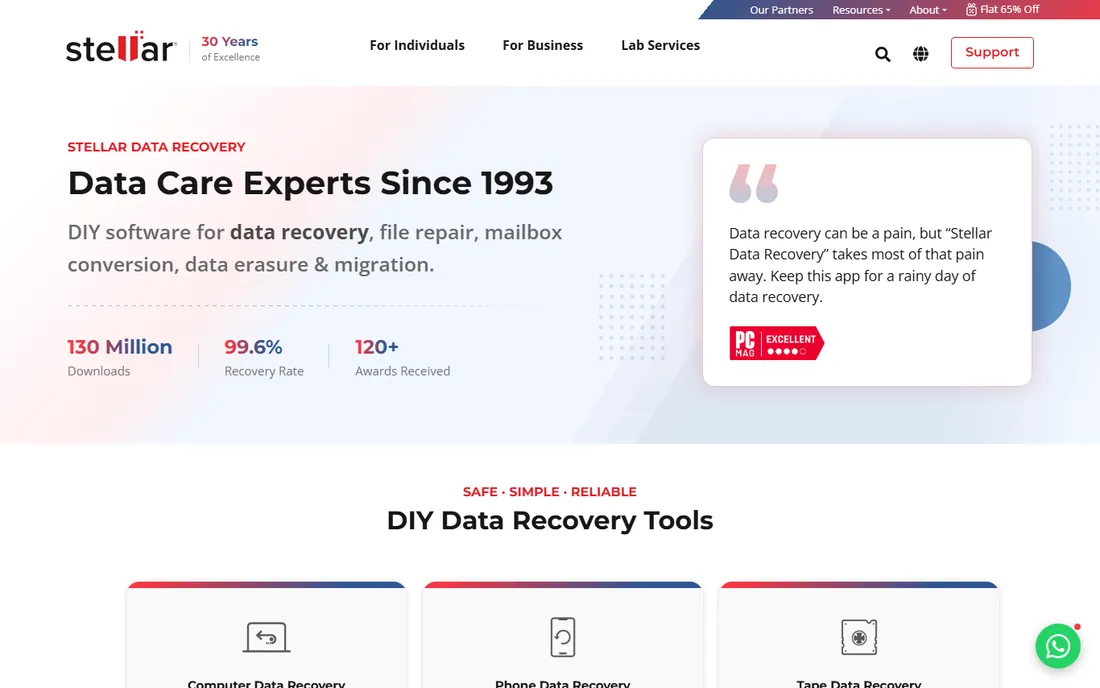
Stellar's recovery software stands out for media files. Beyond standard deleted-file recovery, it handles corrupt photos and videos, which matters because partially overwritten media is the most common "recovered but unusable" outcome. The interface is polished, the scan is thorough, and higher editions add RAID recovery and disk cloning for failing drives.
Like Disk Drill, the free tier scans and previews while recovery needs a license. Stellar's tier structure deserves a careful read: Standard, Professional, and Premium/Technician editions differ in RAID support, video repair, and commercial-use rights. Buy the tier that matches your actual case rather than defaulting to the cheapest. For photographers and videographers facing a dead memory card, Stellar's media-specific features justify its place on the shortlist.
What we like- Good at recovering photos and videos including corrupt files
- Drive monitoring features
- Professional editions for technicians
Watch out for- Recovery requires a paid license after the free scan
- Pricing tiers can confuse buyers
Starting price$0
Free planYes
Recuva from the CCleaner team is the first tool to try when the situation is simple: files deleted from the Recycle Bin, a quick-formatted USB stick, a folder that vanished. The free version actually recovers files rather than just previewing them, the deep scan mode digs harder on difficult drives, and the whole program is small enough to run from a USB stick, which matters because you should not install recovery software on the drive you are recovering from.
Set expectations correctly. Recuva is a deleted-file undelete tool, not a forensic platform. Formatted system drives, damaged partitions, and physically failing hardware are beyond its comfort zone, and there is no Mac version. The paid Professional tier adds virtual hard drive support and automatic updates, but most users never need it. For simple deletions, it is free, fast, and often all you need.
What we like- Completely free version recovers files
- Tiny and fast
- Deep scan mode for tougher cases
Watch out for- Windows only
- Struggles with formatted drives and severe corruption
- Interface is dated
Starting priceSee website
Free planFree trial
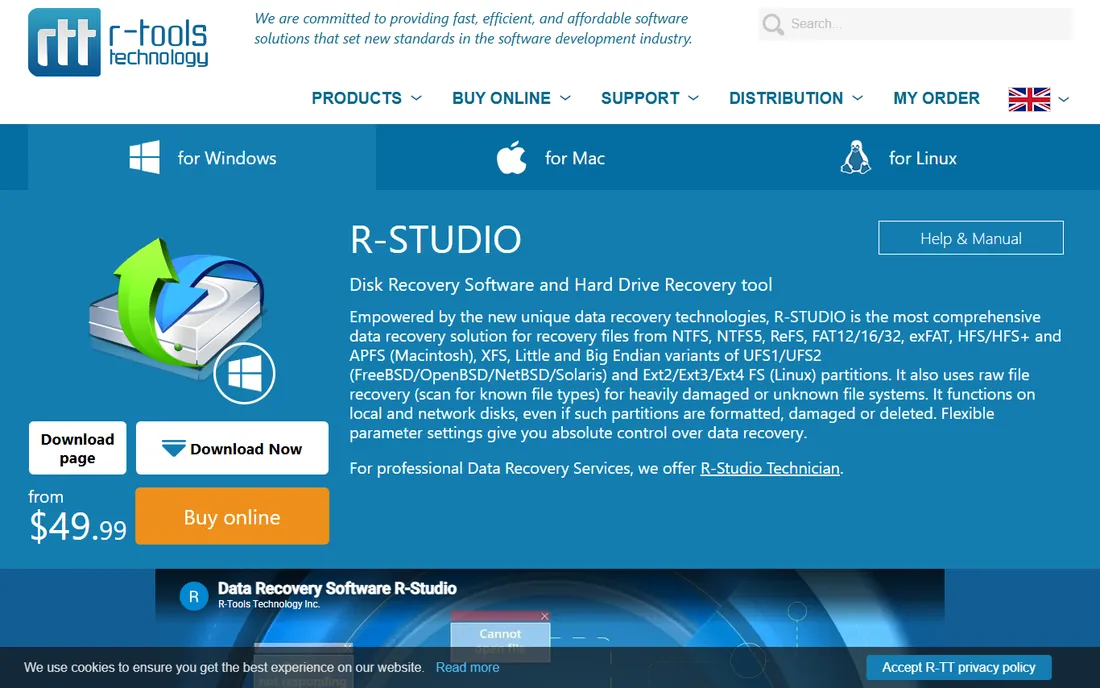
R-Studio is what data recovery technicians reach for when the consumer tools give up. Its RAID reconstruction handles damaged arrays that other software cannot assemble, it reads partitions Windows no longer recognizes, and it works across NTFS, FAT, exFAT, HFS+, APFS, and Linux file systems with equal seriousness. Network recovery lets a technician scan a failing machine remotely without installing anything on it.
This is professional software with professional pricing and a learning curve to match. Beginners will find the interface opaque and the options overwhelming. But for the difficult cases, corrupted RAID, raw partitions, cross-platform recovery, R-Studio succeeds where simpler tools fail, which is why it has survived decades of competition. If a shop quotes you for recovery, there is a good chance this is what they run.
What we like- Superb RAID reconstruction
- Reads damaged and unrecognized file systems
- Network recovery for remote machines
Watch out for- Interface assumes technical knowledge
- Priced for professionals
Starting price$0
Free planYes
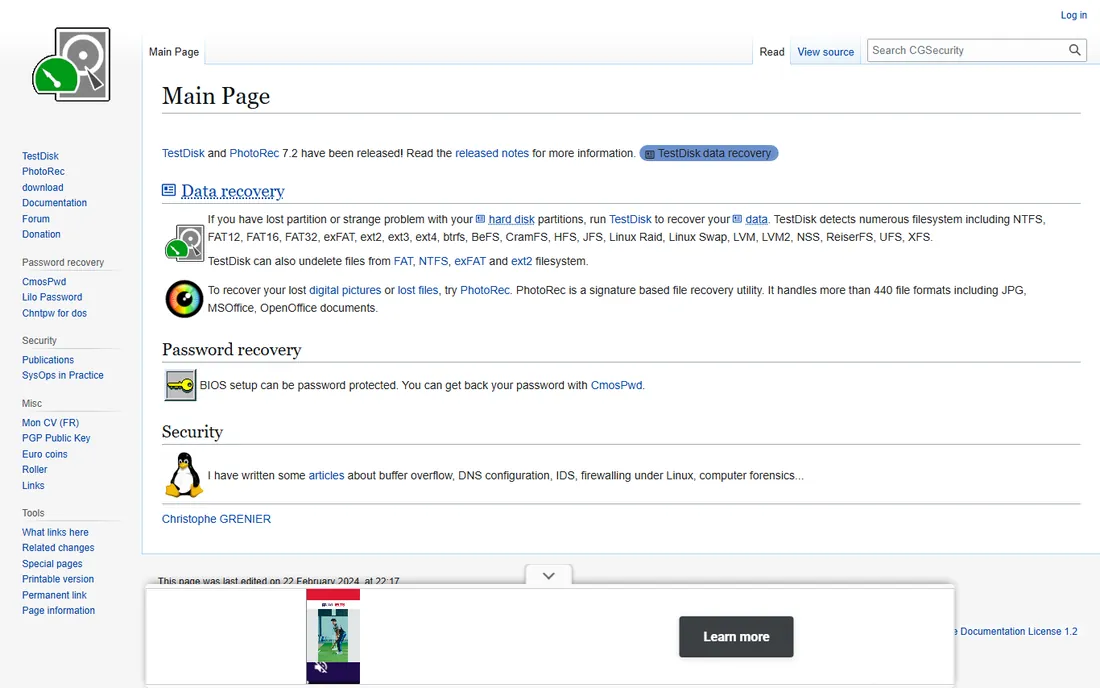
TestDisk and its companion PhotoRec are the open-source answer to data recovery, and they are far more capable than their humble appearance suggests. TestDisk recovers lost partitions and rebuilds damaged partition tables, fixing the "drive shows as unallocated" problem outright. PhotoRec ignores the file system entirely and carves files from raw disk sectors by their signatures, which works even when the file system is destroyed.
The price of free is the interface: both tools run in a text-mode UI that asks technical questions. The documentation is thorough and the community is helpful, but there is no wizard smoothing the path. For technically comfortable users, this pair handles cases that defeat paid consumer tools, at zero cost. Run PhotoRec from a live USB or a second machine, never install it on the target drive, and let it work: deep scans take hours on large drives.
What we like- Completely free and open source
- TestDisk rebuilds partition tables
- PhotoRec carves files from raw disk data
Watch out for- Text-based interface intimidates beginners
- No hand-holding or wizards
#7
MiniTool Power Data Recovery
Best for: Straightforward Windows recovery with a free allowance
Visit minitool.com
Starting priceSee website
Free planYes (limited free recovery)
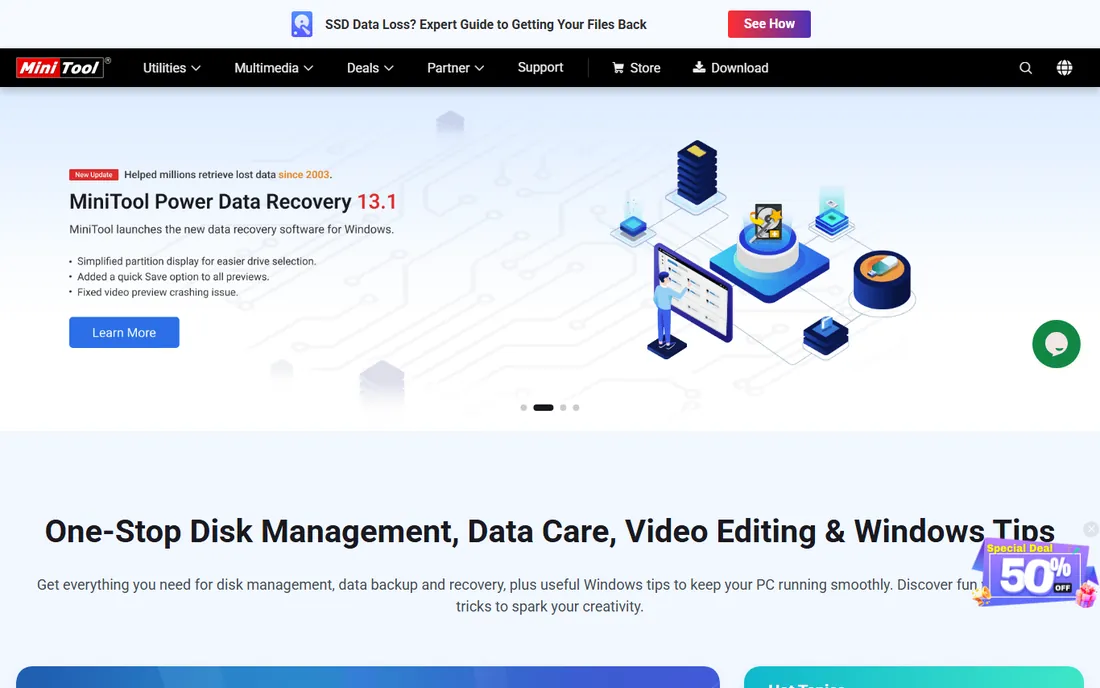
MiniTool Power Data Recovery organizes recovery by scenario: undelete, damaged partition, lost partition, digital media, each as a separate module with its own workflow. That structure helps users pick the right approach instead of running a generic scan and hoping. The free edition recovers a limited amount of data, enough to rescue critical documents and test the tool's effectiveness on your drive.
The free cap means this is a try-before-you-buy proposition for anything beyond a handful of files. Paid licenses enable full recovery with monthly, yearly, and lifetime options. It is Windows-only, so Mac users look elsewhere. For Windows users who want a guided, scenario-based tool with a genuine free recovery allowance, MiniTool is a reasonable alternative to EaseUS.
What we like- Clear module-based workflow for each loss scenario
- Free tier recovers a limited amount of data
- Fast scanning
Watch out for- Free recovery cap is small
- Windows only
Starting priceSee website
Free planYes (limited)
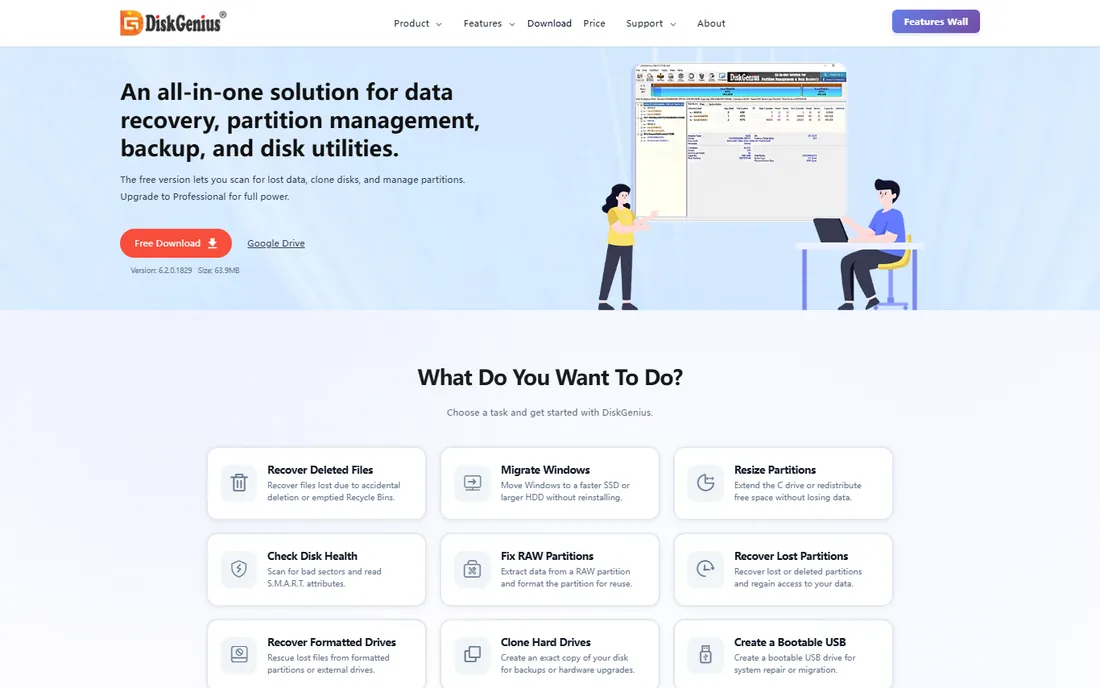
DiskGenius is two tools in one: a capable partition manager and a data recovery utility sharing one interface. That combination matters because many recovery scenarios involve partition operations, resizing, cloning a failing drive before recovery, rebuilding partition tables, and doing both in one application avoids risky handoffs between tools. It handles virtual disk files, supports RAID, and recovers from a wide range of loss scenarios.
The interface packs a lot into small space and assumes comfort with partition concepts. The free edition covers basic file recovery; advanced features like full RAID recovery and sector editing need a paid license. For IT staff and advanced users who want recovery plus disk management in a single purchase, DiskGenius offers unusual breadth for the price.
What we like- Full partition manager alongside recovery
- Handles virtual disks and RAID
- Free edition covers basic recovery
Watch out for- Interface is dense
- Documentation skews technical
- Free edition limits advanced features
#9
DMDE
Best for: Low-level recovery power at a budget price
Visit dmde.com
Starting priceSee website
Free planYes (limited free recovery)
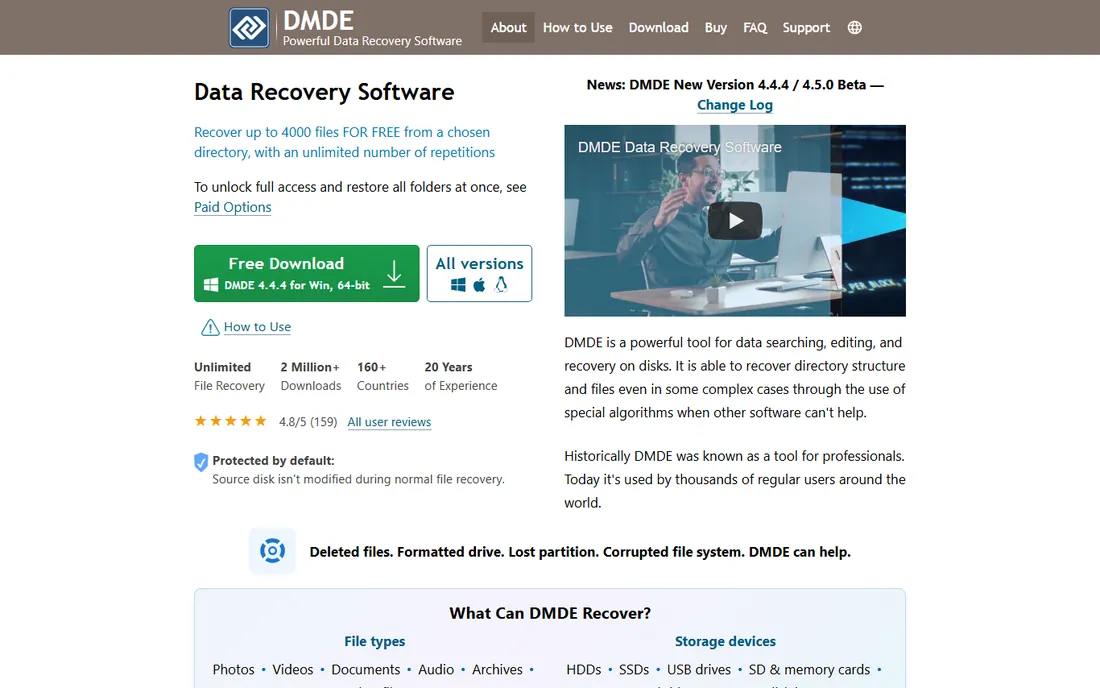
DMDE (DM Disk Editor and Data Recovery) is the technicians' secret: near-professional recovery capability at a price individuals can afford. Its NTFS reconstruction is excellent, the disk editor allows manual repair of boot sectors and file system structures, and it handles RAID, disk imaging, and partition recovery. The free edition recovers a limited number of files per run, enough to prove it works on your case.
Everything about DMDE assumes you know what a partition table is. The interface is functional, the manual is dense, and there are no wizards. But for the price of a pizza, it does work that otherwise requires software costing many times more. Technically inclined users facing a serious logical failure should try DMDE's free tier before paying for anything else.
What we like- Professional-grade disk editor and recovery at a fraction of R-Studio's price
- Excellent NTFS reconstruction
- Portable
Watch out for- Interface is spartan and technical
- Documentation requires careful reading
#10
Ontrack EasyRecovery
Best for: Recovery backed by a professional lab
Visit ontrack.com
Starting priceSee website
Free planFree trial
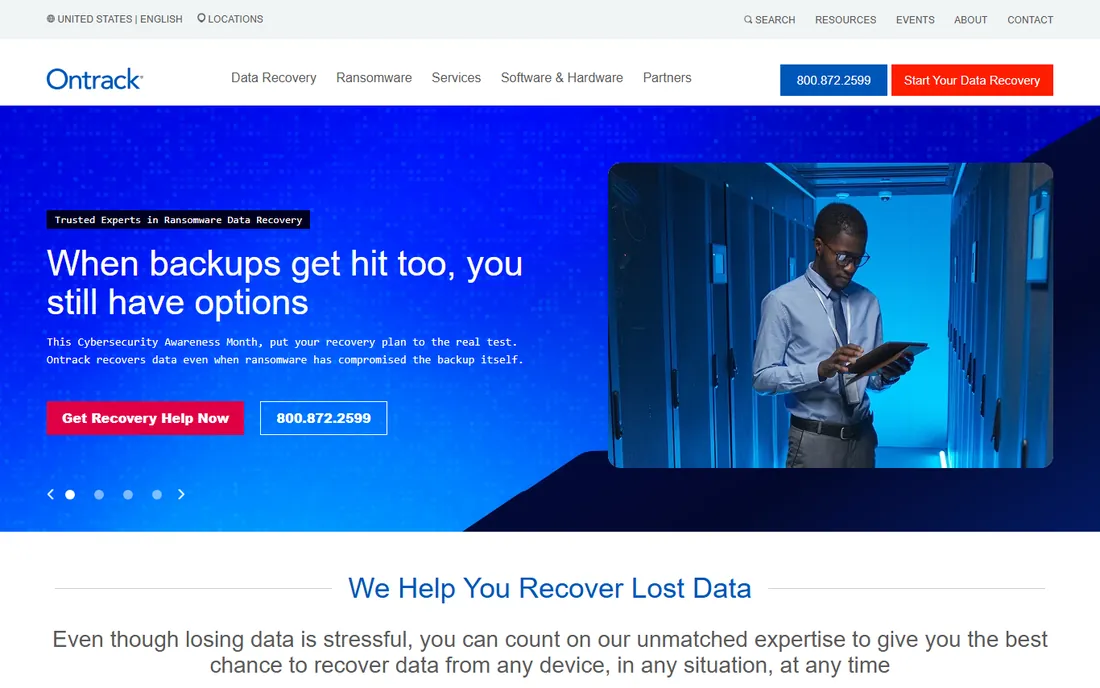
Ontrack has been in data recovery since the 1980s, and EasyRecovery carries that institutional knowledge in a consumer-friendly package. The software handles deleted, formatted, and corrupted scenarios with a clean interface, and the unique selling point is the escalation path: if the software cannot recover your data, the same company runs professional clean-room labs that can. That continuity matters when the data is business-critical.
You pay for the brand. The software tiers are priced at the premium end, and for purely logical recovery, cheaper tools match its capability. Where Ontrack earns the premium is trust and the lab behind it: when a drive is physically failing, software is the wrong tool entirely, and having the lab relationship ready saves the panicked search. For irreplaceable business data, that is worth pricing.
What we like- From one of the oldest data recovery companies
- Clean workflow
- Clear escalation path to lab recovery services
Watch out for- Premium pricing
- The software alone is less capable than R-Studio for exotic cases
When software cannot help
Every tool on this list works on logical problems: deleted files, formatted drives, corrupted partitions, lost file tables. None of them fix physical failure. Clicking, grinding, beeping, or a drive that spins up and vanishes are hardware symptoms, and running scan after scan on a dying drive can destroy what a lab could have saved. If the drive makes unusual noises, smells hot, or disappears intermittently, stop and call a recovery lab. Software cannot help, and trying usually makes it worse.
How to maximize your chances
Stop writing to the drive the moment you realize files are missing. Do not install recovery software on it, do not save recovered files to it, do not even browse it more than necessary. Recover to a different drive entirely. If the drive is failing, clone it first with a tool like ddrescue or the imaging feature in R-Studio or DMDE, then run recovery against the clone. Work from the clone and the original stays untouched as your fallback.
Run the free options first
There is a sensible order: Recuva for simple Windows deletions, TestDisk and PhotoRec for partition loss and serious free recovery, then the free scans of Disk Drill, EaseUS, or Stellar to see what a commercial tool finds. Only pay when a scan shows your files and the free tools cannot get them. Paying before scanning is how people buy software for unrecoverable drives.
How we chose
We compared feature lists, documentation, and public reviews from tech publications and user communities, weighing recovery scenarios covered, file system support, free-tier usefulness, interface accessibility, and fit for users from home to professional technicians. We did not run hands-on trials; this ranking reflects publicly documented capabilities as of October 2026.
Frequently asked questions
Can data recovery software recover files from a dead hard drive?
Only if the problem is logical, like deletion or formatting. If the drive has physical damage, such as failed heads or a dead controller, no software can recover it. Those cases need a professional lab with a clean room.
What should I do first when I lose files?
Stop using the drive immediately. Do not install anything on it or save new files to it. Then run a recovery scan from a different drive or a bootable USB, and recover found files to separate storage.
Is Recuva really free?
Yes. Recuva's free version recovers deleted files without payment. A paid Professional version exists with extras like virtual hard drive support and automatic updates, but the core recovery in the free version is fully functional.
How long does a data recovery scan take?
Minutes for a quick scan of a healthy drive, several hours for a deep scan of a large or damaged drive. PhotoRec-style raw carving on a multi-terabyte drive can run overnight. Plan accordingly and do not interrupt deep scans.
Can I recover files from a formatted drive?
Often yes, if it was a quick format and little has been written since. A quick format only erases the file table, not the data. A full format or heavy subsequent use makes recovery unlikely. Scan as soon as possible for the best odds.
Should I pay for recovery software or use free tools?
Try free first: Recuva for simple deletions, TestDisk and PhotoRec for tougher free recovery. Pay only when a free scan from a commercial tool shows your specific files as recoverable and the free tools cannot retrieve them. Never pay before confirming the scan finds your data.
Sources we checked (1)
- https://www.ccleaner.com/recuva
Is your product missing or out of date?
We review this list regularly. Vendors can request a listing, send updated pricing or ask about featured placement.

Shihab Mia · Founder, Rankite
Shihab has spent more than a decade helping SaaS and e-commerce brands grow through search. He writes Rankite's software buying guides from pricing pages, documentation and public user reviews. More about Shihab.