How we make this list: we compare pricing pages, product documentation and public user reviews. Ratings come from G2, Capterra or Trustpilot, with the date we checked them.
Key takeaways
- Clockify is the cheapest way to track time for a large team, with a free plan that covers unlimited users and paid plans from $3.99 per user per month.
- Toggl Track is the simplest timer in this list, and its free plan for up to five users makes it a low-risk starting point for freelancers and small teams.
- Harvest is the best fit when tracked hours must turn into invoices, because billing rates, budgets, and payments sit close to the timer itself.
- RescueTime and Timely suit people who forget manual timers, since both capture activity in the background and turn it into a reviewable record.
- Hubstaff and Time Doctor add monitoring features such as screenshots and activity scores, so they fit distributed teams that need oversight, not just a timer.
Quick comparison
| Tool | Best for | Starting price | Free plan |
|---|
 Toggl Track Toggl Track | Freelancers and small teams that want a simple timer | $9 per user per month | Yes |
 Clockify Clockify | Large teams and budget-conscious managers | $3.99 per user per month | Yes |
 Harvest Harvest | Service teams that bill clients by the hour | See website | Yes |
 RescueTime RescueTime | Individuals who want to improve focus habits | $7 per month | Yes |
 Hubstaff Hubstaff | Remote and field teams that need payroll and oversight | $4.99 per user per month | No |
 Time Doctor Time Doctor | Distributed teams that need auditable hours | $6.67 per user per month | No |
 Everhour Everhour | Teams already working in Asana, ClickUp, Jira, or Trello | $10 per user per month | Yes |
 Timely Timely | Agencies and consultancies that hate manual timesheets | $9 per user per month | No |
Is your product missing or out of date?
We review this list regularly. Vendors can request a listing, send updated pricing or ask about featured placement.
The best productivity tracking software
#1Toggl Track
Best for: Freelancers and small teams that want a simple timer4.6/5 on
G2 (1,589 reviews, checked Oct 2026)
Visit toggl.com
Starting price$9 per user per month
Free planYes
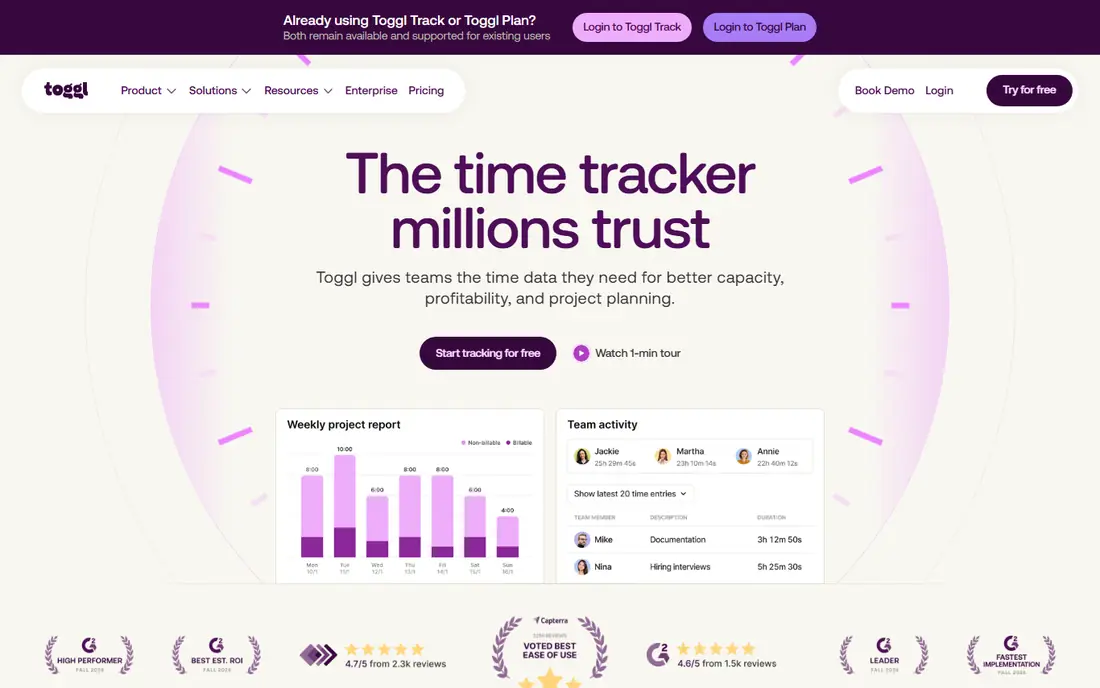
Toggl Track earns its place first because the timer itself gets out of the way. One click starts it, one click stops it, and the entry syncs across the browser, desktop apps, and mobile apps. For a freelancer, that simplicity matters more than a long feature list, because a timer that feels like work will be abandoned by Friday. Reports stay readable too, with filters by client, project, tag, and team member, plus exports that clients can follow without a walkthrough.
The paid Starter plan at $9 per user per month adds billable rates, rounding, and project estimates, while higher tiers add approvals and profitability reporting. That price is fair for teams that value adoption, but it is more than double Clockify for a comparable seat. Choose Toggl Track when your team resists tracking and needs the easiest possible start. If everyone already logs time reliably, a cheaper tool will do the same job.
What we like- One-click timer on web, desktop, and mobile
- Clear reports by project, client, and team member
- No screenshots or monitoring
Watch out for- Billable rates and approvals need a paid plan
- Free plan caps at five users
- Higher paid tiers cost more than Clockify
#2Clockify
Best for: Large teams and budget-conscious managers4.5/5 on
G2 (204 reviews, checked Oct 2026)
Visit clockify.me
Starting price$3.99 per user per month
Free planYes
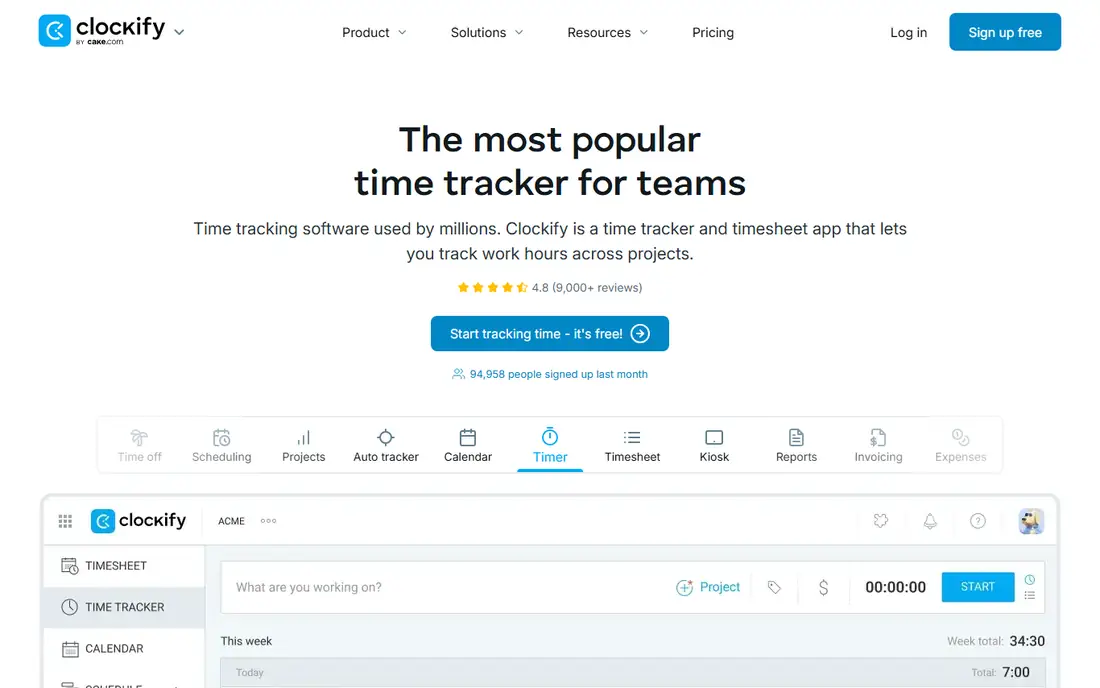
Clockify is the value pick in this category, and the free plan is the reason. Unlike most rivals, it does not cap the free plan at a handful of users, so a growing team can track time, submit timesheets, and run basic reports without paying anything at first. The paid Basic plan starts at $3.99 per user per month and adds features such as time-off management and invoicing, which keeps the upgrade path gentle.
The trade-off is polish. Clockify covers a lot of ground, from a kiosk mode for shared workstations to scheduling and approvals, but some screens feel plain next to Toggl Track. Teams that want a clean, minimal timer may find Clockify busy. Teams that want the most tracking for the least money, with room to grow, will find it hard to beat.
What we like- Free plan for unlimited users
- Timesheets, kiosk, and scheduling included
- Invoicing and expenses on paid plans
Watch out for- Screenshots and GPS sit on higher tiers
- Interface feels utilitarian
- Advanced reporting needs a paid plan
#3Harvest
Best for: Service teams that bill clients by the hour4.3/5 on
G2 (836 reviews, checked Oct 2026)
Visit getharvest.com
Starting priceSee website
Free planYes
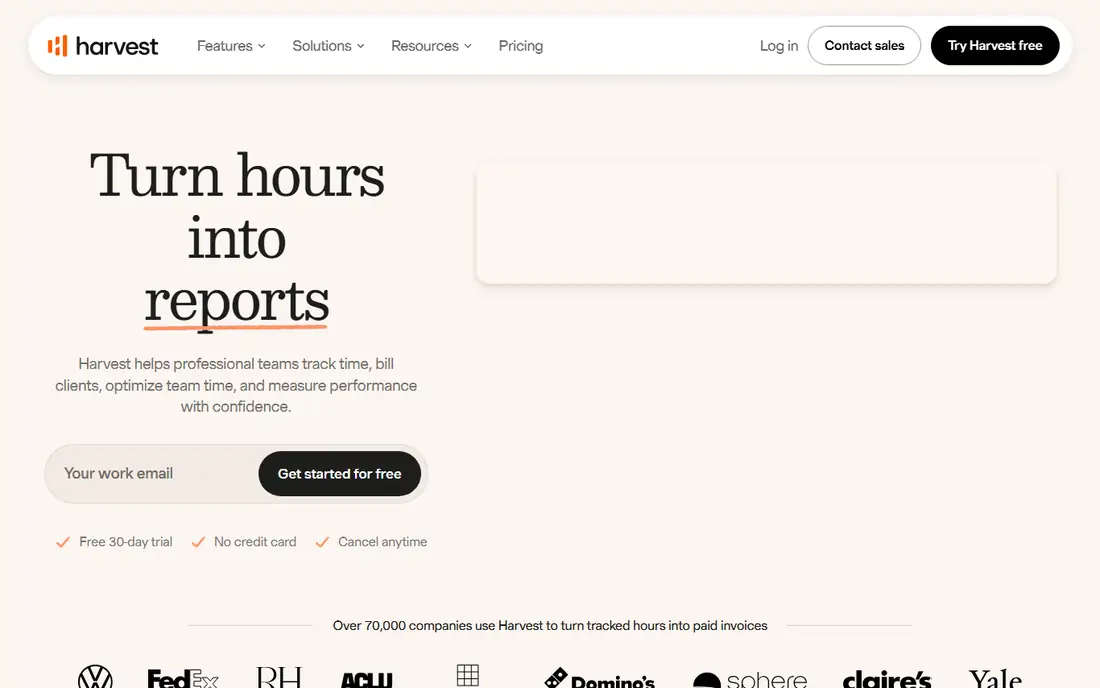
Harvest treats time as money from the start, which is exactly what an agency or consultancy needs. You set billable rates by person, project, or task, track hours against a budget, and turn approved time into an invoice without retyping numbers into another system. Clients can pay from the invoice itself, which shortens the gap between work done and money received. Profitability reports then show which projects earn and which ones quietly lose money.
The free plan is narrow, limited to one seat and two projects, so it works as a trial for a solo freelancer rather than a long-term plan for a team. Paid plans open up the full team features, including retainers and forecasting. If your main problem is getting paid accurately for hours worked, Harvest deserves a close look. If you only need a personal timer, it is more tool than you need.
What we like- Built-in invoicing from tracked time
- Budgets and profitability reports
- Payments through Stripe and PayPal
Watch out for- Free plan covers one seat and two projects
- Pricing has changed over time, so check the current page
- Fewer monitoring features than Hubstaff
Starting price$7 per month
Free planYes
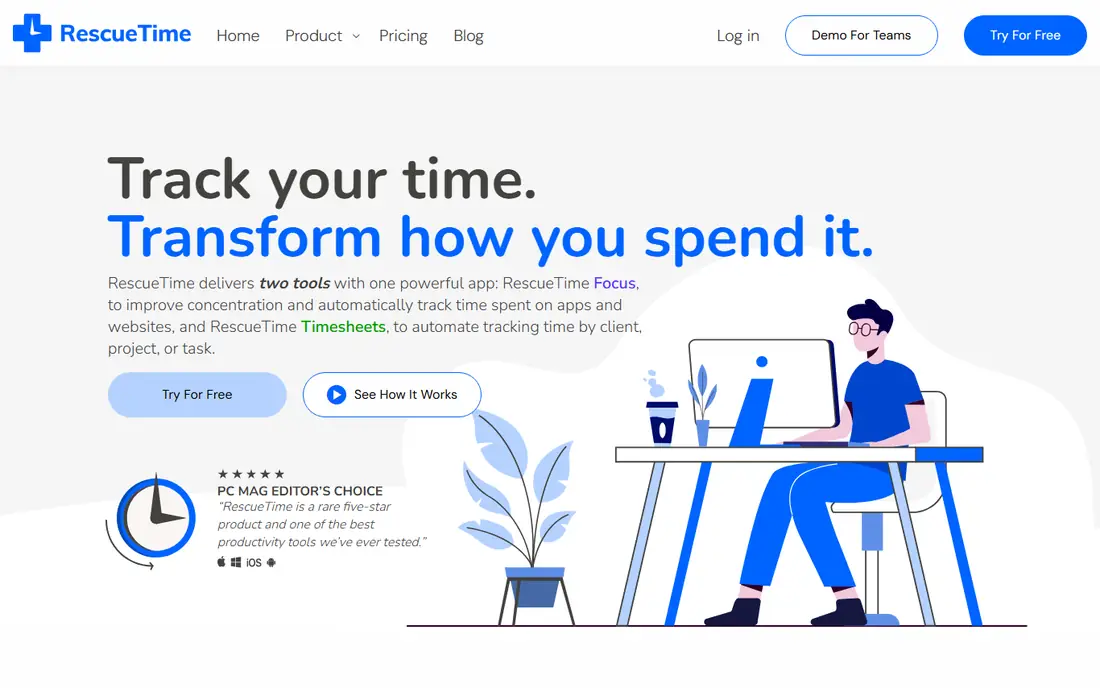
RescueTime takes a different approach from the timers above: it watches which apps and websites you use and sorts them into productive, distracting, or neutral categories. That record is often uncomfortable, because it shows the true cost of email checks and social media breaks in a way memory never does. From there, goals and alerts nudge you back on track, and Focus Sessions block chosen distractions for a set period while you work on one task.
The newer Timesheets product extends the same automatic capture to client and project tracking, which helps freelancers who hate manual entry. RescueTime does not try to replace Harvest for invoicing, and it does not offer the monitoring controls of Hubstaff. Its strength is personal: if you want to understand your own habits and protect deep work, it is the most direct tool in this list.
What we like- Automatic tracking of apps and websites
- Focus Sessions block distractions
- Goals and alerts highlight habit changes
Watch out for- Team features are newer and less central than personal ones
- Requires a desktop app install
- No invoicing built in
#5
Hubstaff
Best for: Remote and field teams that need payroll and oversight
Visit hubstaff.com
Starting price$4.99 per user per month
Free planNo
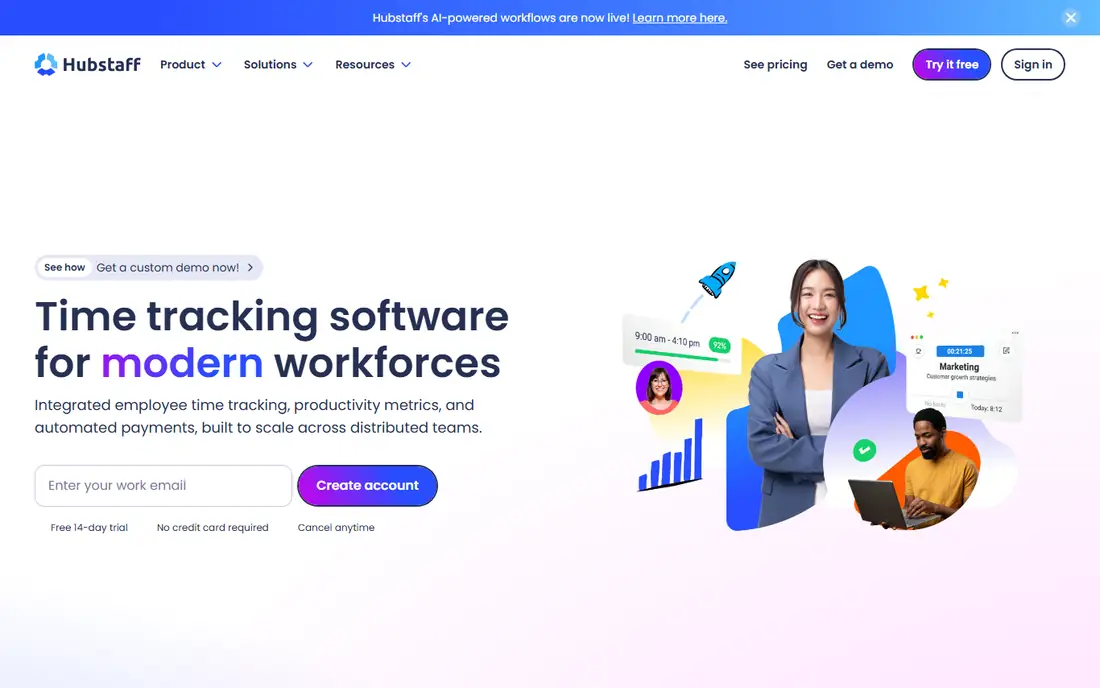
Hubstaff is built for managers who run teams they cannot see in person. Alongside timers and timesheets, it offers GPS tracking for mobile crews, optional screenshots, activity levels, and scheduling, all feeding into payroll. That combination suits agencies with contractors, field service firms, and support teams spread across time zones, where hours, location, and pay need to line up in one system.
The monitoring side needs care. Screenshots and activity scores can damage trust if a team learns about them after the fact, so managers should explain what is captured, why, and who can see it. Hubstaff lets you configure those settings, but the conversation matters as much as the toggle. If your team works in one office and bills by project, a lighter tool will be easier. If you manage remote staff and pay from tracked hours, Hubstaff is a strong, practical choice.
What we like- GPS tracking for field teams
- Screenshots and activity scores
- Payroll with integrations for payment providers
Watch out for- Monitoring features can feel intrusive if not explained well
- No free plan, only a trial
- Setup takes longer than a simple timer
#6Time Doctor
Best for: Distributed teams that need auditable hours4.4/5 on
G2 (491 reviews, checked Oct 2026)
Visit timedoctor.com
Starting price$6.67 per user per month
Free planNo
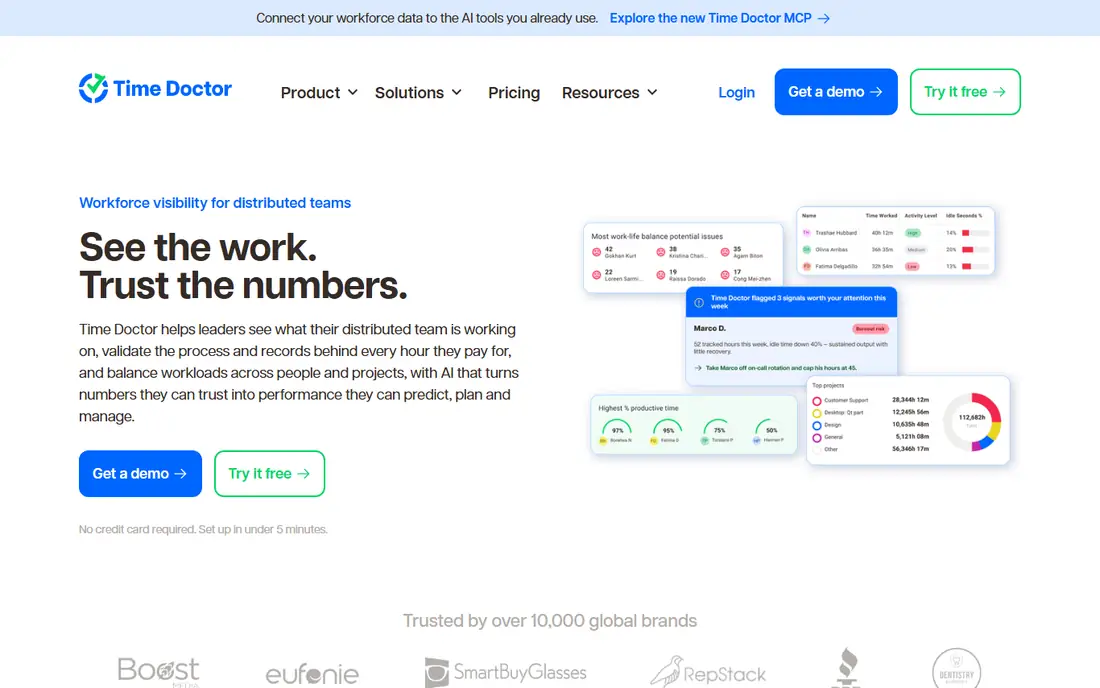
Time Doctor frames its product around visibility: leaders see what distributed teams work on, validate the records behind each paid hour, and balance workloads before burnout sets in. Activity data, project time, and optional screenshots combine into reports that hold up for payroll, client billing, and audits. The newer AI features add plain-language answers drawn from tracked hours, which can save managers from building the same report by hand each week.
That depth comes with responsibility. Time Doctor gives admins control over what is captured, including screenshot blurring and role-based permissions, and employees can see their own data. Use those controls openly, and the tool reads as accountability. Skip that step, and it reads as surveillance. For a distributed team with formal payroll and client reporting needs, Time Doctor is one of the most complete options here.
What we like- Detailed activity and workload views
- Payroll-ready records
- Controls for screenshots, blurring, and permissions
Watch out for- No free plan, only a trial
- Monitoring features need a clear policy
- Price rises on higher tiers
#7Everhour
Best for: Teams already working in Asana, ClickUp, Jira, or Trello4.7/5 on
Capterra (432 reviews, checked Oct 2026)
Visit everhour.com
Starting price$10 per user per month
Free planYes
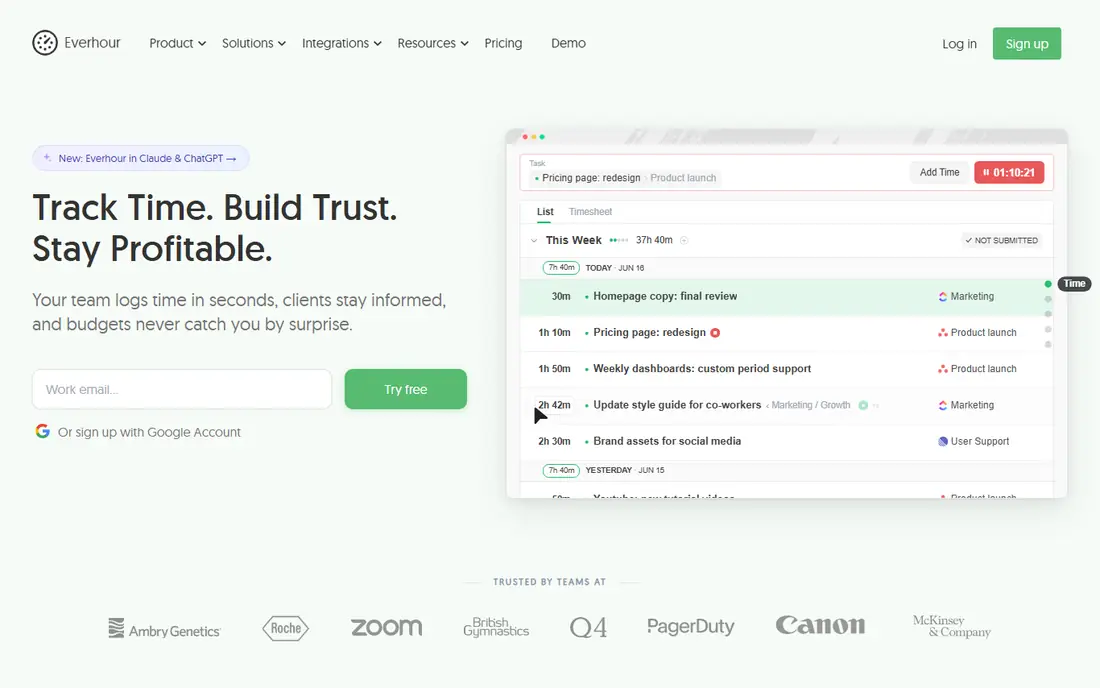
Everhour solves a specific annoyance: tracking time in one app while managing tasks in another. Its controls sit inside Asana, ClickUp, Jira, Trello, Monday, and other project tools, so team members start timers on the task they are already looking at. Budgets, billing rates, and invoices then build on that same data, with alerts when a project approaches its hour limit. Because the time history lives in Everhour, switching project tools later does not erase it.
The catch is fit. If your team lives in one of the supported tools, Everhour feels almost invisible, and that is a compliment. If you track time without a project tool, or you use an unsupported one, the main advantage disappears, and a standalone tracker will serve you better. For project-driven teams, though, the embedded design is a real time saver.
What we like- Timers embedded inside project management tools
- Budgets, billing rates, and invoicing
- Time data stays in Everhour if you switch PM tools
Watch out for- Less useful if you do not use a supported PM tool
- Paid price is higher than Clockify
- Mobile experience is secondary to the web app
#8Timely
Best for: Agencies and consultancies that hate manual timesheets4.8/5 on
G2 (497 reviews, checked Oct 2026)
Visit timelyapp.com
Starting price$9 per user per month
Free planNo
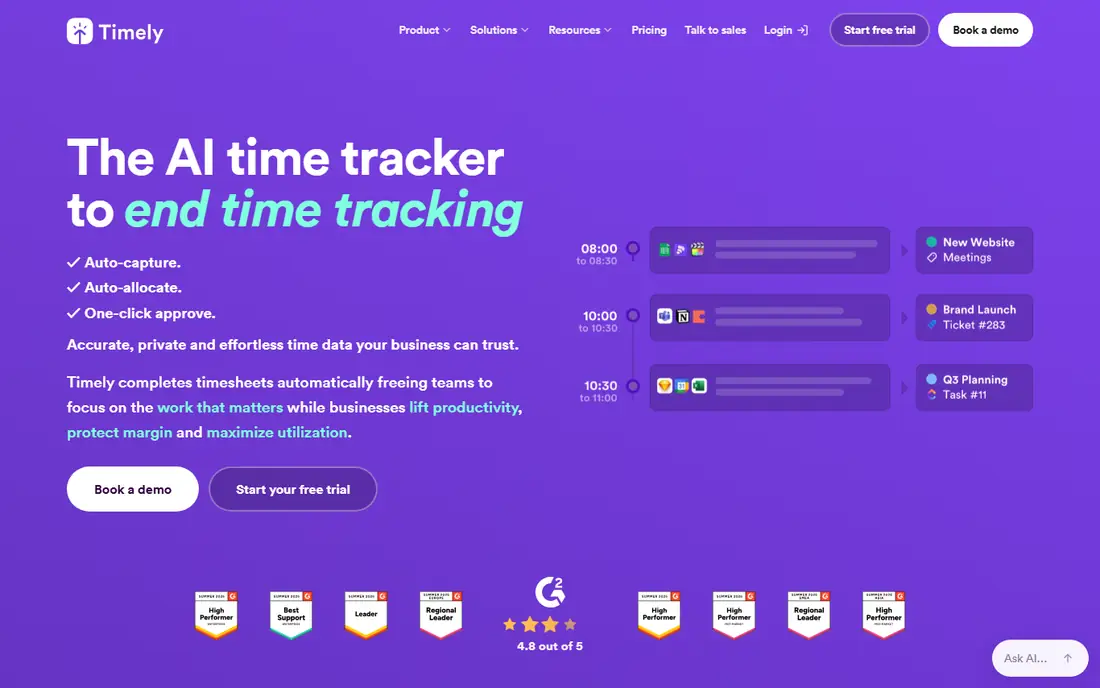
Timely is the closest thing in this list to timesheets that write themselves. Its Memory feature captures work across apps and meetings in the background, then its AI suggests how each block maps to projects and clients. A team member reviews the draft and approves it with one click, rather than reconstructing a week from memory on Friday afternoon. Entries stay private until approved, which answers the most common worry about automatic tracking.
Accuracy still needs a human check. Automatic suggestions can mislabel a meeting or split a task oddly, and billing from an unreviewed draft would be a mistake. Timely works best for agencies and consultancies where missed billable hours cost real money and timesheet chasing wastes manager time. For a solo user who just wants a timer, it is more expensive and more complex than needed.
What we like- Automatic capture of work across apps
- AI drafts timesheets for one-click approval
- Private timelines that only share approved entries
Watch out for- No free plan, only a 14-day trial
- Automatic capture needs review before billing
- Less suited to simple personal tracking
How we chose
We compared pricing pages, product documentation, and public reviews on G2 and Capterra, and we checked each vendor homepage to confirm the product still exists and matches its category. We favored tools with a clear tracking method, a pricing page a buyer can actually read, and a fit for a defined team size or use case, rather than tools that claim to suit everyone. Where pricing sources disagreed, we listed the price as "See website" instead of publishing a number we could not verify.
We also weighed the human side of tracking. A timer nobody uses produces no data, so ease of adoption counted heavily. Monitoring features counted only when paired with controls and transparency, because a tool that harms trust will fail even if its reports look good. That is why this list mixes simple timers, automatic trackers, and oversight tools, rather than ranking one approach above all others.
Choosing the right tracking style
Match the tool to the problem
Start by naming the problem you actually have. If hours go unbilled, you need billing and invoicing, so Harvest, Everhour, or Timely should lead your shortlist. If focus is the problem, RescueTime will tell you more than a manual timer ever will. If you manage remote staff and pay from hours, Hubstaff or Time Doctor gives you the records payroll needs. Buying a monitoring tool for a focus problem, or a focus tool for a payroll problem, wastes money in both directions.
Test adoption before you pay
Run a two-week trial with the people who will use the tool every day, not just the manager who buys it. Ask them to track a real project, submit a timesheet, and pull one report. Watch for friction: timers that need too many clicks, categories that confuse people, or mobile apps that lag. The tool with the highest adoption after two weeks will beat the tool with the longest feature list, because complete data from a simple tool is worth more than partial data from a powerful one.
Set the rules in writing
Whatever you choose, write down what is tracked, what is not, and who can see the reports. Say plainly if screenshots or activity scores are on, and give the reason in one sentence. Review the settings after a month, and turn off anything nobody uses. Clear rules protect trust, and trust is what keeps a team logging time honestly after the novelty fades.
Frequently asked questions
What is productivity tracking software?
It is software that records how time is spent across apps, projects, and tasks, then turns that record into reports. Some tools use manual timers, some capture activity automatically, and some add monitoring features for teams. The goal is the same in each case: replace guesswork about time with a record you can plan, bill, and improve from.
Do I need automatic tracking or a manual timer?
A manual timer fits billing, because you choose the project and task for each entry, and the record is easy to defend to a client. Automatic tracking fits personal productivity and agency timesheets, because it captures work you would otherwise forget. Many teams use both: automatic capture as a memory aid, with manual review before anything is billed or reported.
Is a free plan enough for a small team?
It can be, if the limits match your size. Clockify covers unlimited users free, Toggl Track covers up to five, and Everhour covers small teams, so a tiny team can often run free for months. You will usually need a paid plan once you want billable rates, approvals, invoicing, or advanced reports, so check which features sit behind the paywall before you commit.
Are screenshots and activity monitoring worth it?
They help when hours must be auditable for payroll or client billing, and they harm trust when they appear without warning. If you use them, explain the policy, limit access, and let employees see their own data. If your team is small and trusted, a timer without monitoring will usually give you everything you need with less friction.
How much should a small team expect to pay?
Most paid plans in this list start between $3.99 and $10 per user per month when billed annually, so a five-person team typically pays $20 to $50 per month at the entry tier. Higher tiers, add-ons, and monitoring features raise that figure. Start on a free plan or trial, confirm adoption, and only then scale seats to the whole team.
Can I switch tools later without losing history?
Often yes, but exports vary. Most tools in this list export time entries to CSV, and some offer APIs for a fuller migration. Before switching, export a complete backup, check that project and client names survive the move, and run both tools in parallel for a week. That overlap catches mapping errors while the old data is still available.
Sources we checked (9)
- https://toggl.com/track
- https://clockify.me
- https://www.getharvest.com
- https://www.rescuetime.com
- https://www.hubstaff.com
- https://www.timedoctor.com
- https://everhour.com
- https://timelyapp.com
- https://timeeting.com/time-tracking-tools
Is your product missing or out of date?
We review this list regularly. Vendors can request a listing, send updated pricing or ask about featured placement.

Shihab Mia · Founder, Rankite
Shihab has 5+ years in B2B and SaaS SEO. He writes Rankite's software buying guides from pricing pages, documentation and public user reviews. More about Shihab.