How we make this list: we compare pricing pages, product documentation and public user reviews. Rankite is independent; if a vendor ever pays for a featured spot, that listing is clearly labeled Partner.
Key takeaways
- Notion, Evernote and OneNote cover notes and knowledge, with Notion the most flexible and OneNote the best free option.
- Asana, monday.com, ClickUp and Trello manage team projects, ranging from Trello's simple boards to ClickUp's all-in-one workspace.
- Todoist and TickTick are the best pure task managers for individuals, with natural language input and cross-device sync.
- Every tool here offers a free plan or trial, so you can test with your real workflow before paying.
- The best productivity tool is the one your team will actually use: adoption beats features.
Introduction
Productivity software is a crowded shelf, and the wrong pick costs more than money: it costs the weeks your team spends migrating, learning and then quietly abandoning the tool. The nine recommendations below cover the categories that matter most: personal task managers, note-taking apps and team project platforms. Each has survived years of competition, which in this market is the strongest signal of quality. Whether you need to organize your own day or coordinate a hundred-person company, there is a proven option here.
The 9 top productivity software recommendations
#1
Notion
Best for: Individuals and teams wanting one flexible workspace for docs, projects and wikis
Visit notion.so
Starting priceFree
Free planYes
Notion is the connected workspace where docs, projects and knowledge live together. Its block-based editor and databases let you build anything from a simple to-do list to a full company wiki, and thousands of community templates mean you rarely start from scratch. In 2026 the product has leaned into AI: agents that triage work, search across your apps and automate reporting.
The free plan is genuinely useful for individuals, which is why Notion grew to 100 million users. The trade-off is the learning curve: with so much flexibility, teams need conventions or the workspace becomes chaos. For startups and knowledge workers who want one tool instead of five, it remains the top recommendation.
What we like- Extremely flexible databases and templates
- Generous free tier
- AI agents and search built in
Watch out for- Flexibility can overwhelm new users
- Offline support is limited

#2
Asana
Best for: Teams that need structured project management with goals and portfolios
Visit asana.com
Starting priceSee website
Free planYes
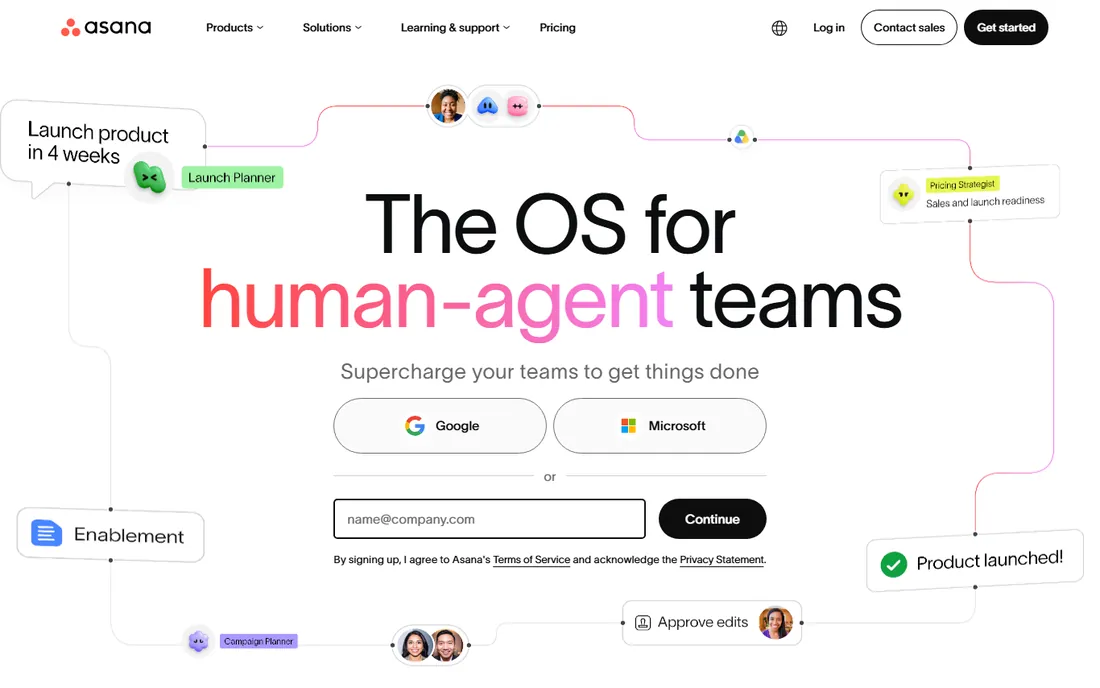
Asana is the work management platform for teams that outgrow simple task lists. Projects, timelines, portfolios and goals connect daily tasks to company objectives, and the Work Graph keeps dependencies visible. Its 2026 push centers on AI teammates: agents with shared memory and scoped permissions that work inside real workflows.
With over 170,000 paying customers including Amazon and Anthropic, Asana is proven at scale. Millions of free organizations use the free tier, making it easy to start. The complexity that makes it powerful can also make it feel bureaucratic for small teams, so match the tool to your actual coordination needs.
What we like- Strong goals and portfolio features
- AI teammates with shared memory
- Trusted by 170,000+ organizations
Watch out for- Can feel heavy for simple task tracking
- Advanced features need paid tiers

#3
monday.com
Best for: Teams that want visual, customizable workflows with strong automation
Visit monday.com
Starting priceSee website
Free planYes
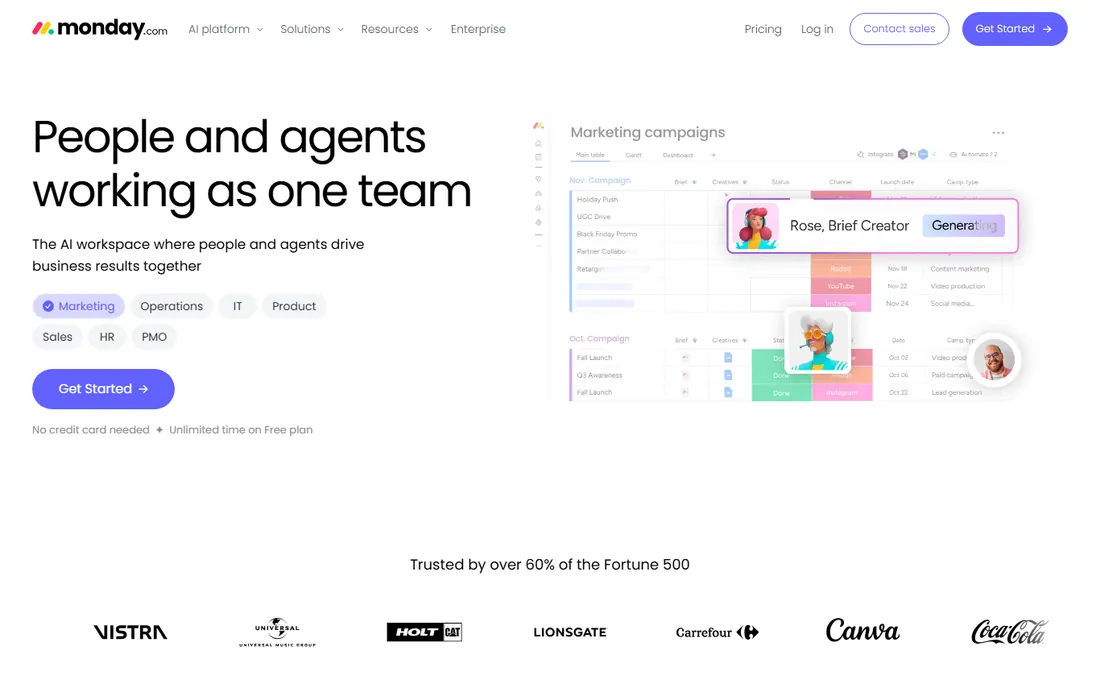
monday.com turned work management into colorful, visual boards, and in 2026 it rebranded around AI: an "AI Work Platform" where agents research vendors, triage tickets, screen resumes and monitor projects. Underneath the AI story, the core remains boards, views, dashboards and automations that non-technical teams can configure themselves.
Trusted by over 60% of the Fortune 500, monday.com scales from small teams to enterprises, with CRM, service and dev products on the same platform. The free plan has no time limit, which is generous. Watch per-seat pricing as you grow: it is the main complaint, and the main reason to compare carefully against ClickUp.
What we like- Highly visual boards and dashboards
- Powerful no-code automations
- Free plan with unlimited time
Watch out for- Pricing per seat adds up
- Can get expensive with many users

#4
ClickUp
Best for: Teams that want to consolidate tasks, docs, chat and whiteboards in one app
Visit clickup.com
Starting priceSee website
Free planYes
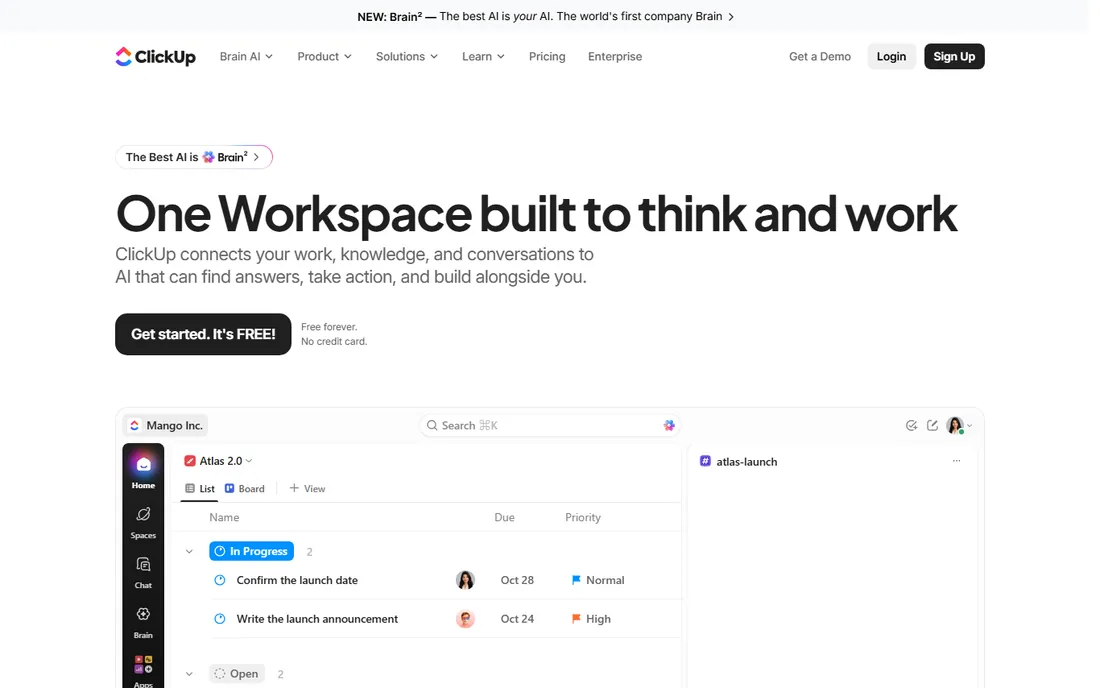
ClickUp's pitch is consolidation: instead of paying for a task app, a docs app, a chat app and a whiteboard, you get them all in one workspace. Its 2026 headline is Brain, an AI layer with "Super Agents" that see your tasks, docs and conversations, pick the best model for each job and act with full context. The free plan is free forever with no credit card.
This is the maximalist choice: if your team suffers from app sprawl, ClickUp replaces the most tools. The risk is the opposite problem, a single app so dense that teams use 10% of it. Start with the free plan, adopt one module at a time, and resist turning on everything at once.
What we like- All-in-one: tasks, docs, chat, whiteboards, spreadsheets
- Free forever plan
- Deep AI with Brain
Watch out for- Feature density can overwhelm
- Performance has been a historical complaint

#5
Trello
Best for: Simple visual task management with kanban boards anyone can learn
Visit trello.com
Starting priceSee website
Free planYes
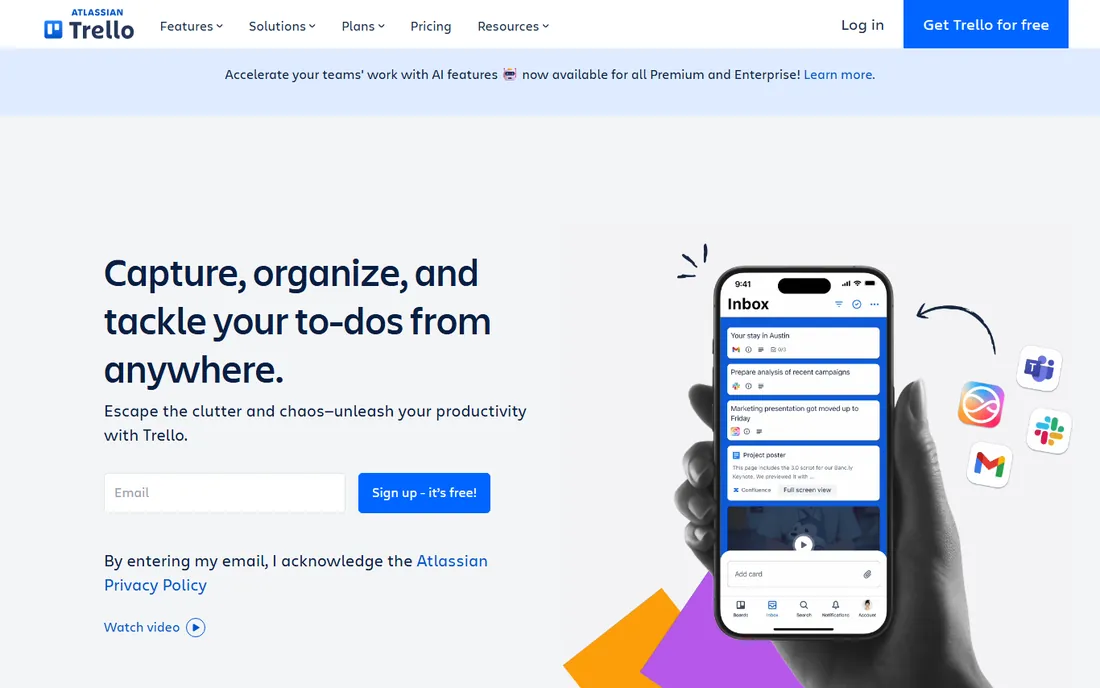
Trello invented the mainstream kanban board, and its simplicity remains unmatched: sign up, create a board, drag cards between lists, done. Owned by Atlassian, it integrates naturally with Jira and Confluence for teams in that ecosystem, and Power-Ups add calendars, automation and integrations.
For personal projects, small teams and anyone allergic to complex software, Trello is still the right answer. It will not run a 200-person product org, and that is fine: it was never meant to. The free tier handles unlimited personal boards, making it one of the best free productivity tools ever made.
What we like- Simplest learning curve in the category
- Free plan covers basics
- Huge template and Power-Up ecosystem
Watch out for- Limited for complex projects
- Reporting is basic without add-ons

#6
Todoist
Best for: Individuals who want the best pure to-do list with natural language input
Visit todoist.com
Starting priceSee website
Free planYes
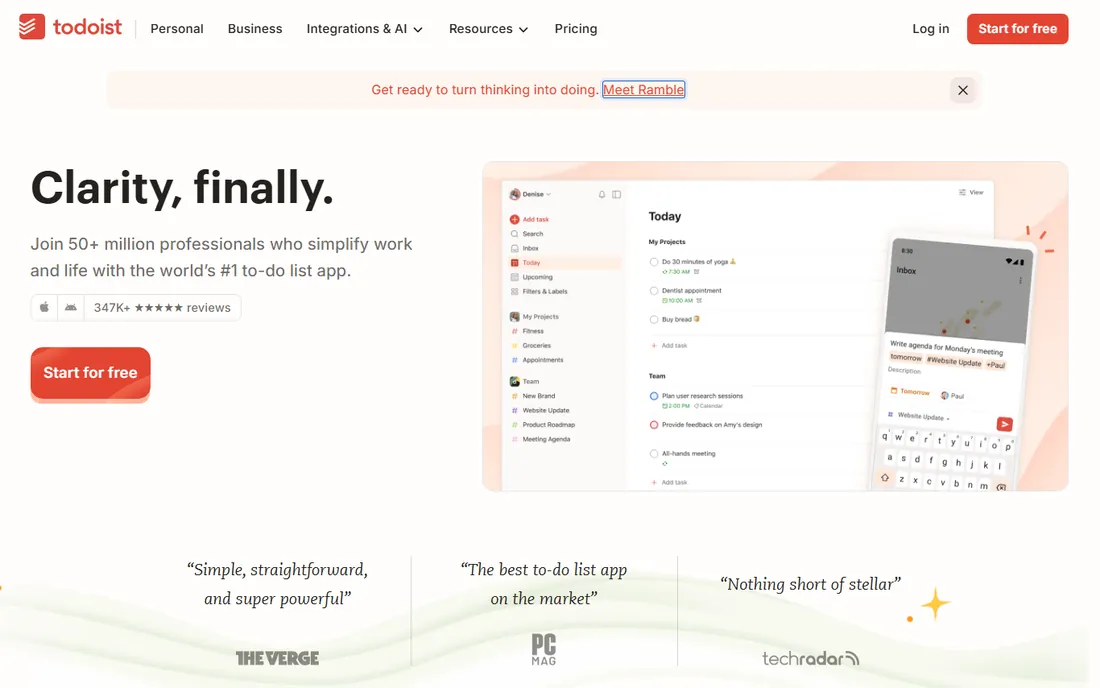
Todoist has spent nearly two decades perfecting the to-do list. Type "Submit report every Friday at 4pm" and it parses the recurrence automatically. Projects, labels, filters and priorities organize work and life, and Todoist Assist adds AI that turns scattered tasks into action plans. It runs on phone, tablet, watch, desktop and web, all in sync.
With 50+ million users and a fiercely independent, bootstrapped company behind it, Todoist is the safe long-term bet for personal task management. It is not a project management platform, and teams needing timelines and portfolios should look at Asana or monday.com. For getting things out of your head and done, nothing beats it.
What we like- Best-in-class natural language task entry
- Available on every platform including watches
- Independent and bootstrapped
Watch out for- Project management features are lighter than Asana or ClickUp
- AI features trail the hype
#7
Evernote
Best for: Note-takers who want a mature second brain with web clipping
Visit evernote.com
Starting priceSee website
Free planFree trial
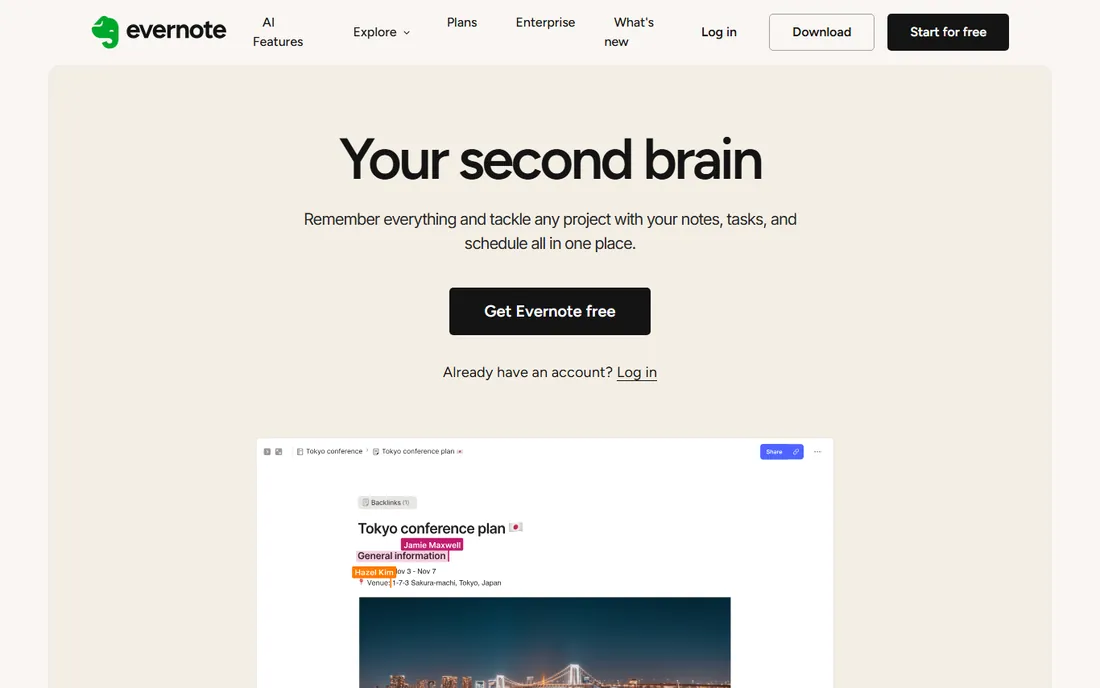
Evernote pioneered the "remember everything" category, and its web clipper, search (including text in images) and notebook organization remain excellent. Version 11 added AI features to summarize and organize notes, and the "second brain" positioning puts it back in the conversation with Notion and Obsidian.
The honest assessment: Evernote's free tier is now quite limited, and many users migrated to Notion during its wilderness years. But for note-takers who value a focused, mature app over a flexible workspace, especially with heavy web clipping needs, Evernote deserves another look. Try the free trial before committing.
What we like- Excellent web clipper and search
- Long track record
- New AI features in v11
Watch out for- Free tier is heavily limited
- The product lost ground to Notion in recent years

#8
TickTick
Best for: People who want tasks, calendar, habits and Pomodoro in one app
Visit ticktick.com
Starting priceSee website
Free planFree trial
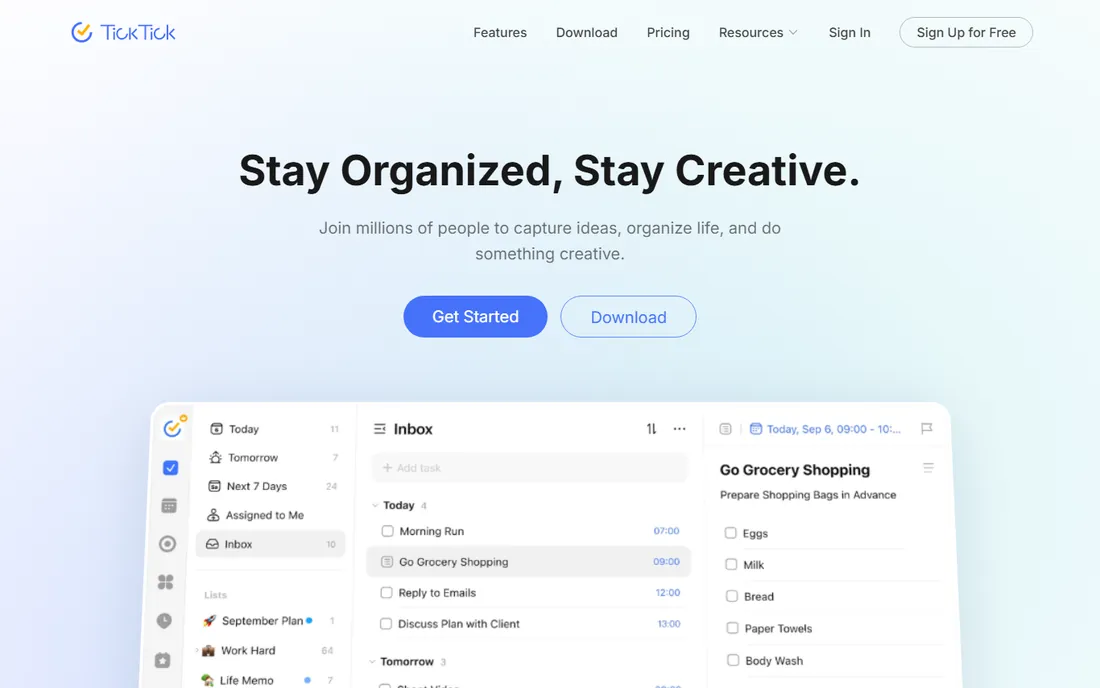
TickTick is the Swiss Army knife of personal productivity: to-do lists, calendar views, habit tracking, Pomodoro focus timer and countdowns in one app. AI features include voice capture that extracts dates and priorities, audio summaries of meetings and automated workflows via MCP. With 40+ themes and deep customization, it is also the most personalizable option here.
For individuals who want one app for tasks, schedule, habits and focus sessions, TickTick replaces three or four apps. It lacks Todoist's polish and ecosystem, but its feature-per-dollar ratio is excellent. The free tier is functional; premium is cheap. If you have never tried it, you are missing one of the category's best-kept secrets.
What we like- Combines to-do, calendar, habits and focus timer
- Strong natural language input
- Affordable premium
Watch out for- Smaller ecosystem than Todoist
- Collaboration features are basic
#9
Microsoft OneNote
Best for: Anyone in the Microsoft ecosystem who wants a free, capable digital notebook
Visit onenote.com
Starting priceFree
Free planYes
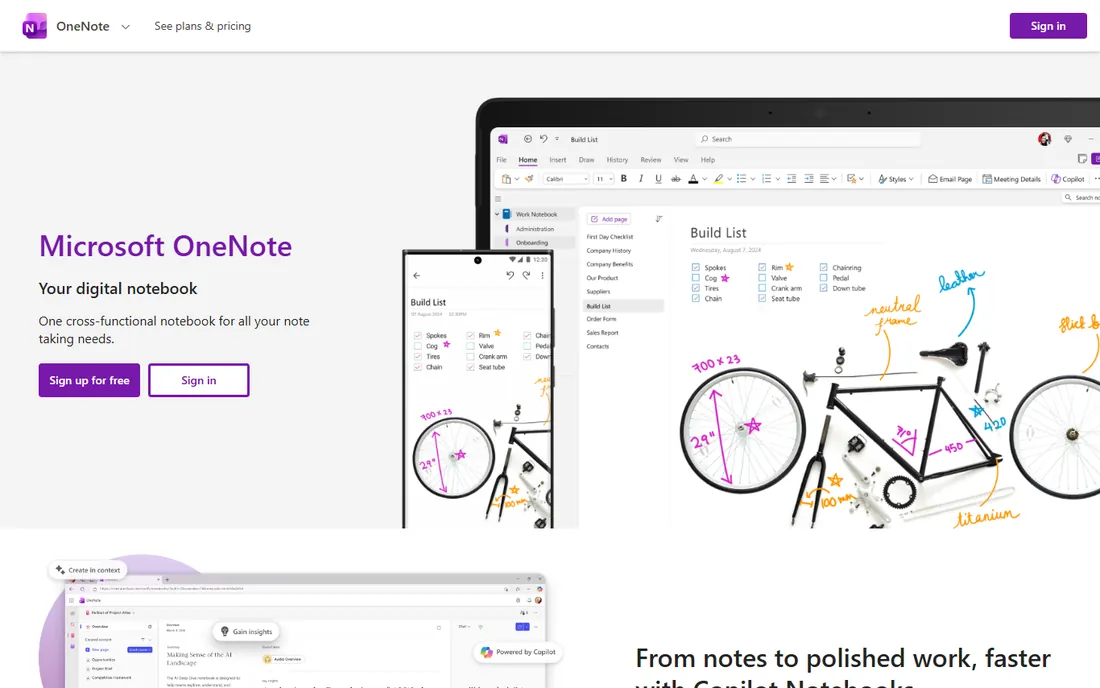
OneNote is the free digital notebook that comes with the Microsoft world, and it is better than its reputation suggests. Free-form pages accept typed notes, handwriting, drawings, audio, files and web clips anywhere on the canvas. Copilot Notebooks now add AI that works across your content, and integration with Teams, Outlook and OneDrive is built in.
For students, educators and Microsoft 365 users, OneNote is the obvious pick: it is free, syncs everywhere and handles handwriting beautifully. It lacks the database power of Notion or the structure of Evernote, but as a flexible capture tool with zero cost, it is hard to argue against. If you already pay for Microsoft 365, you already own it.
What we like- Completely free
- Excellent handwriting and drawing support
- Deep Microsoft 365 integration
Watch out for- Organization is looser than Evernote
- The interface feels dated next to Notion
Quick comparison
| Tool | Best for | Starting price | Free plan |
|---|
| Notion | Individuals and teams wanting one flexible workspace for docs, projects and wikis | Free | Yes |
| Asana | Teams that need structured project management with goals and portfolios | See website | Yes |
| monday.com | Teams that want visual, customizable workflows with strong automation | See website | Yes |
| ClickUp | Teams that want to consolidate tasks, docs, chat and whiteboards in one app | See website | Yes |
| Trello | Simple visual task management with kanban boards anyone can learn | See website | Yes |
| Todoist | Individuals who want the best pure to-do list with natural language input | See website | Yes |
| Evernote | Note-takers who want a mature second brain with web clipping | See website | Free trial |
| TickTick | People who want tasks, calendar, habits and Pomodoro in one app | See website | Free trial |
| Microsoft OneNote | Anyone in the Microsoft ecosystem who wants a free, capable digital notebook | Free | Yes |
Is your product missing or out of date?
We review this list regularly. Vendors can request a listing, send updated pricing or ask about featured placement.
How to choose productivity software
Start with the job, not the tool. Personal task management calls for Todoist or TickTick. Note-taking and knowledge call for Notion, Evernote or OneNote. Team projects call for Asana, monday.com, ClickUp or Trello. Many people need two: a personal system plus a team platform, and that is fine.
Then consider your ecosystem. Microsoft 365 shops get the most from OneNote and Teams-adjacent tools. Google Workspace users should check integrations before committing. Startups often standardize on Notion because it covers docs and projects together.
Finally, trial with real work. Every tool here has a free plan or trial, so run your actual projects through two finalists for two weeks. Watch for the adoption signal: the tool your team opens voluntarily is the right one, regardless of feature lists. And beware the consolidation trap: one app that does everything badly beats five specialized apps only if people actually use it.
The AI productivity wave
Every tool on this list now ships AI, but the implementations differ meaningfully. Notion's agents triage and automate inside your workspace. Asana's AI teammates carry shared memory across workflows. ClickUp's Brain picks models per task. TickTick transcribes and summarizes. OneNote's Copilot reasons over your notebooks.
The practical advice is to treat AI as an accelerant for a system that already works. AI summaries of chaotic notes produce confident nonsense; AI task breakdown of a clear project saves real time. Get the fundamentals right, capture everything, review weekly, keep the system simple, and the AI features become multipliers rather than distractions.
Frequently asked questions
What is the best all-around productivity app?
Notion for flexibility, ClickUp for consolidation, or Todoist plus a notes app for simplicity. There is no single winner: the best app depends on whether you need personal task management, team coordination or knowledge management. Most productive people combine a task manager with a notes system.
Is Notion or Asana better for teams?
Notion is better when docs and knowledge matter as much as tasks; Asana is better for structured project execution with timelines, dependencies and goals. Many teams use both: Notion for the wiki, Asana for project tracking. If you must pick one, choose based on which pain is worse.
What is the best free productivity software?
OneNote is the most capable completely free option for notes. ClickUp and Notion have the most generous free tiers for broader work. Todoist's free plan covers personal task management well. Trello's free boards are excellent for simple projects. You can run a surprisingly complete system without paying anything.
Should I use one app or several?
One app reduces context switching; several apps let each job use the best tool. The deciding factor is integration: if your task manager, calendar and notes sync well, separate apps work fine. If they do not, consolidation in Notion or ClickUp saves more time than specialization gains.
How do I get my team to actually use a productivity tool?
Start with a real pain the tool solves, keep the setup minimal, and appoint one owner for conventions. Migrate one live project, not everything at once. The tools with the gentlest learning curves, Trello and Todoist, have the highest adoption rates for this reason.
Is it worth paying for premium productivity apps?
For individuals, often not: the free tiers of Todoist, TickTick, Notion and OneNote cover most needs. For teams, paid plans buy the collaboration, admin and automation features that make the tool actually work at scale. Pay when the free tier's limits cost you time, not before.
We selected long-established productivity tools with proven track records across three categories: personal task management, note-taking and team project management. We verified each vendor's homepage directly and used vendor-published pricing and free-plan terms where shown, including Notion's free tier, monday.com's unlimited-time free plan, ClickUp's free-forever plan and OneNote's free availability. We did not run hands-on trials of every paid plan and did not invent pricing, user counts or review scores. Where vendors do not publish a starting price on their own site, we wrote See website.
Sources we checked (13)
- https://notion.so/
- https://asana.com
- https://monday.com
- https://clickup.com/
- https://trello.com/
- https://todoist.com/
- https://evernote.com
- https://ticktick.com/
- https://onenote.com/
- https://en.wikipedia.org/wiki/Asana,_Inc
- https://en.wikipedia.org/wiki/Monday.com
- https://en.wikipedia.org/wiki/ClickUp
- https://en.wikipedia.org/wiki/Todoist
Is your product missing or out of date?
We review this list regularly. Vendors can request a listing, send updated pricing or ask about featured placement.

Shihab Mia · Founder, Rankite
Shihab has spent more than a decade helping SaaS and e-commerce brands grow through search. He writes Rankite's software buying guides from pricing pages, documentation and public user reviews. More about Shihab.