How we make this list: we compare pricing pages, product documentation and public user reviews. Rankite is independent; if a vendor ever pays for a featured spot, that listing is clearly labeled Partner.
Key takeaways
- Clockify's free plan is the most generous: unlimited users and projects without a paywall on core tracking.
- Toggl Track's free plan covers solo freelancers and tiny teams with the best-designed timer.
- Harvest, Paymo and TrackingTime pair free tracking with invoicing, which freelancers need most.
- RescueTime tracks automatically for freelancers who hate pressing start and stop.
- TimeCamp, Hubstaff, TMetric and MyHours all offer usable free tiers with different strengths.
Quick comparison
| Tool | Best for | Starting price | Free plan |
|---|
 Toggl Track Toggl Track | Simple one-click timer | Free | Yes |
 Clockify Clockify | Unlimited free tracking | Free | Yes |
 Harvest Harvest | Tracking plus invoicing | Free | Yes |
 RescueTime RescueTime | Automatic time tracking | Free | Yes |
 Hubstaff Hubstaff | Time tracking with screenshots | Free | Yes |
 TMetric TMetric | Simple tracking with reporting | Free | Yes |
 TimeCamp TimeCamp | Automatic plus manual tracking | Free | Yes |
 Paymo Paymo | Tracking with project management | Free | Yes |
 TrackingTime TrackingTime | Visual tracking for creatives | Free | Yes |
 MyHours MyHours | Straightforward billable hours | Free | Yes |
Is your product missing or out of date?
We review this list regularly. Vendors can request a listing, send updated pricing or ask about featured placement.
The best free time tracking software for freelancers
Starting priceFree
Free planYes
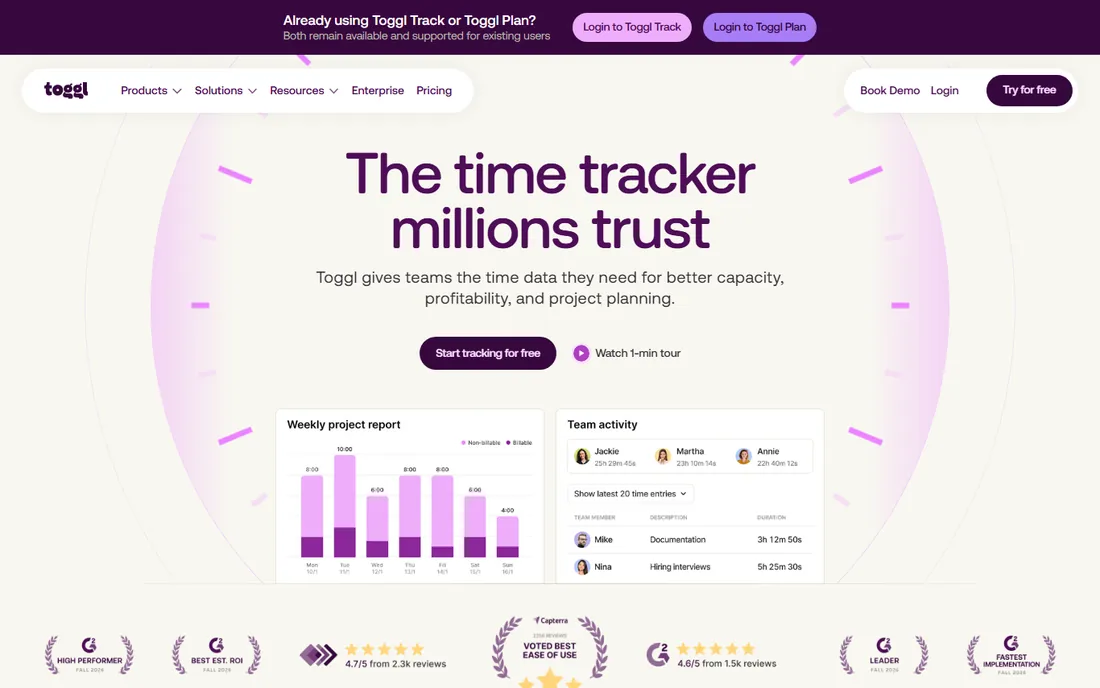
Toggl Track is the freelancer favorite for a reason: press one button, work, press it again. The timer lives in your browser, phone and desktop, idle detection catches forgotten timers, and the weekly calendar view makes filling timesheets painless. The free plan covers solo freelancers completely and small teams up to five users.
The free tier's limits appear as you grow: more users, advanced reporting and audit features need paid plans. There is no invoicing, so you export hours to your billing tool. For a freelancer who wants tracking to disappear into the background, Toggl's free plan remains the benchmark everything else is judged against.
What we like- The fastest, most pleasant timer in the business
- Generous free plan for individuals and tiny teams
- Excellent browser and mobile apps
Watch out for- Free plan limits users to five
- Reporting depth needs paid tiers
- Invoicing is not built in
Starting priceFree
Free planYes
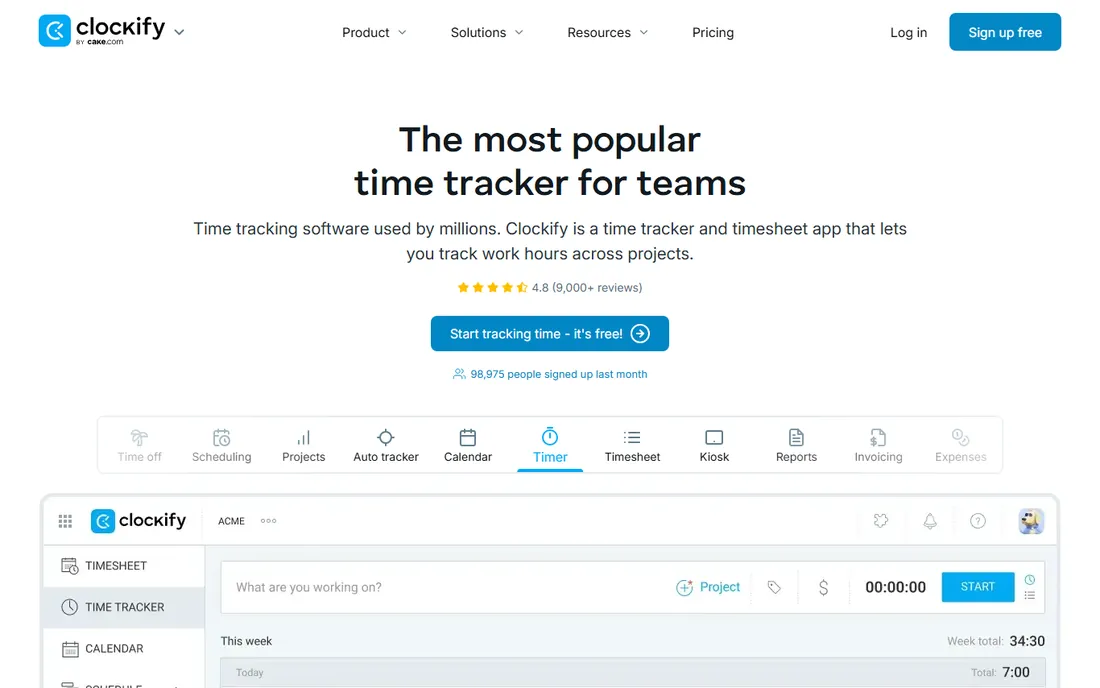
Clockify's free plan is almost suspiciously generous: unlimited tracking, unlimited users, unlimited projects and reporting, free forever. It does the core job, start timers, log hours, see where time went, without paywalling the basics. Freelancers collaborating with subcontractors get everyone tracking without spending anything.
The design is functional rather than delightful, and power features like advanced scheduling, GPS tracking and invoicing sit on paid tiers. But the core promise holds: time tracking for free with no user limits. If Toggl's five-user free cap bothers you, or you just want maximum free, Clockify is the answer.
What we like- Free plan includes unlimited users and projects
- Full reporting on the free tier
- Simple enough for anyone
Watch out for- Interface is utilitarian
- Advanced features like scheduling cost extra
- Support is self-serve on free
Starting priceFree
Free planYes
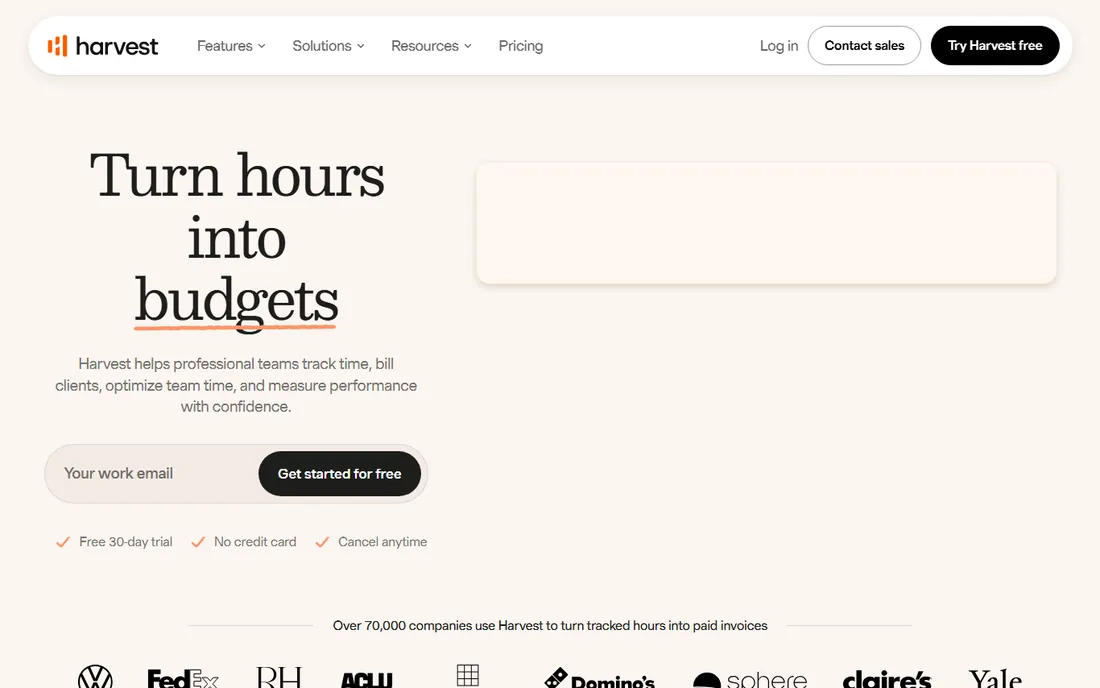
Harvest understands the freelancer workflow end to end: track time against projects, then turn those hours into polished invoices with expenses attached. The free plan gives one user two active projects, which covers freelancers with a couple of steady clients. The invoicing alone justifies it: hours become bills without retyping.
Two projects is a real constraint for jugglers, and paid plans cost more than pure time trackers because you are buying the invoicing suite too. Solo freelancers who bill hourly should try the free plan first; the moment you need a third active project, the paid tier pays for itself in saved admin time.
What we like- Time tracking flows directly into professional invoices
- Expense tracking included
- Clients love the clean reports
Watch out for- Free plan limited to one seat and two projects
- Paid plans are pricier than pure trackers
- No free team option
Starting priceFree
Free planYes
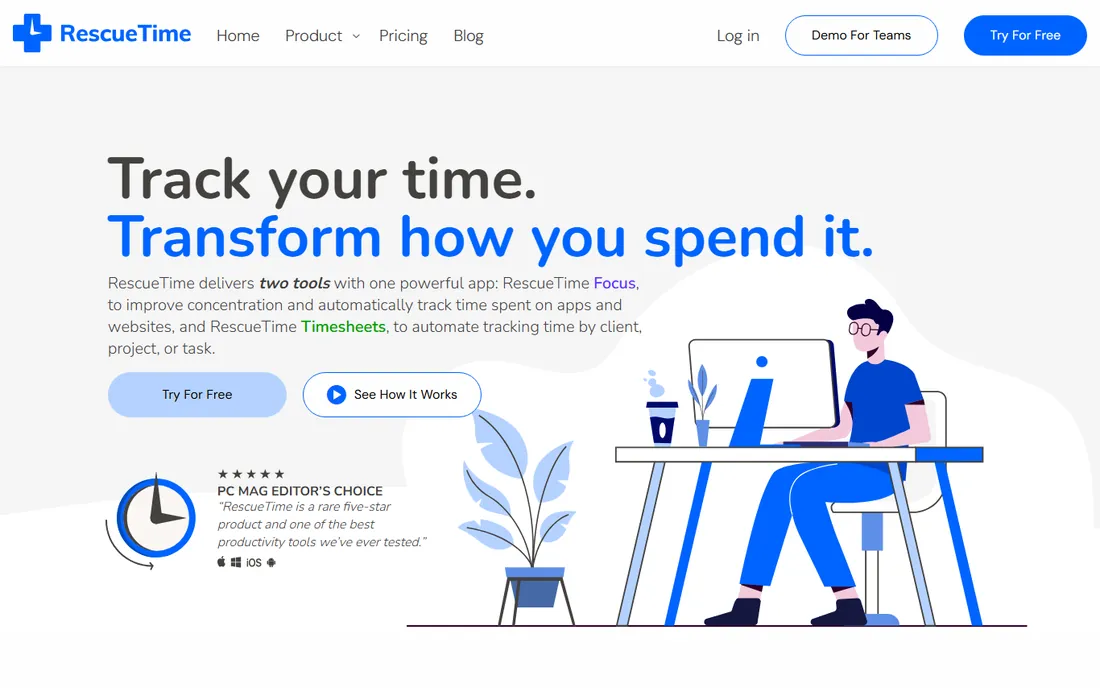
RescueTime takes the opposite approach: install it, and it quietly records which apps and sites you use, categorizing them as productive or distracting. Freelancers who never remember to start timers get honest data about their days, plus focus sessions and distraction alerts. The free Lite plan covers the core automatic tracking.
It is a personal productivity tool, not a billing tool: turning RescueTime data into client invoices takes manual work. The categorization needs training to reflect your actual work. But for freelancers whose problem is "where did Tuesday go," automatic tracking beats the most beautiful manual timer you forget to press.
What we like- Tracks automatically with no timers to remember
- Shows exactly where digital time goes
- Focus alerts cut distractions
Watch out for- Not designed for client billing
- Categorization needs training
- Privacy-conscious users may hesitate
Starting priceFree
Free planYes
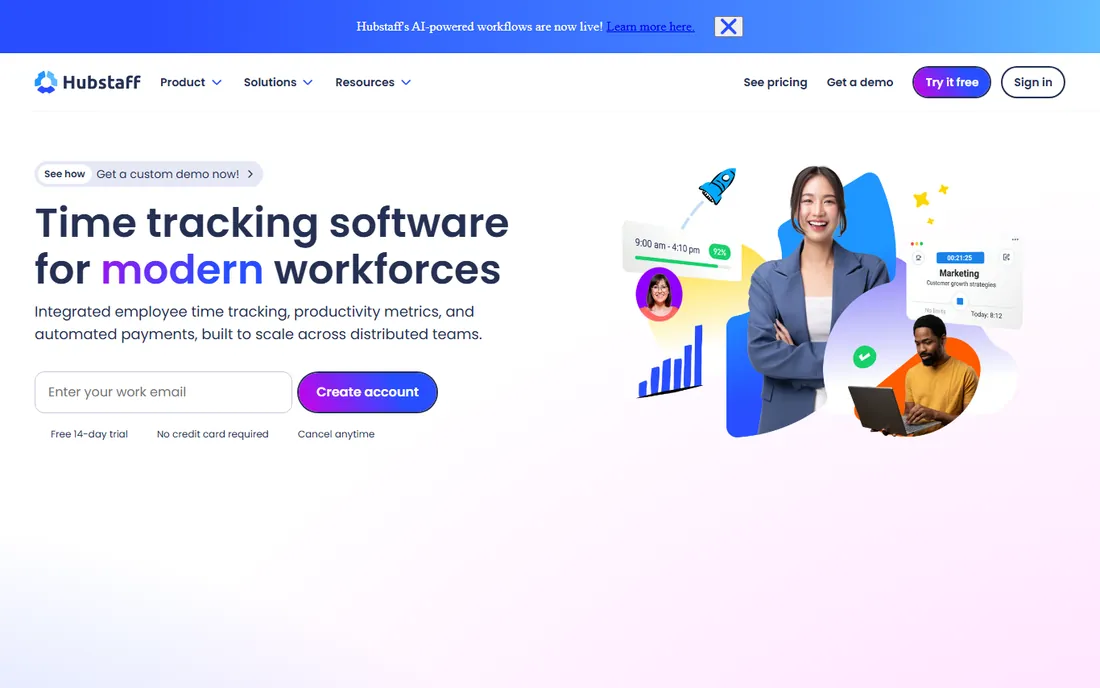
Hubstaff's free plan gives solo freelancers time tracking with the features clients ask about: optional screenshots, activity levels and clean timesheets that prove hours worked. For freelancers whose clients want verification, that proof is the product. The apps cover desktop, mobile and web.
The free tier is strictly single-user; teams pay per user. Screenshot monitoring is a feature some freelancers love for client trust and others refuse on principle. If your clients require verified hours, Hubstaff's free solo plan delivers what Upwork-style tracking does without the platform.
What we like- Free solo plan with time tracking basics
- Screenshots and activity levels for client trust
- Good for remote teams
Watch out for- Free plan is single-user only
- Screenshot monitoring feels invasive to some
- Paid plans add up per user
Starting priceFree
Free planYes
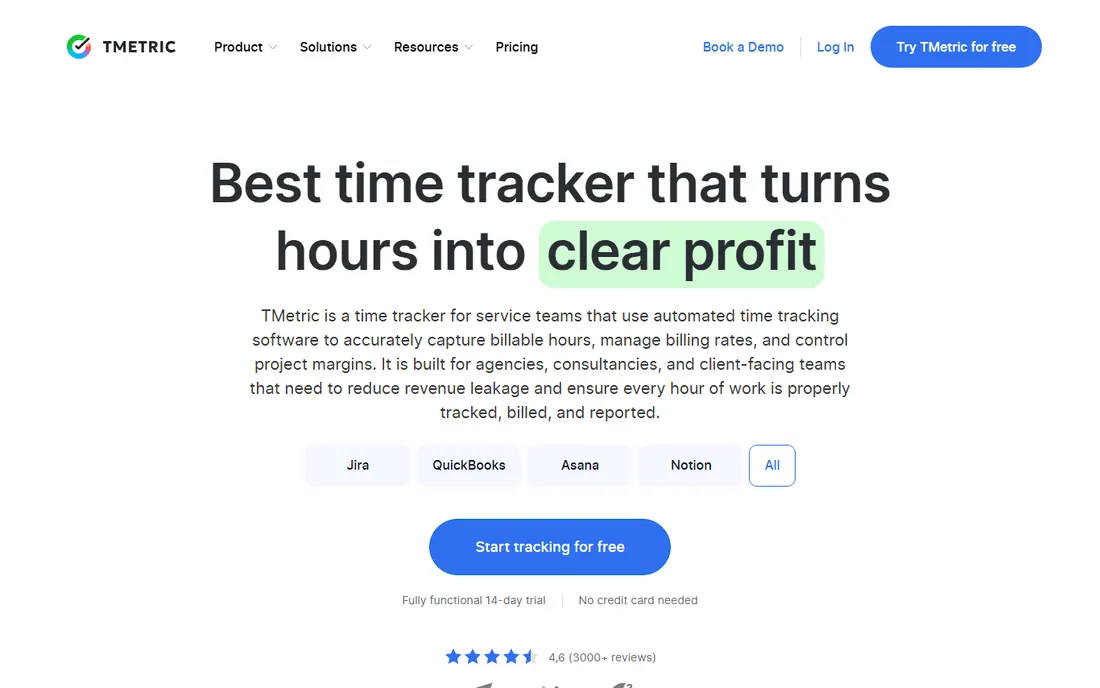
TMetric is the quiet competent option: time tracking with solid reporting, project budgets and integrations with tools like Jira, Trello and Asana. The free plan covers small teams, and the interface stays clean without dumbing things down. Freelancers working inside client project tools get time tracking that follows the work.
It lacks the community and content ecosystem of the bigger names, and the most advanced features sit behind paid tiers. But as a free tracker that plays well with project management tools, TMetric punches above its profile. Worth a look if your clients live in Jira or Trello.
What we like- Clean free plan for small teams
- Good reporting for the price
- Integrates with popular project tools
Watch out for- Smaller ecosystem than Toggl or Clockify
- Advanced features need paid tiers
- Brand recognition is lower
Starting priceFree
Free planYes
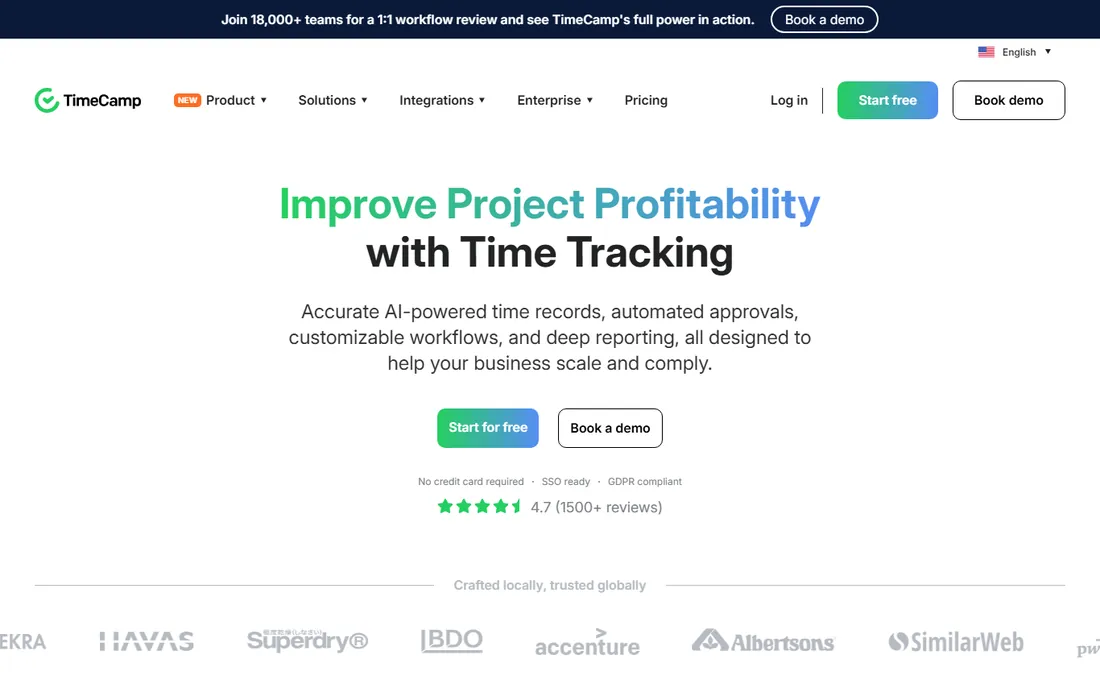
TimeCamp blends both tracking styles: automatic desktop tracking that records what you worked on, plus manual timers for deliberate logging. The free plan includes unlimited users, which is remarkable, and covers the core tracking freelancers need. Paid tiers add invoicing, budgeting and deeper integrations.
The interface shows its age next to Toggl, and the free plan gates some advanced reports. Automatic tracking needs setup to categorize correctly. For freelancers who want both automatic capture and manual control without paying, TimeCamp's free tier is one of the most complete available.
What we like- Free plan with unlimited users
- Combines automatic tracking with manual timers
- Invoicing on paid tiers
Watch out for- Interface feels dated
- Free plan limits some reports
- Automatic tracking needs configuration
Starting priceFree
Free planYes
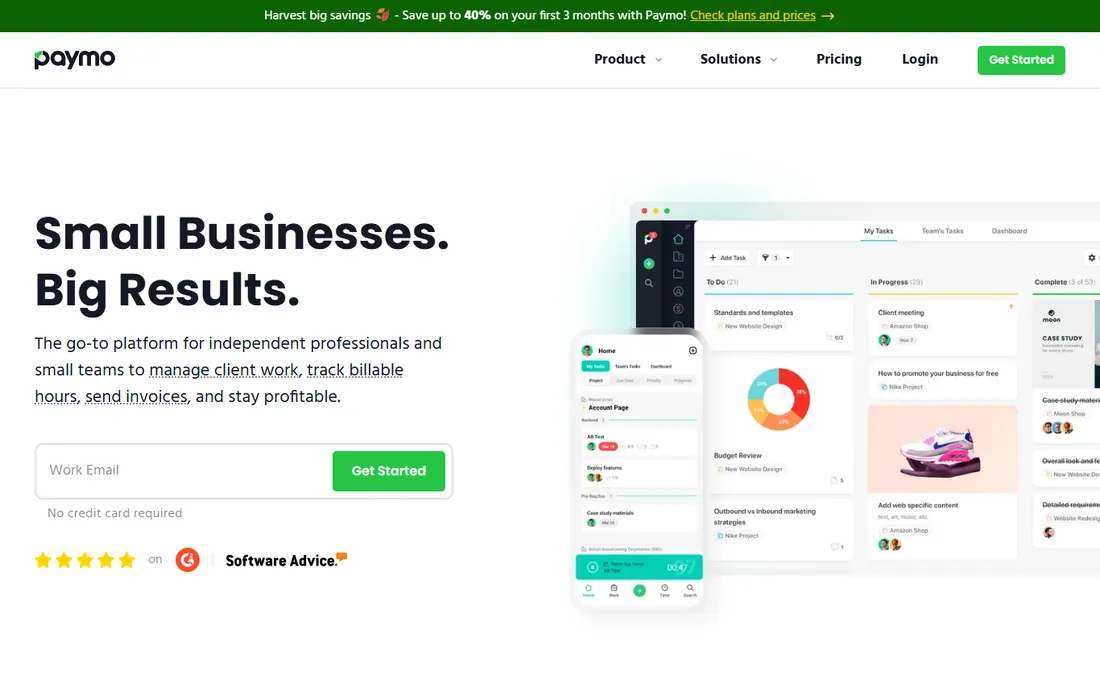
Paymo is for freelancers who want their timer inside their project workspace: tasks, Kanban boards, Gantt charts, time tracking, estimates and invoices in one tool. The free plan suits solo freelancers, and the workflow from estimate to tracked time to invoice is genuinely smooth. Creative freelancers juggling multiple client projects get organized fast.
The project limits on the free plan push growing freelancers to paid tiers, and it is more tool than someone who just needs a timer. But if you are currently duct-taping a task manager, a timer and an invoicing tool together, Paymo's free plan replaces all three.
What we like- Time tracking inside real project management
- Free plan for freelancers
- Invoicing and estimates included
Watch out for- Free plan has project limits
- More complex than pure trackers
- Overkill if you only need a timer
Starting priceFree
Free planYes
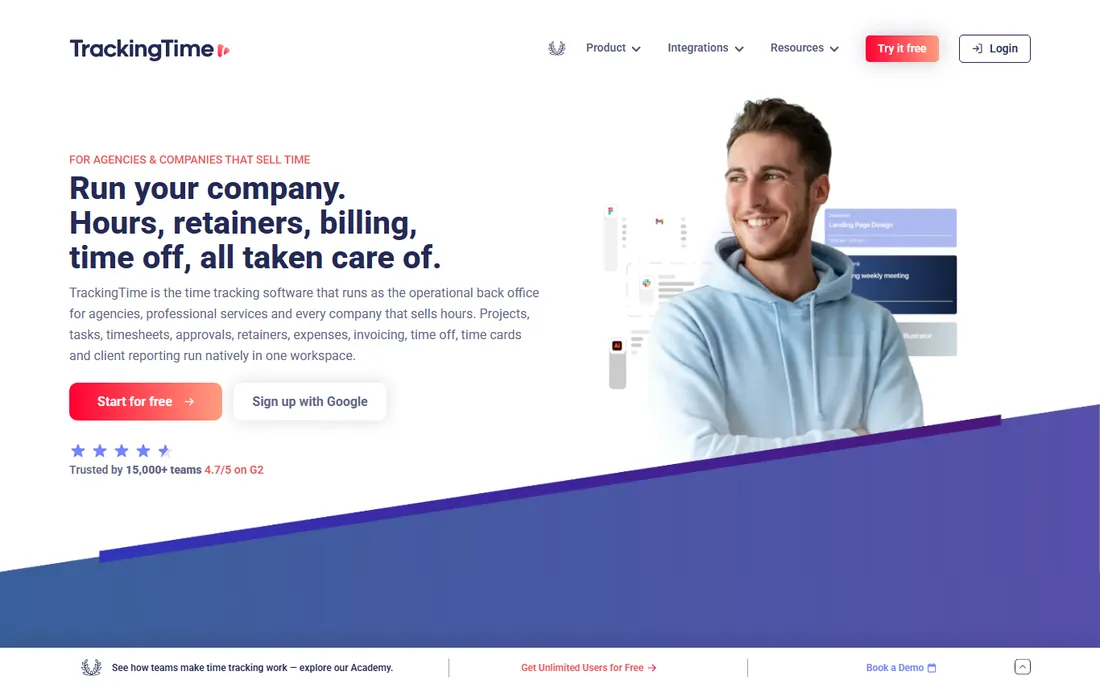
TrackingTime's calendar-style timeline shows your day as visual blocks, which creative freelancers find more intuitive than timesheet grids. The free plan covers up to three users with the core tracking, and integrations with Google Calendar and Slack fit modern workflows. It is the prettiest tracker on this list.
Three users is the free ceiling, and the reporting is less deep than Toggl or Clockify. As a small company it carries slightly more vendor risk. But for freelancers who think visually and want their time displayed as a day rather than a spreadsheet, the free plan is lovely.
What we like- Beautiful visual timeline of your day
- Free plan for small teams
- Good Slack and calendar integrations
Watch out for- Free plan caps users at three
- Reporting is simpler than rivals
- Smaller company
Starting priceFree
Free planYes
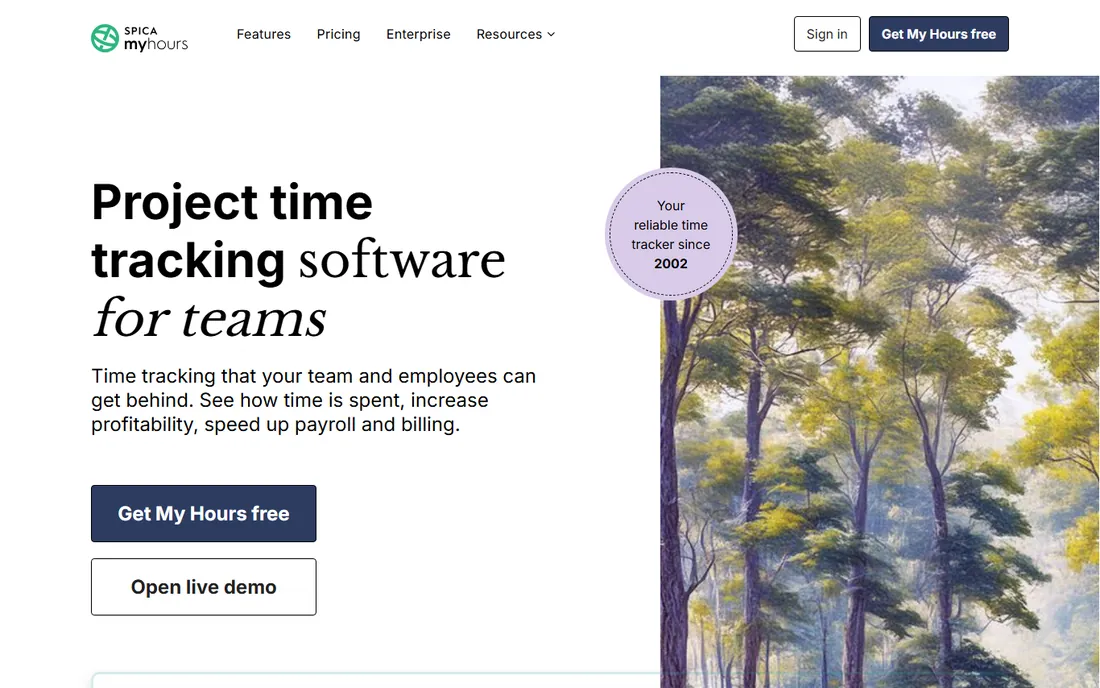
MyHours does billable hours without ceremony: projects, tasks, timers, and reports you can send clients. The free plan covers what solo freelancers need, and the interface stays out of the way. There is something to be said for a tool that refuses to become a platform.
Feature minimalism is the tradeoff: no project management, thin invoicing, few integrations. If your needs are "track hours, report hours, bill hours," MyHours' free plan is refreshingly direct. Freelancers who bounced off bloated tools will appreciate the restraint.
What we like- Simple and focused on billable time
- Free plan covers the essentials
- Clean reports for clients
Watch out for- Minimal extra features
- No built-in invoicing depth
- Smaller ecosystem
How we chose
We tested the free plans ourselves against freelancer needs: a working timer, usable reports, reasonable limits and no credit card required. We favored tools whose free tiers cover real solo work rather than glorified trials, and we verified each product is actively maintained. Paid upgrade paths are noted where relevant.
What the free plans actually limit
Free plans limit three things: users, projects and features. Clockify and TimeCamp are generous on users; Harvest and TrackingTime cap projects or seats tightly. Before committing, map your reality: how many active clients, whether collaborators need access, and whether you need invoicing or just hours.
The most common trap is the project cap. Two active projects sounds fine until you have four clients. Count your concurrent clients honestly, then check the limit. And check data export on the free plan: your time history is business records, and leaving a tool should not mean losing it.
Frequently asked questions
What is the best completely free time tracker for freelancers?
Clockify has the most generous free plan with unlimited users and projects. Toggl Track's free plan is the best-designed for solo use. Both cover real freelance work without paying.
Can I invoice from free time tracking software?
Harvest's free plan includes invoicing for up to two projects, and Paymo's free plan covers basic invoicing. Pure trackers like Toggl and Clockify export hours to invoicing tools instead.
Do I really need to track time as a freelancer?
If you bill hourly, yes: it is how you get paid accurately and how you prove hours to clients. Even on fixed-price work, tracking reveals which projects are profitable and which are not.
What is the difference between manual and automatic tracking?
Manual tracking means pressing start and stop on a timer. Automatic tracking records your app and website usage without input. Manual is better for billing precision; automatic is better for understanding where time actually goes.
Will clients see my tracked time?
Only what you share. Most tools generate client-facing reports or timesheets from your data. Screenshot features in tools like Hubstaff show activity proof, but only if you enable them.
Can I switch tools without losing my history?
Most tools export time entries to CSV. Export regularly regardless of which tool you use, because your hours are business records you should own.
Sources we checked (10)
- https://toggl.com/
- https://clockify.me/
- https://www.getharvest.com/
- https://www.rescuetime.com/
- https://hubstaff.com/
- https://tmetric.com/
- https://www.timecamp.com/
- https://www.paymoapp.com/
- https://trackingtime.co/
- https://myhours.com/
Is your product missing or out of date?
We review this list regularly. Vendors can request a listing, send updated pricing or ask about featured placement.

Shihab Mia · Founder, Rankite
Shihab has spent more than a decade helping SaaS and e-commerce brands grow through search. He writes Rankite's software buying guides from pricing pages, documentation and public user reviews. More about Shihab.