How we make this list: we compare pricing pages, product documentation and public user reviews. Rankite is independent; if a vendor ever pays for a featured spot, that listing is clearly labeled Partner.
Key takeaways
- Clockify is the only tool here with a genuinely free plan for unlimited users, making it the default starting point for cost-conscious teams.
- Toggl Track and Everhour suit project-based teams that bill clients and need estimates versus actuals reporting.
- Hubstaff, Time Doctor and DeskTime add activity monitoring, screenshots and payroll, which fits remote teams that need accountability data.
- Timely (by Memory) and RescueTime automate capture in the background for teams that refuse to run manual timers.
- Every tool on this list offers a free trial, so shortlist two or three and test with your actual team before paying.
The best time tracker is the one your team actually uses. That sounds obvious, but it is where most buying decisions go wrong: a manager picks the most powerful tool, the team finds it intrusive or fiddly, and within a month everyone has quietly stopped logging. The nine tools below cover the real spectrum, from dead-simple timers to automatic AI capture to full workforce monitoring, so you can match the tool to your team's tolerance.
Quick comparison
| Tool | Best for | Starting price | Free plan |
|---|
 Toggl Track Toggl Track | Simple team time tracking | See website | Free trial |
 Clockify Clockify | Free time tracking for teams | Free | Yes |
 Harvest Harvest | Time tracking with invoicing | See website | Free trial |
 Hubstaff Hubstaff | Remote teams with payroll | $4.99/month | Free trial |
 Time Doctor Time Doctor | Workforce visibility | See website | Free trial |
 Everhour Everhour | Tracking inside project tools | $10/user/month | Free trial |
 RescueTime RescueTime | Automatic productivity tracking | See website | Free trial |
 Timely (by Memory) Timely (by Memory) | AI automatic timesheets | See website | Free trial |
 DeskTime DeskTime | Automatic team monitoring | See website | Free trial |
Is your product missing or out of date?
We review this list regularly. Vendors can request a listing, send updated pricing or ask about featured placement.
The best time tracking software for teams
Starting priceSee website
Free planFree trial
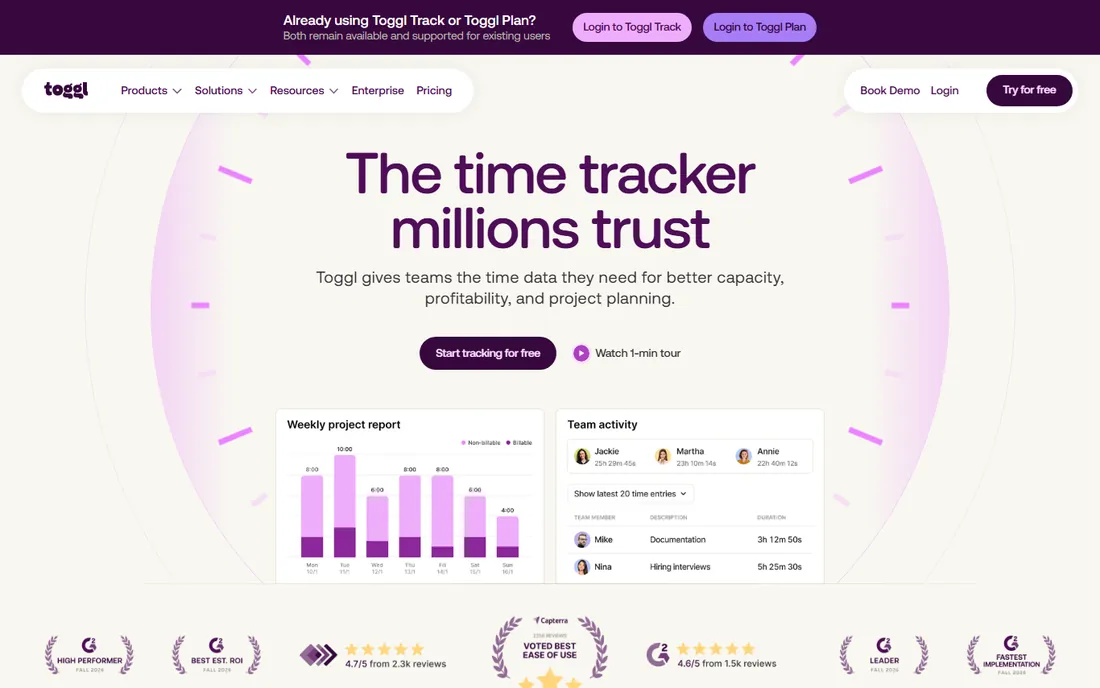
Toggl Track is the time tracker that teams adopt without a fight. One-click timers on web, desktop, mobile and browser extensions, projects and clients organized simply, and reports that answer the questions managers actually ask: who worked on what, and was it billable.
The paid tiers add capacity planning, billable rates, invoicing and AI-assisted reporting. Teams that need proof-of-work monitoring will not find screenshots or keystroke data here, which is either a limitation or a feature depending on your culture.
Start a trial with one project and invite the team; adoption within a week tells you everything. If you bill clients, test the estimate-versus-actual reports, since that is where Toggl earns its keep for agencies.
What we like- Extremely easy to learn
- Works on every platform
- Good reporting and capacity planning
Watch out for- Advanced features sit on paid tiers
- No screenshots or activity monitoring
Starting priceFree
Free planYes
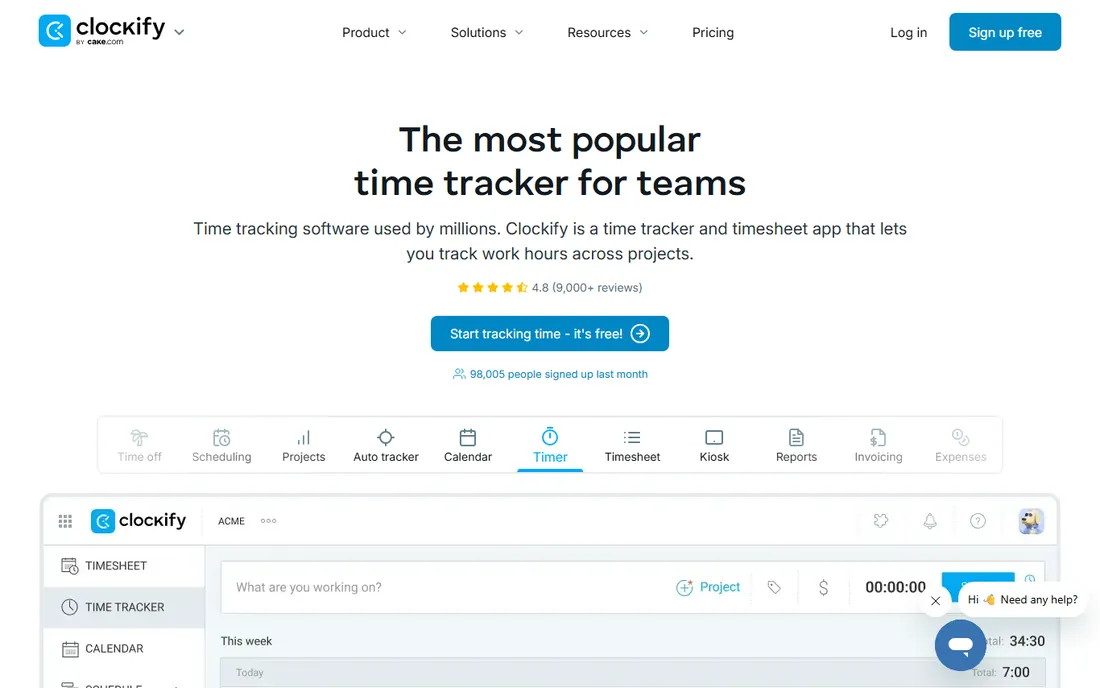
Clockify's free plan is the real deal: unlimited users, unlimited projects, timer, timesheet, calendar, auto tracker and kiosk clock-in, all free. For teams that just need honest time tracking without a budget line, nothing else on this list competes at zero cost.
Paid plans add approvals, invoicing, expenses, GPS tracking and stronger admin controls. The interface will not win beauty contests, but it is fast and the feature depth rivals tools costing ten times more.
Sign up free and run your team on it for a month before considering any paid tool. If you outgrow the free tier's admin controls, the paid plans are still among the cheapest in the category.
What we like- Free plan with no user limit
- Timesheets, calendar and kiosk included
- Generous feature set
Watch out for- Paid tiers needed for advanced admin controls
- Interface is functional rather than polished
Starting priceSee website
Free planFree trial
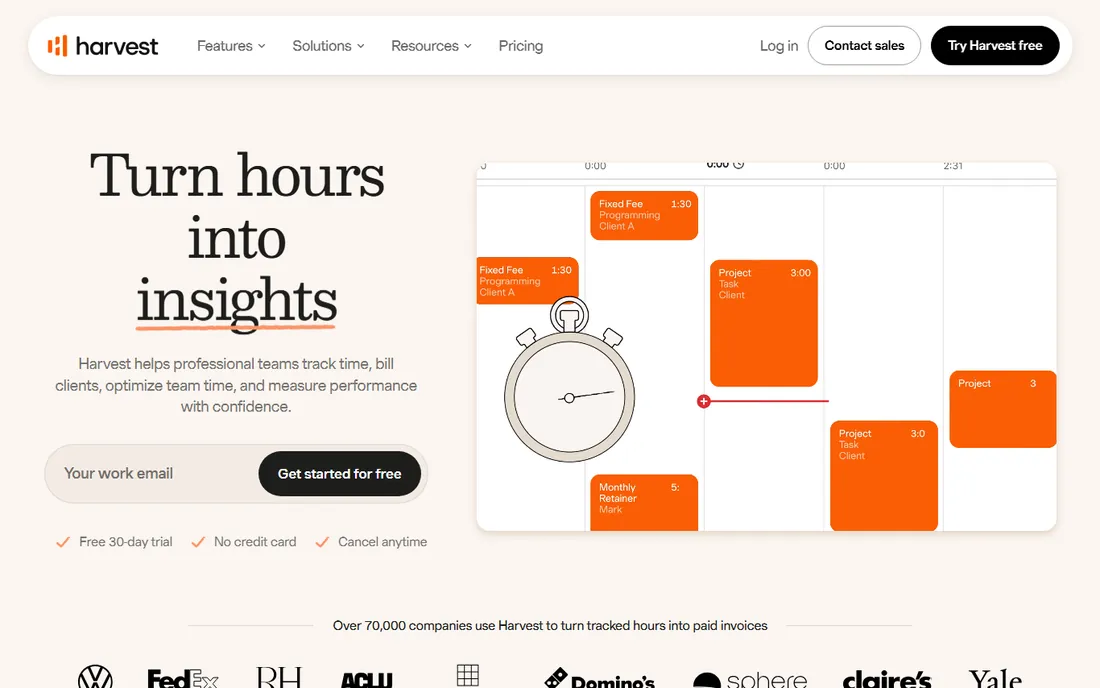
Harvest connects time tracking directly to invoicing, which is why agencies and consultancies have used it since 2006. Track hours against projects with budgets, get alerted before overruns, then turn the tracked time into an invoice the client can pay online.
The workflow is opinionated around billable work. Internal teams tracking capacity rather than invoices may find it less flexible than Toggl or Clockify. There is no free tier, just a 30-day trial.
Use the trial with a real client project to test the budget-to-invoice flow end to end. If your billing runs through another system, check the 40-plus integrations first to confirm the connection exists.
What we like- Time to invoice in one flow
- Budget alerts and profitability reports
- 40-plus integrations
Watch out for- No free plan, trial only
- Less suited to non-billable internal teams
Starting price$4.99/month
Free planFree trial
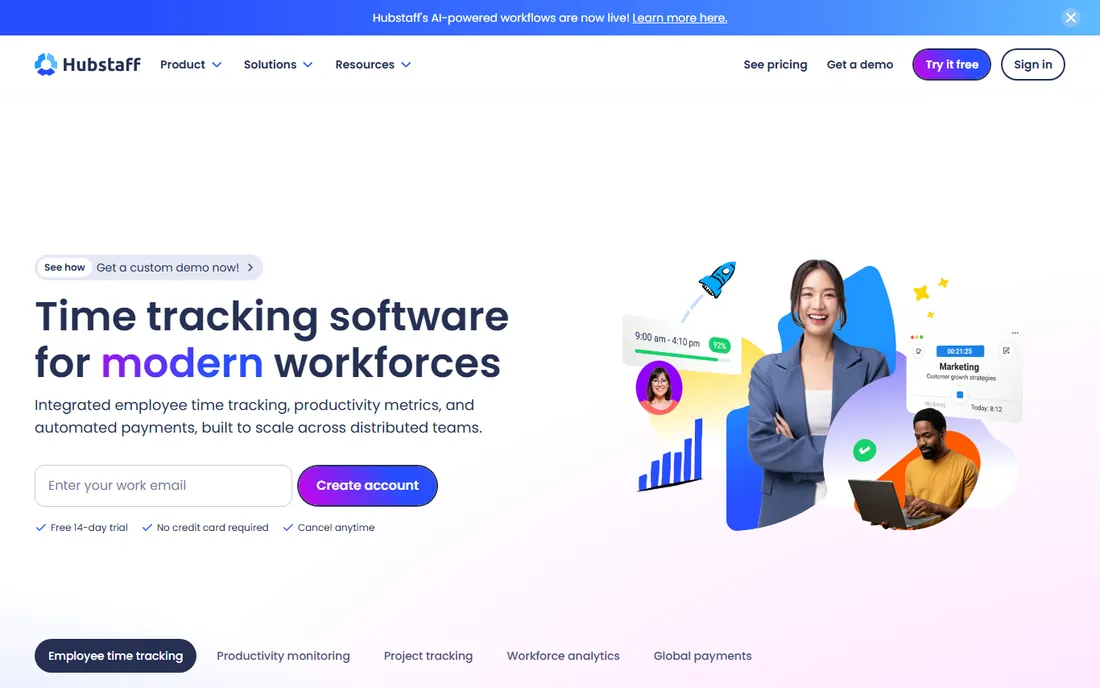
Hubstaff is built for distributed teams: time tracking with optional screenshots, activity levels, app and URL tracking, plus automated payroll and global payments based on approved time. For remote companies paying contractors across countries, the payroll integration is the headline feature.
The monitoring side needs a conversation with your team before rollout. Used transparently, it replaces status meetings with data; used secretly, it destroys trust. The vendor emphasizes that tracking only runs while the timer is on.
Trial it with a small team and decide your screenshot and activity policies before a full rollout. If payroll is the draw, test a payment run during the trial to confirm the integrations cover your providers.
What we like- Time tracking plus payroll and payments
- Optional screenshots and activity levels
- Strong remote-team focus
Watch out for- Monitoring features can feel intrusive
- Pricing adds up for large teams
Starting priceSee website
Free planFree trial
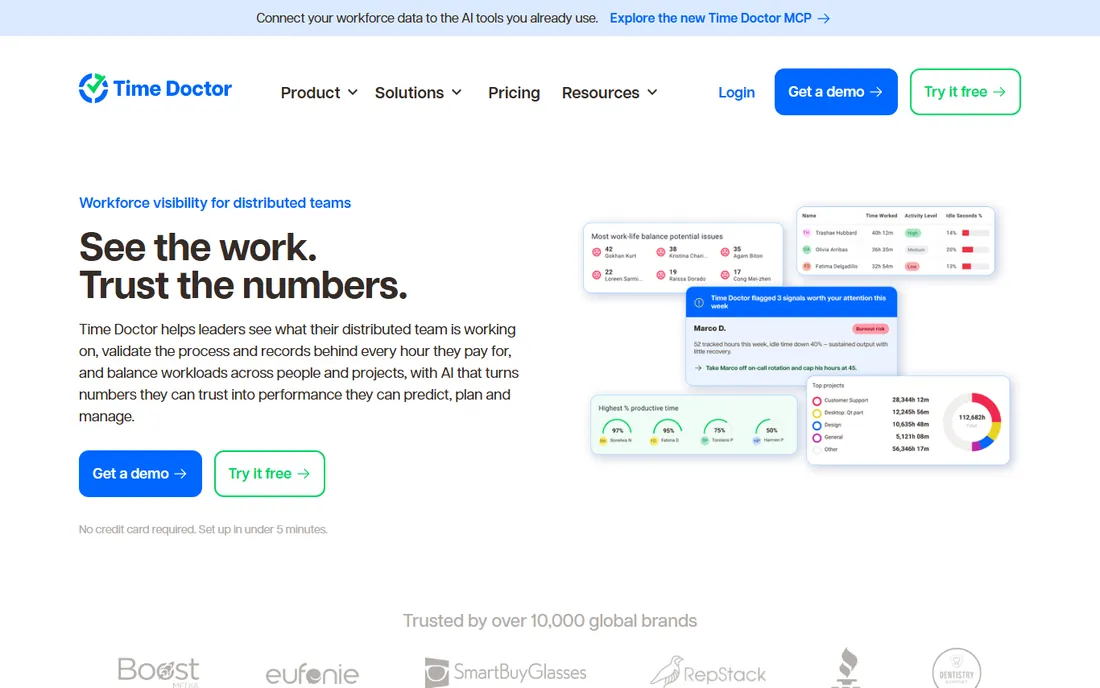
Time Doctor positions itself as workforce visibility for distributed teams: what people are working on, the records behind every hour, and workload balance across projects. AI features answer plain-language questions about the data and draft follow-up actions.
It integrates with 60-plus tools including payroll and HRIS systems, and the vendor stresses employee-visible data and configurable capture rather than silent surveillance. Still, this is a monitoring-heavy tool, and rollout needs the same transparency conversation as Hubstaff.
Run the trial with managers and a volunteer team first, and agree on what gets captured before expanding. Test the payroll and invoicing integrations early, since clean handoffs there are the main payoff.
What we like- Detailed activity and workload analytics
- AI insights on tracked data
- Payroll and billing integrations
Watch out for- Monitoring depth requires careful change management
- No free plan
Starting price$10/user/month
Free planFree trial
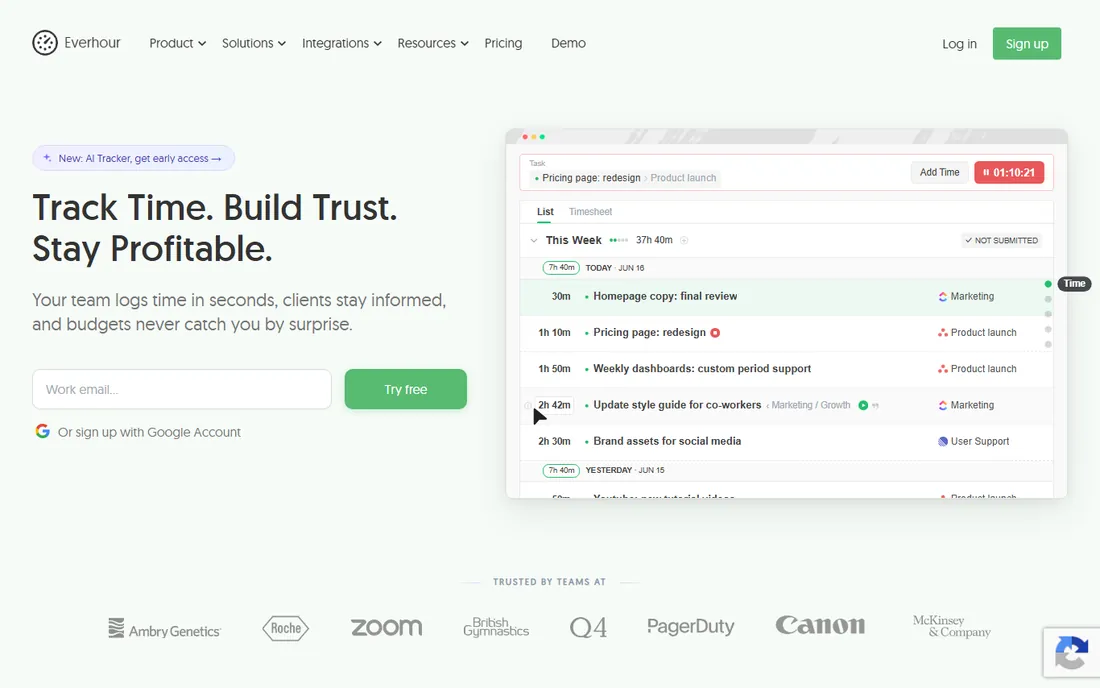
Everhour's trick is meeting teams where they already work: its timer controls embed directly into Asana, Jira, ClickUp, Monday, Linear, GitHub, Trello and Notion. Time, budgets, billing rates and invoices live in one layer above your project tool, so switching PM tools later does not destroy your time history.
You only pay for people who track time, not your whole PM workspace, which can cut the bill significantly. It works standalone too, but the magic is in the integrations.
Start the trial with your actual PM tool connected and test the budget alerts on a live project. Confirm your PM tool is on the supported list before committing, and check whether your seat count really needs to cover everyone.
What we like- Timers embedded in Asana, Jira, ClickUp and more
- Budgets and billing without leaving your PM tool
- Time data survives PM switches
Watch out for- Best value requires a supported PM integration
- No built-in screenshots
Starting priceSee website
Free planFree trial
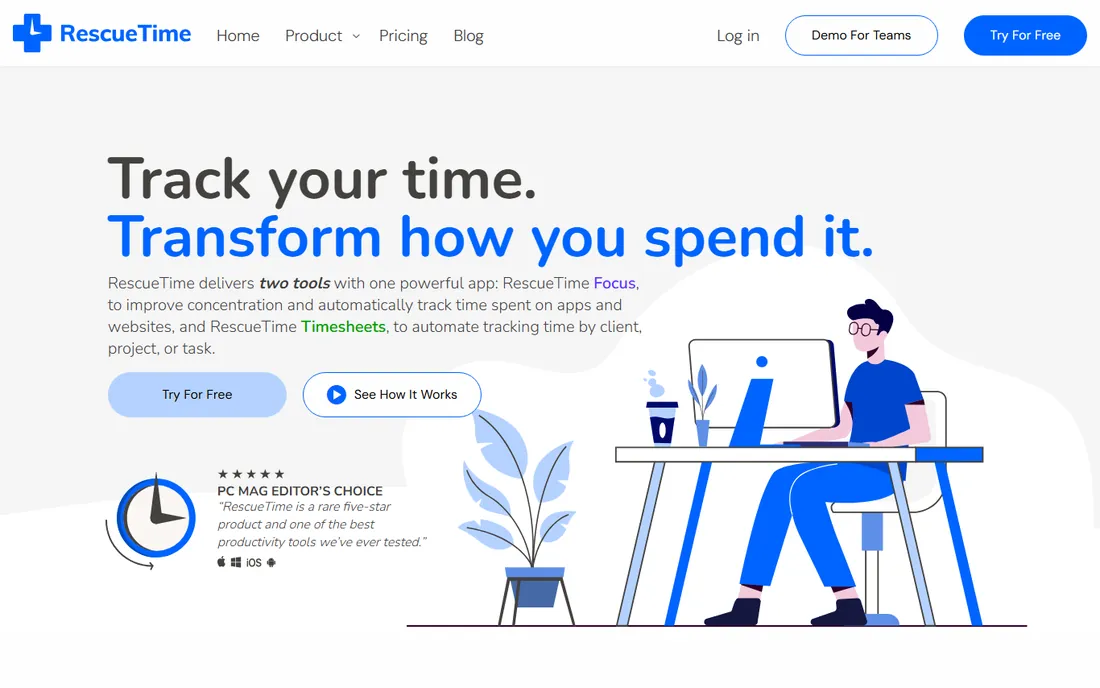
RescueTime runs in the background and automatically records which apps and websites you use, categorizing them as productive or not. The Focus product adds distraction blocking, goals and alerts, while Timesheets turns the automatic data into project time and client reports without manual entry.
It is a different philosophy from timer-based tools: no start and stop buttons, just continuous capture. Teams that hate manual logging love it; teams that need precise task-level billing may find the automatic categorization too fuzzy.
Try the two-week trial and check whether the automatic categories match your reality. The Focus sessions are worth testing separately, since distraction blocking is a distinct value from the tracking itself.
What we like- Fully automatic background tracking
- Focus sessions block distractions
- Goal setting and alerts
Watch out for- Weak manual time entry
- Productivity scoring does not suit every team culture
Starting priceSee website
Free planFree trial
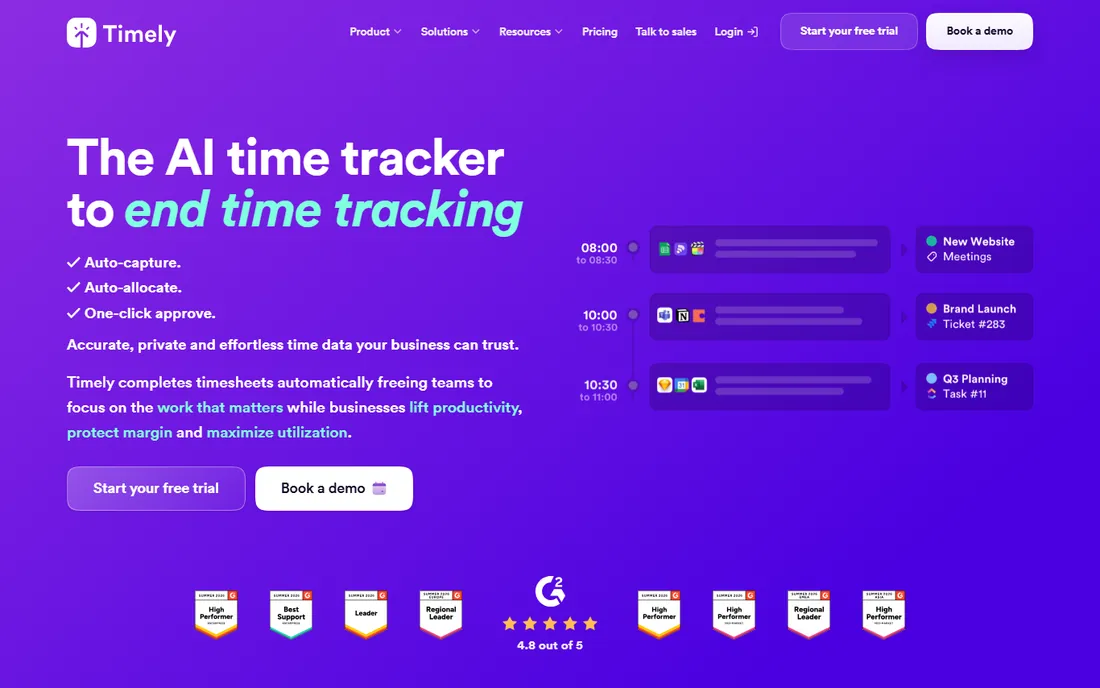
Timely, from the company Memory, uses AI to capture everything you do in the background and draft your timesheet automatically. You review a private timeline at the end of the day, approve the AI's allocation to projects and clients, and you are done in about a minute. No timers, no screenshots, no keystroke logging.
The tradeoff for that privacy-first design is scope: there is no payroll, invoicing or advanced team management. It is a pure time-data tool aimed at consultancies, agencies and SaaS teams that bill by the hour.
Use the 14-day trial with a real week of work to see how accurate the AI allocation is for your team. If your billing lives elsewhere, confirm the QuickBooks and calendar integrations cover your stack.
What we like- AI drafts timesheets from automatic capture
- One-click approval
- Privacy-first design with no screenshots
Watch out for- No payroll or invoicing built in
- Premium pricing for larger teams
Starting priceSee website
Free planFree trial
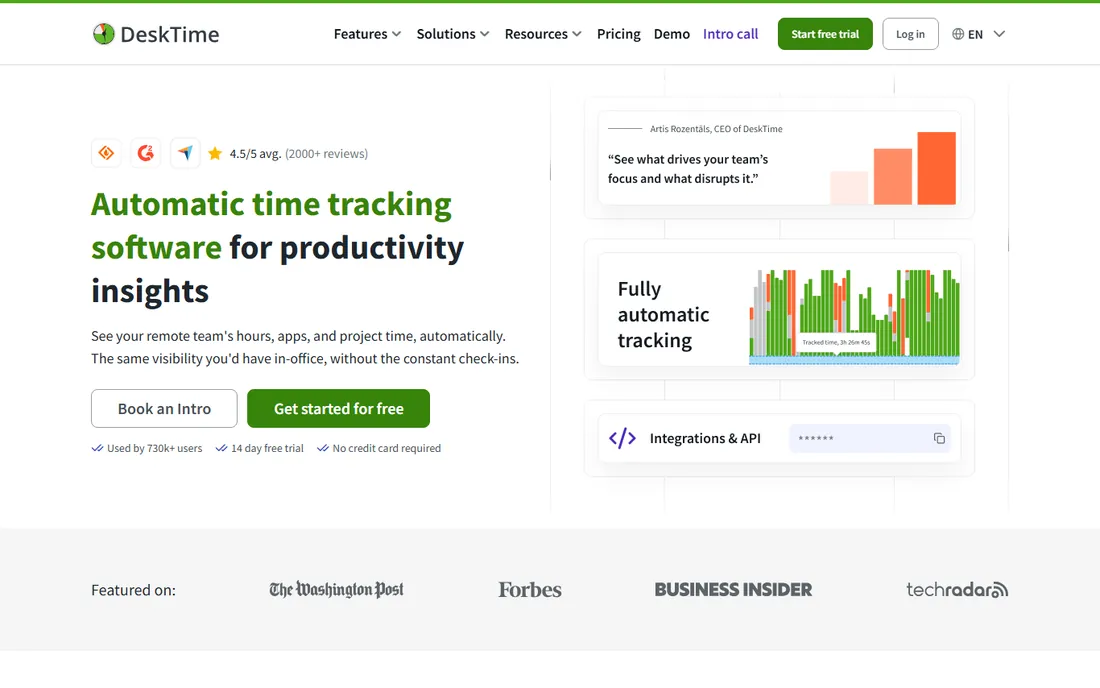
DeskTime starts tracking the moment an employee's device turns on: apps, websites, documents, idle time and productivity categorization, all automatic. Managers get dashboards, AI summaries, shift scheduling and absence management, while employees can pause tracking with Private time.
The automatic model means zero timesheet effort, but it only sees computer work, so roles with heavy offline activity will be undercounted. Like all monitoring tools, it works best when the team knows exactly what is captured.
Trial it with a department and review the productivity categories together before judging anyone by them. The Private time feature is worth highlighting to the team, since it defuses the biggest privacy objection.
What we like- Fully automatic tracking from device start
- Productivity analysis and AI summaries
- Private time mode for employees
Watch out for- Desktop-activity focus misses offline work
- Monitoring needs transparent rollout
Which type fits your team
If your team will actually click a timer, pick Toggl Track or Clockify and keep it simple. If nobody will click a timer, pick Timely, RescueTime or DeskTime and let the software do the work. If you bill clients by the hour, shortlist Harvest and Everhour for the budget-to-invoice flow. And if you manage remote staff and need accountability data plus payroll, Hubstaff and Time Doctor are the two to compare. Run a trial with real work in each finalist before you decide.
Frequently asked questions
What is the best free time tracking software for teams?
Clockify has the strongest free plan: unlimited users and projects with timer, timesheet, calendar and reporting included. Toggl Track and Everhour also offer free tiers with limits, while the rest are trial-only.
Do time tracking tools spy on employees?
It depends on the tool and the settings. Hubstaff, Time Doctor and DeskTime can capture screenshots and activity levels, while Toggl Track, Clockify, Harvest and Timely do not. Whatever you choose, tell the team what is captured before rollout.
Which time tracker integrates with Asana or Jira?
Everhour embeds timers directly inside Asana, Jira, ClickUp, Monday, Linear and others. Toggl Track, Harvest, Hubstaff and Time Doctor also offer integrations with major project tools, though usually through browser extensions or sync rather than embedded timers.
Can time tracking software handle payroll?
Hubstaff includes automated payroll and global payments based on approved time. Time Doctor and DeskTime integrate with payroll systems. Toggl Track, Clockify, Harvest and Everhour focus on tracking and invoicing rather than payroll.
What is automatic time tracking?
Instead of starting and stopping a timer, automatic trackers like Timely, RescueTime and DeskTime record your computer activity in the background and categorize it. You review and approve the results instead of logging hours manually.
How much does team time tracking software cost?
Free options exist (Clockify's free plan), while paid tools typically run $5 to $16 per user per month. Monitoring-heavy tools and enterprise tiers cost more. Most teams should start with a free plan or trial before paying.
How we chose
We selected established time tracking products with active vendors and current pricing, covering the main approaches: manual timers, automatic capture, AI-assisted timesheets and workforce monitoring. We verified each vendor's homepage directly and reviewed product pages, documentation and user discussions to compare features, integrations, pricing and free plans. Both free and paid options are included.
Sources we checked (9)
- https://toggl.com/
- https://clockify.me/
- https://getharvest.com/
- https://hubstaff.com/
- https://www.timedoctor.com/
- https://everhour.com/
- https://rescuetime.com/
- https://memory.ai/
- https://desktime.com/
Is your product missing or out of date?
We review this list regularly. Vendors can request a listing, send updated pricing or ask about featured placement.

Shihab Mia · Founder, Rankite
Shihab has spent more than a decade helping SaaS and e-commerce brands grow through search. He writes Rankite's software buying guides from pricing pages, documentation and public user reviews. More about Shihab.