How we make this list: we compare pricing pages, product documentation and public user reviews. Rankite is independent; if a vendor ever pays for a featured spot, that listing is clearly labeled Partner.
Key takeaways
- Todoist (from $5/month billed annually) and TickTick ($35.99/year) are the cheapest serious picks for personal and shared task lists; both start free.
- For team projects with real planning, ClickUp (from $7/user/month billed annually) packs more features per dollar than Asana (from $10.99/user/month) or Monday.com (from $9/seat/month, 3-seat minimum).
- Notion (from $10/seat/month billed annually) is the pick when your team needs docs, wikis and tasks in one workspace instead of separate apps.
- Basecamp Plus ($15/user/month, billed monthly) fits teams that want simple project communication without per-feature upgrades; its flat $299/month Pro Unlimited plan gets cheaper than rivals past about 20 users.
- Trello (from $5/user/month billed annually) remains the easiest board to adopt, but reporting and dependencies are thin even on paid plans.
Quick comparison
| Tool | Best for | Starting price | Free plan |
|---|
 Todoist Todoist | Personal and shared task lists | $5/month (Pro, billed annually) | Yes (Beginner, free forever) |
 Notion Notion | Docs, wikis and tasks in one workspace | $10/seat/month (Plus, billed annually) | Yes |
 Asana Asana | Clean team task coordination | $10.99/user/month (Starter, billed annually) | Yes (Personal, up to 2 users) |
 Trello Trello | Visual boards anyone can use | $5/user/month (Standard, billed annually) | Yes |
 Monday.com Monday.com | Visual project tracking | $9/seat/month (Basic, billed annually) | Yes (up to 2 seats) |
 ClickUp ClickUp | Feature-heavy all-in-one work hub | $7/user/month (Unlimited, billed annually) | Yes (free forever, unlimited members) |
 Basecamp Basecamp | Simple, calm project communication | $15/user/month (Plus, billed monthly) | Yes (1 project, up to 20 users) |
 Wrike Wrike | Structured projects with Gantt planning | $10/user/month (Team, billed annually) | Yes |
 TickTick TickTick | Affordable personal planner with habits | $35.99/year (Premium, billed annually) | Yes |
Is your product missing or out of date?
We review this list regularly. Vendors can request a listing, send updated pricing or ask about featured placement.
The best productivity software for small business
A small business usually does not have a productivity problem so much as an adoption problem. The tool with the best feature list loses to the tool your team actually opens every morning. Some teams need a shared to-do list, some need real project planning with timelines and workloads, and some need a workspace where docs and tasks live together. Nine tools that cover those cases, priced from each vendor's own pricing page.
Starting price$5/month (Pro, billed annually)
Free planYes (Beginner, free forever)
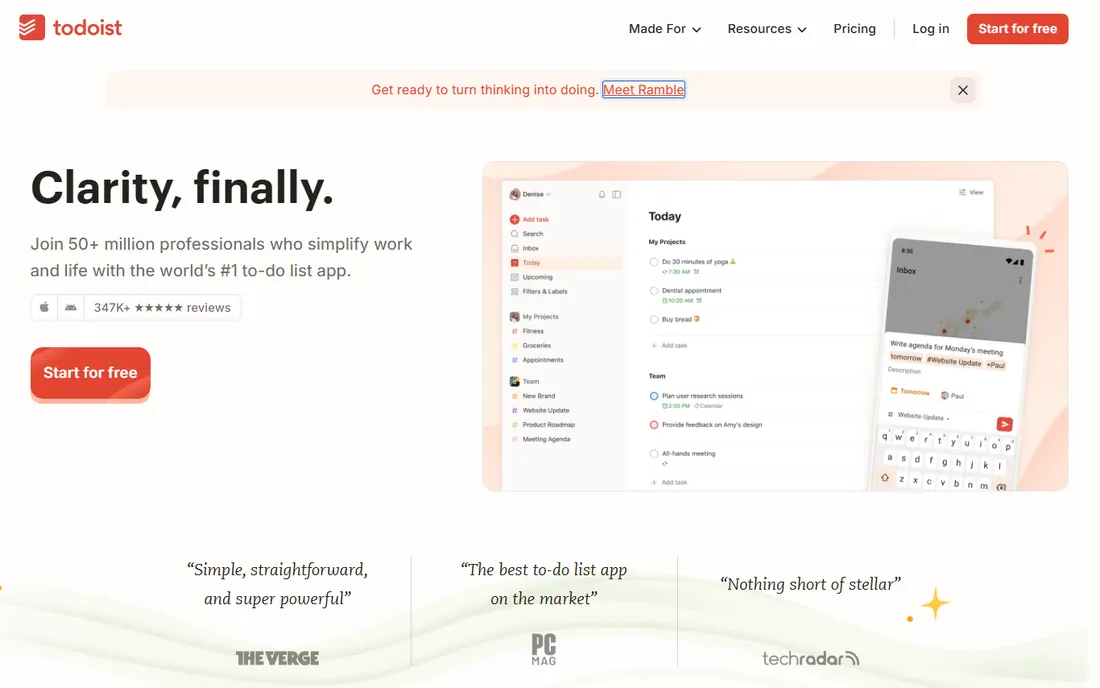
Speed is Todoist's whole argument. Type "Call Maria every first Monday" and it parses the schedule for you. That matters more than it sounds: when capturing a task takes two seconds, people actually do it, and the tool stays current without nagging. The free Beginner plan covers 5 active projects with 5 collaborators each, which is enough for an individual or a couple sharing a household and a side business.
The December 2025 price increase moved Pro to $5 per month billed annually ($60 per year) or $7 month to month, and Business to $8 per user per month billed annually. Pro adds 300 projects, reminders, calendar view and full AI Assist features. For a solo founder or a freelancer, Todoist remains one of the best values around. For a team of six that needs timeline views, approvals or capacity planning, it is the wrong tool no matter how cheap it is.
What we like- Fastest natural-language task entry of any tool here
- Light app that stays quick on every device
- Honest free tier that never expires
Watch out for- No Gantt charts, workloads or dependencies, so teams outgrow it on planning depth
- Team features are basic compared with Asana or ClickUp
Starting price$10/seat/month (Plus, billed annually)
Free planYes
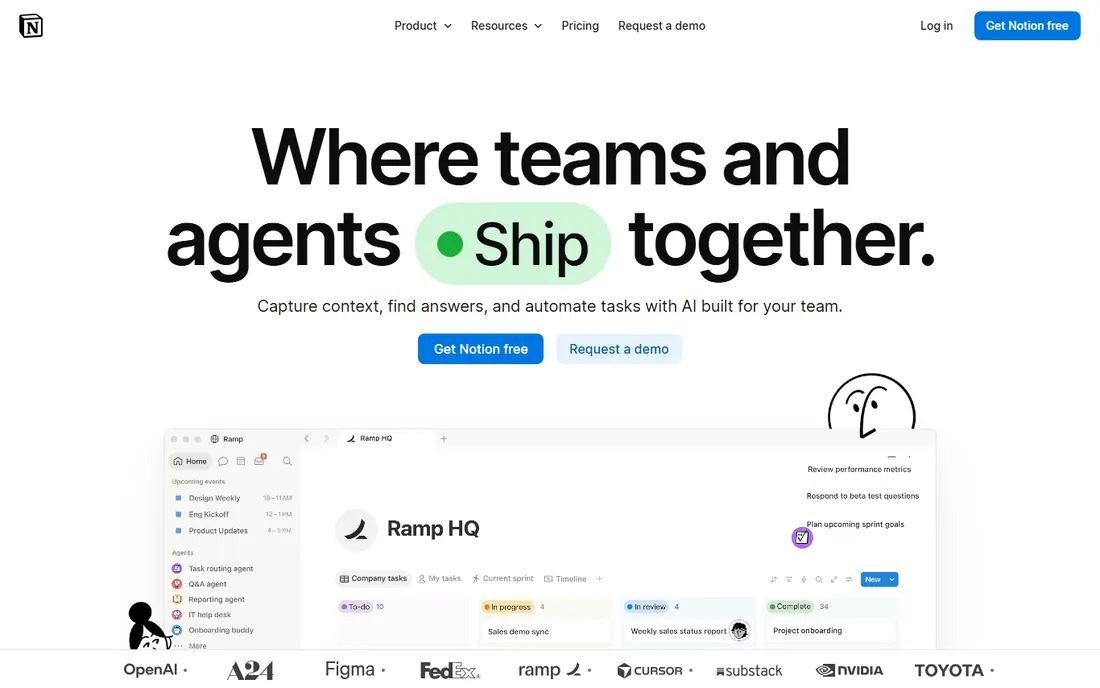
Notion replaces three subscriptions at once for many small businesses: the shared drive, the wiki and the lightweight task tracker. Pages, databases, calendars and forms all live in one place, and the relational databases let you build a client CRM, an editorial calendar or a simple inventory tracker without leaving the app. For knowledge-centered teams, that flexibility is the draw.
The catch is that flexibility. Notion ships as a blank canvas, so someone on your team has to build the structure, and undocumented workspaces turn into digital junk drawers. Pricing is straightforward: Free for individuals, Plus at $10 per seat per month billed annually ($12 monthly), Business at $20 per seat per month with the full AI features included. If your team's real need is a shared task list rather than a wiki, Todoist or TickTick will get adopted faster and cost less.
What we like- One workspace for meeting notes, wikis, docs and task boards, so fewer apps to juggle
- Generous free plan for individuals
- Deep template gallery that shortens setup
Watch out for- You have to design your own system, and teams without a clear template drift
- Advanced AI and admin controls need the $20/seat Business tier
Starting price$10.99/user/month (Starter, billed annually)
Free planYes (Personal, up to 2 users)
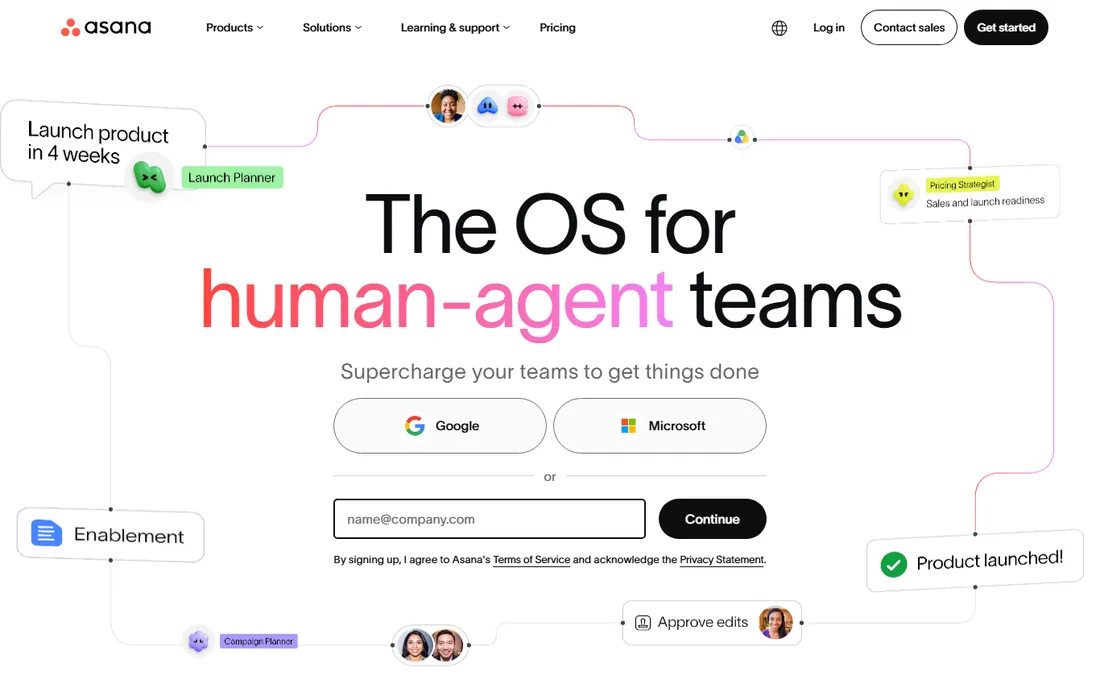
Asana is the tool you hand to a team that has never used project software before. The interface is clear enough that people figure it out on their own, which is why it keeps winning in service businesses, marketing teams and operations teams that run repeatable processes. List, Board, Calendar and Timeline are four views of the same underlying data, so a campaign can be managed as tasks while leadership watches a timeline.
The pricing is honest but the tier gap is real. Starter at $10.99 per user per month billed annually ($13.49 month to month) covers unlimited users, Timeline, workflow builder, forms and Asana AI. The features small teams often assume are standard, portfolios, goals, workload and time tracking, only appear on Advanced at $24.99 per user per month. Price the tier you will actually need, not the one you sign up for.
What we like- Polished interface that non-technical teams adopt without training
- Timeline, workflow builder and dashboards included from Starter
- Exact per-user billing with no seat buckets
Watch out for- Portfolios, goals and native time tracking require the $24.99 Advanced tier
- The free plan's two-user cap makes it useless for real teams
Starting price$5/user/month (Standard, billed annually)
Free planYes
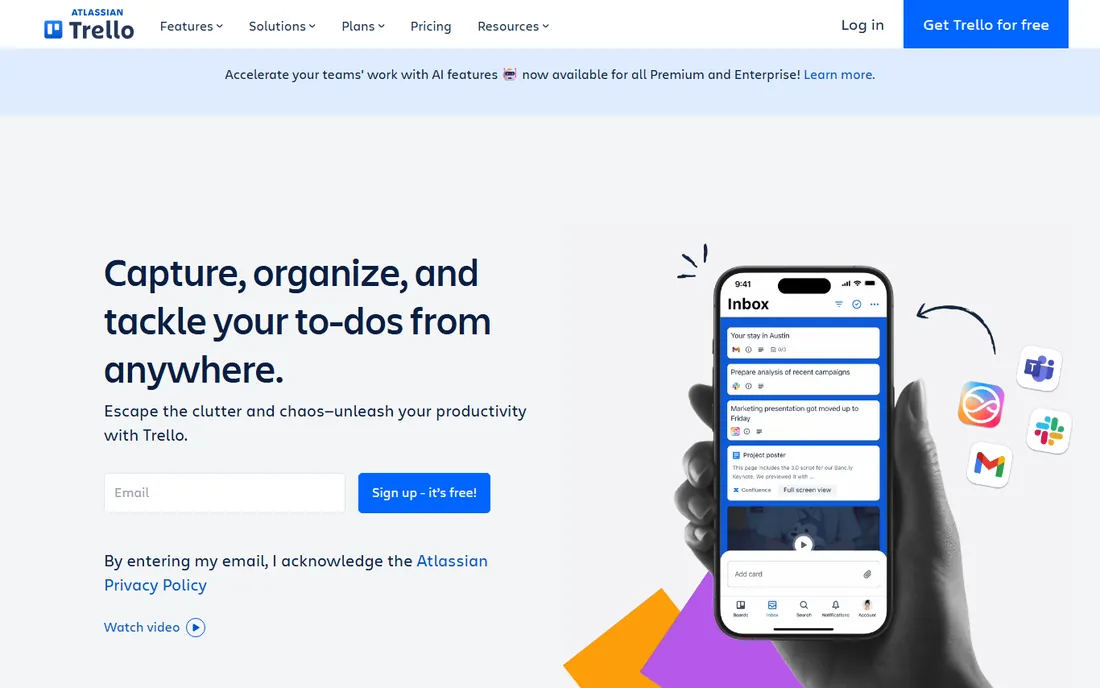
Nobody needs a training session for Trello. Columns of cards map to how work actually moves: to do, doing, done. Content calendars, hiring pipelines, client onboarding checklists and support queues all fit naturally on a board. The free plan gives unlimited cards, up to 10 boards per workspace and unlimited Power-Ups, which is enough for a small team to run for months without paying.
Standard at $5 per user per month billed annually ($6 month to month) removes the board cap, adds custom fields, advanced checklists and 1,000 Butler automation runs a month. Premium at $10 per user per month adds Timeline, Calendar, Table and Dashboard views plus unlimited automation. The honest limitation: once your projects need dependencies, capacity planning or cross-project reporting, you are either paying for Premium or migrating to something like Asana or ClickUp.
What we like- The lowest learning curve of any team tool here
- A genuinely useful free tier with unlimited cards and Power-Ups
- Butler automation included from free
Watch out for- No dependency management and thin reporting, so it hits a ceiling as projects get complex
- Premium-only views push real planning to $10/user/month
Starting price$9/seat/month (Basic, billed annually)
Free planYes (up to 2 seats)
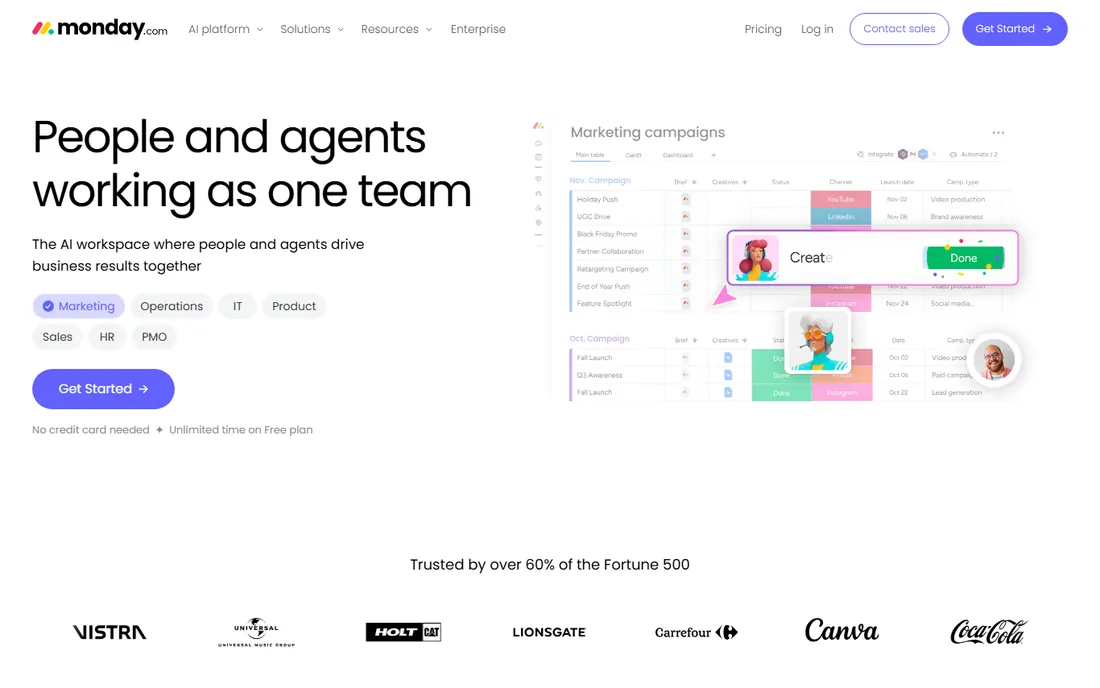
Monday.com wins demos. The boards are colorful, the automations are point-and-click, and the template gallery covers everything from marketing campaigns to applicant tracking. Small businesses use it well beyond project management: as a lightweight CRM, a hiring pipeline, an editorial calendar. The Standard plan at $12 per seat per month billed annually is where the product actually works, with 250 automation actions a month, integrations, Timeline and Calendar views.
Two pricing details matter. Every paid plan requires at least 3 seats, so a solo user pays $27 a month on Basic. And seats come in buckets (3, 5, 10, 15), so a team of 11 pays for 15. The free plan covers only 2 seats and 3 boards, which is really a trial. Asana is cheaper for very small teams and prices exact seat counts, so compare your real headcount before deciding.
What we like- Highly visual boards that managers love
- Strong automation marketplace and integration library
- Works for non-project workflows like CRM and hiring
Watch out for- Seats sell in buckets with a 3-seat minimum, so awkward team sizes overpay
- The Basic tier is weak (no automations or integrations), pushing most teams to $12/seat Standard
Starting price$7/user/month (Unlimited, billed annually)
Free planYes (free forever, unlimited members)
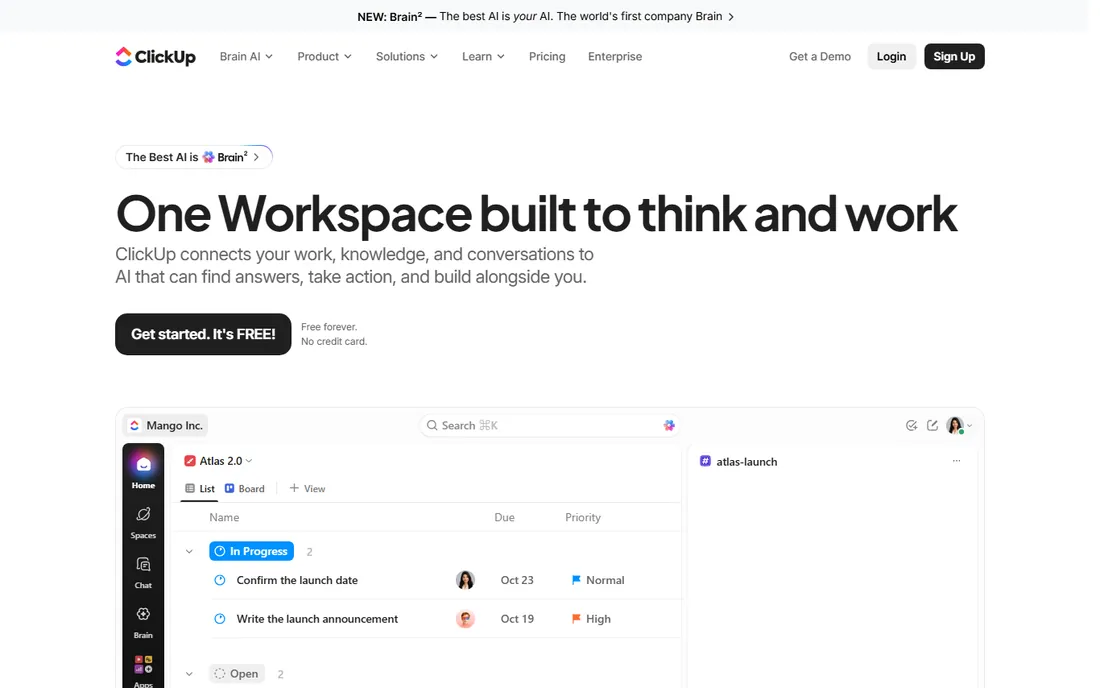
ClickUp's pitch is consolidation: tasks, docs, whiteboards, goals, chat and time tracking in one app, replacing a stack of subscriptions. The Unlimited plan at $7 per user per month billed annually ($10 month to month) covers unlimited storage, integrations and dashboards, and the Business plan at $12 per user per month adds Google SSO, workload views and more automation capacity. Against Asana's $10.99 Starter and $24.99 Advanced, ClickUp undercuts at every tier while including docs and whiteboards that Asana lacks.
The trade is complexity. ClickUp's settings menus run deep, and a team without someone owning the setup ends up with half-used features and inconsistent workflows. Small teams that want one workspace that can grow from a task list into sprints and docs get the best value here. Teams that want something simple on day one should start with Todoist, Trello or Basecamp instead.
What we like- The most features per dollar of any tool here, including docs, whiteboards, goals and sprints
- Free forever plan with unlimited members
- Cheaper than Asana at every comparable tier
Watch out for- Feature density overwhelms new users, and setup takes real effort
- AI features cost extra ($9/user/month for Brain) rather than being bundled
Starting price$15/user/month (Plus, billed monthly)
Free planYes (1 project, up to 20 users)
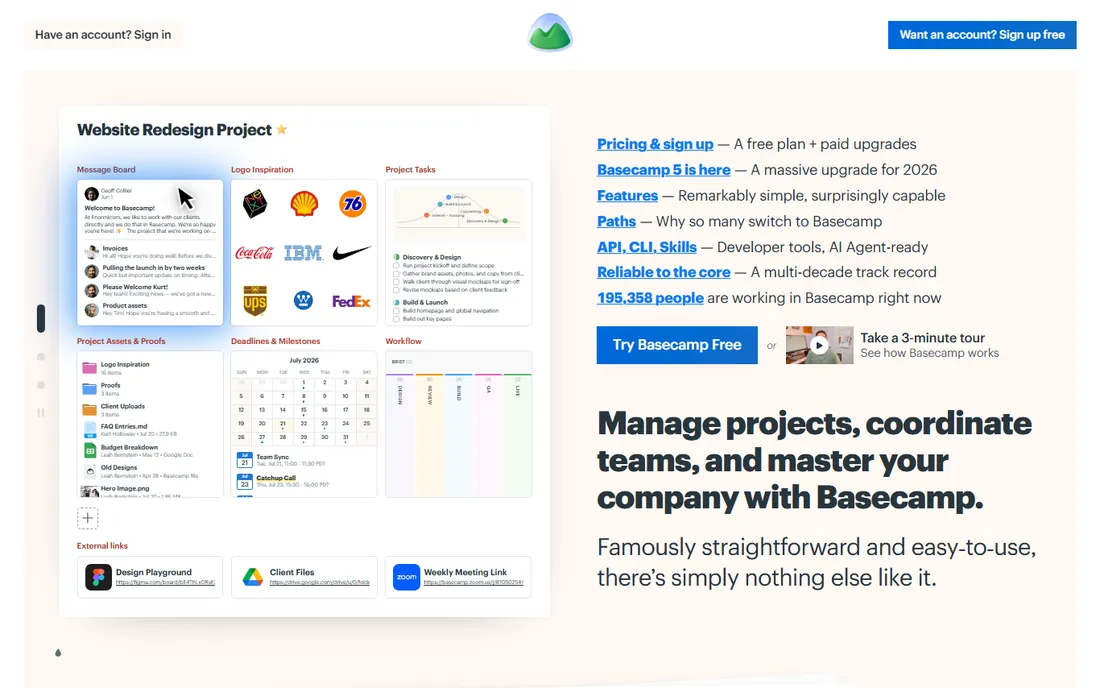
Basecamp is the anti-productivity-tool: to-dos, message boards, schedules, docs, files and group chat, and nothing else. No custom fields, no dependencies, no portfolio rollups, no native AI. That rigidity is the point. Teams that spend more time configuring project software than doing work often find Basecamp's fixed structure calming. Everything works out of the box and there is no configuration rabbit hole to fall into.
Pricing is equally opinionated. Plus is $15 per user per month (billed monthly, employees only; clients are always free). Pro Unlimited is a flat $299 per month billed annually for unlimited users, which beats per-seat pricing once you pass about 20 people. The free plan covers one project with up to 20 users. If your projects need Gantt charts or time tracking, this is the wrong tool. If they need fewer meetings and a shared message board, it might be the only tool you try.
What we like- All features on every plan, so no tier-guessing
- Clients and contractors are free on paid plans
- The flat $299/month Pro Unlimited plan caps costs for growing teams
Watch out for- Deliberately missing Gantt charts, time tracking, custom fields and AI, so structured teams will bounce
- $15 per user is steep for what is essentially to-dos plus chat
Starting price$10/user/month (Team, billed annually)
Free planYes
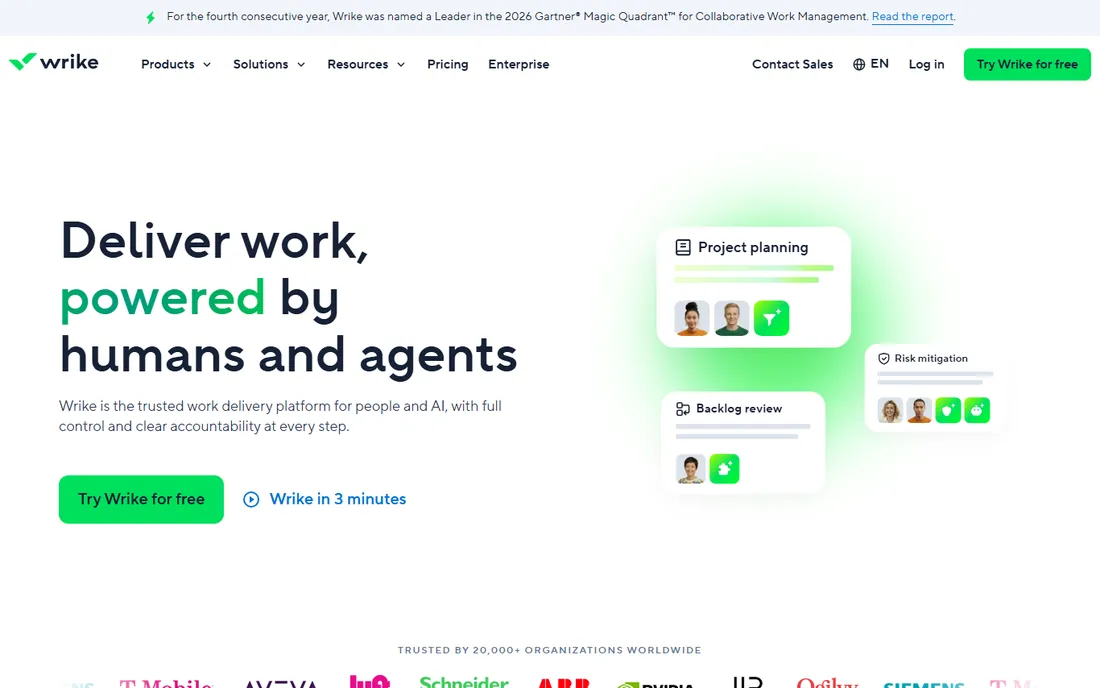
Wrike sits between Asana and enterprise project management. It offers Gantt charts, task dependencies, custom workflows and approvals from the Team plan at $10 per user per month billed annually (2 to 25 users), where Asana makes you pay $24.99 for time tracking and portfolios. The Business tier at $25 per user per month adds resource management and deeper reporting. For agencies and operations teams running complex, multi-stage projects, Wrike is genuinely strong.
The honest weakness is the learning curve. Wrike feels like enterprise software, because it is: setup takes real configuration, and teams without a process owner will struggle. The free plan exists but has tight active-task limits. Small businesses that need real planning rigor without enterprise prices should compare Wrike Team against ClickUp Business before deciding.
What we like- Real Gantt charts, dependencies and custom workflows on every paid tier
- 20 free collaborators on the Team plan
- Strong for teams managing complex multi-stage projects
Watch out for- Setup is heavy and the interface feels corporate
- Key features like AI and resource management require pricier tiers
- Overkill for simple task lists
Starting price$35.99/year (Premium, billed annually)
Free planYes
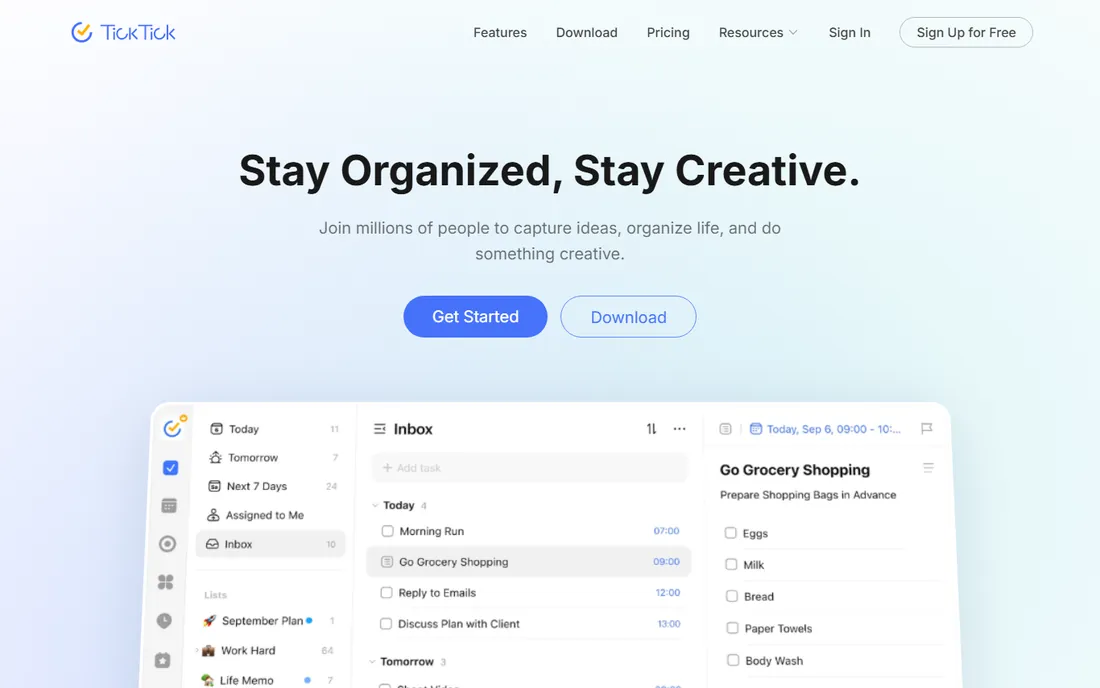
TickTick is the value pick of the personal task manager category. For $35.99 a year you get unlimited calendar subscriptions, custom smart lists, task statistics, full calendar functionality and reminders for checklist items, plus a built-in Pomodoro timer and habit tracker that Todoist charges more for. The free plan covers basic task management, a calendar view and the habit tracker, which is enough for many solo users forever.
It fits a small business owner or freelancer who wants a personal planner with time-blocking, not a team system. Shared lists and task assignment exist but are weaker than Todoist's or Asana's, and TickTick offers no free trial of Premium (there is a 14-day refund window instead). If your team needs collaboration, look at Todoist Business or Asana. If it is just you and your calendar, this is hard to beat for the price.
What we like- Cheapest premium of the personal planners at about $3 a month annually
- Built-in Pomodoro timer, habit tracker and calendar views
- Natural-language entry and good mobile apps
Watch out for- Collaboration is weaker than Todoist's
- No free trial of Premium, so you pay before testing paid features
- Team and business workflows are limited
How we chose
We checked the current pricing page of every vendor listed, then compared plans on the features that matter to small businesses: seat minimums, free tier limits, automation allowances, integrations, data export options and support. We read recent user reviews on G2, Capterra and Reddit to find the complaints that show up after the first year, when renewal bills arrive. We did not accept any vendor's trial or marketing claims at face value, and we skipped tools with no verifiable current pricing. Anything we could not confirm is listed as "See website".
What to look for before you buy
Start with how your team actually works, not with a feature list. If nobody tracks dependencies or runs sprints, a Gantt-capable tool adds nothing; it just adds a setup bill and a learning curve. If your team already runs on documents and meeting notes, a workspace like Notion that absorbs those docs will get adopted faster than a separate task app that nobody opens.
Count the real cost, not the headline price. Check seat minimums (Monday.com's 3-seat floor, Asana's 2-user cap on free), billing granularity (Monday.com's seat buckets inflate the bill at awkward headcounts), and which features live on which tier (Asana's time tracking and portfolios cost double the Starter price). Annual billing saves 15 to 20 percent on almost every tool here, but lock it in only after a month on the monthly rate.
Test the free plan or trial with a real project, not a demo board. Give two or three teammates actual work in it for two weeks, then ask whether the information flows without someone babysitting the tool. The right tool is the one that stays current with the least nagging.
Common mistakes small teams make
The most expensive mistake is buying for the business you hope to become instead of the one you run. A five-person agency that buys enterprise portfolio software gets a configuration project instead of a productivity boost. Another common error is paying for a full task system when the real need is a shared document: half of "project management" pain is really "we cannot find the brief" pain, and Notion or even a well-organized drive fixes that for free.
The third mistake is ignoring the free plan. Todoist, Trello, ClickUp and Notion all offer free tiers that a team of two or three can run on for months. Pay only when you hit a real limit: a board cap, an automation quota, a missing view. The money you do not spend on software in month one is the money you spend learning whether you need it at all.
Frequently asked questions
Which productivity software is best for a very small team?
For two or three people, Todoist or TickTick covers task management, and Trello's free tier covers simple boards. Asana's free plan caps at two users, which pushes three-person teams to paid immediately. Try the free tiers first and pay only when a limit blocks real work.
Is Notion good for small business project management?
Notion works well when the team also needs docs, wikis and meeting notes in one place. It is weaker as a pure task tracker because someone has to design the structure. If tasks are the main need, Asana, ClickUp or Todoist will be adopted faster.
How much should a small business spend on productivity software?
Most small teams spend between $5 and $15 per user per month for the tool that actually fits. Multiply by real headcount and check seat minimums: Monday.com's 3-seat floor and Basecamp's flat $299 plan change the math at the extremes. Annual billing trims about 15 to 20 percent.
Which tool is easiest to learn?
Trello has the lowest learning curve of the team tools, followed by Todoist for personal use. ClickUp and Wrike are the most capable but need the most setup time. If nobody will own the configuration, pick the simpler tool even if it does less.
Can I switch tools later without losing everything?
Most tools export tasks to CSV and integrate with Zapier or Make, so migration is possible. The real cost is re-training the team and rebuilding automations. Picking the tool your team will still use in a year matters more than picking the tool with the most features.
Sources we checked (11)
- https://todoist.com/pricing
- https://www.notion.com/pricing
- https://asana.com/pricing
- https://trello.com/pricing
- https://www.monday.com/pricing
- https://clickup.com/pricing
- https://basecamp.com/pricing
- https://www.wrike.com/pricing/
- https://ticktick.com/upgrade
- https://www.clickup.com/blog/asana-vs-clickup/
- https://www.techharry.com/2024/08/todoist-task-management-tool.html
Is your product missing or out of date?
We review this list regularly. Vendors can request a listing, send updated pricing or ask about featured placement.

Shihab Mia · Founder, Rankite
Shihab has spent more than a decade helping SaaS and e-commerce brands grow through search. He writes Rankite's software buying guides from pricing pages, documentation and public user reviews. More about Shihab.