How we make this list: we compare pricing pages, product documentation and public user reviews. Ratings come from G2, Capterra or Trustpilot, with the date we checked them.
Key takeaways
- The best productivity stack is small: one general assistant, one meeting tool, one docs workspace, and one automation tool cover most teams.
- Tools already inside Microsoft 365 or Google Workspace often cost less than a separate app doing the same job.
- Meeting transcription saves time only when summaries reach the right people and turn into tasks, not when they sit unread.
- Automation tools deliver steady value because they remove steps entirely, while writing tools need human review to stay accurate.
- Start with one team and one use case, measure time saved for a month, and expand only when the result is clear.
Quick comparison
Is your product missing or out of date?
We review this list regularly. Vendors can request a listing, send updated pricing or ask about featured placement.
Starting price$25 per user/month
Free planYes
ChatGPT Business works as a general assistant for drafting, summarizing, analyzing documents, and answering research questions. Teams can share workspaces, manage access, and keep business data out of training under the business terms, which matters for companies with client or internal material. The range is the point: one tool can help sales, operations, and marketing with different tasks.
The limit is accuracy. Drafts, figures, and cited claims need human checking before they reach clients, and sensitive data should follow company policy even with business controls. Business pricing starts around $25 per user per month on annual billing. ChatGPT fits teams that want one flexible assistant before adding specialists.
What we like- Wide range of writing, analysis, and research tasks
- Team workspace with admin controls
- Broad integration options
Watch out for- Output needs fact-checking
- Business plan pricing rises with seats and annual terms

#2Claude
Best for: Long documents and analysis4.6/5 on
G2 (488 reviews, checked Oct 2026)
Visit claude.com
Starting price$20 per user/month
Free planYes
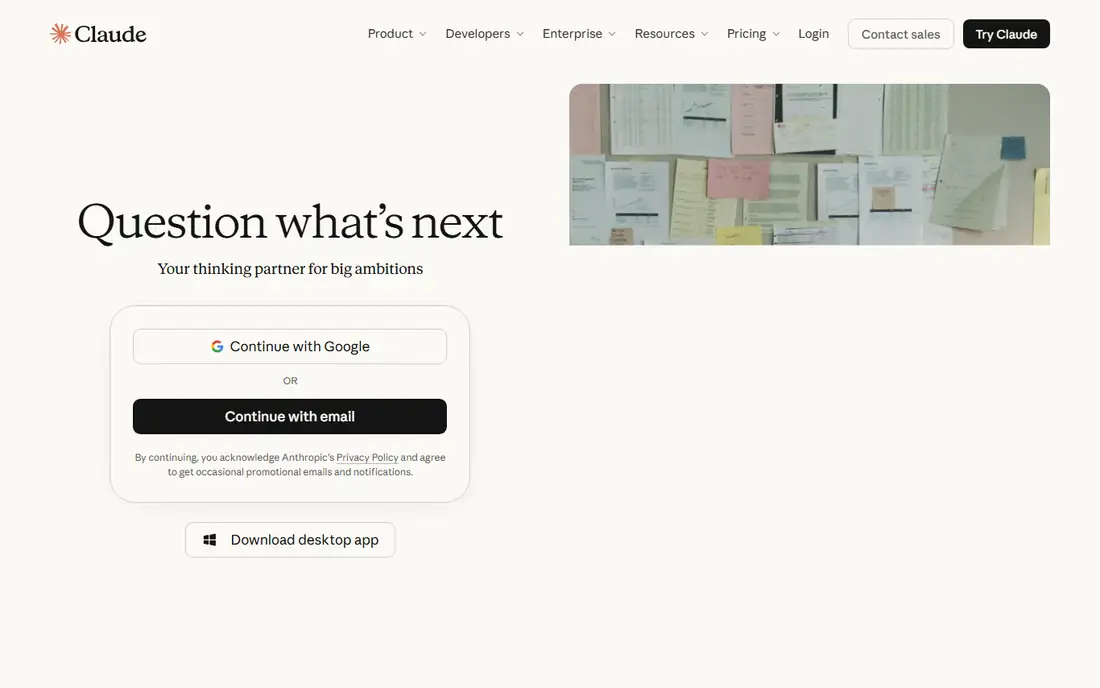
Claude earns its place when work involves long reports, contracts, research sets, or dense internal documents. It can summarize a long file, compare versions, extract key points, and give structured feedback that is easier to act on than a generic summary. Analysts, consultants, and operations teams often prefer it for document-heavy work.
Pro starts at $20 per user per month, with team plans priced higher. The free tier is useful for occasional work but limits heavy use. Claude does not remove the need for review, especially for numbers, legal language, and external claims. It fits teams whose bottleneck is reading and reasoning through long material.
What we like- Strong with long documents and structured analysis
- Clear, organized replies
- Team plans available
Watch out for- Free tier limits heavy daily use
- Still requires checking for factual errors
Starting price$30 per user/month
Free planNo
Microsoft 365 Copilot is the natural choice for teams already working in Word, Excel, Outlook, and Teams. It can draft documents, summarize email threads, prepare meeting notes, and analyze spreadsheets using company content, without moving work to a separate app. That in-place help reduces copy-paste work and keeps files where they already live.
Copilot costs around $30 per user per month as an add-on, on top of the Microsoft 365 base plan, so the total per seat is higher than a standalone assistant. Teams that rarely use Office will get less value. For Office-heavy companies, Copilot often replaces several smaller tools at once.
What we like- Works inside Word, Excel, Outlook, and Teams
- Uses company documents and email context
- Enterprise controls
Watch out for- Requires a Microsoft 365 base plan, so total cost is higher
- Value depends on how much your team lives in Office
Starting priceSee website
Free planYes
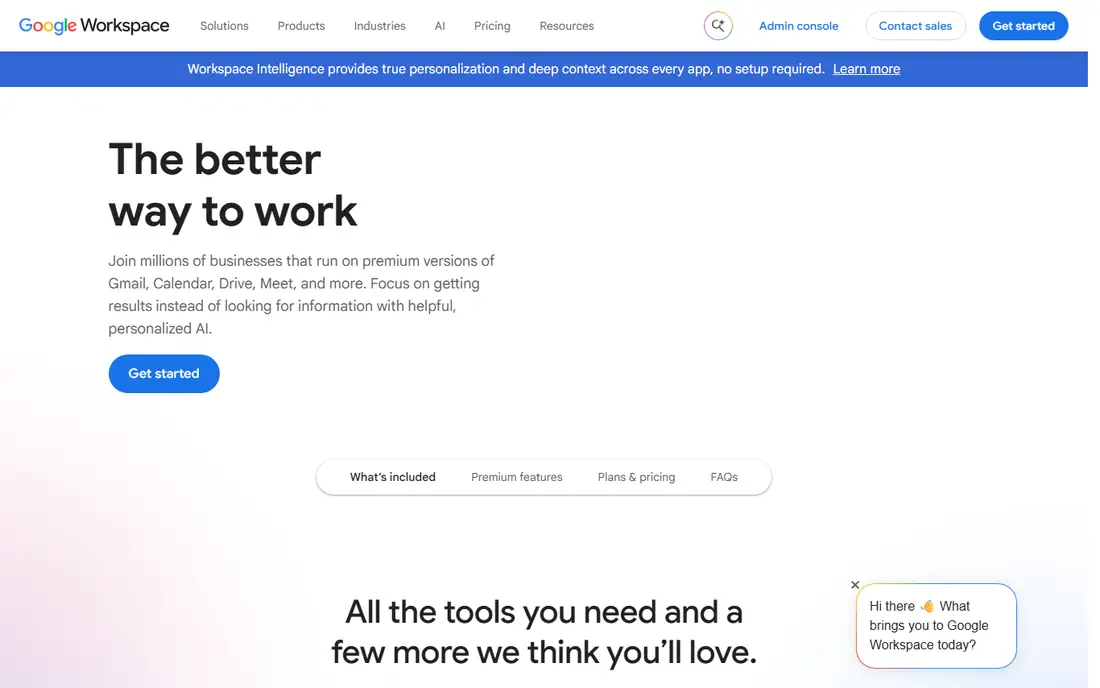
Gemini in Workspace suits teams that already run on Google Docs, Sheets, Gmail, and Meet. It can draft in Docs, summarize threads in Gmail, help with Sheets formulas, and recap Meet calls, all inside tools staff already open daily. That familiarity lowers training time and adoption friction.
Pricing depends on the Workspace plan, with fuller AI features on business tiers, so check the current plan page for your organization size. Gemini shares general assistant limits, including occasional errors and generic phrasing. It fits Google-first teams that want AI help without adding a new workspace.
What we like- Built into Docs, Sheets, Gmail, and Meet
- Helpful for drafting and summarizing
- No separate app for basic tasks
Watch out for- Advanced AI features depend on Workspace plan
- Output needs review like any assistant
Starting priceSee website
Free planNo
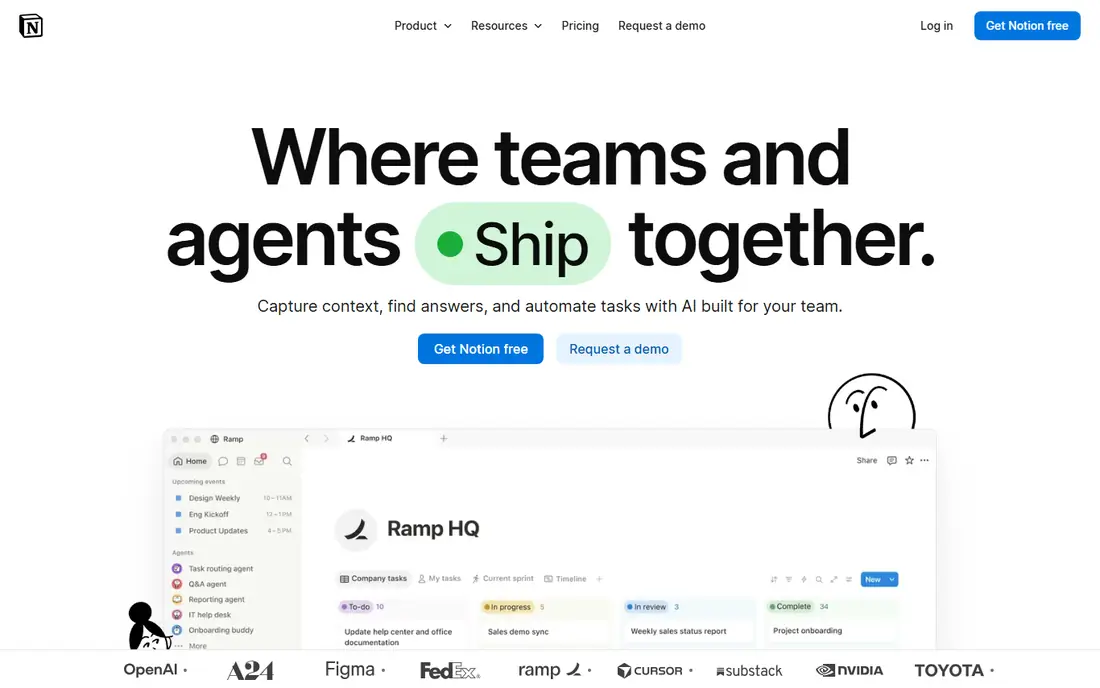
Notion AI helps teams turn scattered notes into usable knowledge. It can summarize long pages, draft project briefs, extract action items, and answer questions from workspace content. For teams that already document processes, meeting notes, and project plans in Notion, that in-place help saves real time.
Pricing is tied to Notion plans, with AI as a paid addition or included in higher tiers, so confirm the current plan structure. Notion AI will not replace a general assistant for external research or a meeting tool for live transcription. It fits teams that want their internal knowledge searchable, summarized, and kept current.
What we like- Summarizes and organizes team docs
- Turns notes into tasks and outlines
- Strong for wikis and project knowledge
Watch out for- AI features are paid and tied to Notion plans
- Teams not using Notion gain little

#6Otter.ai
Best for: Meeting transcription4.4/5 on
G2 (505 reviews, checked Oct 2026)
Visit otter.ai
Starting price$8.33 per user/month
Free planYes
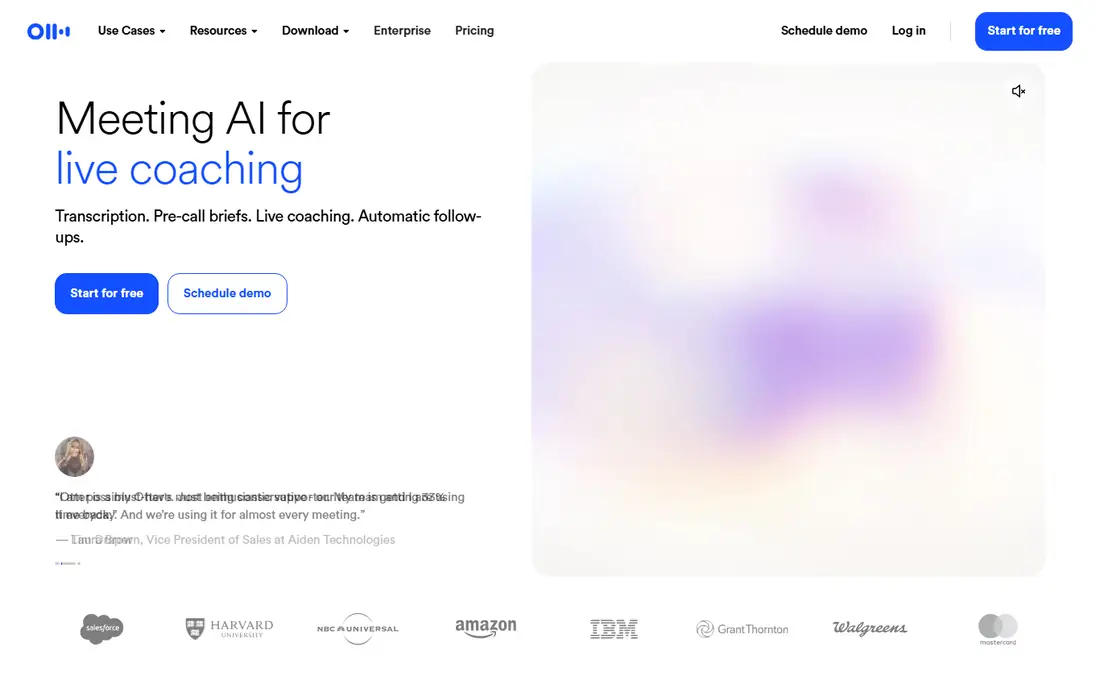
Otter.ai turns meetings into searchable transcripts and summaries, so staff who miss a call can catch up without asking for notes. It joins Zoom, Google Meet, and Microsoft Teams calls, highlights action items, and lets teams search past discussions by keyword. That searchable history is useful for decisions that get revisited months later.
Transcription quality depends on audio quality, accents, and overlapping speech, so summaries need a quick human check before they become tasks. Individual Pro pricing starts around $8.33 per user per month on annual billing, with a free tier for limited minutes. Otter fits teams with many meetings and a need for a shared record.
What we like- Live transcription and summaries
- Searchable meeting history
- Integrations with Zoom, Meet, and Teams
Watch out for- Accuracy drops with accents, crosstalk, and poor audio
- Higher tiers needed for team features

#7Fireflies.ai
Best for: Meeting notes and CRM sync4.7/5 on
G2 (754 reviews, checked Oct 2026)
Visit fireflies.ai
Starting price$10 per user/month
Free planYes
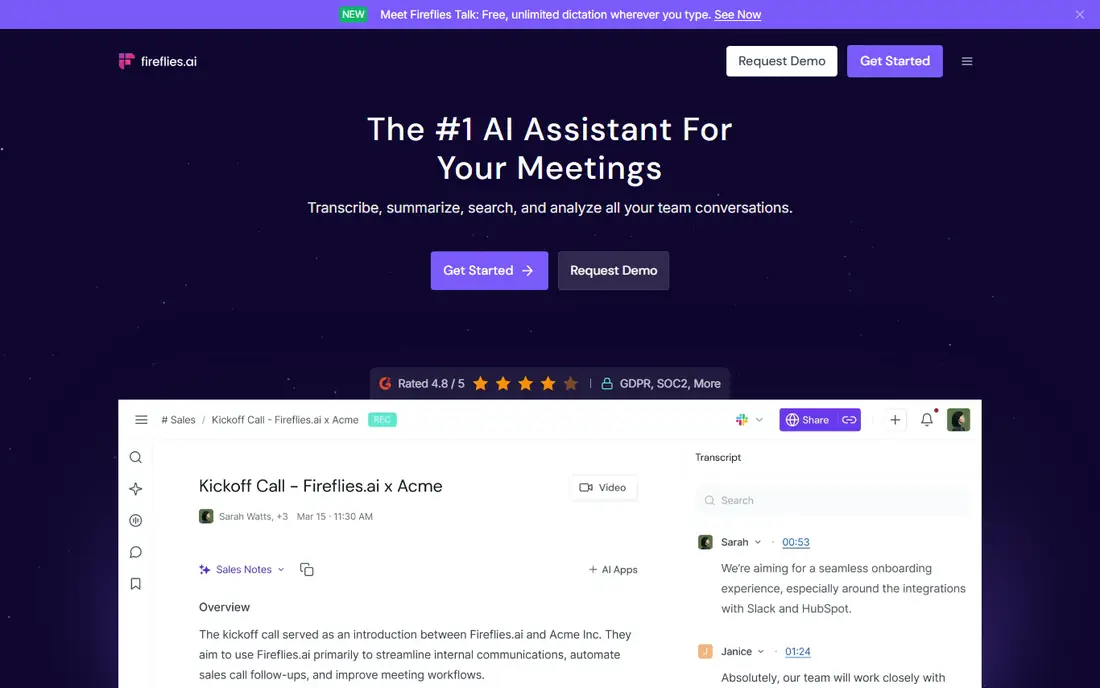
Fireflies.ai focuses on meeting intelligence for sales, support, and client-facing teams. It records, transcribes, and summarizes calls, then syncs notes and action items to CRMs such as HubSpot and Salesforce. That link between a conversation and a customer record saves manual data entry and keeps follow-up visible.
Pricing starts around $10 per user per month on annual billing, with a free tier for basic use. Like Otter, Fireflies needs decent audio and a human check for key commitments, dates, and figures. It fits teams where meeting outcomes must reach a CRM, not just a shared doc.
What we like- Meeting summaries with CRM sync
- Searchable transcripts
- Good for sales and client calls
Watch out for- Free tier limits storage and features
- Accuracy varies with audio quality

#8Zapier
Best for: Workflow automation4.5/5 on
G2 (2,088 reviews, checked Oct 2026)
Visit zapier.com
Starting price$19.99 per month
Free planYes
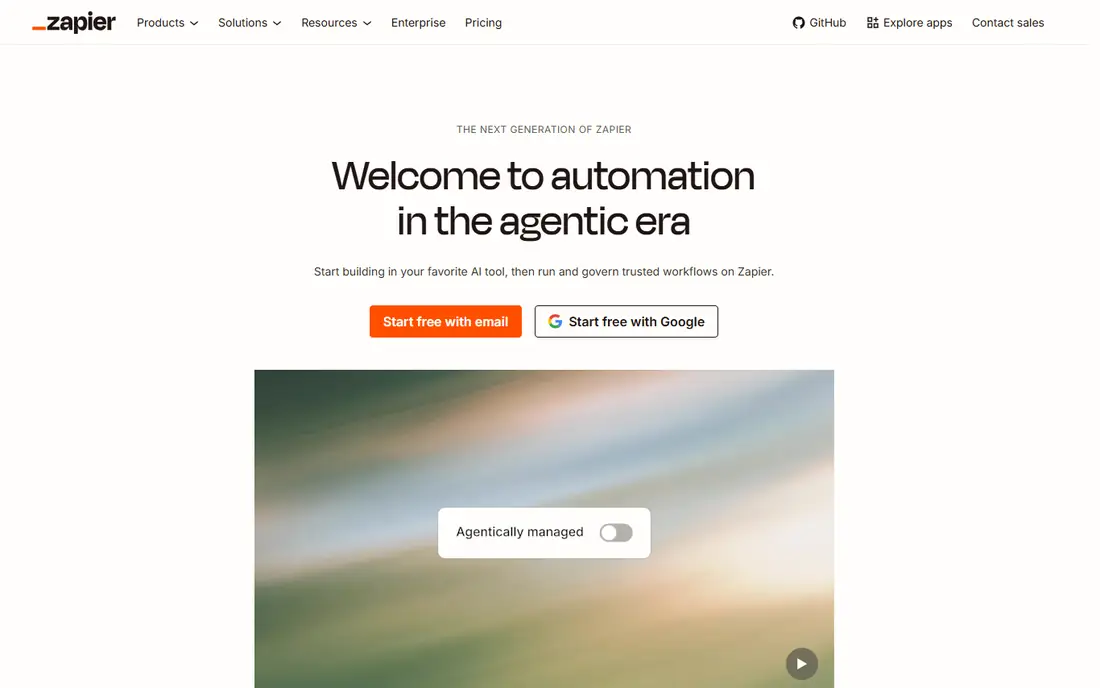
Zapier removes repetitive handoffs between apps. A new form response can create a task, a CRM entry can trigger a Slack message, and a meeting summary can be routed to the right channel, all without manual copying. AI steps can summarize, classify, or draft messages inside those workflows, which extends automation beyond simple transfers.
Pricing starts around $19.99 per month on annual billing for the Professional tier, with a free tier for basic zaps. Task volume drives cost, so a workflow that runs thousands of times a month needs a higher tier. Zapier fits operations, marketing, and sales teams with clear, repeatable processes that currently rely on manual steps.
What we like- Connects thousands of apps without code
- AI steps for summaries and routing
- Reliable for routine handoffs
Watch out for- Costs rise with task volume
- Complex workflows need careful testing
Starting price$15 per member/month
Free planYes
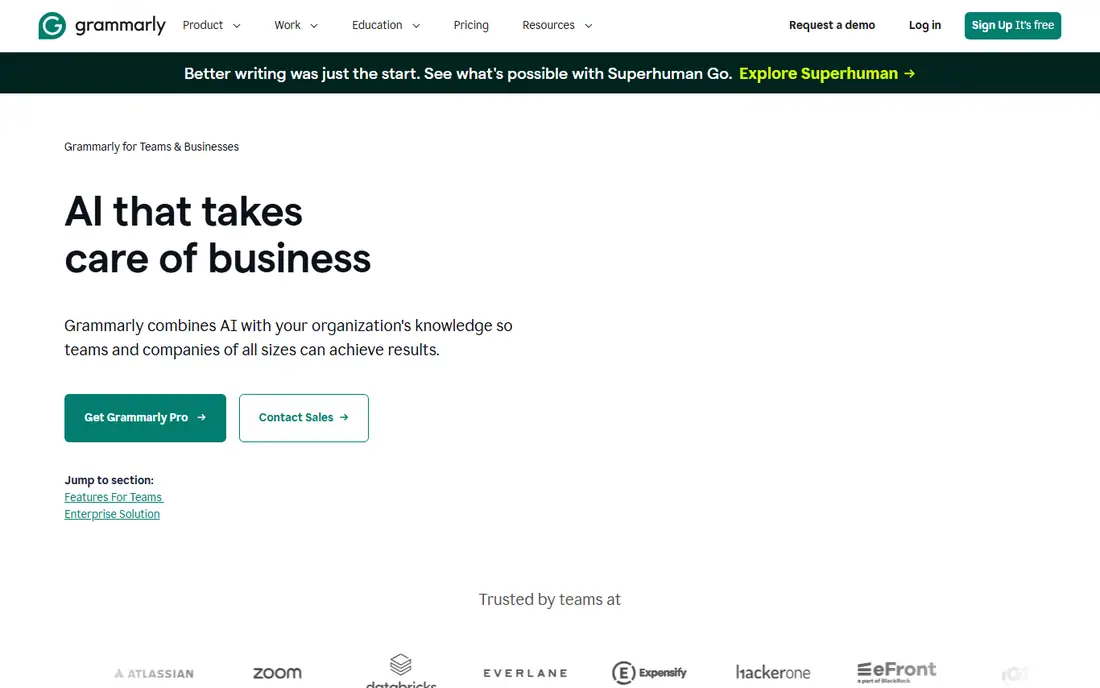
Grammarly Business keeps team writing consistent. It checks grammar, clarity, and tone across email, docs, and browsers, and it supports style guides, brand terms, and snippets for common replies. For customer-facing teams, that consistency protects quality without adding a review bottleneck for every message.
Business pricing starts around $15 per member per month on annual billing. Large teams should count seats carefully, since every writer needs a license to get full value. Grammarly improves writing, but it does not fix a weak argument or an incorrect claim, so human review still matters for important documents.
What we like- Consistent tone and clarity across the team
- Style guides and brand terms
- Works across browsers and docs
Watch out for- Per-member pricing adds up for large teams
- Does not replace editing judgment for complex documents

#10Motion
Best for: AI scheduling and tasks4.1/5 on
G2 (157 reviews, checked Oct 2026)
Visit usemotion.com
Starting price$19 per user/month
Free planNo
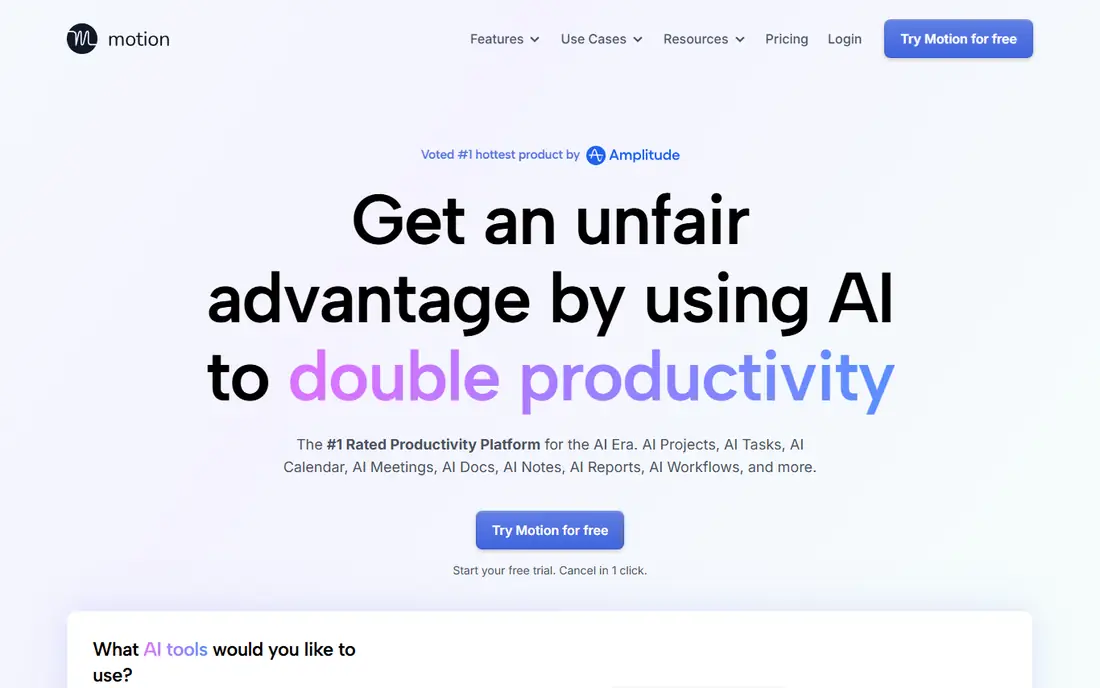
Motion uses AI to schedule tasks, projects, and meetings around existing calendar commitments. Instead of a static to-do list, tasks get time blocks based on deadlines and priority, and the schedule adjusts when meetings move. That structure helps individuals and small teams who juggle many deadlines and lose time to planning.
Individual plans start around $19 per user per month, with no permanent free tier. Auto-scheduling can feel rigid when priorities change daily, and teams need a week or two to adapt. Motion fits busy professionals and agencies that want their calendar to reflect real task priorities, not just meetings.
What we like- Auto-schedules tasks around meetings
- Prioritizes deadlines
- Calendar and project views in one place
Watch out for- No free plan for ongoing use
- Rigid auto-scheduling can frustrate teams with fluid priorities
How we chose
We reviewed vendor pricing pages, product documentation, and public reviews on G2, Capterra, and Reddit, and we compared team pricing, free tiers, integrations, admin controls, and fit for common business jobs such as writing, meetings, docs, and automation. We favored tools with current business plans, clear seat pricing, and a distinct job, rather than overlapping assistants. Where a price could not be confirmed on the vendor pricing page, we listed See website.
Tool sprawl is the most common productivity mistake. Each new app adds login, training, and subscription cost, and staff end up checking several places for the same information. A smaller stack, used consistently, usually beats a larger stack used unevenly.
Start with one bottleneck
Pick the single biggest time drain, such as meeting notes, email drafting, or manual data entry, and solve that first. Run a four-week pilot with one team, track time saved and tasks completed, and only then add a second tool. If the pilot does not show a clear gain, the tool is not the problem, the workflow is.
Check what you already pay for
Before buying a new assistant, check whether Microsoft 365, Google Workspace, Notion, Slack, or HubSpot already includes AI features you have not enabled. Many teams pay for a separate meeting or writing tool while a bundled feature covers the same job. A quick audit of existing plans often frees budget for the one specialist tool that truly adds value.
Frequently asked questions
What is the best AI tool for business productivity?
There is no single winner, since teams need different jobs covered. A general assistant such as ChatGPT or Claude covers writing and analysis, Otter or Fireflies covers meetings, Notion covers docs, and Zapier covers automation. Start with the job that costs your team the most time, then add one specialist at a time.
How much should a small business spend on AI tools?
Many small teams start with $20 to $50 per person per month across two or three tools, often using free tiers first. Larger teams with Microsoft 365 Copilot or team assistants will pay more per seat. Track time saved and tasks completed before expanding, since unused seats are the most common waste.
Are AI tools safe for business data?
Safety depends on the plan and your policies. Business and enterprise plans usually offer admin controls, data handling terms, and options to exclude data from training, while free consumer plans may differ. Read the vendor data terms, limit sensitive data in prompts, and follow your company policy for client and financial material.
Can AI replace meetings?
No, but meeting tools reduce the cost of meetings by capturing decisions and action items automatically. Teams still need live discussion for complex decisions, conflict, and relationship building. Use transcription to make meetings shorter and follow-up clearer, not to eliminate conversation entirely.
Do I need both ChatGPT and Claude?
Most teams do not. Pick one general assistant, learn it well, and add specialists for meetings, docs, or automation. Some teams keep both because Claude handles long documents well and ChatGPT covers broader tasks, but paying for both without a clear reason is usually wasteful.
How do I measure productivity gains from AI?
Track a baseline for a specific task, such as hours spent on meeting notes, email drafting, or data entry, then track the same task for four weeks after adoption. Count completed tasks, error rates, and time saved, not just tool usage. If time saved does not exceed subscription cost and review time, reconsider the tool.
Sources we checked (10)
- https://www.chatgpt.com/business
- https://www.claude.com
- https://www.microsoft.com/microsoft-365/copilot
- https://workspace.google.com
- https://www.notion.com
- https://www.otter.ai
- https://www.fireflies.ai
- https://www.zapier.com
- https://www.grammarly.com/business
- https://www.usemotion.com
Is your product missing or out of date?
We review this list regularly. Vendors can request a listing, send updated pricing or ask about featured placement.

Shihab Mia · Founder, Rankite
Shihab has 5+ years in B2B and SaaS SEO. He writes Rankite's software buying guides from pricing pages, documentation and public user reviews. More about Shihab.
 ChatGPT Business
 Microsoft 365 Copilot
 Google Gemini in Workspace
 Notion AI
 Grammarly Business