How we make this list: we compare pricing pages, product documentation and public user reviews. Ratings come from G2, Capterra or Trustpilot, with the date we checked them.
Key takeaways
- Notion AI brings writing, summarization and Q&A to the most popular all-in-one workspace, which suits teams already living in Notion.
- Mem and Reflect are AI-native: they organize, connect and resurface notes automatically instead of waiting for you to file things.
- Obsidian keeps your notes local in Markdown with a huge plugin ecosystem; AI arrives via plugins rather than built in.
- Roam Research and Tana serve the networked-thought crowd: bidirectional links and structured outliners for serious knowledge workers.
Quick comparison
| Tool | Best for | Starting price | Free plan |
|---|
 Notion Notion | All-in-one workspace with AI | See website | Yes |
 Obsidian Obsidian | Local-first Markdown knowledge base | See website | Yes |
 Mem Mem | Self-organizing AI notes | See website | No |
 Reflect Reflect | Fast networked notes with AI | See website | No |
 Tana Tana | Structured outliner with AI | See website | No |
 Roam Research Roam Research | Bidirectional networked thought | See website | No |
 Evernote Evernote | Classic capture-everything notes | See website | Yes |
 Microsoft OneNote Microsoft OneNote | Free notebook for Microsoft users | See website | Yes |
Is your product missing or out of date?
We review this list regularly. Vendors can request a listing, send updated pricing or ask about featured placement.
The best AI note-taking apps
Note-taking split into two philosophies: AI that writes and organizes for you, and tools that get out of the way while you think. The eight below cover both, from AI-native newcomers to the classics that added AI on top.
Starting priceSee website
Free planYes
Notion AI turns the popular workspace into an AI assistant: draft documents, summarize meeting notes, extract action items and ask questions across your pages. Combined with databases, templates and collaboration, it remains the default choice for teams that want notes plus structure.
The AI costs extra on top of paid plans, and performance dips in huge workspaces. Notion fits individuals and teams that want one home for notes, projects and wikis with AI help on demand.
What we like- Notion AI writes, summarizes and answers questions across your workspace
- Databases, docs and wikis in one place
- Generous free tier for individuals
Watch out for- AI is a paid add-on
- Can feel slow with large workspaces
- The flexibility creates setup overhead
Starting priceSee website
Free planYes
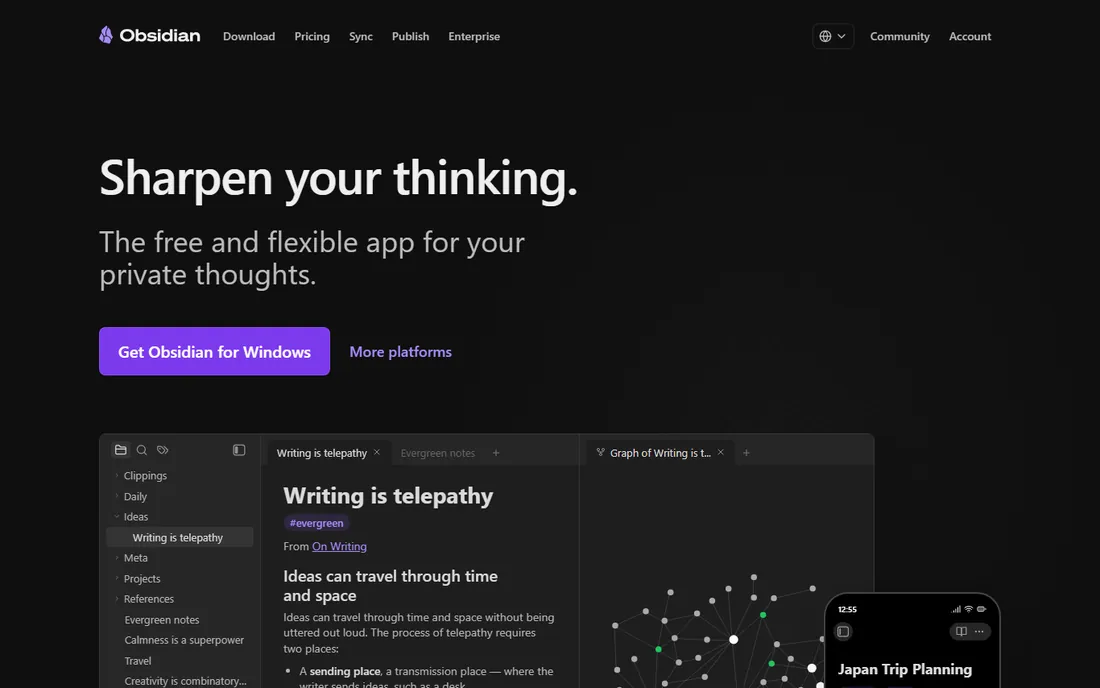
Obsidian is the power user's choice: plain Markdown files on your device, bidirectional links, a graph of your thinking and hundreds of community plugins, several adding AI chat, summarization and writing help. Your notes survive any company's fate.
Setup takes effort and official sync costs extra. Obsidian fits knowledge workers who want ownership, privacy and extensibility, and will invest time configuring their system.
What we like- Notes live as local Markdown files you own
- Massive plugin ecosystem including AI assistants
- Graph view reveals connections
- Free for personal use
Watch out for- AI comes via plugins, not built in
- Sync and publishing cost extra
- The learning curve is real
Starting priceSee website
Free planNo
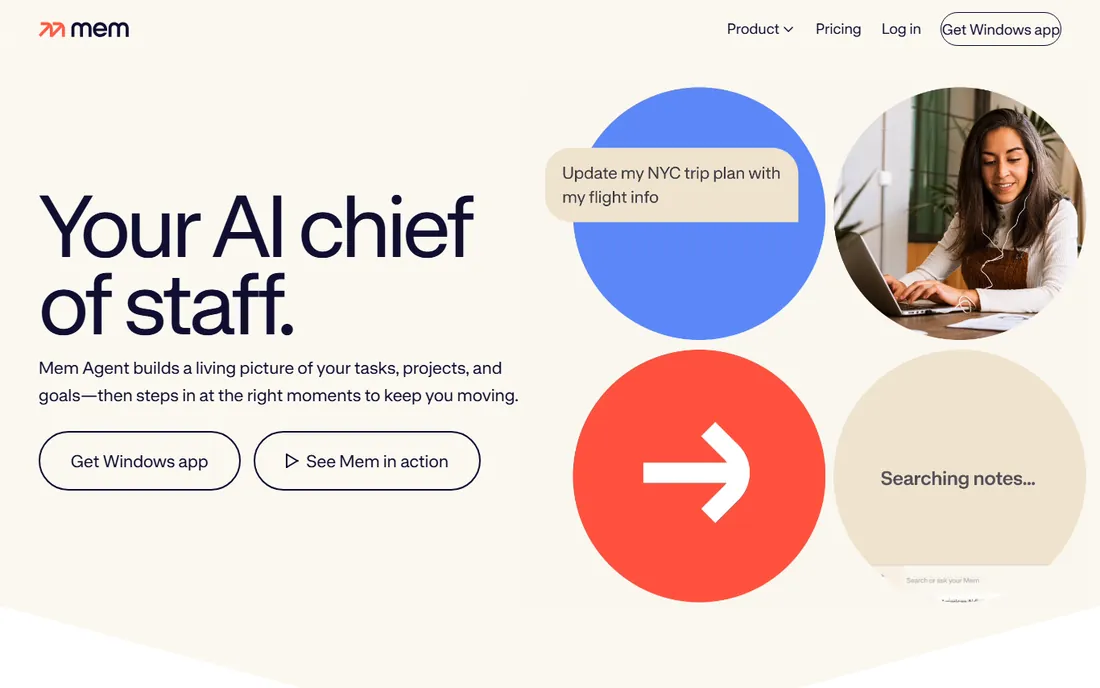
Mem's pitch is freedom from filing: dump in notes, and AI organizes, tags and connects them, resurfacing relevant context when you need it. Capture is instant across devices, and semantic search understands what you meant.
Control freaks may miss manual organization; the AI decides more than some users like. Mem fits fast capturers who want their notes organized for them rather than by them.
What we like- AI auto-organizes notes with tagging and connections
- Fast capture-first design
- Smart search finds things by meaning, not just keywords
Watch out for- Less control over organization than manual tools
- Smaller ecosystem
- Pricing is subscription-only
Starting priceSee website
Free planNo
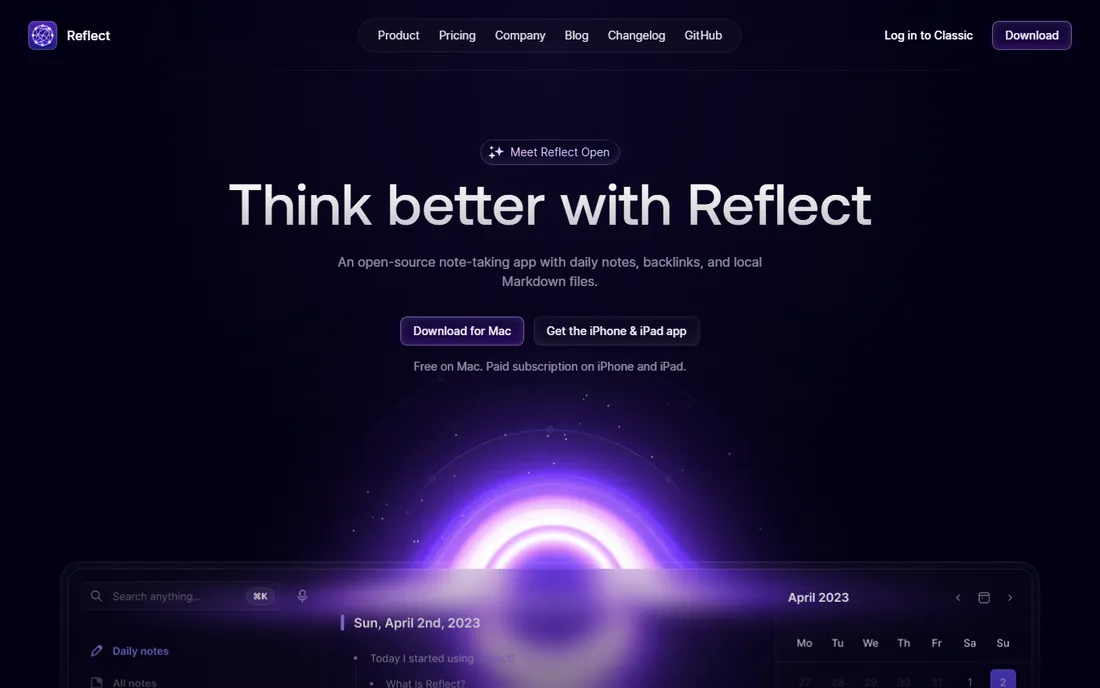
Reflect is built for speed: open, type, link, done, with AI assistance for summaries and drafting woven in. Calendar integration automatically connects notes to events, and encryption protects everything.
The subscription-only pricing and narrower scope mean it suits committed users, not dabblers. Reflect fits professionals who take meeting-heavy notes and want AI help without leaving a fast app.
What we like- Speed-obsessed design with instant sync
- AI summaries and writing help built in
- Calendar integration ties notes to meetings
- End-to-end encryption
Watch out for- No free tier
- Smaller feature set than Notion
- Network effects favor users who commit fully
Starting priceSee website
Free planNo
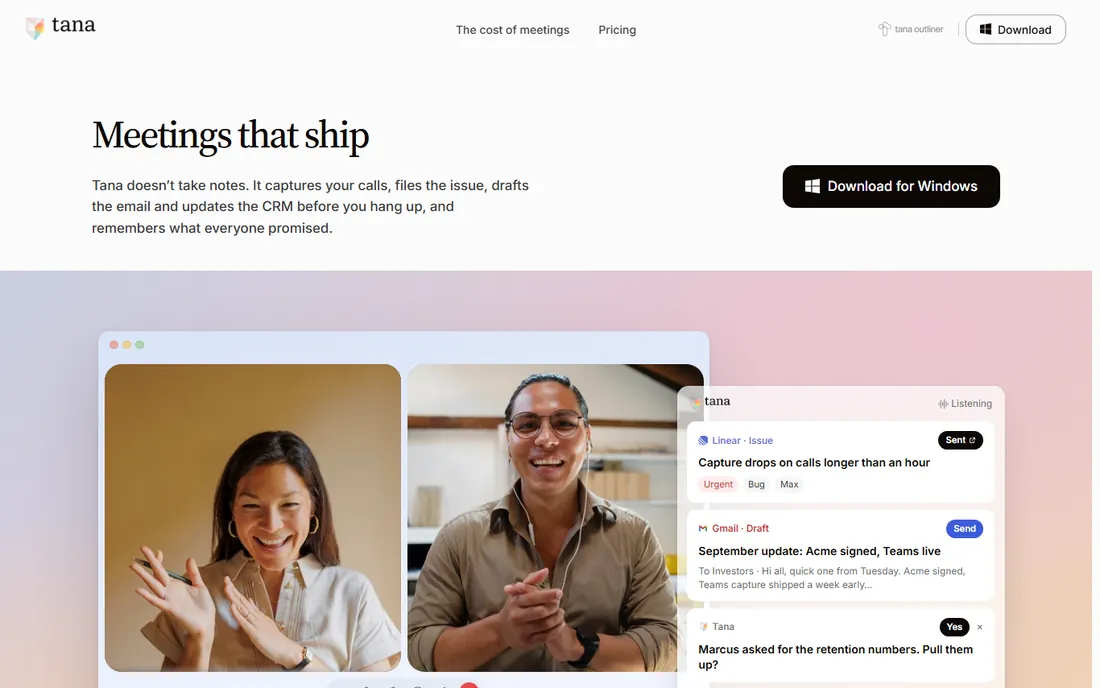
Tana reimagines notes as structured data: every bullet can carry fields, tags and relationships, so your notes become a queryable personal database. AI assists with drafting, summarizing and organizing throughout.
The learning curve is the steepest here; casual users bounce off. Tana fits systems thinkers building elaborate personal knowledge machines who find Notion too loose and Roam too plain.
What we like- Outliner with structured fields (supertags) that turn notes into databases
- AI commands throughout
- Powerful for complex personal systems
Watch out for- Steep learning curve
- The power overwhelms casual note-takers
- Newer platform still evolving
Starting priceSee website
Free planNo
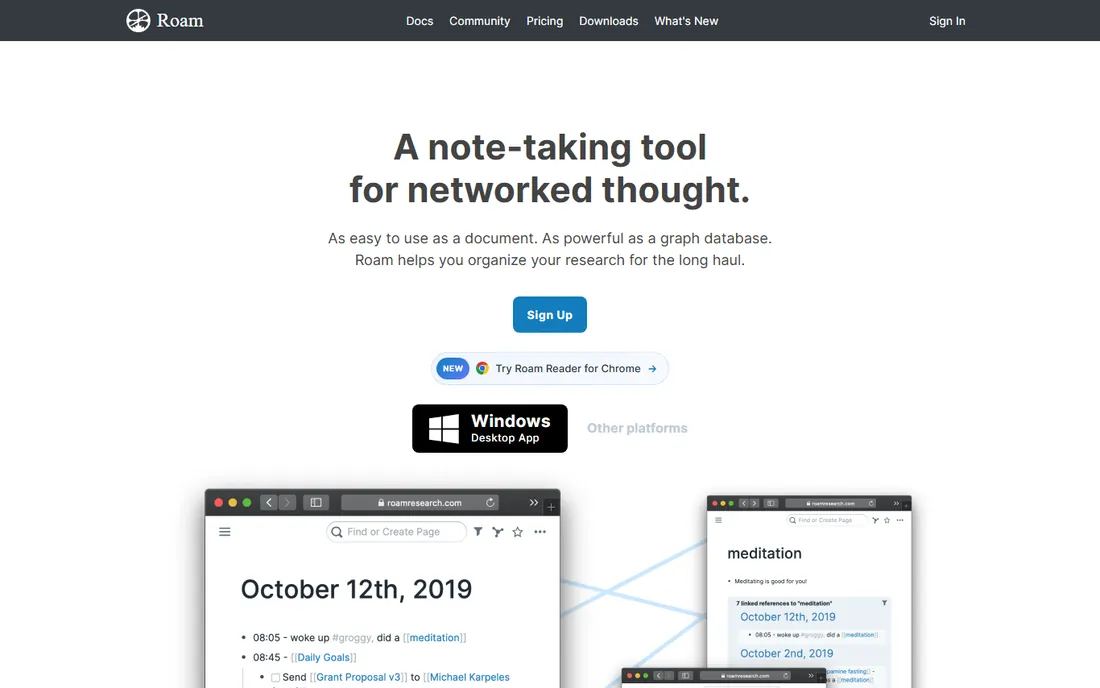
Roam Research started the networked-thought movement: every block linkable, daily notes as the inbox, backlinks revealing forgotten connections. Researchers, writers and academics built serious thinking systems on it.
Newer tools have caught up and the price has no free entry. Roam fits loyalists and researchers whose thinking is already shaped around its daily-notes graph.
What we like- Pioneered bidirectional linking and block references
- Daily notes workflow beloved by researchers
- Powerful for connecting ideas across time
Watch out for- No free tier
- Interface shows its age
- Development pace has slowed versus newer rivals
Starting priceSee website
Free planYes
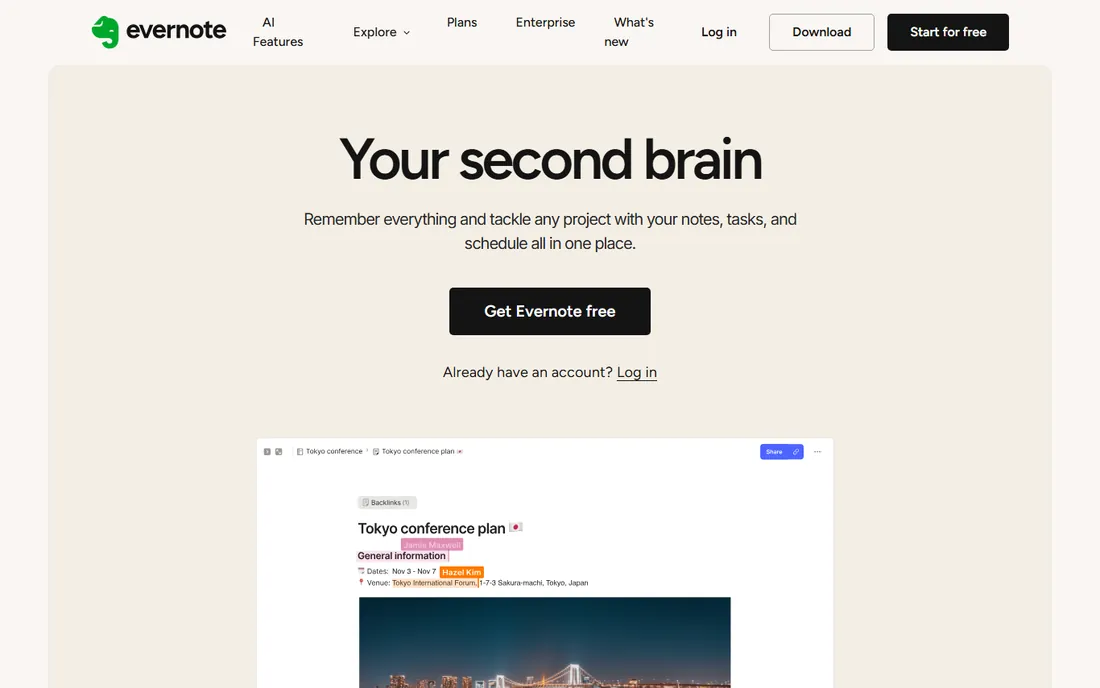
Evernote invented the digital notebook and still captures everything well: clip the web, scan documents, save emails, record audio. Recent AI additions improve search and organization.
The free plan's limits push most users to paid tiers. Evernote fits long-time users and anyone wanting a dependable capture bucket with AI search on top.
What we like- Capture anything: web clips, documents, scans, audio
- AI search and cleanup features added
- Long track record and reliability
Watch out for- Free tier is heavily limited
- The renaissance is still proving itself
- Power users moved to newer tools
Starting priceSee website
Free planYes
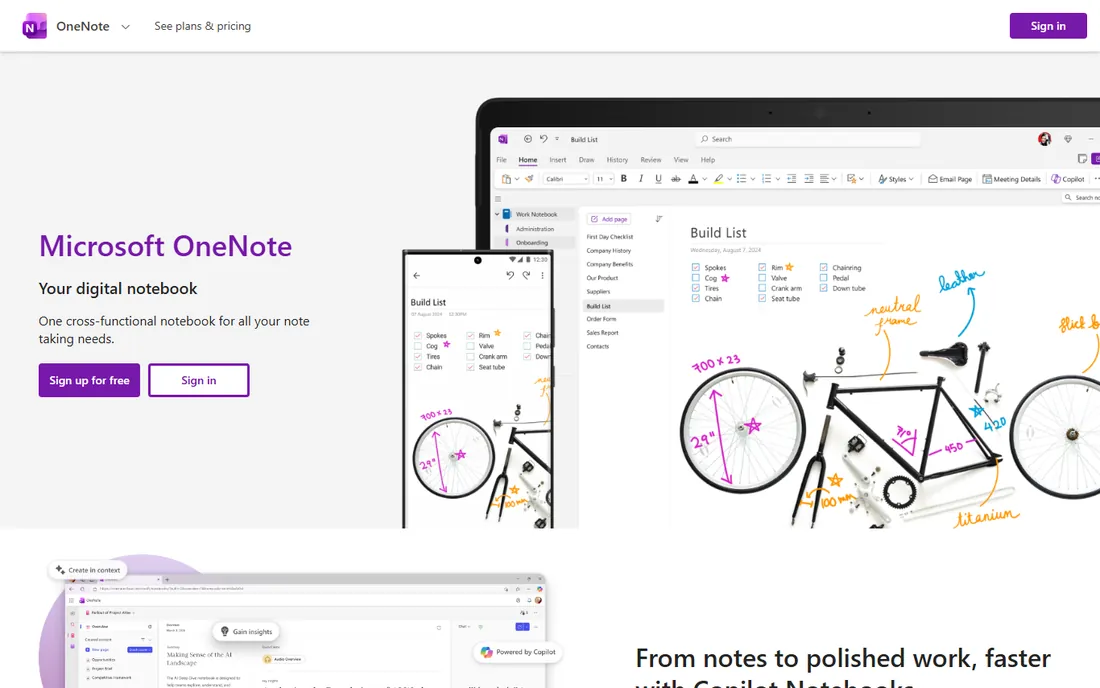
OneNote is the quiet bargain: a capable notebook free for anyone, with a paper-like canvas, strong stylus support and Copilot AI for Microsoft 365 subscribers. Students and Office users get real value for nothing.
Search and structure trail Obsidian and Notion. OneNote fits Microsoft-ecosystem users, students and handwriting note-takers who want free and familiar.
What we like- Completely free with generous storage
- Freeform canvas feels like paper
- Copilot integration for Microsoft 365 users
- Excellent handwriting support
Watch out for- Organization tools lag rivals
- Sync quirks persist
- The interface feels dated
What to check before you buy
Start with your thinking style. Outliners (Tana, Roam) suit hierarchical thinkers; networked tools (Obsidian, Reflect) suit connectors; workspaces (Notion) suit organizers; capture tools (Mem, Evernote) suit collectors. The wrong paradigm fights you daily.
Check data ownership and export: can you get your notes out as Markdown or HTML? Verify AI data handling: where is your content processed, and is it used for training? Test the mobile capture experience, since half of note-taking happens on phones. Finally, trial the AI features on your real notes, not demos; summarization quality varies enormously by content type.
How we chose
We selected note-taking apps with real AI capabilities and active user bases, spanning AI-native tools and classics with AI added, using vendor sites, documentation and public reviews. Pricing changes often in this category, so every starting price is listed as See website. We did not test AI outputs on private note collections.
Building a note system that lasts longer than a month
Most note-taking setups fail the same way: an enthusiastic week of organizing, then a slow slide back to scattered files and forgotten ideas. The systems that survive share a few unglamorous traits.
Capture first, organize later. The biggest killer of note systems is friction at the moment of capture. If saving a thought takes more than ten seconds, you will stop doing it. Pick the tool with the fastest capture on the devices you actually use, and worry about organization weekly, not in the moment. An inbox for unprocessed notes, reviewed every Friday, beats a perfect folder structure nobody feeds.
Separate the types. Fleeting notes (a thought, a quote, a link), project notes (active work with a deadline) and permanent notes (knowledge you want to keep) behave differently. Mixing them in one pile means the important drowns in the trivial. Even simple tagging or three top-level folders changes the dynamics completely.
Write for your future self. Notes that say "great idea about the launch" are useless in six months. The habit that compounds: add one line of context (what, why it mattered, what you decided). It takes ten seconds now and saves the archaeological dig later.
Review on a schedule. Notes you never revisit are a write-only archive. A weekly review (what did I capture, what is actionable, what can be deleted) and a monthly deeper pass keep the system alive. AI features help here: summaries of the week's captures and surfacing related old notes turn review from a chore into something genuinely useful.
Prune ruthlessly. A note system is a garden, not a museum. Delete the outdated, archive the completed, merge the duplicates. Every pruning session makes the remaining notes more valuable because search and AI retrieval work better on a clean corpus.
Resist the migration itch. Switching tools feels productive and resets all your habits to zero. Unless the tool is actively blocking you, stay put for at least a year. The best note system is the one you have actually used for twelve months.
Frequently asked questions
What makes a note-taking app "AI"?
Common AI features: writing assistance, summarization, semantic search, auto-tagging and organization, Q&A over your notes and meeting transcription. Depth varies from bolted-on chatbots to deeply integrated systems.
Is my note content used to train AI models?
Policies vary by vendor. Check each provider's privacy policy and settings: reputable tools offer opt-outs or exclude personal data from training. This matters more for sensitive notes.
Should I choose local-first or cloud notes?
Local-first (Obsidian) gives ownership and privacy; cloud (Notion, Mem) gives easy sync and collaboration. Many users run both: local for thinking, cloud for sharing.
Can I migrate notes between apps?
Usually yes, with friction. Markdown exports move cleanly between Obsidian, Notion and others; databases, links and AI metadata often do not. Export before you commit deeply.
Do I need to pay for AI features?
Most vendors charge extra for AI or reserve it for paid tiers. Free tiers typically cover basic note-taking; evaluate whether the AI features earn their price on your actual workflow.
Which is best for students?
OneNote (free, great handwriting) and Notion (free tier, templates, collaboration) lead for students. Obsidian suits research-heavy graduate work.
Should personal and work notes live in the same app?
It depends on employer policies and personal boundaries. One system means one search and one habit, which most people sustain better than two. But if an employer can access or claim work notes, keep a separate personal system for journals, health matters and side projects. The deciding factor is not the app but who controls the data.
How do AI note-taking apps handle privacy?
It varies enormously. Local-first apps keep data on the device; cloud apps process it on their servers, and some use customer content to improve models. Read the privacy policy for three specifics: encryption at rest and in transit, whether humans ever review notes, and whether data trains models plus how to opt out. For sensitive work, prefer vendors with clear zero-training commitments.
Sources we checked (8)
- https://www.notion.com
- https://obsidian.md/
- https://get.mem.ai/
- https://reflect.app
- https://tana.inc/
- https://roamresearch.com
- https://evernote.com
- https://www.onenote.com
Is your product missing or out of date?
We review this list regularly. Vendors can request a listing, send updated pricing or ask about featured placement.

Shihab Mia · Founder, Rankite
Shihab has 5+ years in B2B and SaaS SEO. He writes Rankite's software buying guides from pricing pages, documentation and public user reviews. More about Shihab.