How we make this list: we compare pricing pages, product documentation and public user reviews. Rankite is independent; if a vendor ever pays for a featured spot, that listing is clearly labeled Partner.
Key takeaways
- ChatPDF and Humata lead for chatting with PDFs: upload a document and ask questions instead of reading it.
- NoteGPT and Sharly handle broader content (videos, audio, web) beyond just documents.
- QuillBot (free; Premium available) and SMMRY (free) are the budget-friendly summarizers for everyday use.
- SciSummary serves researchers with science-focused summaries; Summarizer.org is the simple free web tool.
Quick comparison
| Tool | Best for | Starting price | Free plan |
|---|
 ChatPDF ChatPDF | asking questions about any PDF | Free; paid plans (see website) | Yes |
 Humata Humata | deep Q&A over technical documents | Free; paid plans (see website) | Yes |
 NoteGPT NoteGPT | summaries across documents, video and audio | Free; paid plans (see website) | Yes |
 Sharly Sharly | AI analysis of business documents | Free; paid plans (see website) | Yes |
 SMMRY SMMRY | instant no-frills text summaries | Free | Yes |
 QuillBot QuillBot | summarizing plus paraphrasing and writing help | Free; Premium available (see website) | Yes |
 SciSummary SciSummary | researchers drowning in papers | Free trial; paid plans (see website) | Free trial |
 Summarizer.org Summarizer.org | free web-based summarizing without signup | Free | Yes |
Is your product missing or out of date?
We review this list regularly. Vendors can request a listing, send updated pricing or ask about featured placement.
Starting priceFree; paid plans (see website)
Free planYes
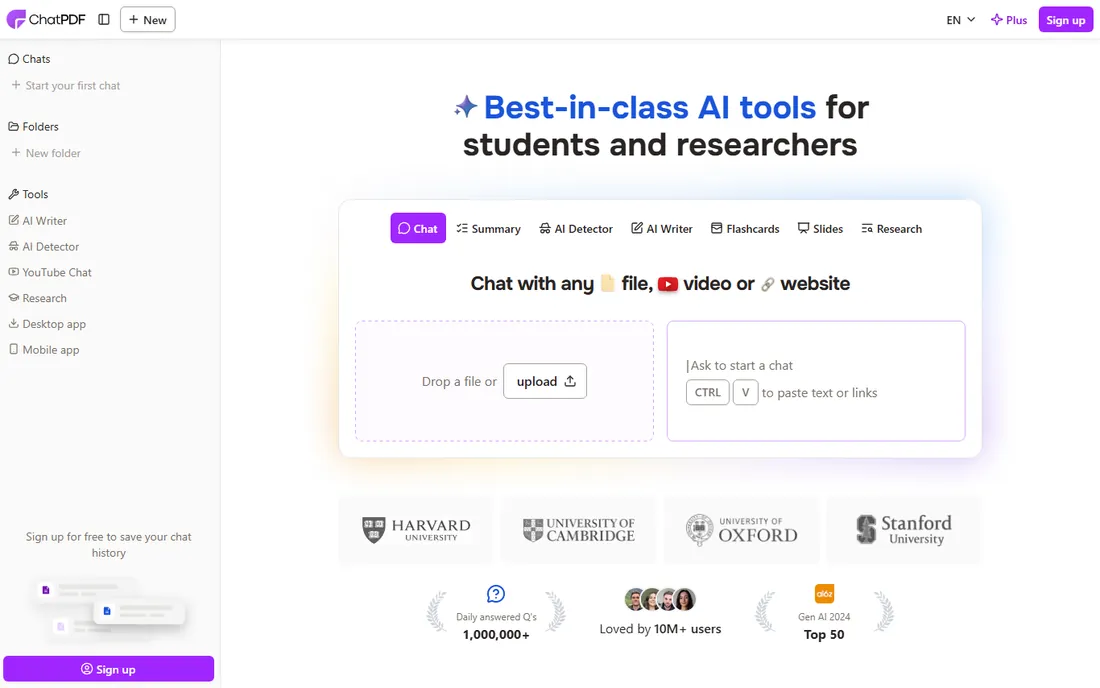
ChatPDF pioneered the "talk to your document" pattern: upload a PDF, ask questions in plain language, get answers with page citations. Contracts, manuals, research papers and reports become queryable. The free tier covers casual use.
It is PDF-centric; other formats need conversion. Scanned documents with poor OCR produce weaker results. For anyone who reads long PDFs regularly, it changes the workflow from skimming to interrogating.
What we like- Intuitive chat interface
- Handles large PDFs
- Citations to source pages
Watch out for- PDF-focused
- Accuracy depends on document quality
Starting priceFree; paid plans (see website)
Free planYes
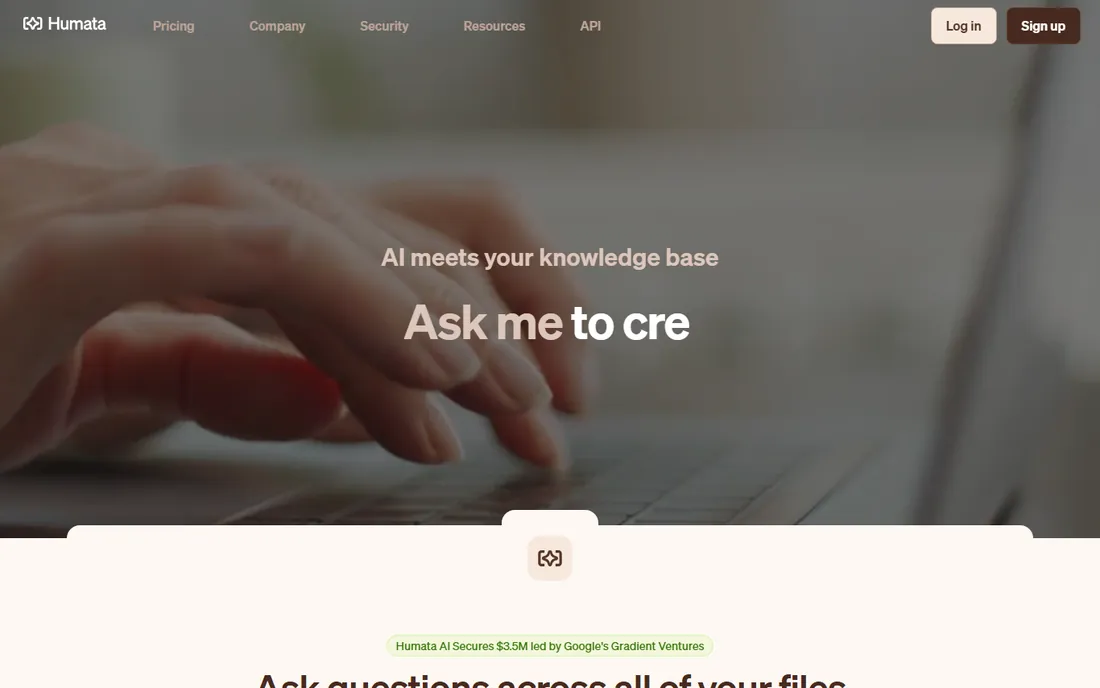
Humata positions for serious document work: technical papers, legal contracts and reports where precision matters. It highlights key information, answers complex questions and supports team collaboration on shared document sets.
The pricing structure takes study to understand. Poorly structured source documents yield weaker answers, as with all these tools. Professionals who live in dense documents get the most value.
What we like- Strong with technical and legal documents
- Highlights key points
- Team workspaces
Watch out for- Pricing tiers can confuse
- Best with well-structured docs
#3
NoteGPT
Best for: summaries across documents, video and audio
Visit notegpt.io
Starting priceFree; paid plans (see website)
Free planYes
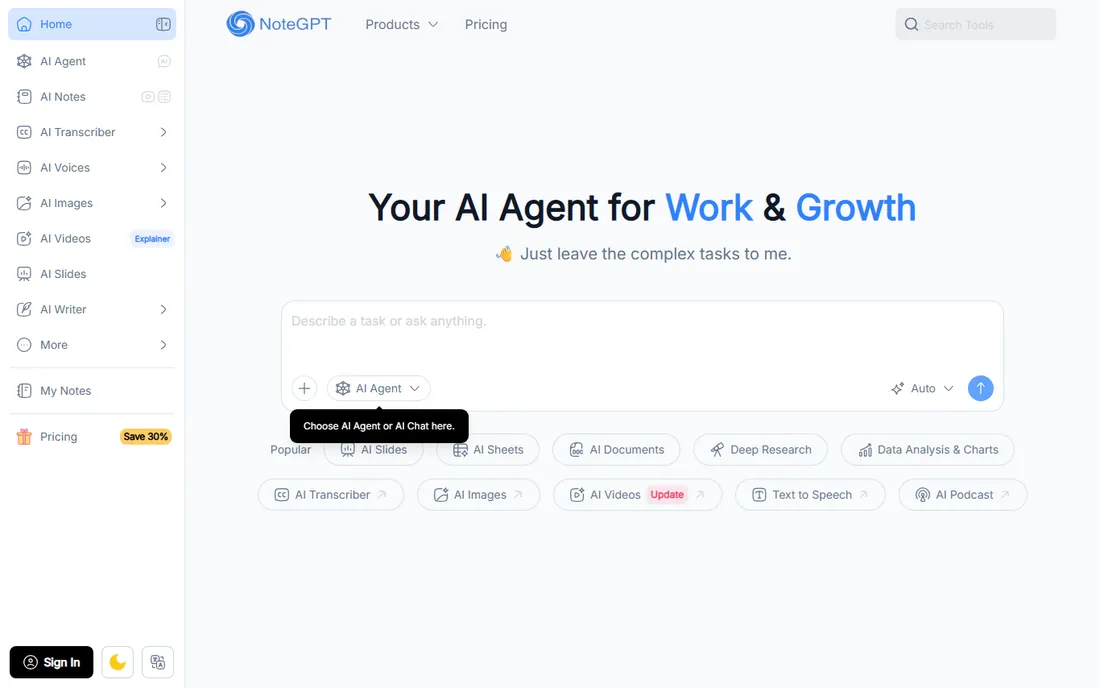
NoteGPT goes beyond documents: summarize YouTube videos, podcasts, PDFs and web articles in one place. The mind-map output helps visual learners, and the breadth suits students and content consumers juggling formats.
No single format gets the depth of a specialist. Free tier limits push regular users to paid plans. For people whose reading list spans media types, the all-in-one approach saves app-switching.
What we like- Multi-format support
- YouTube and podcast summaries
- Mind maps
Watch out for- Breadth over depth
- Free limits restrictive
Starting priceFree; paid plans (see website)
Free planYes
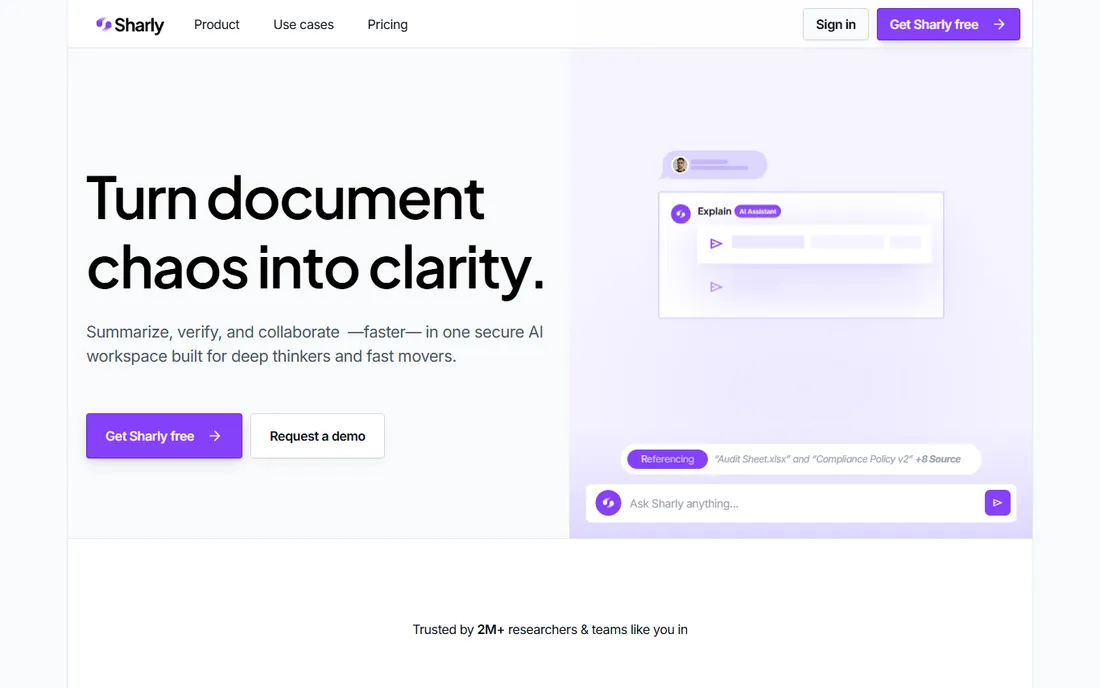
Sharly focuses on business document analysis: upload reports, decks or contracts and get cited answers and summaries. The interface is clean, the free tier is usable, and the cited responses help verify claims.
As a newer entrant, the feature set is narrower than established rivals and the brand is less proven. The core document Q&A works well. Teams wanting a straightforward business document assistant should trial it.
What we like- Good with business documents
- Cited answers
- Clean interface
Watch out for- Newer brand
- Feature set still growing
Starting priceFree
Free planYes
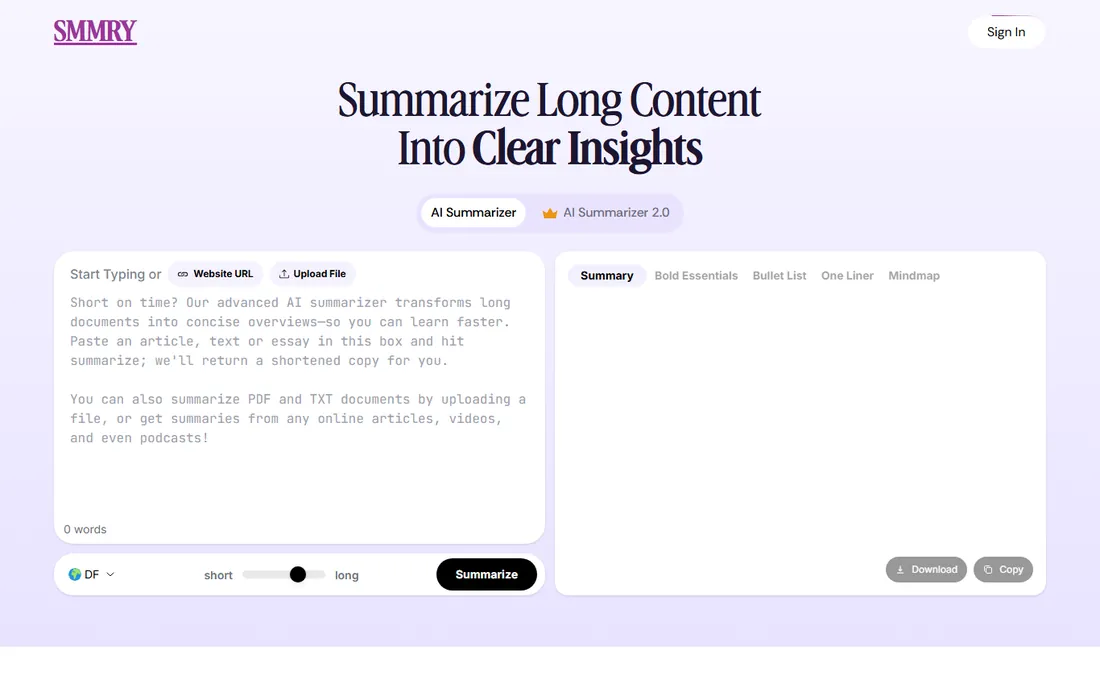
SMMRY is the minimalist: paste text or a URL, get a ranked-sentence summary instantly, free, no account. The API lets developers add summarization to their own tools. There is no AI chat, no Q&A, no frills.
Extractive summaries (key sentences pulled from the text) read less naturally than AI-generated ones. The interface is spartan. For quick "what does this say" checks and developer integrations, the simplicity is the point.
What we like- Completely free
- Fast
- API available
Watch out for- Extractive summaries only
- Basic interface
Starting priceFree; Premium available (see website)
Free planYes
QuillBot's summarizer lives inside a broader writing platform: paraphraser, grammar checker, citation generator. Summarize a document, then paraphrase the summary, then check the grammar, all in one flow. The free tier handles real work.
If you only need summarization, the extra tools are noise. Full features require Premium. Students and writers who need the whole toolkit get excellent value from the bundle.
What we like- Summarizer inside a full writing toolkit
- Good free tier
- Widely trusted
Watch out for- Summarizer is one feature among many
- Premium needed for full power
Starting priceFree trial; paid plans (see website)
Free planFree trial
SciSummary understands scientific papers: methods, results, figures and tables get proper treatment rather than generic summarization. Bulk processing helps literature reviews, and the summaries respect academic structure.
Outside research, it is overkill. Meaningful volume requires paid plans. For academics, R&D teams and students doing literature reviews, the domain focus produces noticeably better summaries than general tools.
What we like- Science-focused summaries
- Handles figures and tables
- Bulk processing
Watch out for- Niche audience
- Paid plans needed for volume
Starting priceFree
Free planYes
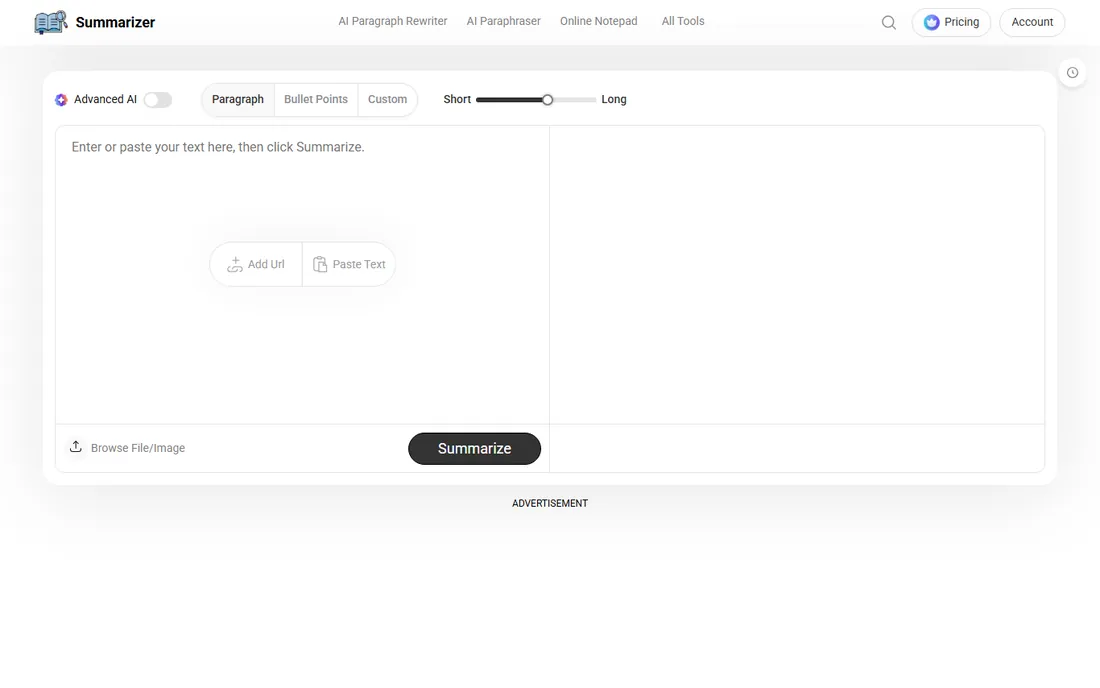
Summarizer.org is the quick web utility: paste text, choose summary length, get results, no signup. Multiple language support broadens the audience. It does the basic job without friction.
Do not expect AI chat, citations or document management. The ad-supported model is the price of free. For occasional summaries where you will not install anything or create an account, it delivers.
What we like- Free and simple
- No account needed
- Multiple languages
Watch out for- Basic features
- Ad-supported
How we chose
We tested positioning, features and pricing of current AI summarization tools, cross-checked against user reviews and 2026 comparisons. Every tool listed is actively maintained with a live homepage as of October 2026. We covered the spectrum from chat-with-PDF specialists to simple extractive summarizers, because buyers range from researchers to casual readers. Prices reflect each vendor's own published tiers.
The accuracy problem nobody advertises
AI summarizers hallucinate. They confidently state things the document never said, especially with ambiguous text or when asked leading questions. The risk is highest exactly where summarizers are most tempting: documents you have not read and cannot verify against.
Mitigate it: prefer tools with page citations (ChatPDF, Humata, Sharly) and actually check the cited pages for important claims. Never summarize a contract, medical paper or legal document and act on the summary alone without reading the key sections. Use summarizers to decide what deserves your full attention, not to replace attention entirely.
Free vs paid: where the line sits
The free tiers in this category are genuinely useful, which makes the upgrade decision about specific limits rather than vague value. SMMRY and Summarizer.org are free indefinitely because their costs are low: extractive summarization and simple web tools are cheap to run. They will never upsell you because there is nothing to upsell.
The AI-powered tools (ChatPDF, Humata, NoteGPT, Sharly, SciSummary) give away enough for casual use and charge for volume, file sizes, and advanced features. The typical breaking points: documents over 100 pages, more than a few dozen questions per day, team workspaces, and API access. If you hit two of those, you need a paid plan.
QuillBot sits in the middle: a generous free tier inside a freemium writing platform, with Premium opening up the full power. For students and casual users, free usually suffices. For professionals processing documents daily, budget $10 to $30 a month and expense it: the time saved pays for itself in the first week.
What to check before you sign
Start with your document types. Scanned PDFs need OCR quality; academic papers need figure handling; legal contracts need precision and citations. Test each tool on your actual documents during the free tier, not on the vendor's demo files.
Then check privacy. Uploading confidential documents to a cloud AI service has implications: read the data retention policy, check whether your content trains their models, and confirm compliance certifications if you handle regulated data. Business users should prefer vendors with clear enterprise privacy terms.
Finally, verify the citation behavior. Tools that link claims back to source pages let you verify quickly; tools that present uncited summaries require full re-reading to trust. For professional use, citations are not a nice-to-have.
Frequently asked questions
Are AI document summarizers accurate?
Mostly, for straightforward content, but they hallucinate details and miss nuance. Treat summaries as a guide to what deserves full reading, and verify important claims against the source. Cited answers help enormously.
Can these tools handle scanned PDFs?
It depends on OCR quality. Native digital PDFs work best. Scanned documents need clean OCR first; poor scans produce poor summaries regardless of the AI. Some tools include OCR, others expect you to provide it.
Is my uploaded document data private?
Varies by vendor. Check data retention policies and whether uploads train models. For confidential documents, prefer tools with explicit no-training policies and enterprise privacy terms. When in doubt, redact before uploading.
What is the difference between ChatPDF and a generic chatbot?
ChatPDF grounds its answers in your specific document with page citations. A generic chatbot answers from training data and may invent details. For document work, grounded Q&A with citations is far more trustworthy.
Can I summarize YouTube videos and podcasts?
NoteGPT specializes in this, and several others accept audio/video or transcripts. Accuracy follows transcript quality. For long content, chapter-aware summaries help more than a single paragraph.
Do free tiers suffice for regular use?
For occasional use, yes. Regular professional use (daily contract reviews, literature surveys) hits free limits quickly and justifies paid plans. Start free, upgrade when limits bite.
Can I use these tools for languages other than English?
Most handle major languages reasonably, with English best. Summarizer.org explicitly supports multiple languages. For non-English documents, test accuracy carefully during the free tier: summarization quality drops noticeably for lower-resource languages.
How do I summarize a document that is too long to upload?
Split it into sections and summarize each, then summarize the summaries. Or prefer tools with high page limits (ChatPDF and Humata handle large documents). For book-length material, chapter-by-chapter processing gives better results than one giant upload anyway.
Can summarizers help with meeting notes and transcripts?
Yes. Paste the transcript and ask for action items, decisions and key points. NoteGPT handles audio directly. The results beat manual note-taking for long meetings, but verify action items against the recording: AI sometimes assigns tasks to the wrong person or invents deadlines.
The workflow that works best: record the meeting, get an automated transcript, then run it through a summarizer with a specific prompt like "list decisions made and action items with owners." Generic "summarize this" prompts produce vague results. Specific prompts produce usable output. Save the prompt as a template and reuse it: consistency in, consistency out. Over time you will build a small library of prompts for different document types: contracts, research papers, meeting transcripts, financial reports. Each template encodes what you learned about getting good results from that format. The investment compounds: after a month you will have a personal summarization system that outperforms any single tool used casually, and you will know exactly which tool to reach for with each new document type.
Sources we checked (8)
- https://www.chatpdf.com
- https://www.humata.ai
- https://notegpt.io
- https://www.sharly.ai
- https://www.smmry.com
- https://www.quillbot.com
- https://www.scisummary.com
- https://www.summarizer.org
Is your product missing or out of date?
We review this list regularly. Vendors can request a listing, send updated pricing or ask about featured placement.

Shihab Mia · Founder, Rankite
Shihab has spent more than a decade helping SaaS and e-commerce brands grow through search. He writes Rankite's software buying guides from pricing pages, documentation and public user reviews. More about Shihab.