How we make this list: we compare pricing pages, product documentation and public user reviews. Ratings come from G2, Capterra or Trustpilot, with the date we checked them.
Key takeaways
- Notion is the best all-around AI workspace for teams that want docs, wikis, and projects together.
- Guru suits teams that need verified knowledge delivered inside Slack and browsers.
- Confluence fits organizations already invested in Atlassian's ecosystem.
- Slite is the pick for remote teams that want fast, simple documentation.
- Sana serves enterprises that want AI agents grounded in company knowledge.
Quick comparison
| Tool | Best for | Starting price | Free plan |
|---|
 Notion Notion | all-around AI workspace | See website | See website |
 Slite Slite | simple remote team docs | See website | See website |
 Guru Guru | verified knowledge in workflow | See website | See website |
 Confluence Confluence | Atlassian ecosystem teams | See website | See website |
 Slab Slab | polished internal wiki | See website | See website |
 Bloomfire Bloomfire | video-rich knowledge sharing | See website | See website |
 Coveo Coveo | enterprise AI search | See website | See website |
 Sana Sana | AI agents on company knowledge | See website | See website |
Is your product missing or out of date?
We review this list regularly. Vendors can request a listing, send updated pricing or ask about featured placement.
Starting priceSee website
Free planSee website
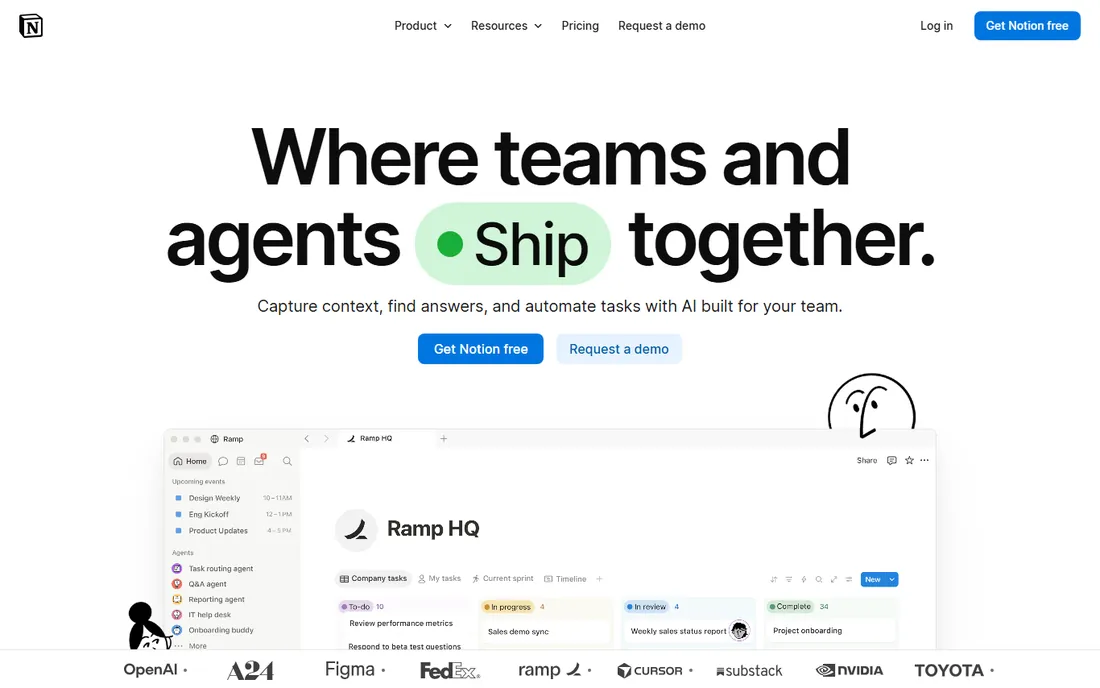
Notion combines documents, wikis, databases, and project tracking in one flexible workspace, with Notion AI providing writing assistance and Q&A across workspace content. Teams build everything from meeting notes to product specs to team wikis. The template ecosystem and community make starting easy, and the free tier is generous for individuals.
Flexibility is also the risk: without governance, Notion workspaces become sprawling and hard to navigate. Large workspaces can feel slow, and finding anything depends on someone having organized it well in the first place. But for teams that want one tool for docs and knowledge with AI assistance, Notion's versatility is unmatched.
What we like- Flexible docs, wikis, and databases in one
- Notion AI assists writing and Q&A
- Huge template ecosystem
Watch out for- Can become disorganized at scale
- Performance with very large workspaces
Starting priceSee website
Free planSee website
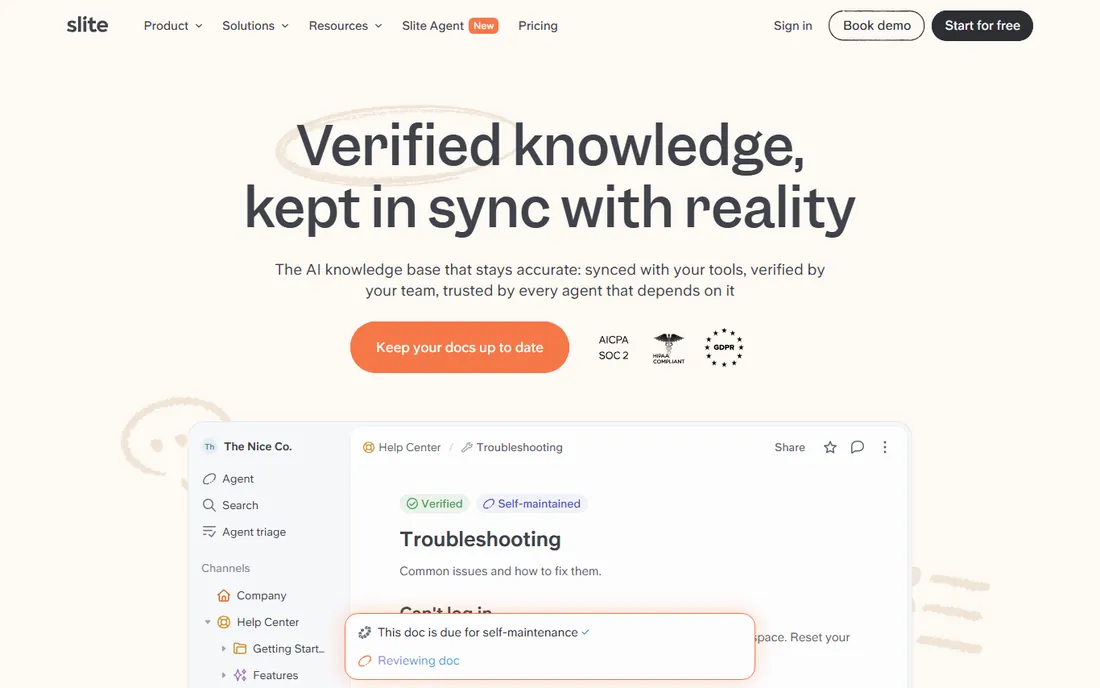
Slite focuses on doing one thing well: team documentation that stays organized and searchable. The editor is clean, the AI assistant helps write and find answers, and remote teams appreciate the emphasis on async clarity. It deliberately avoids the feature sprawl of bigger platforms.
Power users who want databases and complex workflows will find it limiting. The ecosystem is smaller than Notion's, with fewer templates and integrations. But for teams that want documentation without the overhead of a full workspace platform, Slite's focus is a feature.
What we like- Clean, fast documentation
- AI assistant for writing and answers
- Good for remote teams
Watch out for- Less powerful than Notion for complex use
- Smaller ecosystem
Starting priceSee website
Free planSee website
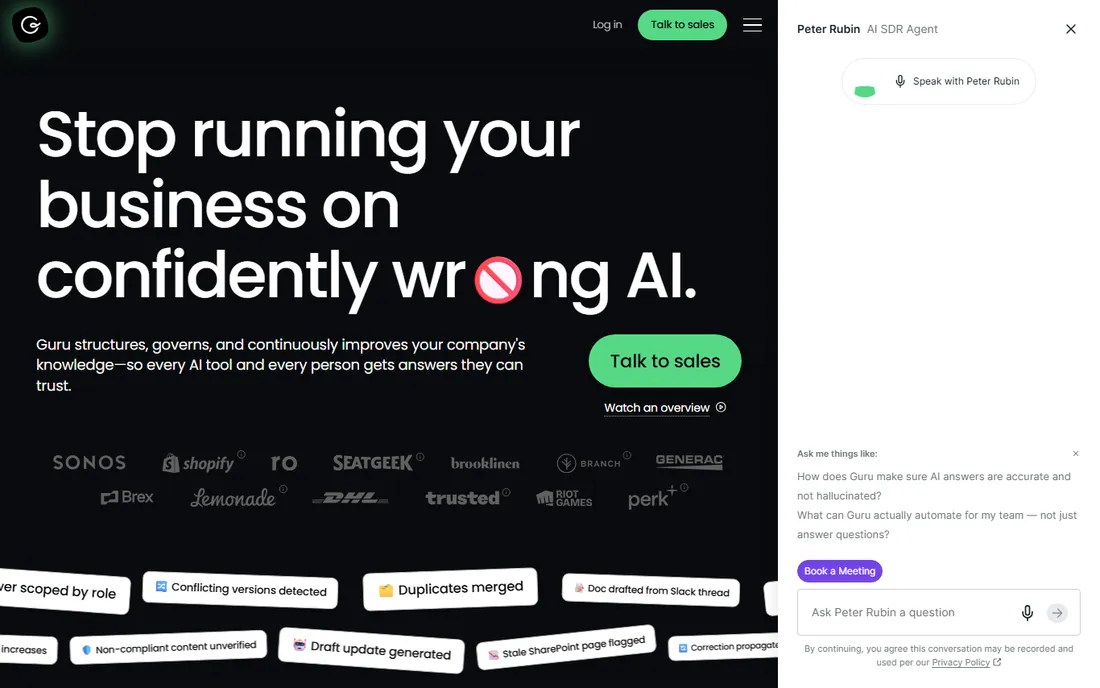
Guru's distinctive idea is verified knowledge: experts periodically re-approve content cards, so employees trust what they find. Cards surface where work happens, in Slack, in browsers, in chat tools, with AI search finding answers fast. Support and sales teams that need accurate, current answers love the verification model.
The card-based structure differs from document wikis and takes adjustment. Per-user pricing adds up at scale. But for organizations where wrong answers cost money, Guru's trust mechanism addresses the core knowledge management problem: not finding information, but trusting it enough to act on.
What we like- Verification workflows keep content trusted
- Surfaces in Slack and browsers
- AI search
Watch out for- Card-based model takes adjustment
- Pricing per user
Starting priceSee website
Free planSee website
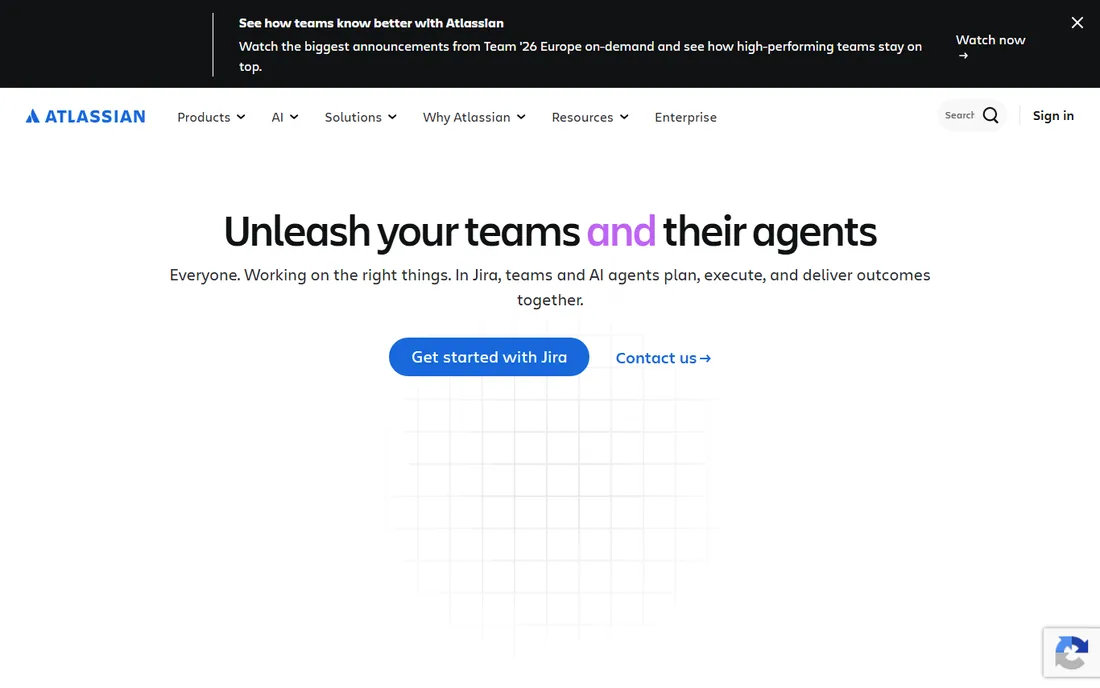
Confluence is the enterprise wiki standard, especially for teams already using Jira and the Atlassian suite. Documentation connects to project work, and Rovo AI adds intelligent search across the organization's knowledge graph. The free tier covers small teams. At enterprise scale, the permissions, administration, and integration depth matter.
Non-Atlassian teams find less reason to choose it, and some users find the interface dated compared with newer tools. But for Atlassian shops, Confluence's integration with Jira makes it the natural knowledge home, and that integration deepens every year.
What we like- Deep Jira integration
- Enterprise scale
- Rovo AI adds search and agents
Watch out for- Interface feels dated to some
- Best within Atlassian stack
Starting priceSee website
Free planSee website
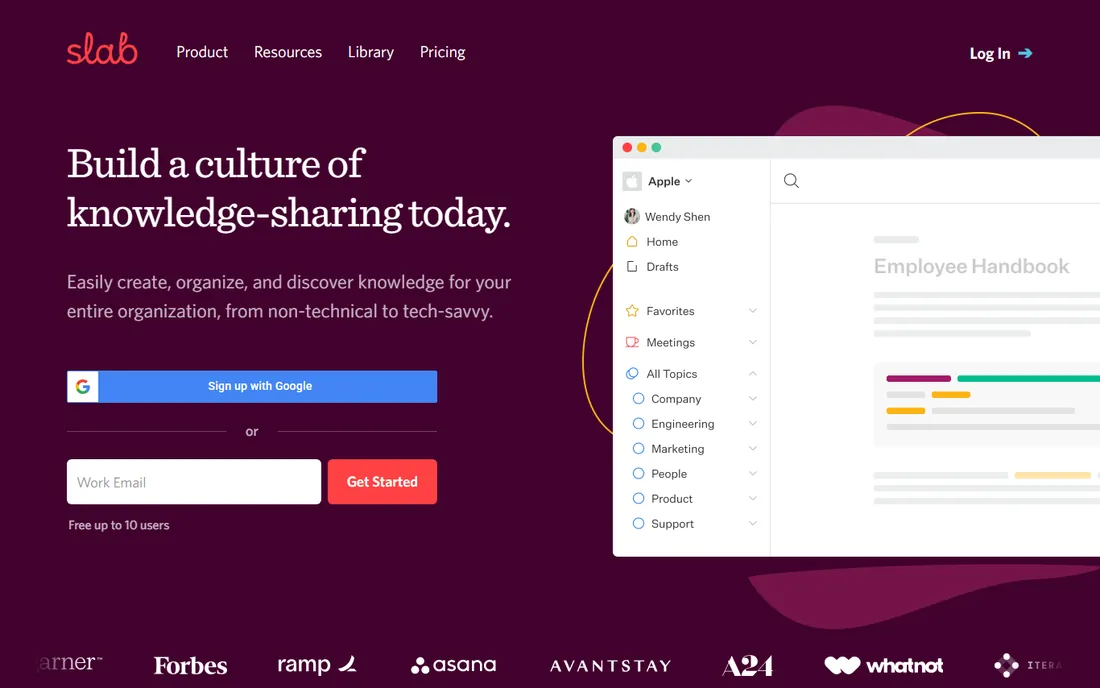
Slab builds polished, readable internal wikis with an emphasis on search and simplicity. Teams create documentation that people actually enjoy reading, with integrations that pull content from across the stack. Adoption is easy because the product stays focused.
It does not try to be a project management tool or database platform. Teams needing those capabilities pair it with other tools. But for the core wiki job, done beautifully and maintained easily, Slab earns its loyal fans.
What we like- Beautiful, readable documentation
- Excellent search
- Easy to adopt
Watch out for- Narrower feature set
- Less suited to complex workflows
Starting priceSee website
Free planSee website
Bloomfire specializes in knowledge sharing with deep search across content types, including transcribed video and audio. Community Q&A features capture tacit knowledge, and the platform suits onboarding and training scenarios where video matters. Enterprises with rich media knowledge find its search capabilities distinctive.
Enterprise pricing and sales process put it beyond small teams. Document-centric teams may prefer wiki tools. But for organizations whose knowledge lives in videos, calls, and recorded conversations, Bloomfire's multimedia search is the standout feature.
What we like- Deep search including video transcription
- Community Q&A
- Good for onboarding
Watch out for- Enterprise pricing
- Less document-centric than wikis
Starting priceSee website
Free planSee website
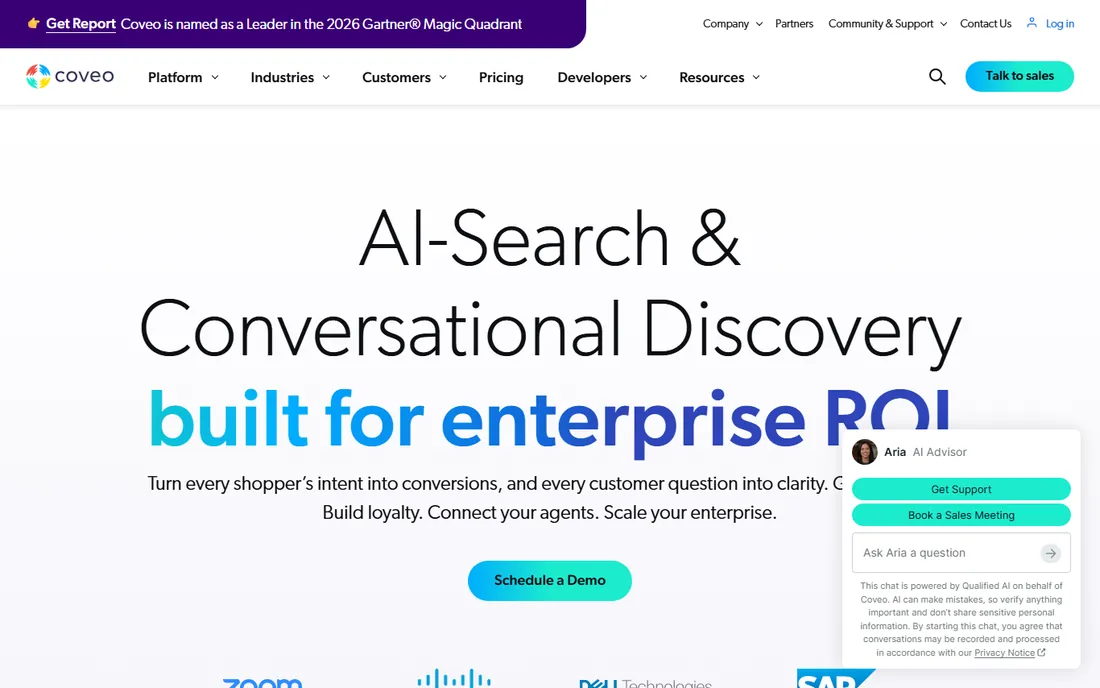
Coveo provides AI-powered enterprise search that unifies content across the organization's systems, not just one wiki. Relevance tuning, personalization, and analytics serve large organizations with complex information needs. It is search infrastructure rather than a documentation tool.
Implementation is an enterprise project, and simple teams do not need it. But for large organizations where knowledge is scattered across dozens of systems and nobody knows where anything lives, Coveo's unified search solves the findability problem at scale.
What we like- Enterprise-grade AI search and recommendations
- Unifies content across systems
- Strong relevance tuning
Watch out for- Enterprise platform requiring implementation
- Overkill for simple wikis
Starting priceSee website
Free planSee website
Sana builds AI assistants and agents grounded in a company's knowledge, combining knowledge management with learning. Employees ask questions and get answers sourced from authorized company content, with citations back to the source documents. The platform includes learning experiences, making it broader than pure knowledge bases. Enterprise design and security suit regulated industries.
The agentic AI category is still evolving, and pricing reflects enterprise positioning. But for organizations that want to move beyond searchable wikis to conversational knowledge access, Sana represents where the entire category is heading.
What we like- AI assistants grounded in company knowledge
- Learning platform included
- Strong enterprise design
Watch out for- Newer category with evolving pricing
- Enterprise focus
What to check before you buy
Start by diagnosing your knowledge problem honestly. Is it findability (people cannot find answers)? Then prioritize search quality: Coveo, Guru, or Sana. Is it trust (people do not believe what they find)? Then prioritize verification: Guru or Bloomfire. Is it creation (nobody writes anything down)? Then prioritize ease of use: Notion, Slite, or Slab. Different problems need different tools, and most organizations have all three problems at once.
Then consider where work happens. Knowledge tools fail when they require people to go somewhere new. Guru's Slack and browser integration, Confluence's Jira connection, and Notion's all-in-one workspace all address this differently. Map your team's actual workflow and choose the tool that meets them there. Shadow your team for a week if you have to: watch where questions get asked and answered today, then put the knowledge tool in that path.
Finally, plan for maintenance. Every knowledge base decays without ownership: assign content owners, set review cycles, and measure search success rates. The tools with verification workflows (Guru, Bloomfire) build this in; others need process discipline. Software does not solve the maintenance problem; it only enables the solution. Budget someone's time explicitly, because "everyone owns it" means no one does.
Wiki vs search vs agents: the evolution
First-generation knowledge management was wikis: write it down, organize it, hope people find it. Second-generation added AI search across systems: find answers wherever they live. Third-generation, represented by Sana and Rovo, adds conversational agents: ask and receive grounded answers. Most organizations still struggle with generation one. Do not buy generation three to avoid doing generation one's work: agents are only as good as the knowledge they can access.
This sequencing matters for budgeting too. Each generation builds on the previous one's foundation: search needs content to index, agents need searchable content to ground answers. Skipping straight to agents with no documented knowledge produces confident-sounding hallucinations. The organizations getting real value from AI knowledge tools are the ones that did the unglamorous documentation work first.
Frequently asked questions
What are AI knowledge management tools?
They are platforms that help organizations capture, organize, find, and trust internal knowledge, using AI for search, writing assistance, content verification, and conversational answers. They range from team wikis to enterprise search to AI agents.
How is this different from a shared drive?
Shared drives store files; knowledge management tools make knowledge findable, trustworthy, and usable. Search, versioning, verification workflows, permissions, and AI assistance turn scattered documents into an accessible knowledge base.
Do we need AI features or just a wiki?
AI search and writing assistance meaningfully improve adoption and findability. But AI cannot fix empty or outdated content. Start with the discipline of documenting, then let AI multiply the value. Buying AI features without content investment disappoints.
How do we get employees to actually use it?
Integrate with existing workflows (Slack, Jira, browsers), seed with genuinely useful content, assign ownership, and measure search success. Mandates fail; usefulness succeeds. The tools that surface answers where work happens see the best adoption.
What about knowledge in Slack and email?
Modern tools index conversations: Guru surfaces in Slack, Coveo unifies across systems, Sana grounds agents in connected sources. But ephemeral chat is a poor knowledge store; the best practice is curating important answers into the knowledge base rather than relying on search across chat history.
How much do these tools cost?
Team tools (Notion, Slite, Slab) start around $10-15 per user monthly with free tiers. Enterprise platforms (Guru, Bloomfire, Coveo, Sana) run higher with custom contracts. Budget for implementation and content migration, not just licenses.
How we chose
We selected AI knowledge management tools that appear consistently in knowledge management shortlists on G2, practitioner guides, and software comparison sites, covering wikis, verified knowledge, enterprise search, and AI agents. Each vendor's site was checked to confirm the product is current in 2026. Pricing details come from vendor pages where published; per-user and enterprise models are noted as such. No hands-on knowledge base testing was conducted for this guide.
Sources we checked (12)
- https://www.notion.so
- https://www.slite.com
- https://www.getguru.com
- https://www.atlassian.com
- https://www.slab.com
- https://www.bloomfire.com
- https://www.coveo.com
- https://www.sana.ai
- https://legalitcost.com/c/knowledge-management/guide/pdf
- https://github.com/ishandutta2007/awesome-knowledge-management-ai/blob/HEAD/README.md
- https://mspcost.com/c/ai-knowledge-management/guide/pdf
- https://medium.com/@michaelturner198205/i-evaluated-6-user-friendly-confluence-alternatives-for-real-team-documentation-aff7b5a441f0
Is your product missing or out of date?
We review this list regularly. Vendors can request a listing, send updated pricing or ask about featured placement.

Shihab Mia · Founder, Rankite
Shihab has 5+ years in B2B and SaaS SEO. He writes Rankite's software buying guides from pricing pages, documentation and public user reviews. More about Shihab.