How we make this list: we compare pricing pages, product documentation and public user reviews. Ratings come from G2, Capterra or Trustpilot, with the date we checked them.
Key takeaways
- Most small teams do fine with Notion ($12 per user per month on Plus) or Confluence (free up to 10 users), and both pair docs with the project work they already do.
- If answers need to reach people inside Slack or a browser without opening another app, Guru and Tettra are built for exactly that, with expert verification so content stays trustworthy.
- Slab ($6.67 per user per month on Startup, billed annually) is the cleanest dedicated wiki of the group, with a genuinely usable free plan for up to 10 users.
- Document360 and Helpjuice aim at customer-facing help centers rather than internal wikis; Bloomfire suits enterprises with large video and document libraries.
Quick comparison
| Tool | Best for | Starting price | Free plan |
|---|
 Notion Notion | Teams that want docs, wiki and projects in one workspace | $12 per user/month (Plus, billed monthly; $10 annual) | Yes |
 Confluence Confluence | Teams already using Jira and the Atlassian suite | See website | Yes (up to 10 users) |
 Guru Guru | Support and sales teams needing verified answers in Slack | See website | Free trial (30 days) |
 Slab Slab | Teams wanting a clean, dedicated wiki | $6.67 per user/month (Startup, billed annually) | Yes (up to 10 users) |
 Document360 Document360 | Customer-facing help centers and product documentation | See website | Free trial (14 days) |
 Helpjuice Helpjuice | Support teams needing a polished, branded help center | See website | Free trial (14 days) |
 Bloomfire Bloomfire | Enterprises with deep video and document libraries | See website | No |
 Tettra Tettra | Growing teams that live in Slack | $4 per user/month (Basic) | Free trial (30 days) |
Is your product missing or out of date?
We review this list regularly. Vendors can request a listing, send updated pricing or ask about featured placement.
Most knowledge management projects fail for a boring reason: nobody writes in the tool after week three. The platform that wins is rarely the one with the longest feature list. It is the one your team will open every day without being told. That usually means it fits where work already happens, search actually finds things, and someone owns keeping pages current.
These eight platforms cover the real options for a US small or mid-size business in 2026, from all-in-one workspaces to dedicated wikis to tools built around customer-facing documentation.
#1
Notion
Best for: Teams that want docs, wiki and projects in one workspace
Visit notion.so
Starting price$12 per user/month (Plus, billed monthly; $10 annual)
Free planYes
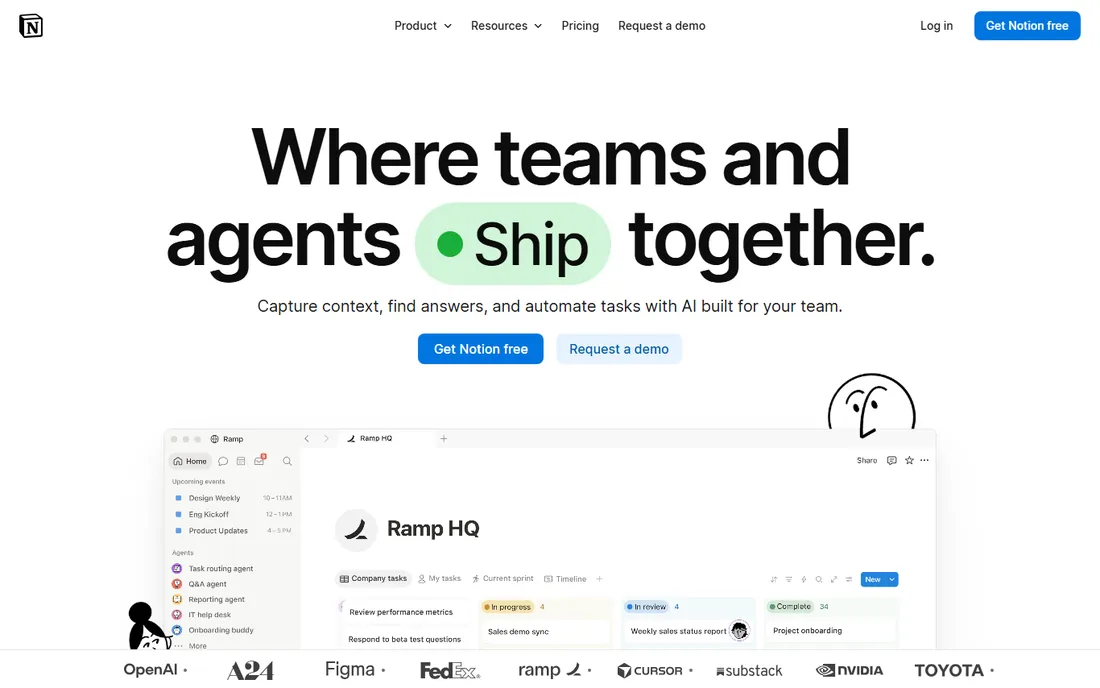
Notion is the default pick when the knowledge base should live next to the actual work. Pages, databases, wikis and project boards share one structure, so a product spec can sit beside the launch tracker that references it. The free plan covers individuals well, and Plus at $12 per user per month adds unlimited blocks for teams, 30-day page history and unlimited file uploads. Notion says over 100 million people use the product, and the template gallery means most teams start from something close to what they need.
The honest catch is sprawl. Because anyone can create anything, a Notion workspace without owners and naming conventions turns into a junk drawer within a year. Search is decent but not magic, and the AI features that answer questions from your docs are gated behind Business at $20 per user per month. If your team already runs on Notion, it is the obvious knowledge home. If they do not, weigh whether you want a wiki or a second operating system.
What we like- Flexible blocks and databases handle wikis, meeting notes and project trackers in one place
- Free plan is genuinely usable for individuals
- Huge template library and community
Watch out for- Workspaces get messy without naming and structure rules
- Full AI features need the Business plan
- Offline access is limited
Starting priceSee website
Free planYes (up to 10 users)
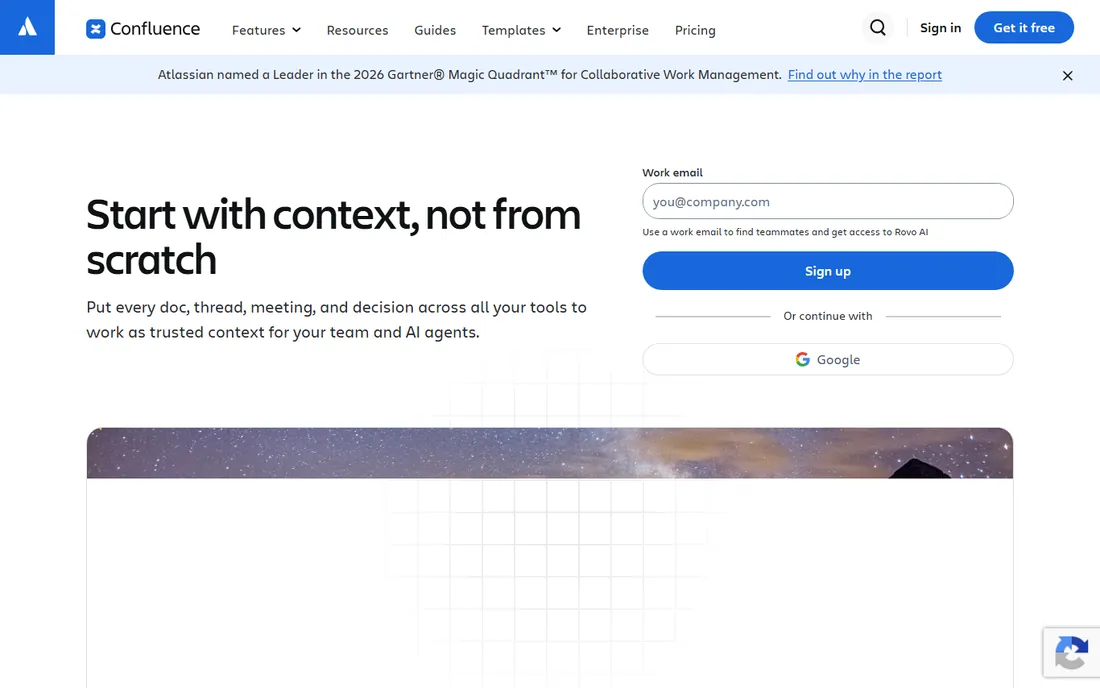
Confluence is the wiki of record for product and engineering teams that already live in Jira. Meeting notes, specs, runbooks and decision logs link directly to Jira issues, so documentation stays attached to the work it describes. The free plan covers up to 10 users with unlimited pages and spaces, which handles a small team fine. Atlassian has been selling this product for two decades, and it shows in the permissioning, audit trails and admin controls.
The trade-off is weight. Confluence pages load slower than Notion or Slab, the editor feels dated, and reviewers on G2 and Reddit consistently call it clunky for non-technical contributors. Atlassian now folds AI features into the higher tiers, and the Standard versus Premium decision mostly comes down to how much admin control and automation you need. Pick it when Jira is already the center of gravity. Pick something lighter when it is not.
What we like- Deep two-way integration with Jira and the rest of Atlassian
- Page trees and spaces fit formal documentation
- Large marketplace of apps and templates
Watch out for- Interface feels heavy next to newer wikis
- Pricing pages are hard to compare without a quote
- Data Center option adds admin overhead
#3
Guru
Best for: Support and sales teams needing verified answers in Slack
Visit getguru.com
Starting priceSee website
Free planFree trial (30 days)
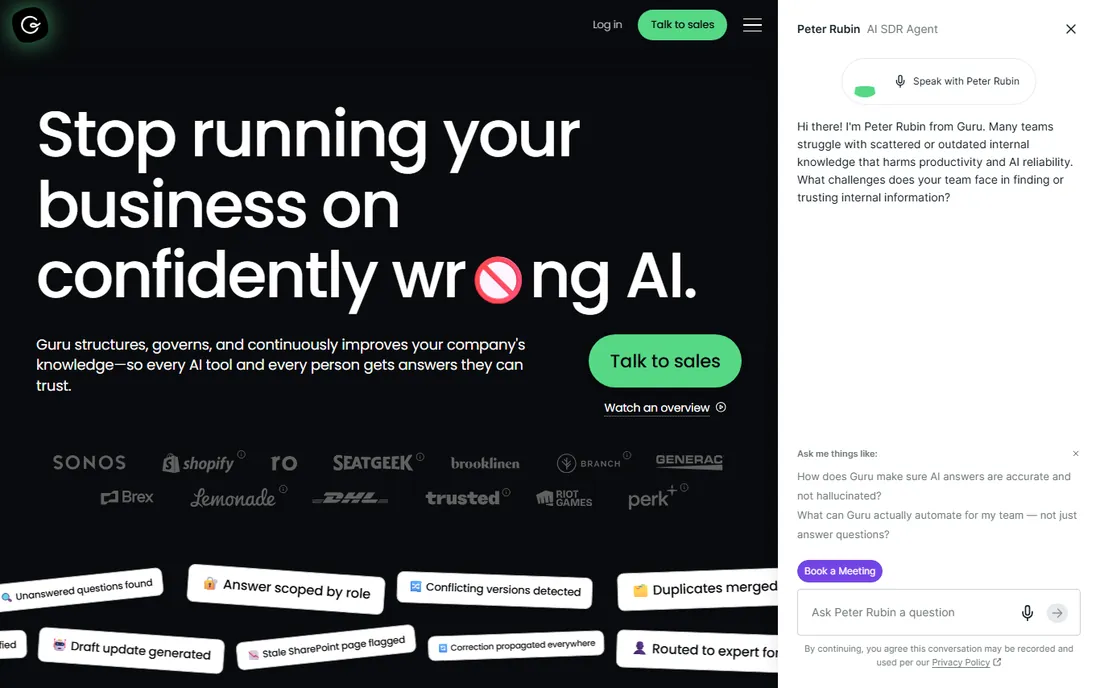
Guru approaches knowledge management backwards from the wiki model: instead of asking people to visit a destination, it pushes verified answers into Slack, Teams and the browser. Knowledge lives in "cards" with assigned experts who re-verify them on a schedule, so a support agent gets the current refund policy rather than the one from 2023. The browser extension suggests cards based on the page you are viewing, which sales teams use for battle cards and talk tracks. Third-party pricing trackers put paid plans around $14 to $15 per user per month, but Guru's own site now leads with a quote flow.
That sales-led motion is the main friction. You cannot self-serve your way to a price, and the per-seat cost adds up for company-wide rollouts. Guru also shines brightest for teams with repeatable questions, like support, sales and onboarding. If your knowledge is mostly long-form documentation that people read start to finish, a wiki will serve you better. If it is answers people need in the moment, Guru is purpose-built.
What we like- Browser extension and Slack/Teams apps surface answers where work happens
- Verification workflows keep content fresh with named owners
- AI answers include citations to source cards
Watch out for- No permanent free tier
- Pricing is quote-led on the public site, so budget planning needs a sales call
Starting price$6.67 per user/month (Startup, billed annually)
Free planYes (up to 10 users)
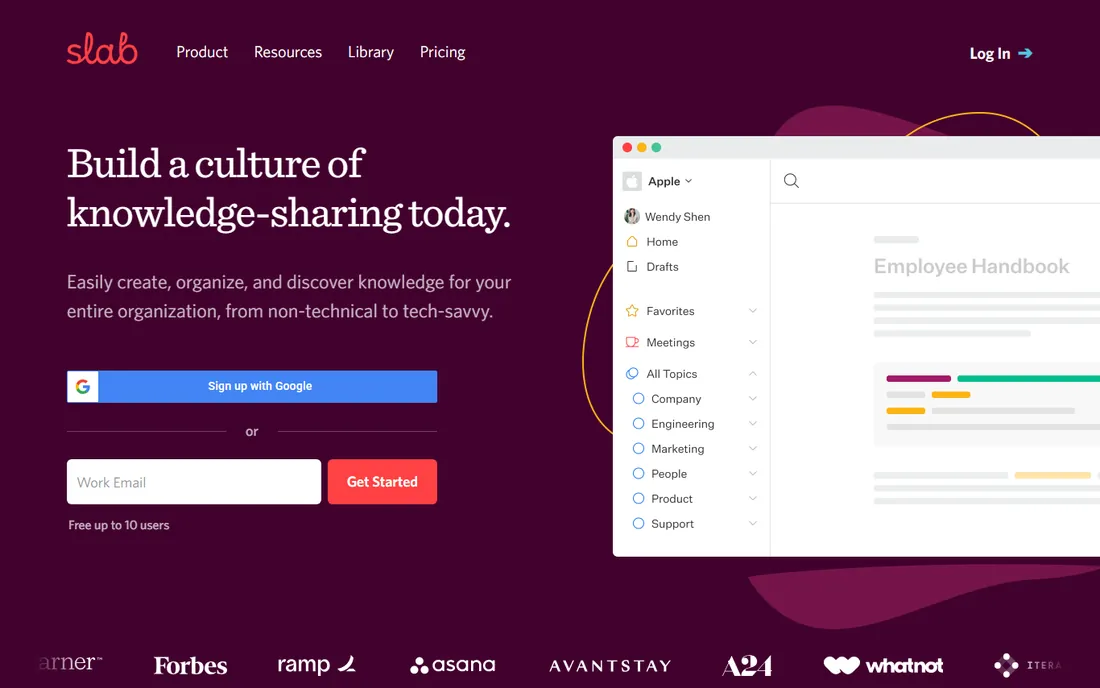
Slab is what you get when a wiki does one job and does it well. The editor is fast, topics organize content without folder gymnastics, and unified search covers both Slab posts and connected tools like Google Drive, Slack and GitHub. The free plan is the most generous here: up to 10 users, unlimited posts, real-time collaboration and 90 days of version history. Paid starts with Startup at $6.67 per user per month on annual billing, adding unlimited users, private topics and a year of version history.
The pricing cliff is real but predictable: the day you hire person eleven, the whole workspace moves to Startup. Business at $12.50 per user per month adds SAML SSO, SCIM provisioning and unlimited history, which matters once IT gets involved. Slab will not replace your project tracker or your help center, and it does not try to. For an internal company wiki that non-technical people will actually open, it is the tidiest option on this list.
What we like- Free plan covers up to 10 users with unlimited posts and unified search
- Unified search pulls from Slab plus connected tools
- Verification workflows flag stale content
Watch out for- Free tier caps at 10 users, so the eleventh hire moves everyone to paid
- SAML SSO and SCIM need the Business plan
- No self-hosted option
Starting priceSee website
Free planFree trial (14 days)
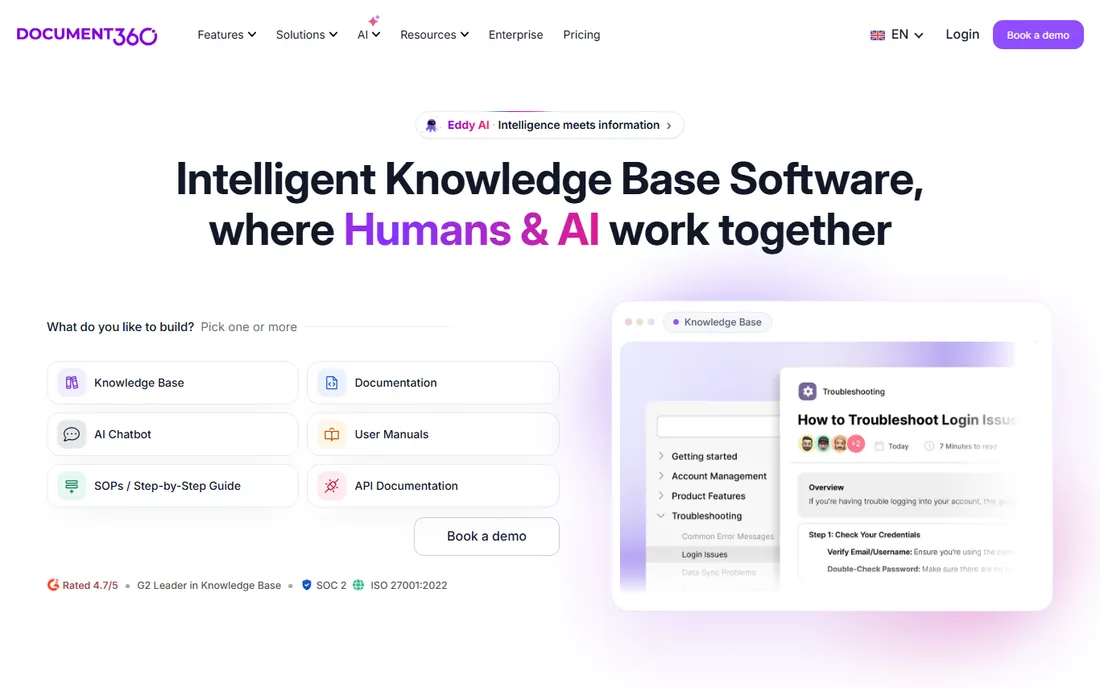
Document360 is a documentation platform first and a wiki second. The split shows in the architecture: an editor portal for writers and reviewers, plus a public-facing site for customers, with workflows, analytics and multilingual support between them. It handles the unglamorous parts of running docs well, like versioning, review reminders, SEO settings and API reference pages. The AI layer, branded Eddy, drafts content and powers search and chat on top of your articles.
The catch is the buying process. The public pricing page now leads with a configurator and a sales conversation rather than a flat grid, which tells you the target customer is a support or docs team with budget, not a ten-person startup. If your primary need is a customer help center that reduces tickets, Document360 belongs on the shortlist next to Helpjuice. If you need an internal wiki, the other tools here cost less and onboard faster.
What we like- Built for public docs with custom domains, SEO controls and versioning
- Eddy AI assists writing and answers reader questions
- API documentation support for developer portals
Watch out for- Pricing is quote-led, so small teams cannot budget without a call
- Overkill if you only need an internal wiki
#6
Helpjuice
Best for: Support teams needing a polished, branded help center
Visit helpjuice.com
Starting priceSee website
Free planFree trial (14 days)

Helpjuice has been selling knowledge base software since 2011, and the product reflects that focus: everything serves the goal of a help center customers can search and a team can maintain. Customization is the standout. Themes, custom CSS and your own domain make the knowledge base look like part of your site rather than a third-party widget. Analytics go beyond page views into search terms, failed searches and article effectiveness, which is exactly what a support lead needs to prioritize rewrites. A 14-day trial lets you test with real content.
Pricing is the question mark. Third-party trackers disagree on the current tiers, ranging from around $120 per month for small teams to higher flat rates, and the vendor site is the only reliable source. That flat structure cuts both ways: unlimited readers and authors within your tier, but a real bill from month one. It fits support teams that already feel the ticket pain. It is a heavy first step for a team that just wants an internal wiki.
What we like- Deep customization with themes and CSS access for on-brand help centers
- Strong analytics show what readers search and find
- AI-assisted authoring and search
Watch out for- No permanent free plan
- Flat per-account pricing can be steep for very small teams
Starting priceSee website
Free planNo

Bloomfire plays at the enterprise end of this list. The differentiator is depth of content handling: it indexes inside uploaded video and audio, auto-tags topics, and transcribes calls, so a training recording becomes searchable knowledge instead of a file nobody reopens. The Q&A engine lets employees ask questions in plain language, routes unanswered ones to subject-matter experts, and feeds the answers back into the base. Moderation, analytics and role-based permissions cover the governance side that large companies require.
For a small or mid-size business, Bloomfire is usually more than you need and harder to buy than you want: no public pricing, demo-led sales, implementation services. It earns its place here because companies with big content libraries, especially in professional services, healthcare and franchising, keep choosing it for exactly the video search and expert-routing features the lighter tools lack. If your knowledge lives mostly in documents under fifty pages, start elsewhere.
What we like- Indexes content inside video and audio, not just text
- Q&A workflows route questions to experts
- Self-healing features flag stale or duplicate content automatically
Watch out for- Enterprise sales process with no public pricing
- More platform than most SMBs need
Starting price$4 per user/month (Basic)
Free planFree trial (30 days)
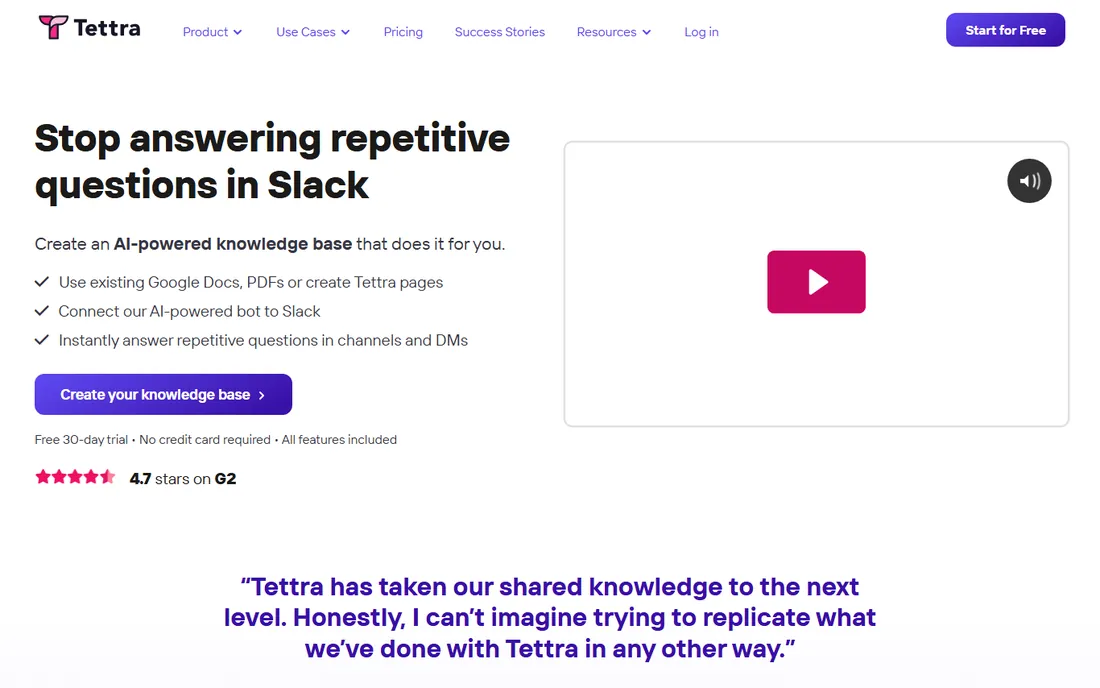
Tettra is the lightest-weight knowledge platform here, and that is the point. It gives a growing team a simple internal wiki with one standout feature: Kai, an AI bot that watches Slack, answers repeat questions from your docs, and turns unanswered threads into new pages with one click. Content stays trustworthy through verification workflows that nudge page owners to re-confirm accuracy on a schedule. Pricing starts at $4 per user per month on Basic, which undercuts nearly everything else on this list.
The simplicity has edges. Formatting options are thin, there is no database or project layer, and the whole proposition leans on Slack or Teams adoption. A team that communicates by email will get half the value. But for a 15 to 100 person company drowning in repeat Slack questions, Tettra pays for itself fast: fewer interruptions for the people who hold the answers, faster onboarding for everyone else.
What we like- Kai, the Slack bot, answers questions from your docs without leaving chat
- Verification workflows assign owners and schedule re-checks
- Imports from Google Docs and Notion for fast setup
Watch out for- Editor and formatting are basic next to Notion or Confluence
- Value drops if your team does not use Slack or Teams heavily
What to look for before you buy
Start with where your team already works. A wiki nobody opens is shelfware, so map the platform to the daily habit: Slack and Teams teams do well with Guru or Tettra, Jira shops lean Confluence, Notion shops keep everything in Notion. Then check search quality on a trial with your own content, because vendor demos always search clean sample data. Import fifty real pages and see what comes back.
Next, settle the ownership question before you pay. Every platform here has some version of verification or review reminders, but the feature only works if pages have named owners and someone enforces the schedule. Ask who owns the top twenty pages in your trial. If the answer is nobody, the tool is not the problem.
Finally, price the second year, not the first. Per-seat tools like Notion, Slab and Guru scale linearly with headcount, so model the cost at your hiring plan, not today's team size. Check what the plan below the one you want excludes: version history limits, SSO gating and AI add-ons are the usual upsell lines. And confirm export options. You should be able to leave with your content in a usable format, because switching knowledge platforms is painful enough without a hostage situation.
How we chose
We started with the searches buyers actually run: best knowledge management platform, knowledge base software and internal wiki software. For each candidate we opened the vendor homepage to confirm it is a live product in the category, checked the vendor pricing page where one is public, and cross-checked plans and limits against G2 and Capterra listings and practitioner discussion on Reddit. Where pricing was quote-led or third-party figures disagreed, we wrote "See website" instead of publishing a number we could not stand behind.
Rollout tips: getting people to actually use it
The tool matters less than the first month. Seed the platform with the twenty questions new hires ask most, and assign each page an owner with a review date. Announce one place for answers and mean it: when someone asks in Slack, answer with a link to the page instead of typing the answer. That habit, repeated, is what moves knowledge out of chat threads and into the system.
Keep the structure flat at first. Deep folder trees feel organized and read like a maze. Most teams do fine with a handful of top-level collections and good search, then grow structure where analytics show people getting lost. Review the search logs monthly. Failed searches are a to-do list written by your own team: every unanswered query is a page that should exist.
Frequently asked questions
What is the difference between a knowledge management platform and a knowledge base?
A knowledge base is the content: articles, FAQs and docs. A knowledge management platform is the system around it: authoring, search, verification, analytics and integrations. Every tool here handles both, but some lean toward publishing (Document360, Helpjuice) and others toward internal sharing (Slab, Tettra, Confluence).
How much does knowledge management software cost?
For a 20-person team, expect roughly $80 to $240 per month on entry paid tiers: Tettra Basic at $4 per user, Slab Startup at $6.67 per user on annual billing, Notion Plus at $10 to $12 per user. Guru, Document360, Helpjuice and Bloomfire are quote-led or flat-priced, so get a written quote before budgeting.
Do we need AI features in a knowledge management platform?
AI search that answers from your own docs is genuinely useful once you pass a few hundred pages. AI writing assistance is a nice extra, not a reason to choose. Verify the AI cites sources, because an answer bot that invents policies is worse than no bot.
Can we use Notion or Confluence as a customer help center?
You can, but purpose-built tools do it better. Public help centers need custom domains, SEO controls, versioning and analytics that wikis bolt on awkwardly. Document360 and Helpjuice exist for exactly this job.
How long does it take to set up a knowledge management platform?
A focused team can launch a usable wiki in one to two weeks: import existing docs, write the top twenty FAQs, assign owners. The slow part is migration and cleanup, not the software. Enterprise rollouts with permissions mapping and integrations run longer, often six to twelve weeks.
What happens to our content if we cancel?
Most platforms let you export pages, though formats vary from clean Markdown to messy HTML dumps. Check export before you buy, and run a test export during the trial. Avoid any vendor that cannot show you a working export.
Sources we checked (10)
- https://notion.so/
- https://www.atlassian.com/software/confluence
- https://getguru.com/
- https://slab.com/
- https://document360.com/
- https://helpjuice.com
- https://bloomfire.com/
- https://tettra.com/
- https://www.g2.com/categories/knowledge-management
- https://www.capterra.com/knowledge-management-software/
Is your product missing or out of date?
We review this list regularly. Vendors can request a listing, send updated pricing or ask about featured placement.

Shihab Mia · Founder, Rankite
Shihab has 5+ years in B2B and SaaS SEO. He writes Rankite's software buying guides from pricing pages, documentation and public user reviews. More about Shihab.