How we make this list: we compare pricing pages, product documentation and public user reviews. Rankite is independent; if a vendor ever pays for a featured spot, that listing is clearly labeled Partner.
Key takeaways
- Superhuman leads AI-powered email with speed and intelligent triage for professionals.
- SaneBox uses AI to filter and organize inbox automatically.
- Clean Email provides AI cleanup and organization for overwhelmed inboxes.
- Mailbutler, Boomerang, Mixmax, Front, and Hiver add AI capabilities to email workflows.
- The best choice depends on email volume, workflow needs, and team collaboration.
AI tames the inbox
Professionals drown in email: hundreds of messages daily, important notes buried under newsletters, follow-ups forgotten, and hours lost to inbox management. AI email management tools use artificial intelligence to triage messages, draft replies, schedule follow-ups, and surface what matters. The technology promises to return hours weekly while ensuring nothing important slips through.
We compared eight AI email tools on intelligence capabilities, time savings, integration, ease of use, and the real productivity impact.
Quick comparison
| Tool | Best for | Starting price | Free plan |
|---|
 Superhuman Superhuman | AI-powered speed | See website | No |
 SaneBox SaneBox | Automatic filtering | See website | Free trial |
 Clean Email Clean Email | Inbox cleanup | See website | Free trial |
 Mailbutler Mailbutler | Email assistant | See website | Free trial |
 Boomerang Boomerang | Scheduling and reminders | See website | Free trial |
 Mixmax Mixmax | Sales email AI | See website | Free trial |
 Front Front | Team inbox AI | See website | Free trial |
 Hiver Hiver | Gmail collaboration | See website | Free trial |
Is your product missing or out of date?
We review this list regularly. Vendors can request a listing, send updated pricing or ask about featured placement.
Starting priceSee website
Free planNo
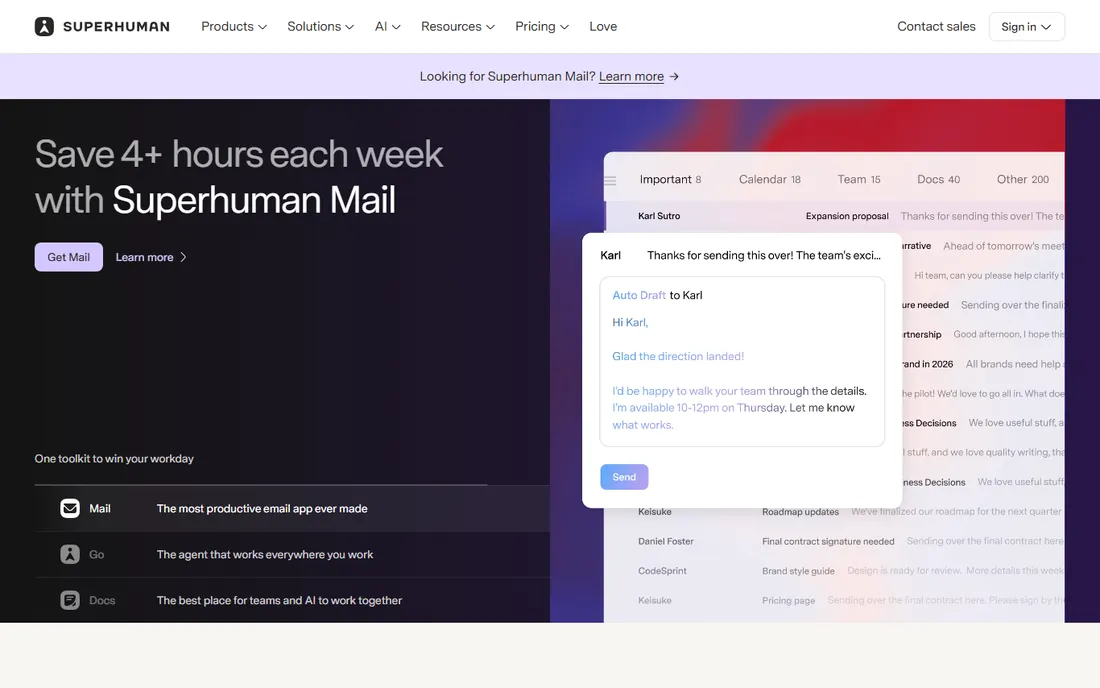
Superhuman delivers the fastest email experience with AI-powered triage, smart replies, and keyboard-driven workflow. Professionals process inbox twice as fast. The AI learns priorities and surfaces important messages. The onboarding ensures users master the speed.
The price is premium and only Gmail/Outlook are supported. But the productivity gains justify the cost for email-heavy professionals. The AI features genuinely save time.
For professionals wanting the fastest AI email, Superhuman is unmatched.
The implementation experience varies by organization size and complexity. Smaller teams can deploy quickly with standard configurations, while enterprises should plan for extended timelines with dedicated project management. Training and change management determine long-term success more than the software features themselves. Ensure the vendor provides adequate support during the critical first 90 days.
What we like- Blazing fast, Great AI triage, Excellent UX, Productivity focused
Watch out for- Expensive, Gmail/Outlook only, Learning curve
Starting priceSee website
Free planFree trial
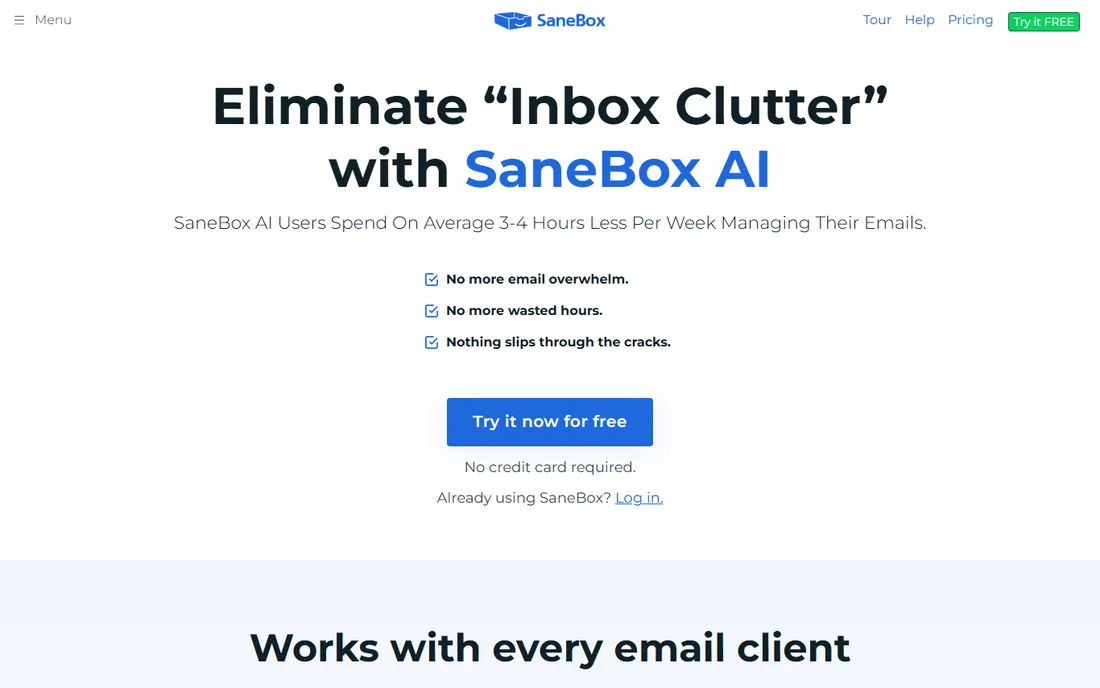
SaneBox uses AI to automatically filter email into folders: important stays in inbox, the rest sorts into SaneLater and custom folders. The hands-off organization works with any email provider. Digest summaries keep users informed without overwhelm.
Features beyond filtering are limited. But the core AI sorting is excellent. Users reclaim hours weekly through automatic triage.
For automatic inbox organization, SaneBox excels.
The implementation experience varies by organization size and complexity. Smaller teams can deploy quickly with standard configurations, while enterprises should plan for extended timelines with dedicated project management. Training and change management determine long-term success more than the software features themselves. Ensure the vendor provides adequate support during the critical first 90 days.
What we like- Automatic organization, Works with any email, Effective, Simple
Watch out for- Subscription cost, Less features, Basic UI
Starting priceSee website
Free planFree trial
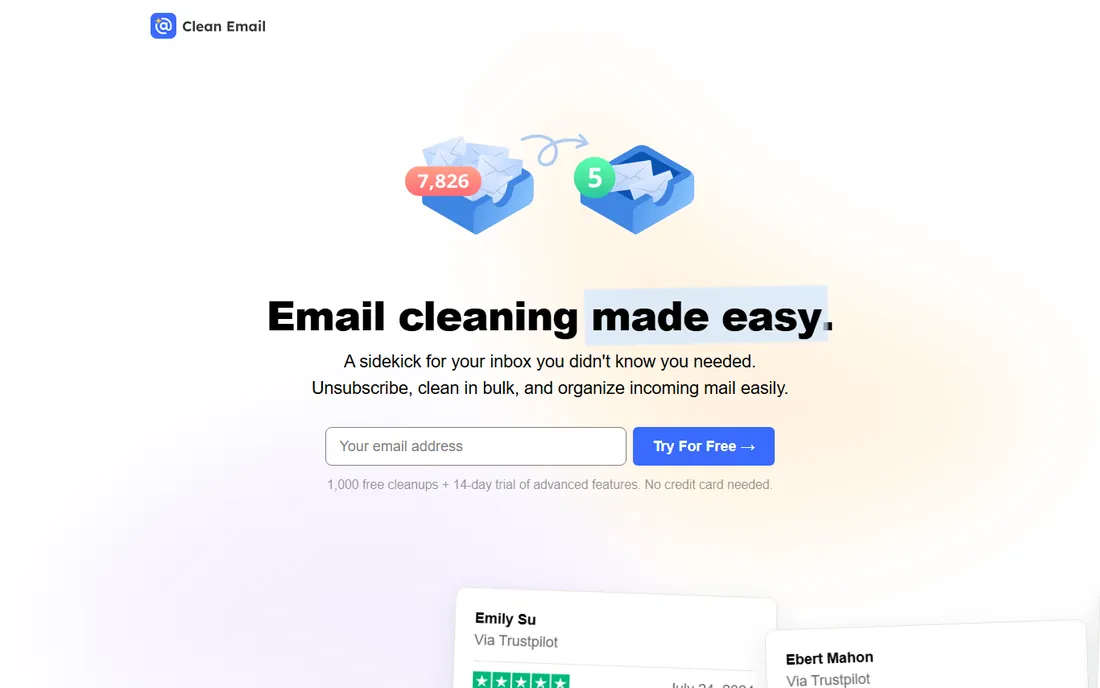
Clean Email provides AI-powered inbox cleanup with smart filters, bulk actions, and automatic organization. Overwhelmed inboxes become manageable quickly. The privacy focus appeals to security-conscious users.
AI writing features are limited. But the cleanup capabilities are outstanding. Users with thousands of unread messages find relief.
For taming chaotic inboxes, Clean Email delivers.
The implementation experience varies by organization size and complexity. Smaller teams can deploy quickly with standard configurations, while enterprises should plan for extended timelines with dedicated project management. Training and change management determine long-term success more than the software features themselves. Ensure the vendor provides adequate support during the critical first 90 days.
What we like- Great cleanup, Smart filters, Privacy focused, Affordable
Watch out for- Less AI writing, Cleanup focused, Basic
Starting priceSee website
Free planFree trial
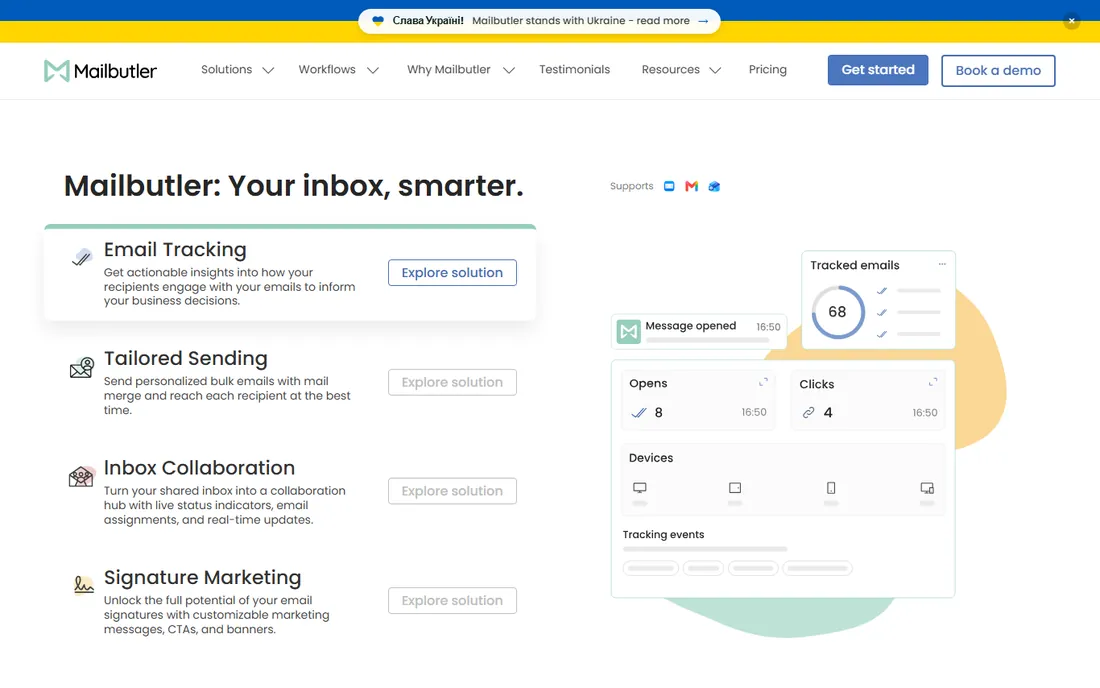
Mailbutler adds an AI assistant to Apple Mail, Gmail, and Outlook with smart scheduling, tracking, and templates. The assistant helps compose and manage email efficiently. The extension approach integrates with existing workflows.
Capabilities are narrower than dedicated platforms. But the assistant features are useful. Users wanting AI enhancement without switching email clients choose Mailbutler.
For AI assistance in your current email, Mailbutler works well.
The implementation experience varies by organization size and complexity. Smaller teams can deploy quickly with standard configurations, while enterprises should plan for extended timelines with dedicated project management. Training and change management determine long-term success more than the software features themselves. Ensure the vendor provides adequate support during the critical first 90 days.
What we like- Good AI assistant, Scheduling, Tracking, Affordable
Watch out for- Extension only, Limited, Smaller
Starting priceSee website
Free planFree trial
Boomerang provides email scheduling, follow-up reminders, and AI writing assistance for Gmail. The "boomerang" feature returns messages to inbox at chosen times. Respondable AI helps craft better emails.
Gmail focus limits Outlook users. But the scheduling and reminders are excellent. Professionals ensure follow-ups never slip.
For Gmail productivity with AI help, Boomerang is strong.
The implementation experience varies by organization size and complexity. Smaller teams can deploy quickly with standard configurations, while enterprises should plan for extended timelines with dedicated project management. Training and change management determine long-term success more than the software features themselves. Ensure the vendor provides adequate support during the critical first 90 days.
What we like- Great scheduling, Follow-up reminders, AI writing, Popular
Watch out for- Gmail focused, Limited, Basic
Starting priceSee website
Free planFree trial
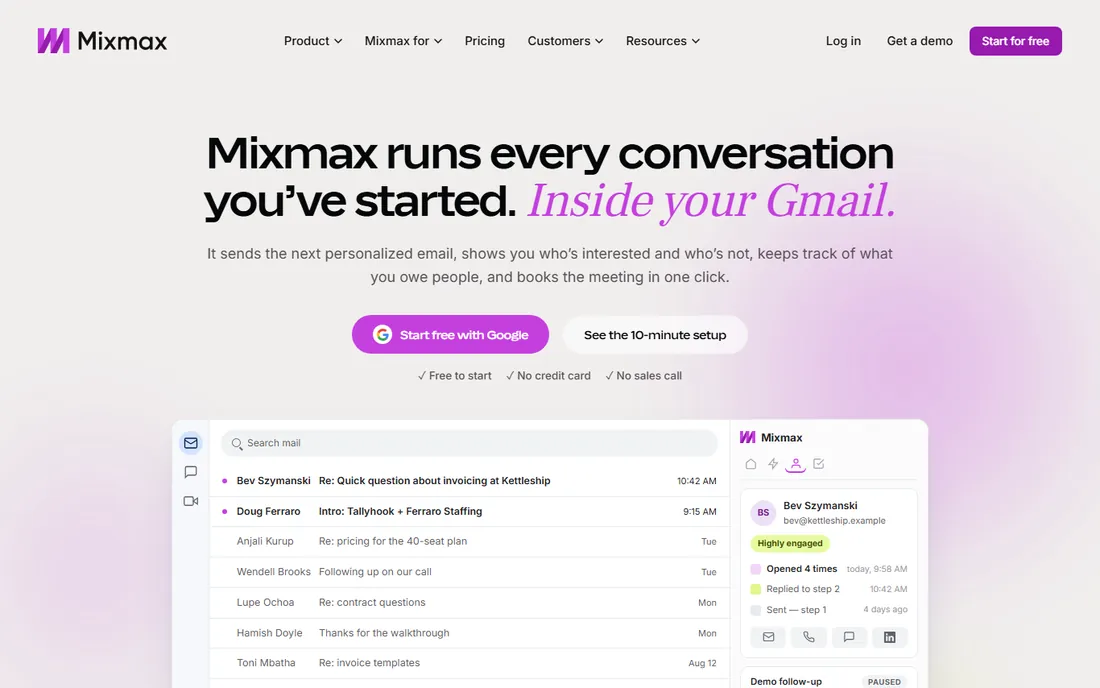
Mixmax offers AI-powered email for sales teams with sequences, templates, and engagement tracking. The automation scales outreach while AI personalization maintains quality. Sales professionals manage pipelines through email.
General productivity use is limited. But sales email is the focus and Mixmax serves it well. The AI features improve response rates.
For sales teams wanting AI email, Mixmax leads.
The implementation experience varies by organization size and complexity. Smaller teams can deploy quickly with standard configurations, while enterprises should plan for extended timelines with dedicated project management. Training and change management determine long-term success more than the software features themselves. Ensure the vendor provides adequate support during the critical first 90 days.
What we like- Sales focused, Good automation, Sequences, Templates
Watch out for- Sales oriented, Pricing, Gmail only
Starting priceSee website
Free planFree trial
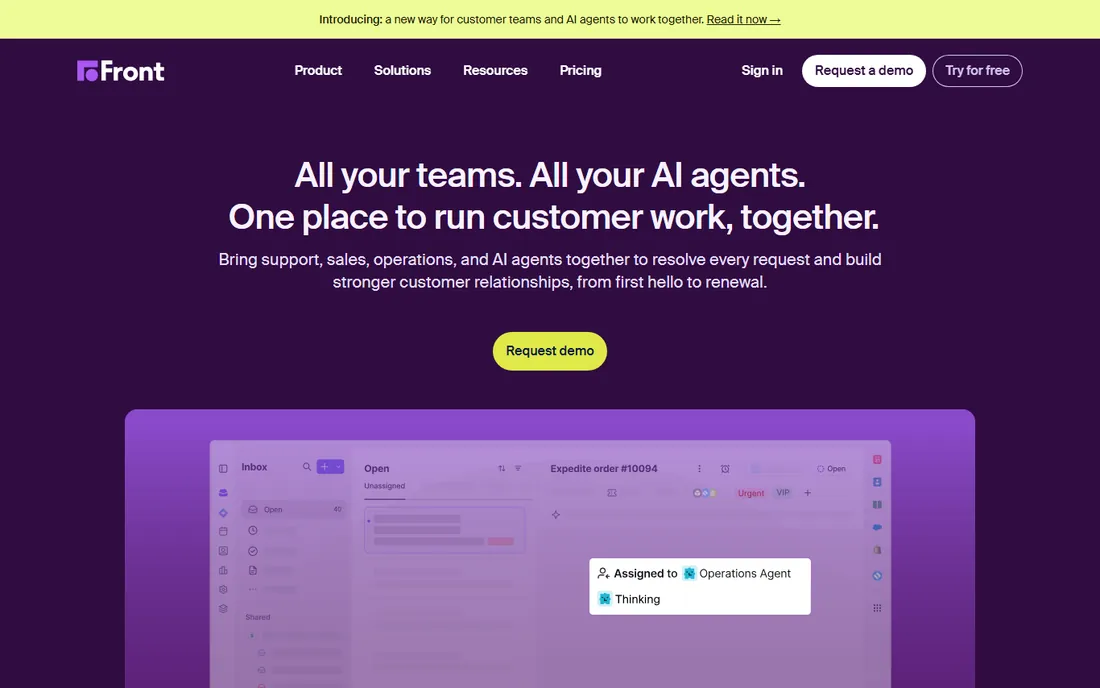
Front provides collaborative inbox with AI triage, assignment, and automation for teams. Customer-facing teams manage shared email efficiently. The AI routes and prioritizes automatically.
Individual use is overkill. But team email management benefits enormously. Support and sales teams coordinate smoothly.
For teams managing shared inboxes with AI, Front excels.
The implementation experience varies by organization size and complexity. Smaller teams can deploy quickly with standard configurations, while enterprises should plan for extended timelines with dedicated project management. Training and change management determine long-term success more than the software features themselves. Ensure the vendor provides adequate support during the critical first 90 days.
What we like- Team collaboration, Good AI, Shared inboxes, Powerful
Watch out for- Expensive, Complex, Team focused
Starting priceSee website
Free planFree trial
Hiver turns Gmail into a collaboration platform with shared inboxes and basic AI features. Teams manage group email without leaving Gmail. The simplicity appeals to small teams.
AI capabilities are basic. But the Gmail-native collaboration is excellent. Small teams get organized affordably.
For Gmail teams wanting simple collaboration, Hiver works.
What we like- Gmail native, Good collaboration, Simple, Affordable
Watch out for- Gmail only, Limited AI, Basic
How we chose
We evaluated AI capabilities: triage accuracy, smart reply quality, and the real time savings. Integration with existing email mattered. We weighted the productivity impact over feature lists.
We considered different users: executives need different tools than sales teams or support staff.
Maximizing AI email
Start with triage. Let AI sort and prioritize before you read. Focus first on what the AI flags important. The time savings compound daily.
Then use AI drafting. Let the AI draft routine replies for your review. Edit and personalize, but do not start from blank. The acceleration is significant.
Finally, automate follow-ups. Set AI reminders for unanswered messages. The systematic follow-through prevents dropped balls and improves responsiveness.
Privacy and security considerations
AI email tools require access to your inbox, raising legitimate privacy concerns. Evaluate each vendor's data handling practices carefully. Understand what data the AI processes, where it is stored, and how long it is retained. Enterprise users should review SOC 2 compliance and data processing agreements.
Consider the trade-off between convenience and privacy. Cloud-based AI offers more powerful features but requires data sharing. Local processing preserves privacy but limits capabilities. Choose based on your sensitivity requirements and regulatory obligations.
Implement appropriate access controls. Limit AI tool permissions to necessary scopes. Review connected applications regularly. Revoke access for tools you no longer use. The convenience of AI should not compromise security hygiene.
Workflow optimization strategies
Maximize AI email benefits through deliberate workflow design. Establish clear rules for AI triage categories that reflect your priorities. Review and refine the AI's classifications weekly during the first month. The system learns from corrections, improving accuracy over time.
Create templates for common responses that the AI can personalize. The combination of template efficiency and AI personalization saves significant time. Standardize responses for frequent inquiries while maintaining personal touch through AI customization.
Schedule dedicated email processing blocks rather than constant monitoring. The AI triage makes batch processing effective. Check email 2-3 times daily instead of continuously. The productivity gains from focused work exceed the responsiveness costs for most professionals.
Consider the total cost of ownership including implementation, training, and ongoing administration. The cheapest license often proves most expensive when factoring in the internal resources required for successful deployment. Evaluate vendor support quality through reference calls with similar organizations. The best technology fails without adequate support during critical periods.
Frequently asked questions
Does AI email compromise privacy?
Reputable tools maintain security standards. Review privacy policies and data handling. Enterprise versions offer enhanced controls. Balance convenience with your privacy requirements.
Will AI replace email management?
AI augments rather than replaces. Humans still decide, but AI handles the sorting, drafting, and reminding. The combination is more effective than either alone.
How much time can we save?
Users report 2-4 hours weekly savings. Heavy email users save more. The ROI depends on email volume and the value of your time.
Should teams standardize on one tool?
For collaboration features, yes. For individual productivity, allow choice. The best tool is the one each person actually uses consistently.
What about AI hallucinations in replies?
Always review AI drafts before sending. The AI assists but humans approve. Establish review habits, especially for sensitive communications.
Sources we checked (8)
- https://www.superhuman.com/
- https://www.sanebox.com/
- https://www.cleanemail.com/
- https://www.mailbutler.io/
- https://www.boomeranggmail.com/
- https://www.mixmax.com/
- https://www.front.com/
- https://www.hiverhq.com/
Is your product missing or out of date?
We review this list regularly. Vendors can request a listing, send updated pricing or ask about featured placement.

Shihab Mia · Founder, Rankite
Shihab has spent more than a decade helping SaaS and e-commerce brands grow through search. He writes Rankite's software buying guides from pricing pages, documentation and public user reviews. More about Shihab.