How we make this list: we compare pricing pages, product documentation and public user reviews. Rankite is independent; if a vendor ever pays for a featured spot, that listing is clearly labeled Partner.
Key takeaways
- Notion, Obsidian, Evernote, OneNote, Logseq, Joplin, and RemNote all offer free plans.
- Notion Plus costs $10 per user per month for the all-in-one workspace.
- Obsidian is free with local Markdown files you own; Sync costs $4 per month.
- Roam Research costs $15 per month for networked thought and bidirectional linking.
- Evernote starts at $8.25 per month billed annually with advanced search and web clipping.
Quick comparison
| Tool | Best for | Starting price | Free plan |
|---|
 Notion Notion | all-in-one personal and team workspace | Free | Yes |
 Obsidian Obsidian | researchers and writers who own their data | Free | Yes |
 Evernote Evernote | search and web clipping veterans | Free | Yes |
 Microsoft OneNote Microsoft OneNote | free notebooks in the Microsoft ecosystem | Free | Yes |
 Roam Research Roam Research | networked thought and research | $15 per month | No |
 Logseq Logseq | open-source outliner-based PKM | Free | Yes |
 Joplin Joplin | open-source secure notes with sync | Free | Yes |
 RemNote RemNote | students combining notes with flashcards | Free | Yes |
Is your product missing or out of date?
We review this list regularly. Vendors can request a listing, send updated pricing or ask about featured placement.
The best personal knowledge management software
Starting priceFree
Free planYes
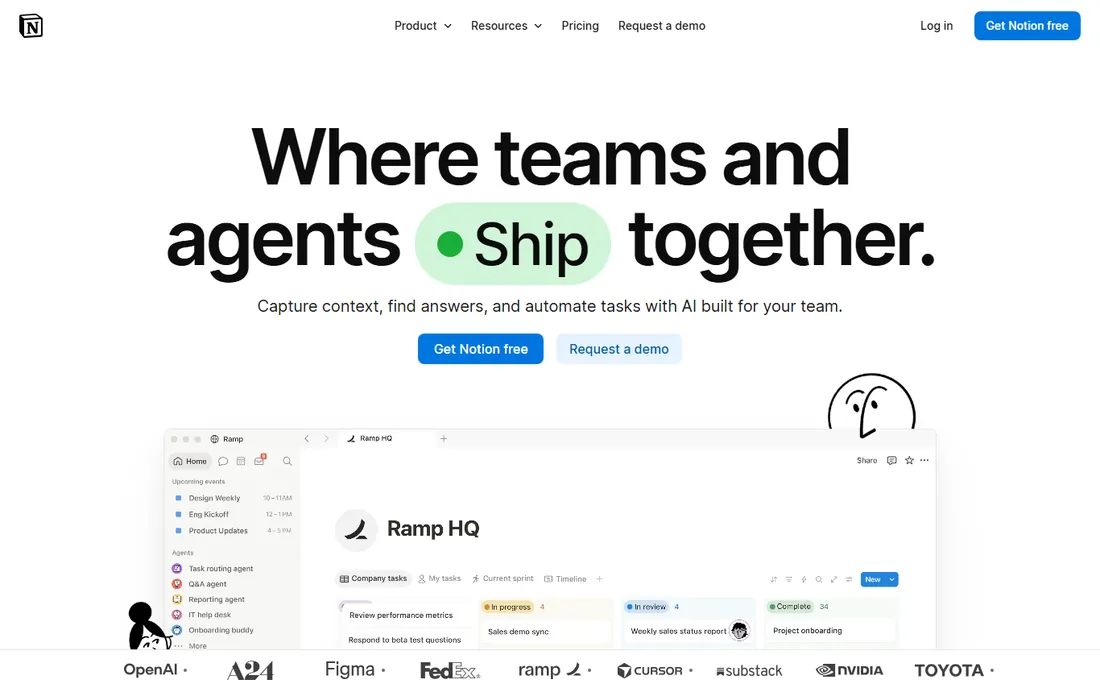
Notion is the all-in-one workspace that turned personal knowledge management mainstream. The free plan gives individuals unlimited blocks, with Plus at $10 per user per month adding unlimited file uploads and longer version history. Databases, documents, tasks, wikis, and AI features live in one flexible system.
The database power is the draw: build a reading list, a project tracker, and a personal CRM that all reference each other. The template ecosystem means you rarely start from a blank page, and collaboration features make it the choice when personal notes grow into team work.
Offline access is limited and large workspaces can slow down. Your data lives in Notion's format, not portable files. For people who want one workspace for everything, Notion is the default.
What we like- Free for individuals
- Databases, docs, and tasks in one place
- Huge template ecosystem
Watch out for- Offline access is limited
- Can get slow with large workspaces
- You do not own the data format
Starting priceFree
Free planYes
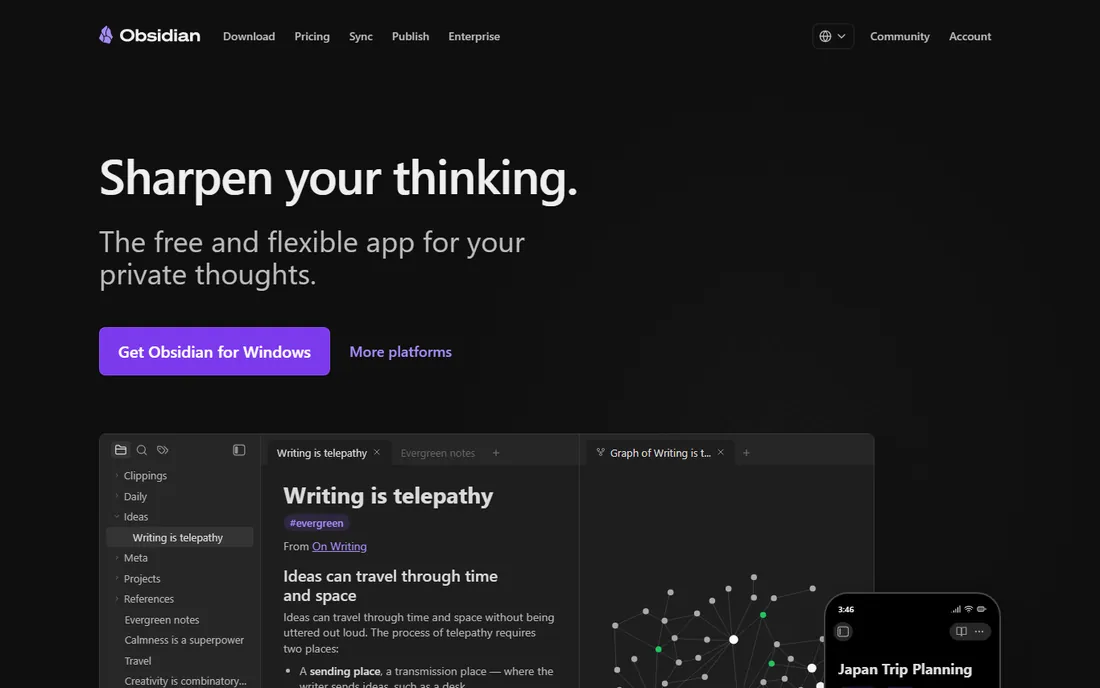
Obsidian is the local-first knowledge vault that stores everything as plain Markdown files on your computer. The app is free, with Sync at $4 per month for cross-device syncing and Publish for sharing. Bidirectional links and the Graph view reveal connections between notes that folder hierarchies hide.
The data ownership is the philosophy: your notes are files you can open in any editor, future-proof against any company's fate. The 8,000+ community plugins adapt Obsidian to almost any workflow, from academic research to novel writing, and the Canvas feature adds infinite whiteboarding.
The learning curve is real, and advanced workflows need plugin configuration. For long-term knowledge storage that you control completely, Obsidian is unmatched.
What we like- Free app including commercial use
- Local Markdown files you own
- 8,000+ plugins
- Graph view
Watch out for- Steep learning curve
- Paid Sync at $4 monthly
- No native web app
Starting priceFree
Free planYes
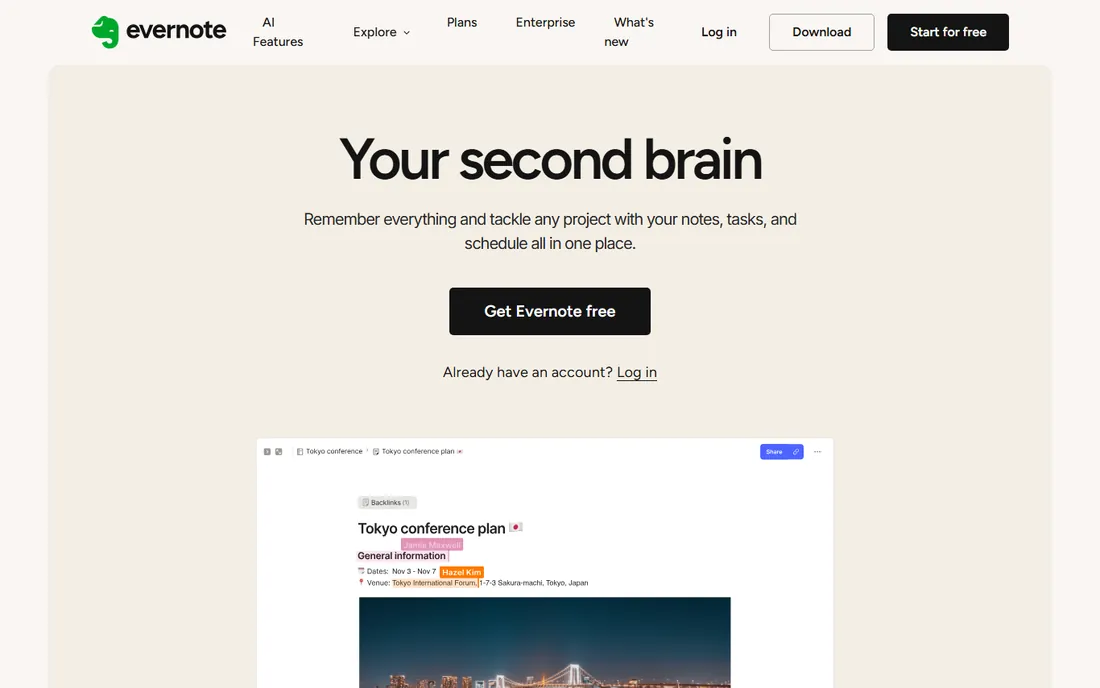
Evernote is the veteran that defined digital note-taking, still strong on search and capture. The free plan covers 50 notes and one notebook; paid plans start at $8.25 per month billed annually, with Advanced at $249.99 yearly adding AI tools. The OCR search finds text inside images and PDFs, and the web clipper remains excellent.
For people whose knowledge work centers on capturing and finding things, Evernote's search is still the benchmark. Document scanning, templates, and task management round out the capture workflow.
The free plan is now tightly limited, and years of price increases have pushed users toward alternatives. For search-first knowledge management with a long history, Evernote still delivers.
What we like- Best-in-class search including OCR
- Excellent web clipper
- Long track record
Watch out for- Free plan limited to 50 notes and 1 notebook
- Paid from $8.25 monthly
- Past price hikes annoyed users
#4
Microsoft OneNote
Best for: free notebooks in the Microsoft ecosystem
Visit onenote.com
Starting priceFree
Free planYes
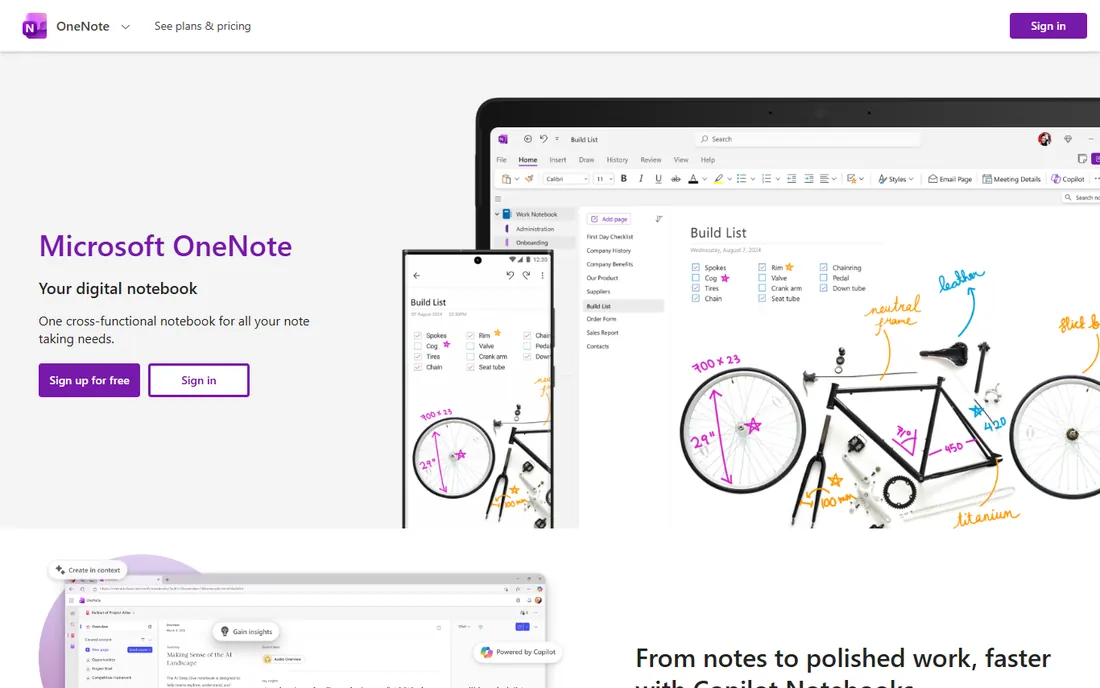
OneNote is the free notebook that Microsoft gives away, and it is better than its price suggests. Freeform pages accept typed notes, handwriting, drawings, audio, and clipped content anywhere on the canvas. The Microsoft 365 integration puts notes alongside Outlook, Teams, and OneDrive.
The handwriting support is the standout: on a tablet with a pen, OneNote is the closest thing to paper with search. Students and meeting-heavy professionals get a capable notebook at no cost.
Large notebooks can become disorganized, and OneNote lacks the linking philosophy of Obsidian or Roam. For free, flexible note-taking inside the Microsoft world, it is hard to beat.
What we like- Completely free
- Excellent handwriting and drawing
- Deep Microsoft 365 integration
Watch out for- Organization can get messy at scale
- Less of a PKM philosophy than competitors
Starting price$15 per month
Free planNo
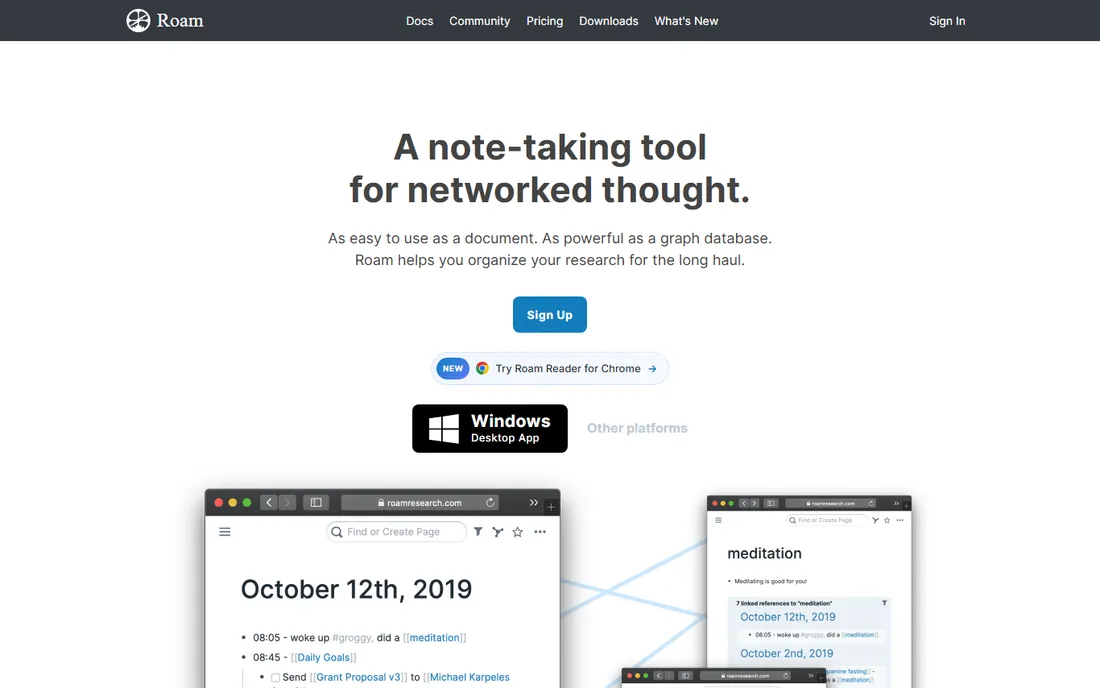
Roam Research pioneered the bidirectional linking movement that Obsidian and Logseq followed. At $15 per month with no free tier, it offers the daily notes workflow where every day gets a page and thoughts connect automatically through linked references.
The networked thought model suits researchers and writers who think in connections rather than folders. The daily notes habit, now copied everywhere, started here, and the query system surfaces related ideas across the graph.
The price has no free option, there is no offline access, and the interface is utilitarian. For devotees of the Roam workflow who want the original, it remains available, though free alternatives now match most of its features.
What we like- Pioneered bidirectional linking
- Daily notes workflow
- Powerful for researchers
Watch out for- $15 monthly with no free tier
- No offline access
- Interface is utilitarian
Starting priceFree
Free planYes
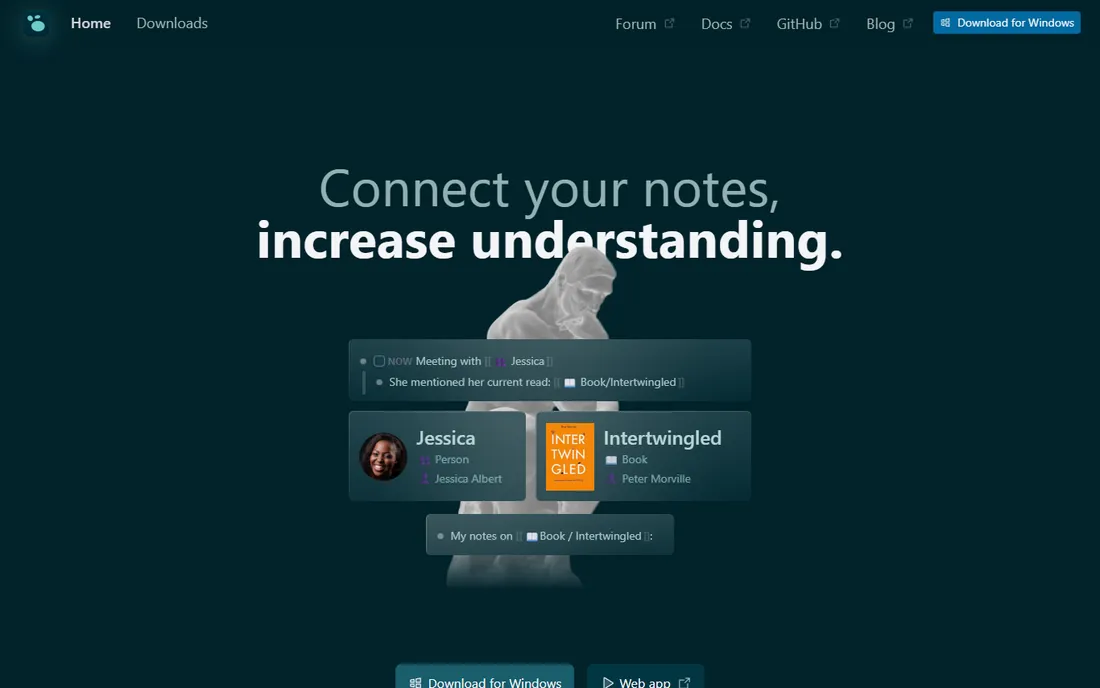
Logseq is the open-source, local-first outliner for personal knowledge management, free with optional paid sync. Every bullet can link to pages, forming a knowledge graph from an outliner interface that suits structured thinkers. Whiteboards, flashcards, and PDF annotations extend it beyond notes.
The open-source nature means transparency and community-driven development, with data stored locally in Markdown and org formats. For users who want Obsidian's philosophy with an outliner-first interface and open code, Logseq fits.
The plugin ecosystem is smaller than Obsidian's, and the interface can feel rough. For free, open-source, local-first knowledge management, it is the principled choice.
What we like- Free and open source
- Local-first
- Outliner with bidirectional links
- Whiteboards and flashcards
Watch out for- Smaller plugin ecosystem than Obsidian
- Sync is paid
- Can feel rough around the edges
Starting priceFree
Free planYes
Joplin is the free, open-source note app with end-to-end encrypted synchronization. Markdown notes, notebooks, tags, a web clipper, and to-dos work across Windows, Mac, Linux, Android, and iOS, with sync through Joplin Cloud or your own storage.
The privacy story is the point: open-source code plus encryption means your notes stay yours. For users who left Evernote over pricing or privacy, Joplin is the free alternative that respects both.
The interface is less polished than Notion or Evernote, and advanced features need plugin configuration. For free, private, open-source notes on every platform, Joplin delivers.
What we like- Free and open source
- End-to-end encrypted sync
- Markdown
- Web clipper
- All platforms
Watch out for- Less polished than commercial apps
- Plugin setup takes effort
Starting priceFree
Free planYes
RemNote combines note-taking with spaced repetition flashcards: write notes normally, and key concepts become flashcards for later review. The free plan covers the core workflow, with bidirectional linking and outlining for knowledge organization.
The study integration is unique: instead of separate notes and flashcard apps, one tool handles both. Medical students, language learners, and exam preparers get a PKM system designed around retention.
The study focus makes it less suited to general knowledge management than Obsidian or Notion. For learners who want their notes to become their study system, RemNote is purpose-built.
What we like- Free plan
- Notes convert to flashcards automatically
- Spaced repetition
- Bidirectional linking
Watch out for- Study-focused, less suited to general PKM
- Interface prioritizes learning workflows
How we chose
We compared personal knowledge management software on note capture and organization, linking and knowledge graph features, search quality, data ownership and portability, platform coverage, AI features, and pricing. We reviewed 2026 comparisons, vendor documentation, and user reviews. We did not run year-long knowledge practices; assessments reflect current documentation and reviewer consensus as of October 2026.
The second brain is a habit, not an app
The personal knowledge management world sells a fantasy: the perfect app that organizes your thinking for you. The reality is that every app above works and every app above fails, depending on the habit behind it. The people with genuinely useful knowledge bases share one trait: they write things down consistently and review them regularly.
Pick the tool that matches the habit you will actually keep. If you will not maintain links, Obsidian's graph view is decoration. If you will not tag, Evernote's organization is a junk drawer. If you will not write daily, Roam's daily notes are empty pages.
Start with capture: one inbox where everything lands. Add organization only when retrieval fails. The best second brain is the one you use, and the simplest tool you will actually open beats the most powerful one you abandon.
Outliner thinkers who structure everything hierarchically fit Logseq or Roam: bullets, indentation, and emergent connections. Database thinkers who categorize and filter fit Notion: properties, views, and relations.
Writers and researchers building a long-term archive fit Obsidian: local files, links, and a graph that grows for years. Capturers who collect articles, documents, and ideas fit Evernote: clip it, search it, find it.
Students fit RemNote: notes that become flashcards. Microsoft households fit OneNote: free and integrated. Privacy-first users fit Joplin: open source and encrypted. Match the tool to your thinking, not to the loudest productivity guru.
Frequently asked questions
What is personal knowledge management software?
Personal knowledge management software helps you capture, organize, and retrieve what you learn: notes, articles, ideas, and references connected so your future self can find them. It ranges from simple note apps to linked knowledge graphs.
Notion vs Obsidian: which should I choose?
Choose Notion for an all-in-one workspace with databases, collaboration, and templates, free for individuals. Choose Obsidian for a local-first Markdown vault you own completely, with bidirectional linking and a graph view, also free. Many people use both for different purposes.
What is the best free personal knowledge management app?
Obsidian and Logseq for linked knowledge graphs, Notion for all-in-one workspaces, Joplin for private open-source notes, and OneNote for freeform notebooks. All offer generous free plans; Obsidian's free tier includes commercial use.
What is a second brain?
A second brain is a personal knowledge system for capturing and organizing everything you learn so you can retrieve it later. The term comes from Tiago Forte's Building a Second Brain methodology: capture, organize, distill, express. The apps above are tools for building one.
Roam Research vs Logseq: which is better?
Logseq is free, open source, and local-first with a similar outliner and linking model. Roam costs $15 per month with no free tier. Most new users should start with Logseq; Roam suits devotees of the original workflow.
Is Evernote still worth it in 2026?
For search and web clipping, yes: the OCR search and clipper remain excellent. The free plan is now limited to 50 notes, so serious use needs the paid plan from $8.25 monthly. Users unhappy with the price find Obsidian, Joplin, or Notion capable alternatives.
Sources we checked (5)
- https://dev.to/stimlau/best-ai-note-taking-app-in-2026-tested-notion-obsidian-mem-1g03
- https://thedigitalprojectmanager.com/tools/best-obsidian-alternatives/
- https://www.xda-developers.com/tried-dozens-notion-alternatives-only-ones-worth-using/
- https://blog.stackademic.com/notion-vs-obsidian-vs-roam-research-which-is-best-for-note-taking-2026-guide-81039be5576a?gi=b34c9c197faf
- https://thebusinessdive.com/notion-vs-obsidian
Is your product missing or out of date?
We review this list regularly. Vendors can request a listing, send updated pricing or ask about featured placement.

Shihab Mia · Founder, Rankite
Shihab has spent more than a decade helping SaaS and e-commerce brands grow through search. He writes Rankite's software buying guides from pricing pages, documentation and public user reviews. More about Shihab.