How we make this list: we compare pricing pages, product documentation and public user reviews. Rankite is independent; if a vendor ever pays for a featured spot, that listing is clearly labeled Partner.
Key takeaways
- Asana ($10.99/user/month) and Monday ($9/seat/month) are the most polished all-rounders for teams that want structure without a long setup.
- ClickUp ($7/user/month) packs the most features per dollar, but its depth can slow down smaller teams.
- Trello ($5/user/month) remains the simplest visual tracker; Jira ($7.91/user/month) is the pick when the work is software development.
- Notion ($10/user/month) and Todoist ($5/month) suit teams that want tasks living next to notes and docs rather than in a separate system.
- Basecamp ($15/user/month, or $299/month flat for unlimited users) is the deliberate anti-complexity choice, and its flat plan beats per-seat pricing past about 20 people.
Quick comparison
| Tool | Best for | Starting price | Free plan |
|---|
 Asana Asana | Teams that want clear ownership and deadlines | $10.99 per user/month (billed annually) | Yes |
 Monday Monday | Teams that want boards shaped around their process | $9 per seat/month (billed annually) | Yes |
 ClickUp ClickUp | Teams that want every feature without enterprise pricing | $7 per user/month (billed annually) | Yes |
 Trello Trello | Visual thinkers who want tracking without the learning curve | $5 per user/month (billed annually) | Yes |
 Jira Jira | Software teams running agile development | $7.91 per user/month (billed annually) | Yes |
 Notion Notion | Teams that want tasks, notes, and wikis in one place | $10 per user/month (billed annually) | Yes |
 Todoist Todoist | Individuals and small teams who live in to-do lists | $5 per month (billed annually) | Yes |
 Wrike Wrike | Cross-functional teams with complex, interlinked projects | $10 per user/month (billed annually) | Yes |
 Basecamp Basecamp | Teams that want calm, simple coordination | $15 per user/month (billed annually) | Yes |
Is your product missing or out of date?
We review this list regularly. Vendors can request a listing, send updated pricing or ask about featured placement.
The best task tracking software
#1
Asana
Best for: Teams that want clear ownership and deadlines
Visit asana.com
Starting price$10.99 per user/month (billed annually)
Free planYes
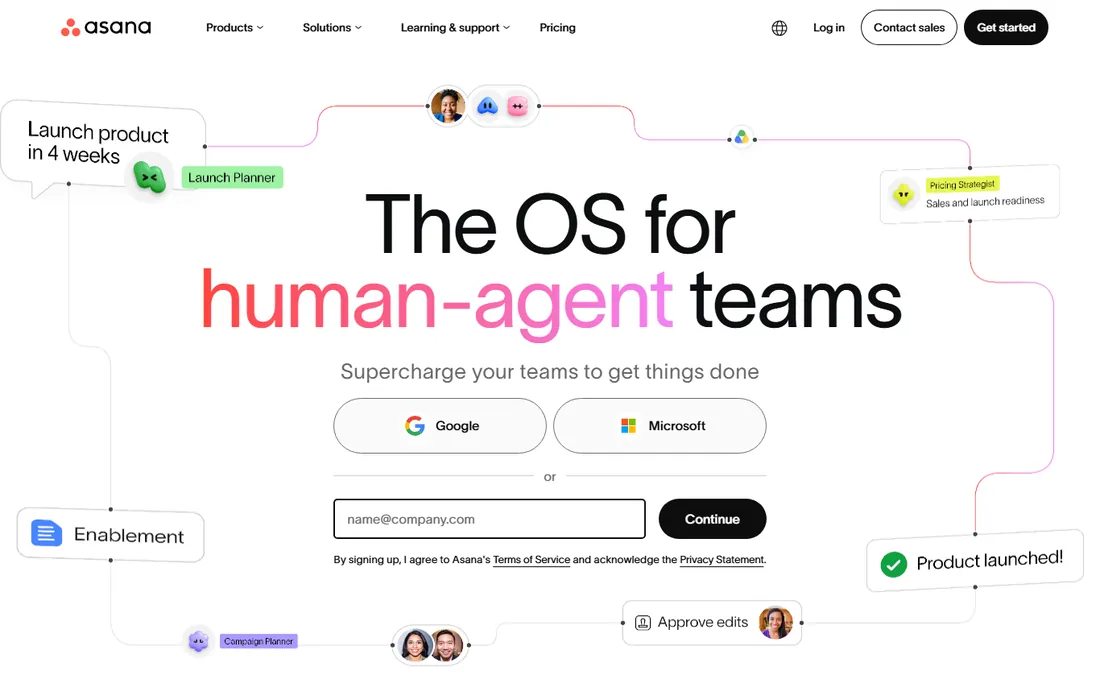
Asana is the tool most teams picture when they say task tracking: projects hold tasks, tasks have owners and due dates, and everything rolls up into timelines and dashboards that a manager can actually read. Its Work Graph model lets one task live in several projects at once without duplication, which keeps cross-functional work honest. Paid plans include unlimited guests, so clients and contractors do not inflate the bill.
The pricing has teeth, though. The free Personal plan only covers a couple of users, so any real team starts at $10.99 per user per month, and genuinely useful features like native time tracking, portfolios, and goals sit on the $24.99 Advanced tier. For teams running repeatable processes like campaigns, launches, and onboarding, Asana's clarity is worth the price. For looser creative work, it can feel like more structure than the work needs.
What we like- Timeline, board, calendar, and list views of the same work
- Unlimited free guests on paid plans
- Strong automation and AI features
Watch out for- Free plan capped at a small team
- Time tracking and portfolios need the pricier Advanced tier
#2
Monday
Best for: Teams that want boards shaped around their process
Visit monday.com
Starting price$9 per seat/month (billed annually)
Free planYes
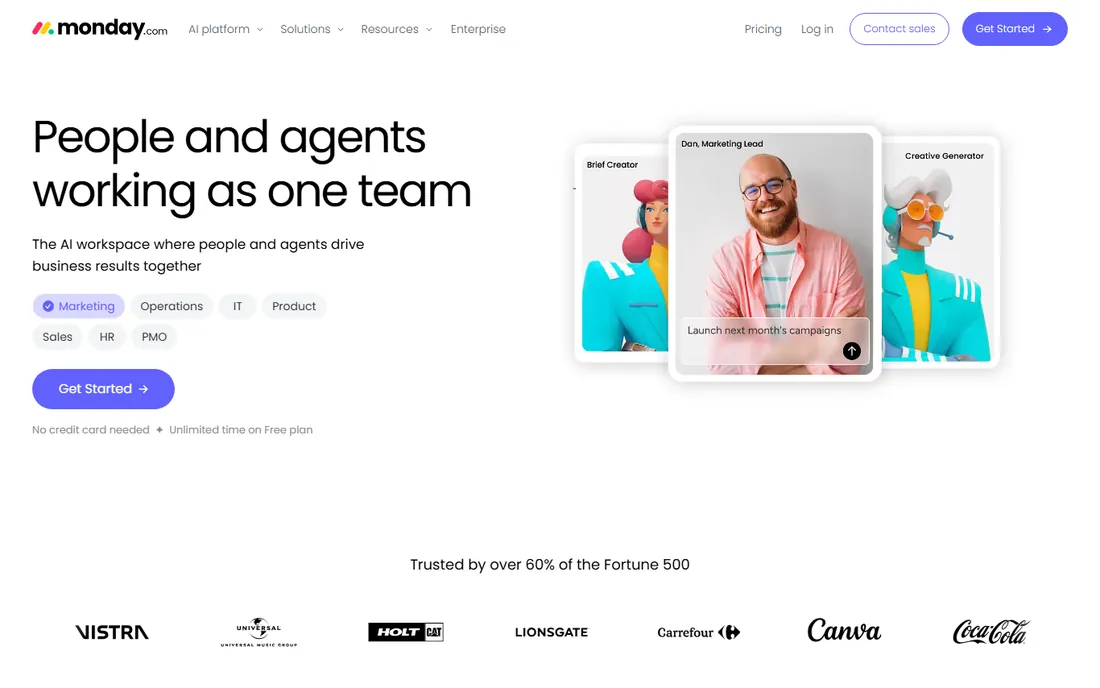
Monday starts from the opposite assumption: instead of giving you a task system to adapt to, it gives you colorful boards you bend into whatever your process already looks like. Sales pipelines, content calendars, hiring trackers, and sprint boards can all live in one account with different columns, views, and automations per board. The visual design is the friendliest on this list, which helps adoption with non-technical staff.
Watch the billing math. Paid plans require at least three seats, so the smallest possible bill is $27 a month, and the Basic tier includes zero automations, making Standard at $12 per seat the realistic entry point for most teams. At scale the per-seat cost adds up fast, which is why larger teams often compare Monday against flat-priced Basecamp. Choose Monday when your workflows are unusual enough that a rigid tool would fight you.
What we like- Extremely flexible boards with 40+ column types
- 15+ views including Gantt and workload
- Generous free plan for trying it out
Watch out for- 3-seat minimum on all paid plans
- Automations are capped tightly on lower tiers
#3
ClickUp
Best for: Teams that want every feature without enterprise pricing
Visit clickup.com
Starting price$7 per user/month (billed annually)
Free planYes
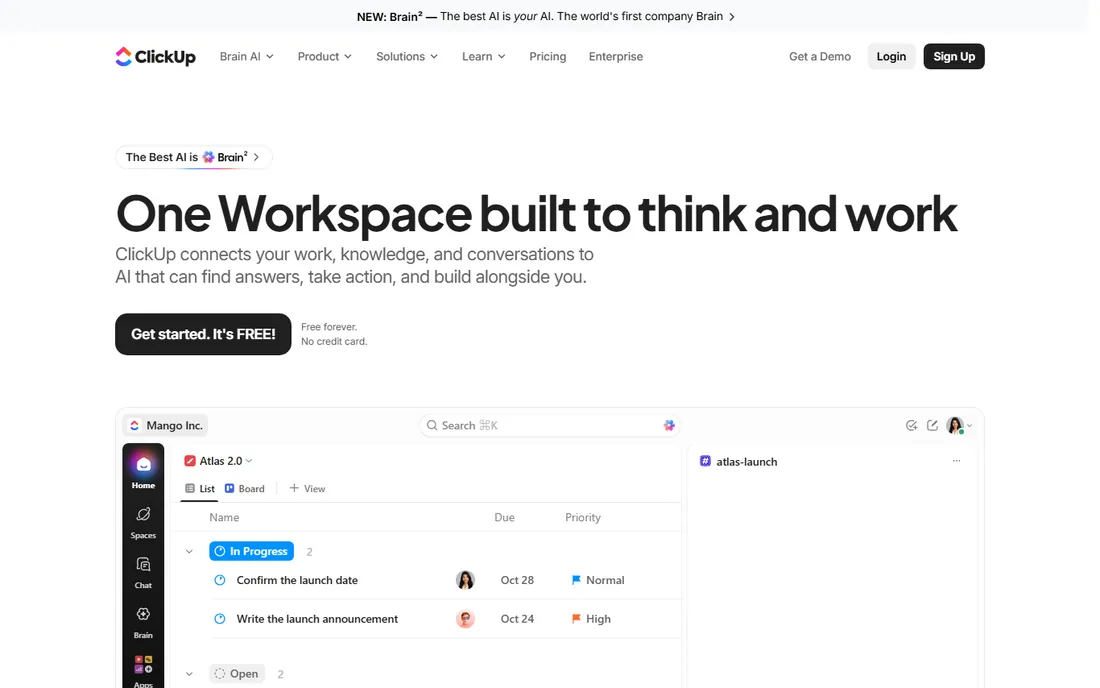
ClickUp's pitch is simple: everything Asana, Monday, Notion, and your docs tool do, in one place, for less money. At $7 per user per month for Unlimited and $12 for Business, it undercuts nearly every rival while including Gantt charts, sprints, custom fields, native time tracking, dashboards, and automations. The free plan is genuinely usable for small teams, with unlimited tasks and members.
The catch is the one you would expect. All that capability arrives as a wall of settings, views, and hierarchies that takes real admin effort to tame, and teams that never appoint someone to own the setup end up with a mess. Performance in huge workspaces draws complaints too. But for a cost-conscious team willing to invest a week in configuration, ClickUp delivers the deepest toolkit per dollar on this list.
What we like- Docs, whiteboards, goals, chat, and time tracking in one workspace
- The most generous free plan here
- Business tier undercuts most rivals
Watch out for- Sheer number of options overwhelms new users
- Performance can lag in very large workspaces
#4
Trello
Best for: Visual thinkers who want tracking without the learning curve
Visit trello.com
Starting price$5 per user/month (billed annually)
Free planYes
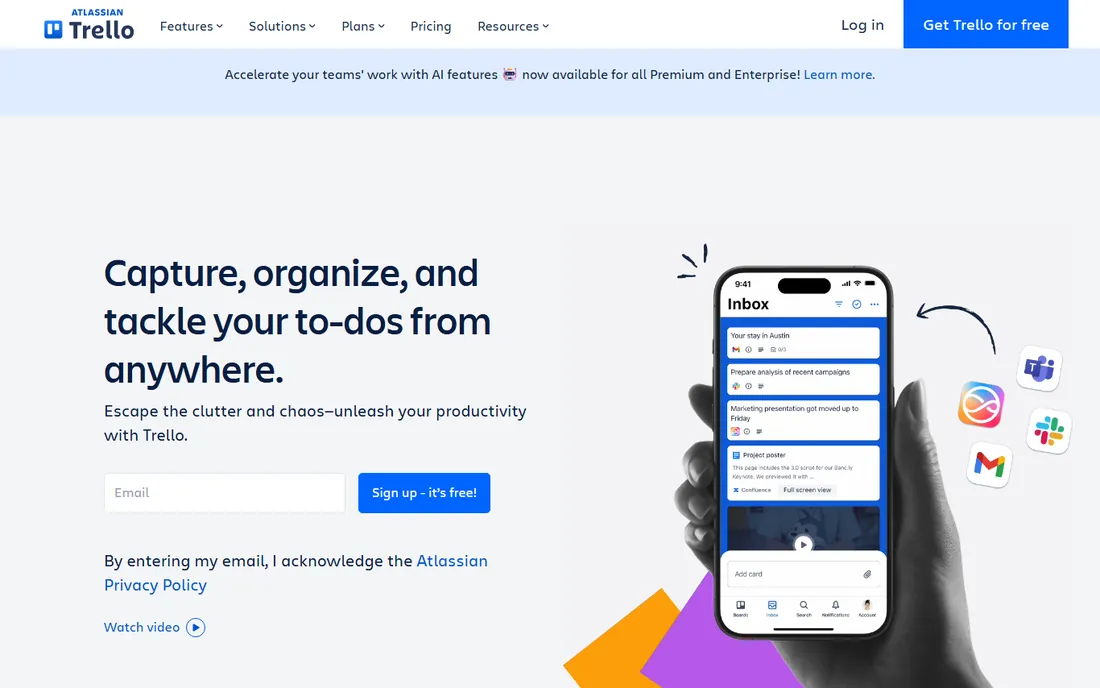
Trello turned the kanban board into a household object: lists for stages, cards for tasks, drag and drop to move work forward. There is almost no learning curve, which is why it still wins with marketing teams, event planners, and small agencies that need shared visibility this afternoon, not after a two-week rollout. Butler automation quietly handles the repetitive card moves, due-date nudges, and checklist creation.
Simplicity is also the ceiling. Trello has no real dependencies, no resource management, and reporting that amounts to a dashboard view on Premium. The free plan caps you at ten boards per workspace, and the views that make it useful for planning, timeline, calendar, table, sit on the $10 Premium tier rather than the $5 Standard one. Pick Trello when the work fits on boards and speed of adoption matters more than analytical depth.
What we like- Boards, lists, and cards anyone learns in minutes
- Butler automation handles repetitive moves
- Free plan covers unlimited cards
Watch out for- No task dependencies or workload views
- Paid tiers needed for timeline, calendar, and dashboard views
Starting price$7.91 per user/month (billed annually)
Free planYes
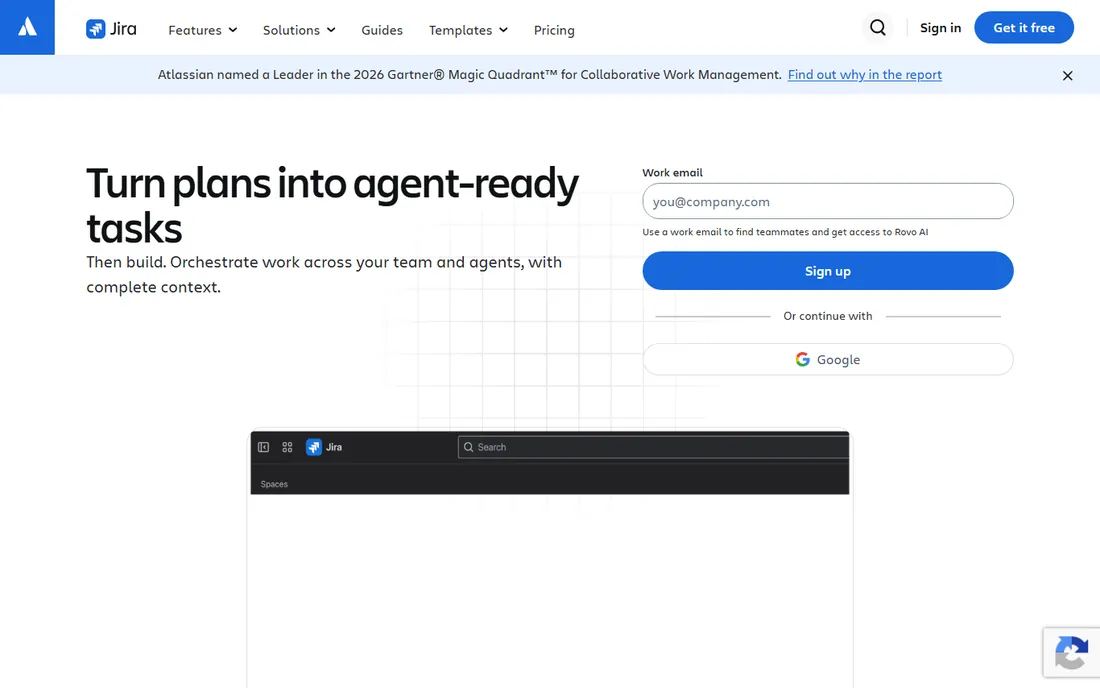
Jira is the default issue tracker of the software industry for a reason. Backlogs, sprints, story points, burndown charts, and release tracking are native concepts, not bolted-on views, and workflows can model anything from a simple kanban flow to a multi-stage approval chain. For engineering teams, the integration with Bitbucket, GitHub, and the rest of the Atlassian stack keeps code and tickets linked.
For everyone else, Jira is famously heavy. Non-technical teams drown in issue types, schemes, and admin screens, and Atlassian's own pricing page shows the Standard tier at $7.91 per user per month with Premium at $14.54. The headline price also understates reality: most teams add Confluence for docs and a few paid marketplace apps, which can double the bill. Use Jira when developers are the primary users. For general business task tracking, the tools above will make everyone happier.
What we like- Purpose-built for sprints, backlogs, and releases
- Deep customization of workflows and issue types
- Huge marketplace of integrations
Watch out for- Overkill and confusing for non-technical teams
- Real costs climb with Confluence and marketplace apps
#6
Notion
Best for: Teams that want tasks, notes, and wikis in one place
Visit notion.com
Starting price$10 per user/month (billed annually)
Free planYes
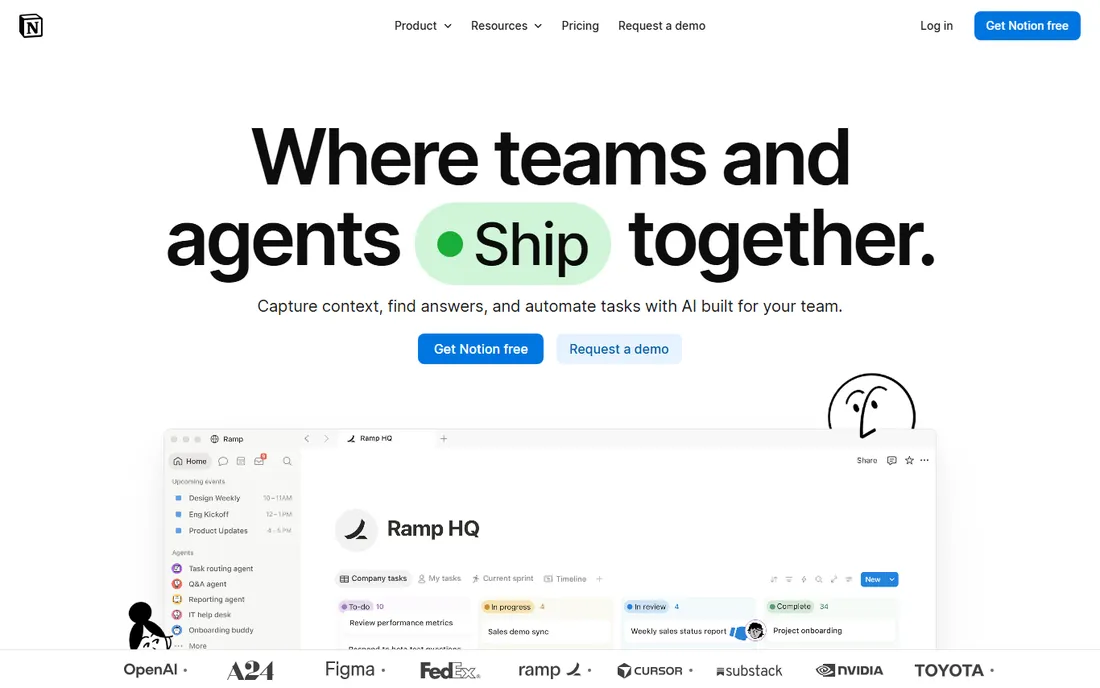
Notion refuses to be just a task tracker, which is exactly why some teams love it for tracking. Tasks live inside databases that you design: a content pipeline with status, owner, and publish date, a bug log with severity and sprint, a hiring tracker with stages and scorecards. Because notes, meeting docs, and wikis live in the same workspace, context never sits in a separate app.
That freedom is the price of admission. Notion ships as a blank canvas, and a team without someone willing to architect the workspace ends up with scattered pages instead of a system. At $10 per user per month for Plus and $20 for Business, it is not the cheapest pure tracker either. Choose Notion when your tasks are inseparable from your knowledge base: agencies, startups, and content teams get the most from the combination.
What we like- Databases turn any page into a custom tracker
- Notes, docs, and tasks share one search
- Generous template gallery
Watch out for- You must design your own system
- Can feel slow with very large databases
#7
Todoist
Best for: Individuals and small teams who live in to-do lists
Visit todoist.com
Starting price$5 per month (billed annually)
Free planYes
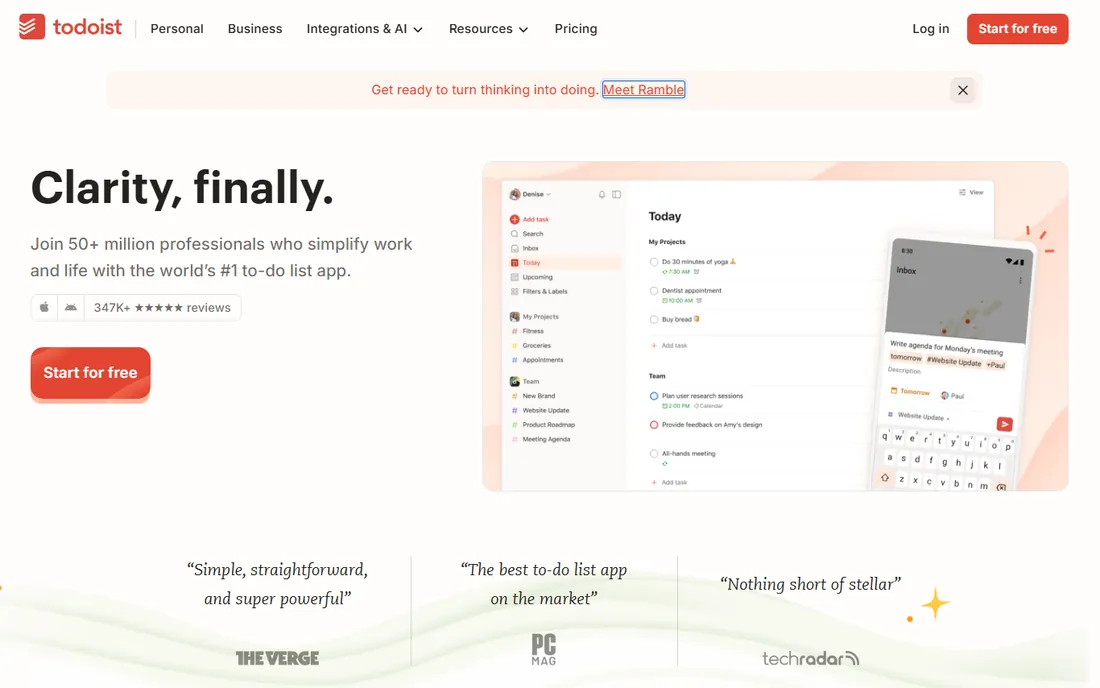
Todoist is the lightest tool on this list and proud of it. Type "Submit proposal every Friday #work p1" and it parses the recurrence, project, and priority instantly. That capture speed, identical on phone, desktop, watch, and browser extension, is why it has survived nearly two decades of competitors. The $5-a-month Pro plan adds reminders, calendar layout, and AI assistance; the free Beginner plan covers personal use indefinitely.
It is a personal productivity tool first and a team tracker second. There are no Gantt charts, no workload balancing, no approval workflows, and the Business tier at $8 per user per month mostly adds shared workspaces and admin rather than project depth. For founders, freelancers, and small teams whose tracking needs fit in lists, Todoist is the fastest path from thought to captured task.
What we like- Fastest natural-language task entry anywhere
- Identical experience on every device
- Karma system keeps daily momentum
Watch out for- No Gantt, workload, or dependency views
- Team features are basic compared with true project tools
#8
Wrike
Best for: Cross-functional teams with complex, interlinked projects
Visit wrike.com
Starting price$10 per user/month (billed annually)
Free planYes
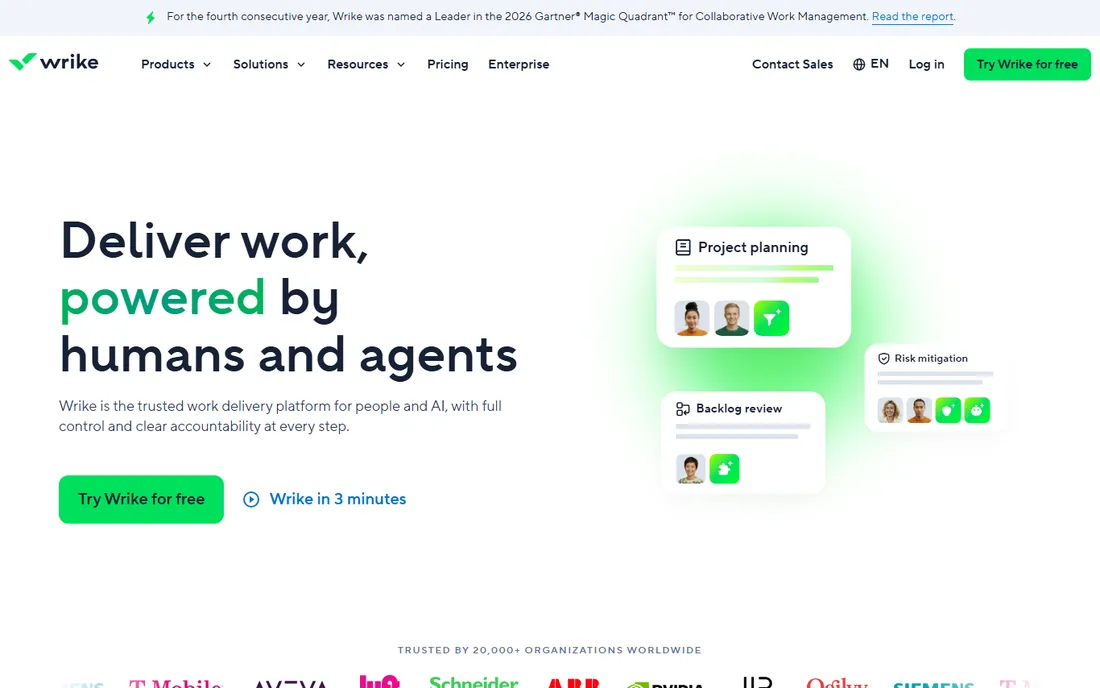
Wrike sits between Monday's flexibility and Jira's rigor, aimed at teams where projects span departments and someone needs a portfolio-level view. Gantt charts, workload balancing, time tracking, proofing, and request forms come standard, and the automation engine handles handoffs between teams without manual chasing. Marketing, IT, and professional services teams are its core audience.
It is not a tool you casually adopt. Configuration is a project in itself, and the Team plan at $10 per user per month is a starting point; the reporting and resource management most buyers actually want sit on Business at $25. Like ClickUp, Wrike rewards teams that invest in setup and punishes teams that do not. Pick it when projects have real dependencies across teams and leadership needs roll-up reporting.
What we like- Strong Gantt, workload, and portfolio views
- Request forms and approvals built in
- 400+ integrations
Watch out for- Setup and administration take real effort
- Meaningful reporting needs the $25 Business tier
Starting price$15 per user/month (billed annually)
Free planYes
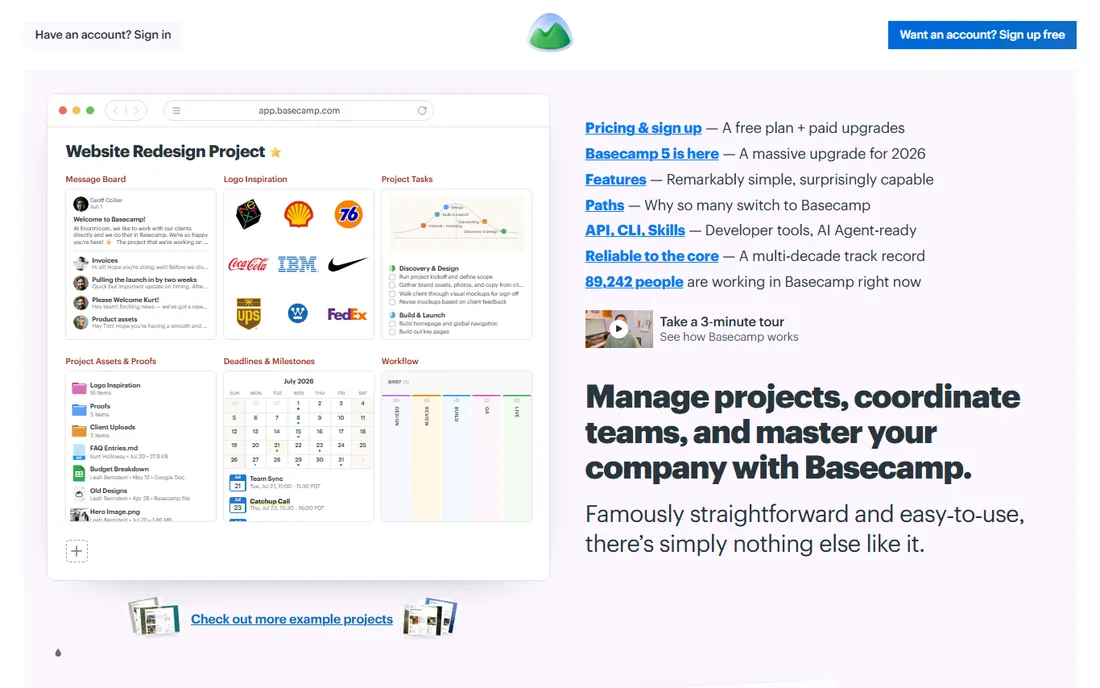
Basecamp is the only tool here that treats simplicity as the feature. Projects get message boards, to-dos, schedules, files, and check-ins, and that is the whole product. There are no custom fields to configure, no automation builders to learn, and no dashboards to design. For teams exhausted by overbuilt software, that restraint is the selling point, and the 2026 Basecamp 5 release keeps the philosophy intact.
The pricing is unusual in a useful way. Plus costs $15 per user per month, which is steep for a five-person team against $7 ClickUp, but Pro Unlimited is a flat $299 a month no matter how many employees join, and clients are free on every plan. A free tier covers one project for up to 20 users. Choose Basecamp when your team resists complex tools and your headcount makes per-seat math painful.
What we like- Flat $299/month Pro Unlimited plan beats per-seat pricing past ~20 users
- Clients and contractors are always free
- Deliberately minimal learning curve
Watch out for- No Gantt, workload, or advanced reporting by design
- $15 per seat is pricey for small teams versus rivals
How we chose
We compared the vendors' own pricing pages, feature documentation, and changelogs to establish what each tool costs and includes today. We then checked those claims against public reviews on G2, Capterra, and Reddit, where working project managers discuss the realities of adoption, admin overhead, and billing surprises. We weighted fit for small and mid-size teams, clarity of pricing, and the strength of the free tier, since many teams start free. We did not run hands-on tests; this comparison reflects documented features, current pricing, and reviewer consensus.
What actually drives the decision
Ignore the feature checklists and start with how your team already works. If work arrives as assignments with deadlines, Asana or Monday will feel natural. If it arrives as a flowing pipeline of similar items, Trello's boards or ClickUp's multiple views fit better. If developers run the show, Jira is the path of least resistance. And if half your tasks live in meeting notes, Notion's combined workspace saves more time than any standalone tracker.
Then do the seat math honestly. Per-seat pricing looks cheap until headcount grows: ten people on Asana Starter is about $1,320 a year, while Basecamp's flat $299 a month covers unlimited users for $3,588. Monday's three-seat minimum means a solo user still pays $27 a month. Model your team at its size a year from now, not today.
Trial before you commit
Every tool here offers a free plan or trial, and two weeks of real work reveals more than any review. Migrate one live project, not a test project, and watch where people get confused. The tool with the fewest confused teammates usually wins, regardless of which has the longer feature list.
The migration nobody plans for
Switching task trackers costs more than the subscription. Export formats differ, comment history rarely transfers cleanly, and every migration breaks a few automations. Before choosing, check each vendor's export options and whether an importer exists for the tool you might leave. Teams that pick with an exit in mind negotiate better and panic less when needs change.
Frequently asked questions
What is the cheapest good task tracking software for a small team?
ClickUp and Trello are the cheapest capable options. ClickUp's Unlimited plan is $7 per user per month with a generous free tier, and Trello Standard is $5 per user per month. For teams over about 20 people, Basecamp's flat $299-a-month plan can beat every per-seat tool.
Is there really a free task tracking tool good enough for business?
Yes, with limits. ClickUp's free plan supports unlimited tasks and members, Trello's free plan allows unlimited cards, and Notion and Todoist both offer free personal tiers. Most teams outgrow free plans when they need timelines, advanced reporting, or admin controls.
Which task tracking software is best for software developers?
Jira. It was built for agile development with backlogs, sprints, and releases as native concepts, and it integrates with the code tools developers already use. Non-technical teams usually find it too complex, which is why it sits alongside general tools rather than replacing them.
How is task tracking software different from project management software?
The terms overlap heavily. Task tracking usually means assigning and following individual to-dos, while project management adds planning artifacts like Gantt charts, portfolios, and resource management. Most tools on this list do both; Trello and Todoist lean toward pure tracking, while Wrike and Monday lean toward full project management.
Can I track tasks without paying per user?
Basecamp's Pro Unlimited plan charges a flat $299 a month regardless of headcount, and its free tier covers one project for up to 20 users. Asana and Monday include unlimited free guests on paid plans, so clients and contractors do not always need paid seats. Always check who counts as a billable user before estimating cost.
How long does it take to set up task tracking software?
Trello or Todoist can be running in an afternoon. Asana and Monday typically take a few days of thoughtful setup. ClickUp, Jira, and Wrike can take one to three weeks to configure well, since their depth demands decisions about workflows, permissions, and conventions. Budget the setup time, not just the subscription.
Sources we checked (9)
- https://asana.com/
- https://trello.com/
- https://clickup.com/
- https://monday.com/
- https://www.atlassian.com/software/jira
- https://notion.com/
- https://todoist.com/
- https://wrike.com/
- https://basecamp.com/
Is your product missing or out of date?
We review this list regularly. Vendors can request a listing, send updated pricing or ask about featured placement.

Shihab Mia · Founder, Rankite
Shihab has spent more than a decade helping SaaS and e-commerce brands grow through search. He writes Rankite's software buying guides from pricing pages, documentation and public user reviews. More about Shihab.