How we make this list: we compare pricing pages, product documentation and public user reviews. Rankite is independent; if a vendor ever pays for a featured spot, that listing is clearly labeled Partner.
Key takeaways
- Fathom offers unlimited free recording for individuals, with Premium at $16 per user monthly billed annually.
- tl;dv at $18 per user monthly excels at shareable video clips and multi-meeting search.
- Fireflies.ai at $10 per user monthly is the sales pick with deep CRM integrations.
- Grain at $15 per user monthly is built for cutting and sharing video highlights.
- Otter.ai at $8.33 per user monthly offers the best live transcription alongside recording.
Quick comparison
| Tool | Best for | Starting price | Free plan |
|---|
 Fathom Fathom | individuals wanting free unlimited recording | $16 per user/month | Yes |
 tl;dv tl;dv | teams sharing clips and searching across calls | $18 per user/month | Yes |
 Fireflies.ai Fireflies.ai | sales teams syncing calls to CRM | $10 per user/month | Yes |
 Grain Grain | sales teams living on video clips | $15 per user/month | Yes |
 Otter.ai Otter.ai | live transcription during the call | $8.33 per user/month | Yes |
 MeetGeek MeetGeek | hands-off automated meeting notes | $15.99 per month | Yes |
 Avoma Avoma | revenue teams wanting coaching and scoring | See website | Free trial |
 Gong Gong | enterprises analyzing customer conversations | See website | No |
Is your product missing or out of date?
We review this list regularly. Vendors can request a listing, send updated pricing or ask about featured placement.
The best meeting recording software
Starting price$16 per user/month
Free planYes
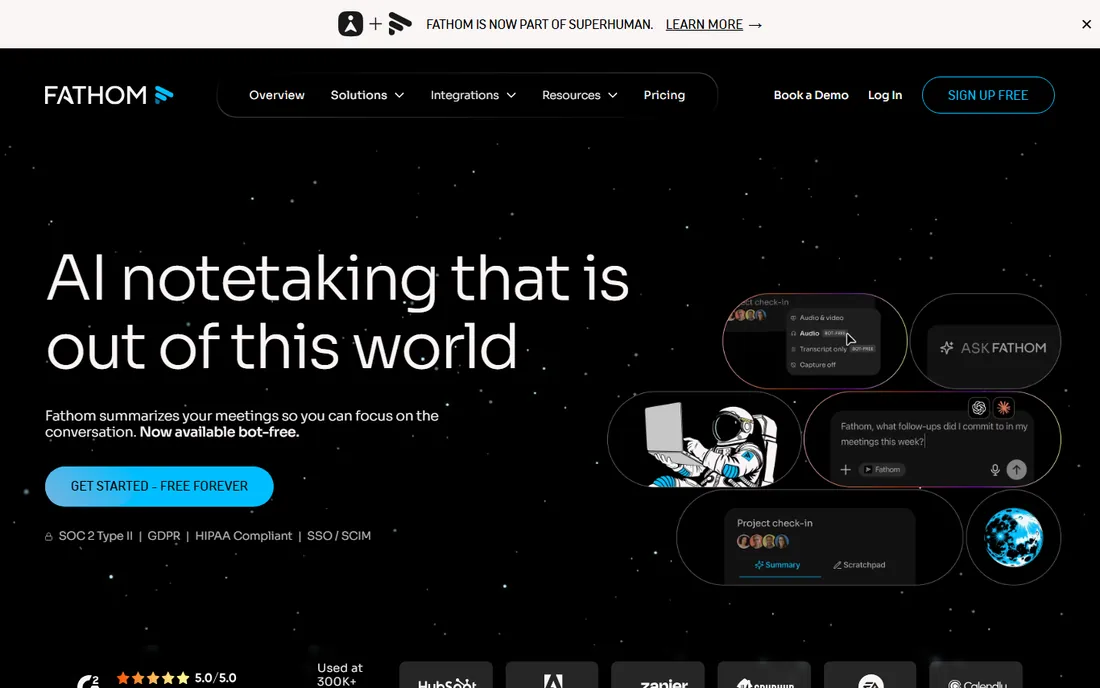
Fathom disrupted this category by offering unlimited free recording and transcription for individual users, no credit card, no time limits. The bot joins your Zoom, Meet, or Teams call, records everything, and produces AI summaries that are often ready before the meeting ends. Premium starts at $16 per user monthly billed annually, with team plans from $15.
The highlight clip feature is what makes Fathom a recording tool rather than just a transcription tool: mark key moments during the call and share short video excerpts with teammates who missed it. CRM integration pushes notes to HubSpot or Salesforce after each call.
The free tier covers individuals only; teams pay real money, and the visible bot changes the dynamic on client calls. For individuals and small teams who want the strongest free recording option, Fathom is the obvious start.
What we like- Unlimited free recording and transcription for individuals
- Fast AI summaries
- Highlight clips for sharing moments
Watch out for- Free tier is individual only
- Team plans start at $15 to $16 per user with minimums
- Visible bot
#2
tl;dv
Best for: teams sharing clips and searching across calls
Visit tldv.io
Starting price$18 per user/month
Free planYes
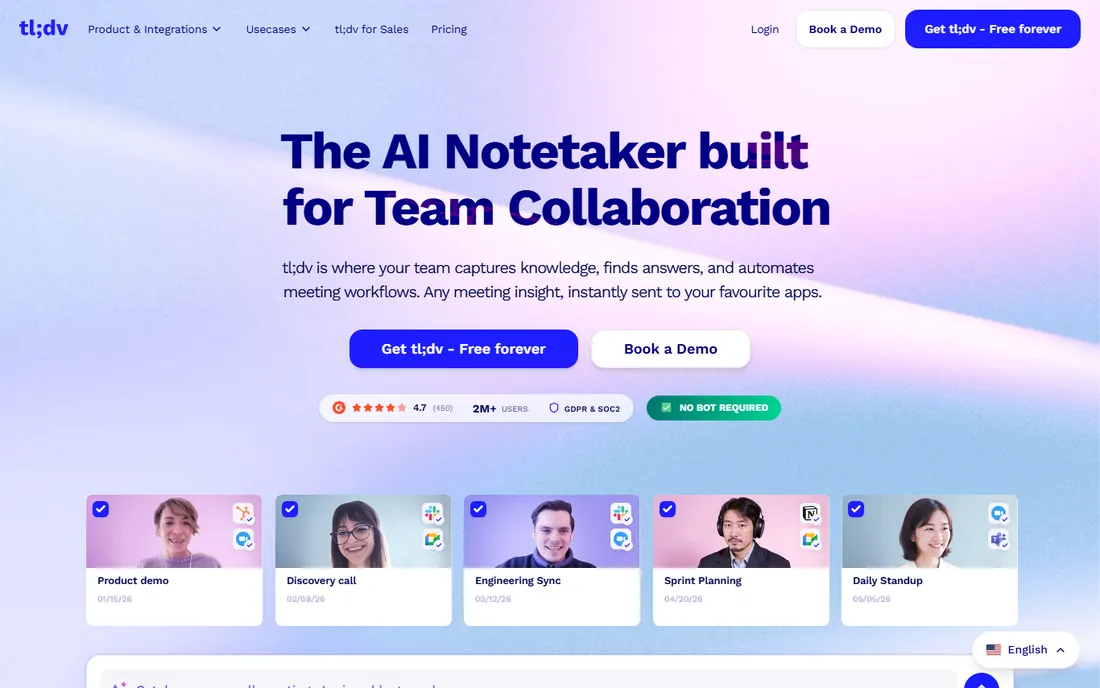
tl;dv is built for teams that treat meetings as a searchable video library. The free plan offers unlimited recording, and the paid Pro plan at $18 per user monthly billed annually adds the full workflow: timestamped highlights, shareable clips, and search across all your recorded calls. It is particularly strong for user research and customer-facing teams.
The clip workflow is the differentiator. Instead of quoting a transcript line, you share the actual video moment, which carries tone and context that text loses. Multi-meeting search lets you find every time a topic came up across months of calls.
CRM integrations require paid tiers, and the per-seat price exceeds Fireflies and Otter. For teams where the recording itself is the deliverable, researchers, customer success, and product teams, tl;dv's video-first approach fits best.
What we like- Unlimited free recording
- Turns any moment into a shareable clip
- Strong multi-meeting search
Watch out for- Pro at $18 monthly is pricier than some rivals
- CRM integrations start on paid tiers
Starting price$10 per user/month
Free planYes
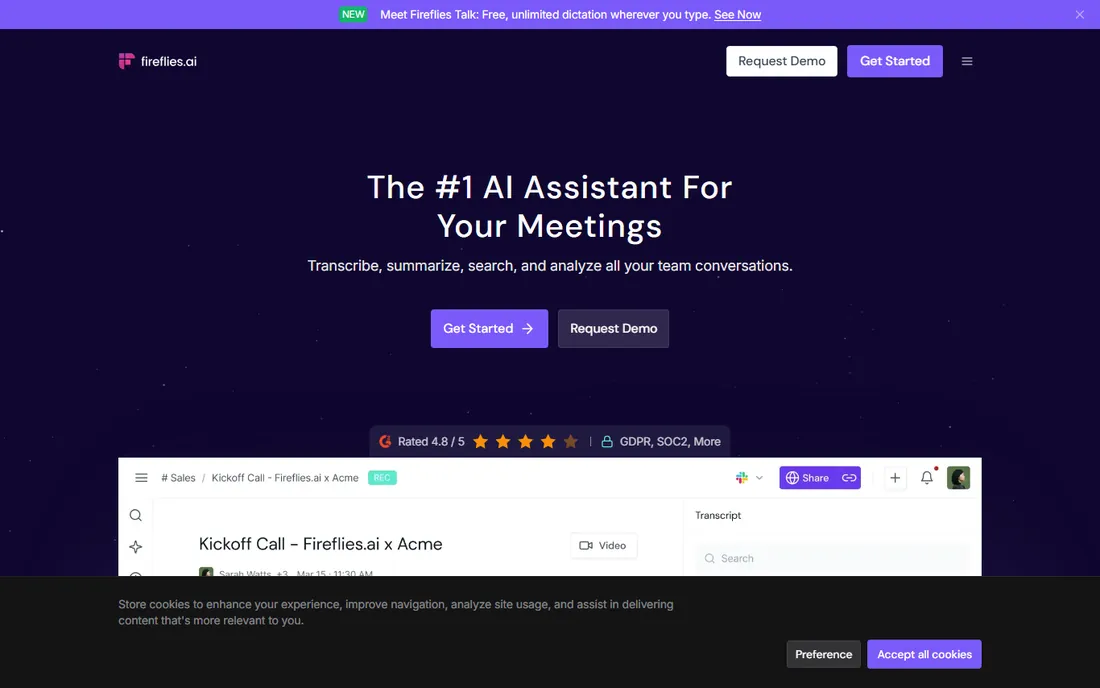
Fireflies.ai is the sales team's recorder. The Pro plan at $10 per user monthly billed annually is the cheapest paid tier in this roundup, and it buys deep CRM integration: calls logged to Salesforce, HubSpot, Pipedrive, and ten more CRMs automatically, with conversation intelligence across the pipeline. The free plan offers unlimited transcription with 400 minutes of team storage.
The capture options are the most flexible: meeting bot, desktop app, Chrome extension, mobile, and file upload. The bot-free desktop capture avoids the visible-participant problem on sensitive calls, a real advantage for client-facing teams.
Free-tier limits on storage and AI summaries push active teams to paid plans quickly. But at $10 per seat, the paid tier is cheap enough that most sales teams upgrade without a procurement process. For CRM-bound sales calls, Fireflies is the value pick.
What we like- $10 Pro plan is the cheapest paid tier here
- 13 CRM integrations
- Bot-free desktop capture option
Watch out for- Free plan storage limited to 400 minutes
- AI summaries limited on free tier
Starting price$15 per user/month
Free planYes
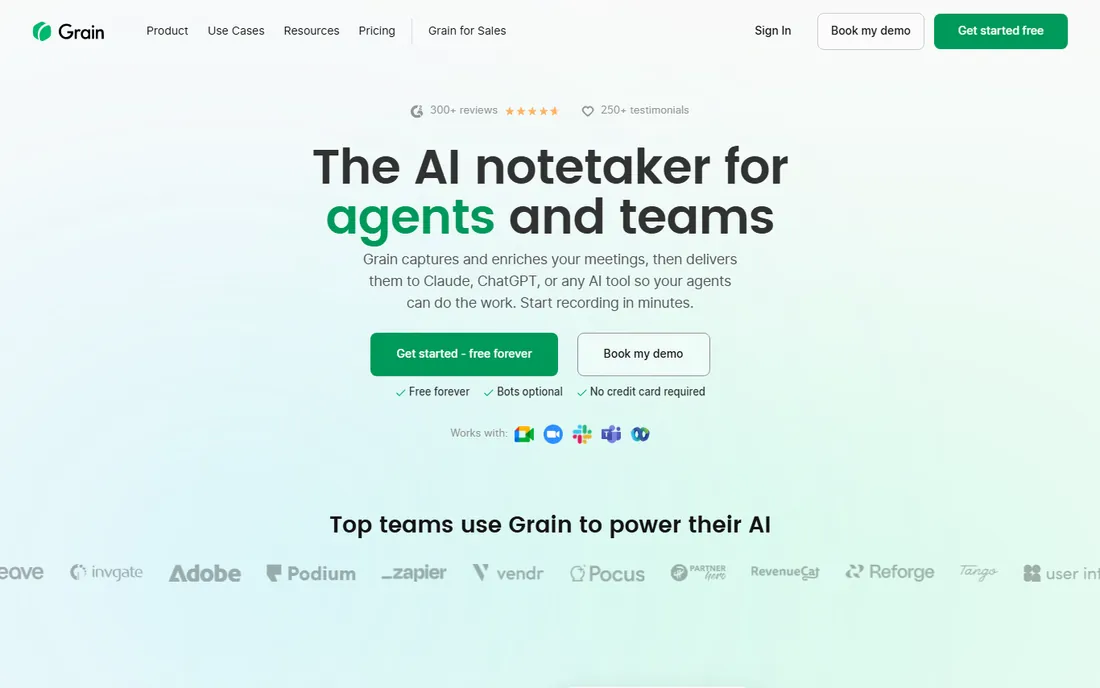
Grain is the video-first meeting recorder for customer-centric teams. The free plan records unlimited meetings with a 45-minute cap, and the Starter plan at $15 per seat monthly billed annually opens the full clip workflow. The product is optimized for capturing and sharing the best moments of video meetings: customer quotes, objections, and wins, cut into shareable highlights.
The desktop capture option records without a visible bot, which matters for sales calls where a notetaker participant changes the conversation. The interface is clean and focused on the video, not buried in transcript text.
The 45-minute free cap excludes longer calls, and CRM integrations sit on higher tiers. For sales teams that communicate in clips, sharing customer moments in Slack or deal reviews, Grain's video-first design is the most natural fit.
What we like- Video-first with excellent clip creation
- Bot-free desktop capture
- Clean highlight sharing
Watch out for- Free plan caps meetings at 45 minutes
- AI coaching and CRM need paid tiers
#5
Otter.ai
Best for: live transcription during the call
Visit otter.ai
Starting price$8.33 per user/month
Free planYes
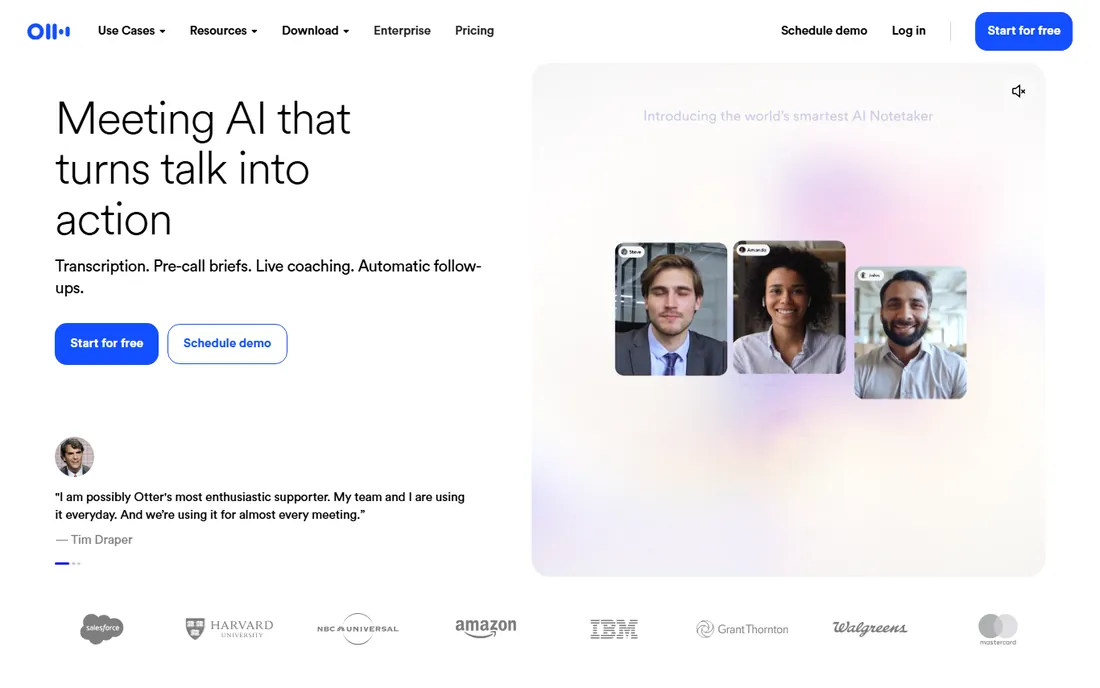
Otter.ai is the veteran of the category and still the best at live transcription. The real-time transcript appears as people speak, editable during the call, which makes it uniquely useful for accessibility, note-taking, and staying engaged. The Pro plan at $8.33 per user monthly billed annually is among the cheapest paid tiers. The mobile app records in-person conversations and lectures, not just video calls.
The recording is solid but the transcription is the star: searchable, speaker-identified, and available instantly. For teams that want to read along live or search the archive by keyword, Otter's transcript quality and speed lead.
The free plan's 300 monthly minutes and 30-minute conversation cap constrain heavy users. For recording-first workflows with video clips, Fathom or tl;dv fit better. For transcript-first teams and in-person recording, Otter remains the benchmark.
What we like- Real-time transcript you can read and edit during the call
- Strong mobile app
- $8.33 Pro is affordable
Watch out for- Free plan limited to 300 minutes monthly
- 30-minute cap per conversation on free
Starting price$15.99 per month
Free planYes
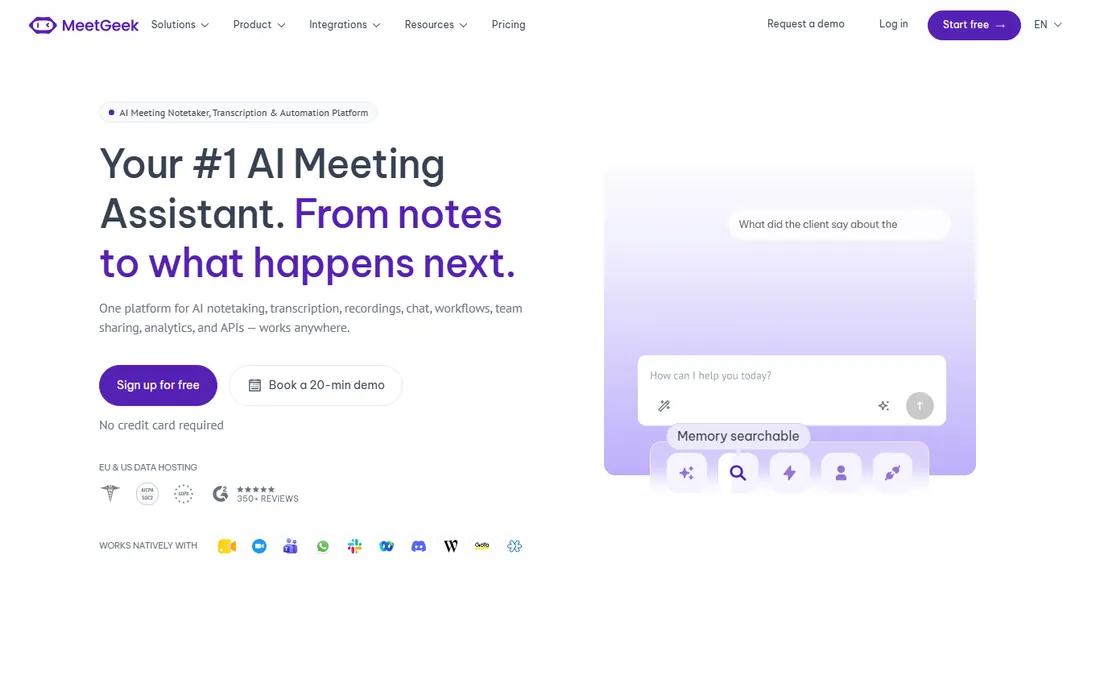
MeetGeek is the most hands-off meeting recorder. It joins your calls, records, and emails the notes and action items to you the moment the call ends, so you rarely need to open the app. The free tier offers 3 hours monthly with unlimited summaries, and paid plans start at $15.99 monthly. Meeting KPIs track participation, punctuality, and talk ratios across your organization.
The automated delivery is the appeal for busy managers: the notes arrive without any action, formatted and actionable. The meeting culture analytics give leadership visibility into how the organization actually meets, which is rare in this category.
The 3-hour free cap is tight for heavy meeting loads, and the integration ecosystem is smaller than Fireflies or Fathom. For managers who want meeting intelligence without another app to check, MeetGeek's automation-first design delivers.
What we like- Emails notes and action items automatically after calls
- Meeting KPIs and analytics
- Unlimited summaries on free tier
Watch out for- Free tier limited to 3 hours monthly
- Smaller ecosystem than the leaders
#7
Avoma
Best for: revenue teams wanting coaching and scoring
Visit avoma.com
Starting priceSee website
Free planFree trial
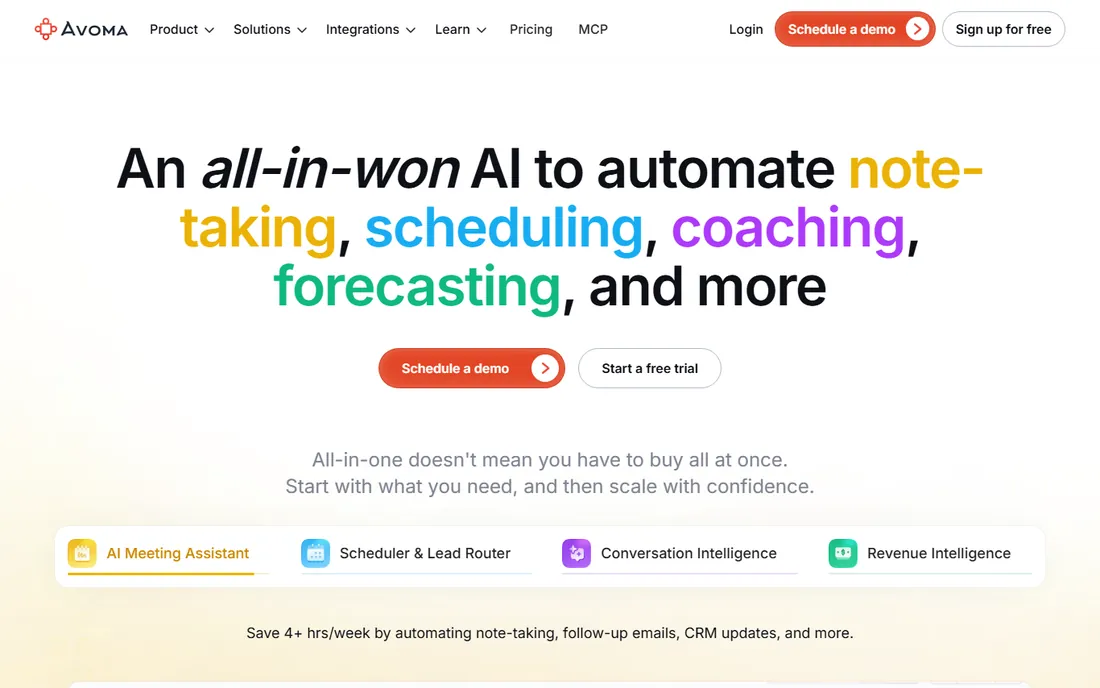
Avoma is the end-to-end meeting lifecycle platform for revenue teams. Beyond recording, it bundles conversation intelligence with call scoring, coaching insights, and scheduling, giving sales leaders the full picture from booked meeting to closed deal. The 14-day trial lets teams evaluate; ongoing pricing is quote-based.
The coaching layer is the differentiator. Where most recorders stop at transcripts and summaries, Avoma scores calls against your playbook and surfaces coaching moments for reps. For sales organizations investing in rep development, that turns recordings into training material.
There is no free plan, and the platform is heavier than teams wanting simple recording need. For revenue teams that want recording plus coaching in one system, Avoma's completeness justifies the enterprise motion.
What we like- Bundles meeting assistant, conversation intelligence, and scheduling
- Call scoring and coaching
- No free-plan limitations to outgrow
Watch out for- No free plan, only a 14-day trial
- Pricing is quote-based
- Heavier than pure recorders
#8
Gong
Best for: enterprises analyzing customer conversations
Visit gong.io
Starting priceSee website
Free planNo
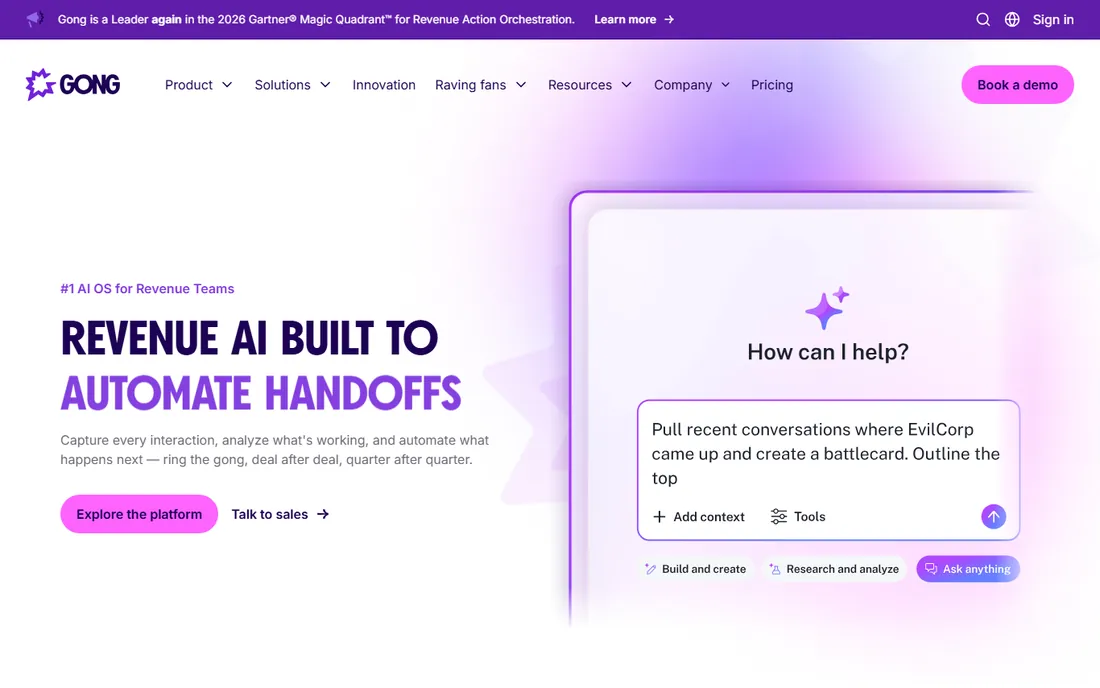
Gong is the enterprise revenue intelligence platform that defined conversation intelligence. It records customer interactions across calls, emails, and meetings, then analyzes them for deal risks, competitive mentions, and coaching opportunities. Win/loss analysis and account health alerts give revenue leaders visibility no other tool matches.
The platform's strength is pattern recognition at scale: which talk tracks correlate with closed deals, which objections kill them, which reps need coaching on what. For enterprises with large sales organizations, those insights drive real revenue.
Pricing is enterprise and quote-based, implementation is a genuine project, and the platform assumes a sales organization worth analyzing. Small teams should not be here. For enterprises where customer conversations are the business, Gong is the category-defining choice.
What we like- Deepest conversation intelligence in the industry
- Win/loss analysis
- Deal health alerts
Watch out for- Enterprise pricing
- Implementation is a project
- Overkill outside sales orgs
How we chose
We compared meeting recording tools on recording quality and reliability, video clip creation, search across recordings, platform support (Zoom, Meet, Teams), free plan generosity, CRM integrations, and pricing transparency. We checked each vendor's pricing page and current 2026 comparisons, read user reviews on G2 and Reddit, and focused on the recording experience rather than pure transcription accuracy. We did not record live meetings with any tool; assessments reflect current documentation and user consensus as of October 2026.
The bot question: visible notetakers and client calls
Every tool here except the desktop-capture options sends a visible bot into your meetings. Participants see "Fathom" or "Fireflies.ai" join the call, and that changes behavior: people speak more carefully, small talk dies, and some clients find it off-putting. For internal meetings this barely matters. For sales calls and interviews, it matters a lot.
The bot-free options solve this: Fireflies' desktop app, Grain's desktop capture, and tl;dv's audio mode record without a visible participant. If your use case involves clients, candidates, or anyone you want speaking naturally, prioritize these. Also remember the legal baseline: recording consent laws vary by state and country, and the bot's presence does not replace your obligation to disclose recording. Announce it at the start of every recorded call.
How to build a meeting library your team actually uses
A recording nobody can find is a recording that does not exist. The teams that get value from meeting recordings build three habits: consistent naming, shared clips, and searchable archives. Name recordings by client and date, not "Zoom meeting." Clip the moments that matter and share them where the team already works, Slack or the CRM, not in the recorder's app.
Second, set retention deliberately. Unlimited storage sounds good until you are paying to store three years of standups nobody will watch. Most teams need 90 days of full recordings and permanent retention of clips and summaries. Check each tool's storage caps before committing.
Finally, assign ownership. Someone needs to curate the library: tagging key calls, building the onboarding playlist for new hires, and pruning the dead weight. Without a curator, the library becomes a write-only archive. With one, it becomes institutional memory.
Frequently asked questions
What is meeting recording software?
Meeting recording software captures your video calls on Zoom, Google Meet, and Teams, storing the video, audio, and transcript in a searchable library. Modern tools add AI summaries, highlight clips, and CRM integrations, turning recordings into usable knowledge rather than forgotten files.
Is it legal to record meetings?
It depends on your jurisdiction. US states split between one-party and two-party consent, and countries like those in the EU have stricter rules under GDPR. Always announce recording at the start of the call and get consent. The tools here provide recording indicators, but compliance is your responsibility.
Fathom vs tl;dv: which is better?
Choose Fathom for the best free plan with unlimited individual recording and the fastest AI summaries. Choose tl;dv for superior clip sharing and multi-meeting search, especially for user research and customer-facing teams. Both offer generous free tiers, so trial each with your actual meetings.
Do these tools work with Zoom, Google Meet, and Teams?
Yes, all eight support the major platforms, though specifics vary: Fathom supports Zoom, Meet, and Teams; Fireflies adds Webex; Otter's desktop app covers in-person recording too. Confirm your specific platform and any admin restrictions before committing.
How much does meeting recording software cost?
Free plans are generous across the category. Paid tiers run $8.33 to $18 per user monthly billed annually: Otter at $8.33, Fireflies at $10, Grain at $15, Fathom at $16, tl;dv at $18. Avoma and Gong are quote-based enterprise tools. Most small teams can run on free plans.
What is the difference between meeting recording and transcription software?
Meeting recording software captures the full call, video, audio, and transcript, with clips and searchable archives. Transcription software focuses on converting speech to text, often for files and in-person conversations. The categories overlap heavily; the tools here record first, while pure transcription tools like Rev or Sonix transcribe files you provide.
Sources we checked (5)
- https://screenapp.io/blog/ai-meeting-notetakers-comparison
- https://fireflies.ai/blog/meeting-transcription-software
- https://dev.to/stimlau/7-best-otterai-alternatives-in-2026-free-tiers-verified-pricing-4hep
- https://www.techrepublic.com/article/news-best-ai-meeting-note-takers-2026/
- https://www.lindy.ai/blog/fathom-ai-alternatives
Is your product missing or out of date?
We review this list regularly. Vendors can request a listing, send updated pricing or ask about featured placement.

Shihab Mia · Founder, Rankite
Shihab has spent more than a decade helping SaaS and e-commerce brands grow through search. He writes Rankite's software buying guides from pricing pages, documentation and public user reviews. More about Shihab.