How we make this list: we compare pricing pages, product documentation and public user reviews. Rankite is independent; if a vendor ever pays for a featured spot, that listing is clearly labeled Partner.
Key takeaways
- Calendly remains the standard for booking links at $10 per seat a month, while Cal.com matches most of it free and open source.
- Motion, Reclaim and Morgen use AI to plan your day around tasks and priorities, a different job from simple scheduling links.
- Google Calendar and Outlook are free, capable defaults; Fantastical and Morgen are the upgrades for people who live in their calendars.
- Doodle still owns the group poll, and SavvyCal offers the most polished booking experience for client-facing professionals.
Quick comparison
| Tool | Best for | Starting price | Free plan |
|---|
 Calendly Calendly | Booking links for individuals and teams | $10 per seat/month (Standard, billed yearly) | Yes (one event type, one calendar connection) |
 Cal.com Cal.com | Free, open-source scheduling without feature gates | Free (Teams from $16/user/month) | Yes (unlimited event types, always free for individuals) |
 Motion Motion | People who want AI to plan their whole day | See website | Free trial |
 Reclaim.ai Reclaim.ai | Protecting focus time automatically | See website | See website |
 Fantastical Fantastical | Apple users who want the best-looking calendar | See website (Fantastical Premium subscription) | See website |
 Google Calendar Google Calendar | The free default that works everywhere | Free with Google account | Yes |
 Microsoft Outlook Microsoft Outlook | People whose work lives in email | Free (Outlook.com account); paid plans via Microsoft 365 | Yes |
 SavvyCal SavvyCal | Client-facing professionals who want polished booking pages | See website | Free trial |
 Doodle Doodle | Finding a time that works for a group | See website | Yes (free scheduling tools) |
 Morgen Morgen | Unifying multiple calendars with AI daily planning | See website | See website |
Is your product missing or out of date?
We review this list regularly. Vendors can request a listing, send updated pricing or ask about featured placement.
Starting price$10 per seat/month (Standard, billed yearly)
Free planYes (one event type, one calendar connection)
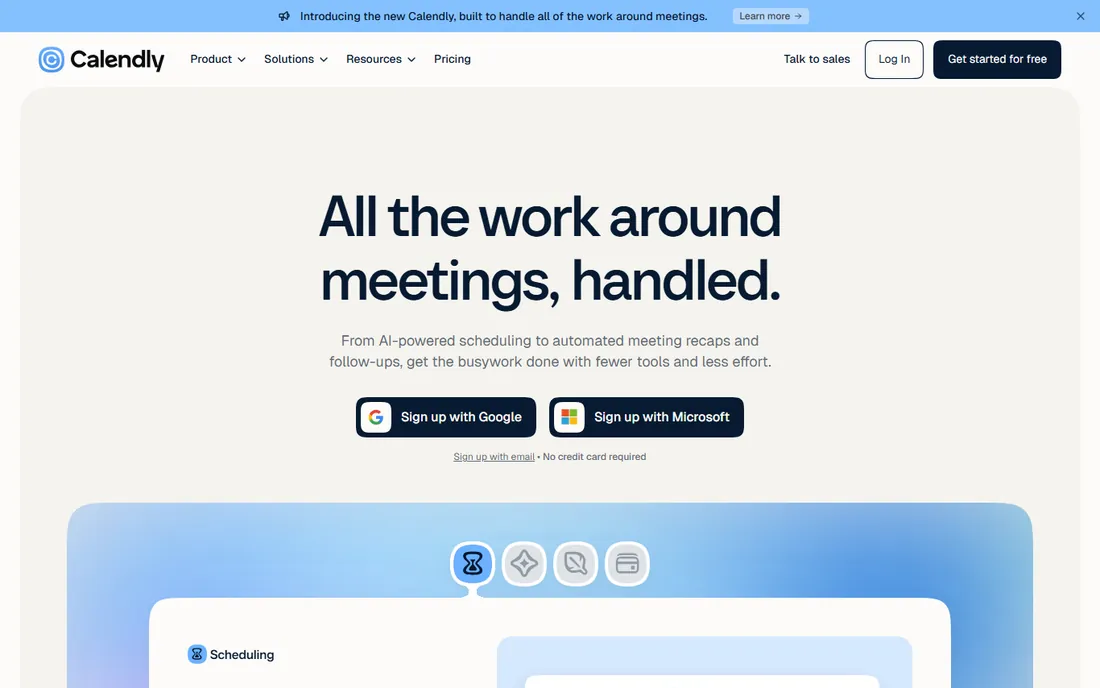
Calendly says 20 million professionals use its scheduling tool, and the brand recognition matters: when you send a Calendly link, nobody wonders what to do with it. The free plan covers basic one-on-one scheduling, while the $10 per seat Standard plan adds unlimited event types, multiple calendar connections, automated reminders and payment collection through Stripe and PayPal. Teams at $16 per seat get round-robin distribution and lead routing.
The honest tradeoff is cost at scale. Per-seat pricing is fine for a handful of people and painful for a hundred. Newer AI features like the Callie scheduling assistant and meeting notetaker sit on higher tiers or add-ons. For straightforward "book time with me" needs, it is still the safest default.
What we like- The booking link everyone already recognizes
- Routing forms and payments built in
- 150+ integrations including Salesforce and HubSpot
Watch out for- Free plan limited to one event type
- Per-seat pricing adds up for larger teams
#2
Cal.com
Best for: Free, open-source scheduling without feature gates
Visit cal.com
Starting priceFree (Teams from $16/user/month)
Free planYes (unlimited event types, always free for individuals)
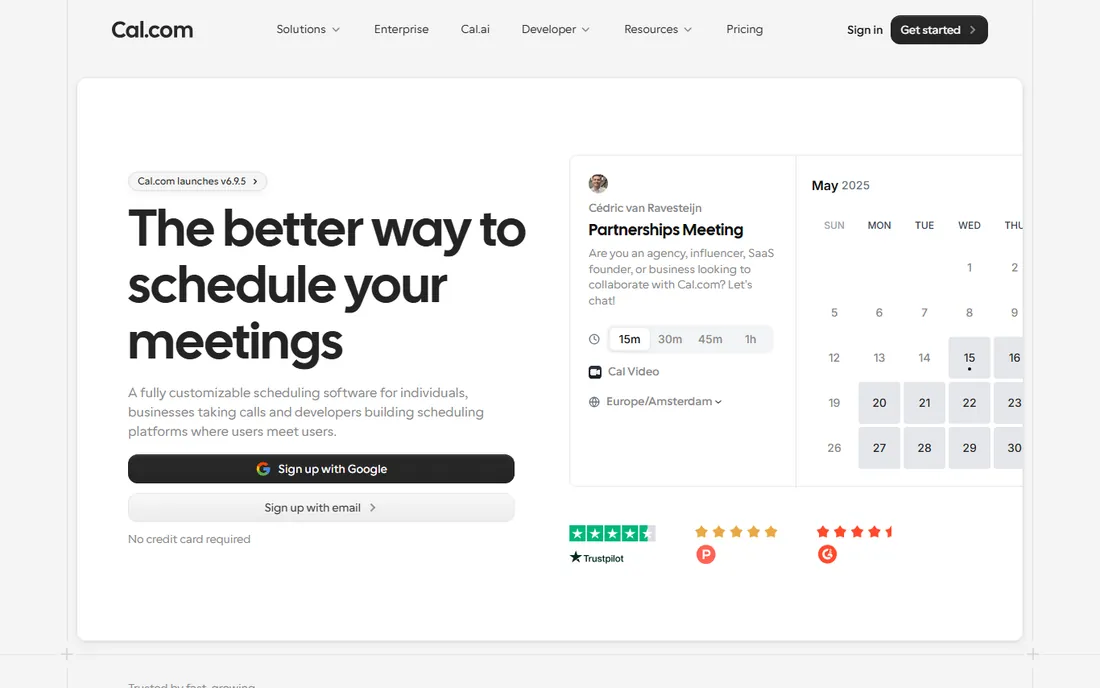
Cal.com built its following by giving away what competitors charge for: unlimited event types, workflow automation, Stripe payments and video calls on the free plan. Teams at $16 per user a month add round-robin scheduling and shared availability, and the platform is open source, so privacy-conscious companies can self-host it.
The ecosystem is smaller than Calendly's, and some advanced enterprise controls live on the $37 per user Organizations tier. But for individuals, freelancers and small teams, the value is unmatched. If you want Calendly-style scheduling without the per-seat creep, start here.
What we like- Generous free tier with unlimited event types
- Open source and self-hostable
- Teams plan far cheaper than rivals
Watch out for- Smaller integration library than Calendly
- Enterprise features need the Organizations tier
Starting priceSee website
Free planFree trial
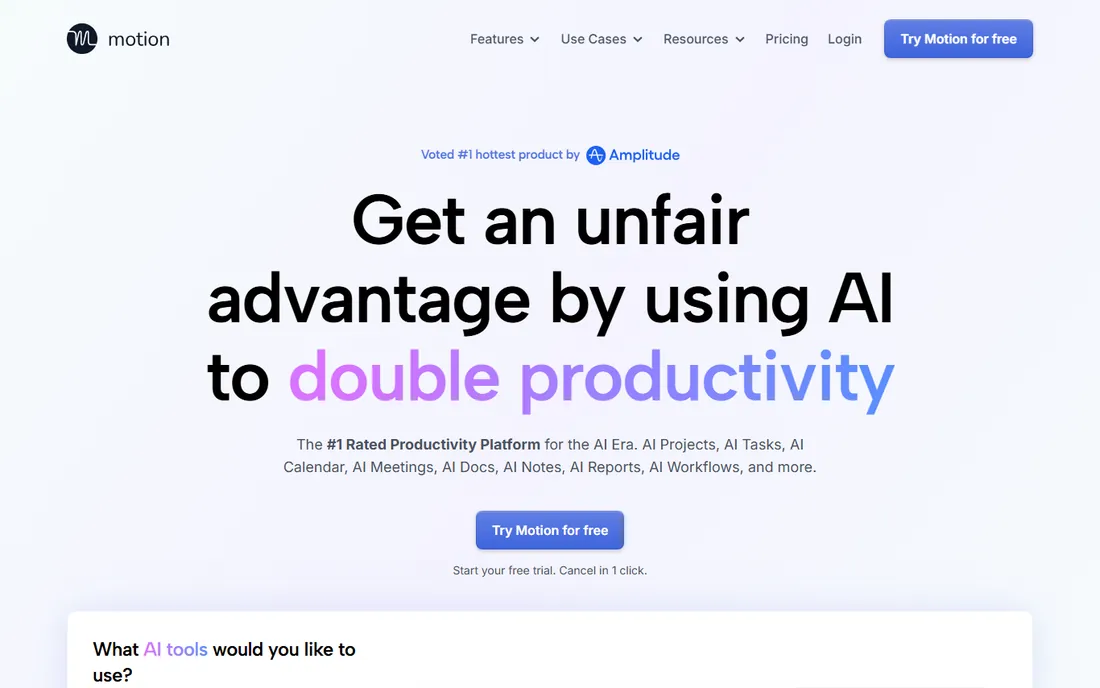
Motion is less a calendar and more an AI chief of staff. You feed it tasks, projects and deadlines, and it time-blocks your day automatically, re-optimizing dozens of times a day when priorities shift. It merges Outlook, Google and iCloud calendars into one view, generates meeting booking pages, and adds AI docs, meeting notes and project management on top.
That breadth is the tradeoff. If you only want to see your appointments, Motion is overkill and priced like a productivity suite rather than a calendar app. But for overloaded knowledge workers who want their day planned for them, it is one of the most genuinely useful AI tools in this category.
What we like- AI auto-schedules tasks around meetings and re-plans when things change
- Combines calendar, tasks, projects and docs
- Meeting booking pages included
Watch out for- No free plan, only a trial
- The all-in-one approach can feel heavy if you only want a calendar
Starting priceSee website
Free planSee website
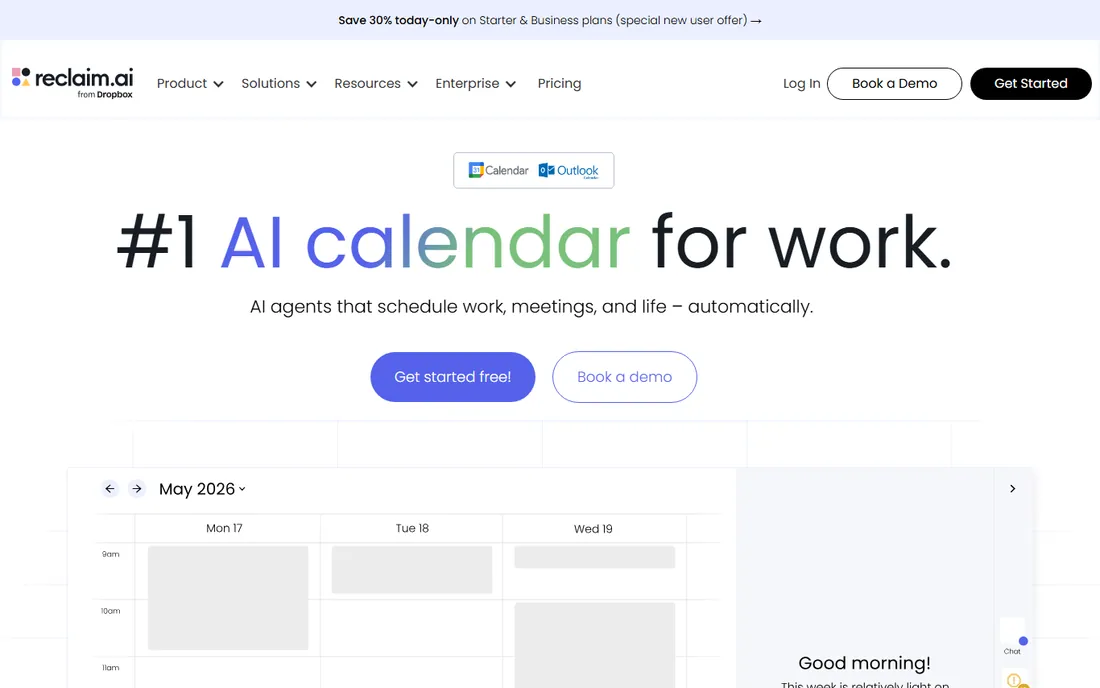
Reclaim takes a different angle from Motion: instead of planning your tasks, it defends your time. It automatically blocks focus time, schedules your habits and tasks into open gaps, and reshuffles flexibly when meetings move. It runs as a layer on your existing Google Calendar or Outlook, so there is no migration, and team plans add meeting-load balancing and time-use analytics.
The vendor claims users gain over seven hours of focus time a week, which you should treat as marketing rather than a guarantee. Pricing is not published on the site, so you will need to check the pricing page or talk to sales. For managers fighting calendar fragmentation, it is a strong specialist pick.
What we like- Auto-schedules focus time, tasks and habits around meetings
- Works on top of Google Calendar or Outlook
- Team analytics on time use
Watch out for- Pricing not published on the homepage
- Works best when your whole team adopts it
Starting priceSee website (Fantastical Premium subscription)
Free planSee website
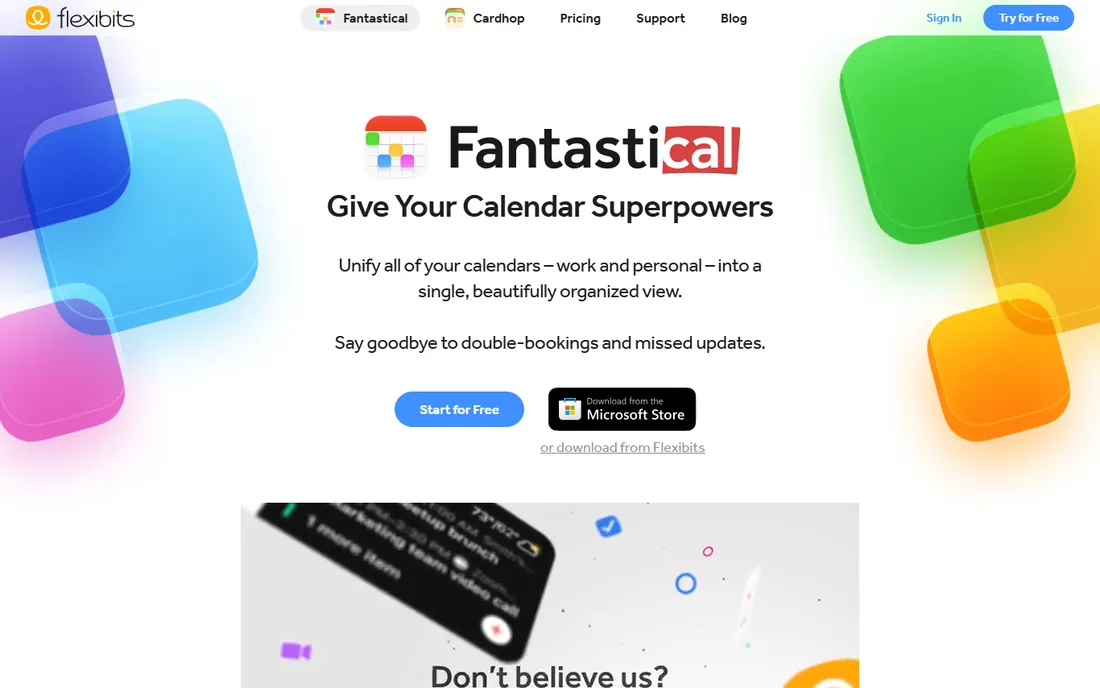
Fantastical has been the connoisseur's calendar for years, and it keeps earning the title. Type "Lunch with Sarah at 1pm tomorrow" and it parses it instantly. Calendar sets let you switch between work and personal views, widgets are excellent, and the built-in scheduling features, Openings for booking links and Proposals for suggesting times, cover most of what Calendly does.
The free tier exists but the good stuff, including the scheduling features, needs Fantastical Premium. Android support is still limited, with full support slated for 2027. If you live on Apple devices and want a calendar that is genuinely pleasant to use, this is it.
What we like- Superb design across Mac, iPhone, iPad, Windows and web
- Natural language event entry
- Built-in scheduling links and proposals
Watch out for- Best experience is on Apple devices
- Premium features need a paid subscription
Starting priceFree with Google account
Free planYes
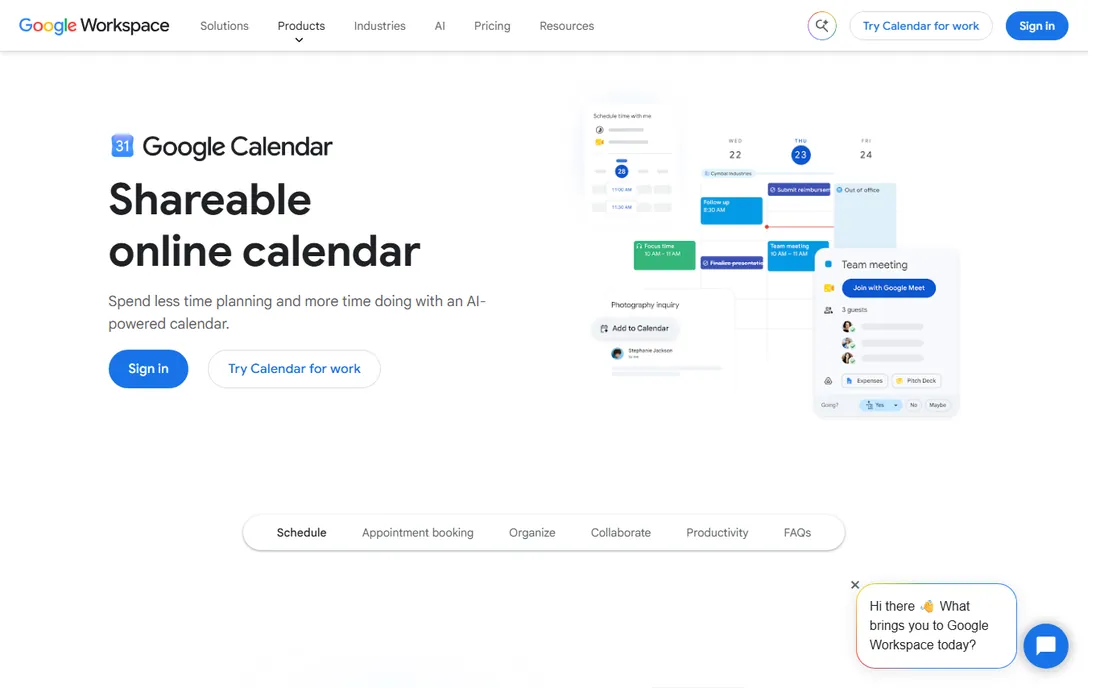
Google Calendar is the calendar most of the world already uses, and it keeps getting more capable. Personal accounts get one appointment booking page free, and Workspace subscribers get unlimited booking pages, payment collection, email verification and reminders. It syncs across web, Android, iOS and watches, and nearly every scheduling tool on this list connects to it.
It will never win a design award, and power users will miss the polish of Fantastical or the automation of Motion. But as the free foundation under your whole scheduling setup, it is excellent, and for many people it is all they need.
What we like- Free and already in everyone's pocket
- Appointment scheduling with booking pages built in
- Integrates with everything
Watch out for- Design is plain
- Advanced scheduling features need a paid Workspace plan
Starting priceFree (Outlook.com account); paid plans via Microsoft 365
Free planYes
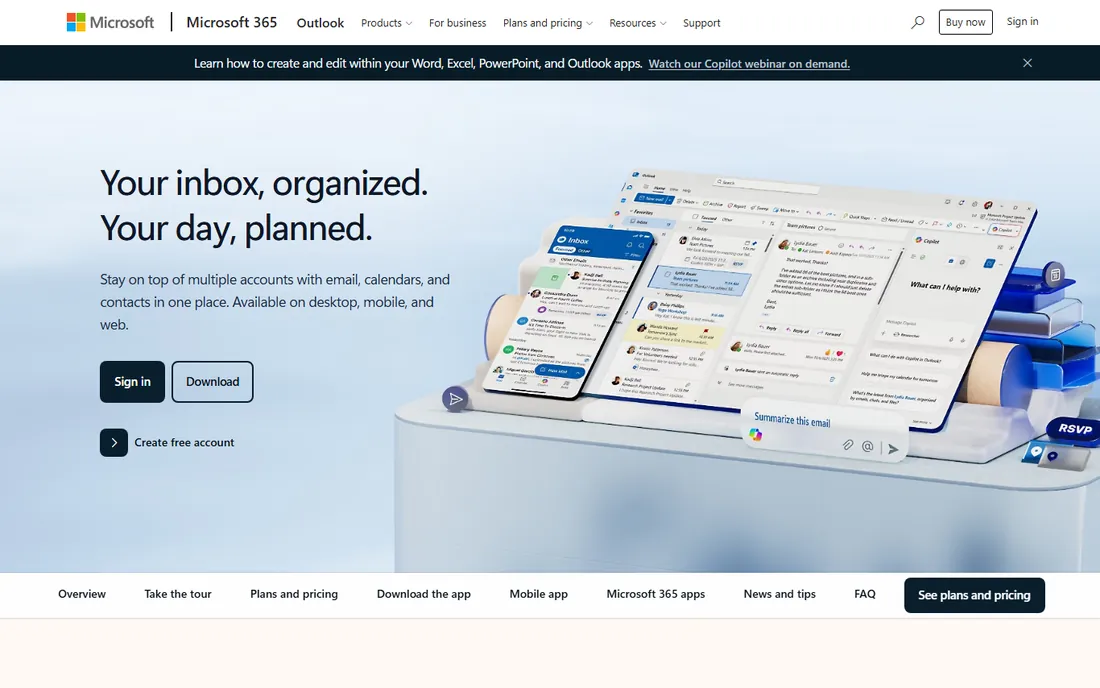
Outlook is the calendar for the Microsoft world. The calendar is genuinely good, with scheduling assistant views for finding meeting times across attendees, and it manages multiple accounts, including Gmail, Yahoo and iCloud, in one place. It is free on the web, mobile and Windows, with 15 GB of mailbox storage on a free account.
The catch is the upsell path. Ad-free mail, 100 GB storage, desktop apps and advanced features come with Microsoft 365 plans. The interface packs in a lot, which some people love and others find noisy. If your company runs on Microsoft 365, the calendar decision is already made for you.
What we like- Email, calendar, tasks and contacts in one app
- Free on web, mobile and Windows
- Handles Gmail and iCloud accounts too
Watch out for- Interface can feel cluttered
- Best features tied to Microsoft 365 subscriptions
#8
SavvyCal
Best for: Client-facing professionals who want polished booking pages
Visit savvycal.com
Starting priceSee website
Free planFree trial
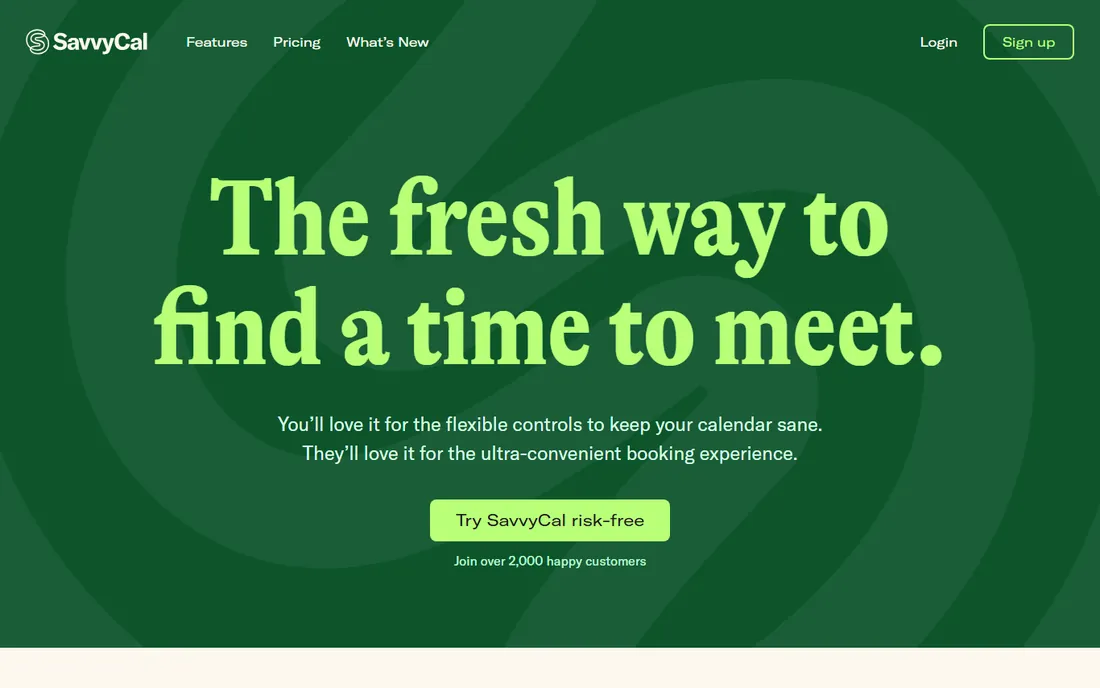
SavvyCal obsesses over the booking experience. Instead of the standard pick-a-day-then-pick-a-time flow, recipients see a full week view and can overlay their own calendar to spot mutual availability at a glance. Behind the scenes, you get buffers, daily and weekly meeting limits, preferred time slots and team scheduling modes including round-robin and collective.
It is a smaller vendor than Calendly or Cal.com, which matters for long-term confidence, and pricing requires visiting the pricing page. But for consultants, coaches and salespeople whose booking link is a first impression, the experience is noticeably better than the default.
What we like- Beautiful week-view booking experience with calendar overlay
- Focus-time protection and meeting limits
- Custom domains and branding
Watch out for- Smaller company with less brand recognition
- Pricing not published on the homepage
Starting priceSee website
Free planYes (free scheduling tools)
Doodle invented the meeting poll and still does it best. Send a poll, everyone votes on times, and you book the winner. No accounts, no back-and-forth. The product has grown into a fuller scheduling platform with booking pages, focus time protection and team time policies, backed by SOC 2, GDPR and HIPAA compliance.
For one-on-one scheduling links, Calendly and Cal.com feel more modern. But the moment you need five busy people across three companies to agree on a time, Doodle's poll is still the fastest path. The free tier covers the core polling use case.
What we like- Group polls remain the fastest way to coordinate many people
- No account needed for participants
- Solid security certifications
Watch out for- Less elegant for one-on-one booking links
- Advanced features gated behind paid plans
#10
Morgen
Best for: Unifying multiple calendars with AI daily planning
Visit morgen.so
Starting priceSee website
Free planSee website
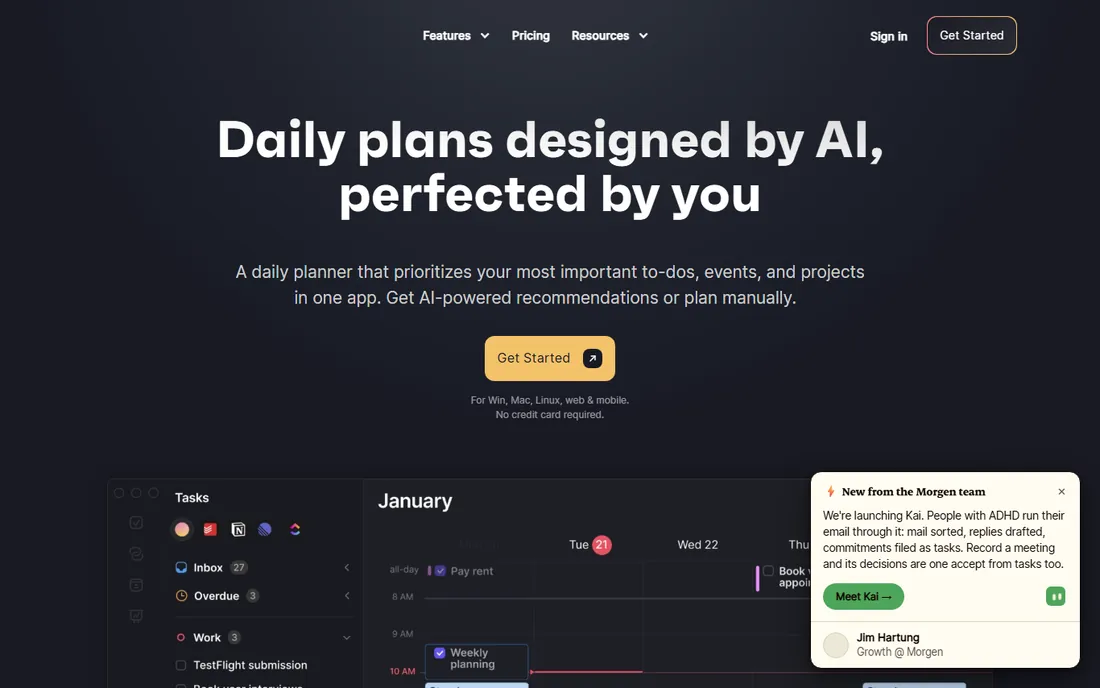
Morgen is the quiet overachiever of calendar apps. It pulls every calendar you own into one clean interface, adds task management with time blocking, and its AI planner drafts your day around priorities, deadlines and capacity. Built-in scheduling links, calendar sync between accounts, buffer times and travel time round out a genuinely complete package.
It competes directly with Motion and Fantastical, which means you should pick based on fit: Morgen for multi-calendar unification and calm design, Motion for aggressive AI task planning, Fantastical for Apple polish. Pricing is on the vendor's site, and the free tier covers the basics.
What we like- Combines Google, Outlook, Apple and Fastmail calendars in one app
- AI planner builds your daily schedule
- Built-in scheduling links and task integration
Watch out for- Another subscription in a crowded category
- AI planning needs setup to match your routines
We started from the tools that dominate productivity discussions, review sites and app stores, then verified each vendor homepage and current pricing page. We favored tools that are live and actively developed in 2026, which is why Clockwise was replaced: its team joined Salesforce and the product shuts down in March 2026. We covered the three jobs people mean by calendar management: booking meetings, seeing your schedule, and planning your time with AI. We did not test the apps hands-on.
If your problem is booking meetings
You need a scheduling link tool: Calendly, Cal.com, SavvyCal or Doodle. Pick Calendly for maximum recognition, Cal.com for the best free tier, SavvyCal for the nicest booking experience, or Doodle when groups need to vote on times.
If your problem is seeing your schedule
You need a calendar app: Google Calendar, Outlook, Fantastical or Morgen. Google Calendar and Outlook are free and fine. Fantastical is the upgrade for Apple users, and Morgen is the upgrade for people juggling several calendar accounts.
If your problem is planning your time
You need an AI planner: Motion, Reclaim or Morgen. Motion plans tasks for you, Reclaim defends focus time on your existing calendar, and Morgen sits between the two. These cost more than a plain calendar, so be honest about whether you will actually use the automation.
AI scheduling vs classic calendars
AI planners promise to end manual planning, and they genuinely help people with chaotic schedules. But they need your tasks, priorities and working hours to be accurate, or the plan they build is fiction. A classic calendar plus a weekly review beats an AI planner you never configure. Start with the free defaults, and only pay for AI planning once you feel the specific pain it solves.
Frequently asked questions
What is the best free calendar management tool?
Google Calendar is the best free calendar, and Outlook is free too. For free scheduling links, Cal.com's free tier is the most generous, with unlimited event types, and Calendly's free plan covers basic one-on-one booking. Doodle's free polls handle group scheduling.
Is Calendly worth paying for?
The free plan suits occasional one-on-one meetings. The $10 per seat Standard plan is worth it if you need unlimited event types, automated reminders, multiple calendars or payment collection. Teams that need round-robin scheduling or lead routing should look at the $16 Teams plan or compare Cal.com's cheaper team pricing.
What is the difference between Calendly and Cal.com?
Both offer booking links, event types and calendar sync. Calendly is the established brand with the largest integration library and per-seat pricing from $10 a month. Cal.com is open source with a far more generous free tier and team plans from $16 per user a month. Functionally they overlap heavily; the choice is brand trust versus cost and openness.
Can AI really plan my day?
Tools like Motion, Reclaim and Morgen can draft a workable daily plan from your tasks and calendar, and reschedule automatically when things change. The quality depends on the inputs: accurate task durations, priorities and working hours. Most people need a week or two of tuning before the automation feels trustworthy.
Do I need a separate scheduling tool if I have Google Calendar?
Not necessarily. Google Calendar includes appointment scheduling with booking pages, and Outlook has similar features. Separate tools earn their keep with nicer booking experiences, routing, payments, reminders and analytics. Try the built-in booking pages first.
What happened to Clockwise?
Clockwise's team joined Salesforce, and the product is being shut down in March 2026. If you used Clockwise for focus time and smart scheduling, Reclaim and Motion are the closest alternatives, and Morgen covers similar ground with multi-calendar support.
Sources we checked (12)
- https://calendly.com
- https://calendly.com/pricing
- https://cal.com
- https://usemotion.com
- https://reclaim.ai
- https://flexibits.com/fantastical
- https://workspace.google.com/products/calendar/
- https://www.microsoft.com/en-gb/microsoft-365/outlook/email-and-calendar-software-microsoft-outlook
- https://savvycal.com
- https://doodle.com
- https://morgen.so
- https://www.getclockwise.com
Is your product missing or out of date?
We review this list regularly. Vendors can request a listing, send updated pricing or ask about featured placement.

Shihab Mia · Founder, Rankite
Shihab has spent more than a decade helping SaaS and e-commerce brands grow through search. He writes Rankite's software buying guides from pricing pages, documentation and public user reviews. More about Shihab.