How we make this list: we compare pricing pages, product documentation and public user reviews. Rankite is independent; if a vendor ever pays for a featured spot, that listing is clearly labeled Partner.
Key takeaways
- Notion is the most flexible notes app here, blending notes, docs and databases, at $10 per member per month on the Plus plan.
- OneNote and Simplenote are genuinely free with no meaningful catch, which makes them the first stop for budget shoppers.
- Obsidian keeps your notes as plain files on your own devices, the strongest answer for anyone who worries about lock-in.
- Evernote still works, but its free tier now caps you at 50 notes on one device, so most people will outgrow it fast.
- Standard Notes is the privacy pick: end-to-end encrypted, open source, with unlimited notes and devices for free.
Quick comparison
| Tool | Best for | Starting price | Free plan |
|---|
 Notion Notion | notes plus docs and databases | $10 per member/month (billed annually) | Yes |
 Evernote Evernote | web clipping and search | $99 per year (Starter plan) | Yes |
 Microsoft OneNote Microsoft OneNote | free notebooks on every device | Free | Yes |
 Obsidian Obsidian | local-first markdown notes | $4 per month (Sync add-on, billed annually) | Yes |
 Google Keep Google Keep | quick capture on Android and web | Free | Yes |
 Joplin Joplin | open source Evernote alternative | 2.40 euros per month (Joplin Cloud Basic, billed yearly) | Yes |
 Zoho Notebook Zoho Notebook | free notebooks with card layout | Free | Yes |
 Simplenote Simplenote | plain text notes that sync fast | Free | Yes |
 Standard Notes Standard Notes | encrypted notes with zero lock-in | $49.99 per year (Extended plan) | Yes |
Is your product missing or out of date?
We review this list regularly. Vendors can request a listing, send updated pricing or ask about featured placement.
Starting price$10 per member/month (billed annually)
Free planYes
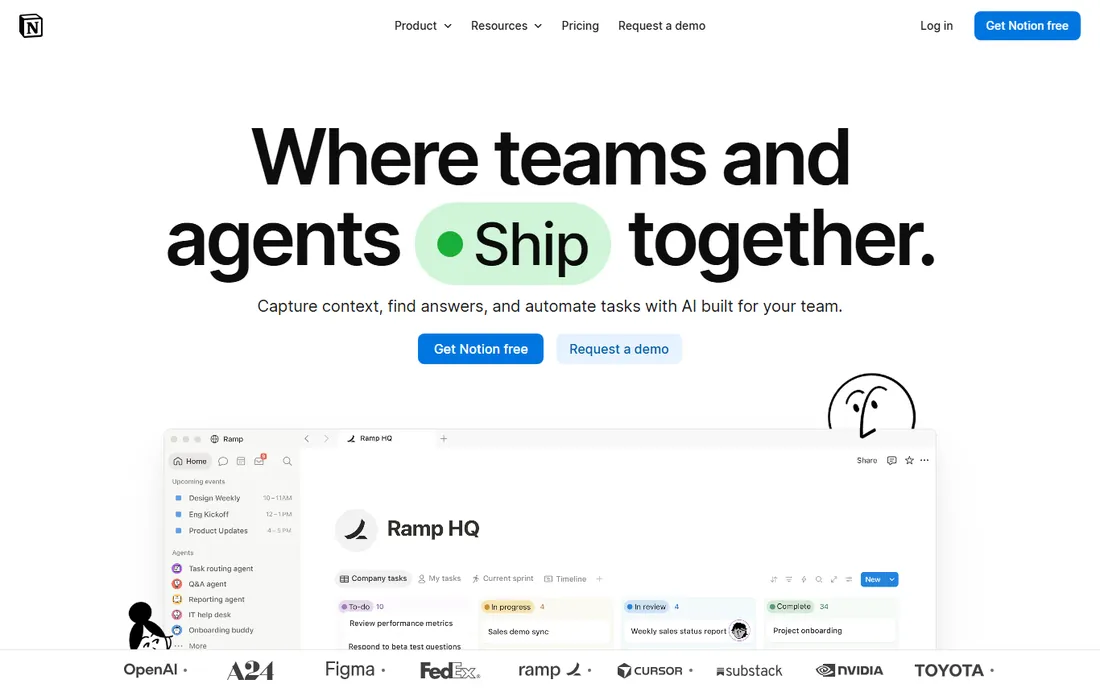
Notion treats a note as the starting point of a workspace rather than the end of one. A page can hold plain text, a table that behaves like a database, a calendar, a kanban board or an embedded file, which is why small teams keep their meeting notes, project trackers and company wikis in the same place. The block-based editor is easy to learn, and the template gallery covers everything from habit trackers to content calendars.
The Plus plan costs $10 per member per month on annual billing and raises file upload limits, version history and guest access. Individuals can do a great deal on the free plan, which is genuinely generous for personal use. The honest catch is performance and offline access: big workspaces can feel sluggish, and because Notion is cloud-first, working without internet is limited compared to Obsidian or Joplin. If your notes are really a small knowledge base in disguise, nothing else here is as capable.
What we like- Notes, wikis, docs and databases in one workspace
- Generous free plan for individuals
- Huge template and integration ecosystem
Watch out for- Can feel slow with very large workspaces
- Offline support is weaker than local-first rivals
Starting price$99 per year (Starter plan)
Free planYes
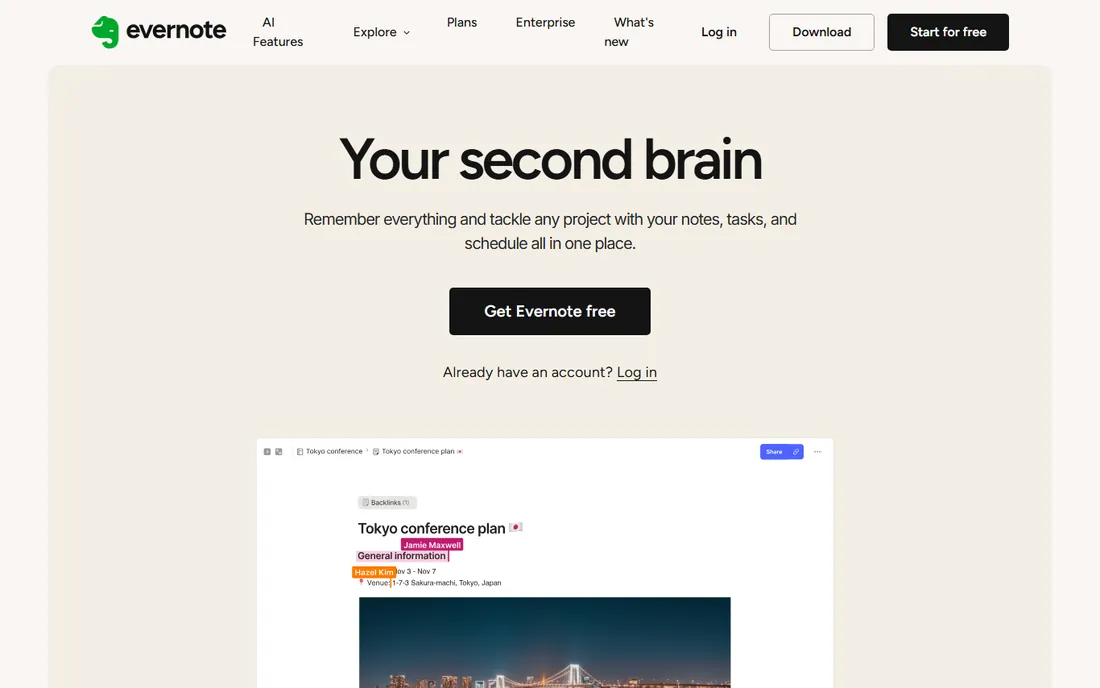
Evernote invented the category and, for a long stretch, defined it. Its web clipper remains the gold standard for saving articles, receipts and research into a searchable archive, and its search digs into PDFs, Office documents and even text inside images. The apps are mature on Windows, Mac, iOS, Android and the web, and notebooks plus tags give long-term collectors a filing system that scales.
The problem is the price of admission now. The free plan caps you at 50 notes on a single device, which a serious user burns through in weeks, and the Starter plan costs $99 per year just to open up the basics. At that price it competes with Notion Plus while offering a narrower product. Evernote still suits researchers and archivists who live in the web clipper, but most new buyers should try OneNote or Joplin first and only pay for Evernote if the clipper is the whole reason.
What we like- The web clipper is still best in class
- Search finds text inside PDFs and images
- Mature apps on every platform
Watch out for- The free tier is limited to 50 notes on one device
- Paid plans are expensive for what you get
Starting priceFree
Free planYes
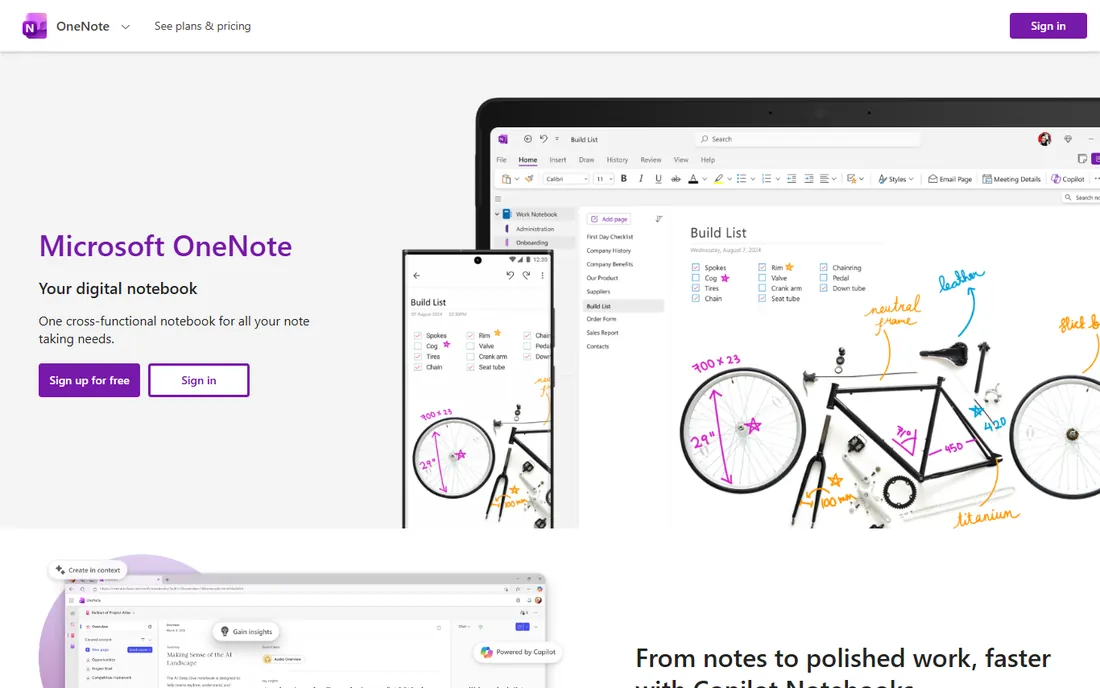
OneNote is the quiet bargain of this list. It is free, it runs on Windows, Mac, iOS, Android and the web, and it syncs through OneDrive with storage limits generous enough that most people never think about them. The freeform canvas is its signature: type anywhere, drop in images, audio recordings, drawings and clipped web pages, and arrange them like a digital whiteboard. For students and anyone who takes messy, mixed-media notes, that freedom matters.
The trade is reliability and structure. OneNote's sync has a long history of being slow or throwing conflicts, especially with large notebooks shared across devices, and the section-and-page hierarchy gets unwieldy once you pass a few hundred pages. It also works best inside the Microsoft ecosystem. Still, for a free app with no paid tier pushing you to upgrade, it is hard to beat, and it remains the easiest recommendation for Windows and Android households.
What we like- Completely free with generous storage
- The freeform canvas suits sketching and mixed media
- Deep Microsoft 365 integration
Watch out for- Sync can be slow or glitchy
- Organization gets messy at large scale
Starting price$4 per month (Sync add-on, billed annually)
Free planYes
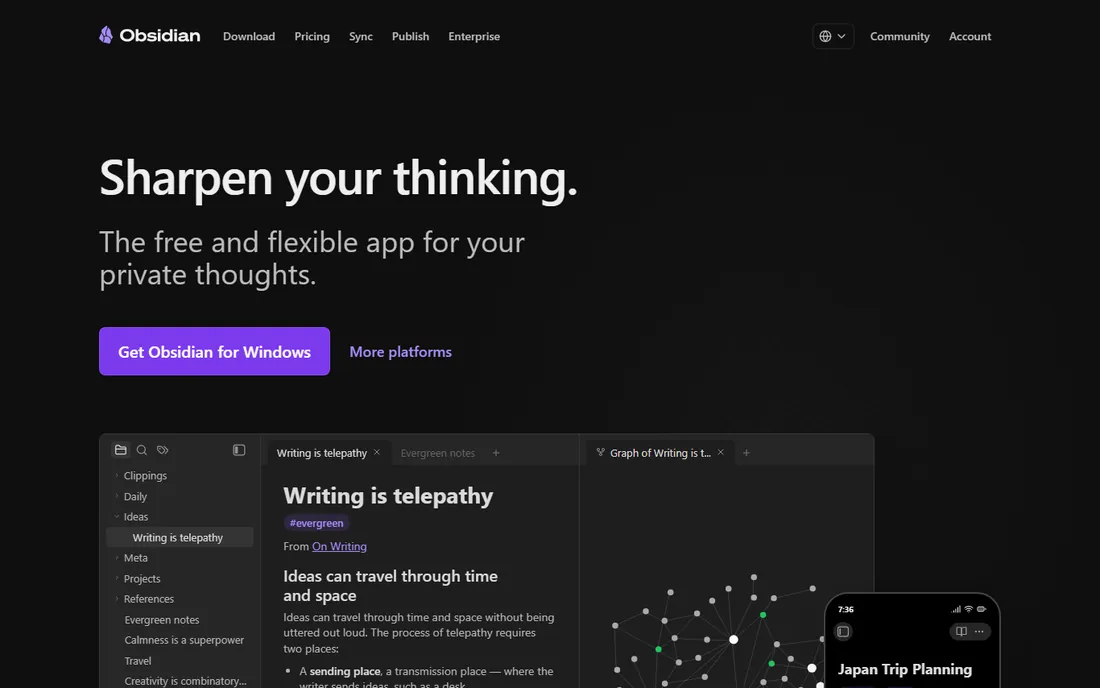
Obsidian starts from a different premise: your notes are plain markdown files stored on your device, and the app is just a very good way to read, link and search them. That means no lock-in, no subscription required to keep your archive, and your notes survive even if the company disappears. The graph view, which draws a map of how your notes link together, is genuinely useful for researchers, writers and students building a personal knowledge base.
The app itself is free for personal use, including commercial use. Cross-device sync is the paid part: Obsidian Sync costs $4 per month on annual billing and handles end-to-end encrypted syncing, or you can sync the files yourself with iCloud, Dropbox or git for free if you are technically inclined. The catch is the learning curve. Obsidian expects you to learn markdown and to design your own system of folders, tags and links, which is exciting for some and homework for others. If you want your notes to outlive every vendor, start here.
What we like- Your notes are plain markdown files you own
- The graph view reveals connections between notes
- Huge plugin community
Watch out for- Syncing across devices costs extra
- The learning curve is steeper than Notion or Keep
Starting priceFree
Free planYes
Google Keep is the sticky note of the internet, and it knows it. Open it, type, done. Notes sync instantly across Android, iOS and the web, checklists are one tap, and reminders can be set by time or location. Because it lives inside the Google account you already have, it integrates with Docs, Gmail and Calendar in small but handy ways, like turning a note into a document with one click.
Keep is not a place to build a knowledge base. Labels are the only organization, search is basic, and once you pass a few hundred notes the whole thing becomes a colorful pile. Power users will outgrow it. But for quick capture, grocery lists, and fleeting ideas, nothing here is faster, and it is completely free. Note that the Keep web app sits behind a Google sign-in, so have an account ready.
What we like- Instant to open and use
- Color-coded notes and checklists
- Tight integration with Google Docs and Gmail
Watch out for- No real organization for large collections
- The web app requires a Google sign-in
Starting price2.40 euros per month (Joplin Cloud Basic, billed yearly)
Free planYes
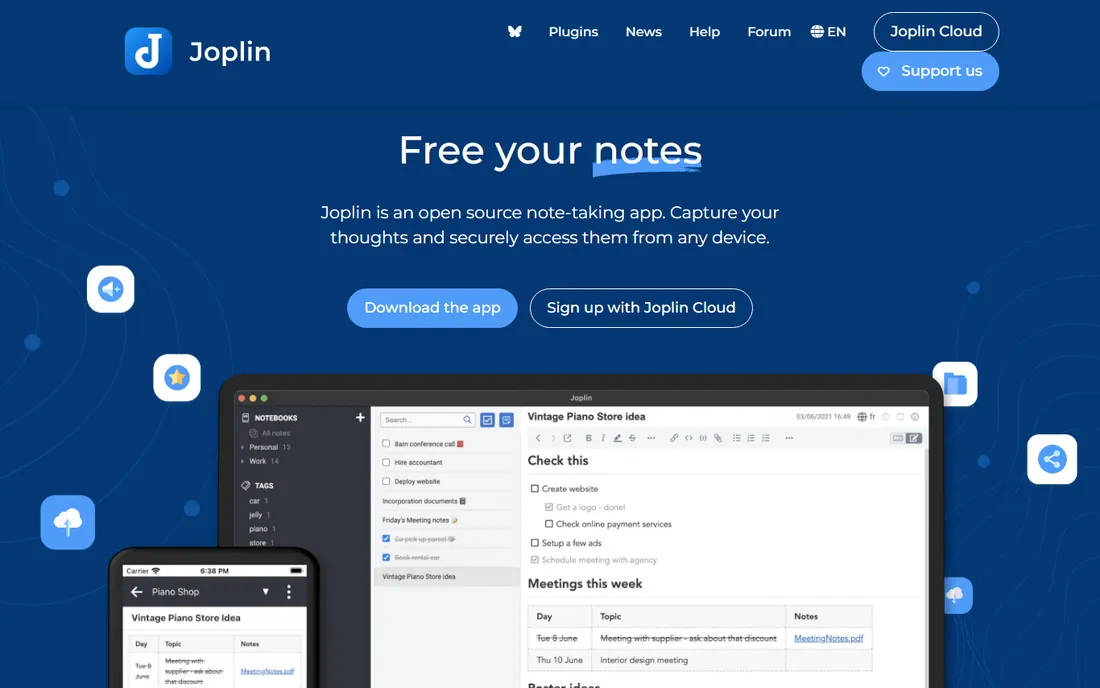
Joplin is what Evernote would look like if it were built by volunteers who cared about privacy. It is open source, it encrypts your notes end to end, and it runs on Windows, Mac, Linux, iOS, Android and the web via a terminal app for the truly committed. The apps themselves are free forever. If you want hosted sync, Joplin Cloud Basic costs 2.40 euros per month on yearly billing, or you can point Joplin at your own Dropbox, OneDrive or WebDAV server at no cost.
Migration is straightforward: Joplin imports Evernote's export format directly, which has made it the standard refuge for Evernote users fleeing the new limits. The honest catch is polish. The interface is serviceable rather than delightful, and getting the most out of features like plugins and custom sync takes more setup than Notion or OneNote. For buyers who want an Evernote-shaped tool without the subscription squeeze, though, Joplin is the answer.
What we like- Open source with end-to-end encryption
- Imports Evernote notebooks directly
- Syncs through your own cloud or Joplin Cloud
Watch out for- The interface is functional rather than beautiful
- Some advanced features need configuration
#7
Zoho Notebook
Best for: free notebooks with card layout
Visit zoho.com
Starting priceFree
Free planYes
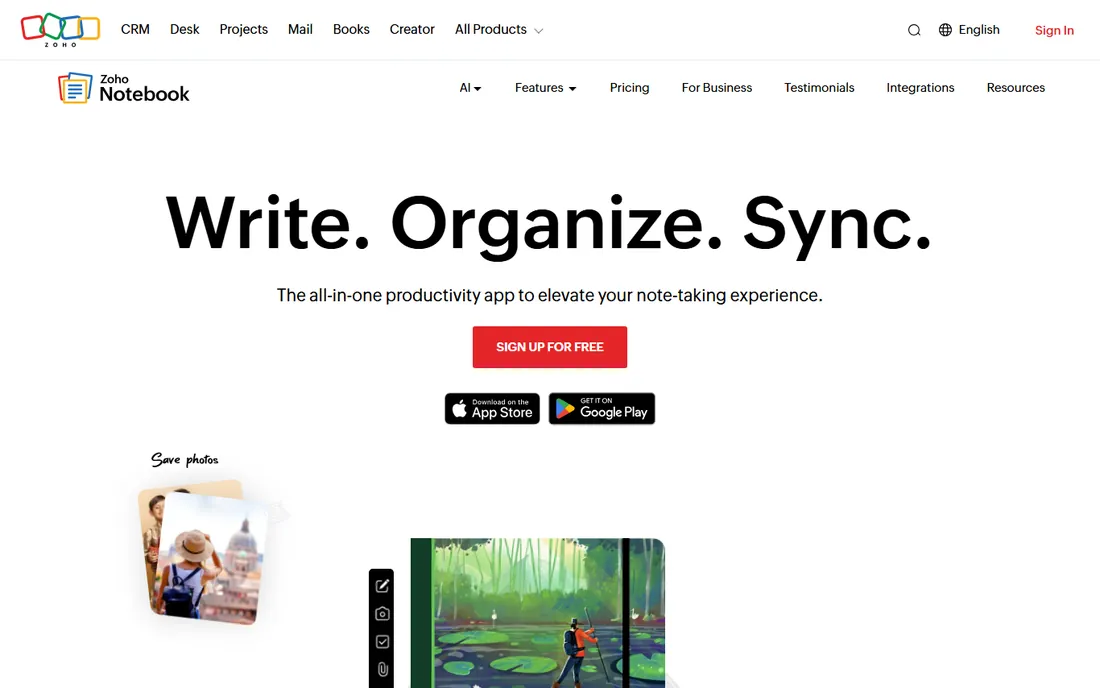
Zoho Notebook is the prettiest free option on this list. Notes appear as colorful cards that you can group into notebooks, and it handles text, checklists, audio, sketches and file attachments with a clean, consistent design across Windows, Mac, iOS, Android and web. Individual notes can be locked with a passcode, which is handy for journals or shared devices.
The whole thing is free, with 500 MB of storage on the free tier and an optional Pro plan for more space. That makes it an easy pick for students and casual users who want something nicer than Keep without paying for Notion. The catch is the ecosystem. There are no plugins, no database views, no template marketplace, and sharing a notebook with a collaborator is basic compared to Notion. If your notes are personal and visual, Zoho Notebook is a delight. If they are a team project, look elsewhere.
What we like- Completely free with 500 MB of storage
- The card-based design looks great
- Locks individual notes with a passcode
Watch out for- A smaller ecosystem than Notion or Evernote
- Collaboration features are basic
Starting priceFree
Free planYes

Simplenote does one thing and refuses to do anything else. It stores plain text notes, syncs them across Windows, Mac, Linux, iOS, Android and the web in near real time, and keeps a full version history of every edit. There are no premium tiers, no storage upsells, no AI features. It is maintained by Automattic, the company behind WordPress, which gives the free-forever promise some credibility.
That simplicity is both the appeal and the limit. You get markdown support and tags, but no images, no audio, no handwriting, no folders. Writers who draft in plain text love it as a scratch pad precisely because there is nothing to fiddle with. Anyone who needs to paste in screenshots or sketch a diagram will bounce off it in a day. As a fast, free capture tool with real sync, though, it has no equal at this price, because the price is zero.
What we like- Completely free with no tiers or upsells
- Sync is nearly instant
- Version history on every note
Watch out for- Plain text only, no rich media
- No folders, just tags
Starting price$49.99 per year (Extended plan)
Free planYes
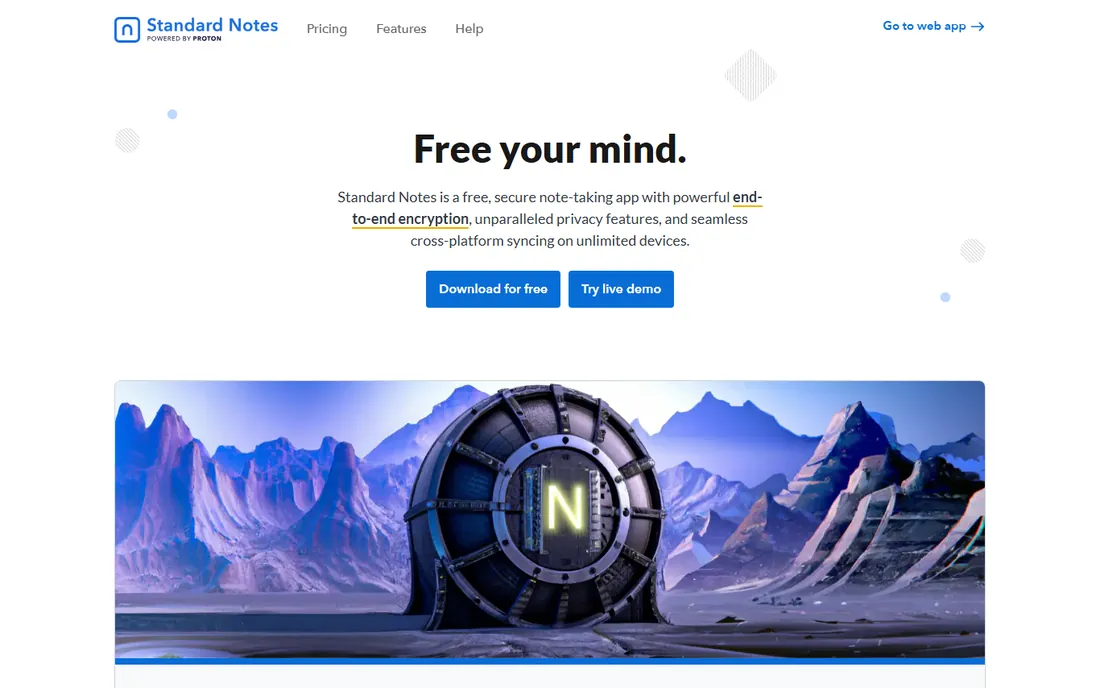
Standard Notes is built for people who read privacy policies. Every note is protected with audited, end-to-end encryption, the applications are open source, and the company takes no venture capital, funding itself entirely from paying users. The free tier is unusually honest: unlimited notes, unlimited devices, and encrypted sync, with no device caps or note limits pushing you toward the paid plan.
The Extended plan costs $49.99 per year and adds the things that make the app pleasant rather than merely safe: markdown and rich-text editors, themes, and automated backups to the cloud service of your choice. Without it, the app is a deliberately plain three-column editor. That sparseness is the honest catch, alongside the fact that there is no real-time collaboration to speak of. But if your notes include financial records, health details or work documents you would rather nobody could read, Standard Notes is the most trustworthy free option here.
What we like- End-to-end encrypted and independently audited
- Unlimited notes and devices for free
- Open source with a ten-year track record
Watch out for- The free app is deliberately sparse
- Rich editors and themes sit behind the paid plan
What to look for before you commit
Start with the sync model, because it decides everything else. Cloud-first apps like Notion and Evernote keep your notes on their servers and sync to your devices; that gives you access from any browser but means you need their service to keep working. Local-first apps like Obsidian and Joplin keep files on your device and sync on your terms, which is better for privacy and offline work but asks more of you during setup.
Next, check the export story. A notes app should let you take your data with you in an open format like markdown, HTML or PDF. Obsidian wins by default since your notes are already files. Notion and Evernote both export, though sometimes with friction. If a vendor makes export hard, treat that as a warning sign, because switching costs are the quiet tax of this category.
Finally, match the app to the job. Quick capture belongs in Keep or Simplenote. A personal knowledge base belongs in Obsidian or Notion. Private records belong in Standard Notes. Team documentation belongs in Notion. Buying the most powerful app for a simple job just means you will spend weekends configuring a system for grocery lists.
How we chose
We did not run hands-on trials for this guide. We read each vendor's current pricing and plan pages, checked platform coverage across Windows, macOS, iOS, Android and the web, and reviewed public feedback on G2, Capterra and Reddit for recurring complaints about sync reliability, export and pricing changes. We favored tools with usable free tiers or honest one-time costs, and we cut apps that only work well inside a single ecosystem, since the topic is cross-platform note taking.
Frequently asked questions
Which note taking app is completely free?
Several. OneNote, Google Keep, Zoho Notebook and Simplenote are free with no paid tier pushing you to upgrade, and each syncs across platforms. Obsidian's app is free too, though syncing across your own devices without the paid Sync add-on takes some setup. Standard Notes also offers unlimited notes and devices for free.
Is Notion good for simple note taking?
It works, but it is more tool than the job needs. Notion shines when notes connect to databases, tasks and team wikis. If you just want to jot things down and find them later, Simplenote or Keep will feel faster and ask less of you. Choose Notion when your notes are really a small workspace in disguise.
Can I move my notes from Evernote to something else?
Yes. Evernote exports notebooks in its own ENEX format, and Joplin, Notion and OneNote all import it. Joplin's importer is the most direct, since it was built as an Evernote alternative. Export in batches if you have years of notes, and check that attachments and tags came through before deleting anything.
Do I need to pay for sync across devices?
Not necessarily. OneNote, Keep, Simplenote, Zoho Notebook and Standard Notes all sync for free. Obsidian charges $4 per month for its official Sync service, but you can sync its plain-text files yourself with iCloud or Dropbox at no cost. Only Notion and Evernote reserve meaningful multi-device use for paid plans.
What is the most private note taking app?
Standard Notes, by a clear margin. It is open source, independently audited, end-to-end encrypted, and funded only by paying users rather than venture capital or advertising. Joplin and Obsidian are also strong choices, since both keep your data in your hands and support encryption.
Sources we checked (9)
- https://notion.so/
- https://evernote.com
- https://onenote.com/
- https://obsidian.md
- https://keep.google.com
- https://joplinapp.org
- https://www.zoho.com/notebook/
- https://simplenote.com/
- https://standardnotes.com
Is your product missing or out of date?
We review this list regularly. Vendors can request a listing, send updated pricing or ask about featured placement.

Shihab Mia · Founder, Rankite
Shihab has spent more than a decade helping SaaS and e-commerce brands grow through search. He writes Rankite's software buying guides from pricing pages, documentation and public user reviews. More about Shihab.