How we make this list: we compare pricing pages, product documentation and public user reviews. Rankite is independent; if a vendor ever pays for a featured spot, that listing is clearly labeled Partner.

Key takeaways
- Gamma and Pitch give you the most without paying: Gamma with 400 one-time credits, Pitch with a free plan that never expires.
- Beautiful.ai and Presentations.ai are the strongest picks when every deck must match brand guidelines, but both sit at the higher end of pricing.
- SlideSpeak is the specialist for turning an existing document into slides, while SlidesAI is the lightest lift for people who already live in Google Slides.
- Prices in this category range from free to $450 per year, so the right choice depends more on how many decks you make than on feature checklists.
Quick comparison
| Tool | Best for | Starting price | Free plan |
|---|
 Gamma Gamma | Prompt-to-deck AI with a live editor | $12 per month | Yes (400 one-time credits) |
 Beautiful.ai Beautiful.ai | Brand-safe decks on autopilot | $14.50 per month (billed annually) | No (14-day free trial, card required) |
 Pitch Pitch | Collaborative teams on a free plan | Free (€0 forever plan) | Yes |
 SlidesAI SlidesAI | Google Slides users who want AI drafting | $10 per month (billed annually) | Yes (12 presentations per year) |
 Decktopus Decktopus | Guided deck building with strong templates | $14.99 per month (billed annually) | Yes |
 Canva Canva | Template-first non-designers | $15 per month ($120 per year billed annually) | Yes |
 Presentations.ai Presentations.ai | Brand-locked decks from one prompt | $20 per month (billed annually) | Yes (Starter, 100 credits) |
 SlideSpeak SlideSpeak | Turning documents into slides | $29 per month | Yes (3 credits) |
 SlidesPilot SlidesPilot | Budget AI slides with Word import | $8.25 per month (billed annually) | Yes (free credits after sign-up) |
Is your product missing or out of date?
We review this list regularly. Vendors can request a listing, send updated pricing or ask about featured placement.
Starting price$12 per month
Free planYes (400 one-time credits)
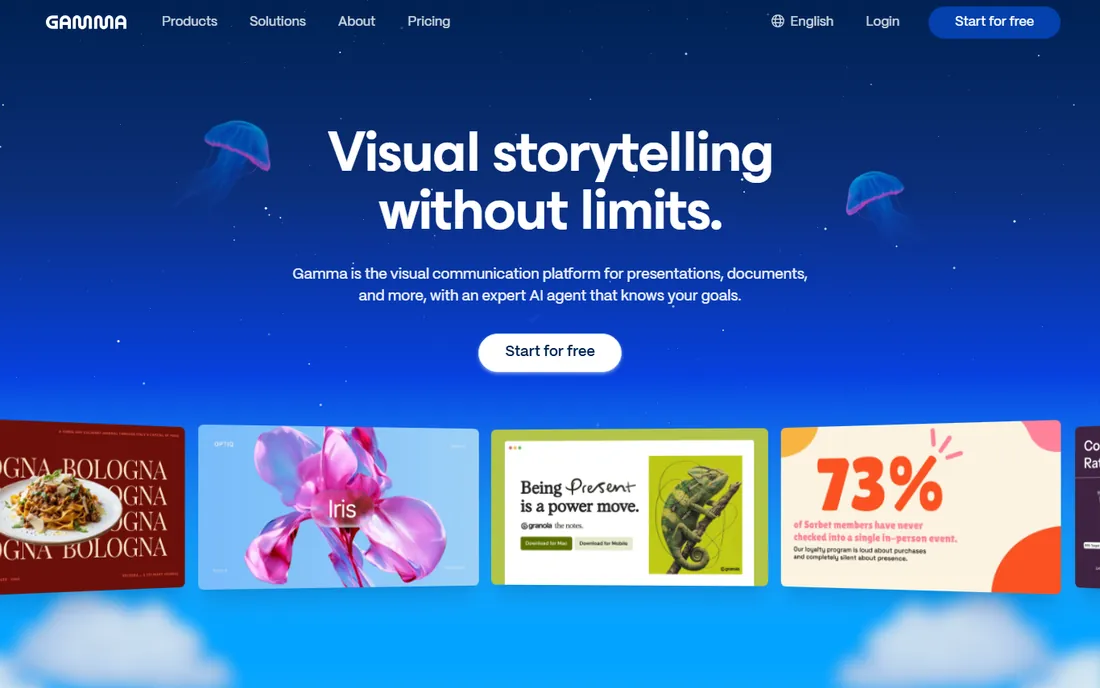
Gamma builds a full deck from a short prompt, then lets you keep editing in a live editor instead of starting over. The themes and layouts feel modern without much fiddling, which makes it a good fit for people who present often and do not want to touch design settings. Credit use is transparent: one credit roughly equals a block of generated content, and the free account starts with 400 credits that do not expire.
The catch is that those 400 credits are a one-off grant, so a heavy user will move to the Plus plan sooner than the free tier suggests. AI-generated images and complex diagrams sometimes land slightly off and need a second pass. For monthly pricing the Plus plan runs $12, with a discount on the annual plan. If your main need is turning rough notes into a polished deck in one sitting, Gamma is hard to beat.
What we like- Strong prompt-to-deck generation
- Flexible editor for restyling
- Exports to PowerPoint and PDF
Watch out for- Free credits are one-time, not recurring
- Advanced layouts sometimes need manual cleanup
Starting price$14.50 per month (billed annually)
Free planNo (14-day free trial, card required)
Beautiful.ai takes the opposite approach to most slide tools: instead of giving you a blank canvas, its AI arranges your content into layouts that follow design rules automatically. That makes it a natural fit for marketing and sales teams that need every deck to look on-brand without a designer in the loop. Brand themes lock in colors, fonts, and logos, and team libraries let everyone pull from the same approved assets.
The tradeoff is control. If you like to push pixels around, Beautiful.ai can feel restrictive next to Canva or Pitch. There is also no free plan at all, only a 14-day trial that asks for a card up front, so you cannot properly evaluate it without starting a subscription flow. The Pro plan is $14.50 per month on annual billing. For teams where consistency matters more than creative freedom, the tradeoff is usually worth it.
What we like- Automatic layout that stays consistent
- Strong brand theme controls
- Team libraries and shared assets
Watch out for- No free plan
- Less freedom for custom slide design
Starting priceFree (€0 forever plan)
Free planYes
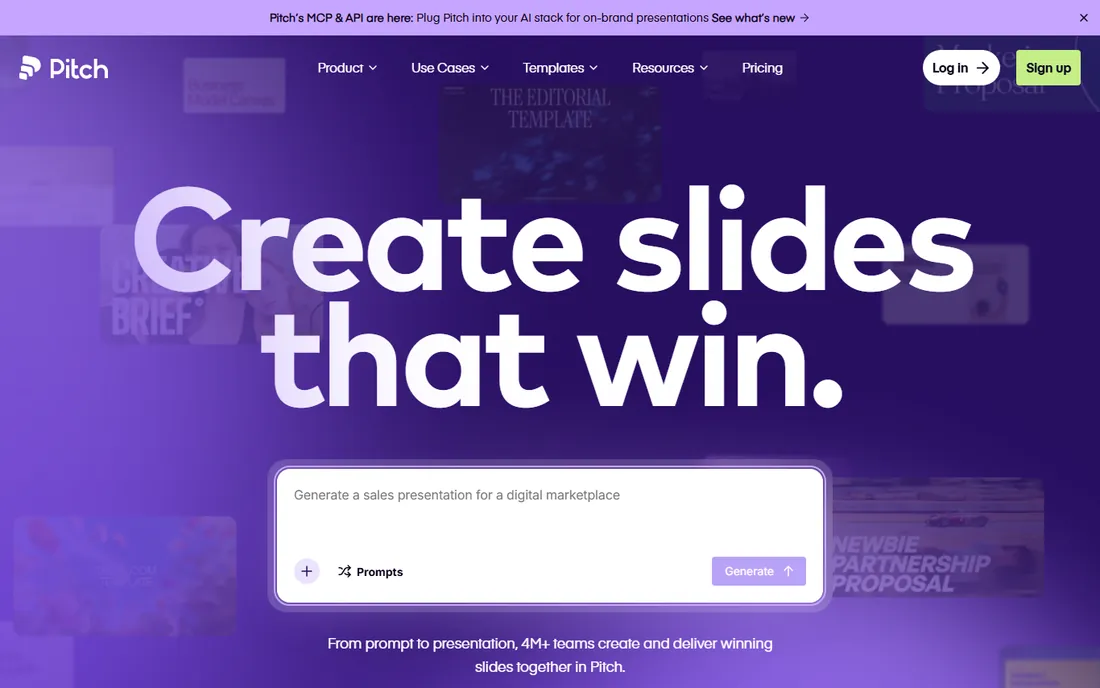
Pitch works like a modern team workspace that happens to make decks: real-time multiplayer editing, comments, and a shared asset library come standard. The AI features generate outlines, text, and images from prompts, and the free plan includes 100 one-time AI credits alongside unlimited presentations and a viewer-friendly share experience. For a small team or a startup, the free tier covers an surprising amount of real work.
Paid plans start at €10 per month per editor on the Plus plan (annual), with Team and Business tiers above it for larger groups. The one-time nature of the free AI credits means you will pay once the initial grant runs out if AI generation is central to your workflow. Pitch is German-built and bills in euros, which US buyers should keep in mind for accounting. If collaboration is the priority and AI is a bonus rather than the core, Pitch is the value pick.
What we like- Generous free tier
- Fast real-time collaboration
- Clean analytics on shared decks
Watch out for- AI credits on free plan are one-time only
- Template library is smaller than Canva
Starting price$10 per month (billed annually)
Free planYes (12 presentations per year)
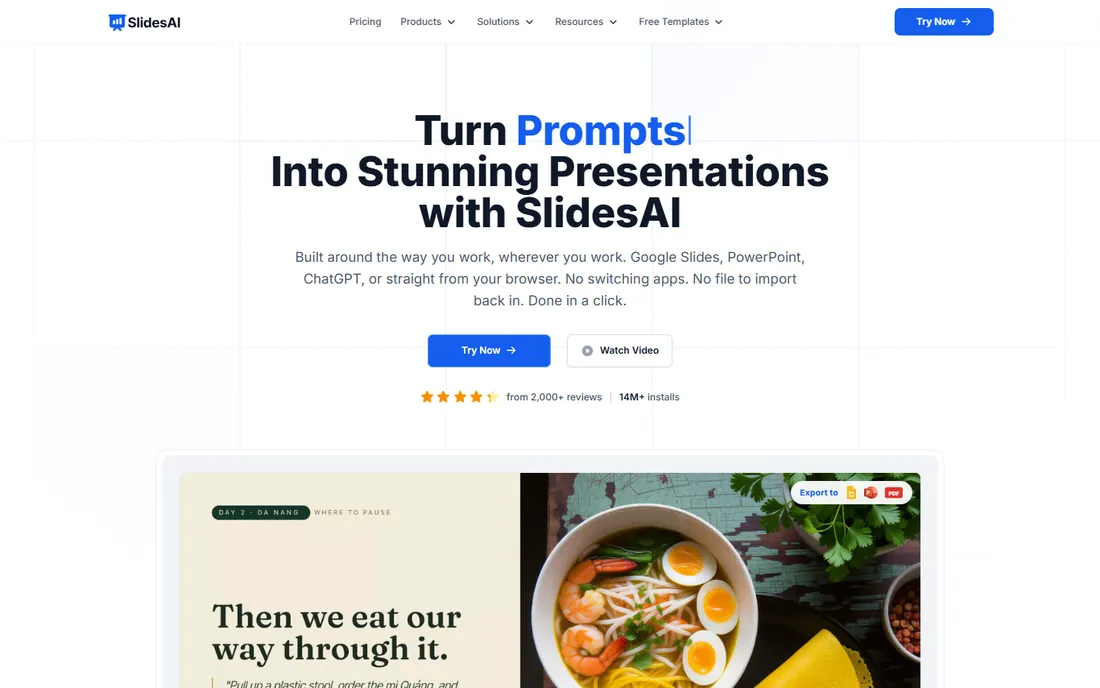
SlidesAI is the lightest-weight option on this list. It installs as a Google Slides add-on, so there is nothing new to learn and nothing to export. You feed it text or a topic, pick a style, and it produces an editable deck right inside the Slides interface your team already uses. The Basic plan is free and allows 12 presentations per year, which covers occasional users.
The Pro plan at $10 per month on annual billing adds more presentations, longer inputs, and priority generation. Design quality is serviceable rather than stunning: the layouts are clean but plainer than what Gamma or Beautiful.ai produce. That is a fair trade if your workflow is Google Workspace end to end and you would rather fix a plain deck than export and reformat elsewhere. For classroom and agency-adjacent use where Slides is the house standard, SlidesAI fits with the least friction.
What we like- Works inside Google Slides as an add-on
- Fast outline-to-slide conversion
- Multilingual slide generation
Watch out for- Designs are simpler than full-platform rivals
- AI features are limited on the free plan
Starting price$14.99 per month (billed annually)
Free planYes
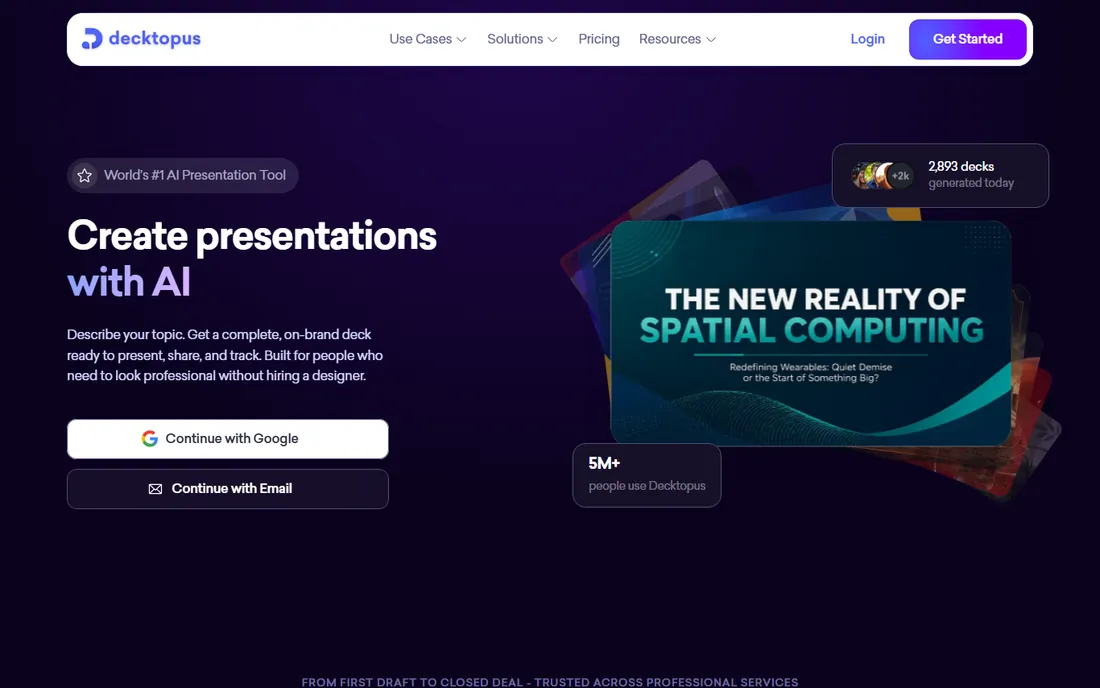
Decktopus asks you a series of questions about your topic and audience, then assembles a deck from your answers. That guided flow suits people who stare at blank slides, because the structure of the presentation emerges before any design decisions. The template library is deep for its price tier, and sharing links come with view analytics so you can see who opened your deck.
Pricing is where Decktopus asks you to commit. The Pro AI plan is $24.99 per month on monthly billing, dropping to $14.99 per month on the annual plan, and the Business AI tier runs $49.99 per user per month. The AI-generated imagery is a step behind Gamma and Canva, so plan on supplying your own visuals for important decks. If the structured, interview-style workflow matches how you think, the tool pays for itself in time saved.
What we like- Guided question-based deck creation
- Solid template variety
- Built-in analytics and sharing
Watch out for- Monthly billing is steep at $24.99
- AI image quality lags the leaders
Starting price$15 per month ($120 per year billed annually)
Free planYes
Canva is not an AI presentation startup, and that is exactly why many buyers choose it. The AI slide features, including Magic Design and text-to-image generation, sit inside a design platform people already know, next to hundreds of thousands of templates and stock assets. A non-designer can generate a draft deck, then refine it with the same tools they would use for a social post or a flyer. The free plan is genuinely useful, and Pro is $15 per month or $120 per year.
The honest weakness is that Canva's AI decks need more cleanup than purpose-built rivals: text density, alignment, and story flow often need a human pass. Teams should also note that Pro pricing is per person, so a ten-person marketing team pays real money. Canva wins when presentations are one part of a broader design workload rather than a standalone need. (Note: Canva's homepage blocks automated fetching, so the URL above is our best evidence and should be rechecked at publish time.)
What we like- Enormous template and stock library
- Magic Design generates full decks from prompts
- Easy brand kit setup
Watch out for- AI slides need more cleanup than dedicated tools
- Per-seat pricing adds up for teams
Starting price$20 per month (billed annually)
Free planYes (Starter, 100 credits)
Presentations.ai is built for companies that have been burned by off-brand decks. You define the brand once, fonts, colors, logo placement, and the AI generates within those guardrails, so a sales rep cannot accidentally ship a deck in the wrong colors. The Starter plan is free with 100 credits, and the Pro plan at $20 per month billed annually adds more credits, longer decks, and collaboration features.
The Gold tier at $100 per month targets agencies and large teams. The design range is narrower than Canva or Gamma: most templates read as corporate, which suits B2B sales decks and bores almost nobody on purpose. If your problem is not making slides but making sure everyone makes the same slides, this is the most direct solution on the list.
What we like- Strict brand templates that AI cannot break
- Fast one-prompt generation
- Multi-language deck support
Watch out for- $20 per month entry is high for solo users
- Template styles skew corporate
Starting price$29 per month
Free planYes (3 credits)
SlideSpeak's core trick is ingesting a Word document, PDF, or existing PowerPoint file and producing a deck from it. For consultants, analysts, and anyone who writes long reports that must become presentations, that single capability saves hours of copy-paste work. The free plan includes 3 credits so you can test the conversion on a real document before paying anything.
The Premium plan starts at $29 per month, the highest entry price in this roundup, which makes SlideSpeak a specialist purchase rather than a casual one. Output quality tracks input quality: a well-structured document becomes a solid deck, while a rambling one becomes a rambling deck. If document-to-slide conversion is a weekly task, the price is easy to justify. If it is occasional, the cheaper generalists cover you.
What we like- Document-to-deck conversion is genuinely fast
- PowerPoint and Word file support
- Chat-with-document features
Watch out for- Highest starting price on this list
- Free plan only includes 3 credits
Starting price$8.25 per month (billed annually)
Free planYes (free credits after sign-up)
SlidesPilot does one thing well: turn text or a Word document into a clean, serviceable deck at the lowest price in this roundup. The Plus plan is $99 per year, about $8.25 per month, and Pro is $180 per year. Sign-up comes with free credits, so the trial is real. There is not much ceremony: paste text, pick a template, download the deck.
What you give up is depth. There are fewer templates, fewer collaboration features, and fewer integrations than Gamma or Pitch. The AI copy is competent but rarely inspired, so plan on editing the wording yourself. For students, freelancers, and small businesses that need decent AI decks without a $20 monthly commitment, SlidesPilot is the budget pick that does not feel like a compromise on the basics.
What we like- Lowest paid price on this list
- Word and text import
- Fast generation with minimal setup
Watch out for- Smaller feature set than the leaders
- Fewer integrations
How we chose
We started with the tools that dominate search results and review sites for AI presentation software, then checked each one against its own pricing page and homepage in October 2026. Anything that had shut down or stopped selling was cut: Tome, for example, shut down in April 2025 and was excluded. We kept tools that generate slides from AI input, not generic design tools with a bolted-on feature, with one exception for Canva because its AI deck features are now central to how many buyers actually work. Prices below come from vendor pricing pages; where a vendor shows prices in euros, we present them as shown.
What to check before you buy
Start with volume, because pricing in this category punishes the wrong guess. If you make two decks a month, a generous free tier like Pitch or SlidesAI covers you and a paid plan is wasted money. If you make two a week, credit-based pricing gets expensive fast, and a flat subscription like Gamma or Beautiful.ai is cheaper per deck. Ask each vendor whether unused AI credits roll over. Most do not.
Next, check the export path. A tool that generates beautiful slides but exports a broken PowerPoint file will cost you more in reformatting than it saves in generation. If your clients or colleagues expect .pptx files, test that export during the trial, not after you pay. Also confirm who owns the AI-generated images, since commercial-use rights vary and a few tools are vague about it.
Brand control is the third check, and it separates two kinds of buyers. If you are a solo creator, you want creative range. If you are buying for a team, you want guardrails: locked fonts, approved templates, and shared asset libraries. Presentations.ai and Beautiful.ai are built for the second buyer, while Gamma and Canva serve the first. Finally, look at contract terms. Most of these tools discount annual billing by 20 to 40 percent, which is only a deal if you are still using the tool in month six.
Do the free plans hold up
Free tiers in AI presentation software fall into three groups. The first group gives you a permanent free plan with real utility: Pitch with unlimited decks, SlidesAI with 12 decks a year, SlidesPilot with sign-up credits. The second group gives you a one-time credit grant, like Gamma's 400 credits or SlideSpeak's 3 credits, which is a long trial in disguise. The third group, Beautiful.ai, skips a free plan entirely.
For a buyer, the distinction matters. A permanent free plan means you can keep the tool as a backup even after buying something else. A credit grant means you should treat the free tier as an evaluation window and budget for the paid plan from the start. None of the free plans include the best AI features: higher-quality image generation, brand controls, and analytics sit behind paywalls everywhere. That is consistent across the category, not a red flag on any one vendor.
Frequently asked questions
Do I still need PowerPoint if I use an AI presentation tool?
Not necessarily, but keep it installed. Most of these tools export to .pptx, and you will want PowerPoint or Google Slides for last-minute edits at a client site or on a machine without your login. Gamma and Pitch both export cleanly enough that the handoff is painless.
Which AI presentation tool is best for teams?
Pitch and Beautiful.ai lead for teams, for different reasons. Pitch wins on collaboration and a free tier that small teams can run on indefinitely. Beautiful.ai wins when every deck must follow brand rules without a designer reviewing each one. Presentations.ai is the specialist pick for strict brand lockdown.
Can AI presentation tools make a deck from an existing document?
Yes, and SlideSpeak is the best at it on this list. Paste or upload a Word file or PDF and it drafts slides from the content. Gamma and SlidesPilot also accept text and document input, though their conversion is less specialized. The quality of the output follows the quality of the source document.
Are the free plans actually usable?
Pitch, SlidesAI, and Canva have the most usable free tiers. Gamma's 400 one-time credits go a long way for occasional use. Beautiful.ai has no free plan, only a 14-day trial that requires a card. Expect watermarks, limited AI image generation, and no brand controls on every free tier.
What happened to Tome?
Tome shut down on April 30, 2025 after being acquired, and its website is now offline. If you have old Tome decks, export anything you need from whatever access remains, because the service is gone. Gamma and Pitch are the closest current alternatives for fast AI-generated decks.
Sources we checked (9)
- https://gamma.app/pricing
- https://www.beautiful.ai/pricing
- https://www.pitch.com/pricing
- https://slidesai.io/
- https://decktopus.com/
- https://www.canva.com/pricing/
- https://presentations.ai/
- https://slidespeak.co/
- https://www.slidespilot.com/
Is your product missing or out of date?
We review this list regularly. Vendors can request a listing, send updated pricing or ask about featured placement.

Shihab Mia · Founder, Rankite
Shihab has spent more than a decade helping SaaS and e-commerce brands grow through search. He writes Rankite's software buying guides from pricing pages, documentation and public user reviews. More about Shihab.