How we make this list: we compare pricing pages, product documentation and public user reviews. Rankite is independent; if a vendor ever pays for a featured spot, that listing is clearly labeled Partner.
Key takeaways
- A consultant who forgets to log two hours a week at $150 an hour loses $15,600 a year in unbilled time, which makes automatic capture worth more than a low monthly fee.
- Harvest and BigTime fit firms that want tracked hours to flow straight into invoices and project profitability reports.
- Clockify and Everhour offer generous free tiers, so a solo consultant can start tracking today without paying anything.
- If your team already works inside Asana, ClickUp, Trello, or Jira, Everhour tracks time from inside those tools instead of a separate app.
- Avoid anything that punishes adoption: consultants who hate the tracker will log Friday-afternoon fiction, and no report fixes that.
Quick comparison
| Tool | Best for | Starting price | Free plan |
|---|
 Harvest Harvest | consultants who invoice for every tracked hour | $9 per user/month (billed annually) | Yes (1 seat, 2 projects) |
 Toggl Track Toggl Track | consultants who want tracking that takes seconds, not minutes | $9 per user/month (billed annually) | Yes |
 Clockify Clockify | consulting teams that refuse to pay for tracking | $3.99 per user/month (billed annually) | Yes |
 Timely Timely | consultants who chronically forget to start timers | $9 per user/month | Free trial (14 days) |
 BigTime BigTime | consulting firms that run on QuickBooks | See website | Free trial |
 Avaza Avaza | small consulting practices that want projects, time, and invoices in one app | $11.95 per month | Yes |
 Hubstaff Hubstaff | consulting firms with remote contractors who need verified hours | $4.99 per user/month (billed annually) | Yes (1 user) |
 Everhour Everhour | consultants who manage work in Asana, ClickUp, Trello, or Jira | $8.50 per user/month (billed annually) | Yes (up to 5 seats) |
Is your product missing or out of date?
We review this list regularly. Vendors can request a listing, send updated pricing or ask about featured placement.
The best time tracking software for consultants
Starting price$9 per user/month (billed annually)
Free planYes (1 seat, 2 projects)
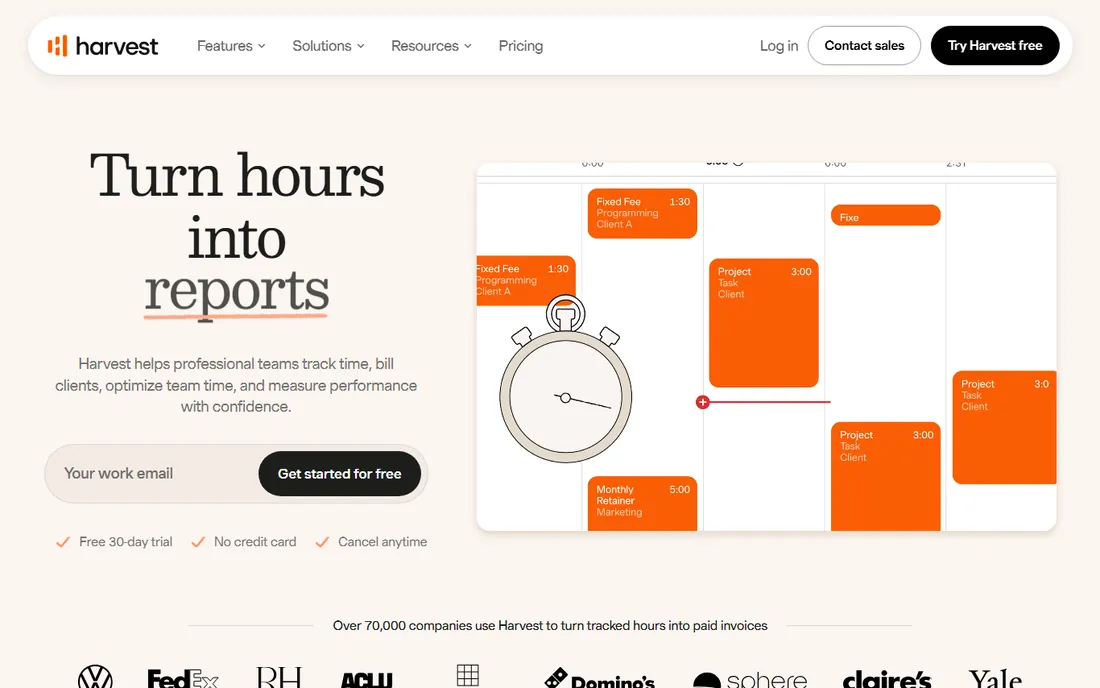
Harvest has been the default time tracker for consulting firms and agencies for nearly two decades, and the reason is boring in the best way: it turns hours into invoices faster than anything else in this list. Log your time against a project, hit a button, and a polished invoice is ready to send, with payments accepted through Stripe or PayPal right from the invoice.
For consultants, the budget alerts deserve special attention. You set an hour or money budget per project, and Harvest flags it before you blow past it, not after. The retainer tracking is equally useful if you sell monthly hour banks to clients. The catch is pricing discipline: at $9 a seat per month billed annually, a 20-person firm pays $2,160 a year, and the free plan only covers one seat, so solo users get the full experience while teams pay up. But if your revenue model is "hours in, invoice out," that cost is a rounding error against the hours you stop forgetting to bill.
What we like- One-click conversion of tracked hours into invoices
- Multi-tiered billable rates by person, project, or task
- Budget alerts warn before projects run over
Watch out for- Per-seat price is high for larger teams
- Profitability reporting is limited on lower tiers
- Interface looks dated next to newer tools
#2
Toggl Track
Best for: consultants who want tracking that takes seconds, not minutes
Visit toggl.com
Starting price$9 per user/month (billed annually)
Free planYes
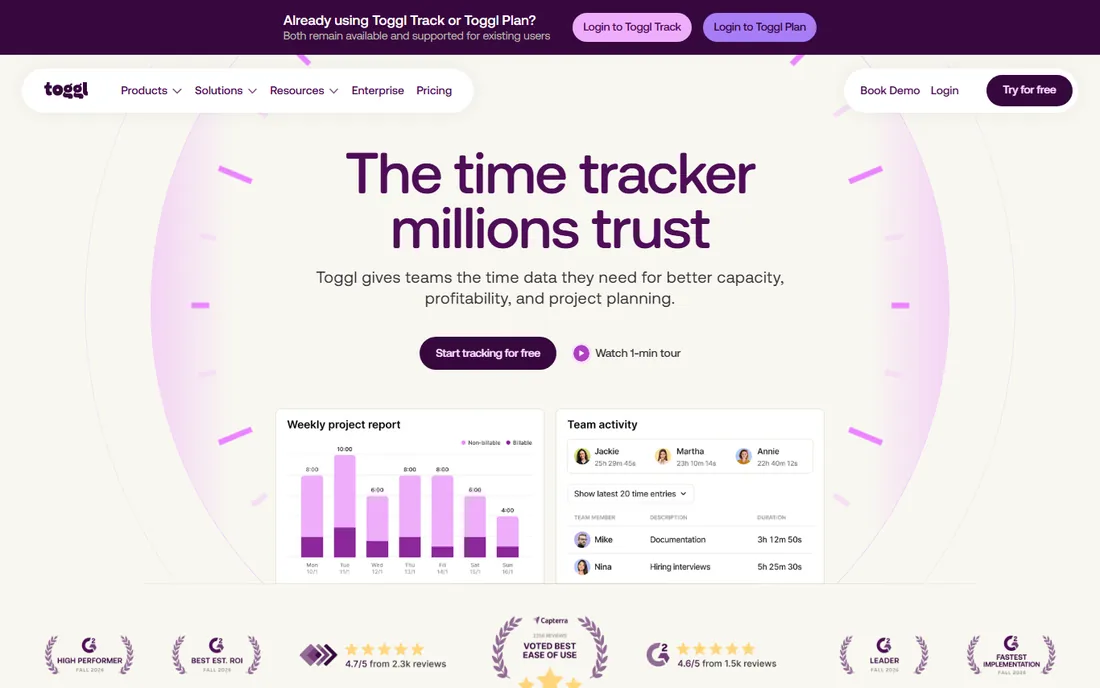
Toggl Track is what consultants reach for when adoption is the worry. The one-click timer, idle detection, and calendar integrations mean hours get captured as work happens rather than reconstructed on Friday afternoon. For a consulting practice, the billable-rate setup on the Starter plan lets you tag every hour with a client rate, and the reporting breaks time down by client, project, or team member for clean invoicing inputs.
The honest limitation: Toggl Track will not invoice for you. You will export or integrate into your billing workflow, which adds a step Harvest and BigTime skip. But if you are a solo consultant or a small team that mostly needs accurate records to feed an existing accounting process, Toggl's speed of capture beats feature depth. The free plan is generous enough that many independent consultants never pay, and that is hard to argue with.
What we like- The fastest timer in the category, with browser extensions that track inside 100+ tools
- Free plan includes unlimited projects and clients
- Billable rates, project estimates, and reporting mature well on paid tiers
Watch out for- No native invoicing, so billing requires an integration or a manual export
- Billable rates are gated behind paid plans
- Automatic background tracking is a Premium-tier feature
#3
Clockify
Best for: consulting teams that refuse to pay for tracking
Visit clockify.me
Starting price$3.99 per user/month (billed annually)
Free planYes
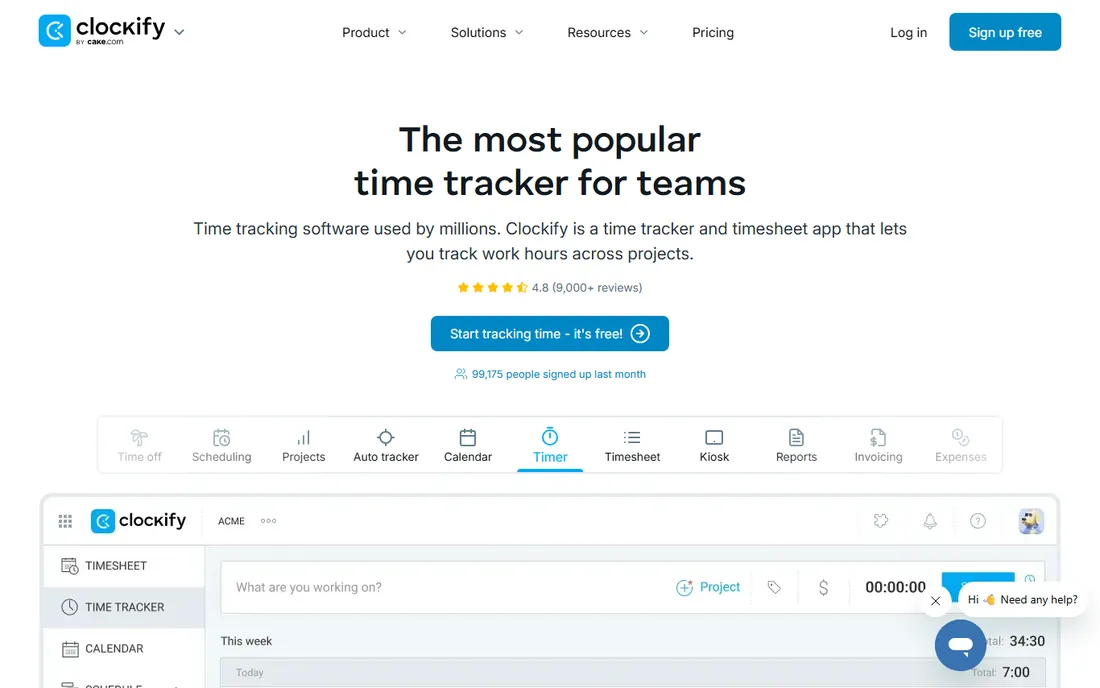
Clockify is the budget answer to the entire category. The free plan genuinely covers unlimited users and projects, so a consulting firm can track every hour across the whole practice for $0 and only upgrade when it needs invoicing, approvals, or billable-rate controls. Paid tiers start at $3.99 a user per month billed annually, which is roughly half of what most competitors charge.
There is a trade-off for that price. Clockify is broad rather than polished: it does timesheets, scheduling, time-off, GPS tracking, and invoicing, but none of it feels as refined as the specialists. Consultants who bill by the hour will want at least the Standard plan for invoicing and task rates. But as a first tracker for a firm formalizing billable hours, Clockify removes every financial excuse, and it works on every platform including Linux.
What we like- Free plan covers unlimited users, projects, and time entries, which no competitor matches
- Paid plans are the cheapest in this category
- Includes invoicing, approvals, and time-off tracking on Standard and up
Watch out for- The interface feels utilitarian and can overwhelm new users
- Activity-based automatic tracking is limited
- Advanced budgeting and approvals require paid tiers
#4
Timely
Best for: consultants who chronically forget to start timers
Visit timely.com
Starting price$9 per user/month
Free planFree trial (14 days)
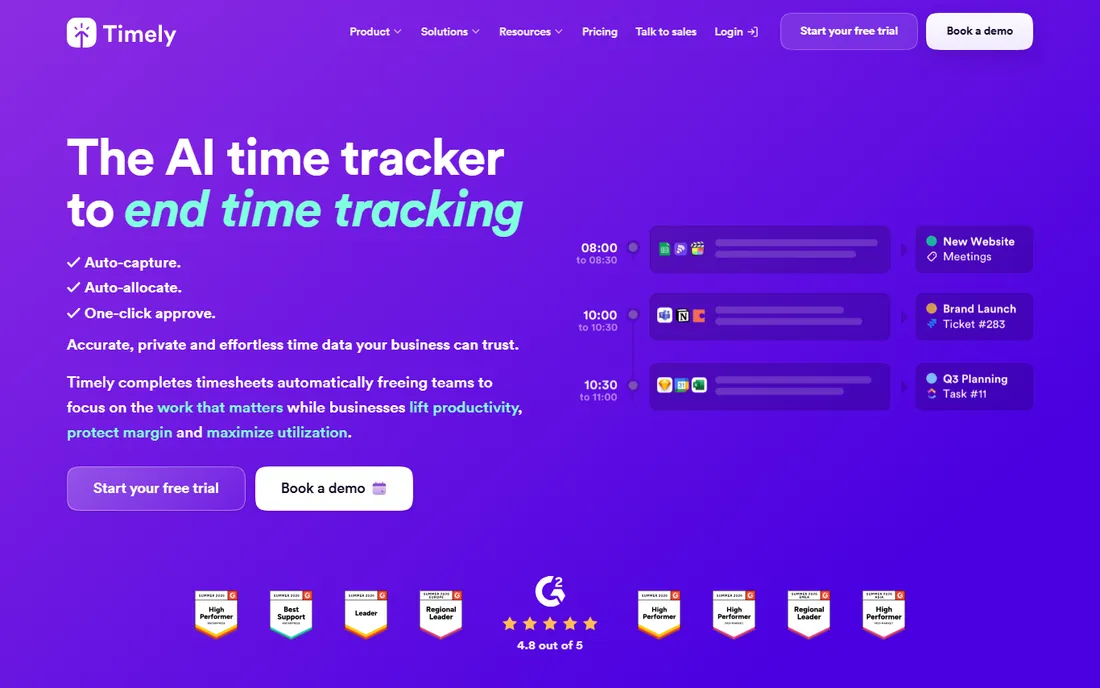
Timely attacks the core failure mode of consultant time tracking: the forgotten timer. Its Memory tool watches which apps and documents you use, and its AI drafts your timesheet automatically. You review, adjust, and approve in minutes instead of reconstructing a week from calendar invites and sent-mail folders. For consultants whose billable work scatters across email, research, calls, and documents, the captured-hours math alone can justify the $9 a seat.
The privacy design matters too. Nothing is shared until the user approves it, which makes this the easiest automatic tracker to sell to privacy-conscious teams. The downside is that there is no free forever tier, only a 14-day trial, and the AI categorization occasionally misassigns work to the wrong client, so a weekly review habit is still mandatory. If your practice loses more to uncaptured hours than to any software fee, Timely is the answer.
What we like- AI captures work automatically in the background and drafts timesheets for one-click approval
- Private timelines that only the user can see until approved
- Strong project health and utilization reporting on higher tiers
Watch out for- No permanent free plan, so it costs from day one
- The automatic capture model takes adjustment if you prefer explicit timers
- The Starter plan caps projects at 20
Starting priceSee website
Free planFree trial
BigTime is not a time tracker with billing bolted on; it is professional services automation where time tracking is one piece of a quote-to-cash system. For consulting firms that already live in QuickBooks, that is the whole pitch: hours, expenses, rate cards, project budgets, and invoices stay in one workflow, with timesheets feeding invoices that sync back to the general ledger.
The AI-assisted features and utilization reporting give partners a live view of margin while a project is running, not after it closes. The honest catch is weight. BigTime expects setup: rate cards, billing rules, and GL mapping need configuration, and the quote-based pricing means you will talk to sales. Firms under ten people will usually do fine with Harvest or Clockify. Firms where billing accuracy touches revenue every single week are exactly who BigTime is built for.
What we like- Built specifically for professional services billing, not general time tracking
- Deep QuickBooks Desktop and Online integration with GL mapping
- Rate cards, project budgets, and profitability reporting in one place
Watch out for- Pricing is quote-based and sits above lightweight tools
- Implementation takes real configuration work
- Heavier than a small team needs
#6
Avaza
Best for: small consulting practices that want projects, time, and invoices in one app
Visit avaza.com
Starting price$11.95 per month
Free planYes
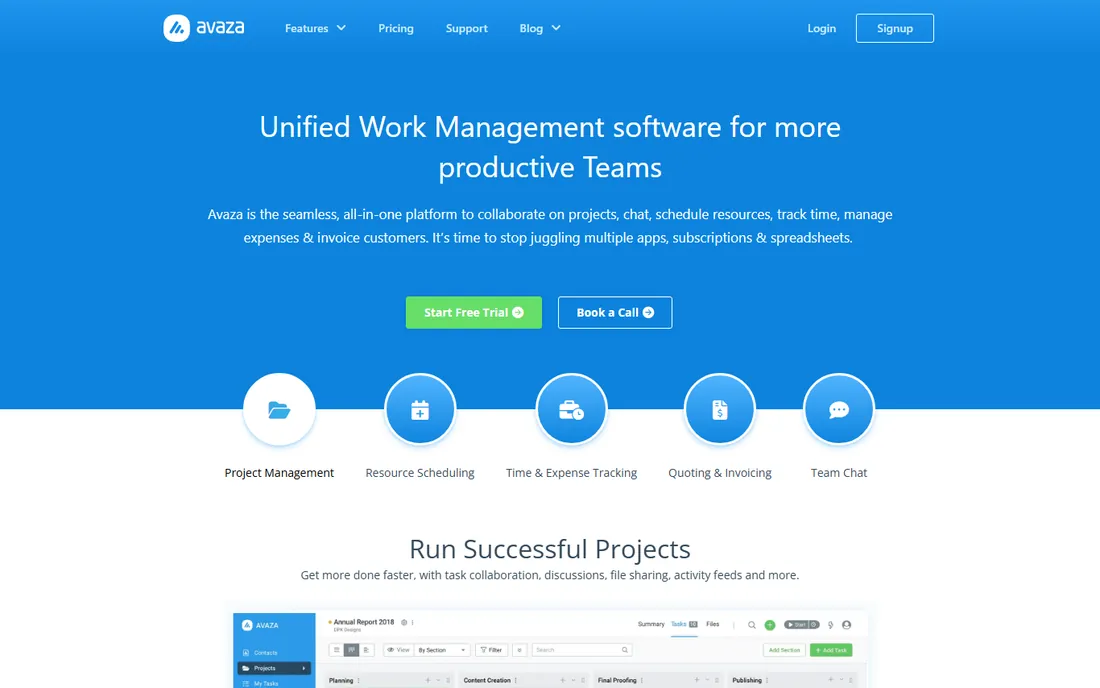
Avaza is the value play for consultants who are tired of paying for five apps. One subscription covers project management with kanban and Gantt views, timesheets with flexible per-project rates, expense tracking, quotes, invoices, and even team chat. The flat monthly pricing is unusual in this category: the Startup plan is $11.95 a month total, not per user, which makes it dramatically cheaper than per-seat tools once your team passes a handful of people.
The time tracking itself is straightforward rather than clever: timers, manual entries, timesheet approvals, and billing by project or user rate. You will not get Timely's automatic capture or BigTime's deep financial logic. But for a small consultancy that wants one login for delivery and billing, Avaza covers the whole operational surface at a price that is hard to argue with. The free plan is enough to evaluate it honestly before committing.
What we like- Combines project management, time tracking, expenses, quotes, and invoicing in one subscription
- Flat monthly pricing rather than per-user pricing
- Built-in team chat and resource scheduling reduce app juggling
Watch out for- Time tracking depth is shallower than dedicated tools
- The interface packs a lot into small screens
- Advanced reporting is better in specialists like BigTime
#7
Hubstaff
Best for: consulting firms with remote contractors who need verified hours
Visit hubstaff.com
Starting price$4.99 per user/month (billed annually)
Free planYes (1 user)
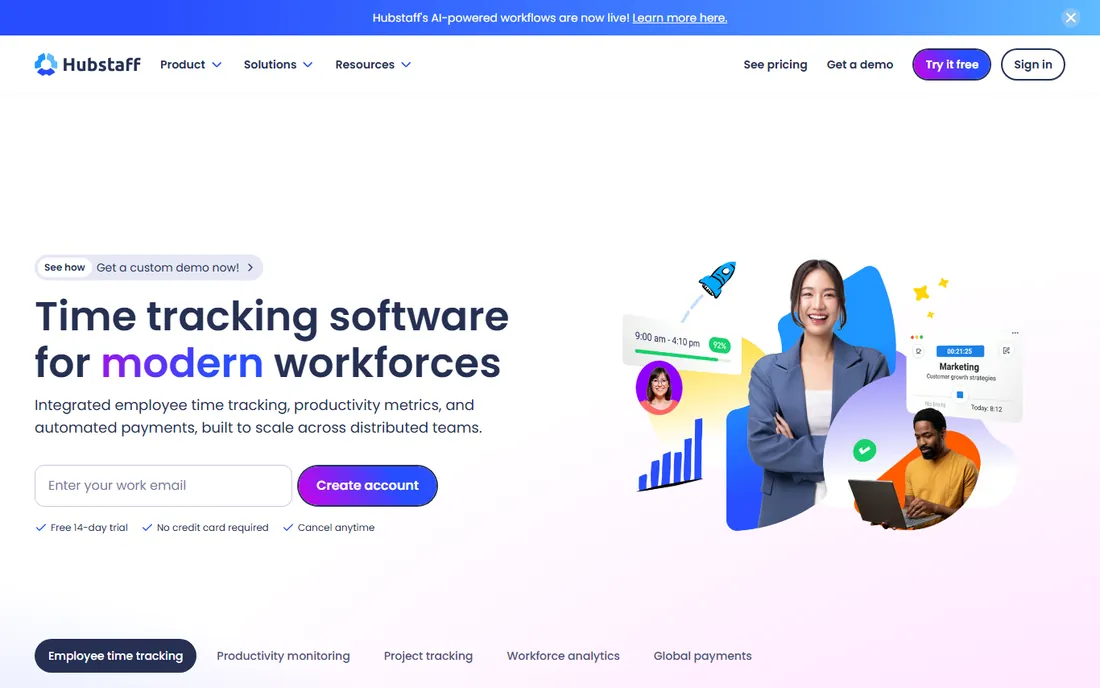
Hubstaff is the tool consultants pick when the question is not "how many hours did we spend" but "can we prove it." The activity tracking, optional screenshots, and app/URL logs create verifiable time records, which matters when clients audit invoices or when you pay subcontractors by the hour. The payroll automation then turns approved timesheets into payments through PayPal, Wise, and others, which is genuinely useful for firms managing distributed contractor teams.
The caveat is cultural. Screenshot monitoring sits badly with senior consultants who sell expertise, not keystrokes, and you can disable the surveillance features, which most practices should. Used as a clean tracker with optional verification, Hubstaff is a solid, cheap option starting at $4.99 a user a month billed annually. Used as spyware, it will cost you your best people. Decide which one you are buying before you sign up.
What we like- Activity levels, app and URL tracking, and optional screenshots verify hours for client trust
- Automated payroll through PayPal, Wise, and others
- Scheduling, attendance, and time-off in the same platform
Watch out for- The monitoring features can feel like surveillance to senior consultants
- Payroll depends on integrations rather than being native
- 2-seat minimum on paid plans
#8
Everhour
Best for: consultants who manage work in Asana, ClickUp, Trello, or Jira
Visit everhour.com
Starting price$8.50 per user/month (billed annually)
Free planYes (up to 5 seats)
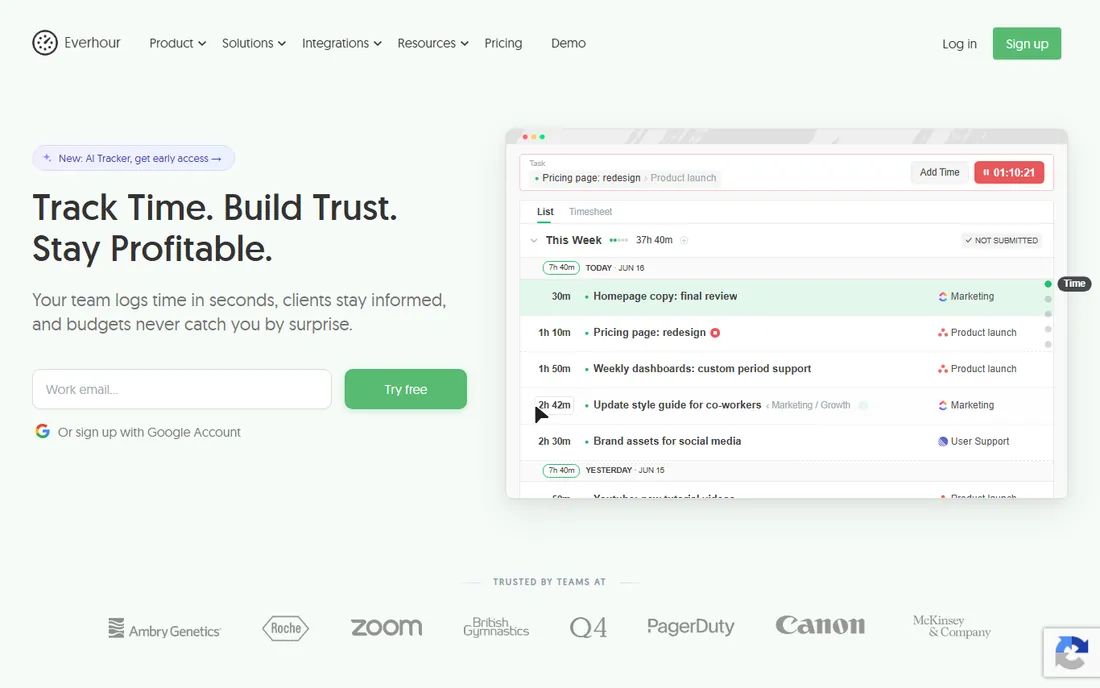
Everhour understands something most trackers miss: consultants already work inside project management tools, and making them switch to a separate timer is where adoption dies. Its browser extension puts start and stop buttons directly on Asana tasks, ClickUp items, Trello cards, and Notion pages. Time flows into Everhour's reports, budgets update in real time, and invoices generate from approved timesheets.
The single Team plan at $8.50 a user a month billed annually keeps pricing simple, and the free plan covers up to five seats, which is generous for a small practice. The 5-user minimum on the paid plan means a 2-person consultancy pays for five, which stings a little. But for teams that already run their delivery in one of the supported PM tools, Everhour's embedded tracking removes more friction than any other feature on this list.
What we like- Time tracking embeds directly inside Asana, ClickUp, Trello, Notion, Jira, and others, so timers live on the task
- Real-time budget tracking and alerts
- Client invoicing from approved timesheets
Watch out for- Single paid plan with a 5-user minimum, so tiny teams pay for seats they don't use
- No surveillance features if you need verification
- Standalone use is fine but the magic is in the integrations
How we chose
We shortlisted tools that consultants actually use to capture billable hours, starting from category leaders on G2 and Capterra plus strong smaller options. We checked each vendor's own pricing page for current plans and free tiers, read product documentation for billing, invoicing, and integration features, and scanned public reviews and community discussions for recurring complaints about accuracy, adoption, and invoice workflows. We weighted billable-hour capture, billing integration, and consultant-specific features like retainers, rate cards, and budget alerts over generic timesheet functions. We did not test any product hands-on; every claim here comes from vendor-published information and public user feedback.
What actually matters when a consultant buys a tracker
A tracker is only as good as the hours that make it in. Before comparing features, decide where your hours currently leak: forgotten timers, disputed invoices, uncaptured research time, or Friday-afternoon estimates. The right tool targets your specific leak.
Capture method beats feature lists
Manual timers fail when consultants are busy, which is exactly when billing matters most. Automatic or embedded capture (Timely, Everhour, Toggl's auto features) beats another reminder email. If your team reliably starts timers, a simple tool like Clockify is fine. If not, pay for automation.
Invoicing integration decides the workflow
If tracked hours must become invoices, pick a tool that does it natively: Harvest, BigTime, or Avaza. Exporting CSVs into a separate billing step is fine until month-end, when it becomes the bottleneck. Firms billing dozens of clients monthly should treat native invoicing as mandatory, not nice.
Rate cards and budgets protect margin
Per-client rates, per-task rates, retainer hour banks, and budget alerts are what separate consultant-grade tools from generic trackers. If you sell fixed-fee work or retainers, verify the tool models your actual billing structure before you commit, not after migration.
The adoption problem nobody lists as a feature
The number one reason consulting firms switch trackers is not missing features; it is that people stop using the first one. A tool your consultants hate produces Friday-afternoon fiction, and fiction poisons every profitability report you run.
That is why ease of capture matters more than dashboards. The best tracker for your firm is usually the one your team will actually open: Toggl's one-click timer, Everhour's in-task buttons, Timely's automatic capture. Pilot with your heaviest billers, not your most enthusiastic admins. If the top earners adopt it without complaint, everyone else will follow.
Also watch the surveillance question. Senior consultants sell judgment, and tools with screenshot monitoring can read as distrust. If you need verification for client audits, be transparent about what is tracked and why. A tracker that feels like a partner gets honest hours; one that feels like a warden gets gamed hours.
Frequently asked questions
What is the best time clock app for construction or field consultants?
For field teams, GPS tracking matters more than desk-side timers, which points toward Clockify's Pro plan or Hubstaff, both of which offer location-based tracking. For office-based consulting work, the tools above are a better fit. Match the tracker to where the work happens.
How do consultants track billable hours accurately?
The most accurate method is capturing time as work happens: one-click timers, in-task tracking buttons, or automatic background capture. End-of-day or end-of-week reconstruction consistently undercounts by 5 to 10 percent. Pick a capture method your consultants will actually use, because an unused precise tool loses to a used simple one.
Is a free time tracking plan enough for a solo consultant?
Often yes. Clockify's free plan covers unlimited projects, Toggl Track's free plan covers unlimited projects and clients, and Everhour's free plan covers up to five seats. A solo consultant billing hourly can track, report, and export everything needed for invoices without paying. Upgrade when you need native invoicing, approvals, or budget alerts.
Should consultants use automatic time tracking?
If forgotten timers are your leak, yes. Timely's automatic capture recovers hours that manual timers miss, and several reviewers report billing measurably more within the first month. The trade-off is a weekly review habit to correct misassigned entries, and some consultants simply prefer the control of explicit timers. Try the trial before deciding.
What is the difference between time tracking and a timesheet?
Time tracking captures hours as they happen, usually with a timer or automatic capture. A timesheet is the summarized, reviewed record submitted for payroll or billing, usually weekly. Good tools handle both: capture feeds the timesheet, and approvals lock it for invoicing. Consultants need both, because clients pay from timesheets, not raw timers.
How much should a consultant pay for time tracking software?
For a solo consultant, $0 to $10 a month covers most needs with the free tiers above. Small teams typically land between $4 and $9 a user per month billed annually. Full professional services platforms like BigTime cost more but replace separate invoicing and project finance tools. The real cost is uncaptured hours, not the subscription.
Sources we checked (11)
- https://getharvest.com/
- https://getharvest.com/pricing
- https://toggl.com/track
- https://toggl.com/track/pricing
- https://clockify.me
- https://clockify.me/pricing
- https://timely.com/
- https://www.bigtime.net
- https://avaza.com/
- https://hubstaff.com
- https://everhour.com
Is your product missing or out of date?
We review this list regularly. Vendors can request a listing, send updated pricing or ask about featured placement.

Shihab Mia · Founder, Rankite
Shihab has spent more than a decade helping SaaS and e-commerce brands grow through search. He writes Rankite's software buying guides from pricing pages, documentation and public user reviews. More about Shihab.