How we make this list: we compare pricing pages, product documentation and public user reviews. Rankite is independent; if a vendor ever pays for a featured spot, that listing is clearly labeled Partner.
Key takeaways
- Adobe Photoshop remains the most capable pixel editor, but the $19.99 Photography plan (Photoshop plus Lightroom) beats the $22.99 single-app plan on value.
- Capture One at $18 per month is the choice for tethered studio work and color-critical editing; Lightroom wins on library management and ecosystem.
- If you refuse subscriptions, DxO PhotoLab, ON1 Photo RAW, and the new freemium Affinity app cover serious editing without a monthly bill.
- GIMP and Photopea cost nothing and handle real work, but expect a learning curve and slower RAW workflows.
Quick comparison
| Tool | Best for | Starting price | Free plan |
|---|
 Adobe Photoshop Adobe Photoshop | Compositing, retouching, and design work | $22.99 per month (single app, billed annually) | Free trial |
 Adobe Lightroom Adobe Lightroom | Organizing and developing large photo libraries | $11.99 per month (1TB plan, billed annually) | Free trial |
 Capture One Capture One | Tethered studio shooting and color-critical editing | $18 per month (Pro, billed annually) | Free trial |
 Affinity Affinity | Capable editing without paying anything | Free (freemium) | Yes |
 Luminar Neo Luminar Neo | Fast AI-assisted edits for enthusiasts | See website | Free trial |
 DxO PhotoLab DxO PhotoLab | Best-in-class RAW processing and noise reduction | $159.99 one-time (Essential edition) | Free trial |
 ON1 Photo RAW ON1 Photo RAW | All-in-one Lightroom replacement you can own | See website | Free trial |
 GIMP GIMP | Free, open-source, full-control editing | $0 | Yes |
 Photopea Photopea | Photoshop-style editing in a browser tab | $0 | Yes |
Is your product missing or out of date?
We review this list regularly. Vendors can request a listing, send updated pricing or ask about featured placement.
Top photo editing software: the full rundown
Saturday morning. You have 300 photos from a weekend trip, twenty portraits a client is waiting on, and one evening free to edit. The difference between a good editor and the wrong one is not the feature list. It is whether you finish before midnight or give up at photo twelve.
Photo editors fall into three groups: pixel editors for deep retouching and compositing, RAW workflow tools for developing and organizing large shoots, and AI-assisted editors that trade some control for speed. The nine tools below cover all three, from Adobe's subscription pair to genuinely free options that handle professional work.
#1
Adobe Photoshop
Best for: Compositing, retouching, and design work
Visit adobe.com
Starting price$22.99 per month (single app, billed annually)
Free planFree trial
Photoshop is the reference point everything else gets measured against, and three decades in, the depth still shows. Layers, masks, smart objects, and content-aware tools handle jobs no other editor attempts, from complex composites to product retouching at print resolution. Recent AI additions like Generative Fill and improved subject selection save real time on object removal and background extension rather than feeling decorative.
The buying decision is about plans, not features. The single-app plan costs $22.99 per month on annual billing, while the Photography plan costs $19.99 and adds Lightroom, Lightroom Classic, and 1TB of storage. Unless you have a specific reason to avoid Lightroom, the Photography plan is cheaper and gives you more. There is also a 7-day trial, but it requires payment details and converts automatically, so set a reminder.
What we like- Deepest toolset for compositing, masking, and retouching
- Generative Fill and AI selection tools are genuinely useful
- Huge plugin, tutorial, and template ecosystem
Watch out for- Subscription only, no purchase option
- The Photography plan ($19.99) undercuts the single-app plan while adding Lightroom
- Early cancellation of annual plans carries a fee
#2
Adobe Lightroom
Best for: Organizing and developing large photo libraries
Visit adobe.com
Starting price$11.99 per month (1TB plan, billed annually)
Free planFree trial
Lightroom is the workhorse for photographers who shoot in volume. Import a wedding's worth of RAW files and you can cull, rate, batch-edit, and export without ever opening another app. The catalog system, keywording, and collections keep tens of thousands of images searchable, and cloud sync means edits made on a laptop appear on the phone. Recent AI masking makes local adjustments (skies, subjects, backgrounds) nearly automatic.
Pricing needs attention. The standalone Lightroom plan with 1TB is $11.99 per month on annual billing and has been creeping upward. For most photographers the $19.99 Photography plan makes more sense, since it adds Photoshop and Lightroom Classic for the price difference. If you only ever need Lightroom and nothing else, the standalone plan still works, just confirm the current rate before subscribing.
What we like- Best-in-class library management with cloud sync
- AI masking and Denoise close the quality gap with desktop rivals
- Edits sync across desktop, mobile, and web
Watch out for- Subscription only
- The standalone plan keeps rising in price
- Weaker than Photoshop for layered compositing
Starting price$18 per month (Pro, billed annually)
Free planFree trial
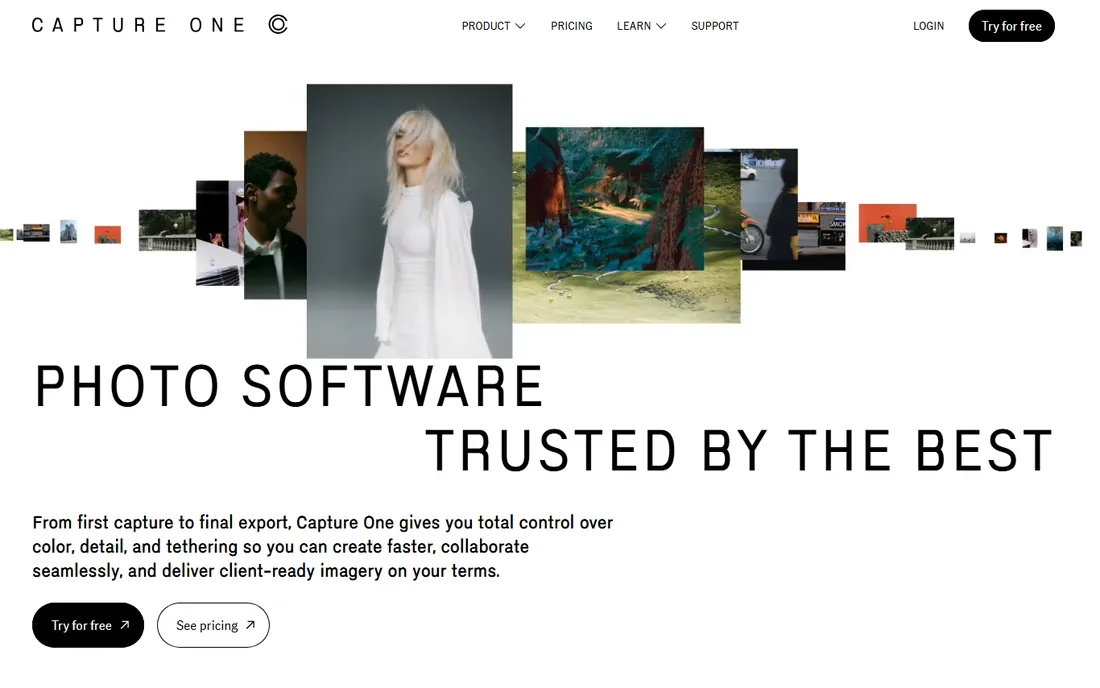
Capture One is the studio professional's choice, and tethering is why. Shooting straight into the software with live view, instant review, and client-ready sessions is smoother here than anywhere else. The color tools are genuinely a step above for fashion, portrait, and product work where skin tones and precise grading matter. Recent updates added AI masking and a Match Look feature that applies the grade from any reference image.
The price keeps rising (a 6% increase took effect in mid-2026), and at $18 per month for Pro on annual billing, it now costs nearly twice Adobe's Photography plan while covering fewer bases. The consolation is choice: Capture One still sells a perpetual license (around $349 for Pro) for buyers who want to own their software, plus a loyalty program that credits subscription years toward one. If you shoot tethered or grade color for a living, the premium is defensible. Otherwise, do the math carefully.
What we like- Superb color editing and skin-tone tools
- Best tethered shooting in the business
- Perpetual license still available alongside subscriptions
Watch out for- $18 per month costs nearly double Adobe's Photography plan for fewer apps
- Steeper learning curve than Lightroom
- Catalog features lag behind Lightroom's
Starting priceFree (freemium)
Free planYes
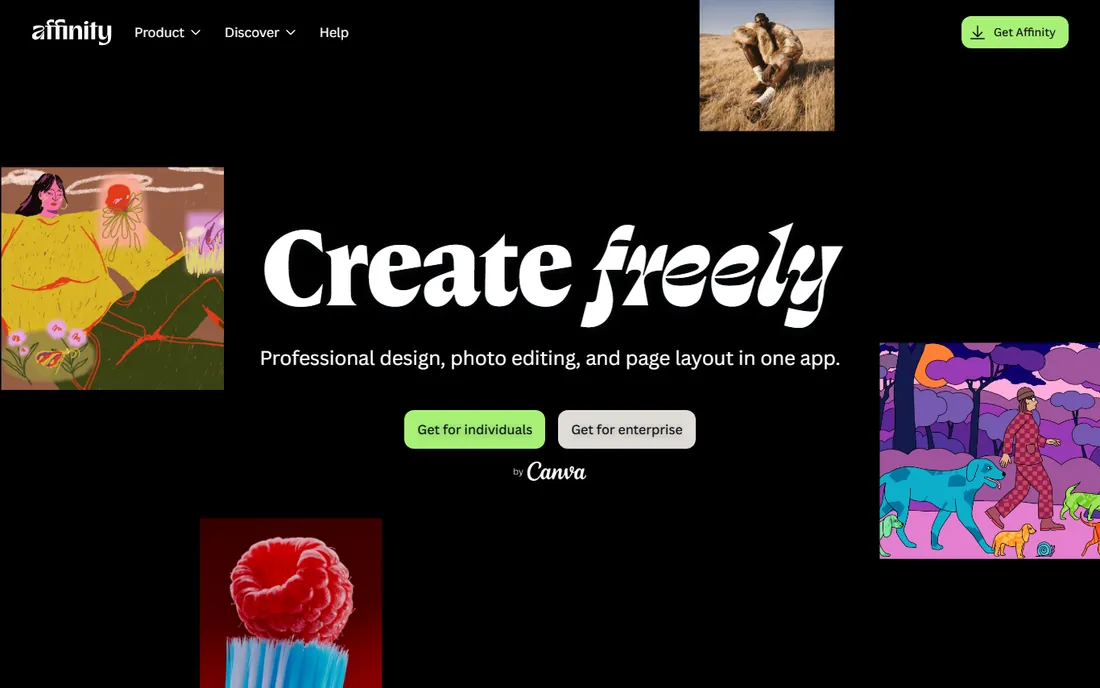
Affinity is the new chapter for Serif's creative suite. After Canva acquired Serif, the separate Affinity Photo, Designer, and Publisher apps were folded into a single freemium app called Affinity in 2025, combining raster editing, vector design, and page layout. The free tier is genuinely usable for photo editing, which makes this the strongest no-cost option for anyone who wants professional-grade tools without a subscription or a one-time purchase.
The honest caveat is newness. Longtime Affinity Photo 2 users should verify their specific workflows carried over, and Canva's long-term plans for pricing tiers are still taking shape. For new users, though, the proposition is simple: download the free app, learn real editing tools, and pay only if you outgrow the free tier. It is the easiest recommendation on this list for students and hobbyists.
What we like- Free tier covers real editing work
- Combines photo, vector, and layout tools in one app
- No subscription required
Watch out for- New product, so long-term direction is unproven
- Some Affinity Photo 2 workflows changed in the transition
- Paid tier pricing and limits need checking
Starting priceSee website
Free planFree trial
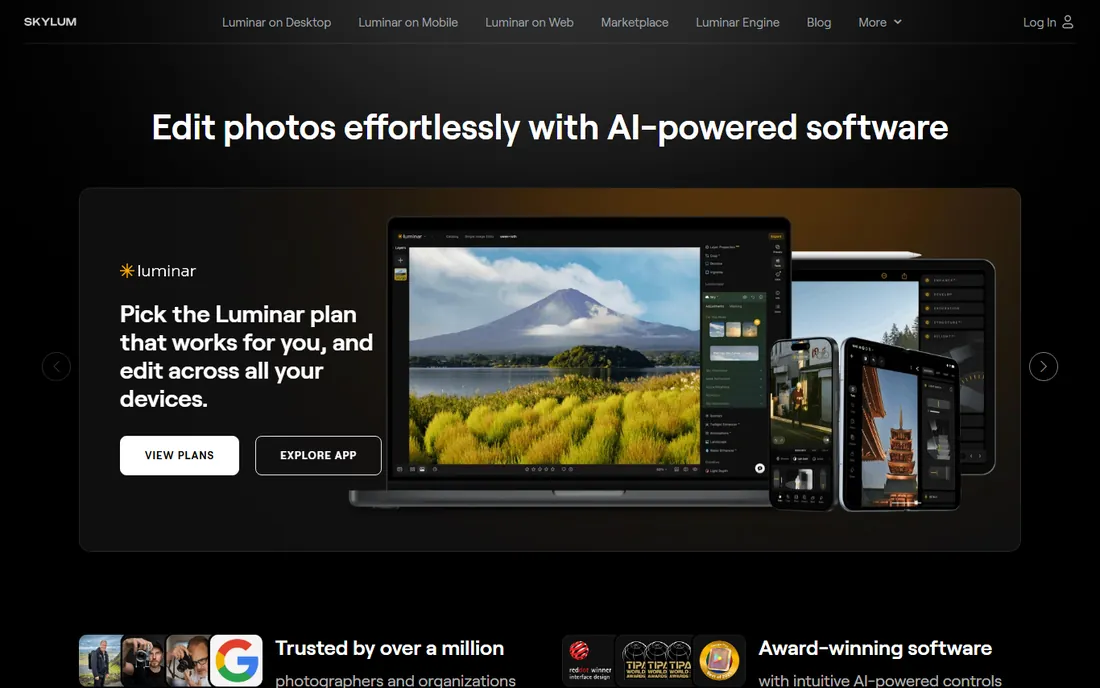
Luminar Neo bets that most photographers would rather move sliders than build masks. Its AI tools identify skies, faces, and objects automatically: replace a dull sky, relight a scene, or erase distractions without manual selection. For travel, portrait, and social content, the results arrive in minutes instead of an hour. It also works as a plugin inside Photoshop, Lightroom Classic, and Apple Photos, so it can slot into an existing workflow.
Pricing is the tricky part. Skylum runs near-constant promotions across subscription, perpetual desktop, cross-device, and Max bundles, with prices shifting by season. The lifetime license option remains the appeal for subscription-averse buyers, but confirm what is included (generative AI features have carried their own renewal terms). Take the free trial and test Sky AI and Relight AI on your own photos before paying; those two tools decide whether it earns its price for you.
What we like- Sky replacement, relight, and portrait tools work in a few clicks
- Works as a plugin for Photoshop and Lightroom
- Interface is approachable for non-experts
Watch out for- Skylum's pricing changes constantly with sales and bundles, so compare carefully
- Generative features may need renewal after a year
- Not a Photoshop replacement for heavy compositing
#6
DxO PhotoLab
Best for: Best-in-class RAW processing and noise reduction
Visit dxo.com
Starting price$159.99 one-time (Essential edition)
Free planFree trial
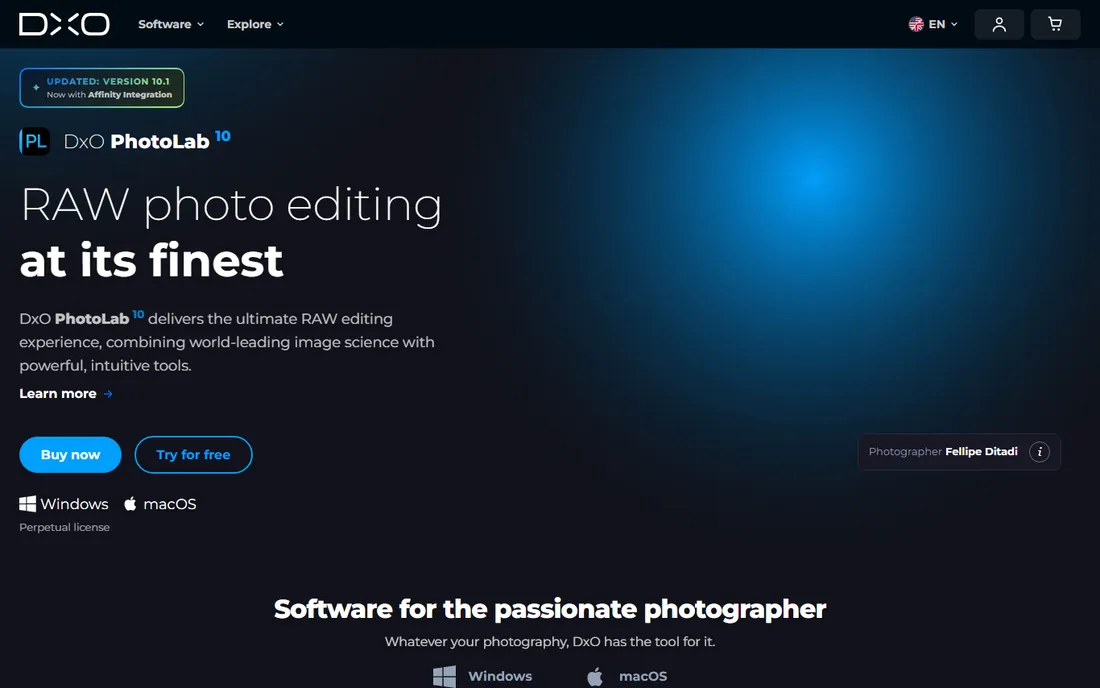
DxO PhotoLab is the pick for photographers who care most about image quality at the RAW stage. Its DeepPRIME denoising recovers high-ISO shots that look unusable in other editors, and the automatic optical corrections (distortion, vignetting, chromatic aberration) come from lab-measured lens profiles rather than generic algorithms. If you shoot in difficult light, this is the strongest developer on the list.
Buy the right edition. The $159.99 Essential edition omits DeepPRIME, which is the main reason to choose PhotoLab at all; the $249.99 Elite edition includes it and is the one most reviewers recommend. Note that PhotoLab is a RAW developer, not a compositor: there are no Photoshop-style layers for complex montages. A 30-day trial lets you test it on your own noisy files, which is the only test that matters.
What we like- DeepPRIME noise reduction is the best available
- Automatic lens corrections from lab-tested profiles
- One-time purchase with no subscription
Watch out for- Essential edition lacks DeepPRIME (Elite at $249.99 has it)
- No layered compositing like Photoshop
- Film-look presets need the separate FilmPack purchase
#7
ON1 Photo RAW
Best for: All-in-one Lightroom replacement you can own
Visit on1.com
Starting priceSee website
Free planFree trial
ON1 Photo RAW is the most direct Lightroom replacement for buyers who want to own their software. One application covers browsing, RAW development, layered editing, effects, and export, plus AI masking and resizing tools that work without per-image fees. The layout will feel familiar to Lightroom users, which shortens the switch.
The company sells both perpetual licenses and subscriptions, and the balance between them changes with promotions, so read the current offer rather than relying on old reviews. The perpetual license covers updates within the version year but not the next major release, with paid upgrades typically offered. A 30-day trial with no card required makes it easy to judge whether the all-in-one approach fits your workflow.
What we like- Browser, RAW developer, layers, and effects in one app
- Perpetual license option with no forced subscription
- Strong AI masking without per-image credits
Watch out for- Pricing shifts between perpetual and subscription tiers, so check the current offer
- Interface can feel dense
- Upgrade pricing applies to each yearly version
#8
GIMP
Best for: Free, open-source, full-control editing
Visit gimp.org
Starting price$0
Free planYes
GIMP is the free software world's answer to Photoshop, and it has been for over two decades. Layers, masks, brushes, filters, and scriptable automation cover serious retouching and compositing work at zero cost. It runs on Windows, Mac, and Linux, and the plugin ecosystem extends it into specialized territory like animation and batch processing.
The cost is time, not money. The interface is unintuitive by modern standards, RAW editing requires bolting on a plugin like darktable or RawTherapee, and CMYK color support is missing, which rules out professional print workflows. For web graphics, photo retouching, and learning real editing technique for free, though, nothing else comes close at this price.
What we like- Completely free with no tiers or upsells
- Deep toolset with layers, masks, and scripting
- Huge plugin and community ecosystem
Watch out for- Interface feels dated and has a real learning curve
- RAW support depends on external plugins
- No CMYK support for print production work
Starting price$0
Free planYes
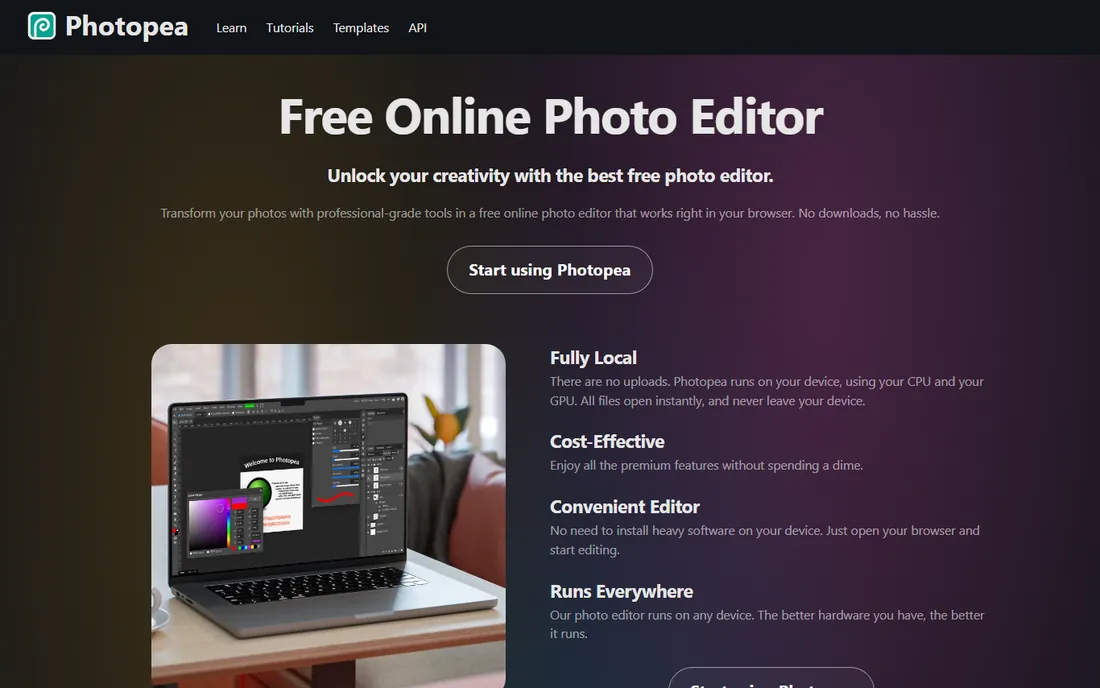
Photopea is the most surprising free tool on this list. It is a full editor that runs in your browser, opens PSD files with layers intact, and mirrors Photoshop's interface closely enough that Photoshop users feel at home immediately. For quick edits on a borrowed computer, Chromebook workflows, or anyone who cannot install software, it removes every barrier.
Browser-based editing has limits. Very large files can slow down or hit memory ceilings, and you need a connection to work. The free tier shows ads, with a paid premium removing them. But as a free, no-install, no-account editor that handles PSD files properly, Photopea has no real competitor.
What we like- Runs entirely in the browser with no install
- Opens PSD, XCF, Sketch, and RAW files
- Interface mirrors Photoshop closely
Watch out for- Needs an internet connection
- Heavy files can strain browser memory
- Advanced color management lags desktop apps
A practical way to choose
Start with your workflow, not the feature list. If you process hundreds of RAW files per shoot, you need a RAW workflow tool first (Lightroom, Capture One, DxO PhotoLab, or ON1) and a pixel editor second. If you composite, retouch, or design, start with the pixel editor (Photoshop, Affinity, GIMP, or Photopea) and add a RAW developer only if you shoot RAW.
Subscription versus ownership
Adobe and Capture One rent by the month; DxO and ON1 still sell perpetual licenses; Affinity, GIMP, and Photopea cost nothing. Subscriptions make sense if you always want the latest camera support and AI features. Ownership wins if your needs are stable and you dislike recurring bills. Over three years, a $159.99 one-time purchase beats a $19.99 monthly plan by a wide margin, as long as you do not need every new feature.
Check camera support before you pay
RAW support is the hidden dealbreaker. New camera bodies need updated RAW profiles, and perpetual-license tools only add them in paid upgrades. If you just bought a new camera, confirm your chosen editor supports its RAW files before purchasing. Subscription tools update continuously, which is their quiet advantage.
How we chose
We started with the editors photographers actually buy and discuss: Adobe's pair, Capture One, and the independent RAW developers, plus the free tools that come up in every "Photoshop alternative" thread on Reddit and photography forums. We checked each vendor's current pricing page or official store, read 2026 reviews and pricing audits, and weighed real buyer factors: RAW processing quality, library management, AI features, platform availability, and total cost over three years. We avoided niche single-purpose tools (this is a general-purpose roundup) and anything discontinued. We did not run hands-on tests; these assessments reflect documented features, published pricing, and patterns in public user feedback.
The subscription question, answered honestly
Nobody loves renting software, but the math is not always anti-subscription. Adobe's Photography plan at $19.99 per month is $239.88 per year, which buys a lot of perpetual licenses over time. The case for it is continuous camera support, cloud sync across devices, and AI features that improve monthly. The case against is simple: stop paying and the software stops working.
The middle ground is bigger than it used to be. The freemium Affinity app, GIMP, and Photopea cover real editing for free. DxO PhotoLab and ON1 Photo RAW sell perpetual licenses for serious RAW work. A practical setup for many photographers is a free pixel editor plus one paid RAW developer, owned outright, for less than a year of Adobe. Choose the model that matches how often you upgrade cameras and how much you value new features versus a quiet, paid-off toolkit.
Frequently asked questions
What is the best photo editing software for beginners?
Luminar Neo and the free Affinity app are the gentlest starts: guided AI tools and clean interfaces without a subscription trap. Lightroom is the better long-term investment if you plan to shoot seriously, since its library tools scale with your archive.
Is there a good free Photoshop alternative?
Yes. GIMP is the most powerful free desktop editor, Photopea runs a Photoshop-like editor in your browser for free, and the freemium Affinity app covers photo, vector, and layout work at no cost. All three handle real projects, not just basic tweaks.
Do I need both Lightroom and Photoshop?
Most photographers do not. Lightroom handles organizing, developing, and batch-exporting; Photoshop is for deep retouching and compositing. The Photography plan bundles both for $19.99 per month, which is why it outsells the $22.99 Photoshop-only plan.
What is the best Lightroom alternative without a subscription?
ON1 Photo RAW and DxO PhotoLab are the strongest direct alternatives, both with perpetual licenses. Capture One also sells a perpetual license but costs more. For free, the Affinity app and GIMP (paired with a RAW plugin) cover the basics.
Which photo editor has the best noise reduction?
DxO PhotoLab's DeepPRIME (Elite edition) is widely regarded as the best noise reduction available, especially for high-ISO RAW files. Lightroom's AI Denoise has improved significantly and is included in the subscription, which makes it the convenient choice for Adobe users.
Can I edit RAW photos for free?
Yes. GIMP with the darktable or RawTherapee plugin, the free Affinity app, and Photopea all handle RAW files at no cost. The workflow is less polished than Lightroom or Capture One, but the image quality can be excellent.
Sources we checked (11)
- https://weandthecolor.com/photoshop-or-lightroom-which-one-actually-deserves-your-monthly-fee/210980
- https://smartupworld.com/adobe-photoshop-pricing-plans-and-smart-alternatives/
- https://www.newsshooter.com/2026/06/01/capture-one-raises-prices-again-is-it-still-worth-it-or-time-to-jump-ship/
- https://artistichive.com/capture-one-vs-lightroom/
- https://petapixel.com/2026/07/02/capture-one-now-supports-hasselblad-photos-with-tethering-coming-soon/
- http://en.wikipedia.org/wiki/Affinity_Photo
- https://digi-tools.info/articles/luminar-neo-review
- https://sayanjaly.com/luminar-neo-ai-powered-photo-editing/
- https://www.slrlounge.com/dxo-photolab-10-review-harnessing-new-ai-tools-depth-masking-people-selection-more/
- https://www.on1.com/blog/best-photo-editing-software/
- https://www.selecthub.com/photo-editing-software/gimp-vs-dxo-photolab/
Is your product missing or out of date?
We review this list regularly. Vendors can request a listing, send updated pricing or ask about featured placement.

Shihab Mia · Founder, Rankite
Shihab has spent more than a decade helping SaaS and e-commerce brands grow through search. He writes Rankite's software buying guides from pricing pages, documentation and public user reviews. More about Shihab.