How we make this list: we compare pricing pages, product documentation and public user reviews. Rankite is independent; if a vendor ever pays for a featured spot, that listing is clearly labeled Partner.
Key takeaways
- Adobe Firefly is the new default for background removal, free with an Adobe account and including real batch processing.
- The old favorite remove.bg is shutting down on December 1, 2026, so do not build a workflow on it now; this list reflects that.
- Canva Pro ($15/month) and Adobe Express Premium ($9.99/month) fold one-click removal into design suites most teams already pay for.
- PhotoRoom is the pick for e-commerce sellers who need batch processing and marketplace-ready product shots at $12.99 per month.
Quick comparison
| Tool | Best for | Starting price | Free plan |
|---|
 Adobe Firefly Adobe Firefly | Free batch background removal | Free (paid plans add credits) | Yes |
 Canva Canva | Removal inside a design workflow | $15 per month (Pro) | Yes (background remover is Pro-only) |
 Adobe Express Adobe Express | Adobe users who want it cheap | Free (Premium $9.99 per month) | Yes |
 PhotoRoom PhotoRoom | E-commerce product photography | $12.99 per month (Pro) | Yes (watermarked, non-commercial) |
 Fotor Fotor | Budget all-in-one photo editing | Free (Pro $8.99 per month) | Yes (watermarked exports) |
 Pixlr Pixlr | Browser-based editing with AI cutout | Free (Premium $9.99 per month) | Yes (limited AI credits) |
 Slazzer Slazzer | High-volume API and bulk removal | See website (credit-based) | Free trial (free credits) |
 Clipping Magic Clipping Magic | Precision manual touch-ups | See website (credit-based plans) | Free trial |
 GIMP GIMP | Free desktop editing, full control | Free | Yes |
Is your product missing or out of date?
We review this list regularly. Vendors can request a listing, send updated pricing or ask about featured placement.
The best background remover software
Starting priceFree (paid plans add credits)
Free planYes

Adobe Firefly is the new default answer for background removal, and the timing is not a coincidence. Adobe moved its remove-background workflows into Firefly, and the result is the only tool here that combines free-with-account access, real batch processing, and commercially safe output in one place. Upload a set of product shots, strip the backgrounds, and export layered files without paying anything for moderate volumes.
The honest catch is the credit system. Free accounts get a daily allowance of generative credits, and heavy batch users will hit the ceiling and need a paid plan, Firefly Pro runs $19.99 per month with a large credit pool. For the occasional user or the small seller, the free tier covers the job. For catalog-scale work, compare the credit cost against PhotoRoom or Slazzer before committing.
What we like- Free with an Adobe account
- Genuine batch processing
- Commercially safe AI trained on licensed content
Watch out for- Daily free allowances have limits
- Heaviest features sit behind paid credit plans
Starting price$15 per month (Pro)
Free planYes (background remover is Pro-only)
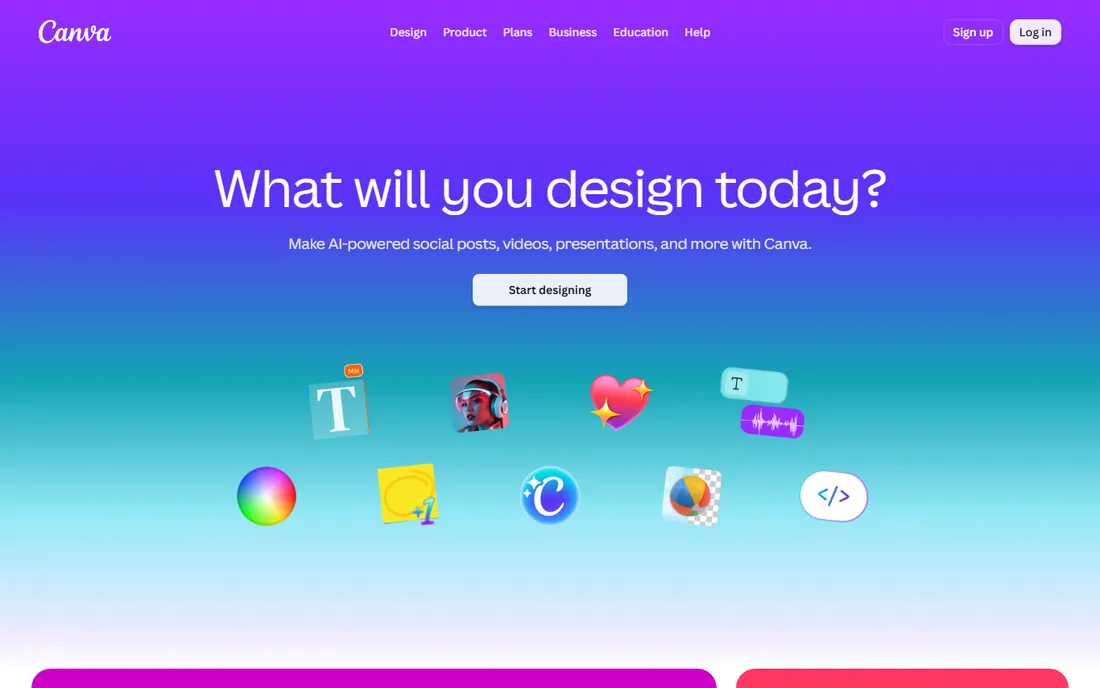
Canva treats background removal as one button inside a design workflow, and for most people that is the whole appeal. You remove the background and keep designing, dropping the cutout onto a presentation, a social post or a flyer without exporting and re-uploading anywhere. For marketers and small business owners who live in Canva, that convenience beats a slightly better edge from a standalone tool.
The price is the Pro subscription at $15 per month or $120 per year, since the remover is not on the free tier. That stings if removal is all you want, but few Canva users buy Pro for this feature alone; the brand kit, templates and resize tools usually justify it. Judge the cutout quality on hair and translucent objects before you rely on it for product photography.
What we like- One-click removal inside the editor you already use
- Huge template library
- Easy team sharing
Watch out for- Background remover requires Pro
- Cutout quality trails dedicated specialists on tricky edges
Starting priceFree (Premium $9.99 per month)
Free planYes
Adobe Express is the quieter Adobe option, and the cheaper one. The free plan covers background removal for casual use, and Premium at $9.99 per month adds the full feature set, brand kits and a large Adobe Stock library. If you already subscribe to Creative Cloud, Express Premium is included at no extra cost, which makes the price comparison with Canva irrelevant for existing Adobe customers.
The real advantage is the pipeline. A cutout made in Express opens directly in Photoshop for refinement or Illustrator for layout, which no other tool here offers. The trade is the template library, which is much smaller than Canva's, and a 300MB upload cap on the free plan. For Adobe households, Express is the obvious home for quick removals.
What we like- Free plan includes background removal basics
- Premium undercuts Canva at $9.99 per month
- Files flow into Photoshop and Illustrator
Watch out for- Smaller template library than Canva
- Free plan has upload size limits
Starting price$12.99 per month (Pro)
Free planYes (watermarked, non-commercial)
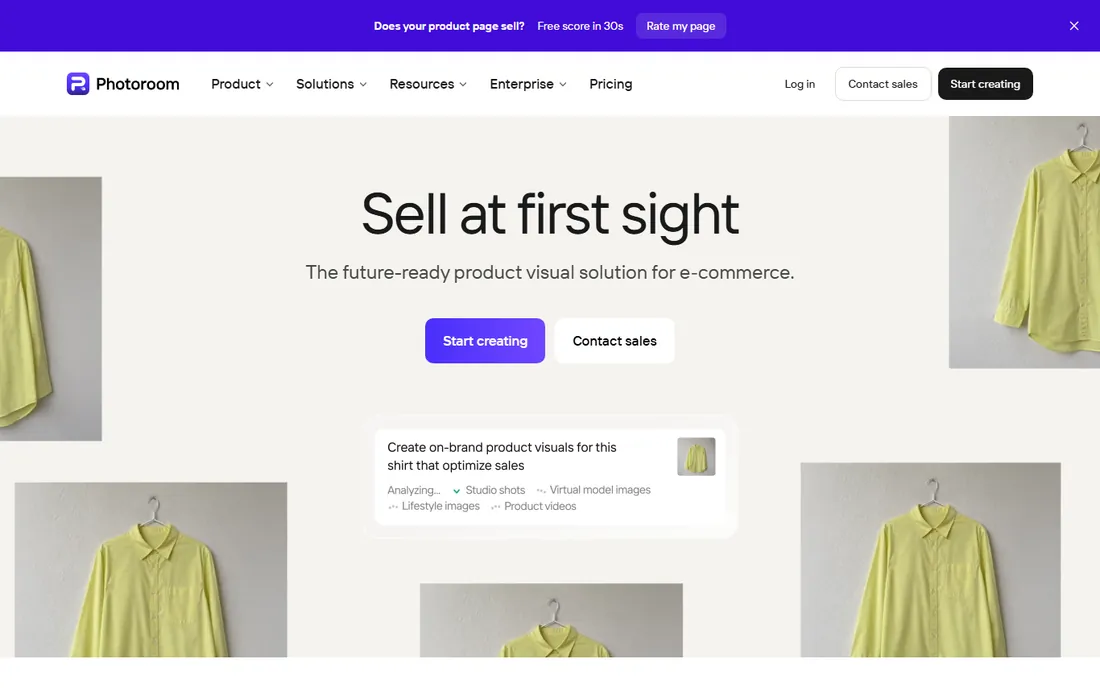
PhotoRoom was built for one buyer: the person photographing products to sell. Everything serves the listing workflow: background removal, AI-generated studio backgrounds, instant shadows, batch editing of hundreds of images, and export presets sized for eBay, Poshmark and Shopify. Resellers and small brands process weekly catalog drops here that would cost a fortune as studio shoots.
Pro costs $12.99 per month or $89.99 per year, with higher tiers for heavier volume. The free plan exists but watermarks every export and its terms exclude commercial use, so sellers must pay. Watch the two-meter system: AI credits pay for generative features while exports have their own monthly ceiling. For pure background removal at volume, the core tools do not burn credits on paid plans, which keeps the math simple.
What we like- Built for product sellers with batch mode and templates
- AI backgrounds and shadows
- Marketplace size presets
Watch out for- Free plan watermarks exports and forbids commercial use
- Credit and export caps complicate heavy use
Starting priceFree (Pro $8.99 per month)
Free planYes (watermarked exports)
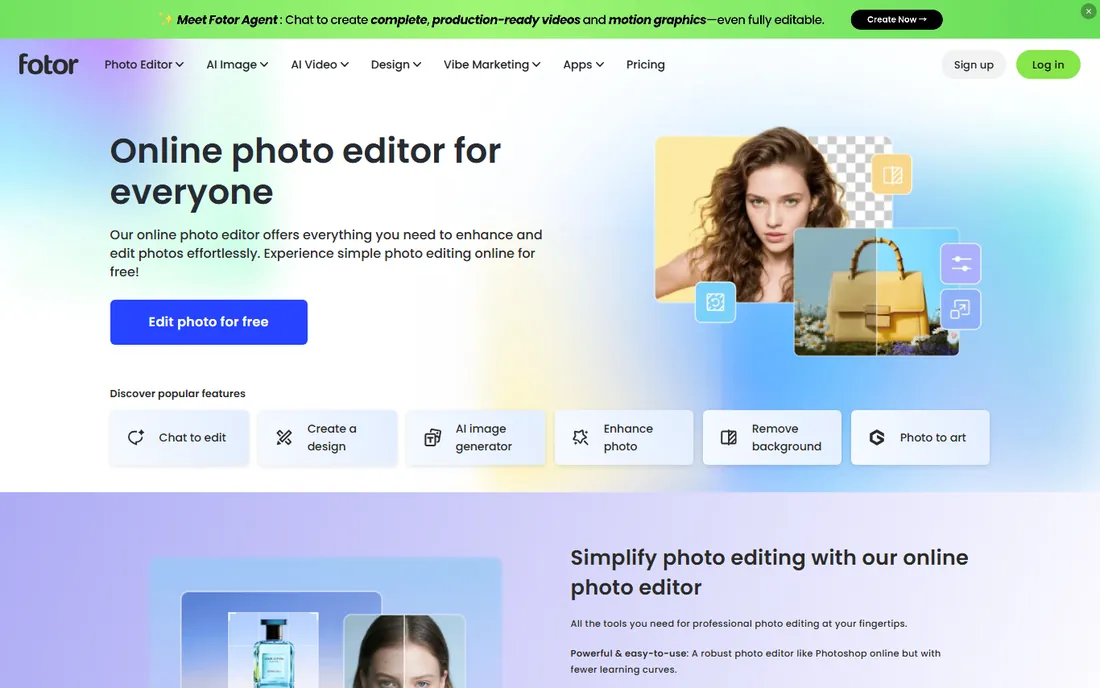
Fotor bundles background removal into a photo editor that costs less than lunch. The free tier handles basic editing and removal with watermarked exports, and Pro at $8.99 per month, or $39.99 per year billed annually, removes watermarks and adds HD exports, templates and AI tools. At $3.33 per month effective, the annual plan is one of the cheapest paid routes to watermark-free removal anywhere.
The catch is the credit model. AI features consume credits from a monthly pool, and heavy users can run dry before the month ends, though unused credits roll over for up to five months while subscribed. Review sentiment also flags billing friction around renewals, so note the renewal terms before subscribing. For casual creators who want an editor and a remover in one cheap package, Fotor is hard to beat.
What we like- Full photo editor plus background remover at a low price
- Annual Pro is only $39.99 per year
- Batch editing on higher tiers
Watch out for- Free exports carry watermarks
- Credit system meters AI features
- Billing complaints are common in reviews
Starting priceFree (Premium $9.99 per month)
Free planYes (limited AI credits)

Pixlr is the browser-based Photoshop stand-in that happens to remove backgrounds well. The free tier is genuinely usable, watermark-free exports with a 10MB file cap, and the editors, Pixlr X for quick work and Pixlr E for layered editing, cover far more than removal. AI Cutout is available on Premium at $9.99 per month, or $7.99 per month billed annually, alongside a large asset library and ad-free editing.
For buyers who want one free tool that does almost everything, Pixlr is the strongest pick on this list. The paid tiers use an AI credit pool, so heavy generative users should divide the credit count by their actual per-image cost before judging value. But for background removal plus general editing at zero cost, nothing else here matches the free tier.
What we like- Real free tier with watermark-free exports
- AI Cutout on Premium
- Full Photoshop-style editor in the browser
Watch out for- Free tier shows ads and caps AI credits
- AI Cutout requires the paid Premium plan
Starting priceSee website (credit-based)
Free planFree trial (free credits)
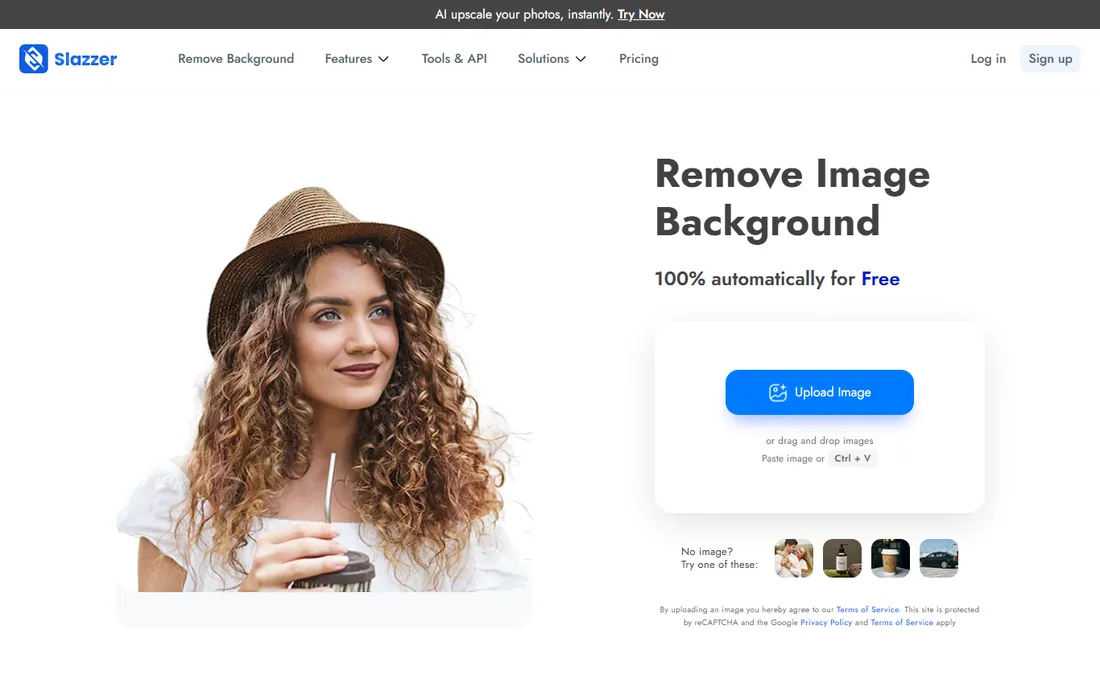
Slazzer is the specialist for teams that process images by the hundred. Beyond the web uploader, it ships a desktop app for Windows, Mac and Linux that chews through thousands of images in bulk, plus an API and plugins for e-commerce platforms. The AI handles hair, fur and complex edges competently, and newer features add AI backgrounds, shadows and upscaling for product teams.
Pricing runs on credits, with a free trial to evaluate quality, so check the current packs against your monthly volume before committing. This is not the tool for someone removing one background a week; it earns its place when removal is a pipeline. Developers automating catalog work should compare it against the PhotoRoom API and the late remove.bg's API pricing.
What we like- Desktop app for bulk drag-and-drop processing
- API and plugins for automation
- Handles hair and complex edges well
Watch out for- Pricing is credit-based and needs checking
- Less of a design tool than rivals
Starting priceSee website (credit-based plans)
Free planFree trial
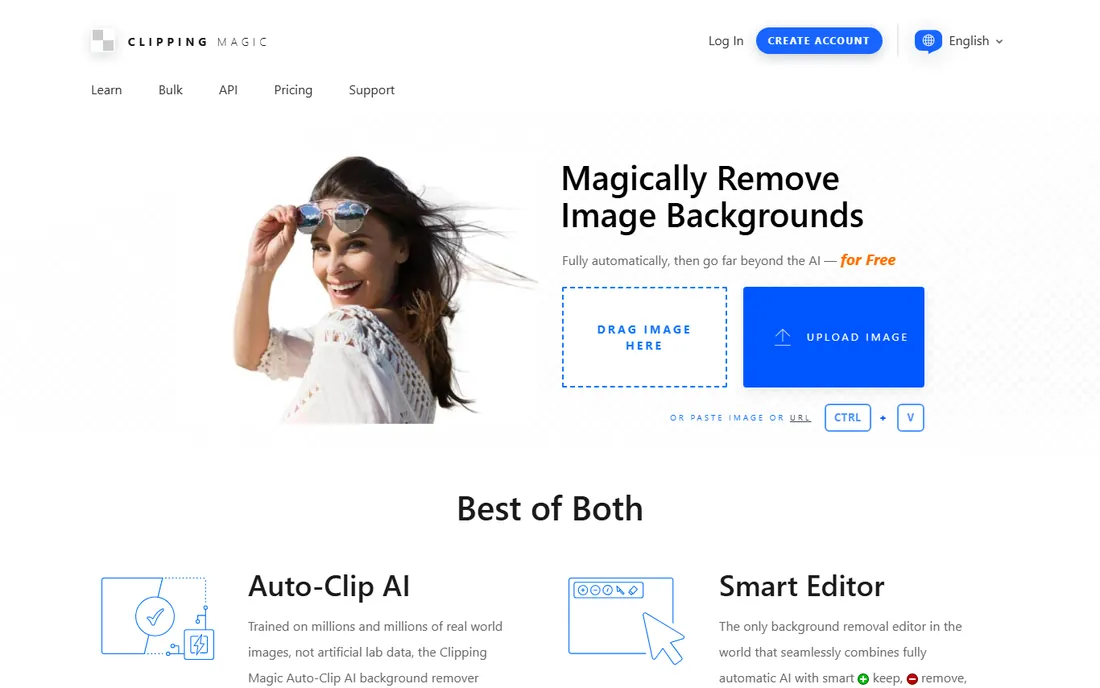
Clipping Magic is the old hand of this list, and it shows in the controls. Where most tools give you one automatic result and a shrug, Clipping Magic gives you red and green markers to teach the algorithm, a scalpel for precision cuts, smart edge controls with feathering and halo scrubbing, and a dedicated hair tool. For logos and graphics, a separate mode preserves pixel-level foreground detail that auto tools smear.
The philosophy is control over convenience, which suits retouchers and anyone whose images defeat one-click tools. Plans are credit-based with a free trial for evaluation. If your backgrounds are simple, a cheaper one-click tool will serve you better. If they are not, this is where you come when the automatic result fails.
What we like- Excellent manual refinement tools with red and green markers
- Dedicated hair tool
- Graphics mode for logos
Watch out for- Auto result sometimes needs manual help
- Pricing requires checking the site
- No free tier beyond trial
Starting priceFree
Free planYes
GIMP removes backgrounds the hard way, and charges nothing for the privilege. There is no AI cutout button in the base install; you select with fuzzy select, paths or foreground select, refine the mask by hand, and export. It is slower than every AI tool here for a simple product shot, and nobody should pretend otherwise.
What you get in return is total control and zero strings. No account, no uploads to someone else's server, no credits, no watermark, no subscription, on Windows, Mac and Linux. For sensitive images you cannot upload, for precise compositing work, or for anyone who already edits in GIMP, manual removal is a skill worth having. Plugins and scripts can add semi-automated help, but the honest pitch is craftsmanship, not convenience.
What we like- Completely free and open source
- Precise manual selection tools
- No account, no upload, no watermark
Watch out for- No AI one-click removal built in
- Real learning curve
- Slower than AI tools for simple jobs
How we chose
We reviewed current pricing pages, plan documentation and free-tier terms for each vendor, plus public reviews and comparison tests from 2026. Every tool is actively maintained and available today. One editorial decision shaped this list: remove.bg, long the category reference, announced it will shut down on December 1, 2026, directing web users to Canva and API users to alternatives. We replaced it with Adobe Firefly rather than recommend a tool with six weeks of life left. We did not run hands-on cutout tests; quality judgments rest on documented features and published comparisons.
Pick for the job, not the demo
Every background remover looks perfect in its marketing video. The differences appear in your actual images, so match the tool to the job before you pay.
For product photos at volume, batch processing decides. PhotoRoom and Slazzer process hundreds of images with consistent settings, while Firefly covers moderate batches free. One-at-a-time web uploaders will waste your week on a 500-SKU catalog.
For design work, the remover should live where you design. Canva and Adobe Express put one-click removal inside the editor, so the cutout never leaves your workflow. Exporting from a standalone tool into a design app adds friction to every image.
For tricky edges, hair, fur, translucent objects, and busy backgrounds, automatic results vary wildly. Clipping Magic exists for exactly these cases, with manual tools that fix what AI misses. Run your hardest image through each trial before you commit to anything.
For privacy-sensitive images, unreleased products or personal photos, prefer tools that process locally or at least come from vendors with clear data policies. GIMP never uploads anything, which is its own kind of feature.
Watermarks, credits and the real cost of free
Free background removal is real, but every free tier has a price in another currency. Watermarks are the most common: PhotoRoom and Fotor stamp free exports, which rules them out for client work. Resolution caps are next: free tiers often limit you to preview-size downloads useless for print. Commercial-use bans hide in terms of service, PhotoRoom's free plan explicitly excludes commercial use.
Credits are the meter you must learn to read. Many tools sell monthly credit pools where one image costs one credit, but AI backgrounds, upscaling and generation burn more. Two plans at the same price can deliver very different image counts. Before subscribing, estimate your monthly images, check the per-feature credit cost, and confirm whether unused credits roll over.
The remove.bg shutdown is a reminder to avoid lock-in. Prefer tools that export standard PNGs with transparency, keep your originals, and do not hold your workflow hostage to one vendor's API. Your cutout files should outlive any single service.
Frequently asked questions
What is the best free background remover software?
Adobe Firefly is the strongest free option in 2026, with free-with-account access and batch processing. Pixlr offers a genuinely usable free tier with watermark-free exports, and GIMP is completely free with no limits if you accept manual work. Avoid free tiers that watermark exports or ban commercial use if you sell products.
Why is remove.bg not on this list?
Remove.bg announced it will shut down on December 1, 2026. Web users are being directed to Canva and API users to alternatives, and purchased credits expire on the shutdown date. We replaced it with Adobe Firefly rather than recommend a tool with weeks of life remaining.
Which background remover is best for e-commerce?
PhotoRoom is built for sellers, with batch processing, AI backgrounds, marketplace size presets and a Shopify integration at $12.99 per month. Slazzer suits higher volumes with its desktop bulk app and API. For small catalogs, Adobe Firefly's free batch processing may be all you need.
Can I remove backgrounds in bulk for free?
Yes, within limits. Adobe Firefly offers free batch processing on its free tier, subject to daily credit allowances. Truly unlimited free bulk removal does not exist; every free tier caps volume, resolution or commercial use. For hundreds of images monthly, a paid plan pays for itself against the time cost.
Do I need Photoshop to remove backgrounds professionally?
No. Dedicated tools now match or beat manual Photoshop work for standard cutouts, and they are far faster. Photoshop still wins for complex compositing, precise masking and print production. Most sellers and marketers never need it; retouchers and print designers still do.
Sources we checked (12)
- https://firefly.adobe.com
- https://canva.com/
- https://www.adobe.com
- https://photoroom.com/
- https://fotor.com
- https://pixlr.com/
- https://www.slazzer.com/
- https://clippingmagic.com
- https://www.gimp.org/
- https://www.bgclear.ai/blog/remove-bg-shutting-down-migrate-api-integration/
- https://filmdaily.co/tech/6-background-remover-tools-for-2026-and-why-adobe-moved-yours-to-firefly/
- https://www.designkit.com/blog/remove-bg-review
Is your product missing or out of date?
We review this list regularly. Vendors can request a listing, send updated pricing or ask about featured placement.

Shihab Mia · Founder, Rankite
Shihab has spent more than a decade helping SaaS and e-commerce brands grow through search. He writes Rankite's software buying guides from pricing pages, documentation and public user reviews. More about Shihab.