How we make this list: we compare pricing pages, product documentation and public user reviews. Rankite is independent; if a vendor ever pays for a featured spot, that listing is clearly labeled Partner.
Key takeaways
- The biggest story this year is Affinity: the former $69.99 Photoshop rival is now completely free after Canva merged Photo, Designer, and Publisher into one app.
- Free tools cover serious work. GIMP, Photopea, and Paint.NET handle layers, retouching, and format conversion at zero cost, though each has a real learning curve or platform limit.
- If you pay, pay once where you can. Pixelmator Pro ($49.99) and PaintShop Pro ($99.99) are perpetual licenses, which beats a subscription for a tool you open twice a week.
- Browser editors trade depth for convenience. Pixlr, Canva, and Fotor are fast for social graphics and quick fixes, but none replaces a desktop editor for heavy retouching.
Quick comparison
| Tool | Best for | Starting price | Free plan |
|---|
 GIMP GIMP | Zero-budget teams that need real editing power | Free | Yes |
 Photopea Photopea | Photoshop-style editing without installing anything | Free | Yes |
 Affinity Affinity | Professional-grade editing at zero cost | Free | Yes |
 Paint.NET Paint.NET | Windows users who want fast, simple editing | Free | Yes |
 Pixlr Pixlr | Quick edits and AI tools in the browser | $1.99/month (Plus, billed annually) | Yes |
 Canva Canva | Marketers who need templates more than retouching | Free | Yes |
 Fotor Fotor | One-click enhancement and batch photo edits | $8.99/month (Pro) | Yes |
 Pixelmator Pro Pixelmator Pro | Mac users who want a native pro editor without a subscription | $49.99 one-time (Mac App Store) | Free trial (30 days, via Apple Creator Studio) |
 Corel PaintShop Pro Corel PaintShop Pro | Windows users who want a perpetual Photoshop alternative | $99.99 one-time | Free trial |
 CyberLink PhotoDirector CyberLink PhotoDirector | AI-assisted editing with guided workflows | $14.99/month (or $54.99/year billed annually) | Free trial (30 days) |
Is your product missing or out of date?
We review this list regularly. Vendors can request a listing, send updated pricing or ask about featured placement.
The best cheap photo editing software
#1
GIMP
Best for: Zero-budget teams that need real editing power
Visit gimp.org
Starting priceFree
Free planYes
Nobody charges you a cent for GIMP, and nobody is going to. It is open-source software under the GPL, maintained by volunteers, and the current 3.x releases run on Windows, macOS, and Linux. For a small business that needs to retouch product photos or composite images, the feature list covers the work: layers with blend modes, healing and clone tools, curves and levels, color management, and scripted batch edits.
The honest catch is the learning curve. GIMP was never designed to look like Photoshop, and people who switch expecting identical shortcuts get frustrated fast. If your team gets past that, this is the most capable free photo editor in existence, and it runs offline on modest hardware.
What we like- Full layer, mask, and retouching toolkit at no cost
- Opens PSD, RAW, and dozens of formats
- Huge library of free community plugins
Watch out for- Interface feels dated and takes real time to learn
- No official support channel, only community forums
- Some Photoshop workflows translate awkwardly
#2
Photopea
Best for: Photoshop-style editing without installing anything
Visit photopea.com
Starting priceFree
Free planYes
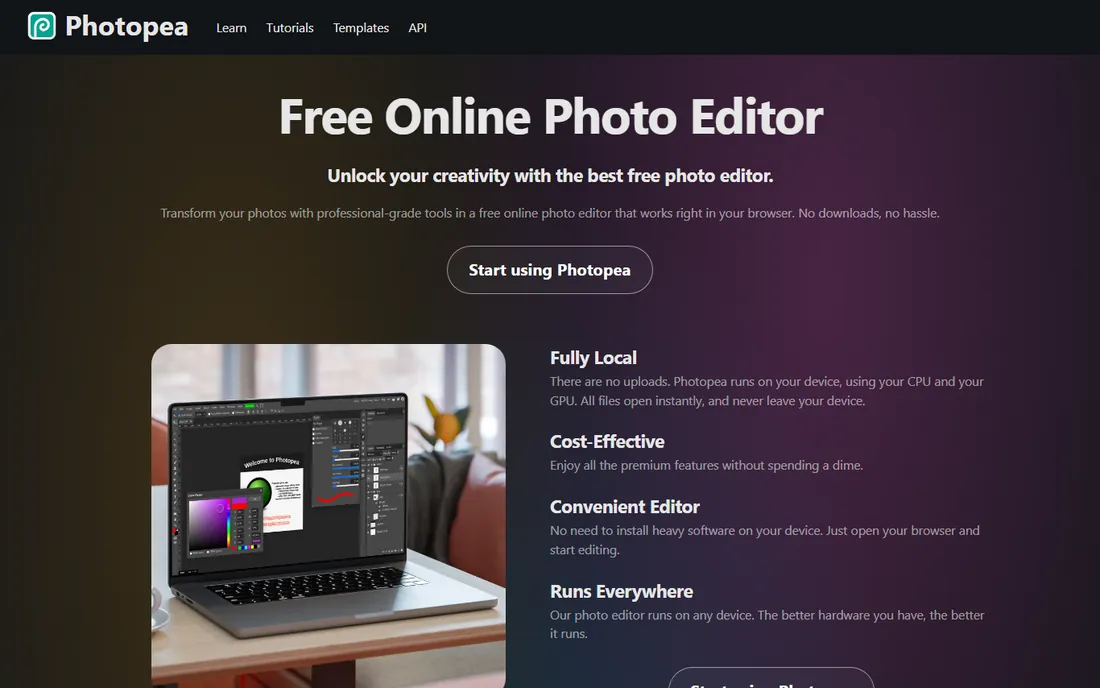
Photopea is the closest thing to opening Photoshop in a browser tab. The layout feels instantly familiar to Adobe users, and it opens PSD files with layers intact, which makes it practical for teams that receive designer files but do not pay for Creative Cloud. It handles RAW files, vector graphics, and formats including AI, INDD, and Figma files.
The free version is essentially the full editor, supported by ads along the edge of the screen. Premium costs $5 per month and removes the ads, adds 5GB of cloud storage, and includes monthly AI credits.
What we like- Runs entirely in the browser with native-feeling PSD support
- Full layers, masks, smart objects, and adjustment layers
- Files stay on your device, nothing uploads
Watch out for- Free tier shows ads that can distract during editing
- Needs an internet connection to load
- Complex files can strain low-memory machines
Starting priceFree
Free planYes
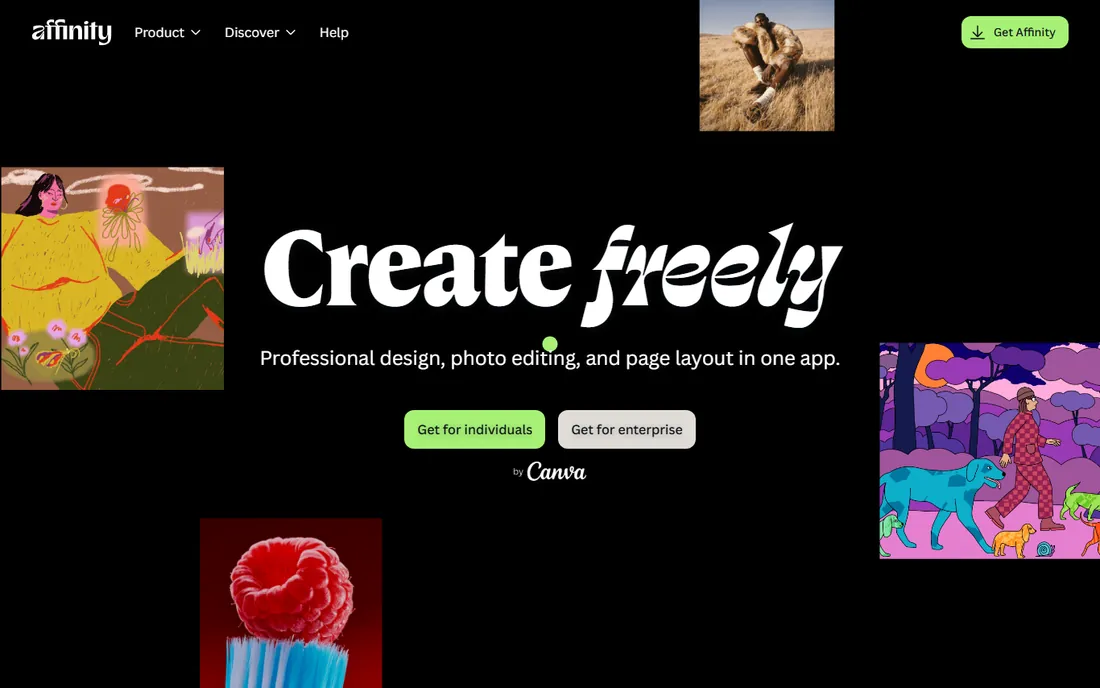
This is the most important change in budget photo editing in years. After acquiring Serif in 2024, Canva merged Affinity Photo, Designer, and Publisher into a single app called Affinity and made it completely free in late 2025. You sign in with a free Canva account and get the whole professional toolkit: layered editing with blend modes and masks, adjustment layers, frequency separation, focus stacking, and 32-bit HDR editing.
For a small business, this resets the math. What used to cost $69.99 per app now costs nothing, and it runs on Windows and macOS. Canva's AI features inside Affinity, like generative fill and background removal, sit behind a paid Canva subscription. And if you come from Lightroom, note that Affinity has no catalog system. As a Photoshop replacement for retouching and compositing, nothing free comes closer.
What we like- Formerly $69.99, now free with a free Canva account
- Full non-destructive editing, RAW development, HDR merge, and panorama stitching
- Fast performance on complex files
Watch out for- New unified app means older Affinity v2 files need attention
- Generative AI tools require a paid Canva plan
- No built-in photo catalog or library management
#4
Paint.NET
Best for: Windows users who want fast, simple editing
Visit paint.net
Starting priceFree
Free planYes
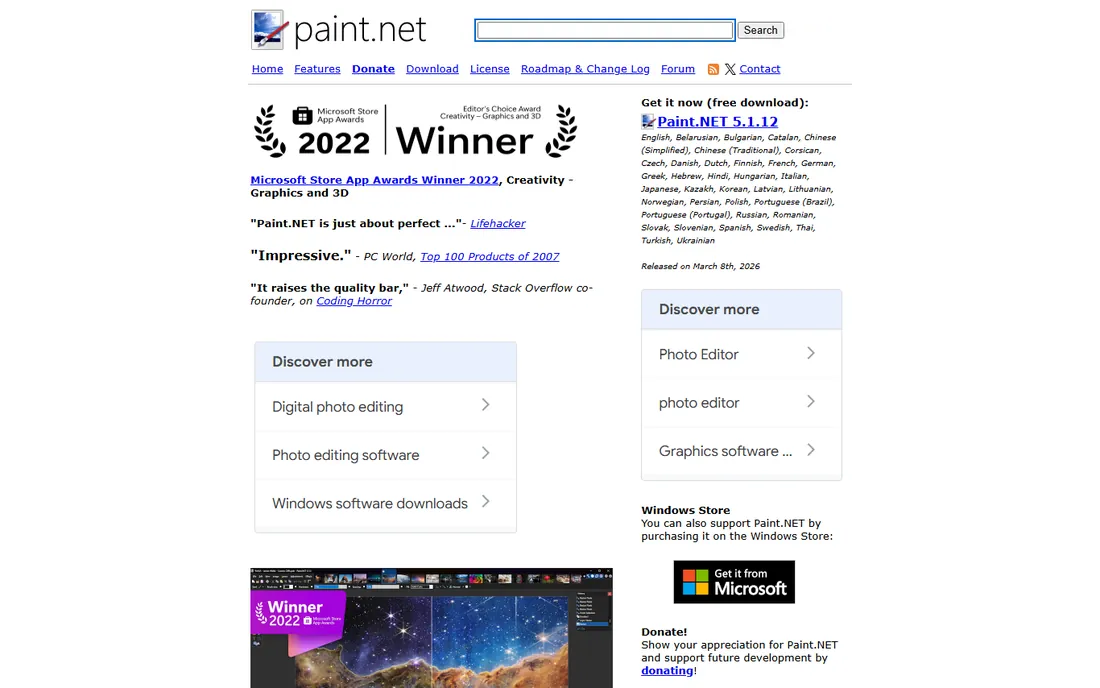
Paint.NET started in 2004 as a college project to replace Microsoft Paint, and it has grown into a genuinely useful editor without losing its speed. It opens almost instantly, the interface is clean, and it covers the fundamentals: layers, transparency, special effects, and a wide range of brushes and filters. The plugin community extends it considerably, adding everything from RAW support to advanced effects.
The big limitation is the platform. This is Windows software, full stop. After 22 years of trying, creator Rick Brewster finally secured the paint.net domain in 2026, so the official site is now the obvious address. A paid version exists on the Microsoft Store for those who want to support development, but the download from the site is free. For a Windows-based small business doing product photos and web graphics, it is the fastest path from "I need to fix this image" to done.
What we like- Lightweight and opens in seconds
- Layers, unlimited undo, and a large free plugin library
- Straightforward interface beginners learn quickly
Watch out for- Windows only, no Mac or Linux version
- Advanced features often depend on community plugins
- Development moves at one person's pace
Starting price$1.99/month (Plus, billed annually)
Free planYes
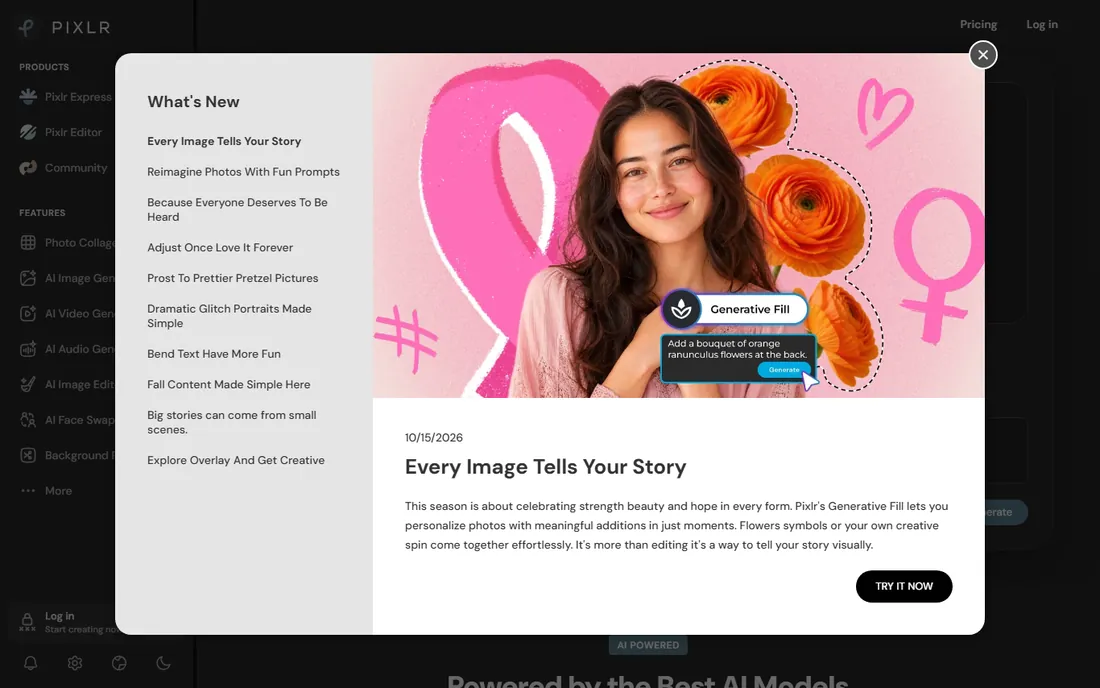
Pixlr has been around since 2008 and has grown into a suite of browser editors: Pixlr E for layered Photoshop-style work, Pixlr X for quick social graphics, and AI tools for background removal, generative fill, and upscaling. The free tier covers everyday edits, and Plus starts at $1.99 per month billed annually, which removes ads and includes unlimited saves.
That price makes Pixlr one of the cheapest ways to get an ad-free editor with modern AI features. Premium at $7.99 per month billed annually adds 1,000 AI credits and the full template library. The catch is that Pixlr is built for speed, not depth. It will not replace Affinity or GIMP for detailed retouching. For social media managers and bloggers who edit daily, it is a strong budget pick.
What we like- Free tier includes layers, masks, and AI background removal
- Plus plan removes ads for less than the price of coffee
- Works on web, desktop, and mobile with one account
Watch out for- Free version shows ads and caps daily saves
- AI credits on lower plans run out fast
- No RAW support and a 10MB upload limit on the free tier
#6
Canva
Best for: Marketers who need templates more than retouching
Visit canva.com
Starting priceFree
Free planYes
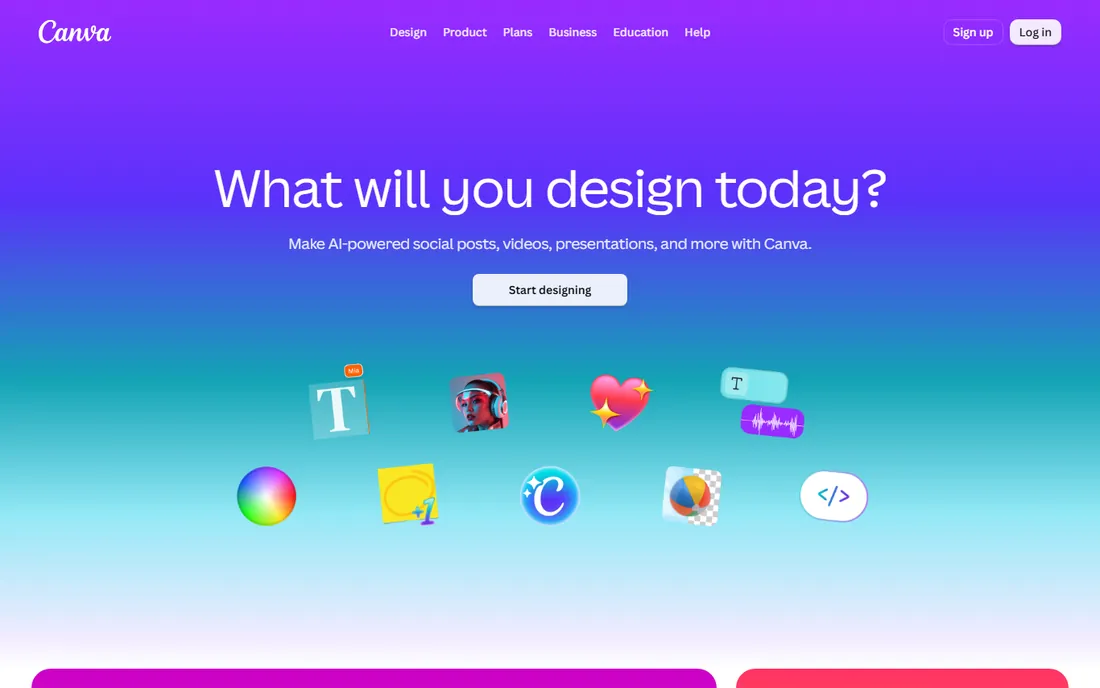
Canva belongs on this list with a caveat: it is a design platform first and a photo editor second. What it does well is speed. A small business owner can take a product photo, drop it into a template, remove the background, add brand colors, and export a finished social post in minutes. The free plan covers a surprising amount, including thousands of templates.
Pro costs $18 per month or $144 per year, which adds the background remover, Magic Resize, and the full premium asset library. But be honest about what you are buying. Canva cannot do layered compositing or serious retouching. If your needs go beyond cropping, filters, and background removal, pair the free Canva plan with a real editor like Affinity instead of paying for Pro.
What we like- Enormous template library for social, ads, and print
- Background remover and Magic Studio AI tools on paid plans
- Collaboration and brand kits built in
Watch out for- Photo editing is basic compared to real editors
- Pro now costs $144 per year
- Free plan limits storage and locks premium assets
#7
Fotor
Best for: One-click enhancement and batch photo edits
Visit fotor.com
Starting price$8.99/month (Pro)
Free planYes
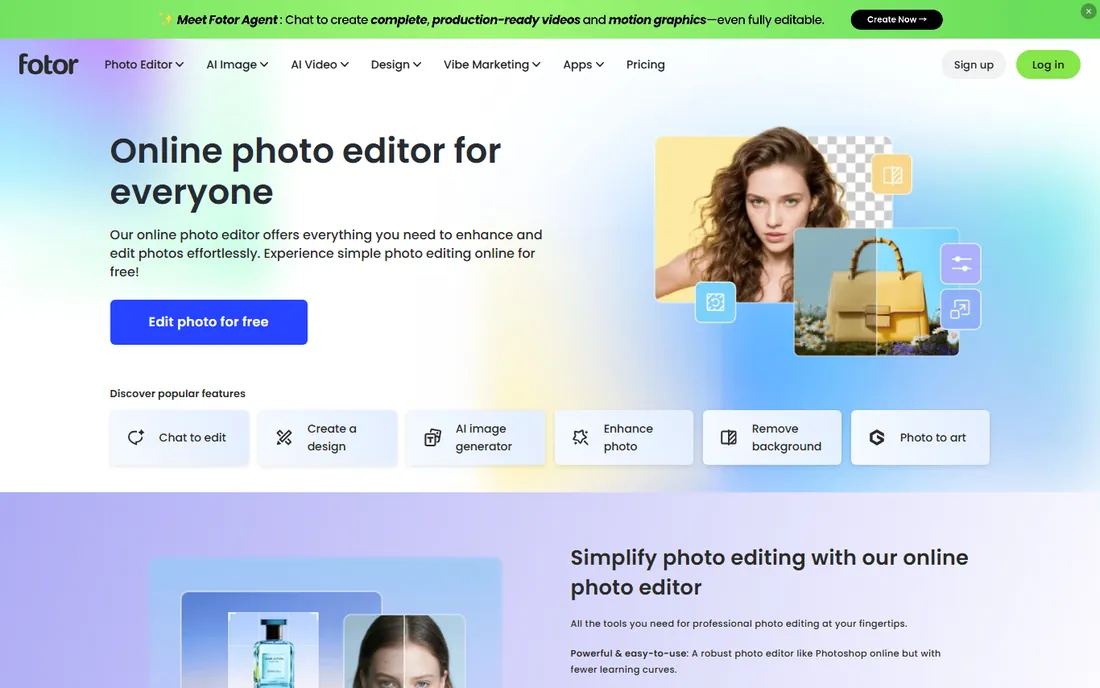
Fotor sits between Canva and Pixlr: more photo-focused than Canva, more template-driven than Pixlr. Its strengths are one-click AI enhancement, portrait retouching, and batch editing, which suits businesses that process lots of similar images, like real estate listings or product catalogs. The free Basic plan handles simple edits, and Pro starts at $8.99 per month with annual billing bringing the effective rate down.
The complaints are consistent: the features you actually want, like high-resolution exports without watermarks and the better AI tools, sit behind the paywall. Fotor fits if your workflow is "make 50 photos look better fast" rather than "retouch 5 photos perfectly."
What we like- Strong AI tools for enhancement, portrait retouching, and background removal
- Batch editor processes many photos at once
- Available on web, desktop, and mobile
Watch out for- Free exports are limited and watermarked on some features
- HD exports and full AI access require paid plans
- Interface pushes upsells regularly
#8
Pixelmator Pro
Best for: Mac users who want a native pro editor without a subscription
Visit apple.com
Starting price$49.99 one-time (Mac App Store)
Free planFree trial (30 days, via Apple Creator Studio)
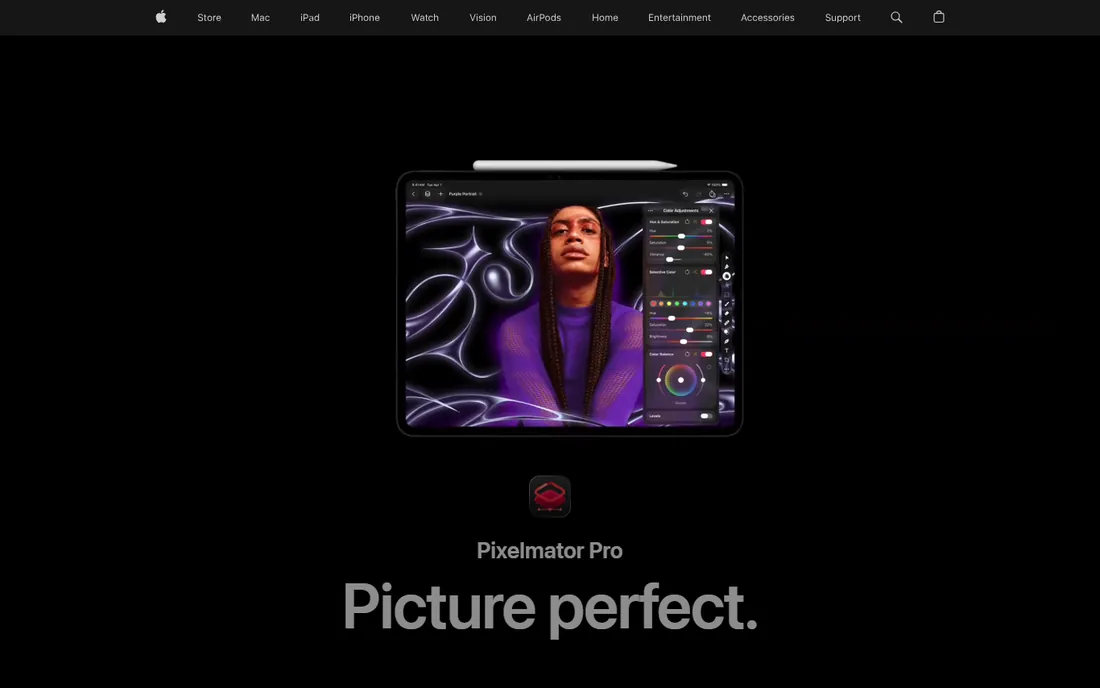
Apple acquired Pixelmator, and the app is now part of the Apple Creator Studio story, but the important fact for budget buyers survived: Pixelmator Pro for Mac is still a $49.99 one-time purchase on the App Store. That buys a genuinely professional editor with layers, masks, vector tools, and ML-powered features like Super Resolution, all tuned for Apple Silicon. The Creator Studio subscription ($12.99 per month) gets exclusive features like the Warp tool, while the one-time purchase stays slightly behind on those extras. For most photo editing work that gap does not matter.
What we like- One-time $49.99 purchase, no subscription required
- Deep macOS integration with Apple Silicon optimization
- Nondestructive editing with machine-learning tools like Super Resolution
Watch out for- Mac and iPad only, no Windows version
- Newest AI features like the Warp tool require the Creator Studio subscription
- Smaller plugin ecosystem than Photoshop
#9
Corel PaintShop Pro
Best for: Windows users who want a perpetual Photoshop alternative
Visit paintshoppro.com
Starting price$99.99 one-time
Free planFree trial
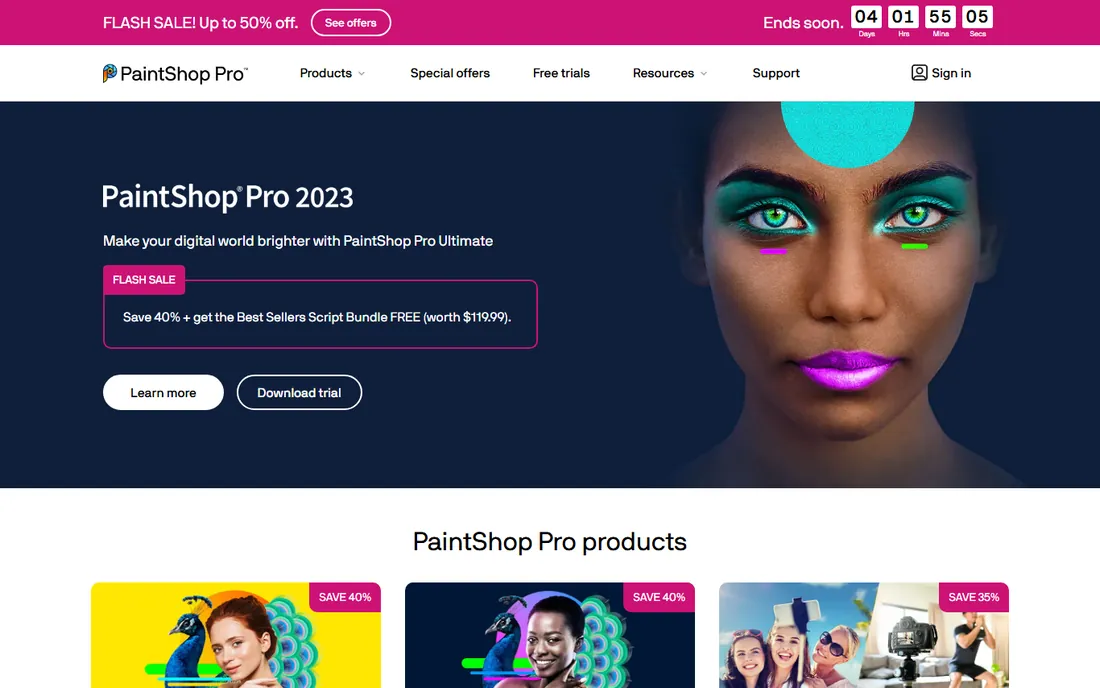
PaintShop Pro has been the classic "Photoshop without the subscription" for decades, and the model still holds: you pay once and the software is yours. The 2023 edition includes a full photo editing studio with graphic design tools, AI-powered features, and pro-level color controls. It supports Photoshop-compatible plugins, which meaningfully extends what it can do.
At $99.99 for the Ultimate edition, it costs more than Pixelmator Pro but covers similar ground on Windows. The honest concern is momentum: the latest numbered release is 2023, and Alludo has been quiet about what comes next. A free trial lets you confirm it handles your files before paying.
What we like- One-time purchase with no subscription
- Deep toolkit including layers, HDR, and 360-degree editing
- Supports Photoshop plugins for extended capability
Watch out for- Windows only
- Current version is 2023, so the release cycle has slowed
- The Ultimate edition upsell adds cost for the full bundle
#10
CyberLink PhotoDirector
Best for: AI-assisted editing with guided workflows
Visit cyberlink.com
Starting price$14.99/month (or $54.99/year billed annually)
Free planFree trial (30 days)
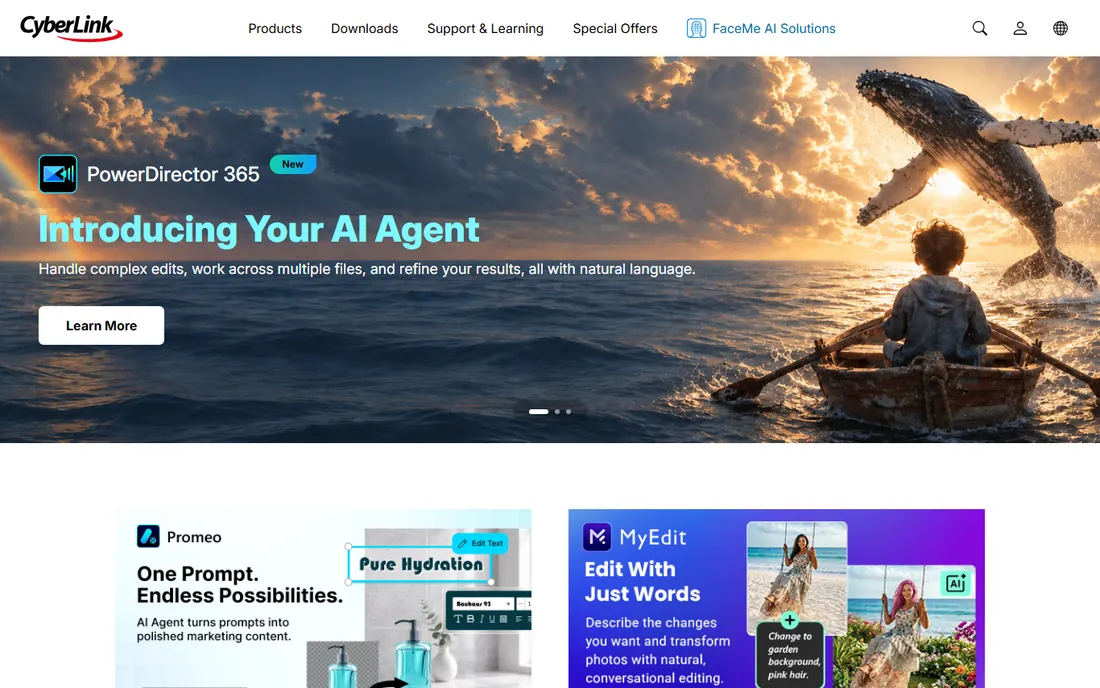
PhotoDirector 365 is CyberLink's subscription photo editor, and it leans harder into AI assistance than most tools here. Features like AI object removal with automatic detection, AI sky replacement, and one-click style effects do genuinely useful work for beginners, and the built-in tutorials walk new users through techniques. The 365 subscription adds monthly content packs, stock photo access, and cloud storage.
Pricing runs $14.99 per month or $54.99 per year, which puts it above Pixlr and Fotor for comparable AI features. Pick it for the guided workflows and the breadth of AI tools in one place. Skip it if you dislike subscriptions, since free tools like Affinity now cover the core editing just as well.
What we like- Extensive AI tools including object removal, sky replacement, and style transfer
- Guided edits and tutorials help beginners
- 50GB cloud storage and stock libraries on 365 plans
Watch out for- Subscription model with no perpetual option for the latest version
- Interface organizes features in ways that confuse new users
- Occasional stability complaints in reviews
How we chose
We started with the tools real buyers mention when they want to spend less on photo editing: long-running free editors, former paid tools that changed pricing, and low-cost subscriptions. For each one we checked the vendor's own site for current pricing and trial terms, and read recent reviews on G2, Capterra, and Reddit to see where users complain. We excluded anything shut down or folded into another product. Every price below reflects what the vendor publishes now.
What to check before you pick a budget photo editor
Price is only the first filter. A free editor that cannot open your camera's RAW files will cost you more in workarounds than a $50 license, so start with your actual files.
Check format support first. If you shoot RAW, you need a real RAW developer, which GIMP, Affinity, and Photopea include. If you only edit JPEGs for the web, almost everything here works. Next, check your platform. Paint.NET and PaintShop Pro are Windows-only, Pixelmator Pro is Mac-only, and the browser tools work anywhere with a connection.
Then look at the pricing model honestly. Subscriptions like Pixlr Plus and PhotoDirector 365 make sense if you edit every day. If you edit a few times a month, a one-time purchase or a free tool wins easily. Watch for the limits that trigger upgrades: export watermarks, capped saves, locked HD exports, and AI credit pools are the usual pressure points. Finally, consider who will learn it. GIMP rewards patience with professional power, while Canva and Fotor reward impatience with finished graphics. Match the tool to the person, not the spec sheet.
Free vs cheap paid: where the money actually goes
The free tools in this guide are free in different ways. GIMP and Paint.NET are free because volunteers and donations sustain them; there is no upsell, but no support hotline either. Photopea, Pixlr, Canva, and Fotor are free as a funnel into paid plans; the free tier is real, but ads, watermarks, and credit limits are designed to convert you. Affinity is the odd one out: a fully professional tool made free as a strategic move by Canva.
When does paying make sense? Pay when the free tier's limit hits your actual workflow, like Pixlr's save caps or Fotor's watermarked exports. Pay once when you can, because a $49.99 or $99.99 perpetual license breaks even against subscriptions in under a year for occasional use. And do not pay for two tools that do the same job. The most common waste we see in small businesses is a Canva Pro subscription plus a photo editor subscription, when one free editor and one design tool would cover everything.
Frequently asked questions
Is GIMP really free for commercial use?
Yes. GIMP is released under the GPL, so you can use it for client work without paying anyone. There is no license server, no seat count, and no commercial-use restriction.
Which cheap photo editor is closest to Photoshop?
Photopea has the most Photoshop-like interface and opens PSD files with layers intact, so Photoshop users feel at home fastest. Affinity matches more of Photoshop's actual capability for retouching and compositing, now at zero cost.
Can these tools edit RAW photos from my camera?
GIMP, Affinity, and Photopea all open RAW files with real development controls for exposure, white balance, and noise. Canva, Fotor, and Pixlr are built for JPEGs and PNGs and are poor choices for a RAW workflow.
Are browser-based editors safe for client photos?
Photopea processes files locally in your browser and states that nothing uploads to a server unless you choose cloud saving. Pixlr, Canva, and Fotor are cloud services, so your images pass through their infrastructure. For sensitive work, a desktop tool keeps everything on your machine.
Why is Affinity free now? What is the catch?
Canva acquired Affinity's maker Serif in 2024 and merged the three Affinity apps into one free application in late 2025. The catch is narrow: you need a free Canva account to activate it, and Canva's AI tools inside Affinity require a paid Canva plan.
Do I still need Photoshop if I pick one of these?
For most small business work, no. Product photos, web graphics, and social content are all covered by the tools above. You still need Photoshop if your workflow depends on specific plugins or smooth handoff with agencies on Creative Cloud.
Sources we checked (15)
- https://www.gimp.org/
- https://www.photopea.com/
- https://www.affinity.studio/download
- https://paint.net/
- https://pixlr.com/
- https://www.canva.com/
- https://www.fotor.com/
- https://www.apple.com/pixelmator-pro/
- https://www.paintshoppro.com/en/
- https://www.cyberlink.com/
- https://colorlib.com/wp/free-photoshop-alternatives/
- https://aialleyway.com/canva-pricing/
- https://www.fastlancer.org/en/fastlancer-blog/pixlr-review/
- https://www.g2.com/products/fotor-photo-editor/pricing
- https://www.techradar.com/reviews/cyberlink-photodirector-365
Is your product missing or out of date?
We review this list regularly. Vendors can request a listing, send updated pricing or ask about featured placement.

Shihab Mia · Founder, Rankite
Shihab has spent more than a decade helping SaaS and e-commerce brands grow through search. He writes Rankite's software buying guides from pricing pages, documentation and public user reviews. More about Shihab.