How we make this list: we compare pricing pages, product documentation and public user reviews. Rankite is independent; if a vendor ever pays for a featured spot, that listing is clearly labeled Partner.
Key takeaways
- One-click AI removal is now table stakes; the real differences are edge quality on hair and transparency, batch processing, and what the free tier actually lets you download.
- remove.bg defined this category, but it has announced a shutdown on December 1, 2026, with web users directed toward Canva and API users toward Leonardo.AI, so new buyers should plan accordingly.
- E-commerce sellers get the most from PhotoRoom and Pixelcut, which combine removal with batch editing, templates, and marketplace-ready exports.
- Canva and Fotor make sense when background removal is one step inside a larger design workflow rather than the whole job.
- Free tiers are genuinely useful for testing, but most cap resolution, add watermarks, or limit commercial use, so check the export terms before building a workflow on one.
Quick comparison
| Tool | Best for | Starting price | Free plan |
|---|
 remove.bg remove.bg | Fast single-image cutouts and developer API pipelines | Free previews; Lite $9/month (40 credits) | Yes (preview-resolution downloads) |
 PhotoRoom PhotoRoom | E-commerce sellers processing product photos in batches | Free (watermarked); Pro from $12.99/month | Yes |
 Adobe Photoshop Adobe Photoshop | Professionals who need total control over every edge | See website (Creative Cloud subscription) | Free trial |
 Canva Canva | Teams removing backgrounds inside a larger design workflow | Free; Pro plans paid (see website) | Yes |
 Pixelcut Pixelcut | Mobile-first sellers who want watermark-free exports | Free; Pro $10/month ($8/month billed annually) | Yes |
 Clipping Magic Clipping Magic | Precision work where automated tools leave rough edges | From $3.99/month | Free trial |
 Fotor Fotor | Casual users who want removal plus general photo editing | Free; Pro from $8.99/month | Yes |
 Runway Runway | Creators removing backgrounds from video, not just photos | Free (125 credits); Standard $12/month billed annually | Yes |
 PicWish PicWish | High-volume catalog work on a tight budget | Free; Pro from $4.99/month (billed annually) | Yes |
Is your product missing or out of date?
We review this list regularly. Vendors can request a listing, send updated pricing or ask about featured placement.
The best background removal software
#1
remove.bg
Best for: Fast single-image cutouts and developer API pipelines
Visit remove.bg
Starting priceFree previews; Lite $9/month (40 credits)
Free planYes (preview-resolution downloads)
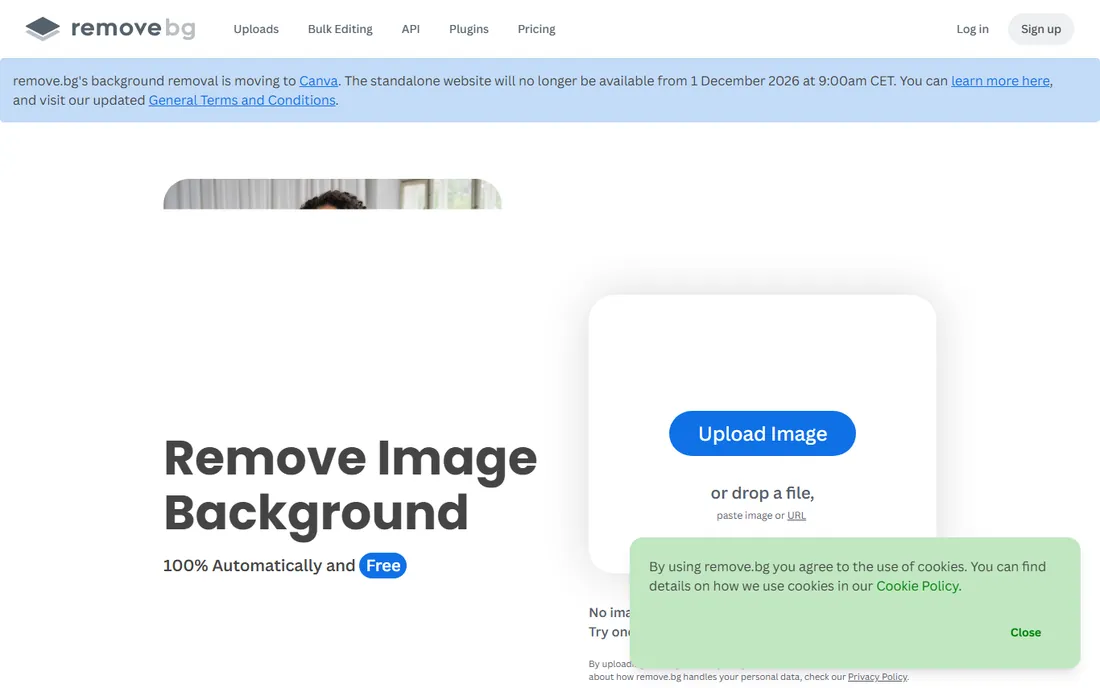
Few tools have owned a category the way remove.bg owned background removal. Upload a photo, wait a few seconds, download a cutout with clean edges. The credit model fits teams that process images in bursts: Lite costs $9 per month for 40 full-resolution credits, Pro $39 for 200, with pay-as-you-go packs for irregular volume. Developers get a proper API rather than a screen to click through.
The elephant in the room is the announced shutdown on December 1, 2026, with web users pointed toward Canva and API users toward Leonardo.AI. The service works today and existing credits run until then, but nobody should build a new long-term pipeline on it. Treat remove.bg as a bridge: fine for immediate needs while you evaluate its successors, not as a permanent foundation.
What we like- One-click removal with consistently clean edges
- Credit-based pricing scales with volume
- Mature API for automated workflows
Watch out for- Free tier caps downloads at preview resolution
- Announced shutdown on December 1, 2026
- No built-in design or batch editing tools
#2
PhotoRoom
Best for: E-commerce sellers processing product photos in batches
Visit photoroom.com
Starting priceFree (watermarked); Pro from $12.99/month
Free planYes
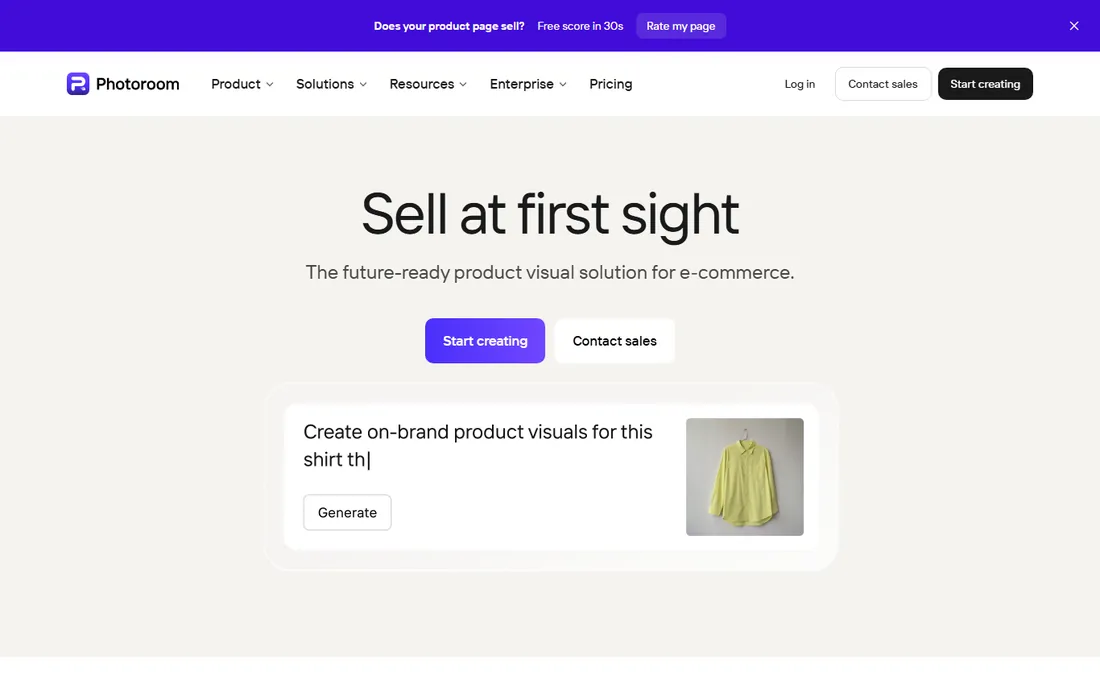
PhotoRoom is built for one job and does it well: turning phone photos into marketplace-ready product images. Remove the background, drop in a clean white or branded backdrop, resize for eBay, Poshmark, or Shopify, and push the whole batch through at once. For sellers listing dozens of SKUs a week, that pipeline replaces a photo studio.
The free plan is a trial in practice, since watermarked exports cannot be used commercially. Pro starts around $12.99 per month and adds batch processing, templates, and HD exports. PhotoRoom is less interesting if you need general photo editing or precise manual masking, but for product catalogs it remains the most focused tool in this list.
What we like- Batch editing for catalogs, up to hundreds of images at once
- Templates and background styles tuned for marketplaces
- Strong mobile apps for shooting and editing on the go
Watch out for- Free exports carry a watermark and are not licensed for commercial use
- Best features sit behind Pro
- Less useful outside product photography
#3
Adobe Photoshop
Best for: Professionals who need total control over every edge
Visit adobe.com
Starting priceSee website (Creative Cloud subscription)
Free planFree trial
When an automated remover fails on wispy hair or a glass bottle, the job lands in Photoshop. Its Remove Background button gives you a starting mask in seconds, and then Select and Mask, the refine edge brush, and layer masks let you fix whatever the AI missed. Nothing else here offers that ceiling of control.
That power comes with Adobe's subscription pricing and a genuine learning curve. For a marketing team producing hero images and ad creative, Photoshop is the finishing tool that sits after a bulk remover. For someone who just needs backgrounds gone from product shots, it is more software, and more money, than the task requires.
What we like- One-click Remove Background plus full manual masking and refinement
- Handles hair, fur, and transparency better than any automated tool
- Integrates with the entire Creative Cloud workflow
Watch out for- Subscription pricing with no free tier
- Real learning curve for the manual tools
- Overkill if all you need is quick cutouts
#4
Canva
Best for: Teams removing backgrounds inside a larger design workflow
Visit canva.com
Starting priceFree; Pro plans paid (see website)
Free planYes

Canva's background remover wins on convenience, not precision. One click inside the editor, and the cutout is already sitting in your social post, thumbnail, or pitch deck. For marketing teams and small businesses producing a steady stream of content, eliminating the round trip between a remover and a design tool saves real time every week.
The catch is that background removal requires a Pro subscription; the free plan does not include it. Edge quality is good for straightforward subjects but falls short of remove.bg or Clipping Magic on hair and fine detail. Choose Canva when removal is one step in a design process your whole team already uses, not when pixel-perfect cutouts are the deliverable.
What we like- Background remover lives inside the editor, so cutouts drop straight into designs
- Huge template library for social, ads, and presentations
- Easy for non-designers
Watch out for- Removal quality trails dedicated tools on tricky edges
- The remover is a Pro feature, not available on Free
- Per-seat pricing adds up for teams
#5
Pixelcut
Best for: Mobile-first sellers who want watermark-free exports
Visit pixelcut.ai
Starting priceFree; Pro $10/month ($8/month billed annually)
Free planYes

Pixelcut stands out for a simple reason: its free tier lets you download full-resolution cutouts without a watermark or even an account. That makes it the best no-cost option for occasional use. Pro costs $10 per month, or $8 per month billed annually, and adds unlimited removal and upscaling, batch exports, and a commercial license.
The app has grown from a focused remover into a broader AI creative suite, which brings more capability at the cost of some simplicity. For sellers and creators who work from their phones, the mobile polish is excellent. Desktop users who only need occasional cutouts may prefer the even simpler web tools, but few of those match Pixelcut's free export terms.
What we like- Free plan exports without watermarks, which is rare
- Fast background removal plus AI backgrounds and upscaling in one app
- Works in browsers and on iOS and Android
Watch out for- Free plan limits how often AI tools can be used
- The expanding feature set makes the app busier than it used to be
- Batch exports need Pro
Starting priceFrom $3.99/month
Free planFree trial
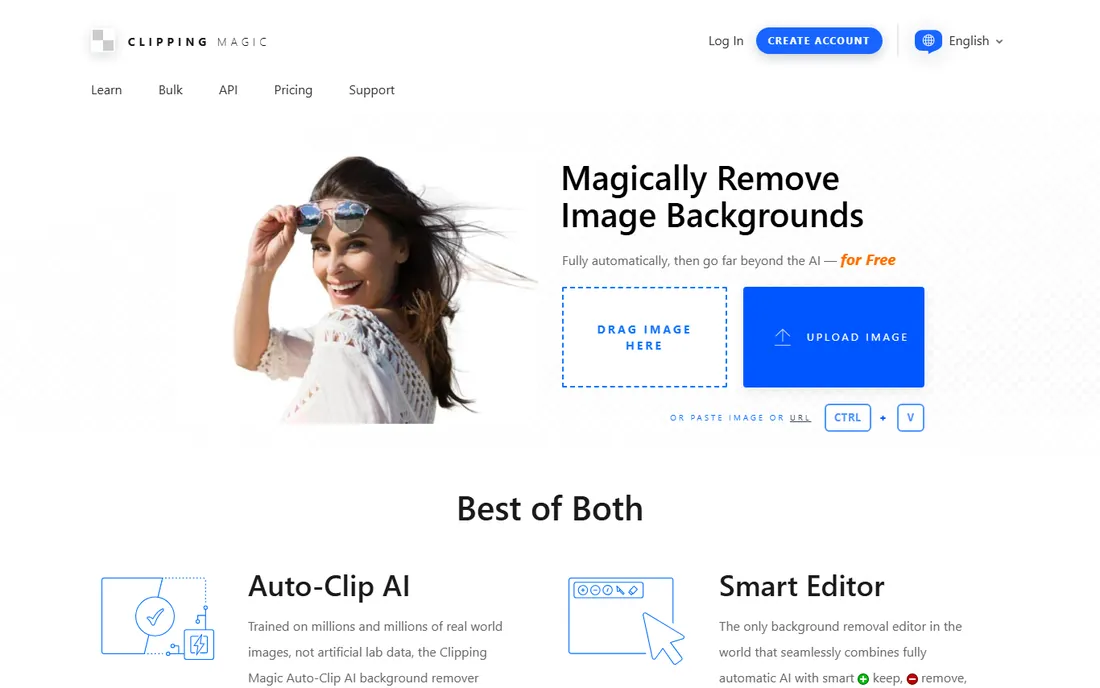
Clipping Magic is the craftsman's tool in a field of automation. You mark foreground in green and background in red, and its algorithm resolves the boundary, with a scalpel tool, hair refinement, and edge controls for the details that matter. Product photographers dealing with jewelry, fur, or complex transparency still keep it in the toolkit for the images that one-click tools mangle.
Pricing starts at $3.99 per month, which is modest for a professional tool, but there is no free tier for ongoing use. It will not win on speed for bulk catalogs, and the interface feels dated next to PhotoRoom or Pixelcut. Its place is as the precision second step: run the batch through an automated tool, then fix the failures here.
What we like- Red and green markers give fast, precise control over difficult areas
- Dedicated hair tool and smart edge controls
- Bulk clipping for sequences of similar images
Watch out for- No permanent free tier
- The manual workflow is slower than one-click tools
- Interface shows its age
#7
Fotor
Best for: Casual users who want removal plus general photo editing
Visit fotor.com
Starting priceFree; Pro from $8.99/month
Free planYes
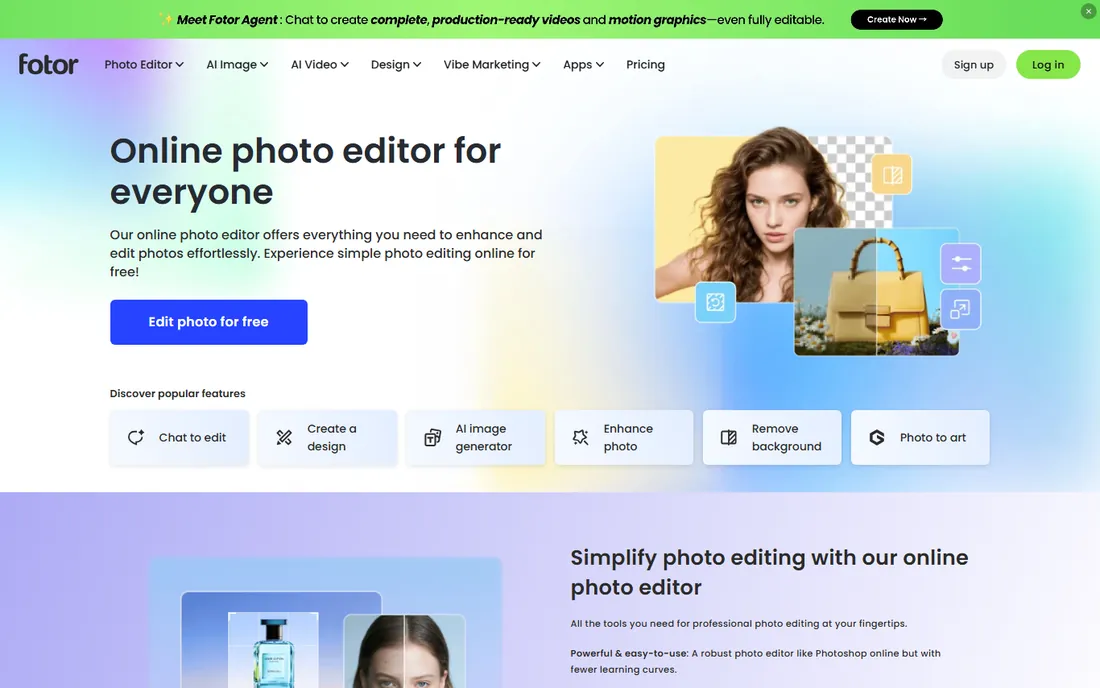
Fotor is the generalist. Its background remover sits alongside exposure adjustments, retouching, collage makers, and a growing set of generative AI tools, all in a browser tab. For a small business owner who needs to remove a background today, design a flyer tomorrow, and touch up a headshot next week, that breadth matters more than winning an edge-quality contest.
The free plan covers a lot, and Pro starts at $8.99 per month for the advanced features and higher limits. Fotor will not satisfy a retoucher or a high-volume catalog operation, but as the one editing login for a team without a designer, it is practical and affordable.
What we like- One-click background remover inside a full photo editor
- Generous free plan for basic editing
- Available on web, desktop, and mobile
Watch out for- Removal accuracy is good rather than best-in-class
- Advanced AI features need Pro
- Ads and upsells in the free experience
#8
Runway
Best for: Creators removing backgrounds from video, not just photos
Visit runway.com
Starting priceFree (125 credits); Standard $12/month billed annually
Free planYes
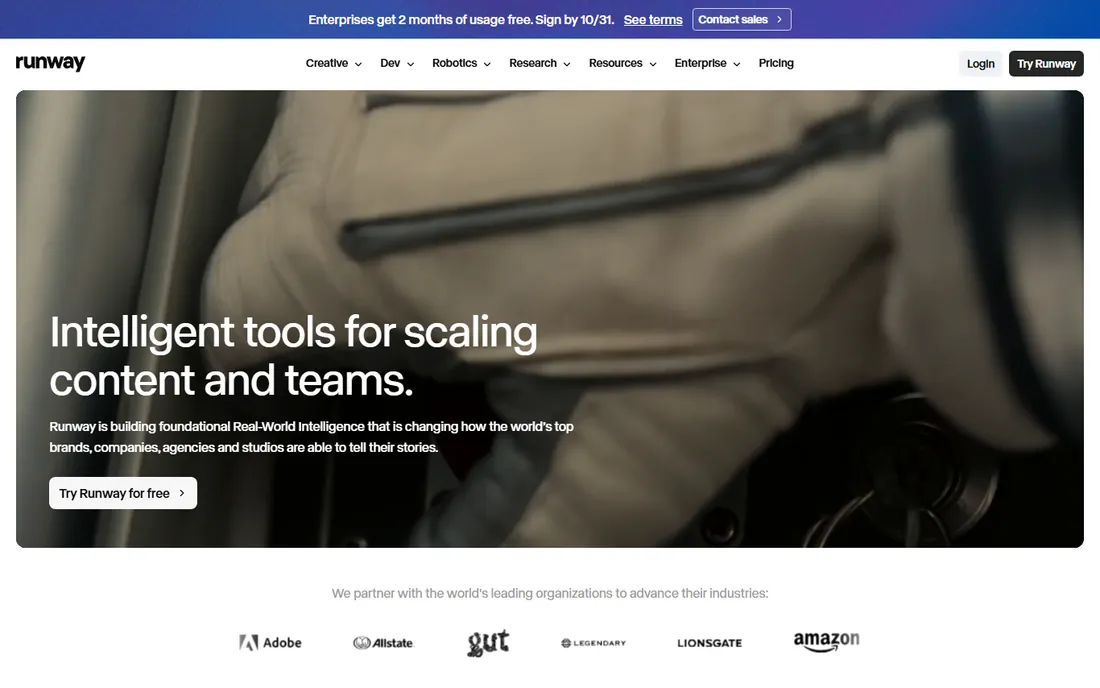
Most tools here handle still images. Runway, formerly RunwayML, handles video, and its Green Screen tool is the most accurate AI background remover for moving footage in its price range. Hair, motion blur, and complex backgrounds come out cleaner than real-time webcam tools manage, and frame-by-frame brush refinement fixes the shots automation misses. Plugins for the major editors keep it inside professional workflows.
The pricing reflects its video roots: a free tier with 125 one-time credits, then Standard at $12 per month billed annually for 625 monthly credits. For photo-only work, every other tool here is cheaper and simpler. For creators, agencies, and course producers cutting subjects out of video, Runway is in a different league from the photo tools.
What we like- Frame-accurate AI masking for video with manual refinement tools
- Integrates with Premiere Pro, Final Cut, and DaVinci Resolve
- No powerful GPU required since processing is cloud-based
Watch out for- Built for video, so it is overkill for simple photo cutouts
- Credit-based pricing can get expensive for long footage
- Not real-time
Starting priceFree; Pro from $4.99/month (billed annually)
Free planYes

PicWish competes on price and volume. Pro starts at $4.99 per month billed annually, or $9.99 month to month, which undercuts PhotoRoom and Pixelcut for sellers processing hundreds of images. The desktop app's batch mode, pay-as-you-go credit packs from $12.99, and extras like unblur and upscaling round out a practical toolkit for catalog operations.
The tradeoff is refinement. Edge quality and the overall experience sit a notch below the category leaders, and the separate mobile and desktop subscriptions are an annoyance. For a marketplace seller or small studio where per-image cost dominates the decision, PicWish is the budget pick that still gets the job done.
What we like- Among the cheapest paid plans here for batch background removal
- Desktop batch mode handles large catalogs
- Pay-as-you-go credit packs for irregular volume
Watch out for- Interface and output quality trail the premium rivals
- Mobile and desktop subscriptions are separate
- Free tier limits daily HD downloads
How we chose
We tested the current state of each tool through vendor pricing pages, documentation, and feature lists, then checked real-world performance against public reviews on G2, Capterra, and Reddit, plus hands-on comparisons published in 2026. We required active, purchasable products, which is why this list notes remove.bg's announced December 2026 shutdown rather than pretending it is business as usual. Pricing reflects published plans as of October 2026.
How to judge a background remover before you commit
Test with your hardest images, not your easiest
Every AI remover nails a person against a white wall. Run your trial on the images that actually cause trouble: flyaway hair, fur, transparent glass, jewelry, and subjects whose colors match the background. Export at full resolution and zoom to 100 percent. The tool that survives your worst five images is the one to buy.
Read the free tier's export terms
Free plans differ more in their restrictions than in their AI. Some cap resolution, some watermark exports, some forbid commercial use, and some limit how many images you can process per day. Pixelcut's watermark-free free exports are unusually generous; PhotoRoom's free watermark and commercial-use ban are typical. Match the terms to your actual use before you build a workflow on a free plan.
Batch and API matter more than you think
Removing one background is a demo. Removing two hundred before a catalog launch is the job. If you process volume, check batch limits, batch export counts, and whether an API exists for automation. PhotoRoom, Pixelcut Pro, and PicWish handle batches natively; remove.bg's API was built for pipelines, which is part of why its shutdown stings for developers.
Free tiers in this category are genuinely useful for testing and occasional use, but they draw the line at exactly the point where professional work begins: full-resolution downloads, commercial licenses, and volume. Expect to pay $4 to $13 per month for unlimited or high-volume removal with commercial rights, which is cheap compared with the designer hours it replaces. The exception is Photoshop, where you pay for control rather than volume, and Runway, where you pay for video. One more practical note: if your needs are truly occasional, a pay-as-you-go credit pack from PicWish or Clipping Magic's low entry tier beats a monthly subscription you will forget to cancel.
Frequently asked questions
Which background remover is best for product photos?
PhotoRoom and Pixelcut are the strongest picks for product photography. Both combine removal with batch processing, background templates, and marketplace-ready exports. PicWish is the budget alternative for high-volume catalogs where per-image cost matters most.
Is there a completely free background remover with no watermark?
Pixelcut's free plan exports full-resolution cutouts without a watermark, which is the most generous free tier here. Fotor's free plan also exports without watermarks for basic editing. Most other free tiers watermark exports, cap resolution, or restrict commercial use.
What is happening to remove.bg?
remove.bg has announced it will shut down on December 1, 2026. Web users are being directed to Canva, and API users toward Leonardo.AI. The service still works today, but new buyers should choose a tool with a future rather than building on it.
Can I remove backgrounds from video?
Yes. Runway's Green Screen tool is the best option in this list for video, with frame-accurate AI masking and plugins for Premiere Pro, Final Cut, and DaVinci Resolve. Real-time tools like NVIDIA Broadcast handle live webcam backgrounds for streaming and calls, but they are a different category from post-production removal.
How accurate is AI background removal on hair and fur?
Good tools handle most hair well, but fine flyaway strands, fur, and semi-transparent materials still challenge automation. Clipping Magic's dedicated hair tool and Photoshop's manual refinement exist precisely for these cases. Always test with your own difficult images before committing.
Do I need Photoshop just to remove backgrounds?
No. Dedicated removers are faster and cheaper for straightforward cutouts. Photoshop earns its place when you need manual control over difficult edges, compositing into complex scenes, or print-resolution output with precise masking. Most buyers should start with a dedicated tool and add Photoshop only if they hit its limits.
Sources we checked (13)
- https://remove.bg/
- https://photoroom.com/
- https://www.adobe.com
- https://canva.com/
- https://pixelcut.ai/
- https://clippingmagic.com/
- https://www.fotor.com/
- https://runway.com/
- https://picwish.com/
- https://www.designkit.com/blog/remove-bg-review
- https://techbullion.com/the-5-best-background-remover-tools-for-2026-including-why-adobe-moved-remove-background-to-firefly/
- https://playyy.ai/blog/pixelcut-alternatives
- https://dev.to/mckennachapman/the-ai-tools-worth-paying-for-in-2026-every-price-checked-on-the-day-of-writing-3o24
Is your product missing or out of date?
We review this list regularly. Vendors can request a listing, send updated pricing or ask about featured placement.

Shihab Mia · Founder, Rankite
Shihab has spent more than a decade helping SaaS and e-commerce brands grow through search. He writes Rankite's software buying guides from pricing pages, documentation and public user reviews. More about Shihab.