How we make this list: we compare pricing pages, product documentation and public user reviews. Rankite is independent; if a vendor ever pays for a featured spot, that listing is clearly labeled Partner.
Key takeaways
- Affinity is now completely free after Canva merged Photo, Designer and Publisher into one app, which makes it the strongest value on this list.
- ON1 Photo RAW is the closest single-app Lightroom replacement with a true perpetual license, covering organizing, RAW editing and effects.
- DxO PhotoLab 10 leads on pure image quality, with the best noise reduction and lens corrections of any perpetual-license editor.
- Pixelmator Pro at $49.99 one-time is the cheapest serious pixel editor for Mac owners.
- Heads-up: Photoshop Elements is no longer perpetual. Since the 2025 release it is a 3-year term license.
Quick comparison
| Tool | Best for | Starting price | Free plan |
|---|
 Affinity Affinity | free professional-grade photo editing | Free | Yes |
 ON1 Photo RAW ON1 Photo RAW | replacing Lightroom with a single app | See website | Free trial (30 days) |
 DxO PhotoLab DxO PhotoLab | photographers who prioritize image quality above all | See website | Free trial (30 days) |
 Capture One Capture One | studio, tethered and high-volume pro workflows | See website | Free trial |
 Luminar Neo Luminar Neo | fast, AI-assisted edits without a learning curve | See website | Free trial |
 Pixelmator Pro Pixelmator Pro | Mac owners who want pro pixel editing cheap | $49.99 one-time (Mac) | Free trial (30 days via Apple Creator Studio) |
 Corel PaintShop Pro Corel PaintShop Pro | Windows users who want an all-rounder | See website | Free trial |
 ACDSee Photo Studio ACDSee Photo Studio | photographers who organize huge libraries | $249.99 (full MSRP, Photo Studio Ultimate) | Free trial (15 days) |
 Adobe Photoshop Elements Adobe Photoshop Elements | beginners who want the Adobe name without a subscription | See website | Free trial (7 days) |
 Exposure X7 Exposure X7 | film looks and a catalog-free workflow | See website | No (30-day money-back guarantee) |
Is your product missing or out of date?
We review this list regularly. Vendors can request a listing, send updated pricing or ask about featured placement.
The best one-time-purchase photo editing software
Starting priceFree
Free planYes
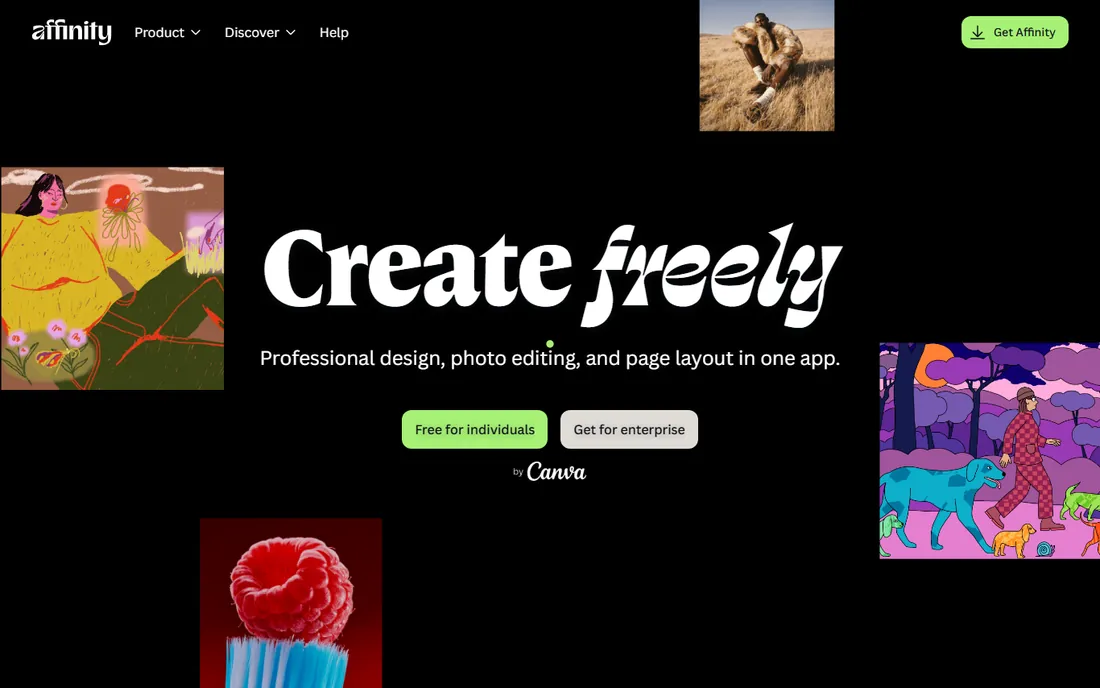
The biggest news in photo editing this year costs nothing. After Canva acquired Serif, it merged Affinity Photo, Designer and Publisher into a single app and made the whole thing free in late 2025. You need a free Canva account to activate it, but there is no subscription, no stripped-down version and no hidden fee for the core tools. The old one-time-purchase licenses are retired; existing owners can keep using version 2, but all new development is on the free app.
For photographers this is hard to argue with: full layer management, non-destructive adjustment layers, RAW development, panorama stitching, HDR merge, focus stacking and batch processing. The catches: the generative AI tools sit behind a paid Canva plan, and the plugin ecosystem is nowhere near Photoshop's. If you do not depend on Adobe's AI features, this is the most capable free editor ever released.
What we like- Full pro toolkit (layers, RAW, HDR merge, focus stacking) for nothing
- Fast performance on large files
- Opens PSD files with high compatibility
Watch out for- AI features require a paid Canva plan
- The old standalone apps are discontinued
- IPad version of the new app is still rolling out
#2
ON1 Photo RAW
Best for: replacing Lightroom with a single app
Visit on1.com
Starting priceSee website
Free planFree trial (30 days)
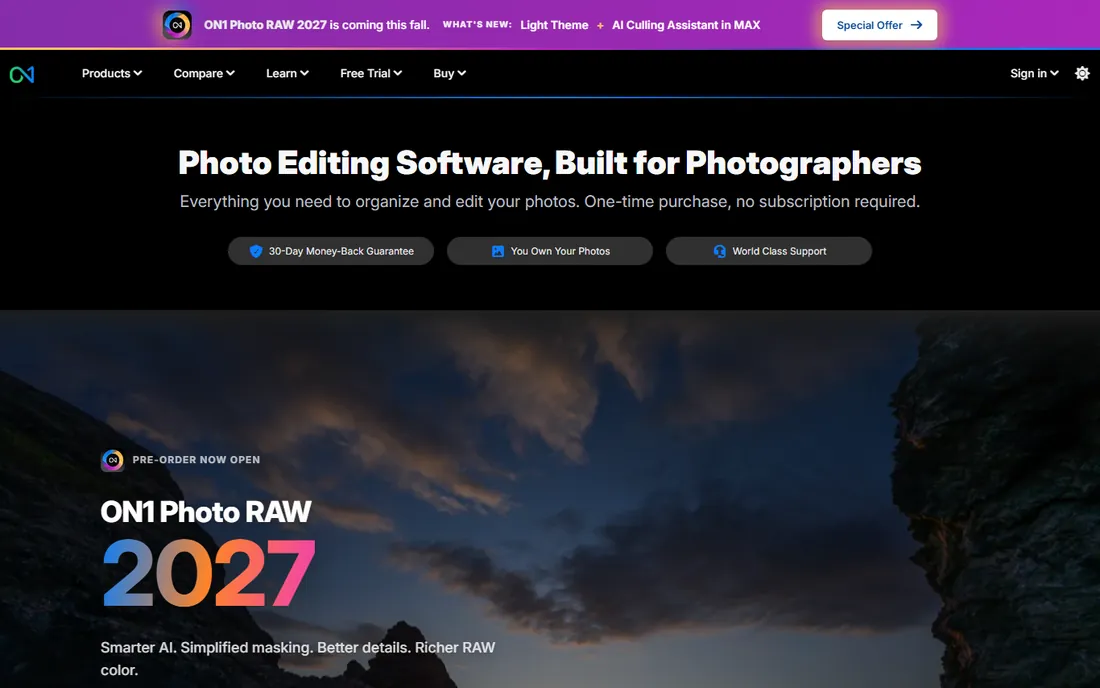
If your goal is to replace Lightroom with one program and never pay monthly, start here. ON1 Photo RAW combines photo organizing, non-destructive RAW editing, layers, effects and export in a single application, and it is sold as a perpetual license you own. The current version adds AI masking, portrait retouching and sky replacement without any plugin purchases, and it installs on two computers.
The browser respects your existing folders instead of forcing a catalog import, and batch processing is built in. The trade-off is that pixel-level RAW quality and noise reduction, while good, do not match DxO's. For photographers who want one app, one payment and no cloud dependency, it is the most complete answer.
What we like- True perpetual license with no subscription
- All-in-one browse, organize, edit and export workflow
- Strong AI masking, sky swap and noise reduction built in
Watch out for- Pricing is not shown clearly on the homepage
- RAW rendering trails DxO at the pixel level
- The interface packs in a lot for beginners
#3
DxO PhotoLab
Best for: photographers who prioritize image quality above all
Visit dxo.com
Starting priceSee website
Free planFree trial (30 days)
Some editors chase features. DxO chases image quality. PhotoLab 10 pairs its famous DeepPRIME noise reduction with lab-measured lens and camera profiles, and the result is visibly cleaner high-ISO files and more accurate optics correction than any other editor on this list. The new version adds depth-aware masking and expanded local adjustment tools, closing the gap on creative flexibility.
It is sold as a perpetual license for Windows and macOS, with a free 30-day trial. The honest weaknesses: there is no real asset management, so most users pair it with another organizer, and the interface assumes you enjoy technical controls. If your priority is maximum quality from every RAW file, especially in low light, nothing here beats it.
What we like- Industry-leading noise reduction and lens corrections
- Perpetual license
- Deep RAW science backed by lab-measured camera profiles
Watch out for- Pricing requires visiting the store page
- Asset management is limited
- The interface is technical and takes learning
Starting priceSee website
Free planFree trial
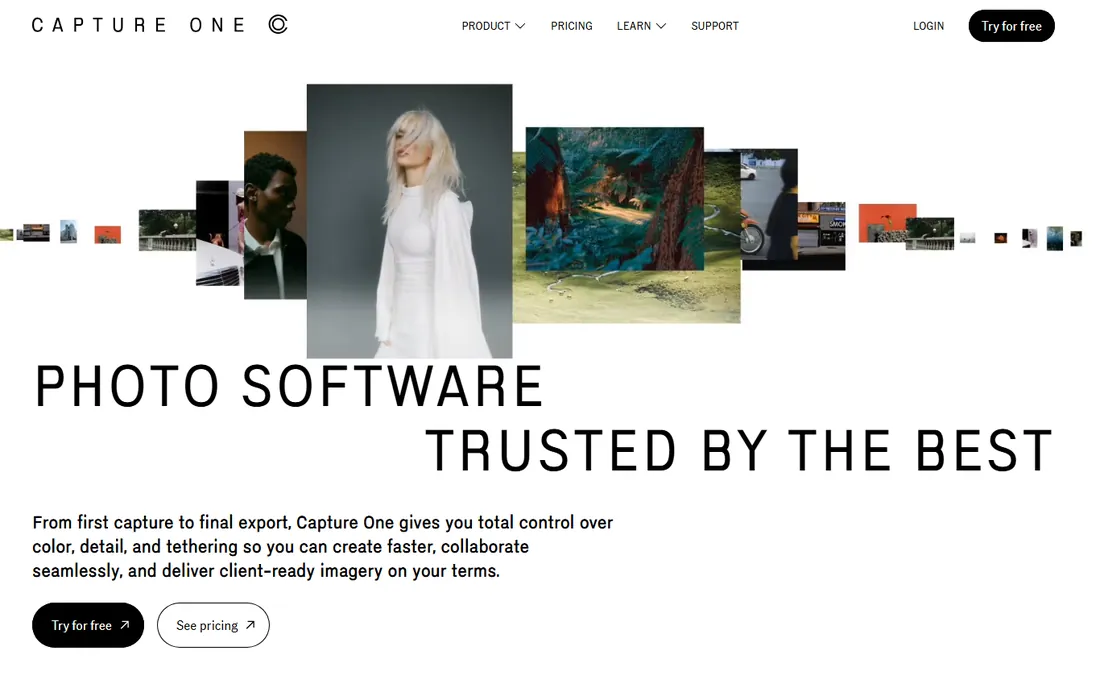
Walk into a commercial studio and this is probably on the screen. Capture One built its reputation on tethered capture: shooting straight into the computer with live view, instant review and client-ready color. Its color editor and styles system give fashion, product and portrait photographers precise, repeatable looks across thousands of images.
Capture One still offers a perpetual license option, though subscriptions are pushed harder, so confirm the license type at checkout. It is the priciest pick here and the hardest to learn. For working pros who bill by the shoot, the tethering alone justifies it.
What we like- Best-in-class tethered shooting
- Excellent color editing and styles
- Perpetual license option alongside subscription plans
Watch out for- The most expensive option here
- Steep learning curve
- Overkill for casual editing
#5
Luminar Neo
Best for: fast, AI-assisted edits without a learning curve
Visit skylum.com
Starting priceSee website
Free planFree trial
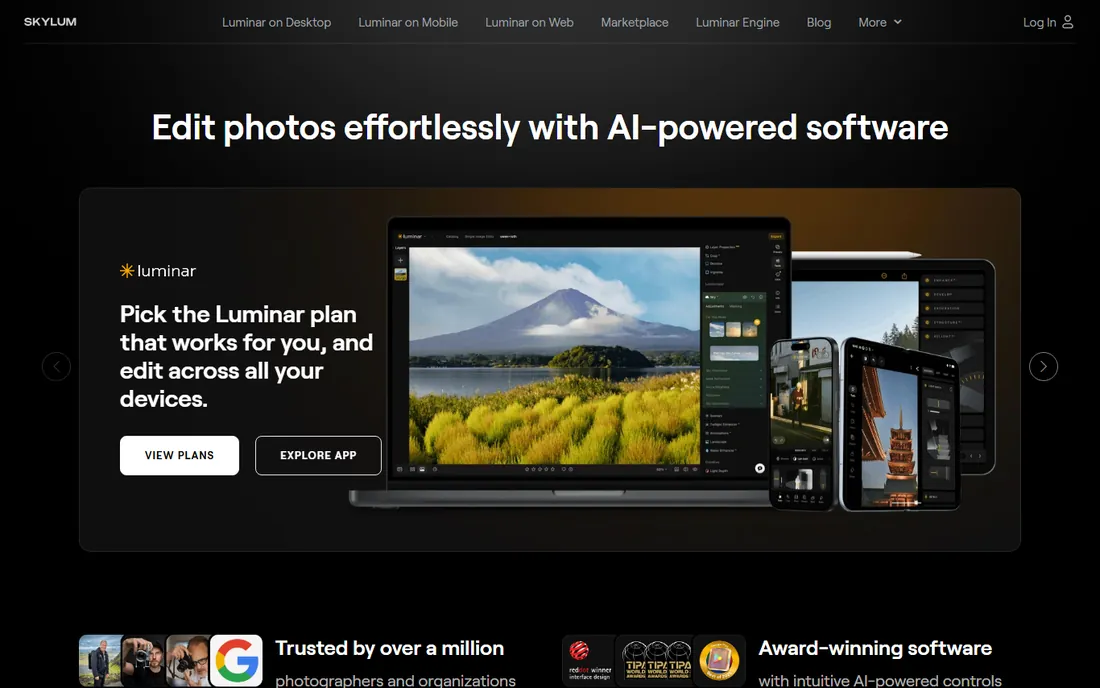
Not everyone wants to learn RAW science. Some people want the photo fixed fast, and Luminar Neo is built for that. Its AI tools handle sky replacement, portrait retouching, background blur and relighting in a click or two, while curves, color toning and masking sit underneath for photographers who want manual control. Skylum still sells it as a one-time purchase alongside subscription-style plans, so check the current offer before buying.
The catches: the lifetime deal appears mainly during sales, and performance can lag on older hardware. It is also a weaker organizer than Lightroom or ON1. For enthusiasts who want impressive results quickly and own their software, it remains a strong pick.
What we like- One-click AI tools (sky replacement, portrait bokeh, relighting)
- Lifetime license option with no subscription
- Non-destructive editing with manual controls underneath
Watch out for- Lifetime pricing appears mainly during sales
- Performance can lag on older machines
- Catalog features are thinner than Lightroom's
Starting price$49.99 one-time (Mac)
Free planFree trial (30 days via Apple Creator Studio)
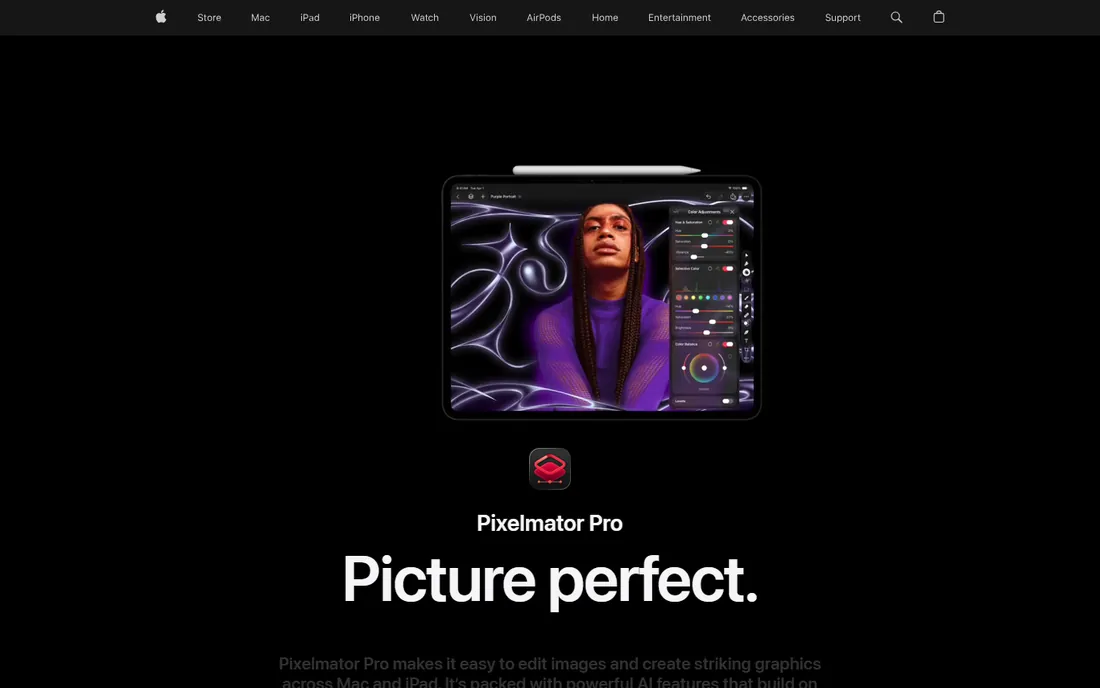
Mac owners get the bargain of this list. Pixelmator Pro is now an Apple product, and the Mac version is still available as a $49.99 one-time purchase on the App Store. You get a serious layer-based editor with AI-powered tools, native Apple silicon speed and tight integration with the Photos app, for less than five months of a Creative Cloud subscription.
The complication: Apple also bundles Pixelmator Pro into its Apple Creator Studio subscription ($12.99 a month), and the iPad version is subscription-only. The Mac one-time purchase remains the value play. It is a pixel editor first, so pair it with a RAW converter if you shoot RAW in volume.
What we like- $49.99 one-time purchase on the Mac App Store
- Deep layer, mask and retouching tools
- Fast, native Apple silicon performance
Watch out for- Mac and iPad only, no Windows version
- Now part of Apple's subscription bundle too, which complicates the story
- RAW workflow is thinner than dedicated RAW editors
Starting priceSee website
Free planFree trial
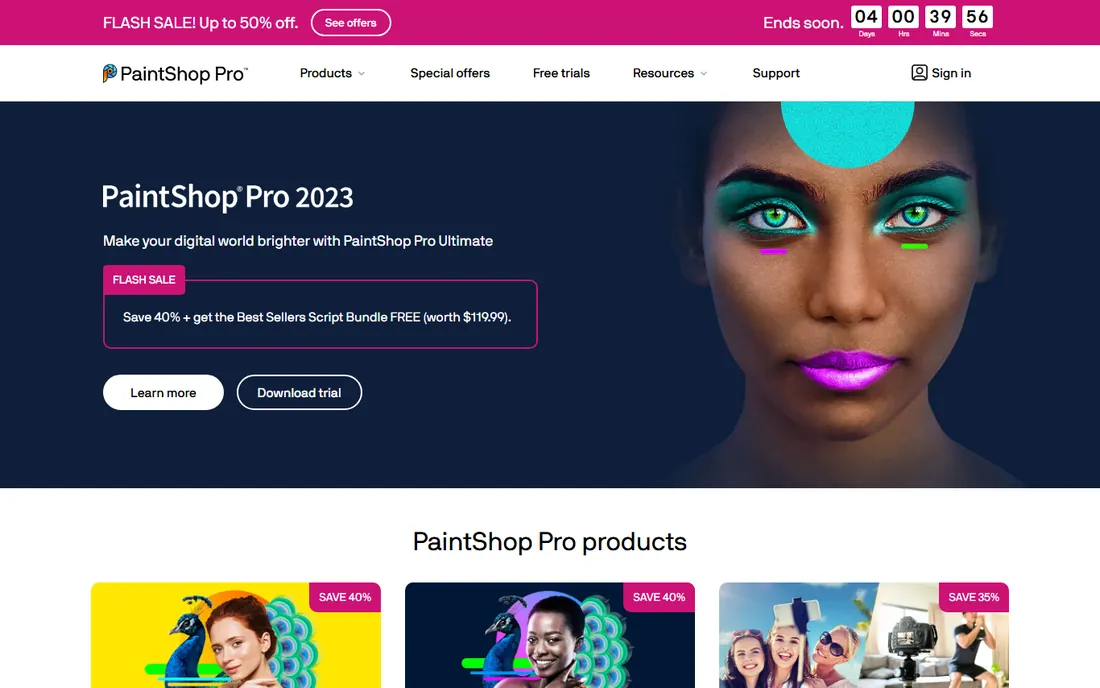
The old workhorse refuses to retire. PaintShop Pro has been the budget Windows alternative to Photoshop for decades, and it is still sold as a one-time purchase covering photo editing, RAW processing, graphic design tools and batch processing. The Ultimate tier bundles extras like Painter Essentials and photo animation tools.
The elephant in the room: Corel is still selling the 2023 version in 2026, with no newer release in sight. What you buy will not change, but neither has it changed in years, and the AI features trail the competition. If you want a stable, familiar, pay-once Windows editor, it remains good value. If you want the newest AI features, look elsewhere on this list.
What we like- One-time purchase with no subscription
- Covers photo editing, RAW, graphic design and batch processing
- Long track record on Windows
Watch out for- The current version is PaintShop Pro 2023, with no newer release
- Interface feels dated
- AI features lag behind newer rivals
#8
ACDSee Photo Studio
Best for: photographers who organize huge libraries
Visit acdsee.com
Starting price$249.99 (full MSRP, Photo Studio Ultimate)
Free planFree trial (15 days)
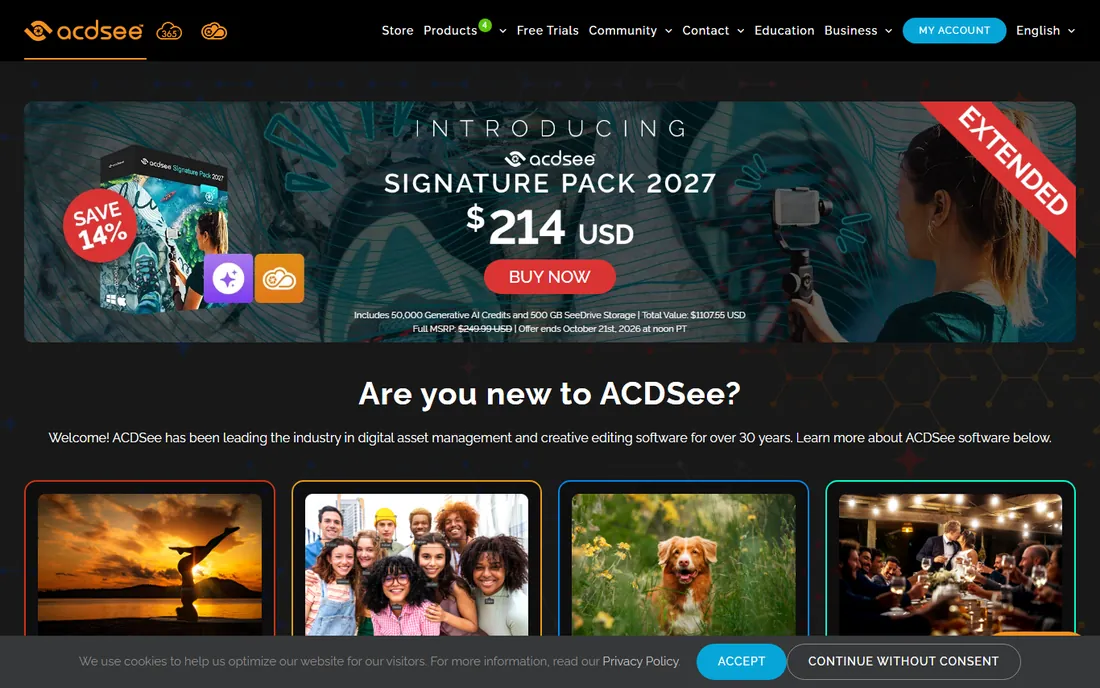
Nobody talks about ACDSee at parties, but wedding photographers swear by it. Photo Studio's superpower is speed with volume: it browses your existing folders instantly without forcing an import, and its digital asset management tools (keywording, facial recognition, ratings, metadata) handle six-figure image libraries that choke other editors. Layered editing, RAW processing and portrait tools are built into the same app.
The catch is the price structure. Photo Studio Ultimate lists at $249.99 full MSRP, the highest here, and the AI credits and cloud storage extras nudge toward ongoing spending even though the license is perpetual. Buy it if organizing tens of thousands of photos is your daily reality.
What we like- Outstanding digital asset management for large catalogs
- Fast browsing without importing
- Layered editing plus RAW in one app
Watch out for- The highest list price here
- AI credits and cloud storage push toward ongoing costs
- The interface has a learning curve
#9
Adobe Photoshop Elements
Best for: beginners who want the Adobe name without a subscription
Visit adobe.com
Starting priceSee website
Free planFree trial (7 days)
The Adobe option comes with a catch you should know about. Starting with the 2025 release, Adobe replaced Photoshop Elements' perpetual license with a 3-year term license: you pay once, there are no recurring fees, but when the three years end, the editor stops working (the Organizer keeps working for viewing your catalog). At roughly $100 for three years it is still far cheaper than any subscription, but it is not ownership in the old sense.
What you get is the friendliest editor here for beginners: guided edits, one-click subject selection, and AI tools for adding objects, removing people and restoring damaged photos. If the Adobe name matters to you and you are comfortable re-buying every few years, it is a solid deal. If true perpetual ownership is the point, pick anything else on this list.
What we like- Genuine Adobe editing with guided edits for beginners
- AI tools for object removal and photo restoration
- Organizer with facial recognition included
Watch out for- No longer a perpetual license
- It is now a 3-year term license
- RAW editing needs the separate Camera Raw plugin workflow
Starting priceSee website
Free planNo (30-day money-back guarantee)
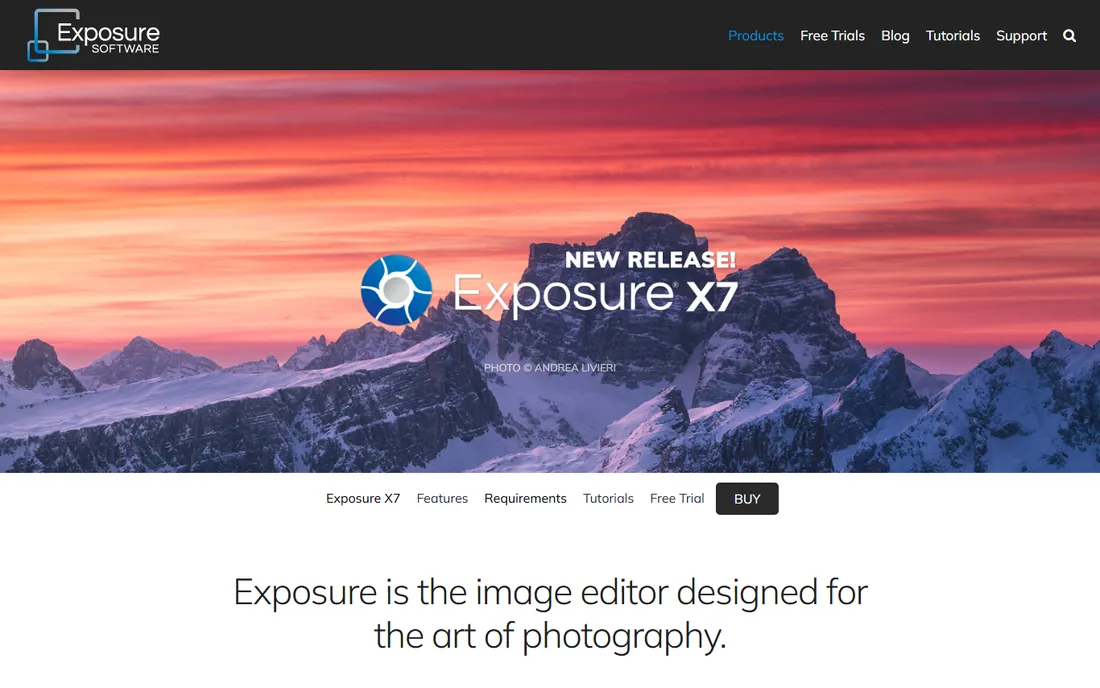
For photographers who think in film stocks, nothing else feels like this. Exposure X7 (from Exposure Software, formerly Alien Skin) is built around hundreds of realistic film simulations, grain, and creative looks, wrapped in a fast non-destructive RAW editor. Its catalog-free design is the opposite of Lightroom: point it at a folder and start editing, with no import step and no database to maintain.
It is sold with no subscription required and a 30-day money-back guarantee. The trade-offs: as a smaller company, support for brand-new camera RAW formats can lag, and the organizing tools are basic next to ACDSee or Lightroom. It also works as a Photoshop and Lightroom plugin. For the film-look shooter who hates catalogs and subscriptions, it is a natural fit.
What we like- Gorgeous film simulations and creative presets
- No catalog, no import, no subscription
- Works standalone or as a Photoshop and Lightroom plugin
Watch out for- Pricing is not shown on the homepage
- Smaller company with slower camera-profile updates
- Organizing tools are basic
How we chose
We started with one hard rule: every tool had to be buyable outright or free in 2026, with no subscription required for the core editing. That filter removed most of the market, including Topaz Labs, which moved its photo products to subscriptions. We verified each vendor's homepage and license model, checked pricing pages where published, and read user reviews on Reddit and photography forums for the complaints vendors never advertise. We did not claim hands-on testing.
The five-year math: what a subscription really costs
Five years of Adobe's Photography plan at $19.99 a month is about $1,200. Five years of a $15-a-month editor is $900. Against that, ON1 Photo RAW or DxO PhotoLab cost roughly $100 to $230 once, Pixelmator Pro costs $50 once, and Affinity now costs nothing. Even upgrading your perpetual license every few years, you come out far ahead.
Subscriptions do buy something real: continuous updates, cloud sync and the newest AI features on day one. But if your editing needs are stable, a 2026 perpetual license will still do that job in 2031. The subscription only wins if you genuinely need every new feature the day it ships.
How to pick a no-subscription photo editor
Perpetual vs term license: read the fine print
Not every "one-time payment" means you own it forever. Photoshop Elements is now a 3-year term license: one payment, no recurring fees, but the editor stops working when the term ends. True perpetual licenses (ON1, DxO, Capture One's perpetual option, Exposure, PaintShop Pro) keep working indefinitely. Before you buy, check whether the license is perpetual, how many computers it covers, and what happens to your files if you never upgrade.
RAW workflow vs pixel editing: know which you need
These are two different jobs. RAW editors (DxO PhotoLab, Capture One, ON1, Exposure) develop your camera files with the best quality and organize your library. Pixel editors (Affinity, Pixelmator Pro, PaintShop Pro) do layers, compositing and deep retouching. Most photographers need the first far more than the second. If you only pick one, pick the RAW workflow that matches your camera and volume, then add a pixel editor later if you actually composite.
Upgrade pricing and how often you will pay
Perpetual does not mean free forever. Vendors release paid major versions every one to three years, and new camera support is the usual reason to upgrade. Upgrades typically cost 40 to 60 percent of full price. If your camera body is a few years old, you can often skip several upgrades and pay nothing for years.
Frequently asked questions
Is Affinity really free now?
Yes. In late 2025 Canva merged Affinity Photo, Designer and Publisher into a single app called Affinity and made it completely free. You need a free Canva account to activate it. The old standalone apps and their one-time-purchase licenses are discontinued, though existing owners can keep using version 2. Optional AI features require a paid Canva plan.
What is the difference between a perpetual license and a term license?
A perpetual license lets you use the software indefinitely after one payment; you only pay again if you want a major upgrade. A term license, like Photoshop Elements since the 2025 release, gives you a fixed period (three years) for one payment, after which the software stops working. Both avoid monthly billing, but only the perpetual license is true ownership.
Can any of these fully replace Lightroom and Photoshop?
ON1 Photo RAW comes closest in a single app. Most photographers end up with a pair: a RAW editor like DxO PhotoLab or Capture One plus a pixel editor like Affinity or Pixelmator Pro, for one payment instead of a subscription.
Do one-time purchase editors still get updates?
Yes, within the version you bought: bug fixes and minor features arrive free. Major new versions are paid upgrades, usually every one to three years. The main reason photographers upgrade is support for new camera models. If your camera is a few years old, you can often skip upgrades entirely.
Which one-time purchase editor is best for beginners?
Luminar Neo for its near-zero learning curve, or ON1 Photo RAW for its all-in-one workflow. Photoshop Elements is the gentlest introduction thanks to guided edits, but remember it is a 3-year term license now, not perpetual.
Sources we checked (20)
- https://affinity.serif.com/
- https://on1.com/
- https://dxo.com/
- https://www.captureone.com
- https://skylum.com/
- https://pixelmator.com/
- https://paintshoppro.com/
- https://acdsee.com/
- https://www.adobe.com/products/photoshop-elements/buy-elements
- https://exposure.software
- https://www.on1.com/blog/choose-best-non-subscription-photo-editors/
- https://themframes.com/features/the-best-photo-editing-software/
- https://petapixel.com/best-photoshop-alternatives/
- https://colorlib.com/wp/free-photoshop-alternatives/
- https://www.culturedkiwi.com/luminar-vs-affinity-photo/
- https://findstack.com/products/adobe-photoshop-elements/reviews?page=6
- https://www.macworld.com/article/668172/adobe-photoshop-elements-review.html
- https://www.dpreview.com/news/adobes-photoshop-elements-2027-adds-generative-expand-and-an-ai-assistant-to-gui/
- https://findstack.com/products/corel-paintshop-pro/reviews
- https://www.selecthub.com/photo-editing-software/paintshop-pro-vs-on1-photo-raw/
Is your product missing or out of date?
We review this list regularly. Vendors can request a listing, send updated pricing or ask about featured placement.

Shihab Mia · Founder, Rankite
Shihab has spent more than a decade helping SaaS and e-commerce brands grow through search. He writes Rankite's software buying guides from pricing pages, documentation and public user reviews. More about Shihab.