How we make this list: we compare pricing pages, product documentation and public user reviews. Rankite is independent; if a vendor ever pays for a featured spot, that listing is clearly labeled Partner.
Key takeaways
- Photoshop remains the standard for deep retouching and compositing, but the $19.99/month Photography plan (Photoshop plus Lightroom) is the sensible entry point.
- GIMP and darktable are genuinely free and open source, and cover most of what hobbyists need without any subscription.
- Photopea runs a Photoshop-class editor entirely in the browser for free, ideal for quick edits on any computer.
- Pixelmator Pro is now an Apple product: $49.99 one-time on the Mac App Store, or bundled in the Apple Creator Studio subscription.
- Pixlr starts paid plans at $1.99/month, making it the cheapest way to get AI-assisted editing online.
Quick comparison
| Tool | Best for | Starting price | Free plan |
|---|
 Adobe Photoshop Adobe Photoshop | Deep retouching, compositing, and design work | See website | Free trial |
 Adobe Lightroom Adobe Lightroom | Organizing, culling, and batch-editing large photo libraries | See website | Free trial |
 GIMP GIMP | Free desktop editing with professional depth | Free | Yes |
 darktable darktable | Free RAW processing and photo library management | Free | Yes |
 Capture One Capture One | Studio tethering and the most precise color control | See website | Free trial |
 Luminar Neo Luminar Neo | AI-assisted editing that skips the manual work | See website | See website |
 Photopea Photopea | Photoshop-style editing in any browser, free | Free | Yes |
 Pixlr Pixlr | Quick AI-powered edits online at the lowest price | $1.99/month | Yes |
 Pixelmator Pro Pixelmator Pro | Mac and iPad editing with a native Apple feel | $49.99 one-time | Free trial |
Is your product missing or out of date?
We review this list regularly. Vendors can request a listing, send updated pricing or ask about featured placement.
The best editing picture software
Maya shoots weekend portraits and needs to clean up skin, swap a dull sky, and deliver thirty finished images by Monday. Her laptop is mid-range, her budget is tight, and she has never opened a curves adjustment in her life. The nine editors below cover her whole range of options, from the free tools that handle the job today to the professional software she might grow into.
#1
Adobe Photoshop
Best for: Deep retouching, compositing, and design work
Visit adobe.com
Starting priceSee website
Free planFree trial
Photoshop is the reason the phrase best editing picture software usually ends with its name. No other editor matches its combination of selection tools, layer controls, healing brushes, and generative AI features for complex retouching. If you need to remove a stranger from a wedding photo, rebuild a cropped-out background, or composite five exposures into one image, this is the tool that does it without breaking a sweat.
The price of that power is a subscription and a learning curve measured in months, not hours. Most photographers should look at the Photography plan rather than the single-app plan, since it bundles Lightroom and cloud storage for less than Photoshop alone in many cases. Casual shooters who only crop and adjust exposure will find cheaper tools below do the job faster.
What we like- Unmatched depth for retouching and layers
- Huge plugin and tutorial ecosystem
- Constant AI feature updates
Watch out for- Subscription only
- Steep learning curve
- Overkill for simple photo fixes
#2
Adobe Lightroom
Best for: Organizing, culling, and batch-editing large photo libraries
Visit adobe.com
Starting priceSee website
Free planFree trial
Lightroom is the other half of the Adobe photography workflow, and for many shooters it matters more than Photoshop. Where Photoshop edits one image deeply, Lightroom manages thousands: importing, rating, keywording, and applying consistent color and exposure adjustments across a whole shoot in minutes. Its RAW processing engine is superb, and presets let beginners get attractive results before they understand what each slider does.
Lightroom comes in two flavors, Classic for desktop catalogs and the cloud-based Lightroom for syncing across devices, and both are subscription only. It will not replace Photoshop for heavy retouching, since it lacks real layers and advanced compositing. But if your main pain is drowning in unedited photos after every shoot, start here rather than with Photoshop.
What we like- Best-in-class photo organization
- Excellent RAW processing
- Edits sync across desktop and mobile
Watch out for- Subscription only
- Weak at pixel-level retouching
- Catalog system confuses beginners
#3
GIMP
Best for: Free desktop editing with professional depth
Visit gimp.org
Starting priceFree
Free planYes
GIMP has been the free answer to Photoshop for over two decades, and it keeps getting better. It offers layers, masks, curves, cloning, and healing tools that cover the vast majority of photo editing tasks, and its plugin system adds everything from RAW import to advanced filters. Because it is open source under the GPL, it costs nothing, shows no ads, and runs on Windows, Mac, and Linux.
The interface is the honest weakness: powerful but idiosyncratic, with floating windows and menus that take adjustment if you are coming from modern apps. RAW photographers need a helper like darktable or RawTherapee alongside it. But for retouching, compositing, and graphic work at zero cost, nothing free touches it on the desktop.
What we like- Completely free and open source
- Layers, masks, and advanced tools
- Huge plugin community
Watch out for- Interface feels dated
- RAW support needs a plugin
- Smaller tutorial ecosystem than Photoshop
Starting priceFree
Free planYes
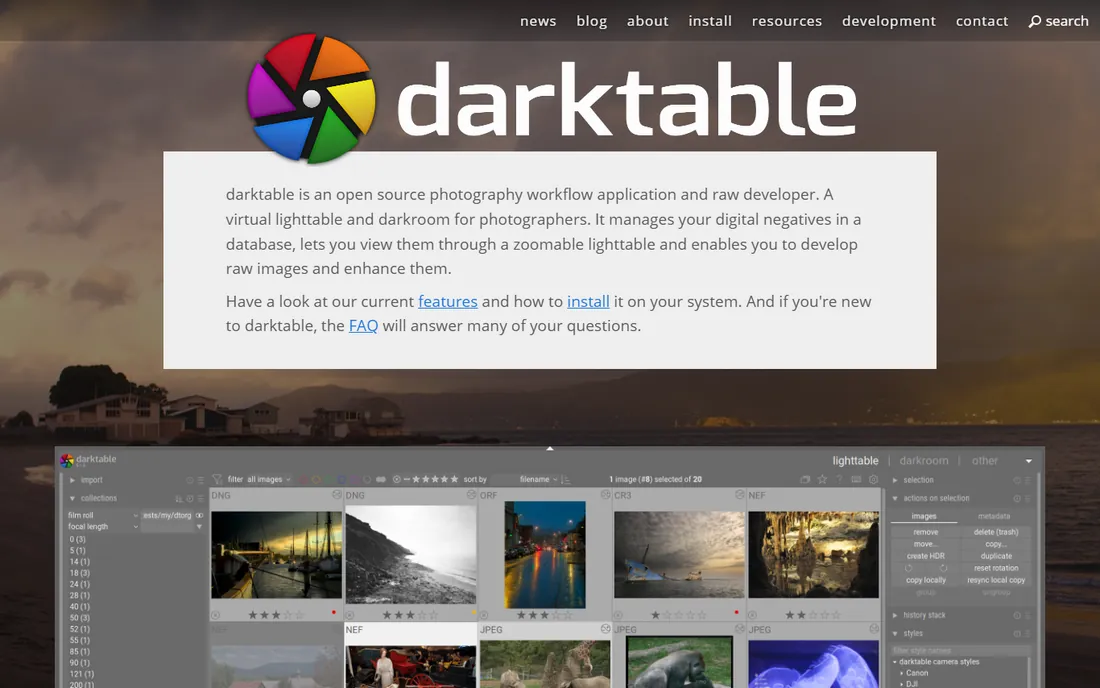
Think of darktable as the free Lightroom. It is built by photographers for photographers, with a non-destructive pipeline that never touches your original files and color management serious enough for print work. Tethering, lens corrections, noise reduction, and filmic tone mapping are all here, and GPU acceleration keeps it responsive on large RAW files.
Beginners should know this is a tool that rewards study: the module-based interface exposes enormous control, which can overwhelm anyone expecting one-click filters. Pair it with GIMP for the occasional heavy retouch, and you have a complete professional-grade workflow without spending anything. For Fuji, Sony, and Canon RAW shooters on a budget, it is the obvious starting point.
What we like- Excellent non-destructive RAW engine
- Free and open source
- Professional color management
Watch out for- Learning curve is real
- Interface prioritizes power over friendliness
- No pixel-level retouching like Photoshop
Starting priceSee website
Free planFree trial
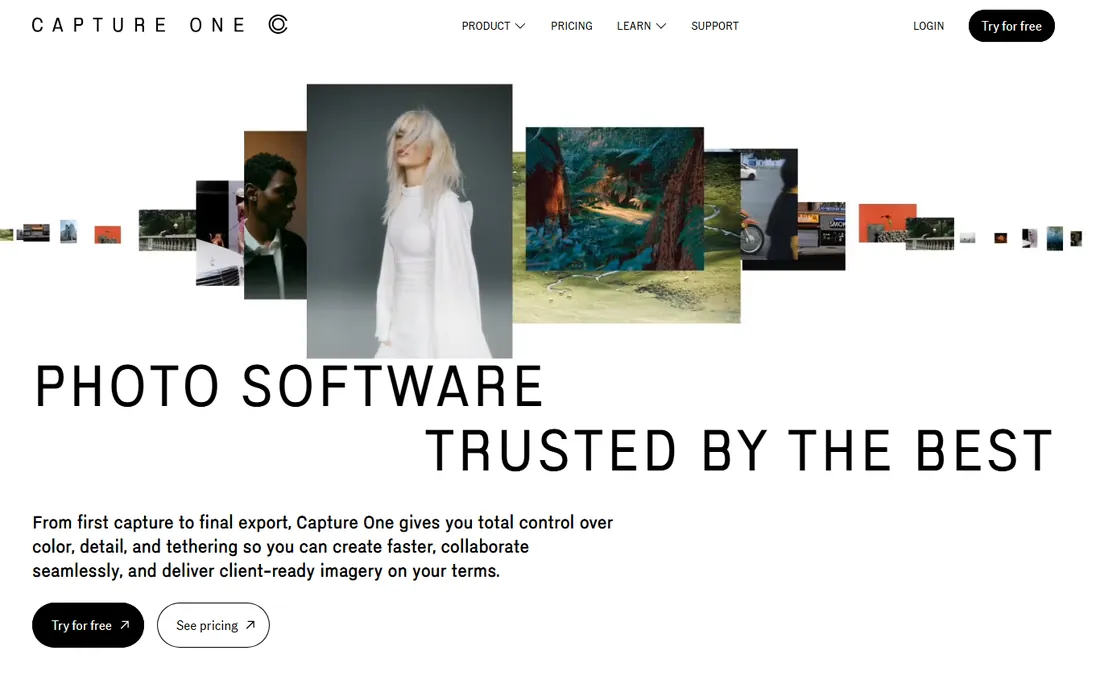
Capture One is the choice of working studio and commercial photographers, and tethering is why. Plug in a camera and images appear on screen instantly as you shoot, with live adjustments, which is transformative for portrait, fashion, and product sessions. Its color tools go deeper than Lightroom's, with skin tone controls and HDR sliders that colorists genuinely prefer.
That professional focus comes with professional pricing and a real learning curve. The interface is fully customizable, which is great once you know what you want and bewildering before that. Hobbyists and event shooters will get more joy per dollar from Lightroom or darktable, but if you shoot tethered for clients, this is the standard for a reason.
What we like- Industry-leading tethered shooting
- Superb color editing tools
- Customizable workspace
Watch out for- Expensive subscriptions
- Steeper learning curve than Lightroom
- Overkill for casual editing
#6
Luminar Neo
Best for: AI-assisted editing that skips the manual work
Visit skylum.com
Starting priceSee website
Free planSee website
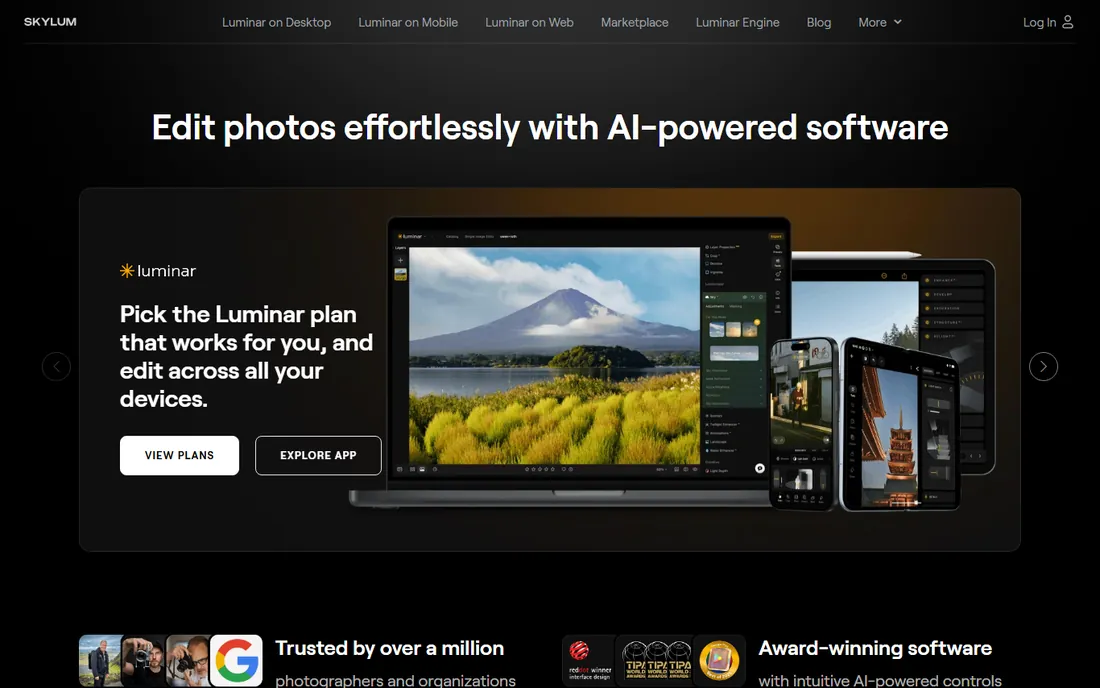
Luminar Neo bets that most photographers would rather get a great result in thirty seconds than master thirty sliders. Its AI tools replace skies, relight scenes, smooth skin, and remove power lines with single clicks, and the results are often startlingly good. As a plugin it also slots into Photoshop and Lightroom workflows for the moments when automation beats manual work.
The trade-off is control: when the AI guesses wrong, fixing it by hand is harder than in Photoshop or Capture One. Skylum's pricing mixes subscriptions, lifetime options, and extension packs, so check the current offer carefully before buying. For beginners who want impressive edits without a course in color theory, it is the fastest path from dull to dramatic.
What we like- One-click AI tools for skies, portraits, and relighting
- Fast results for beginners
- Works as plugin or standalone
Watch out for- Subscription and upsell pressure
- Less precise than manual editors
- Catalog features are basic
Starting priceFree
Free planYes
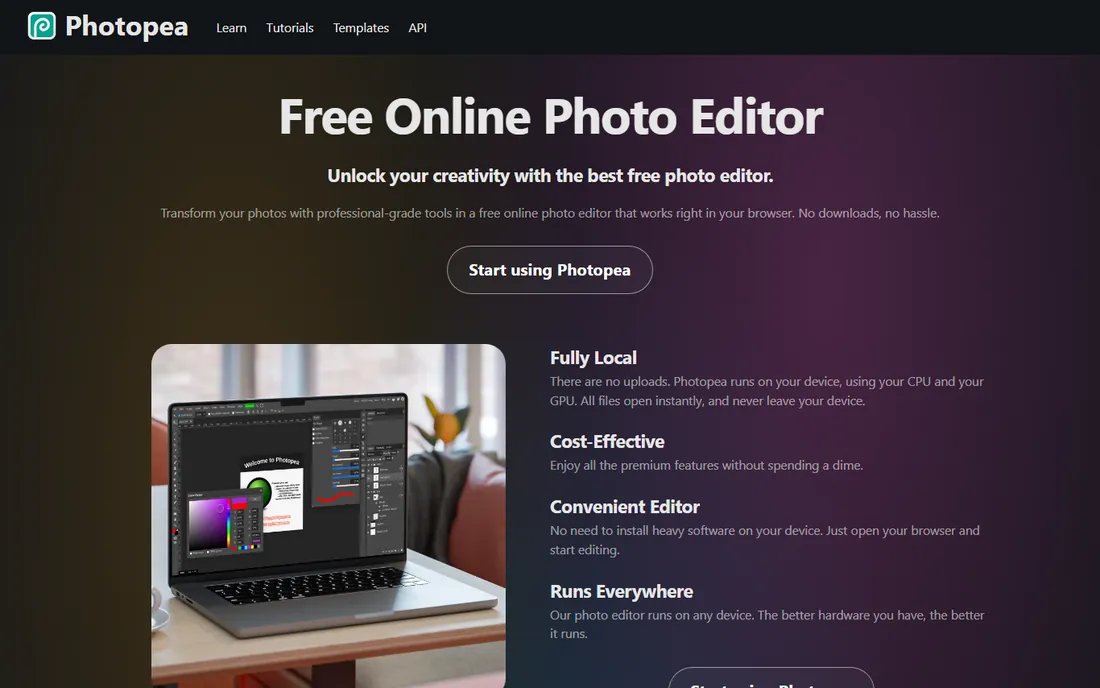
Photopea is the closest thing to free Photoshop that actually deserves the comparison. It opens PSD files with layers intact, supports masks, adjustment layers, smart objects, and even RAW files, all running locally in your browser with no uploads. For quick retouching on a borrowed computer or a Chromebook, it is remarkable.
The free version shows ads, and a paid tier removes them while adding more AI credits, but the core editor costs nothing. It will not match desktop Photoshop for huge files or the newest AI features, and very large composites can strain a browser. Still, as a free tool you can open in seconds on any machine, it has no real rival.
What we like- Opens and saves PSD files
- Layers, masks, and smart objects
- Runs locally with no uploads
Watch out for- Ad-supported free tier
- Advanced AI features cost extra
- Needs a decent browser and RAM
#8
Pixlr
Best for: Quick AI-powered edits online at the lowest price
Visit pixlr.com
Starting price$1.99/month
Free planYes
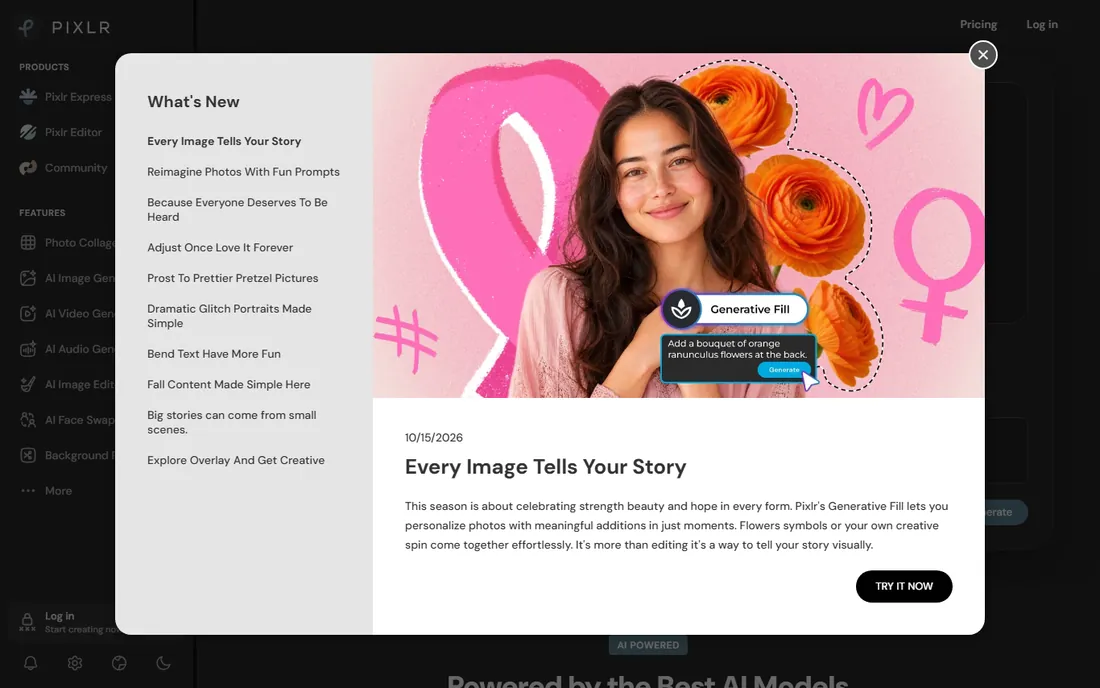
Pixlr has grown from a simple web editor into a full AI creative suite, with background removal, generative fill, image generation, and even video tools alongside classic photo adjustments. Paid plans start at just $1.99/month for ad-free editing with AI credits, which undercuts every subscription on this list by a wide margin.
The free tier is genuinely useful for quick fixes, collages, and social media images, though ads and feature limits nudge you toward paying. It cannot match Photoshop or GIMP for deep layered work, and the AI-first interface is not for purists. But for fast, good-looking edits from any browser at nearly no cost, it is hard to beat.
What we like- Cheapest paid tier here
- Strong AI tools for background removal and generative fill
- No install needed
Watch out for- Free version has ads and limits
- Interface pushes the AI upsells
- Less depth than desktop editors
Starting price$49.99 one-time
Free planFree trial
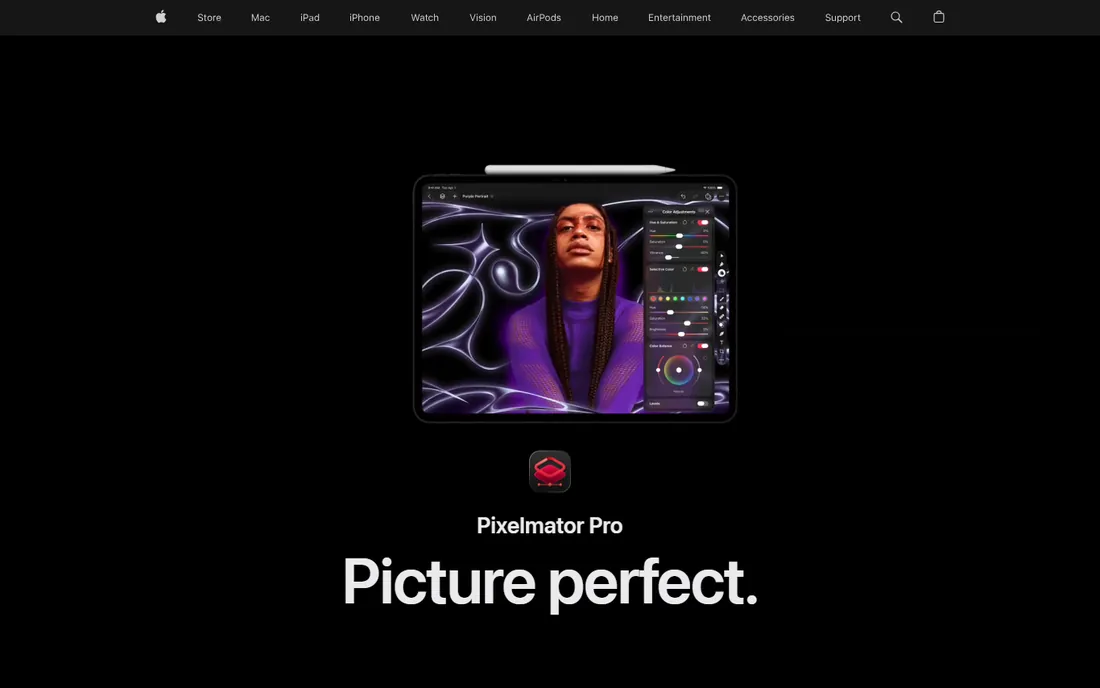
Pixelmator Pro is now an Apple product, and it shows in the polish. The Mac version remains available as a $49.99 one-time purchase on the App Store, a rarity in an industry that has moved almost entirely to subscriptions, while an Apple Creator Studio subscription ($12.99/month with a 30-day trial) bundles it with Final Cut Pro and Logic Pro. AI features built on Apple Intelligence handle background removal, upscaling, and retouching with impressive quality.
The obvious limit is platform: there is no Windows or Android version, and the iPad edition requires the subscription rather than the one-time purchase. Within the Apple world, though, it is the sweet spot between free tools and Adobe subscriptions, with a modern interface that beginners find far friendlier than Photoshop or GIMP.
What we like- One-time purchase option
- Deep macOS and iPadOS integration
- Strong AI features
Watch out for- Apple platforms only
- IPad version needs the Creator Studio subscription
- Smaller plugin ecosystem
How we chose
We built this list from the tools photographers actually argue about on Reddit, review sites, and photography forums, then verified each one against its vendor site. We included both subscription and one-time-purchase options alongside genuinely free tools, because the right price depends on how often you edit. Prices come from vendor pages where we could open them; where Adobe's or Skylum's current pricing could not be confirmed on their own sites, we wrote See website instead of quoting third parties. We skipped discontinued products, including the old Affinity Photo line, and required every pick to be actively maintained in 2026.
What to look for in a photo editor
Start by separating two jobs: managing photos and editing pixels. If your pain is thousands of unedited RAW files, you need a manager like Lightroom, darktable, or Capture One, with catalogs, ratings, and batch adjustments. If your pain is fixing individual images, you need a pixel editor like Photoshop, GIMP, Photopea, or Pixelmator Pro, with layers and retouching tools. Many photographers eventually use one of each.
Then weigh three practical factors. First, RAW support: if you shoot RAW, confirm your camera is supported before committing, since new bodies can lag in free tools. Second, the subscription question: Adobe and Capture One rent by the month, Pixelmator Pro still sells a one-time Mac license, and GIMP, darktable, and Photopea cost nothing at all. Third, your computer: browser tools like Photopea and Pixlr run anywhere, while desktop editors want reasonable RAM and a modern operating system.
Free versus paid: where the line really sits
The free tools on this list are not toys. GIMP plus darktable covers retouching and RAW processing at a professional level, Photopea handles PSD files in the browser, and Pixlr's free tier manages quick social edits. A hobbyist who learns these well may never need to pay anything.
Pay when time matters more than money. Photoshop earns its subscription when client work demands its AI retouching, plugin ecosystem, and industry file compatibility. Lightroom earns it when you process hundreds of images per shoot and need organization plus mobile sync. Pixelmator Pro's $49.99 one-time price is the middle path for Mac users who want pro tools without a subscription. And if AI one-click edits are the whole job, Luminar Neo or Pixlr's $1.99/month plan gets you there cheapest.
Frequently asked questions
What is the best editing picture software for beginners?
Photopea or Pixlr, because both run in the browser with nothing to install and handle the common jobs, cropping, exposure, background removal, within minutes. GIMP is more powerful but takes longer to learn. Start free, and only consider Photoshop or Lightroom when you consistently hit limits.
Is GIMP really as good as Photoshop?
For most retouching and compositing tasks, GIMP covers the same ground: layers, masks, curves, cloning, and healing. Photoshop pulls ahead with its AI features, plugin ecosystem, polished interface, and industry file compatibility. Professionals who bill clients usually pay for Photoshop; hobbyists rarely miss it.
What is the cheapest way to get Photoshop and Lightroom?
Adobe's Photography plan bundles both, and it is consistently cheaper than buying Photoshop as a single app. Check Adobe's current pricing page, since plans and prices change, and students should look at education discounts first.
Can I edit RAW photos for free?
Yes. darktable is a free, open-source RAW processor with professional color management, and RawTherapee is another solid free option. GIMP handles RAW with a free plugin, and Photopea opens common RAW formats in the browser. All four cost nothing.
Do I need a subscription, or can I buy photo software outright?
Both options still exist. Pixelmator Pro sells a $49.99 one-time Mac license, Capture One has offered perpetual licenses, and GIMP, darktable, and Photopea are free forever. Adobe Photoshop, Lightroom, and Capture One's main tiers are subscription only, so read the current terms before committing.
Sources we checked (7)
- https://www.gimp.org/
- https://darktable.org/
- https://www.captureone.com/
- https://skylum.com
- https://www.photopea.com/
- https://pixlr.com/
- https://pixelmator.com/
Is your product missing or out of date?
We review this list regularly. Vendors can request a listing, send updated pricing or ask about featured placement.

Shihab Mia · Founder, Rankite
Shihab has spent more than a decade helping SaaS and e-commerce brands grow through search. He writes Rankite's software buying guides from pricing pages, documentation and public user reviews. More about Shihab.