How we make this list: we compare pricing pages, product documentation and public user reviews. Rankite is independent; if a vendor ever pays for a featured spot, that listing is clearly labeled Partner.
Key takeaways
- OCR splits into desktop software (ABBYY FineReader, Adobe Acrobat, Readiris, OmniPage, Tungsten Power PDF), free open source (Tesseract) and cloud APIs (Google, AWS, Azure, Nanonets).
- ABBYY FineReader remains the desktop accuracy benchmark; Adobe Acrobat is the OCR most people already own.
- For developers processing documents at scale, the cloud APIs (Textract, Document AI, Azure Vision) beat desktop software on volume and integration.
- Kofax rebranded to Tungsten Automation; the OCR and PDF products continue under the new name.
Quick comparison
Is your product missing or out of date?
We review this list regularly. Vendors can request a listing, send updated pricing or ask about featured placement.
The top OCR software
Starting priceSee website
Free planFree trial
ABBYY FineReader is the desktop OCR software that professionals measure everything else against. It converts scans, PDFs and photos into editable Word, Excel and searchable PDF documents with accuracy that consistently tops independent tests, preserving complex layouts, tables and formatting that lesser tools mangle.
The strength is the recognition quality on difficult documents: multi-column layouts, tables, mixed languages and poor scans come through better than anything else in the desktop category. The PDF editing tools make it a complete document workstation, not just an OCR engine.
The honest catch is price. FineReader is premium software, and the interface packs in professional features that casual users will never touch. For occasional scanning, Adobe Acrobat or a free tool suffices. For professionals who live in scanned documents, lawyers, archivists, researchers, the accuracy pays for itself.
What we like- The accuracy benchmark for desktop OCR
- Excellent layout retention
- 190+ languages
Watch out for- Premium pricing
- Interface is dense
Starting priceSee website
Free planFree trial
Adobe Acrobat Pro includes OCR in the PDF software most offices already license: scan a document, run text recognition and get a searchable, editable PDF. For the huge installed base of Acrobat users, this is the OCR with zero learning curve and zero additional purchase.
The practical value is the workflow integration. The OCR output is a real PDF with selectable text, so it flows into document management, e-signature and collaboration without conversion steps. The editing tools fix recognition errors in place, and the mobile scanning app captures documents decently.
The honest limit is accuracy. Acrobat's OCR is good but not ABBYY-good, especially on complex layouts and poor scans. It is also subscription software now, which rankles. But the best OCR is often the one you already have: before buying anything, check whether Acrobat's recognition meets your needs.
What we like- OCR built into the PDF standard
- Everyone already has it
- Great editing
Watch out for- OCR accuracy trails ABBYY
- Subscription pricing
Starting priceFree
Free planYes
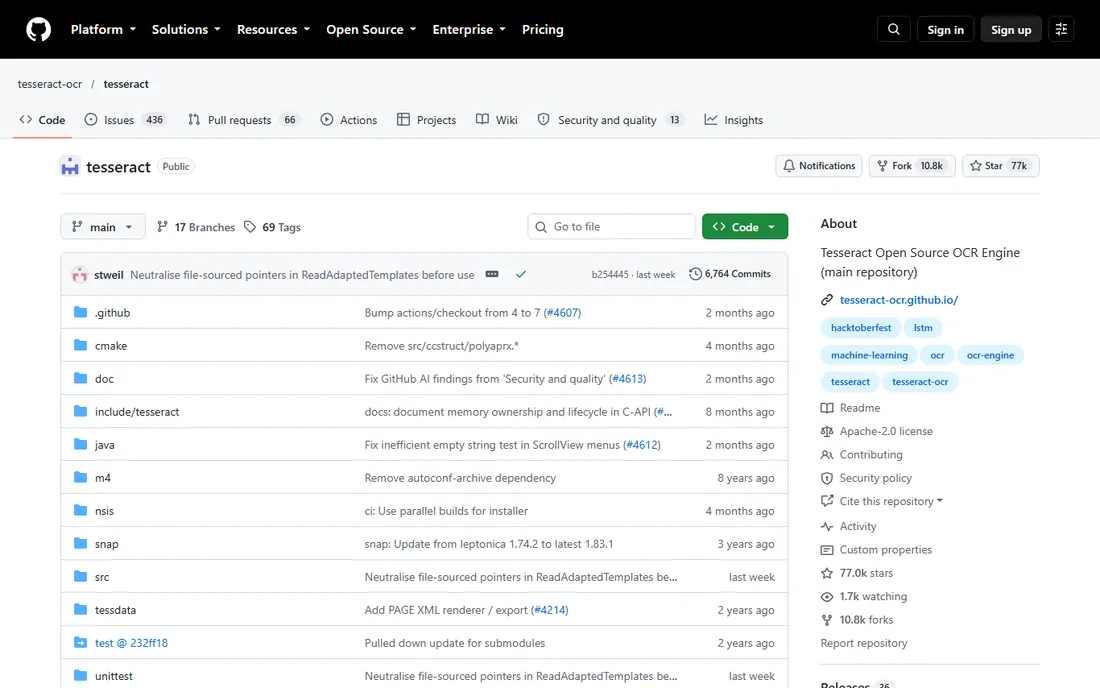
Tesseract is the open-source OCR engine maintained with Google's sponsorship, and it is remarkably capable for free software. It reads over 100 languages, handles standard documents well and integrates into any application or workflow a developer can build. Countless products use it under the hood.
The value is absolute: free, no licensing, no usage limits, no vendor. Developers embed it in applications, researchers batch-process archives and hobbyists digitize libraries. The LSTM neural network engine handles clean documents respectably, and training custom models is possible for specialized fonts.
The honest trade-off is the experience. This is a developer tool: command line, APIs and configuration files, not a polished application. Accuracy on difficult documents trails ABBYY and the cloud APIs. Non-developers should use one of the many free applications built on Tesseract rather than Tesseract itself.
What we like- Completely free and open source
- 100+ languages
- Embeddable anywhere
Watch out for- Command-line and developer-oriented
- Accuracy trails commercial engines
Starting priceSee website
Free planFree tier
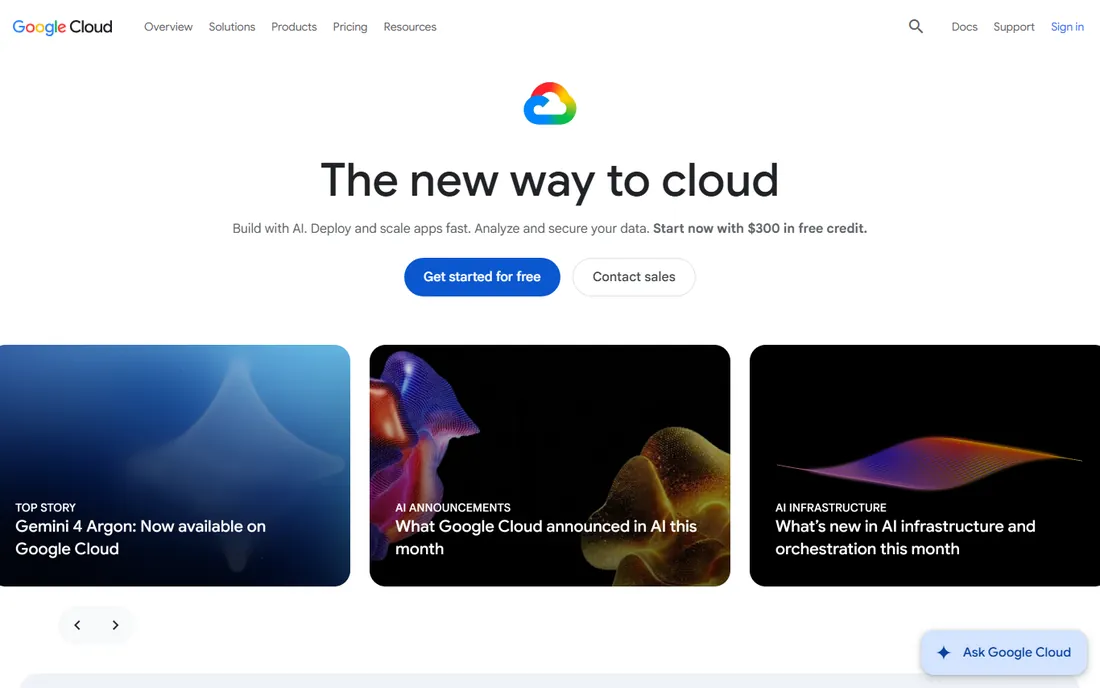
Google's Cloud Vision API and Document AI bring Google's machine learning to document processing: OCR for images and PDFs, handwriting recognition, form parsing and specialized processors for invoices, receipts, contracts and identity documents. Developers call the API and get structured data back.
The strength is the AI quality, particularly on handwriting and difficult images where traditional OCR fails. Document AI's pre-trained processors extract fields from common document types without custom training, and custom processors handle proprietary forms. The free tier covers meaningful monthly volume.
The catch is the developer requirement. This is an API, not an application; using it means writing code or buying a product built on it. Pricing is per-page and scales with volume, so high-volume processing needs cost modeling. For developers building document workflows, it is a top-tier choice.
What we like- Excellent handwriting and image OCR
- Document AI for forms
- Generous free tier
Watch out for- Needs development effort
- Pricing scales with volume
Starting priceSee website
Free planFree tier
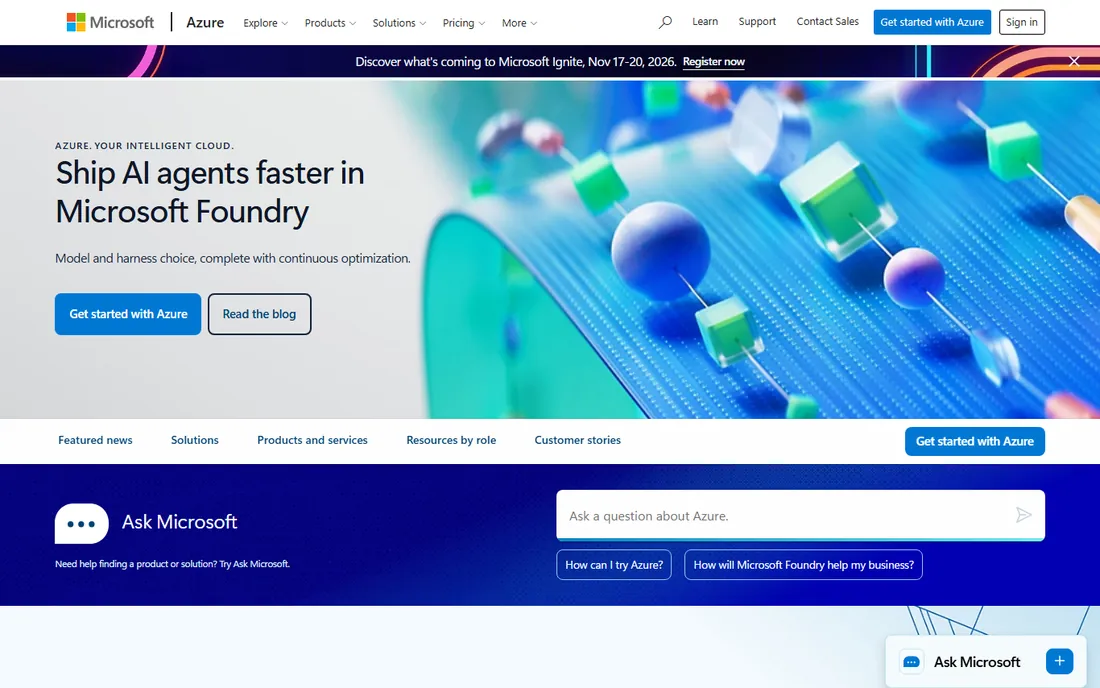
Microsoft's Azure AI Vision includes the Read API for OCR: printed and handwritten text extraction from images and documents, with layout analysis and language support. Document Intelligence (the former Form Recognizer) adds the structured extraction for invoices, receipts, IDs and custom forms.
The Microsoft fit is the advantage. Organizations on Microsoft 365 and Azure get document processing inside their existing compliance boundary, with Azure Active Directory authentication and the region controls regulated industries need. Power Automate connectors bring OCR to non-developers.
The trade-off is the ecosystem assumption. Outside the Microsoft world, the value proposition thins. The Azure portal and pricing model take learning. But for the Microsoft-standard enterprise, having OCR one API call away inside the existing tenant is compelling.
What we like- Strong Read API for documents
- Integrates with Microsoft stack
- Enterprise compliance
Watch out for- Microsoft ecosystem assumed
- Portal complexity
Starting priceSee website
Free planNo
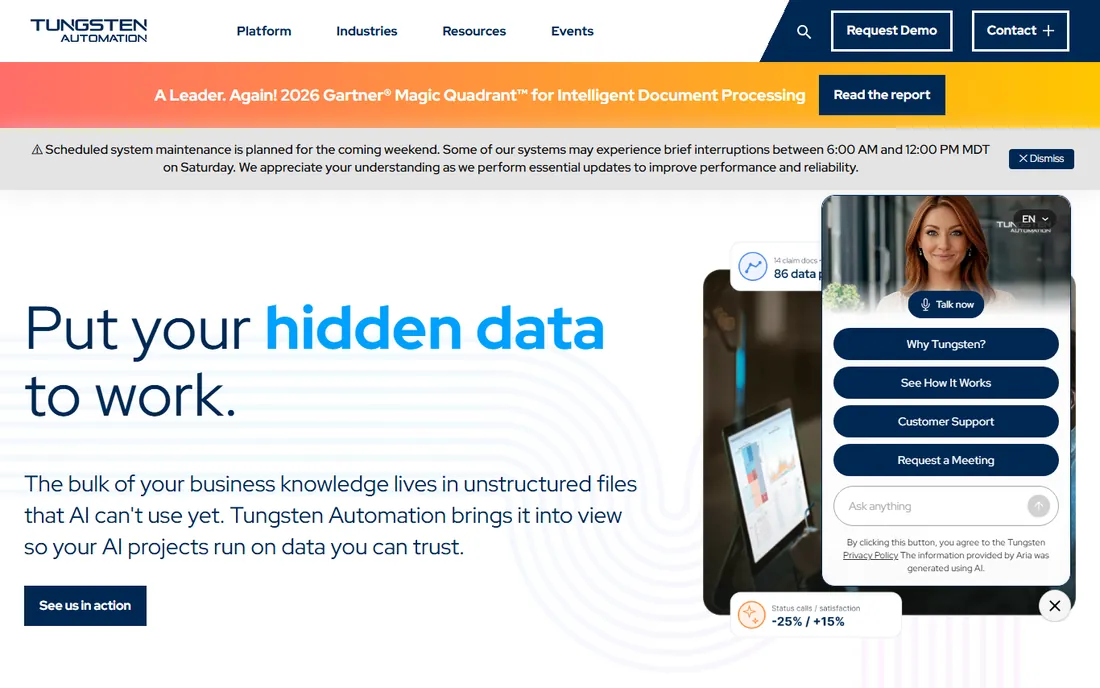
Tungsten Automation is the new name for Kofax, the enterprise intelligent document processing company. The products, Power PDF for desktop PDF and OCR, and the capture platforms for high-volume document processing, continue under the Tungsten brand. Enterprises use it for invoice processing, claims, onboarding and any workflow where documents must become data.
The enterprise depth is the point. This is not desktop OCR; it is document capture with classification, extraction, validation and workflow, processing millions of pages for banks, insurers and governments. The accuracy tooling, exception handling and audit trails reflect that scale.
The honest catch is the enterprise nature. Pricing, implementation and the sales process are enterprise-grade, and the rebrand from Kofax is still settling. Small businesses should look at ABBYY or the cloud APIs. For organizations processing serious document volumes with compliance requirements, Tungsten is the established choice.
What we like- Enterprise document capture depth
- Workflow automation
- Proven at scale
Watch out for- Enterprise pricing and complexity
- Rebrand transition ongoing
Starting priceSee website
Free planFree trial
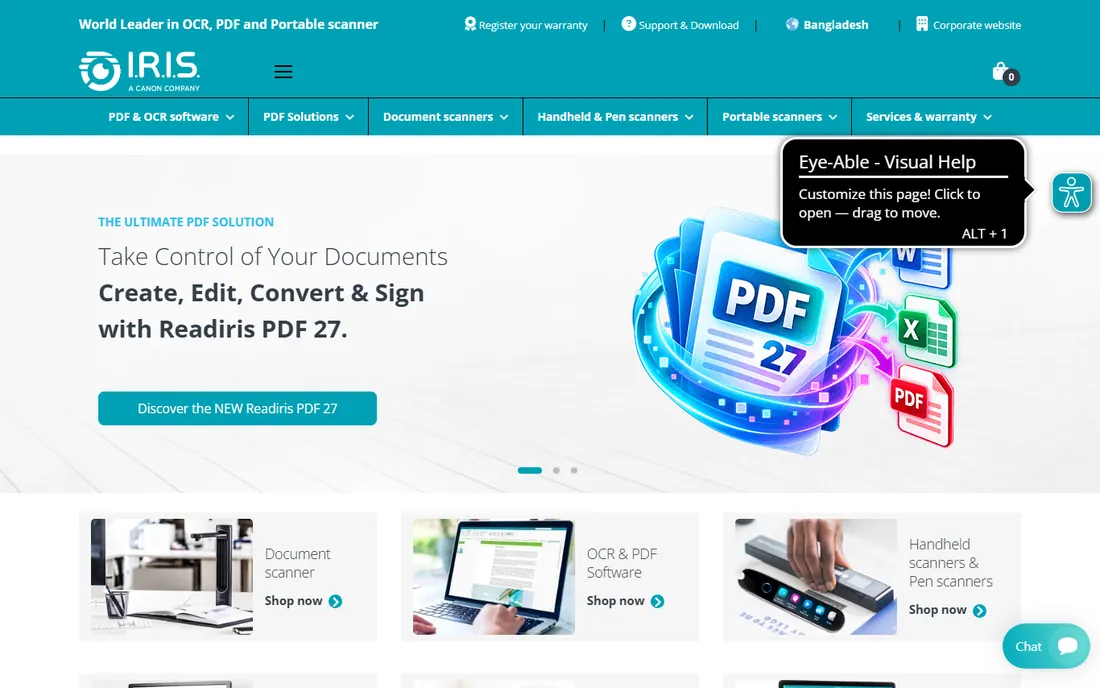
Readiris, from IRIS, is the consumer-friendly OCR and PDF software: convert scans and images to editable documents, create and edit PDFs and compress files for sharing, in an interface designed for home users and small offices rather than professionals. The price undercuts ABBYY significantly.
The appeal is simplicity and cost. Home users digitizing documents, students scanning research and small offices with light OCR needs get capable software without the professional price tag. The cloud conversion options handle files without installing anything.
The honest limit is accuracy and depth. On clean documents it performs fine; on complex layouts and poor scans, ABBYY and even Acrobat do better. Professionals should buy up. For the consumer and light office use it targets, the value is fair.
What we like- Affordable
- Simple interface
- Good for home and small office
Watch out for- Accuracy trails ABBYY
- Fewer professional features
Starting priceSee website
Free planFree trial
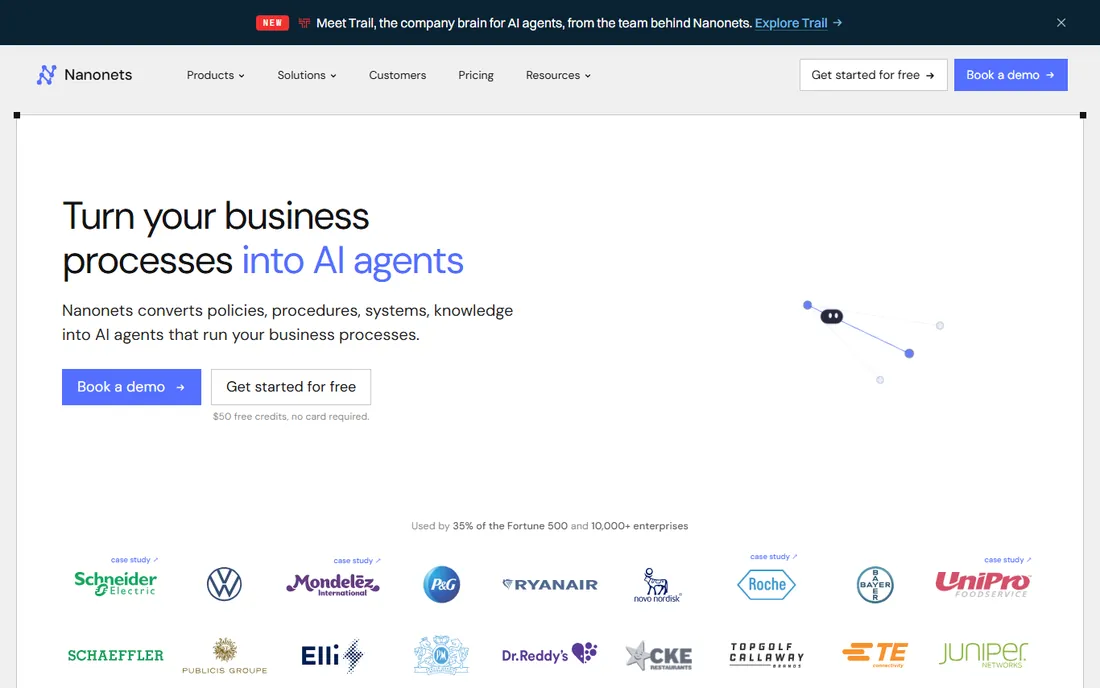
Nanonets is the AI document processing platform for teams that want extraction without building ML: upload sample documents, label the fields, and the AI learns to extract them from future documents. Invoices, receipts, purchase orders, IDs and custom forms are the core use cases.
The no-code training is the differentiator. Operations teams can build extraction models without data scientists, and the API and integrations (QuickBooks, Zapier, and others) put the extracted data where it belongs. The modern interface and onboarding beat the enterprise incumbents for usability.
The trade-off is vendor maturity and scale pricing. Nanonets is newer than ABBYY or the cloud giants, and the per-document pricing needs modeling at volume. For finance and operations teams automating document workflows without developers, it is the accessible AI choice.
What we like- AI extraction with no-code training
- Good for invoices and forms
- Modern API
Watch out for- Newer vendor
- Pricing scales with volume
Starting priceSee website
Free planFree trial
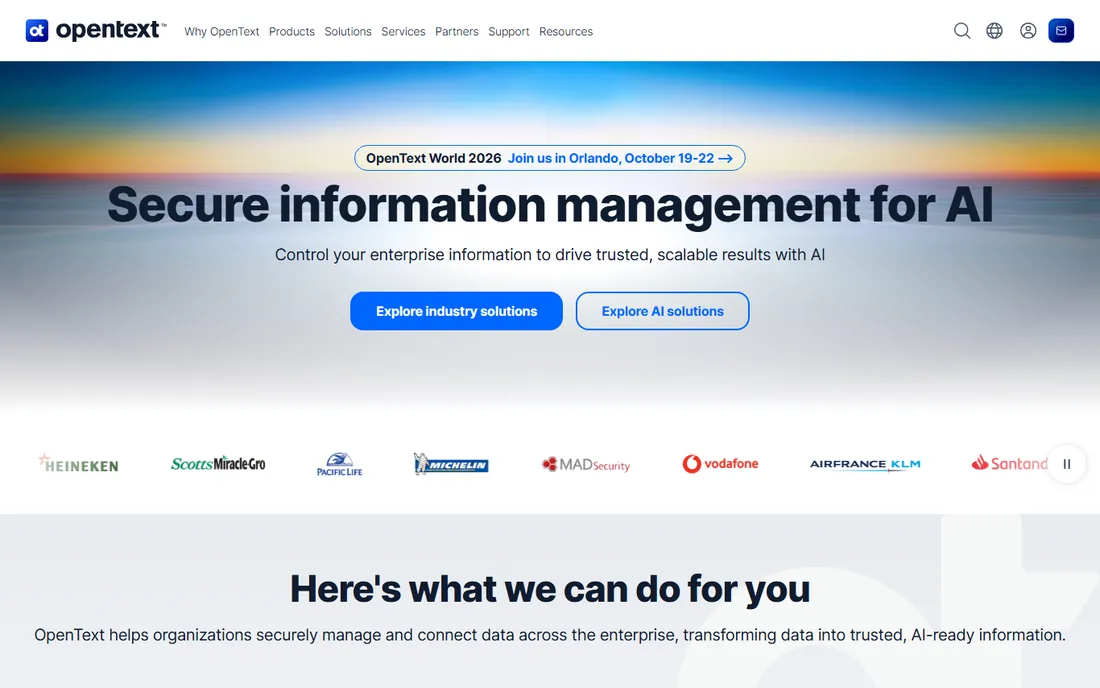
OmniPage, the veteran professional OCR software now under OpenText ownership, converts scans and PDFs to editable documents with batch processing for high-volume jobs. It built its reputation on accuracy and speed in the era when desktop OCR was the only option, and it remains a capable professional tool.
The batch processing is the strength for its audience: law firms, government offices and service bureaus digitizing archives run large jobs through its automated workflows. The accuracy on standard documents remains solid, and the OpenText ownership provides enterprise stability.
The honest caveat is strategic. As part of OpenText's large portfolio, OmniPage's future depends on corporate priorities, so verify the roadmap during evaluation. The interface shows its age. For established OmniPage shops, it keeps working; new buyers should compare ABBYY and the cloud options first.
What we like- Long-standing OCR accuracy
- Batch processing
- Now backed by OpenText
Watch out for- Product future tied to OpenText strategy
- Interface dated
Desktop OCR vs. API OCR
These solve different problems. Desktop OCR (ABBYY, Acrobat, Readiris) converts documents a human is working with: scan, recognize, edit, done. API OCR (Google, AWS, Azure, Nanonets) processes documents a system is handling: thousands of invoices flowing into accounts payable without human touch.
The dividing line is volume and integration. Under a few hundred pages a month with humans in the loop, desktop software wins on simplicity. Over that, or when extraction must feed another system automatically, the APIs win on scale and economics. Many organizations use both: desktop for the exceptions, APIs for the flow.
Accuracy comparisons across the categories are misleading because the use cases differ. Judge desktop tools on recognition quality and editing. Judge APIs on extraction accuracy for your specific document types, with your own samples, because vendor benchmarks use their documents, not yours.
What to check before you buy
Start with your document reality: test with your worst scans, not the vendor's samples. Handwriting, faint print, complex tables and multiple languages separate the good from the adequate. Second, decide desktop versus API based on volume and whether humans or systems consume the output.
Third, check language support for every language you process. Fourth, verify the output formats integrate with your downstream tools; searchable PDF, Word, Excel and structured JSON are different products. Fifth, for cloud APIs, model the per-page cost at your real volume and check data residency options. Finally, confirm the compliance story for sensitive documents before uploading anything.
How we chose
We compared vendor product pages, documentation and public review sources, then confirmed every homepage was live in October 2026. Kofax's domain now redirects to Tungsten Automation after the rebrand, so we list the current name and URL. Where we could not verify a vendor-published price we say so. Nothing here reflects hands-on testing; assessments come from documentation, feature lists and public user feedback.
Frequently asked questions
What is the most accurate OCR software?
For desktop OCR, ABBYY FineReader consistently tops independent accuracy tests. For cloud APIs, Google, AWS and Azure are all strong, with results varying by document type. Always test with your own documents; vendor benchmarks are optimistic.
Is there good free OCR software?
Yes. Tesseract is free, open source and capable, though developer-oriented. Many free applications build on it. Google, AWS and Azure all offer free tiers for API use. Adobe Scan and similar mobile apps handle casual needs.
Can OCR read handwriting?
Modern AI-based OCR reads handwriting reasonably well: Google's Document AI, AWS Textract and Azure's Read API all support it. Accuracy depends heavily on the handwriting clarity. Traditional desktop OCR handles handwriting poorly.
What is the difference between OCR and document AI?
OCR converts images of text into text. Document AI goes further: understanding structure, extracting specific fields, classifying document types and validating data. Nanonets, Document AI and Textract's analysis features are document AI; Tesseract and basic desktop OCR are OCR.
How much does OCR API processing cost?
Cloud OCR APIs charge per page, typically fractions of a cent to a few cents depending on features. The free tiers cover thousands of pages monthly. Model your volume carefully: a million pages a month is a different purchase than a thousand.
Sources we checked (10)
- https://www.abbyy.com
- https://www.adobe.com
- https://github.com/tesseract-ocr/tesseract
- https://cloud.google.com
- https://aws.amazon.com/textract/
- https://azure.microsoft.com
- https://www.tungstenautomation.com
- https://www.irislink.com
- https://nanonets.com
- https://www.opentext.com
Is your product missing or out of date?
We review this list regularly. Vendors can request a listing, send updated pricing or ask about featured placement.

Shihab Mia · Founder, Rankite
Shihab has spent more than a decade helping SaaS and e-commerce brands grow through search. He writes Rankite's software buying guides from pricing pages, documentation and public user reviews. More about Shihab.
 ABBYY FineReader
 Adobe Acrobat Pro
 Tesseract
 Google Cloud Vision
 Amazon Textract
 Azure AI Vision
 Tungsten Automation
 Readiris
 Nanonets
 OmniPage